
Knit: Offline Mesh Messenger
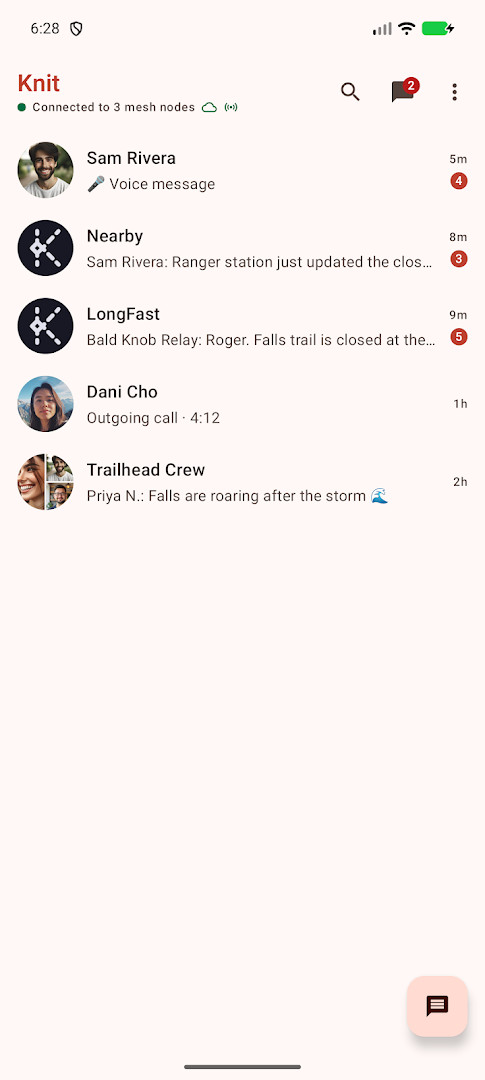
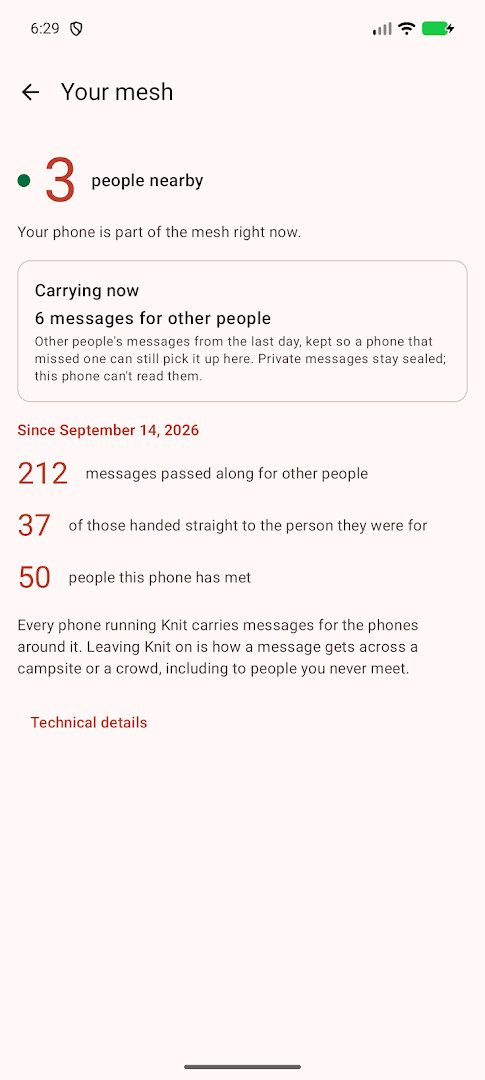
Knit is a free messenger by Jeff Mixon that lets you chat device to device over Wi-Fi Aware and Bluetooth without internet or accounts.
Get KnitKnit is free, carries no ads or in-app purchases, and needs Android 10 or newer; the download is about 69 MB. Nearby phones pass your messages onward, so chats can travel beyond your own range, and direct and group messages are end-to-end encrypted. It suits festival goers, travellers, campers and anyone facing outages, and has been updated to version 2.9.0 on 2026-10-15.
Screenshots
- Size
- 69 MB
- Requires Android
- 10
- Updated
- Oct 15, 2026
- Installs
- 1K+
- Category
- Tools
- Developer
- Jeff Mixon
- Content rating
- Everyone
- Package
- app.getknit.knit
- Free
- ✓
Knit is a peer-to-peer messaging app that operates without internet or accounts, forming direct device-to-device chats over Wi-Fi Aware and Bluetooth. It creates a mesh-like network where messages hop through nearby devices, extending reach as more users come online. The app emphasizes privacy, end-to-end encryption for private conversations, and optional relays or long-range radio for extended coverage, all without central servers or ads. The latest version released in 2026 continues to refine usability and performance while preserving its no-internet model, with a focus on staying accessible on Android 10 or newer and maintaining minimal system requirements.
Key features
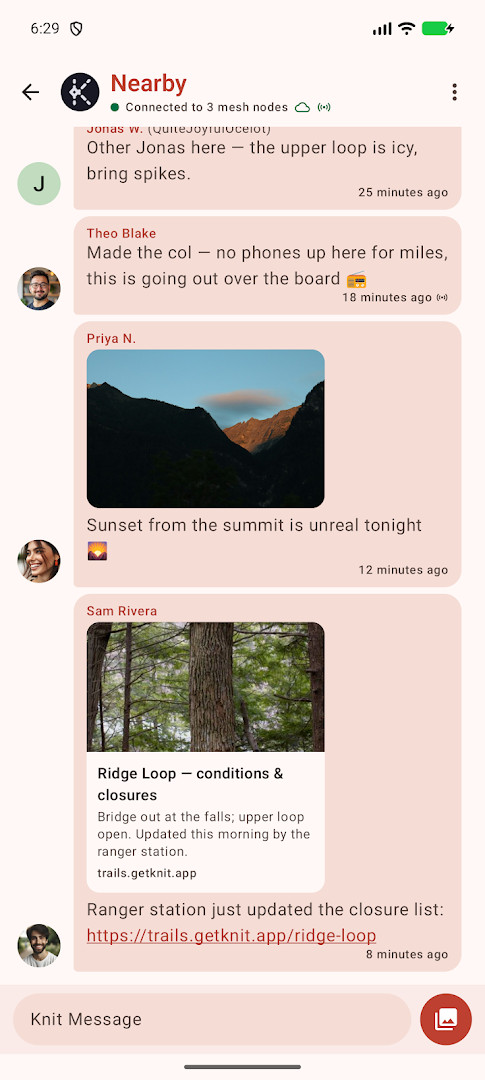
- Public Nearby room for broadcast within range
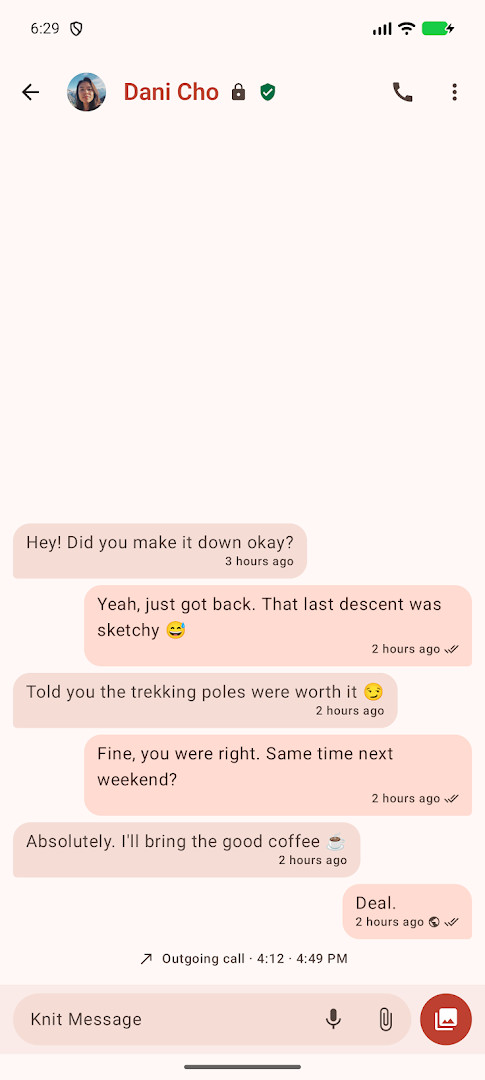
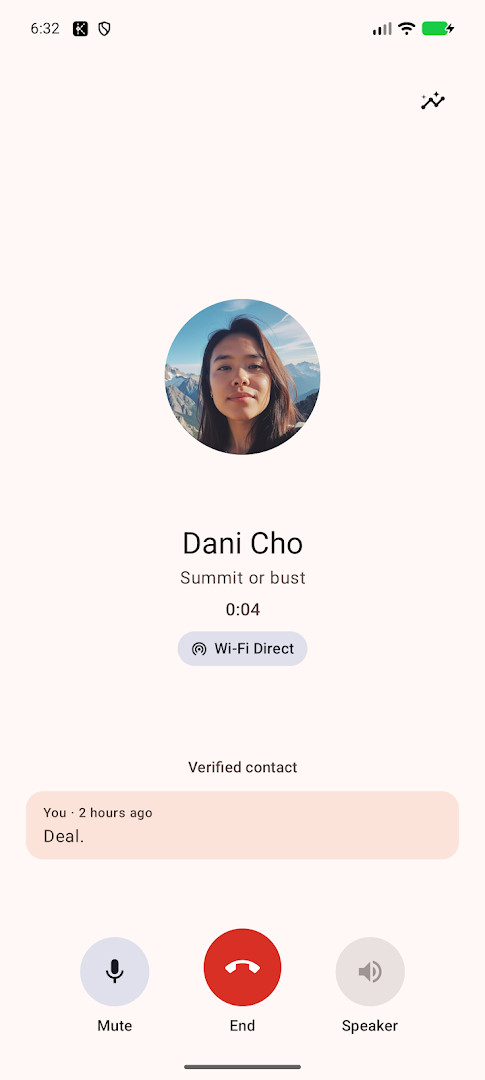
- End-to-end encrypted private 1:1 messages
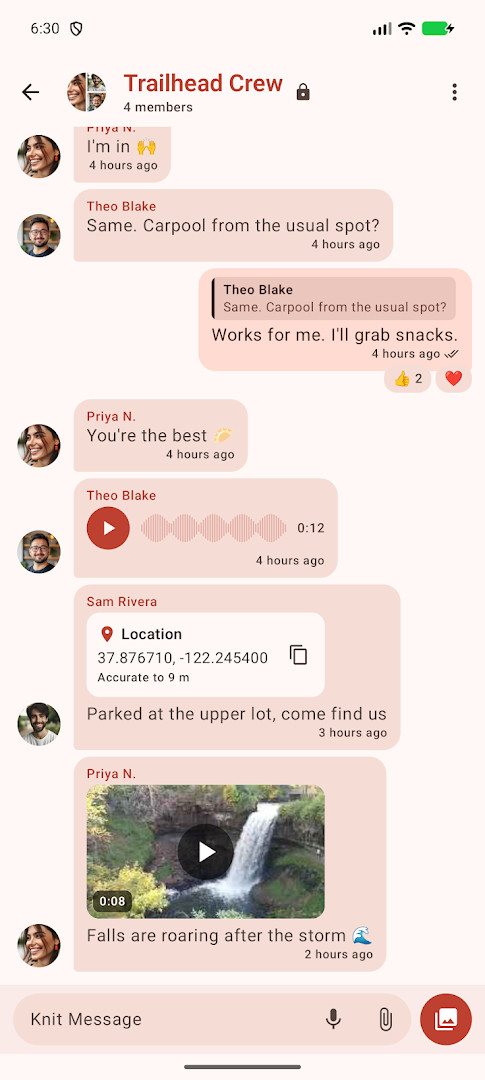
- Multi-member group chats with encryption
- Quoted replies, emoji reactions, and @mentions
- Rich media support including images, GIFs, and large files
- Voice notes, file transfers, and cross-device backup
How to install
- Tap the download button on this page
- If Android prompts you, allow your browser or file manager to install apps
- Open the downloaded APK file
- Tap Install to proceed with the installation
- Wait for the installation to complete and then open the app
- Review and grant optional permissions if prompted (minimum Android 10 required)
Pros
- No internet or phone number required, and no central server
- End-to-end encryption for direct and group chats
- Offered as free software under GPL-3.0-or-later
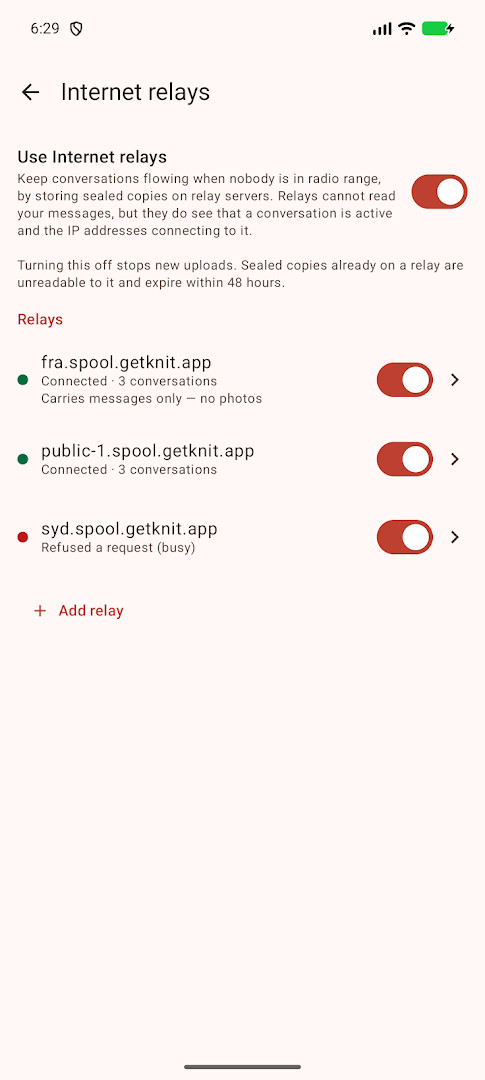
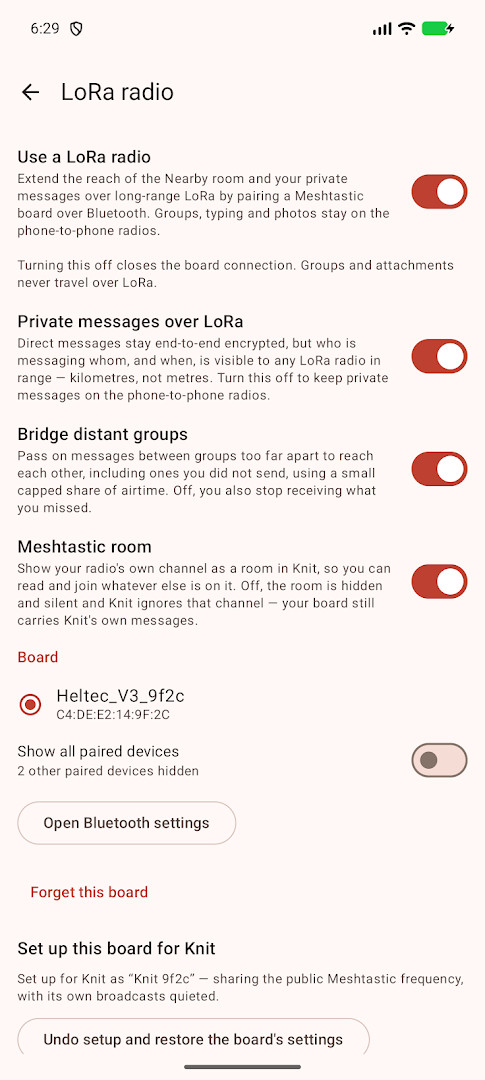
- Optional long-range LoRa radios and internet relays for extended reach
- On-device content filtering and privacy-preserving features
- Lightweight footprint with a focused feature set
Cons
- Requires proximity to other devices to communicate effectively
- Public Nearby room is unencrypted by design and not suitable for confidential messages
- Features rely on ongoing device-to-device connectivity; performance varies with crowd density
- No built-in traditional storefront or ecosystem integration for distribution
- Advanced options like Meshtastic LoRa require extra hardware and setup
Older versions
| Version | Size | Requires Android | Updated |
|---|---|---|---|
| 2.9.0 | 69 MB | 10 | Oct 15, 2026 |
| 2.8.0 | 69 MB | 10 | Oct 4, 2026 |
| 2.7.0 | 68 MB | 10 | Sep 26, 2026 |
| 2.6.0 | 68 MB | 10 | Sep 17, 2026 |
Power users who need a private, serverless chat experience; event attendees and remote travelers who rely on device-to-device messaging; privacy-conscious individuals seeking encrypted, offline-first communication
Consider pairing a Meshtastic LoRa radio for extended range if you regularly operate beyond standard proximity; keep in mind that the public Nearby room is unencrypted by design
Permissions
FAQ
How do I install the Knit APK on my Android device?
After downloading the APK, open it from your file manager or browser. Android will ask you to allow installation from that source—grant it, then follow the prompts. The app requires Android 10 or newer and is about 69 MB.
What is the current version of Knit?
The latest version is 2.9.0, released on October 15, 2026.
Does Knit include ads or in-app purchases?
No. Knit has no ads, no in-app purchases, and is free to use. It is funded by voluntary tips.
Can I use Knit offline or without mobile data?
Yes. The app works without internet or cell service by connecting directly to nearby phones over Wi-Fi Aware and Bluetooth. It also lets you send messages to people far away by passing them device to device, and you can enable optional internet relays if you want.
What are some alternatives to Knit for messaging without internet?
Other tools in the same category include apps that use local networks, Bluetooth, or mesh radio to communicate without a central server. Look for messengers that emphasize peer-to-peer connections, offline operation, and end-to-end encryption.
Knit provides a robust offline-first messaging solution with a strong privacy stance and flexible range options. It excels in environments with poor or no internet access and for users who prefer a serverless model, though it relies on device proximity for core messaging and exposes an unencrypted public channel by design. It’s a compelling choice for experienced users who value control, encryption, and the option to extend reach with optional hardware.
Similar apps








Updated: Oct 30, 2026