Launcher OS™ for Android
Launcher OS™ is a personalization app from Apps Genz for simplifying and beautifying your phone's interface.
Download Launcher OS™ · v6.3.15Launcher OS™ is designed for users who want a more streamlined and attractive home screen experience on their Android device. The app is free with ads and optional in-app purchases, requires Android 8.0 or later, and the latest version 6.3.15 was updated on September 3, 2026.
Screenshots
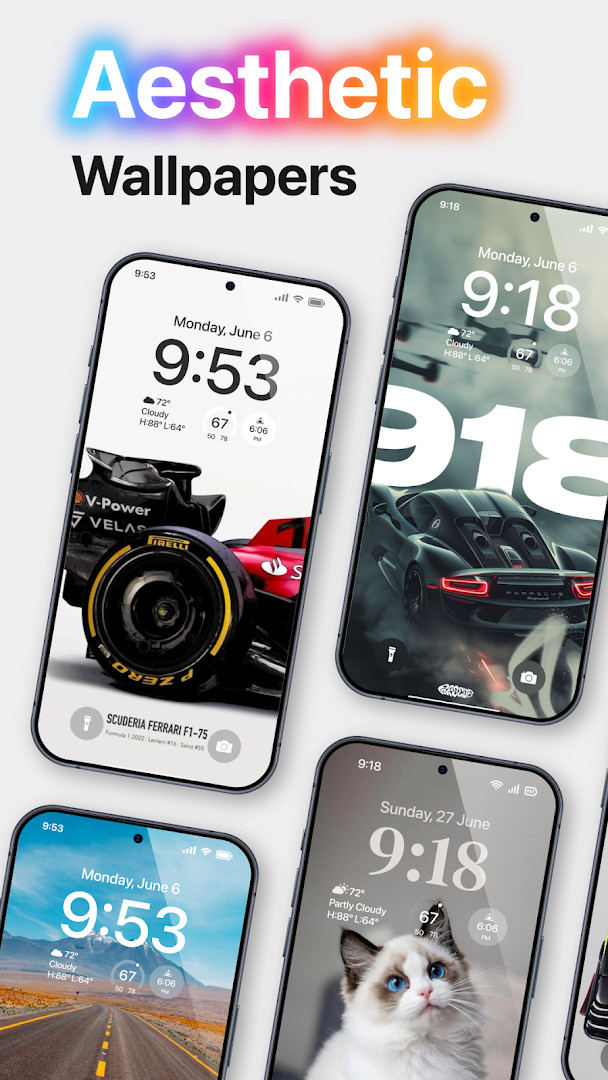
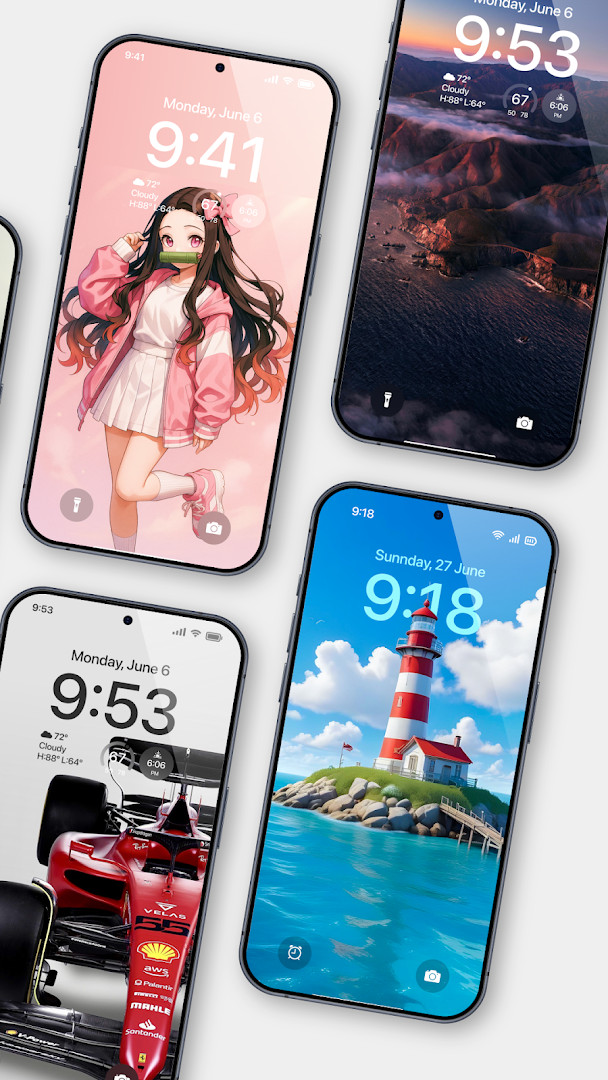
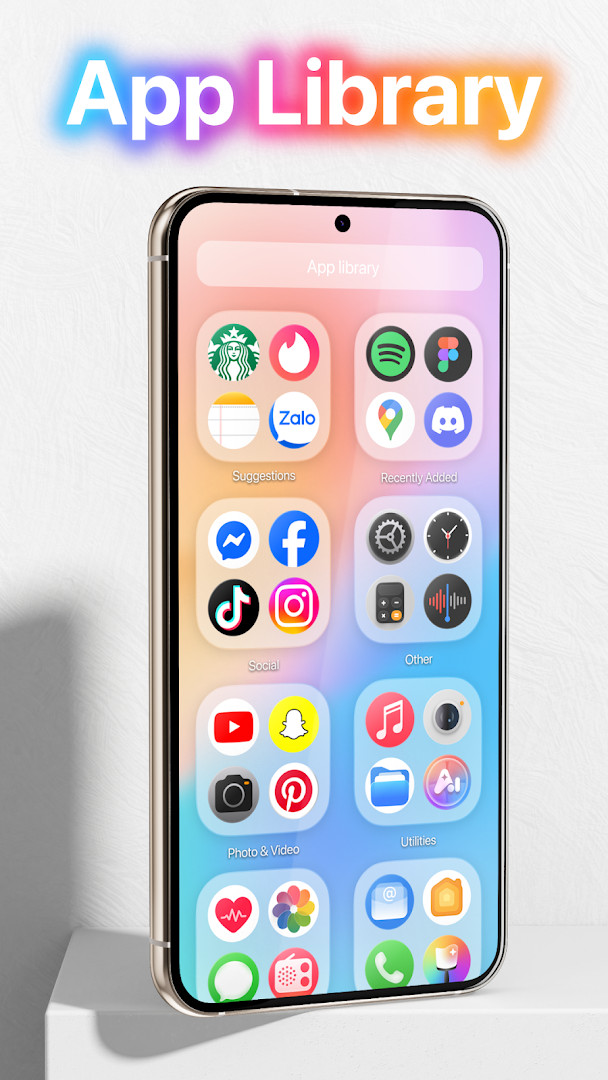
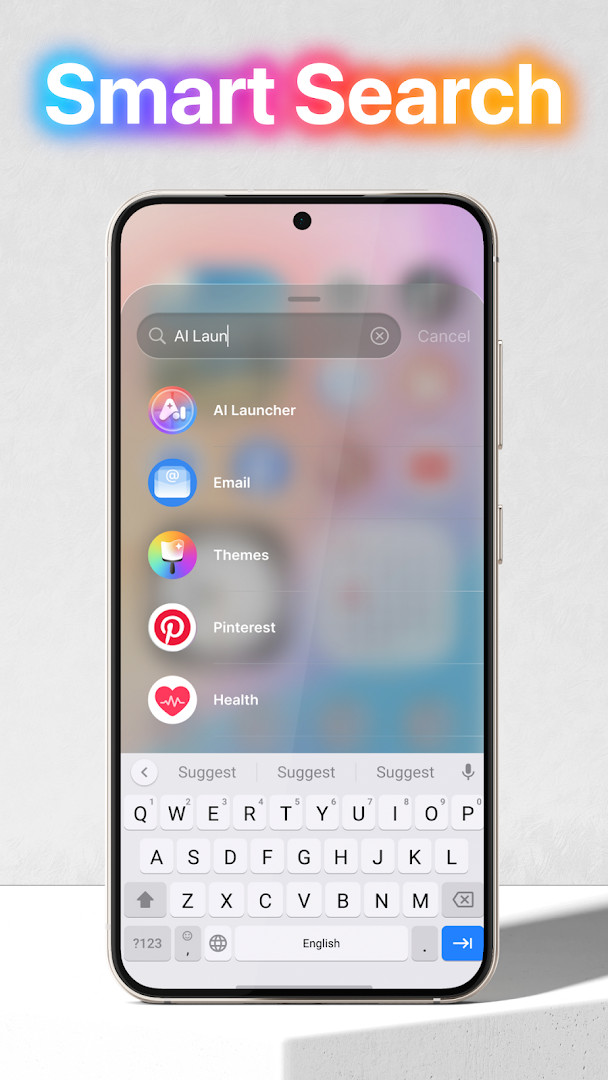
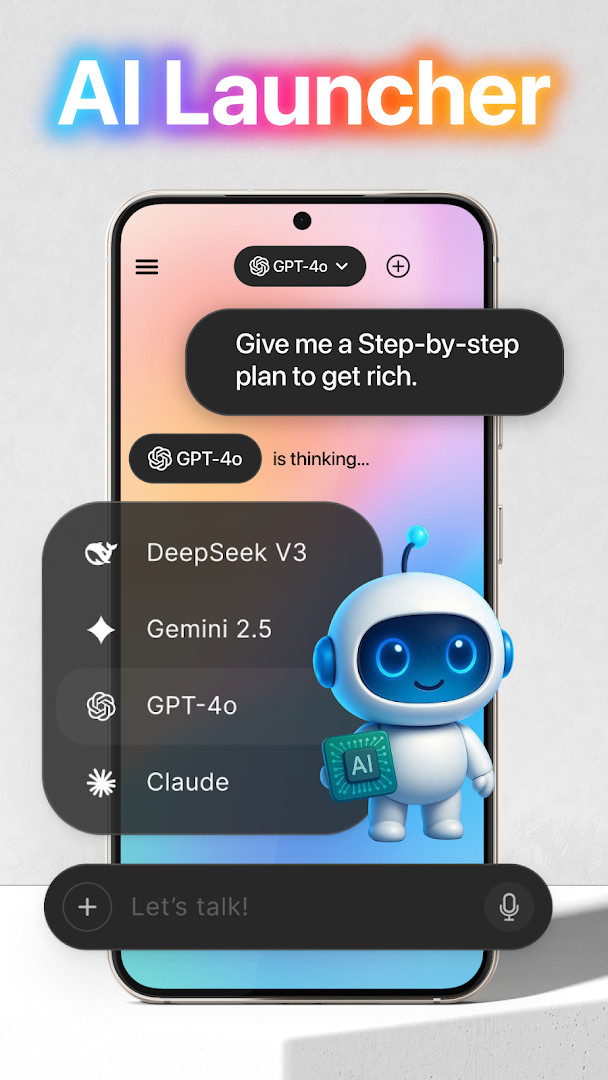
- Version
- 6.3.15
- Requires Android
- 8.0
- Updated
- Sep 3, 2026
- Installs
- 100M+
- Rating
- ★ 4.39 (1,820,374)
- Category
- Personalization
- Developer
- Apps Genz
- Content rating
- Everyone
- Package
- com.babydola.launcherios
- Free
- ✓ · Contains ads · In-app purchases
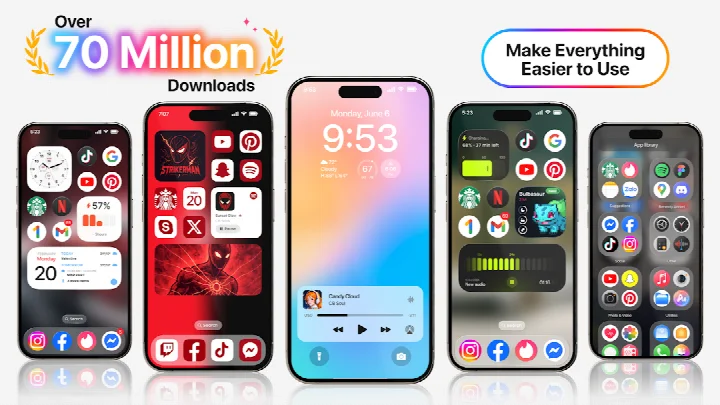
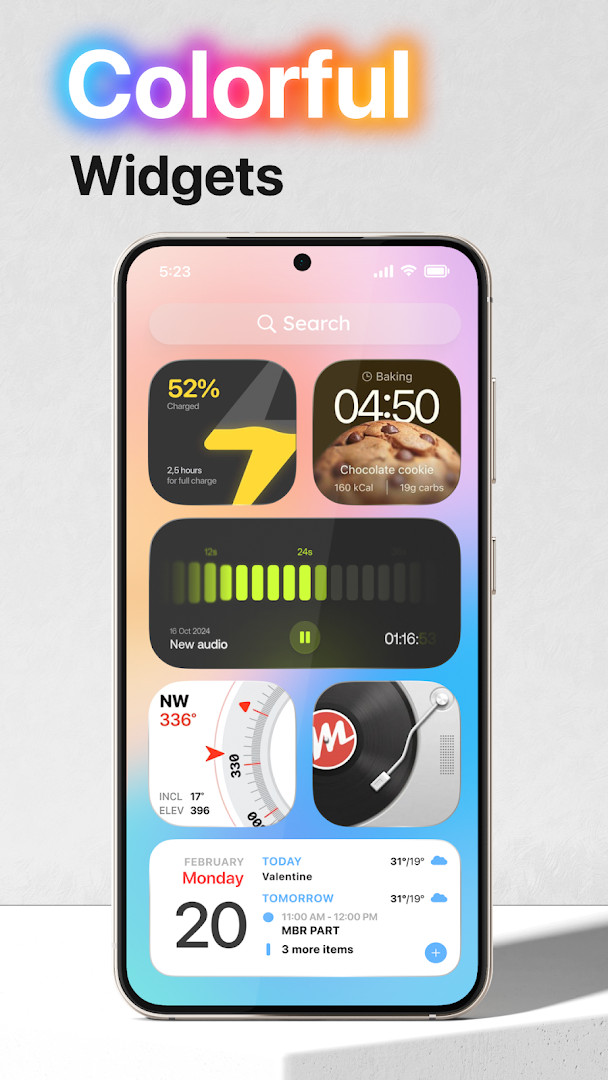
Launcher OS™ is a personalization app by Apps Genz that transforms your phone's interface to be simpler and more attractive. It replaces the default home screen and lock screen with a unified experience designed for both visual appeal and practical functionality.
Beyond basic theming, the app integrates deeply with your device to offer intelligent features. It can display notifications and incoming calls right on your custom lock screen, provide a quick-launch camera, and even includes a built-in file search to help you locate documents without opening a separate manager. An AI chat feature uses the microphone to convert your speech into text, adding a layer of hands-free interaction.
This launcher is built for everyday users who want a fresh look without sacrificing utility. It handles core tasks like photo capture, file management, and notification triage from a single, cohesive interface. Whether you want to declutter your home screen or gain faster access to tools, the app consolidates these actions into one streamlined layer on top of Android.
Key features
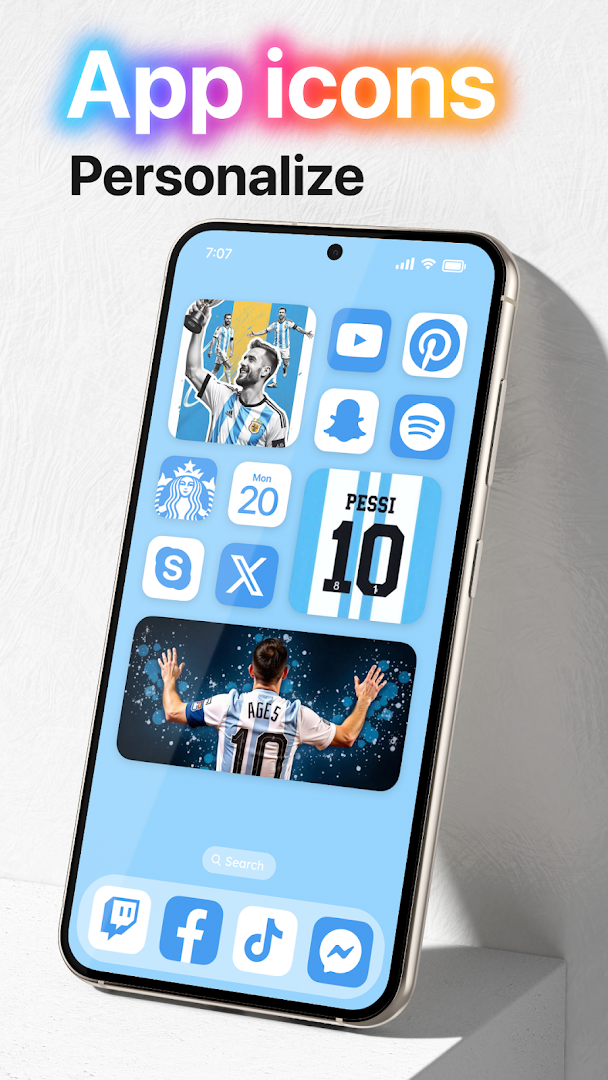
- Customizable home screen for a simple and visually pleasing layout.
- Lock screen with integrated camera access for quick photo capture.
- Notification display directly on the lock screen using the notification access permission.
- Built-in universal file search to locate any file on the device.
- AI chat feature that converts voice to text using the microphone.
- Wallpaper support allowing images to be set from local storage or the server.
How to install
- Tap the download button on this page to get the APK file. The file size is not specified, but ensure you have adequate free space.
- When prompted by Android, allow your browser or file manager to install apps by enabling the 'Install unknown apps' setting.
- Open the downloaded APK file from your notifications or file manager.
- Tap 'Install' and wait for the process to complete.
- Once finished, tap 'Open' to launch Launcher OS™. The app requires Android 8.0 or higher to run.
Pros
- Combines a home screen launcher with an intelligent lock screen.
- Includes a universal file search, reducing the need for a separate file manager.
- Offers AI voice-to-text chat for convenient hands-free input.
- Supports a high degree of customization for wallpapers and layout.
- Maintains core phone functions like call and notification display on the lock screen.
Cons
- Contains advertisements and in-app purchases.
- Requests a broad set of permissions, including calendar, contacts, and location, which may concern privacy-focused users.
- The extensive feature set can feel overwhelming for those seeking a bare-bones launcher.
Latest changes · 6.3.15
Version 6.3.15 (build 380, released September 3, 2026) includes unspecified changes. The developer's changelog only states the version number, providing no details on fixes or new features in this update.
Older versions
| Version | Size | Requires Android | Updated |
|---|---|---|---|
| 6.3.15 | — | 8.0 | Sep 3, 2026 |
This app is suited for Android users who want an all-in-one interface overhaul that combines a customizable home screen with a feature-rich lock screen, file search, and AI tools, and who are comfortable managing a wide range of app permissions.
To get the most out of the lock screen features, ensure you grant all requested permissions during initial setup, especially for notifications and drawing over other apps. Use the built-in file search by swiping or tapping the designated area on the home screen to quickly find documents, photos, or downloads without opening a separate app.
Permissions
FAQ
What version of Launcher OS™ is covered by the current information?
The latest version listed is 6.3.15, which was updated on September 3, 2026. It follows the previous release in the same 6.3.x line.
How long has Launcher OS™ been available and how many users does it have?
It was first released on May 19, 2020, and has accumulated more than 100,000,000 installs. Its user rating stands at 4.39 based on 1,820,374 ratings.
Which Android version do I need to run Launcher OS™?
The minimum required operating system is Android 8.0. The app is free to download and use, though it includes ads and offers in-app purchases.
Why does Launcher OS™ ask for camera and microphone access?
Camera permission allows the app to open the camera while the screen is locked. Microphone access is used for voice-to-text in the AI chat feature.
What is the purpose of the notification access and draw over other apps permissions in Launcher OS™?
Notification access lets the app display notifications on the lock screen. The draw over other apps permission is needed to show the lock screen above all other applications.
Launcher OS™ delivers a robust set of personalization tools that go beyond basic home screen replacement. Its lock screen integrations, AI chat functionality, and universal file search make it a practical daily driver for users who want both simplicity and advanced utility without switching between multiple apps.
Similar apps
 Microsoft SwiftKey AI KeyboardSwiftKey4.3
 HiOS Launcher - FastTranssion Holdings4.0
 Zedge™ Wallpapers & RingtonesZedge4.7
 Nova Launcher: Home ScreenInstabridge Sweden AB3.5
 POCO Launcher 2.0 - Customize,Xiaomi Inc.4.5
 Fonts KeyboardFonts Keyboard3.9
 Themepack - App Icons, WidgetsYoloTech4.6
 Facemoji AI Emoji KeyboardNexileap4.7
Updated: Oct 15, 2026