Themepack - App Icons, Widgets: Home Screen Customization
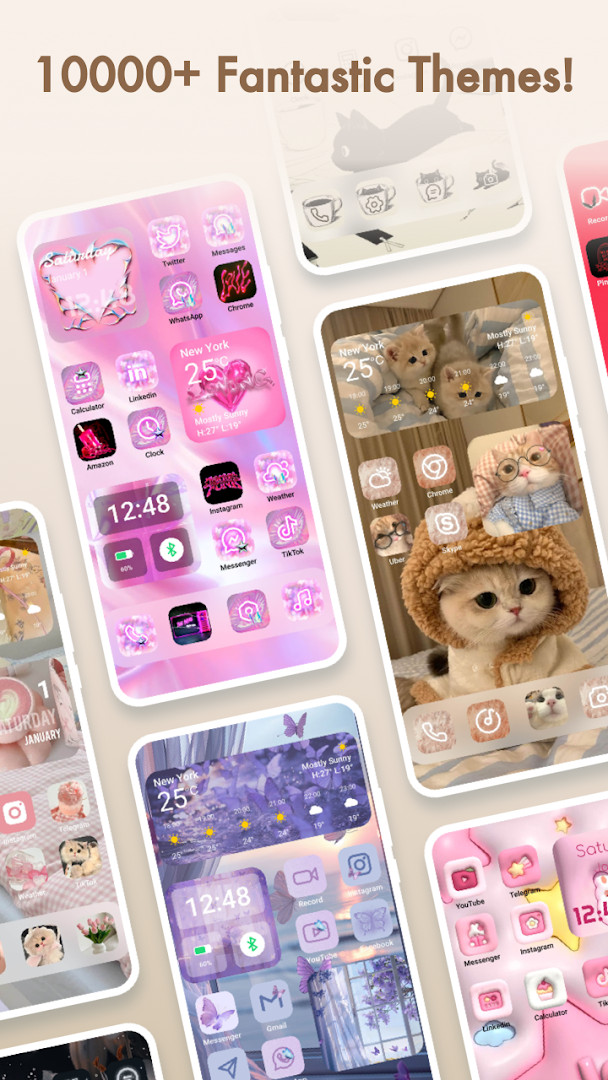
Themepack - App Icons, Widgets is a free personalization app by YoloTech that lets you decorate your phone with over 10,000 widgets, icons, wallpapers, and DIY creation tools.
Get APK · v1.0.0.4348Themepack - App Icons, Widgets requires Android 7.0 or later and contains ads as well as optional in-app purchases. The app has been installed over 100 million times and holds a 4.63-star rating from more than 1.35 million reviews. It is rated Teen and is suited for anyone who wants to refresh their device with themed widgets, custom icon packs, and one-click wallpaper changes.
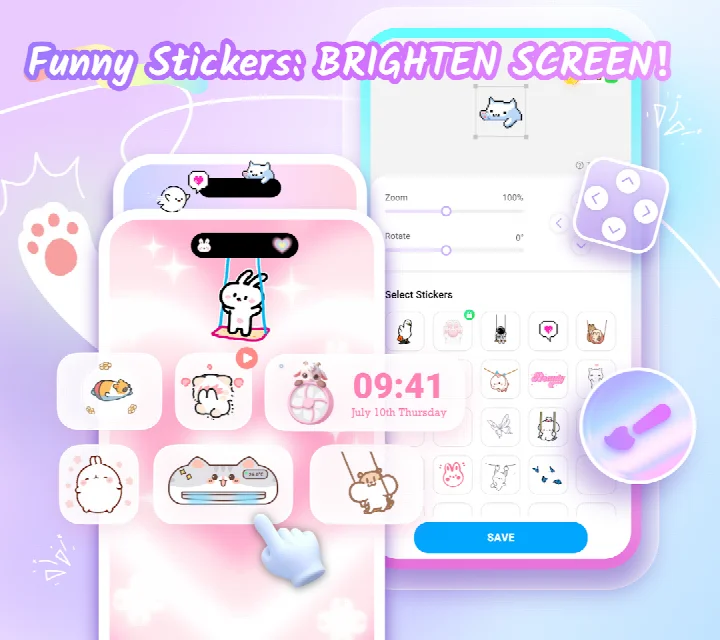
Screenshots
- Version
- 1.0.0.4348
- Requires Android
- 7.0
- Updated
- Sep 24, 2026
- Installs
- 100M+
- Rating
- ★ 4.63 (1,351,804)
- Category
- Personalization
- Developer
- YoloTech
- Content rating
- Teen
- Package
- com.iconchanger.widget.theme.shortcut
- Free
- ✓ · Contains ads · In-app purchases
Themepack - App Icons, Widgets is a personalization tool by YoloTech that provides a vast collection of themes, widgets, and icon packs to redesign an Android device's home screen. The app addresses the common desire for a unique and visually cohesive phone interface without needing graphic design expertise. It solves this by offering over 10,000 ready-made assets alongside robust DIY editors, allowing users to either apply one-click aesthetic makeovers or manually craft custom icons and widgets using personal images and detailed style controls.
Key features
- Access a library of over 10,000 widgets, icons, and wallpapers for comprehensive home screen overhauls.
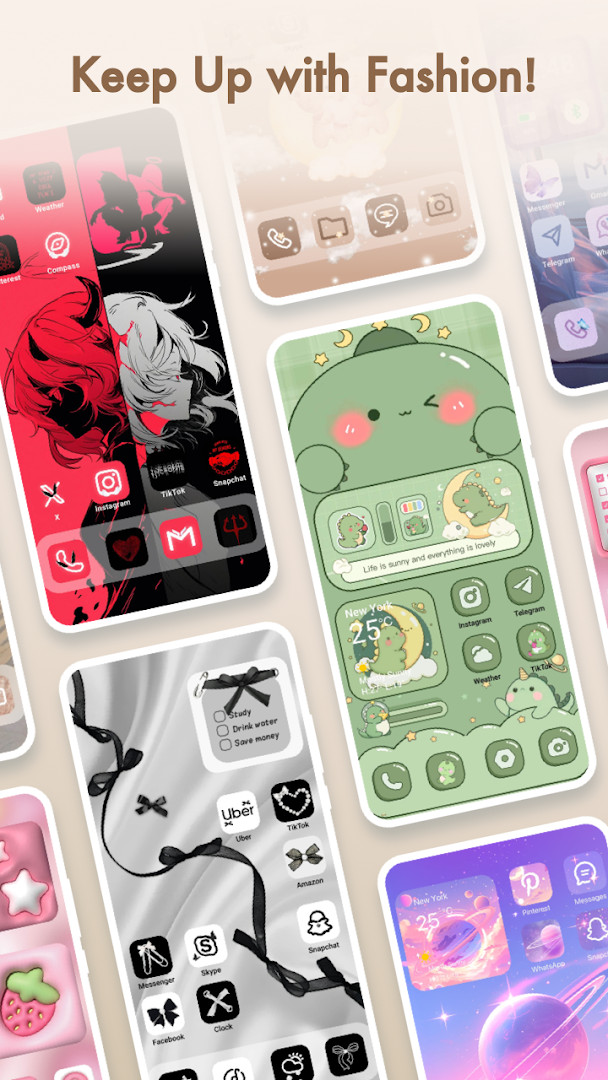
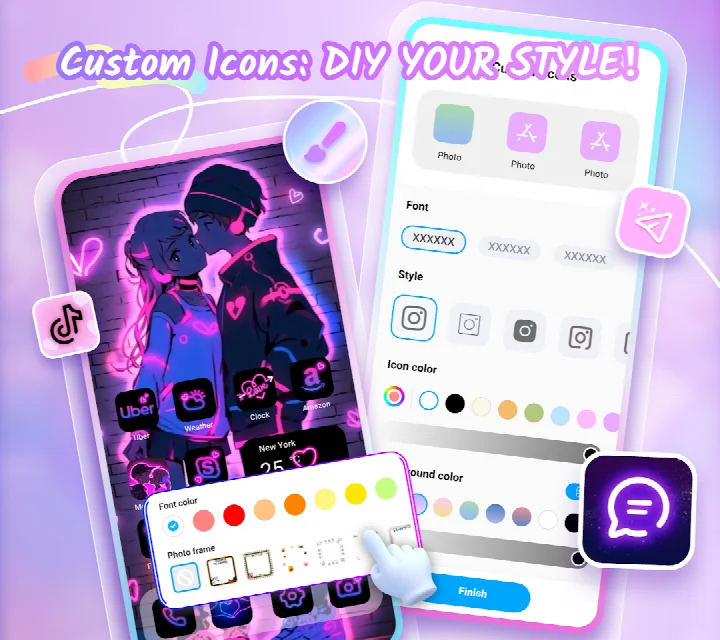
- Design completely custom icons by adjusting styles, fonts, colors, transparency, and background colors, and rename them with unique typefaces.
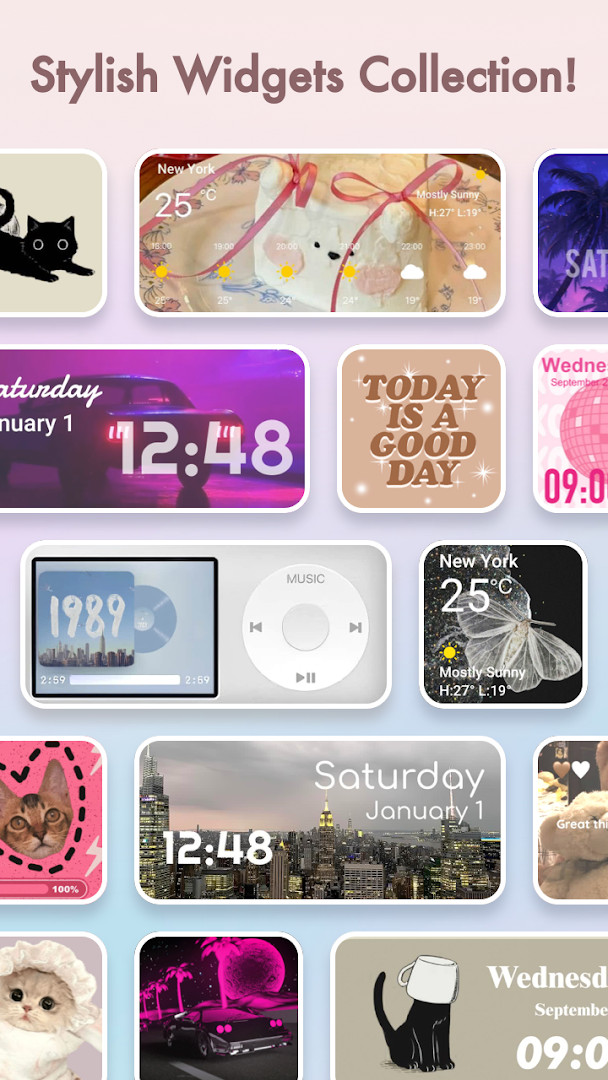
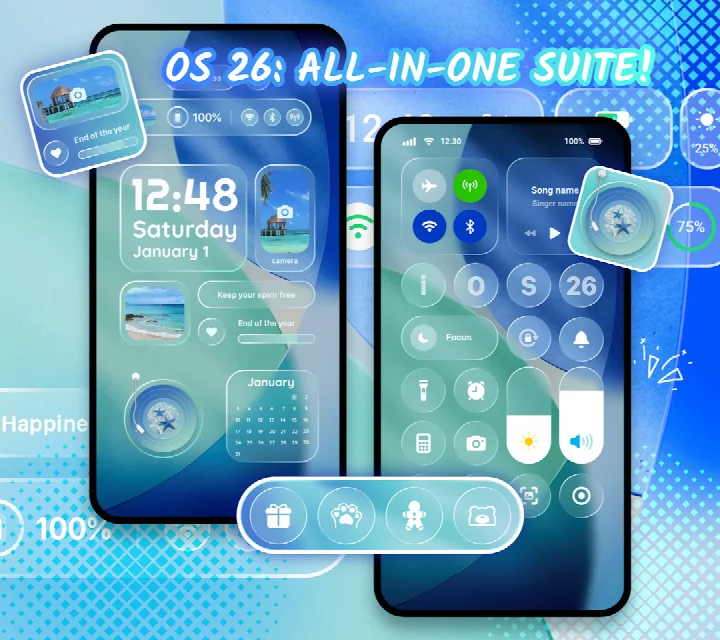
- Add functional widgets including battery level displays, dynamic image effects, calendars, clocks, weather updates, and system control panels.
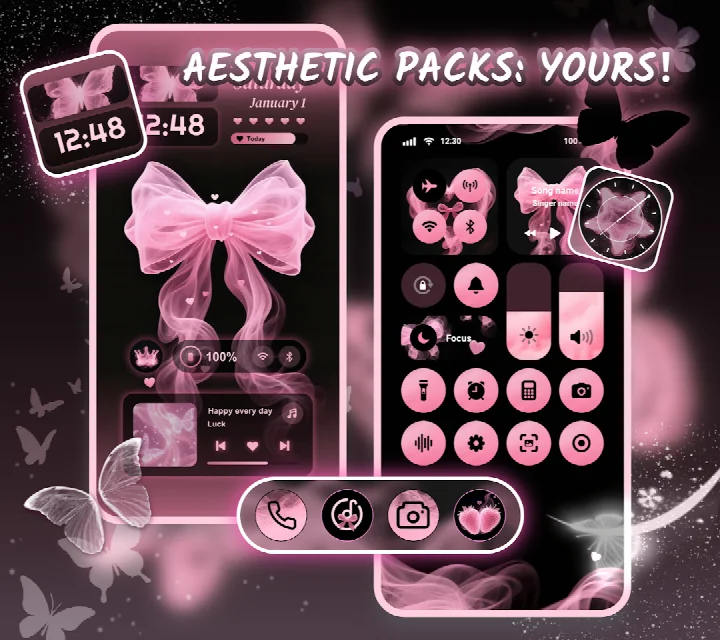
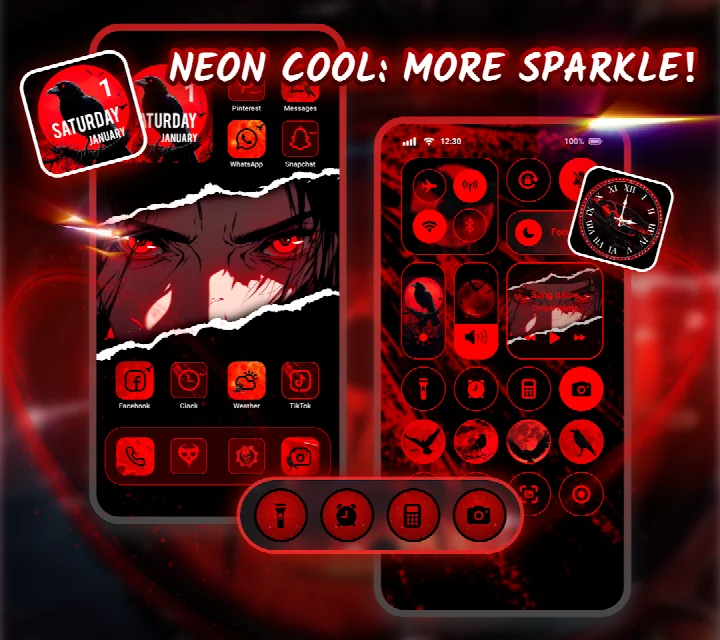
- Apply curated aesthetic backgrounds, K-pop, anime, neon, sports, and festival themes with a single tap.
- Create personalized widgets using your own gallery images to showcase your creativity.
- Utilize one-click replacement to instantly swap icon packs, themes, or widgets across the entire home screen.
How to install
- Tap the download button on this page to get the APK file.
- When prompted by Android, allow your browser or file manager to install apps by enabling the 'Install unknown apps' setting.
- Open the downloaded APK file from your notifications or file manager.
- Tap 'Install' and wait for the process to complete.
- Open the app and begin exploring themes and widgets; the app requires Android 7.0 or higher to run.
Pros
- Massive content library with more than 10,000 wallpapers, widget designs, and icon packs to explore.
- Powerful DIY icon editor grants precise control over fonts, colors, and transparency for a truly unique look.
- Supports highly functional widgets like weather, calendar, battery, and a control center for quick settings.
- One-click theme application saves significant time compared to manual configuration.
- Active development with a recent update on September 24, 2026, indicating ongoing support and new content.
Cons
- Contains advertisements that may interrupt the creative flow.
- Offers in-app purchases, meaning some premium elements are locked behind a paywall.
- Requests Accessibility Service permission, which some users may find intrusive despite the developer's privacy assurances.
- Requires access to location and Wi-Fi connection information, permissions not strictly necessary for basic theming functions.
Older versions
| Version | Size | Requires Android | Updated |
|---|---|---|---|
| 1.0.0.4348 | — | 7.0 | Sep 24, 2026 |
This app is tailored for experienced Android users who have moved beyond basic wallpaper changes and seek deep, granular control over their device's aesthetic. It is ideal for those evaluating alternatives to simplistic launchers, offering a middle ground between applying ready-made artistic themes and building a completely custom interface from scratch with its advanced icon and widget editors.
Dive into the DIY widget feature early by selecting your own photos to create a setup that feels instantly personal, rather than just cycling through pre-made packs. Be mindful of the Accessibility Service permission; it is used exclusively for the control center widget’s system toggles, not for data collection, according to the developer.
Permissions
FAQ
How do I install the APK on my Android device?
Download the APK file and open it to start installation. You may need to allow installation from unknown sources in your device settings, then follow the on-screen prompts.
What is the current version of the app?
The current version is 1.0.0.4348, which was released on September 24, 2026.
Does the app contain ads or in-app purchases?
Yes, the app includes ads and offers in-app purchases. The app itself is free to download and use.
Can I use the app offline?
The app requires certain permissions like location and storage, but it can be used offline for customization. However, some features like weather widgets may need an internet connection to update data.
What alternative apps in the Personalization category exist?
There are other personalization apps that offer icon packs, widgets, and themes, but their features and designs vary. You can explore similar apps to find one that suits your preferences.
What Android version do I need?
The app requires Android 7.0 or higher to run.
For anyone who values a deeply personalized phone interface without requiring advanced design skills, Themepack delivers an extensive toolkit. Its blend of ready-made designs and DIY flexibility makes it a compelling option in a crowded customization market, though ad tolerance is required.
Similar apps
 PinterestPinterest4.2
 Facemoji AI Emoji KeyboardNexileap4.7
 Microsoft SwiftKey AI KeyboardSwiftKey4.3
 HiOS Launcher - FastTranssion Holdings4.0
 Zedge™ Wallpapers & RingtonesZedge4.7
 Nova Launcher: Home ScreenInstabridge Sweden AB3.5
 POCO Launcher 2.0 - Customize,Xiaomi Inc.4.5
 Fonts KeyboardFonts Keyboard3.9
Updated: Oct 15, 2026