Nova Launcher: Home Screen – Customizable Home Replacement
Nova Launcher: Home Screen is a free tools app by Instabridge Sweden AB that lets you completely customize and replace your device's home screen.
Get APK · v89400 (8.9.4)Nova Launcher: Home Screen has a download size of 35 MB and requires Android 8.0 or newer. The free app contains advertisements and offers optional in-app purchases. It is designed for users who want deep control over their home screen layout, icons, and gestures.
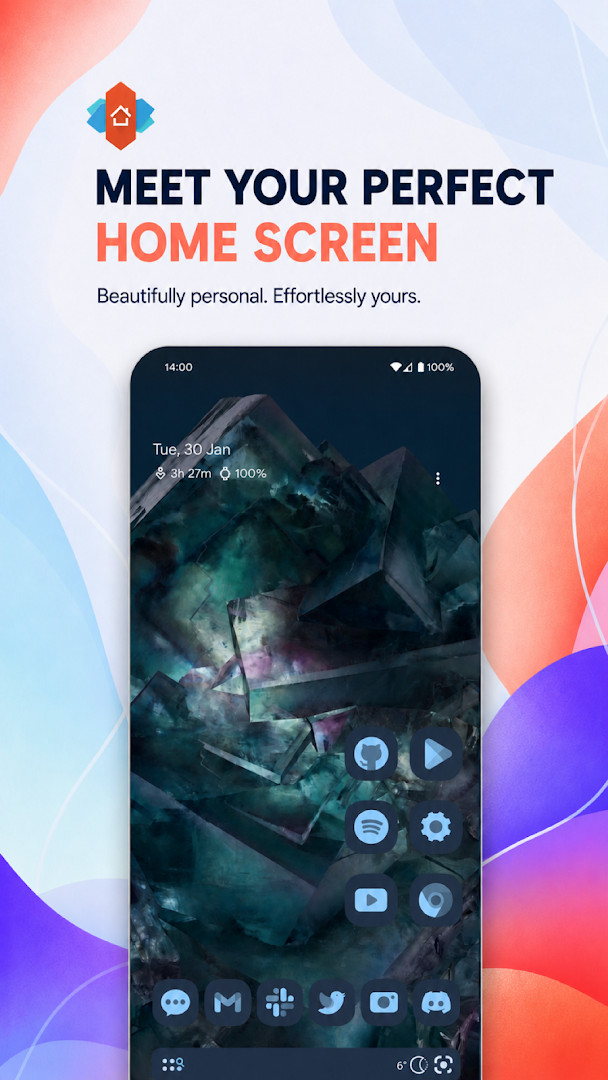
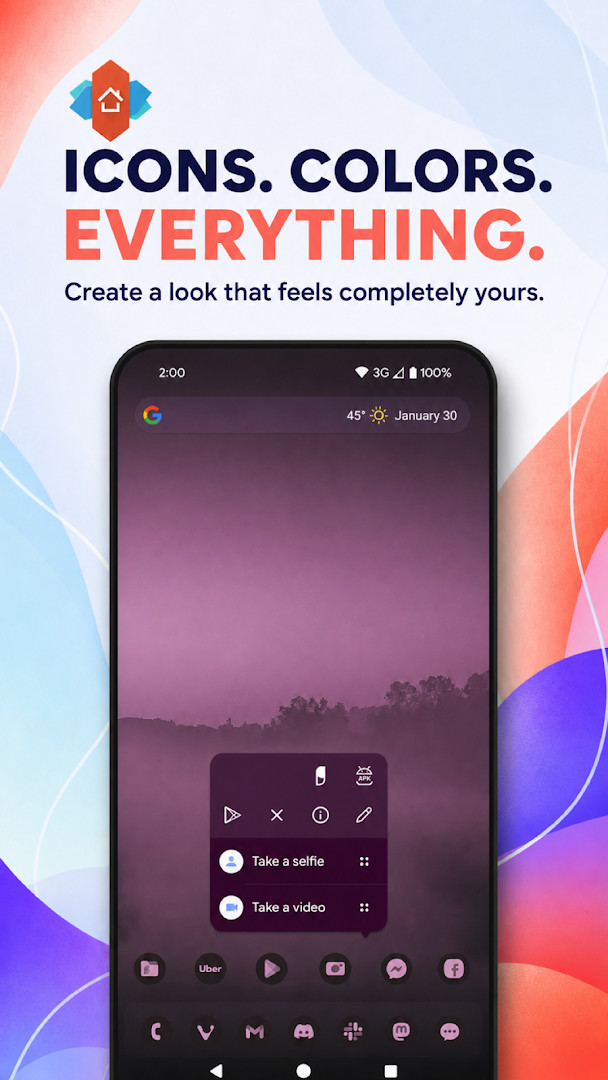
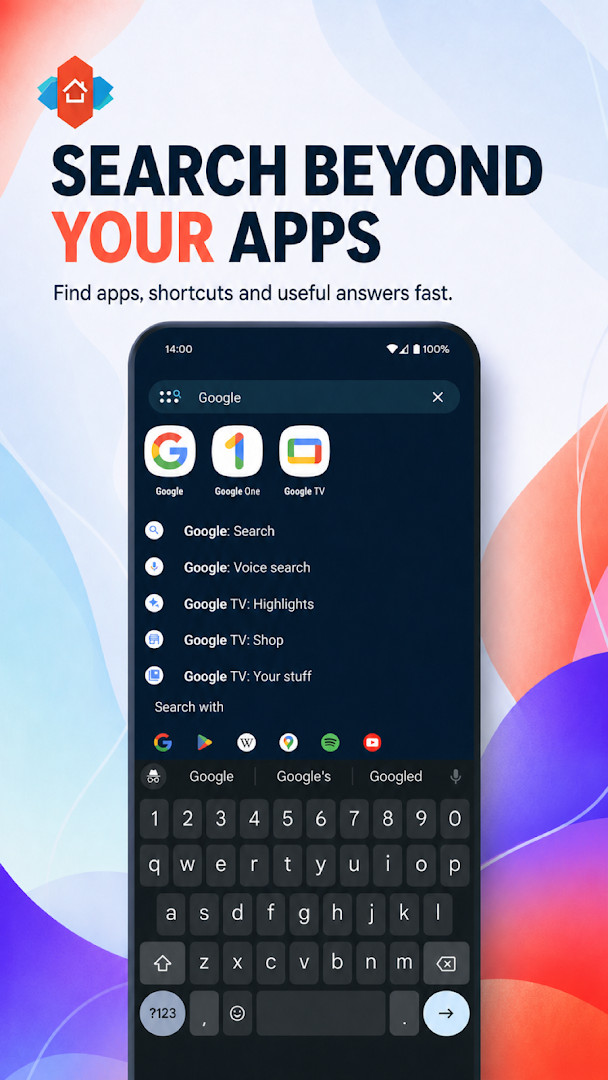
Screenshots
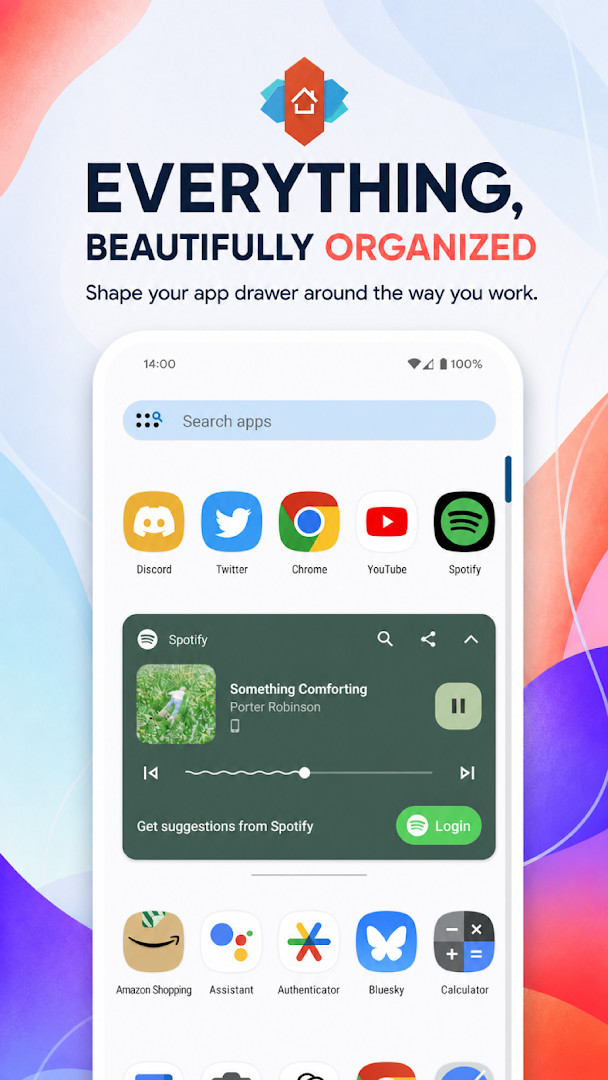
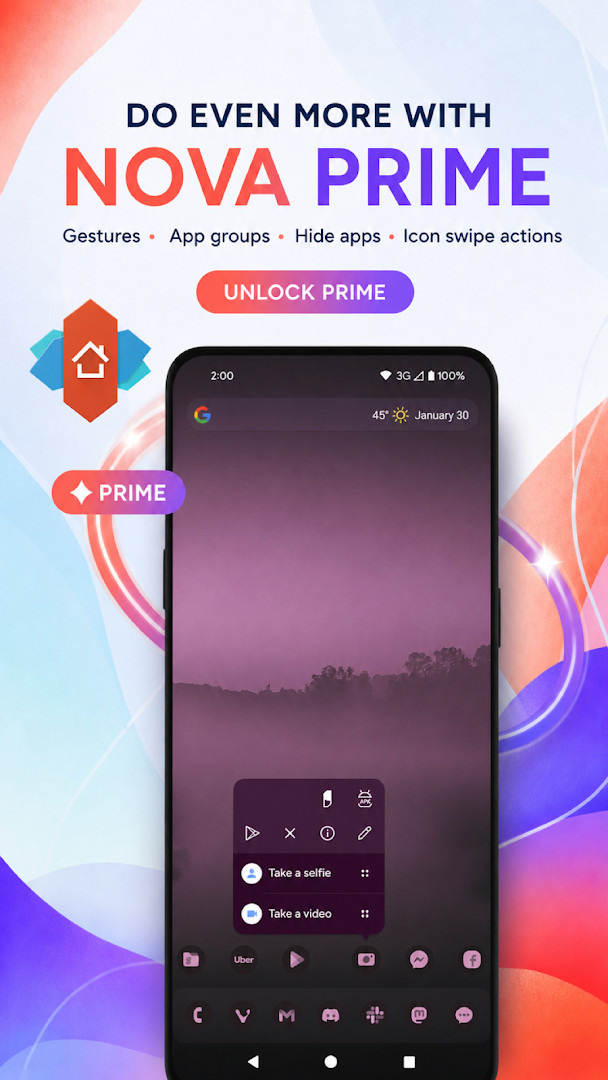
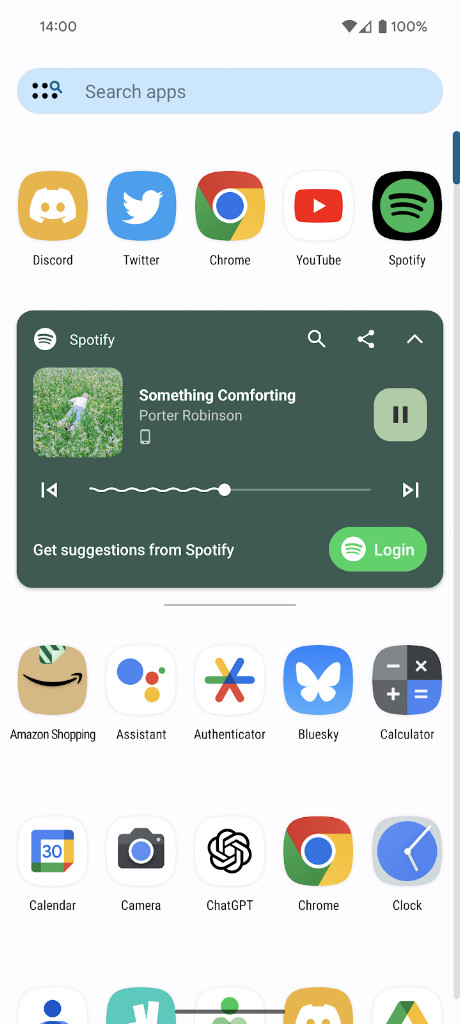
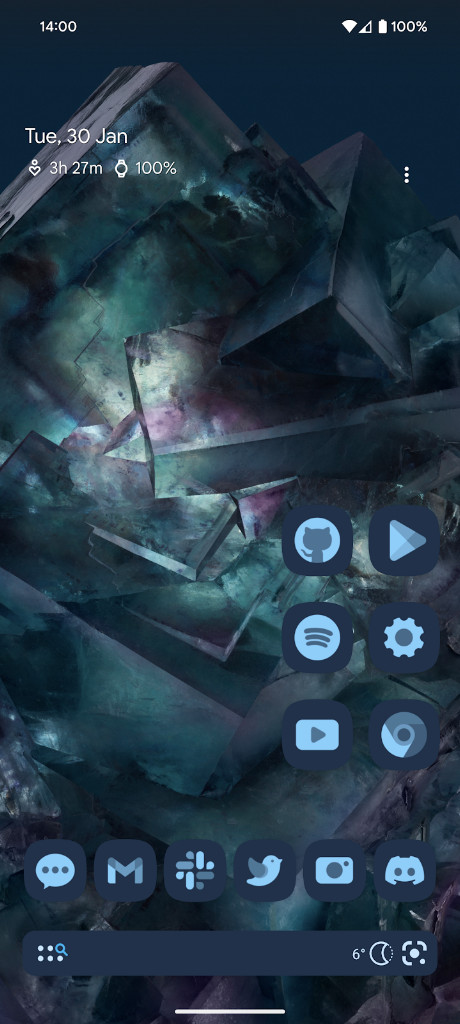
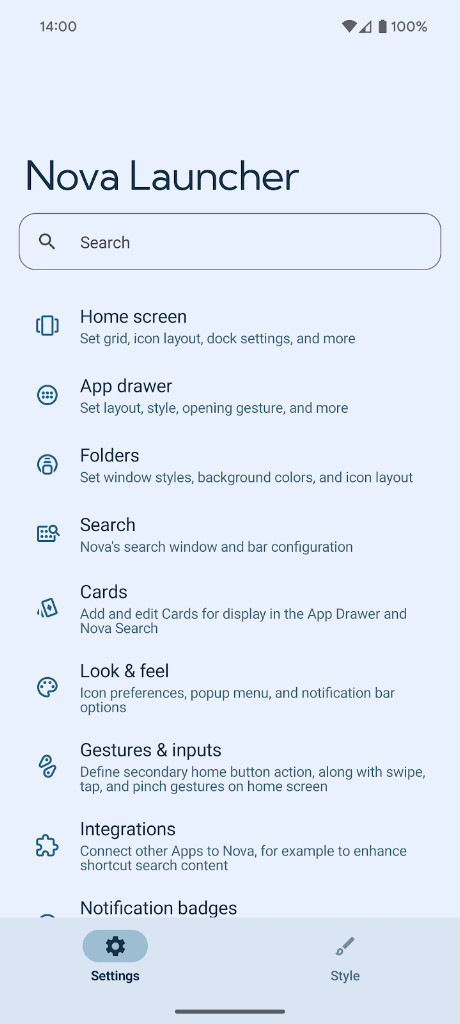
- Version
- 89400 (8.9.4)
- Size
- 35 MB
- Requires Android
- 8.0
- Updated
- Oct 28, 2026
- Installs
- 100M+
- Rating
- ★ 3.49 (1,389,151)
- Category
- Personalization
- Developer
- Instabridge Sweden AB
- Content rating
- Everyone
- Package
- com.teslacoilsw.launcher
- Free
- ✓ · Contains ads · In-app purchases
Nova Launcher: Home Screen is a home screen replacement app by Instabridge Sweden AB that lets you customize the look, layout, and behavior of your Android device's home screen and app drawer. It provides a wide range of options for personalization, from icon themes and color schemes to grid positioning and backup tools, while aiming to keep the interface fast and responsive. The app has been available since 2012 and continues to receive updates, with the latest version being 8.9.4 (build 89400), released on October 7, 2026. This update introduces new adaptive icon shapes, including Flower, Pebble, Vessel, and several polygon shapes like Pentagon and Octagon, along with bug fixes and optimizations. The app is free to download and includes ads and in-app purchases for optional premium features. It has been installed over 100 million times and carries a moderate user rating of 3.46 based on more than 1.3 million ratings. The app requires Android 8.0 or higher and the installation file is about 35 MB in size. It requests permissions for calendar, contacts, location, phone, photos/media/files, storage, and Wi-Fi connection information, which are used for various customization and search features. The app also optionally uses AccessibilityService for gestures, Device Administrator for screen-off functions, and a Notification Listener for badges and media controls; these are only enabled when needed and no data is collected from the AccessibilityService. Overall, Nova Launcher aims to be a versatile tool for users who want to tailor their home screen experience without sacrificing performance or ease of use.
Key features
- Custom icon themes and reshaping to a uniform shape
- Material You color system with custom color options
- Light and dark themes that sync with system, sunrise/sunset, or stay manual
- Powerful search across apps, contacts, and services with micro results for calculations and conversions
- Customizable home screen, app drawer, and folders with icon sizes, label colors, and scroll options
- Subgrid positioning for precise icon and widget placement between grid cells
- Backup and restore for local or cloud storage to ease device transfers
- Optional gestures, app drawer groups, hide apps, and icon swipe actions via in-app purchase
How to install
- Tap the download button on this page to get the APK file (about 35 MB).
- When prompted, allow your browser or file manager to install apps by enabling the 'Install unknown apps' setting for that app.
- Open the downloaded APK file from your notification bar or file manager.
- Tap 'Install' when the system asks for confirmation.
- After installation, tap 'Open' to launch Nova Launcher and set it as your default home screen if desired.
Pros
- Extensive customization options for icons, colors, and layouts
- Subgrid positioning for precise placement
- Backup and restore feature simplifies device migration
- Regular updates with new features and bug fixes
- Free to download with optional premium features
Cons
- Some advanced features require in-app purchases
- Ads are present in the free version
- May require several permissions for full functionality
- Learning curve for users new to launchers
Latest changes · 89400 (8.9.4)
Nova Launcher 8.9.4 adds new Adaptive Icon Shapes, including the Flower, Pebble, and Vessel shapes from Android 11, along with Pentagon, Hexagon, Heptagon, and Octagon options. This update also includes bug fixes and performance optimizations for a smoother experience.
Older versions
| Version | Size | Requires Android | Updated |
|---|---|---|---|
| 89400 (8.9.4) | 35 MB | 8.0 | Oct 28, 2026 |
| 89300 (8.9.3) | 35 MB | 8.0 | Oct 5, 2026 |
| 89000 (8.9.0) | 35 MB | 8.0 | Sep 21, 2026 |
| 88900 (8.8.9) | 35 MB | 8.0 | Sep 12, 2026 |
| 89200 (8.9.2) | 35 MB | 8.0 | Sep 7, 2026 |
| 6.2.19 | 10 MB | 5.0 | Nov 5, 2025 |
| 5.5.3 | 8.3 MB | 4.1 | Jan 12, 2018 |
This app is ideal for Android users who want deep control over their home screen appearance and layout, power users who appreciate features like gestures and subgrid positioning, and those who frequently switch devices and need a reliable backup and restore solution.
After installing, go to Settings > Backup & restore to create a cloud backup before experimenting with new layouts, so you can easily revert if something goes wrong.
Permissions
FAQ
How do I install the Nova Launcher APK on my Android device?
Download the APK file using the download button on this page, then open it from your notification bar or file manager. You may need to allow installation from unknown sources in your settings. After installation, press the home button and select Nova Launcher as your default.
What is new in version 8.9.4 (89400)?
Version 8.9.4 adds new adaptive icon shapes, including Flower, Pebble, Vessel, Pentagon, Hexagon, Heptagon, and Octagon, along with bug fixes and optimizations.
Does Nova Launcher show ads or require purchases?
Yes, the app is free to download and contains ads. It also offers in-app purchases, such as Nova Launcher Prime, which unlocks additional features like gestures, app drawer groups, and the ability to hide apps.
Can I use Nova Launcher offline?
Yes, the core launcher functions work offline. However, features that rely on internet connectivity, such as cloud backup and search integrations with online services, will require an internet connection. Backups can also be saved locally without any network access.
Are there alternative home screen launchers in the same category?
Yes, there are several other launchers available that offer similar customization options, such as changing icon sizes, themes, and layouts. You can explore other launchers in the Personalization category to find one that suits your preferences.
What Android version do I need to run Nova Launcher?
Nova Launcher requires Android 8.0 or higher.
Nova Launcher remains a strong choice for Android personalization, offering a rich feature set that balances power with usability. While some advanced options are locked behind a paid upgrade and the free version includes ads, the core experience is solid and regularly updated. It is a worthwhile tool for anyone seeking to make their home screen truly their own.
Similar apps



Updated: Oct 30, 2026