HiOS Launcher - Fast: Fast Launcher & Personalization
HiOS Launcher - Fast is a free launcher by Transsion Holdings that lets you customize your home screen with themes, fonts, and news feeds.
Get Launcher · v13.9.052.2HiOS Launcher - Fast is a 66 MB launcher that requires Android 9 or higher. It contains ads but no in-app purchases, and has received over 782,000 ratings. The app targets users who want a fast, customizable home screen with trending news and smart song discovery.
Screenshots
- Version
- 13.9.052.2
- Size
- 70 MB
- Requires Android
- 9
- Updated
- Oct 16, 2026
- Installs
- 500M+
- Rating
- ★ 4.04 (784,225)
- Category
- Personalization
- Developer
- Transsion Holdings
- Content rating
- Teen
- Package
- com.transsion.hilauncher
- Free
- ✓ · Contains ads
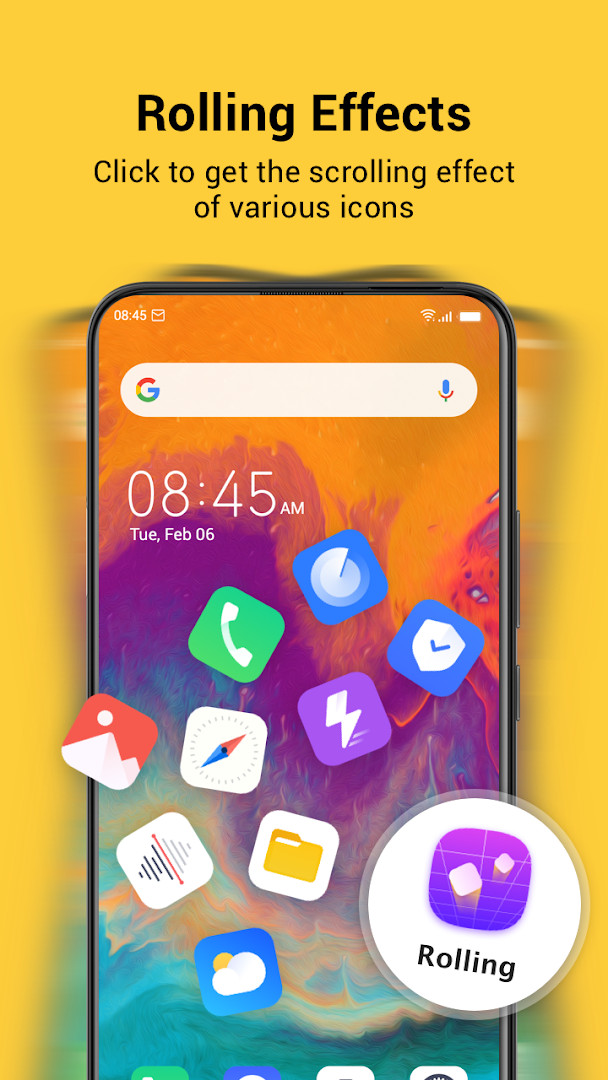
HiOS Launcher - Fast is a personalization app by Transsion Holdings that replaces the standard home screen with a faster, lighter interface. It is designed to make navigation on Android devices smoother and more efficient, especially for users who want a snappier experience without extra bloat. The app focuses on delivering quick access to apps, news, games, and wallpapers, all from a single, streamlined launcher interface.
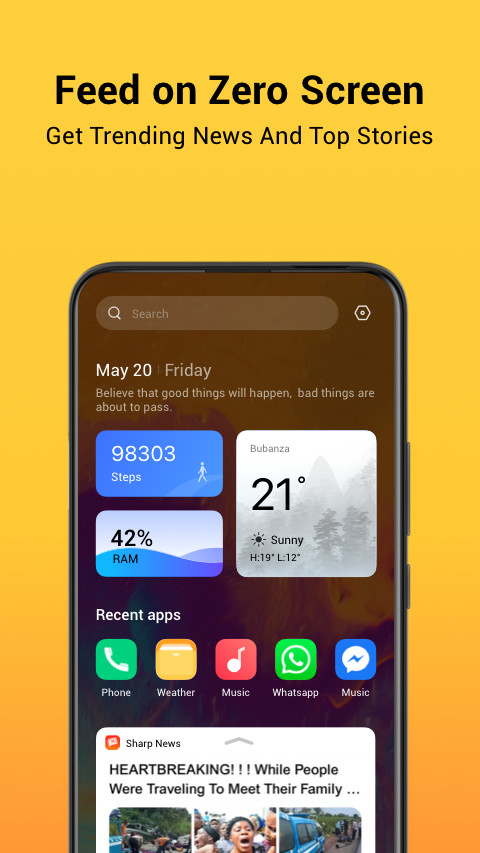
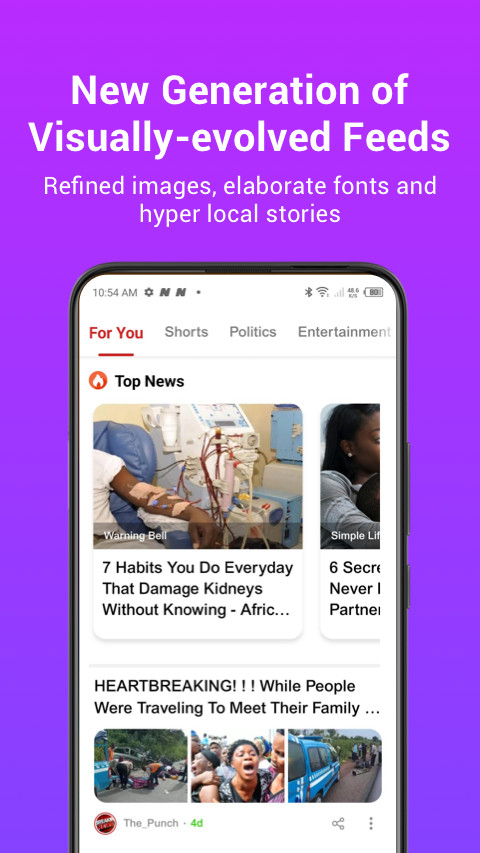
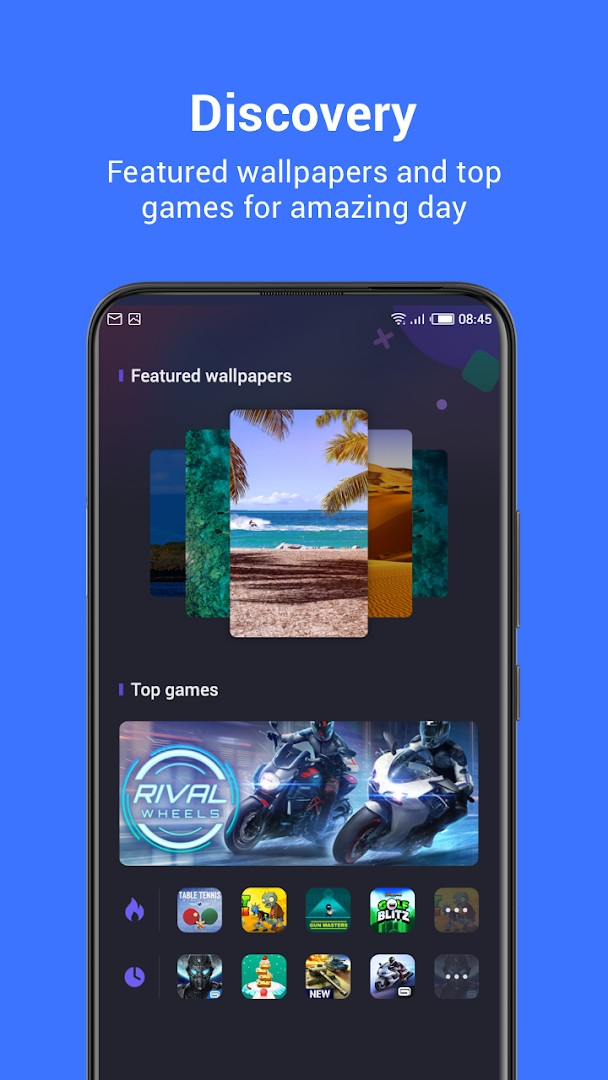
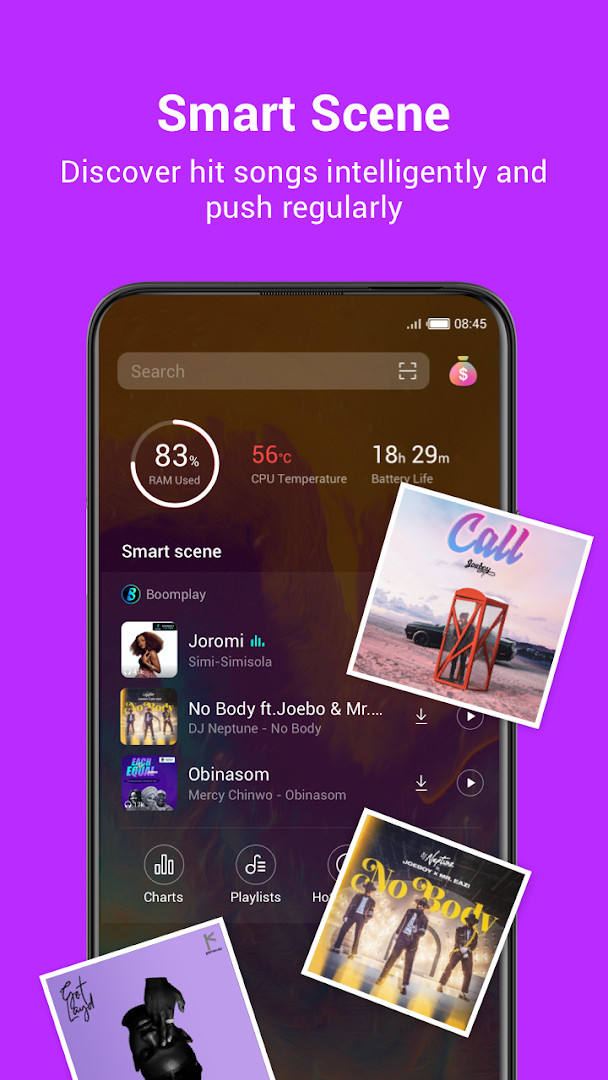
Beyond the core launcher functions, the app includes several content-discovery features. The Zero Screen feed brings trending news and games directly to your home screen, while the Smart Scene feature intelligently discovers hit songs and pushes them regularly. A Discovery section highlights featured wallpapers and top games, so you can refresh your device's look and find new entertainment without opening separate apps.
The latest version, 13.9.050.2, focuses on optimizing the user experience. This update, released on September 9, 2026, continues the app's tradition of refining performance and usability. For a beginner, this means a more polished and responsive launcher that feels quick from the moment you start using it, with fewer interruptions and smoother transitions between screens.
Key features
- Zero Screen feed with trending news and games
- Smart Scene for intelligent music discovery and regular song pushes
- Discovery section with featured wallpapers and top games
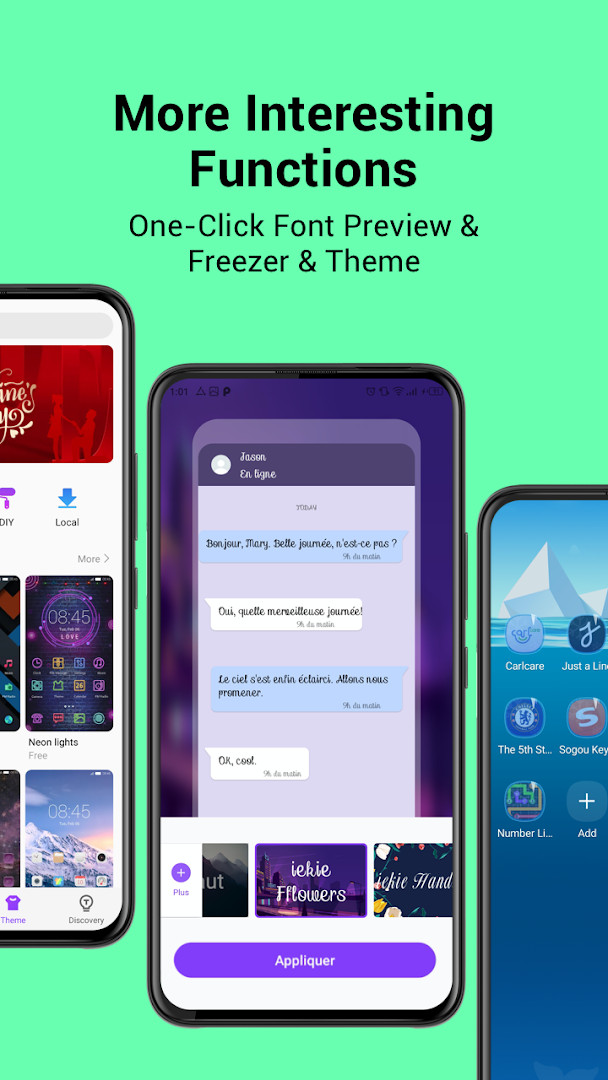
- One-click font preview to see how different typefaces look
- App freezer to temporarily disable unused apps
- Theme options to customize the look of your home screen
- Optimized user experience in version 13.9.050.2
How to install
- Tap the download button on this page to get the APK file (66 MB).
- When Android asks, allow your browser or file manager to install apps by enabling the 'Install unknown apps' setting.
- Open the downloaded APK file from your notifications or file manager.
- Tap Install and wait for the process to finish.
- Open the app from your app drawer or home screen to start using it.
- Ensure your device runs at least Android 9 (API level 9) to install and run the app.
Pros
- Lightweight and fast performance
- Integrated news and games feed
- Smart music discovery feature
- Customizable fonts and themes
- App freezer helps manage storage
- Regular updates with optimizations
Cons
- Contains ads
- Requires several permissions (contacts, location, phone, storage)
- Content rating is Teen, so it may not be suitable for all ages
- Free version may push content regularly, which could be distracting
Latest changes · 13.9.052.2
Version 13.9.050.2, released on September 9, 2026, brings a refined update to HiOS Launcher. This release focuses on optimized user experience, ensuring a smoother and more responsive interaction with the launcher's fast and light interface.
Older versions
| Version | Size | Requires Android | Updated |
|---|---|---|---|
| 13.9.050.2 | 66 MB | 9 | Oct 16, 2026 |
| 13.9.052.2 | 70 MB | 9 | Oct 16, 2026 |
| 8.5.024.2 | 34 MB | 7.0 | Oct 2, 2026 |
| 13.9.047.2 | 65 MB | 9 | Jul 30, 2026 |
| 13.0.47.1 | 50 MB | 7.0 | Apr 30, 2026 |
| 7.0.054.2 | 39 MB | 6.0 | Nov 10, 2025 |
| 7.6.078.1 | 45 MB | 5.0 | Dec 26, 2022 |
| 3.0.060.2 | 24 MB | 4.4 | May 16, 2019 |
This launcher is ideal for beginners who want a faster and simpler home screen without complex settings. It also suits users who enjoy discovering new music, games, and wallpapers right from their home screen. If you have an older Android device and want to breathe new life into it, this lightweight launcher can help.
To get the most out of the launcher, spend a few minutes exploring the Zero Screen and Discovery sections—they are the main sources of fresh content. Also, use the app freezer to disable apps you rarely use; this can free up memory and make the launcher feel even snappier.
Permissions
FAQ
Is HiOS Launcher - Fast free to download?
Yes, the app is free of charge, with a price of 0.00 USD. It does contain ads, but there are no in-app purchases.
Which Android version do I need to run this launcher?
The app requires Android 9 or later as the minimum operating system version. Make sure your device meets this requirement before installing.
How large is the download file?
The download size is 66 MB. It is a good idea to have enough free storage space before you begin the installation.
Do I need to create an account to use HiOS Launcher - Fast?
No account is required to use the launcher. You can install it and start using its features without signing in.
What permissions does the app request?
The app may ask for access to Calendar, Contacts, Location, Phone, Photos/Media/Files, Storage, and Wi-Fi connection information. These permissions support features such as smart scenes, discovery content, and general launcher functions.
How can I update HiOS Launcher - Fast to the newest version?
To update, download the latest version from this page and install it over your current copy. The most recent version listed is 13.9.050.2, released on 2026-09-09.
HiOS Launcher - Fast is a solid choice for those who want a quick, feature-rich home screen replacement. While it includes ads and asks for several permissions, its speed, content discovery, and customization options make it a worthwhile try for anyone looking to personalize their Android experience without a steep learning curve.
Similar apps
 POCO Launcher 2.0 - Customize,Xiaomi Inc.4.5
 Microsoft SwiftKey AI KeyboardSwiftKey4.3
 Zedge™ Wallpapers & RingtonesZedge4.7
 Nova Launcher: Home ScreenInstabridge Sweden AB3.5
 Fonts KeyboardFonts Keyboard3.9
 Themepack - App Icons, WidgetsYoloTech4.6
 Facemoji AI Emoji KeyboardNexileap4.7
 Launcher OS™Apps Genz4.4
More from this developer


Updated: Nov 2, 2026