Zedge™ Wallpapers & Ringtones for Android
Zedge™ Wallpapers & Ringtones is a personalization app from Zedge for finding and creating wallpapers, ringtones, and sounds.
Download Free · v9.40.1Zedge™ Wallpapers & Ringtones is for Android users who want to personalize their device with free wallpapers, ringtones, and notification sounds. The app includes an AI generator for custom wallpapers and audio, plus live and dynamic wallpapers. It is free to download, requires Android 9 or higher, and offers in-app purchases and ads.
Screenshots
- Version
- 9.40.1
- Requires Android
- 9
- Updated
- Oct 27, 2026
- Installs
- 500M+
- Rating
- ★ 4.67 (17,993,096)
- Category
- Personalization
- Developer
- Zedge
- Content rating
- Teen
- Package
- net.zedge.android
- Free
- ✓ · Contains ads · In-app purchases
Zedge™ Wallpapers & Ringtones is a personalization app by Zedge that provides a vast library of wallpapers, ringtones, alarm and notification sounds, and AI-powered creation tools. With over 500 million installs and a 4.67 rating from more than 17.9 million users, it's one of the most widely used apps in its category. The app is free to download and use, supported by ads and optional in-app purchases, and is rated Teen for content. It requires Android 9 or higher and was last updated on October 6, 2026, with version 9.40.1.
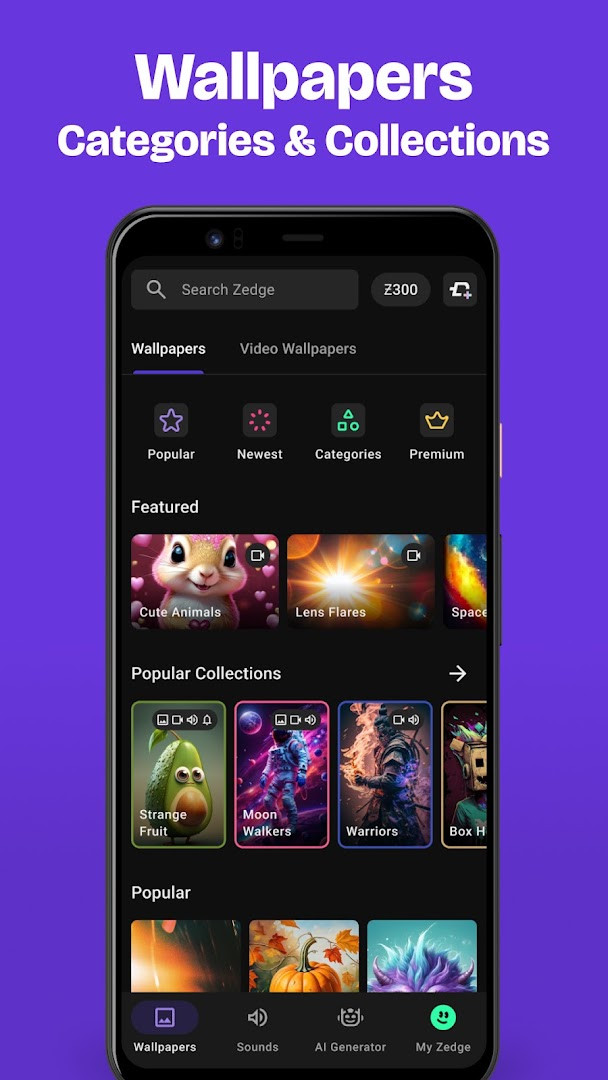
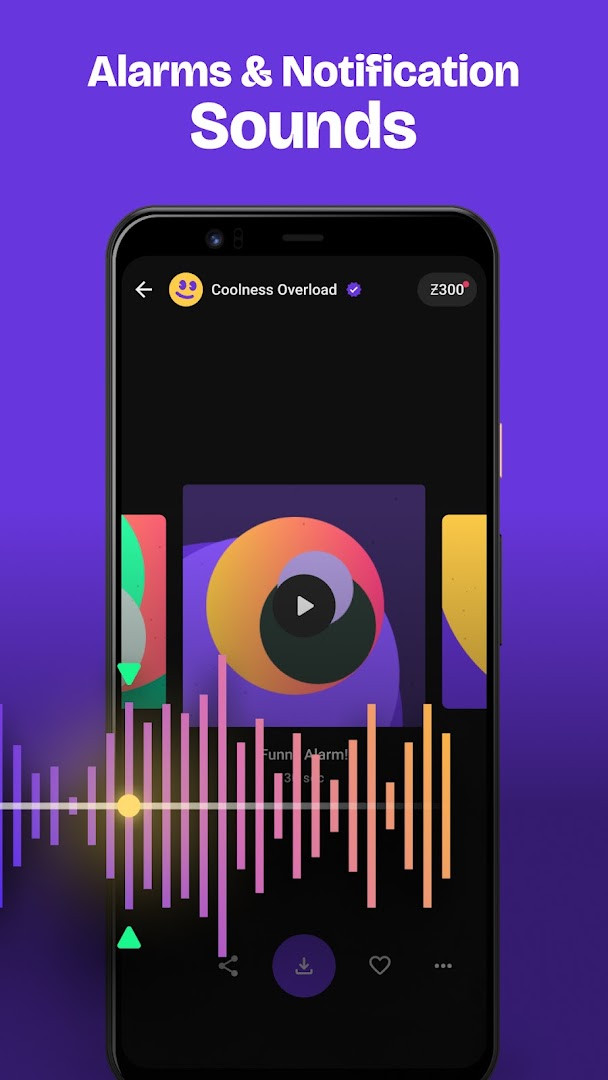
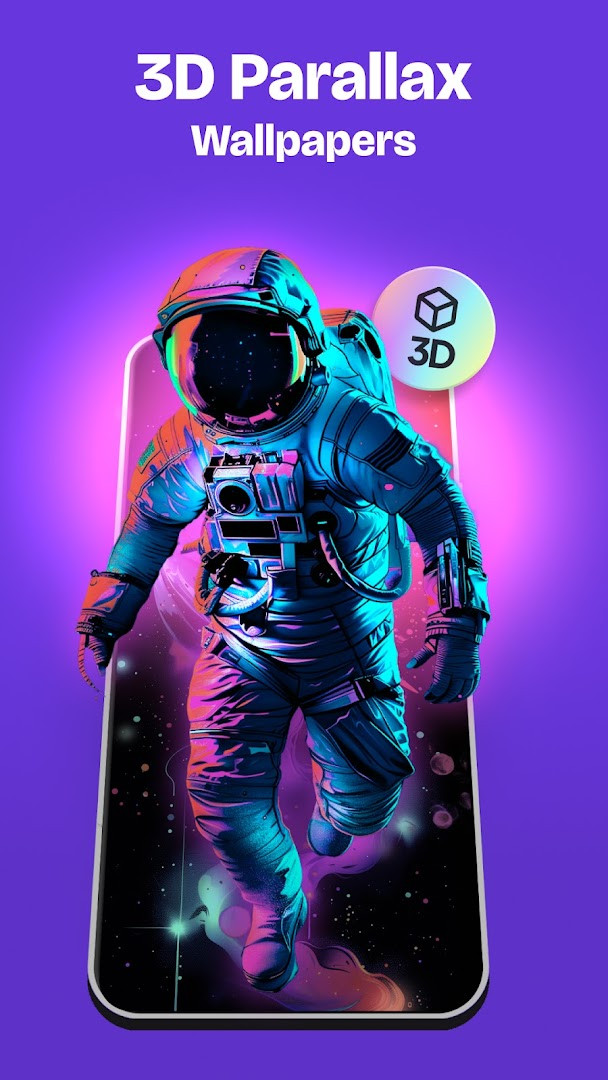
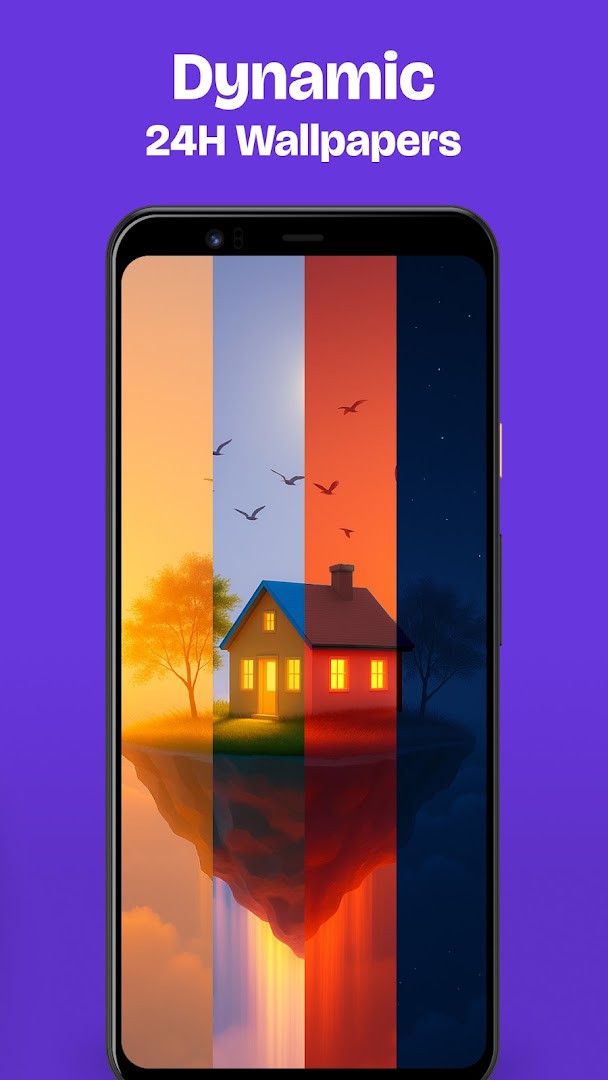
The app offers an extensive collection of high-definition and 4K wallpapers, live wallpapers, and dynamic 24-hour backgrounds that change based on local time. Users can browse curated collections or search for specific themes, and set wallpapers to rotate at intervals. Beyond static images, the app includes dual wallpapers that pair lock screen and home screen designs, and parallax effects that add depth. The library also features ringtones, notification sounds, and alarm tones, which can be assigned to individual contacts or used as defaults.
Version 9.40.1 focuses on performance improvements and a smoother overall experience. The update enhances ad delivery and search results, improves audio playback and landing pages, and refines AI creation features, including better wallpaper support. It also fixes duplicated items, corrects image aspect ratios, resolves account-related issues, and addresses minor bugs for greater stability. For experienced users, this release aims to make the app more reliable and responsive, addressing common pain points in previous versions.
Key features
- Access millions of free wallpapers, including HD and 4K options
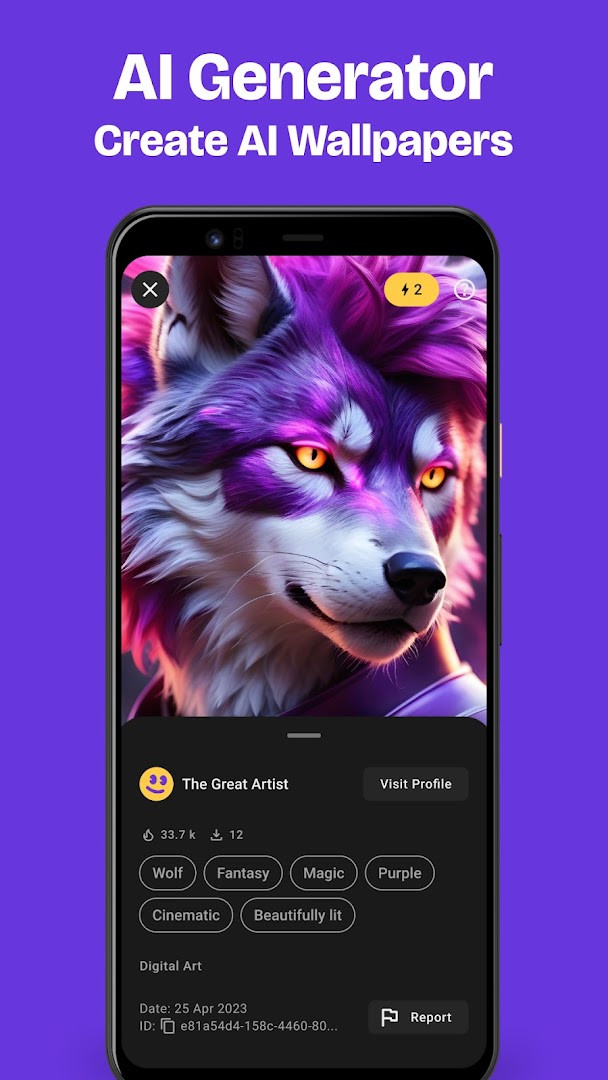
- Use AI Wallpaper Maker to generate custom wallpapers from text descriptions
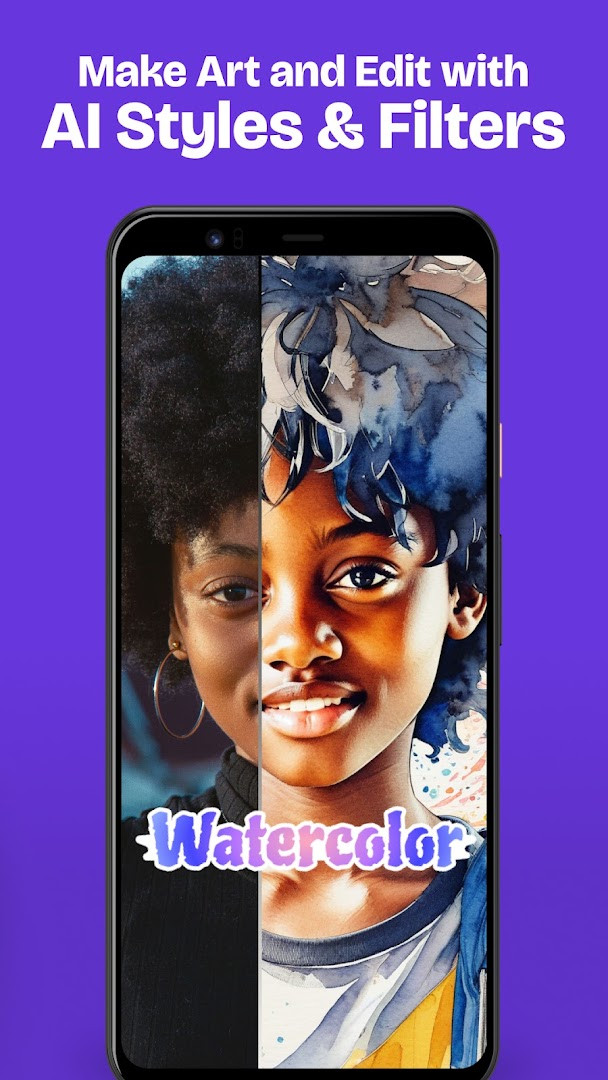
- Apply AI Photo Filters with styles like Anime, Comic, Cyberpunk, and Watercolor
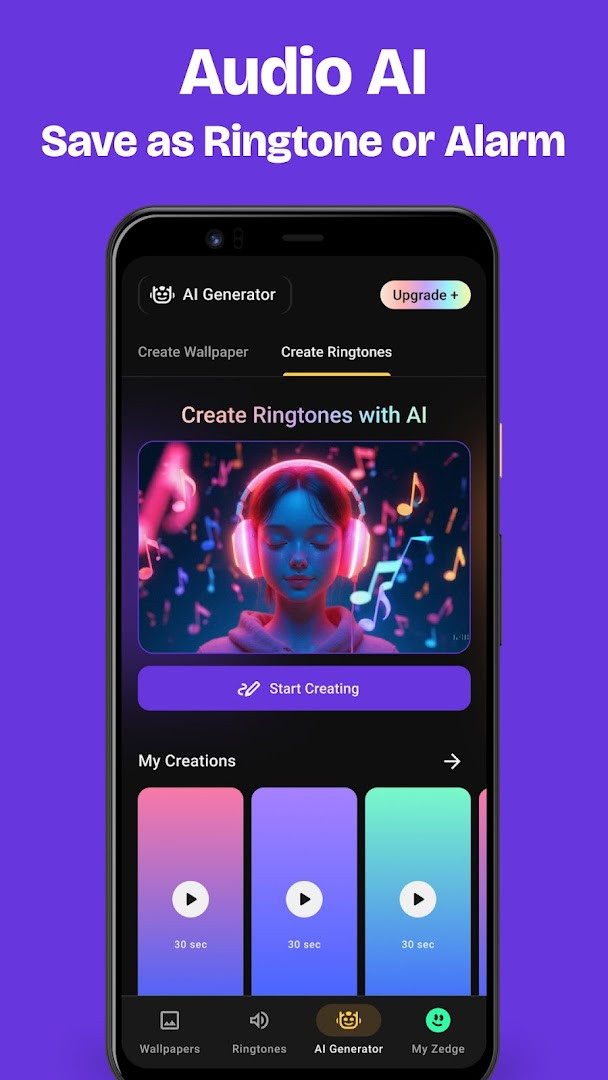
- Create unique ringtones and notification sounds with Audio AI
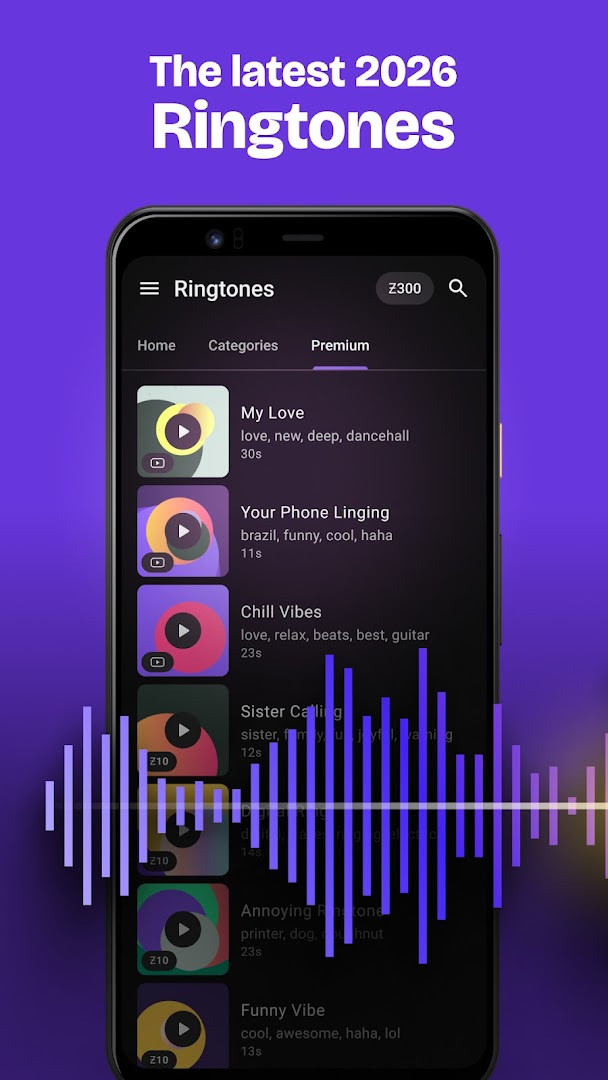
- Choose from a vast selection of ringtones, alarm sounds, and notification tones
- Set live wallpapers with video effects and low battery impact
- Use Dynamic 24H Wallpapers that change with the time of day
- Set Dual Wallpapers for coordinated lock screen and home screen pairs
- Add favorites without downloading and sync across devices with login
- Receive notifications for limited edition holiday wallpapers and sounds
How to install
- Tap the download button on this page to get the APK file (file size is not specified).
- When Android prompts, allow your browser or file manager to install apps by enabling the 'Install unknown apps' setting.
- Open the downloaded APK file from your notification bar or downloads folder.
- Tap 'Install' and wait for the installation to complete.
- Open the app from your app drawer and start personalizing your device.
- Note: The app requires Android 9 (API level 28) or higher.
Pros
- Extensive library of free content, including live and AI-generated items
- AI tools offer creative customization beyond typical personalization apps
- Dual wallpapers and dynamic 24-hour wallpapers add unique functionality
- Favorites can be added without downloading, saving storage space
- Sync across devices with a simple login
- Regular updates with performance and feature improvements
Cons
- Contains ads and in-app purchases, which may be intrusive for some users
- Requires permissions for contacts, storage, and camera, raising privacy considerations
- Content rating is Teen, so some material may not be suitable for all ages
- AI features may require an internet connection and could consume data
- Some users may find the sheer volume of content overwhelming
Latest changes · 9.40.1
Version 9.40.1 focuses on overall polish and stability. Expect smoother performance, better search results and ad delivery, improved audio playback, and refined AI creation tools with enhanced wallpaper support. The update also fixes duplicated items, adjusts image aspect ratios, and resolves several account-related and minor issues.
Older versions
| Version | Size | Requires Android | Updated |
|---|---|---|---|
| 9.40.1 | — | 9 | Oct 27, 2026 |
| 5.51b239 | 24 MB | 4.4 | Jul 31, 2026 |
| 5.7b4 | 11 MB | 4.0.3 | Sep 6, 2016 |
| 4.3 | 4.8 MB | — | Apr 25, 2014 |
| 2.5 | 1.1 MB | — | Sep 27, 2011 |
This app is suited for users who enjoy frequent phone customization, such as Android enthusiasts who like to switch wallpapers and ringtones often, creative individuals who want to generate unique AI art and sounds, and casual users looking to quickly set a new background or tone without hassle.
To save data and storage, use the favorites feature to bookmark wallpapers and ringtones without downloading them, and only download when you're ready to set them.
Permissions
FAQ
How do I install the Zedge APK on my Android device?
To install the APK, download the file from this page, then open it from your notification bar or file manager. If prompted, allow installation from unknown sources in your system settings. Follow the on-screen steps to complete the setup.
What is the current version of Zedge and when was it updated?
The current version is 9.40.1, released on October 6, 2026. The update focuses on performance, ad delivery, search, audio playback, and AI features, along with bug fixes.
Does Zedge show ads or offer in-app purchases?
Yes, Zedge is a free app that contains ads and offers in-app purchases. You can personalize your phone with millions of free wallpapers and ringtones, but optional purchases may unlock premium content or features.
Can I use Zedge offline?
Zedge is primarily an online service, so you need an internet connection to browse and download content. However, once you download a wallpaper or ringtone, it is saved to your device and can be used offline.
Are there alternatives to Zedge in the Personalization category?
Yes, there are other personalization apps available that offer wallpapers, ringtones, and icon packs. They vary in features, content libraries, and whether they include ads or in-app purchases. You can try a few to see which suits your needs.
What permissions does Zedge request and why?
Zedge requests access to contacts, photos/media/files, storage, camera, and Wi-Fi connection information. These permissions are used for features like setting wallpapers, applying AI filters to your photos, and managing downloads. The app states it does not import or use personal information from your media library or contacts.
Zedge™ Wallpapers & Ringtones remains a robust personalization tool with an unmatched content library and innovative AI features. While ads and permissions may give some pause, the free tier and creative flexibility make it a strong choice for anyone wanting to refresh their device's look and sound. The latest update improves stability, reinforcing its position as a top pick in the category.
Similar apps
 Microsoft SwiftKey AI KeyboardSwiftKey4.3
 HiOS Launcher - FastTranssion Holdings4.0
 Nova Launcher: Home ScreenInstabridge Sweden AB3.5
 POCO Launcher 2.0 - Customize,Xiaomi Inc.4.5
 Fonts KeyboardFonts Keyboard3.9
 Themepack - App Icons, WidgetsYoloTech4.6
 Facemoji AI Emoji KeyboardNexileap4.7
 Launcher OS™Apps Genz4.4
Updated: Oct 29, 2026