Microsoft SwiftKey AI Keyboard for Android
Microsoft SwiftKey AI Keyboard is a free personalization app from SwiftKey for smarter, AI-assisted typing and custom keyboard themes.
Install Microsoft SwiftKey · v9.13.17.6Microsoft SwiftKey AI Keyboard is designed for anyone who wants a keyboard that adapts to their personal writing style, including slang and nicknames. The app is free and requires Android 8.0 or later, with a download size tied to version 9.13.17.6.
Screenshots
- Version
- 9.13.17.6
- Requires Android
- 8.0
- Updated
- Oct 13, 2026
- Installs
- 1B+
- Rating
- ★ 4.29 (4,598,250)
- Category
- Personalization
- Developer
- SwiftKey
- Content rating
- Everyone
- Package
- com.touchtype.swiftkey
- Free
- ✓ · Contains ads
Microsoft SwiftKey AI Keyboard is a personalization utility by SwiftKey that replaces your default on-screen keyboard with an intelligent, learning input method. It adapts to your unique writing style—including slang, nicknames, and frequently used emoji—to accelerate typing across all apps. The keyboard blends swipe and tap input with AI-powered predictions, aiming to reduce keystrokes and errors. Version 9.13.17.6, released on October 13, 2026, brings general improvements that ensure the keyboard runs smoothly, maintaining its reputation for reliability on devices running Android 8.0 and above. With over one billion installs and a mature rating of 4.29 from more than 4.5 million reviews, it has evolved considerably since its initial release in September 2010.
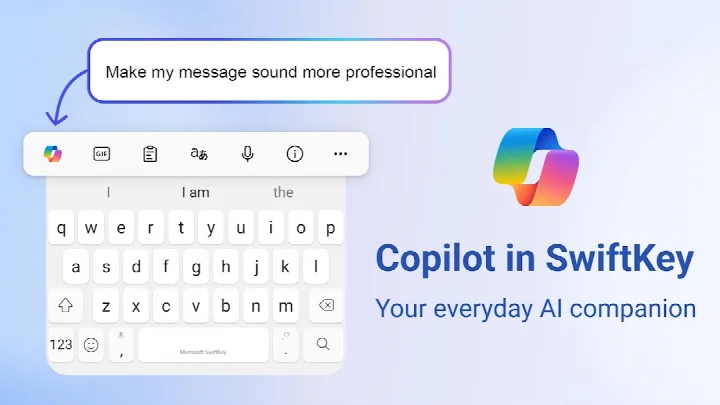
Beyond basic text entry, the app integrates Microsoft Copilot directly into the keyboard toolbar, turning it into an everyday AI companion. This allows you to ask questions, rewrite text in a different tone, or transform rough notes into polished drafts without switching contexts. The adaptive emoji keyboard learns which emoticons you reach for most, while searchable GIFs and stickers add visual flair to conversations. A unique AI image generator lets you create custom memes and graphics on the fly, giving you tools to stand out in group chats or social media.
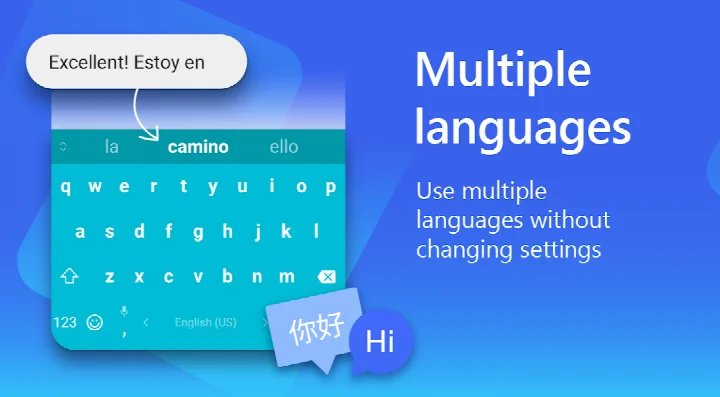
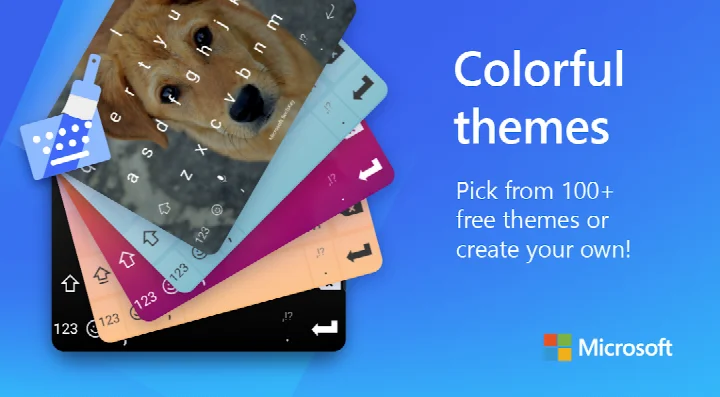
Customization is a core strength: over 100 colorful themes are available, and you can even build a personal theme using a photo as the keyboard background. The layout and size are adjustable to suit different hand sizes and screen proportions. Multilingual users benefit from support for over 700 languages, with the ability to enable up to five simultaneously and switch seamlessly. The app requests optional permissions for microphone (voice typing), camera and photos (image sharing), and contacts (easy name entry), all of which can be declined while still keeping the keyboard functional.
Key features
- Copilot AI companion accessible directly from the keyboard, allowing you to ask questions, rewrite text in a different tone, and compose drafts inside any app
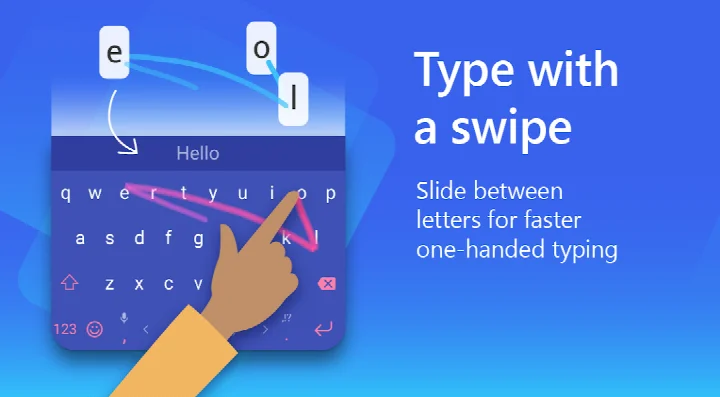
- Swipe and tap typing with adaptive AI predictions that learn your slang, nicknames, and frequently used emoji over time
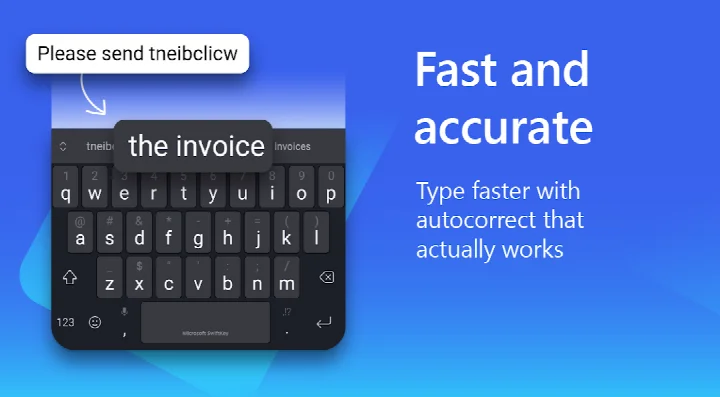
- Integrated spell checker and auto-text correction powered by artificial intelligence to reduce errors
- Expandable custom keyboard toolbar providing quick shortcuts to frequently used actions
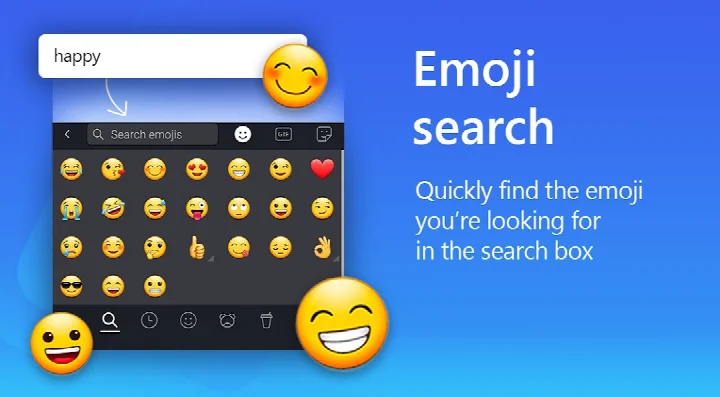
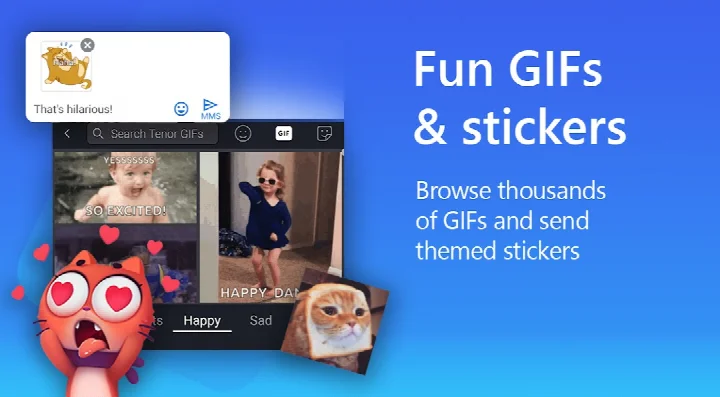
- Adaptive emoji keyboard that predicts your favorite emoticons, plus searchable GIFs and stickers for visual expression
- AI-powered image and meme creation tool to generate unique visuals on the fly
- Over 100 colorful themes and the ability to design a custom theme using your own photo as the background
- Adjustable keyboard size and layout to fit your hand and screen preferences
- Support for over 700 languages with the option to enable up to five languages simultaneously
How to install
- Tap the download button on this page to obtain the APK file.
- When prompted by Android, enable the 'Install unknown apps' setting for your browser or file manager to allow sideloading.
- Open the downloaded APK file to launch the package installer.
- Review the required permissions (Photos/Media/Files, Storage, Camera, Microphone, Wi-Fi connection information) and tap 'Install'.
- Once installation completes, open Microsoft SwiftKey AI Keyboard and follow the on-screen setup wizard to activate it as your default input method.
Pros
- Copilot integration brings generative AI assistance into any text field, from rewriting to drafting
- Exceptionally accurate adaptive predictions that improve with continued use
- Comprehensive multilingual support covering over 700 languages with five simultaneous active profiles
- Deep visual customization including custom photo themes and adjustable sizing
- Rich content insertion with an adaptive emoji keyboard, GIF search, and AI meme creation
- Mature, actively maintained product with over a billion installs and a decade of refinement
Cons
- Contains advertisements, which can be intrusive for some users
- File size is not specified but the app is feature-heavy and may occupy significant storage
- Copilot integration may feel unnecessary or distracting if you only need basic typing
- Requires granting several permissions (microphone, camera, contacts) for full functionality, which raises privacy considerations for cautious users
Latest changes · 9.13.17.6
This update focuses on general improvements to help Microsoft SwiftKey Keyboard run smoothly. The release aims to enhance overall stability and performance for a better typing experience.
Older versions
| Version | Size | Requires Android | Updated |
|---|---|---|---|
| 9.13.17.6 | — | 8.0 | Oct 13, 2026 |
| 9.13.14.5 | 229 MB | 8.0 | Aug 24, 2026 |
| 7.0.7.28 | 42 MB | 6.0 | Nov 11, 2025 |
| 9.10.61.36 | 73 MB | 7.0 | Jun 17, 2025 |
| 6.7.7.17 | 37 MB | 4.1 | Feb 28, 2018 |
| 6.6.6.26 | 39 MB | 4.0.3 | Sep 11, 2017 |
| 6.0.0.162 | 31 MB | 4.0 | Nov 16, 2015 |
This keyboard suits power users who type extensively across multiple languages and want an AI assistant seamlessly embedded in their workflow. It is also ideal for anyone who values deep visual customization and wants their keyboard's theme and layout to match their personal style, as well as for those who frequently rely on emoji, GIFs, and stickers to communicate.
To get the most out of the adaptive engine, avoid clearing the keyboard's learned data unnecessarily; the predictions become noticeably sharper after a week of regular use across different apps.
Permissions
FAQ
How does Microsoft SwiftKey's Copilot feature work while typing in other apps?
Copilot acts as an in-keyboard AI assistant, letting you ask questions and get responses without leaving your current app. It can also help rewrite text in a different tone or compose polished drafts directly from the keyboard toolbar.
Can I use multiple languages at once with SwiftKey, and how many does it support?
Yes, you can enable up to five languages simultaneously, and the keyboard supports over 700 languages in total, including English, Spanish, Portuguese, German, Turkish, French, Arabic, Russian, Italian, and Polish.
What customization options are available for the keyboard's appearance and layout?
You can choose from over 100 colorful themes, create a custom theme using your own photo as the background, and adjust the keyboard size and layout to suit your preference. These options are free and designed to match your personal style.
How does SwiftKey adapt to my personal typing style, including slang and nicknames?
SwiftKey continuously learns from your typing habits, including your unique slang, nicknames, and emoji usage. It uses this learning to improve predictions and autocorrect, so the keyboard becomes more accurate and personalized over time.
What optional permissions does SwiftKey request, and are they required to use the app?
SwiftKey may request optional permissions for microphone (voice-to-text), photos/videos (insert or share images), contacts (easy entry when composing), and camera (take photos to share). You can use the app without granting these, but some features may be limited or unavailable.
For anyone seeking a mature, AI-enhanced keyboard that blends reliable text prediction with rich customization and integrated Copilot access, Microsoft SwiftKey remains a top-tier contender. While the ad-supported model and app size may deter purists, its adaptive learning and multilingual prowess deliver a typing experience that few free alternatives can match.
Similar apps
 Gboard - the Google KeyboardGoogle LLC4.5
 Zedge™ Wallpapers & RingtonesZedge4.7
 HiOS Launcher - FastTranssion Holdings4.0
 Nova Launcher: Home ScreenInstabridge Sweden AB3.5
 POCO Launcher 2.0 - Customize,Xiaomi Inc.4.5
 Fonts KeyboardFonts Keyboard3.9
 Themepack - App Icons, WidgetsYoloTech4.6
 Facemoji AI Emoji KeyboardNexileap4.7
Updated: Oct 14, 2026