
Mi Browser for Android
Mi Browser is a mobile web browser from Zhigu Corporation Limited for everyday surfing, search, video and file management.
Download Mi Browser · v14.60.0-gnMi Browser suits Android users who want a single place to browse the web, watch videos, shop and manage downloaded media. The app costs 0.00 USD, has no ads and no in-app purchases, and runs on Android 11 and above. It reached 1 billion installs, holds a 4.53 rating from 1,325,629 ratings, and version 14.60.0-gn was updated on 2026-09-21.
Screenshots
- Version
- 14.60.0-gn
- Requires Android
- 11
- Updated
- Sep 21, 2026
- Installs
- 1B+
- Rating
- ★ 4.53 (1,325,629)
- Category
- Tools
- Developer
- Zhigu Corporation Limited
- Content rating
- Everyone
- Package
- com.mi.globalbrowser
- Free
- ✓
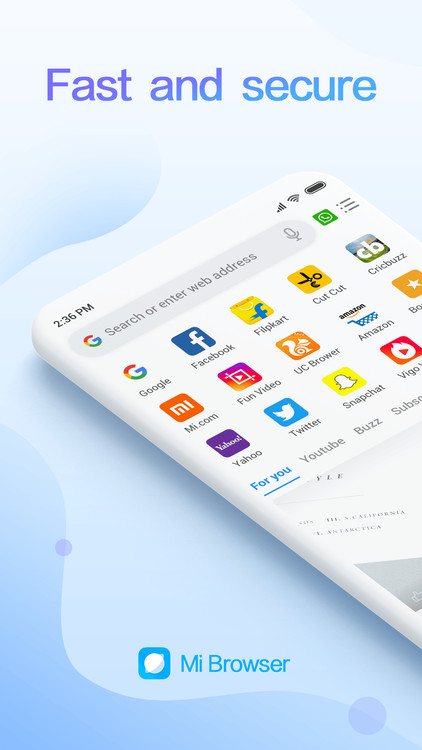
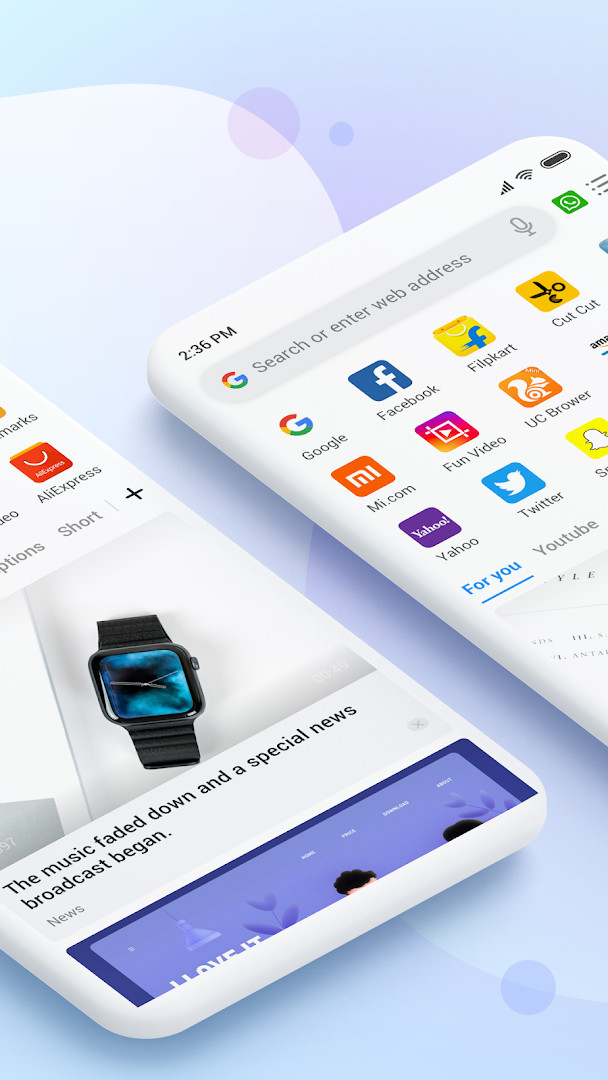
Mi Browser is a web browser by Zhigu Corporation Limited that provides a fast and secure browsing experience with additional tools for downloading media and managing files. It aims to cover everyday browsing needs, from searching and shopping to watching videos and playing games, all within a single application. The browser is designed for Android users who want a feature-rich alternative to the default browser, with a focus on personalization and privacy controls.
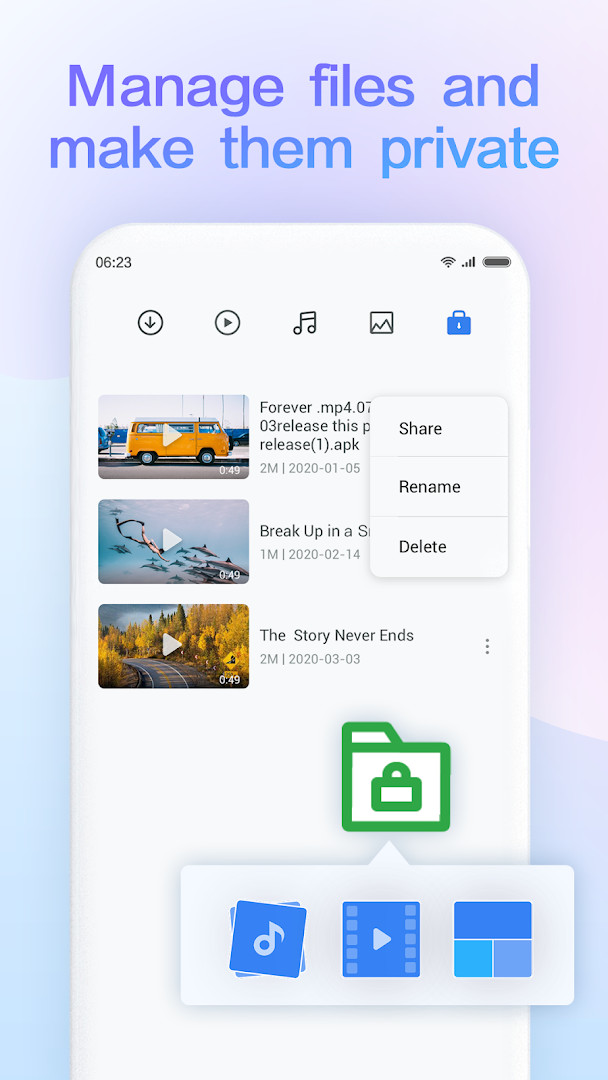
According to the developer, the browser emphasizes security and gives users more control over their data. A notable aspect is the ability to switch aggregated data collection on or off when using incognito mode, which helps users decide how much information is shared with Xiaomi. The app also offers a private folder feature to keep sensitive files hidden from view. These privacy-oriented options are part of a broader effort to provide a secure browsing environment.
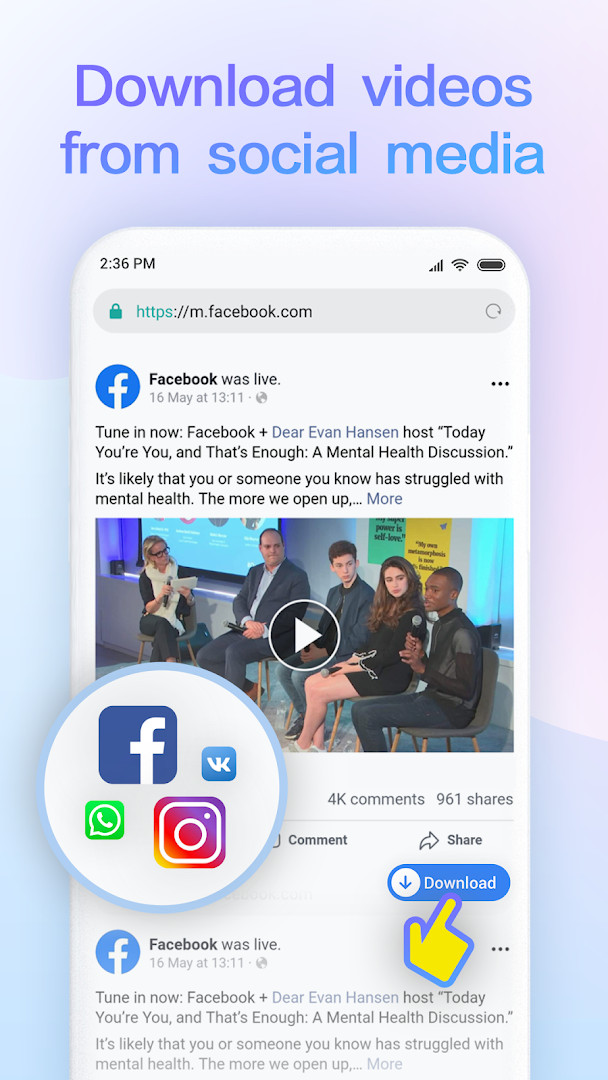
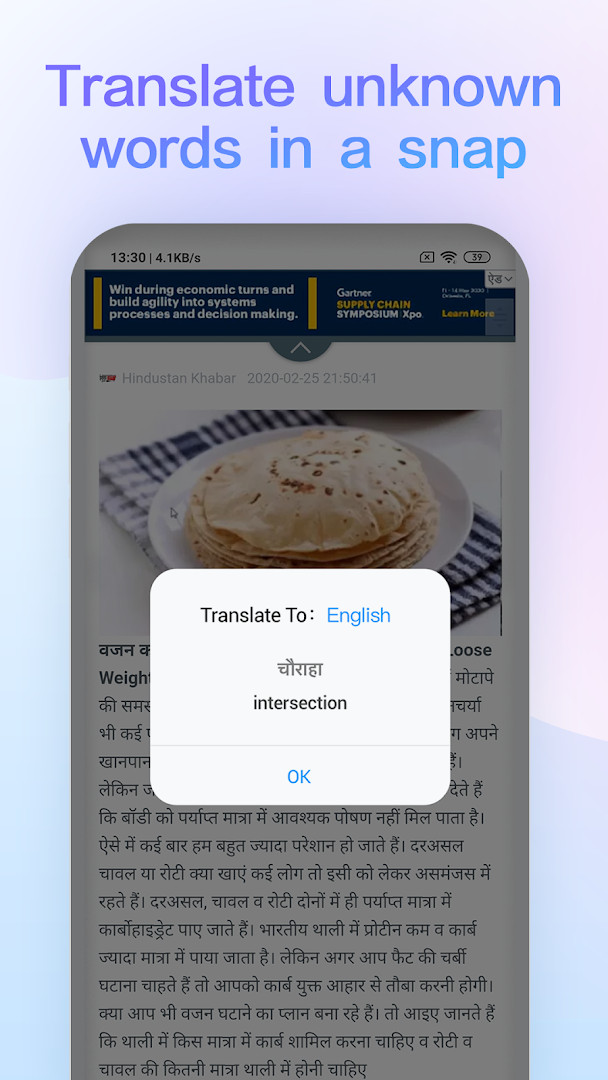
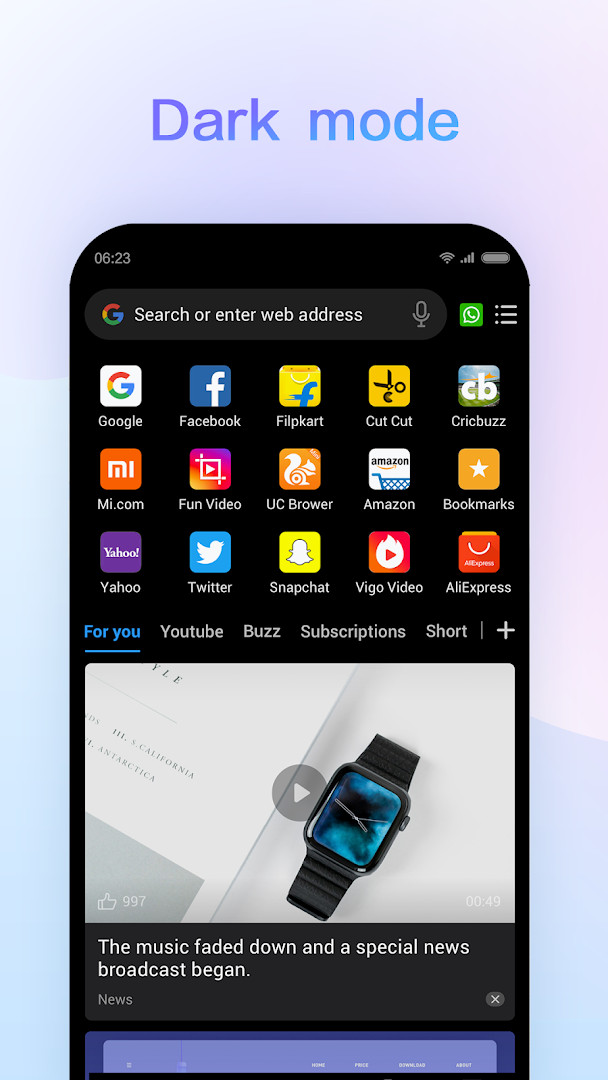
Beyond privacy, Mi Browser includes practical tools such as downloading videos and images from social media platforms, managing local files, translating selected text, using voice search, and switching to dark mode. It is suitable for a wide audience, from casual users who want a simple, reliable browser to those who frequently download content or need built-in file management. However, the app's permissions are extensive, including access to location, contacts, camera, and microphone, which potential users should review carefully before installation.
Key features
- Download videos and images from social media platforms like Facebook, Instagram, and Twitter
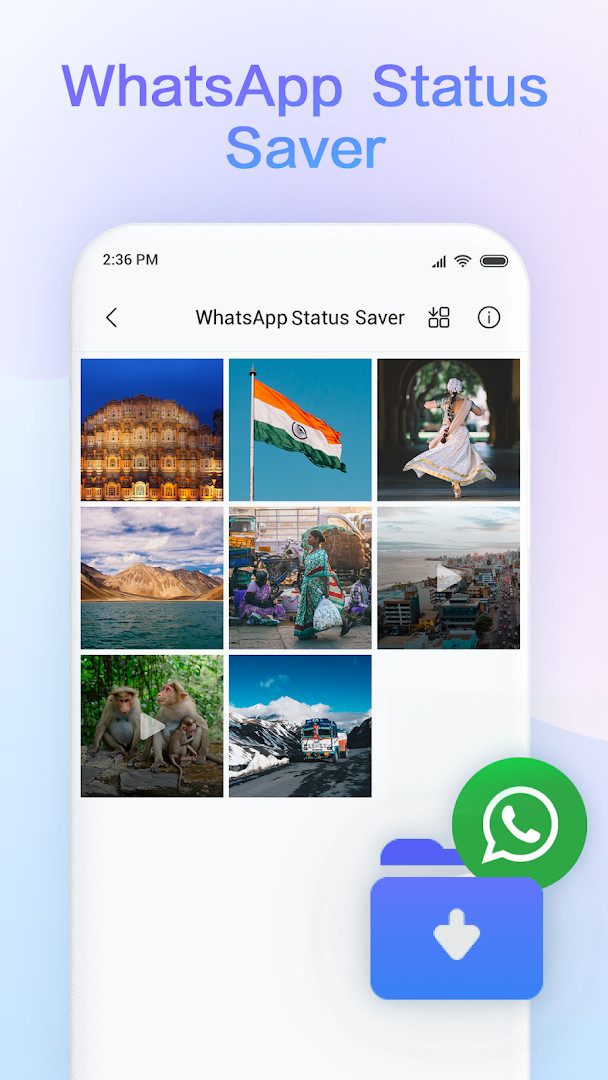
- Save WhatsApp statuses from friends
- File management for videos, audio files, and images, including a private folder for sensitive items
- Translation of selected words and content in other languages (currently supported in India, Indonesia, and Russia)
- Incognito mode with an option to turn aggregated data sharing on or off
- Dark mode for a different visual experience
- Voice search to find content by speaking
- Data saving options and Reading mode
How to install
- Tap the download button on this page to get the APK file (size n/a).
- When prompted, allow your browser or file manager to install apps from unknown sources (the 'Install unknown apps' setting).
- Open the downloaded APK file from your notifications or file manager.
- Tap 'Install' and wait for the installation to complete.
- Open the app from your app drawer or home screen. The minimum Android version required is 11.
Pros
- Offers a private folder to store sensitive files securely
- Provides an incognito mode with a data-sharing toggle for enhanced privacy control
- Includes media download tools for popular social platforms
- Built-in file manager helps organize videos, audio, and images
- Voice search and dark mode add convenience and visual comfort
- No ads and no in-app purchases, making it a free, straightforward tool
Cons
- Requests a broad set of permissions, including location, contacts, camera, and microphone, which may be more than needed for basic browsing
- Translation feature is limited to certain countries (India, Indonesia, Russia)
- The app is developed by Zhigu Corporation Limited, which may raise data-sharing concerns for privacy-conscious users
- Version history shows frequent updates, which could be seen as either active development or instability
Latest changes · 14.60.0-gn
The 14.60.0-gn update focuses on resolving known issues to provide a smoother browsing experience. This release is part of the browser's ongoing maintenance, ensuring more stable performance for everyday use.
Older versions
| Version | Size | Requires Android | Updated |
|---|---|---|---|
| 14.41.0-gn | 116 MB | 9 | Oct 7, 2026 |
| 14.60.0-gn | — | 11 | Sep 21, 2026 |
| 14.46.0-gn | 105 MB | 9 | Sep 20, 2026 |
| 14.43.0-gn | 116 MB | 9 | Sep 16, 2026 |
| 14.37.1-gn | 115 MB | 9 | Aug 20, 2026 |
| 14.7.1-gn | 119 MB | 6.0 | Apr 6, 2024 |
| 12.7.4-gn | 62 MB | 4.4 | Dec 7, 2020 |
Mi Browser is for Android users who want a free, feature-packed browser with media downloading, file management, and privacy features like incognito mode and a private folder. It suits those who frequently save videos or images from social media, need on-device file organization, or want control over aggregated data collection during private browsing.
Before installing, review the app's permissions carefully—if you're uncomfortable with location or microphone access, you may want to adjust permissions after installation via your device settings. Also, remember that the translation feature works only in select countries, so if you rely on translation, check whether your region is supported.
Permissions
FAQ
Can I control data sharing when using Mi Browser's incognito mode?
Yes, according to the developer, incognito mode allows you to browse without leaving search or browsing history. The latest upgrade adds an option to switch on or off aggregated data collection within that mode.
Which social media platforms does the download tool support?
It can download videos and images from Facebook, Instagram, and Twitter, and also lets you save WhatsApp statuses of your friends.
What is the latest version of Mi Browser and its requirements?
Version 14.60.0-gn was released on September 21, 2026, and requires Android 11 or higher.
In which countries is the instant translation feature available?
The instant translation feature is currently supported in India, Indonesia, and Russia.
What file management abilities are built into Mi Browser?
You can manage videos, audio files, and images on your device, and add items you want to keep private to a dedicated folder.
Mi Browser offers a comprehensive set of tools wrapped in a free, ad-free package, with notable privacy features such as incognito data-sharing control and a private folder. However, its extensive permissions and developer data practices warrant consideration. Overall, it's a solid choice for users who value functionality and are willing to manage their privacy settings.
Similar apps








Updated: Oct 15, 2026