OTG Master: Encrypted USB Mounter
OTG Master is a tools app by moylali that mounts VeraCrypt-encrypted USB drives on Android without requiring root access.
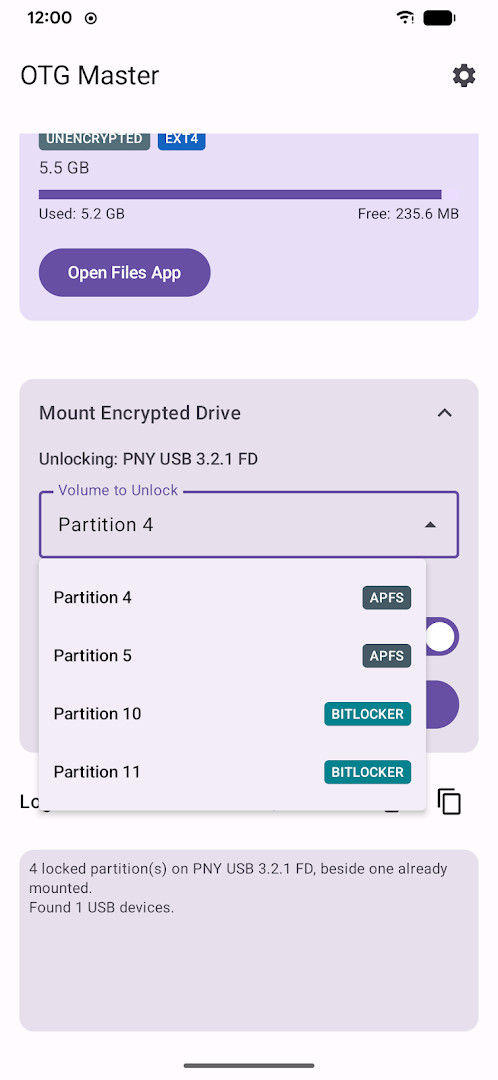
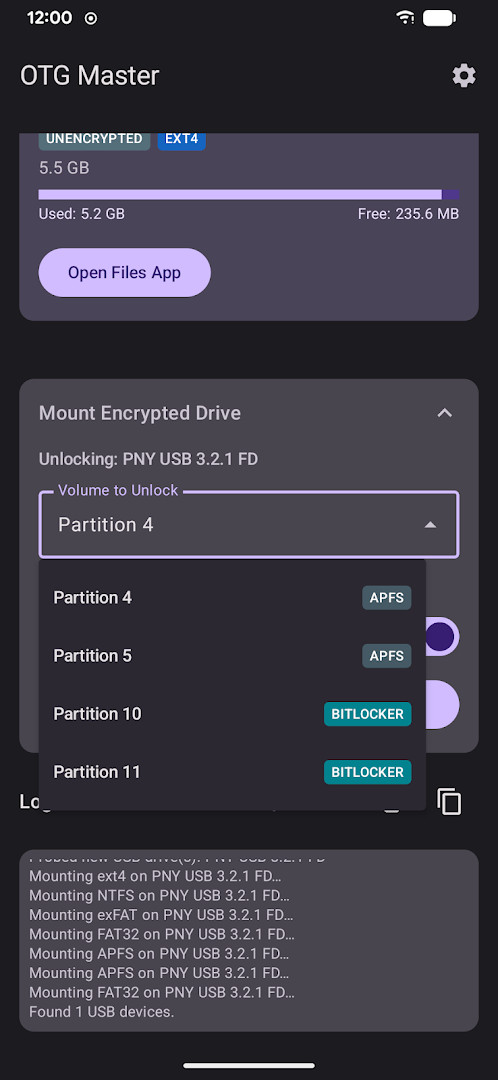
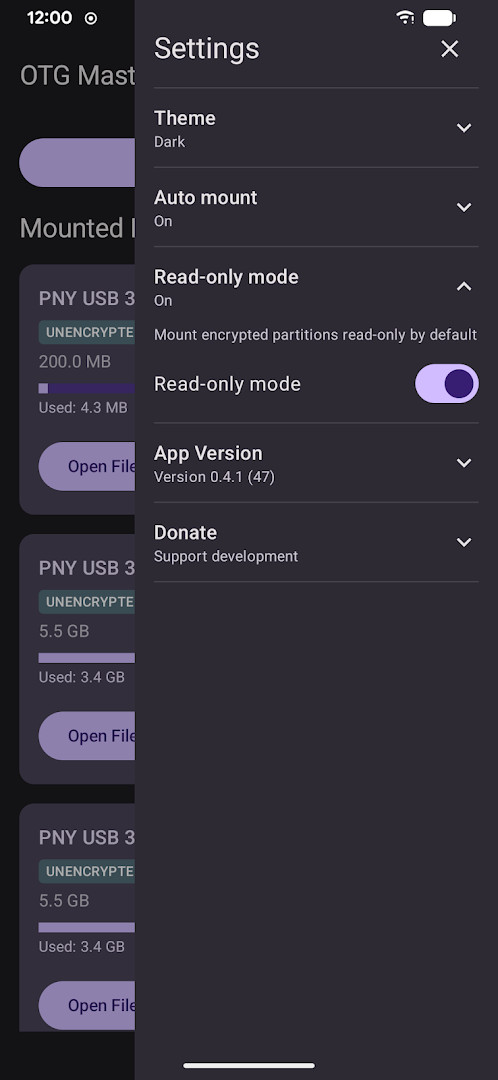
Download OTG MasterOTG Master lets users access VeraCrypt-encrypted USB drives directly on an Android device, supporting FAT32 and exFAT formats with read and write capabilities. The app is designed for anyone who needs to securely work with encrypted volumes on the go, featuring auto-mount with biometric authentication, keyfile support, and custom PIM values.
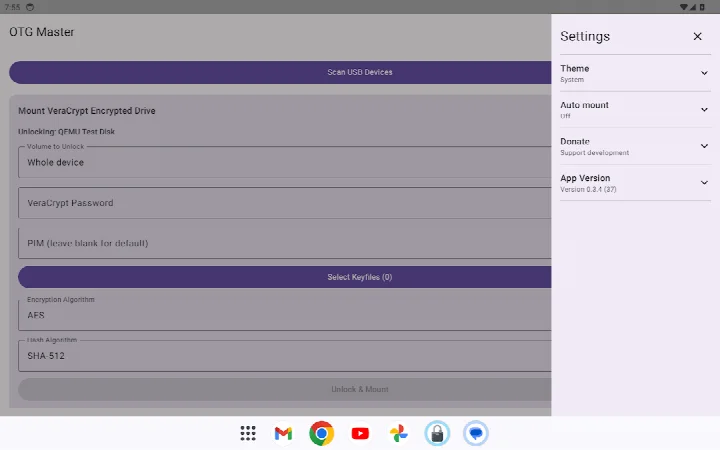
Screenshots
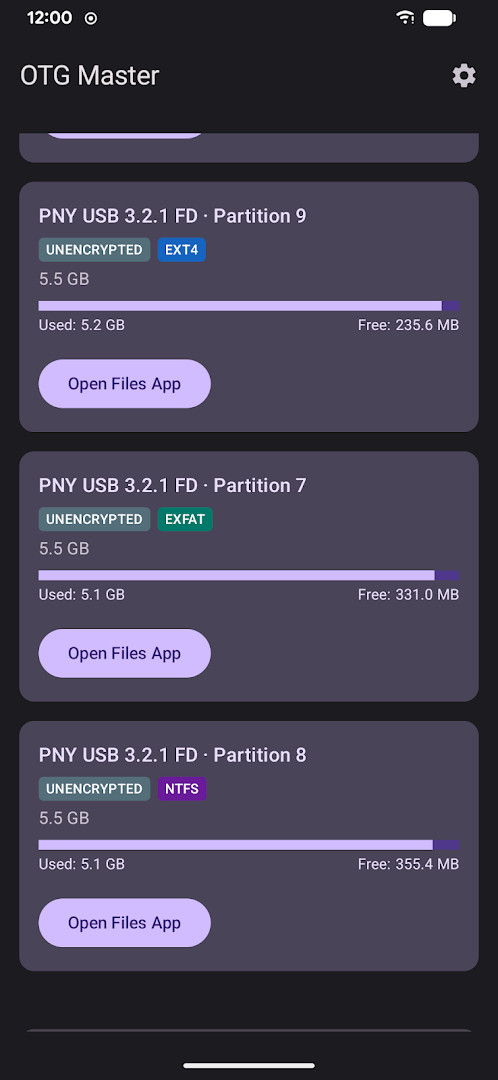
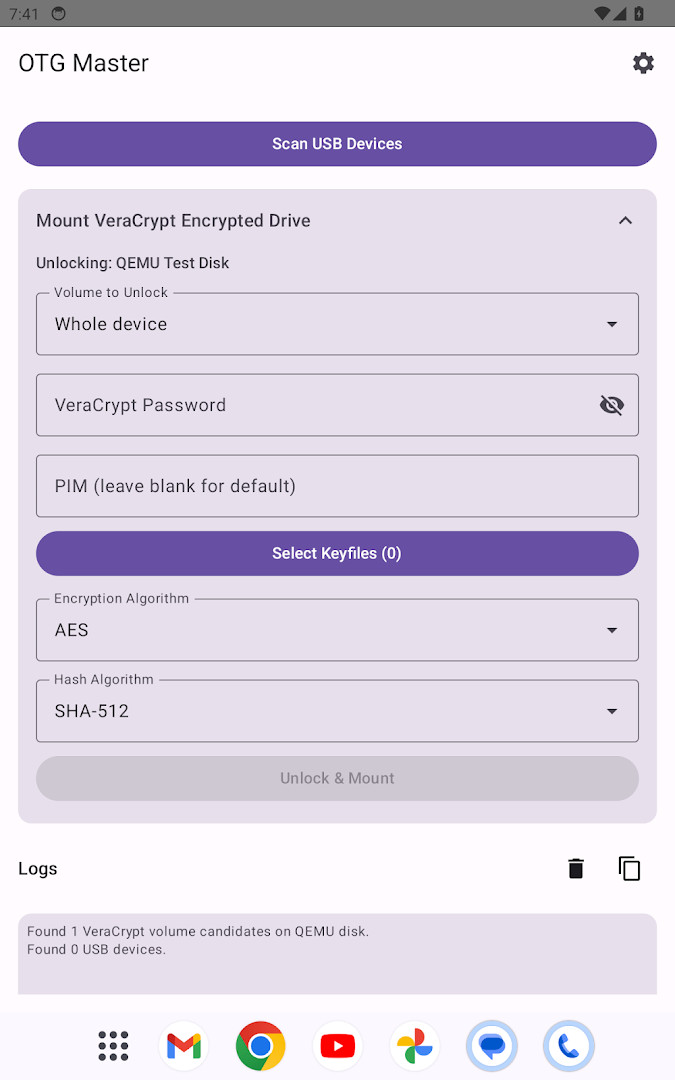
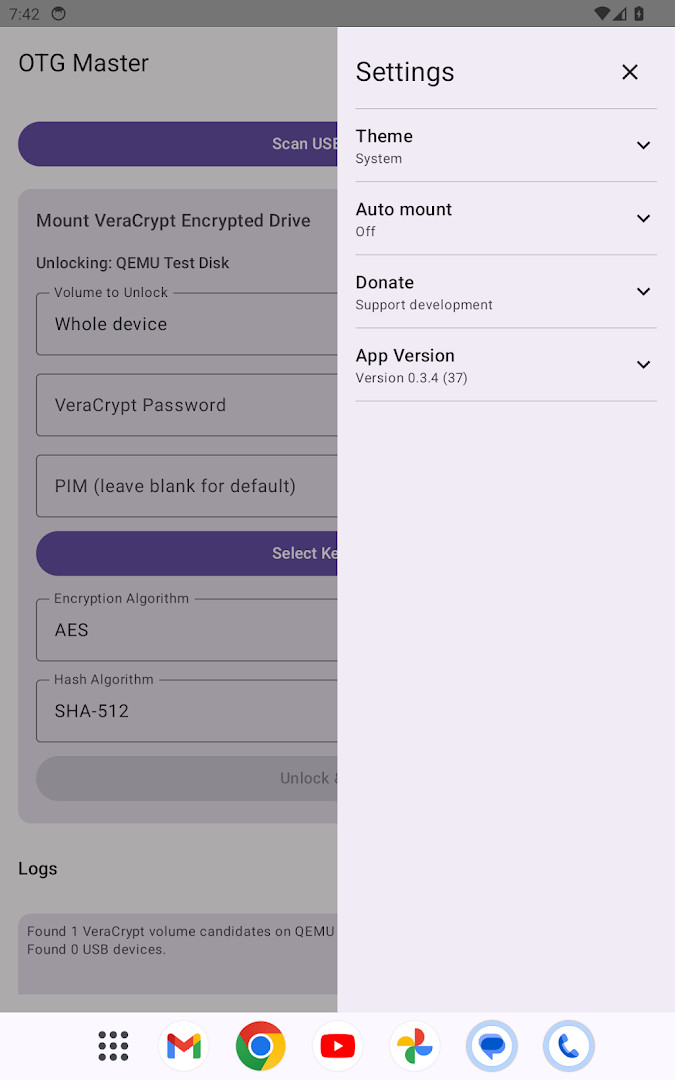
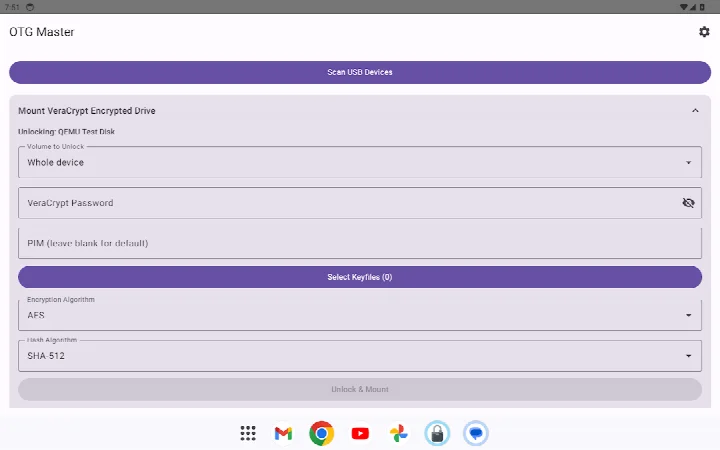
- Size
- 20 MB
- Requires Android
- 8.0
- Updated
- Oct 14, 2026
- Installs
- 500+
- Category
- Tools
- Developer
- moylali
- Content rating
- Everyone
- Package
- app.fayaz.otgmaster
- Free
- ✓
OTG Master is a utility by moylali that allows you to mount VeraCrypt-encrypted USB drives directly on your Android device without needing root access.
Designed for users who carry sensitive data on encrypted portable drives, the app bridges the gap between desktop-grade VeraCrypt volumes and mobile accessibility. By connecting a drive via USB OTG, you can enter your password, optionally provide a keyfile, and unlock the volume for reading and writing through Android's standard Files app. The software operates entirely offline, ensuring that your files never leave the device.
Beyond basic manual unlocking, OTG Master includes conveniences for power users, such as biometric Auto Mount for recognized drives and hub support for multiple connected volumes. It handles partitioned disks by scanning MBR tables, supports custom PIM values for enhanced key derivation, and offers cipher selection between AES and Serpent. The package is free and open source, released under the GPL-2.0-or-later license.
Key features
- Mount VeraCrypt-encrypted USB drives formatted with FAT32 or exFAT.
- Read and write files on unlocked volumes via Android's built-in Files app.
- Auto Mount uses biometric authentication to unlock known drives automatically on connection.
- Hub support handles multiple USB drives connected simultaneously, prompting for all in one step.
- Keyfile support allows using a separate file in addition to or instead of a password.
- Custom PIM values are accepted for stronger key derivation on VeraCrypt volumes.
- Cipher selection between AES and Serpent for decrypting drives.
- Scans MBR partition tables on partitioned disks, letting you choose the correct volume.
- Works without root access on standard, unmodified Android devices.
- No cloud connectivity or tracking; all file operations remain local to the device.
How to install
- Tap the download button on this page to get the APK file (20 MB in size).
- When prompted by Android, allow your browser or file manager to install apps by enabling the "Install unknown apps" setting.
- Locate and open the downloaded APK file on your device.
- Tap "Install" and wait for the installation process to finish.
- Open the app. Ensure your device runs Android 8.0 or later and that you have a USB OTG cable or adapter ready.
Pros
- No root required, working on standard Android setups.
- Free and open source with a clear privacy stance (no cloud, no tracking).
- Biometric Auto Mount streamlines repeated access to trusted drives.
- Supports keyfiles and custom PIM for additional security layers.
- Small APK size at 20 MB.
- Hub support for handling multiple encrypted drives at once.
Cons
- Currently limited to FAT32 and exFAT file systems on mounted VeraCrypt volumes.
- Only AES and Serpent ciphers are supported among VeraCrypt's options.
- LUKS and BitLocker support described in some sources is not present in this version.
- Requires an OTG cable or adapter, which is an additional hardware purchase for some users.
- Very small install base at this stage, meaning less community feedback.
Older versions
| Version | Size | Requires Android | Updated |
|---|---|---|---|
| 0.4.1 | 20 MB | 8.0 | Oct 14, 2026 |
| 0.4.0 | 14 MB | 8.0 | Oct 2, 2026 |
| 0.3.12 | 13 MB | 8.0 | Sep 29, 2026 |
| 0.3.11 | 13 MB | 8.0 | Sep 22, 2026 |
This app is for privacy-conscious users who already rely on VeraCrypt for encrypting USB drives and need a way to access those volumes securely on an Android phone or tablet without modifying the OS. It suits IT professionals, journalists, and anyone handling sensitive documents on the go.
For faster access, set up Auto Mount with your fingerprint on drives you use regularly. If your VeraCrypt volume uses a non-default PIM or a keyfile, make sure to enter those details during the first mount, as the app will remember them for future biometric unlocks. Keep your OTG adapter handy, as the app is useless without a physical connection.
FAQ
How do I install the OTG Master APK on my Android device?
Download the APK file from this page, then open it on your Android device. You may need to allow installation from unknown sources in your device settings if prompted. The app requires Android 8.0 or later.
What is the current version of OTG Master?
The latest version is 0.4.1, released on October 14, 2026. Previous versions include 0.4.0 and 0.3.12.
Does OTG Master contain ads or in-app purchases?
No, OTG Master is free and does not include ads or in-app purchases. It is also open source.
Can I use OTG Master offline?
Yes, OTG Master works entirely offline. Your files never leave your device, and there is no cloud involvement or tracking.
Are there other apps in the Tools category that can mount encrypted USB drives?
Yes, there are other tools available that can mount encrypted drives on Android. However, OTG Master is notable for not requiring root access and supporting VeraCrypt volumes.
What file systems does OTG Master support for mounting?
OTG Master supports VeraCrypt volumes formatted as FAT32 or exFAT for both reading and writing files.
For anyone who values portable encrypted storage and wants a straightforward, open-source solution on Android, OTG Master is a compelling choice. It delivers on its core promise without demanding root access or compromising on privacy, making secure file access on the go both practical and transparent.
Similar apps








Updated: Oct 23, 2026