Picsart AI Photo Editor, Video for Android
Picsart AI Photo Editor, Video is a free all-in-one photo and video editing app from PicsArt, Inc. for creating AI-powered designs, collages, and social media content.
Download Picsart for Android · v30.9.5Picsart AI Photo Editor, Video is designed for creators, solopreneurs, and anyone who wants to produce polished visual content without complex software. The app addresses the need for a versatile, accessible editing suite by combining AI image and video generation, background removal, object erasing, and retouch tools into one platform.
Screenshots
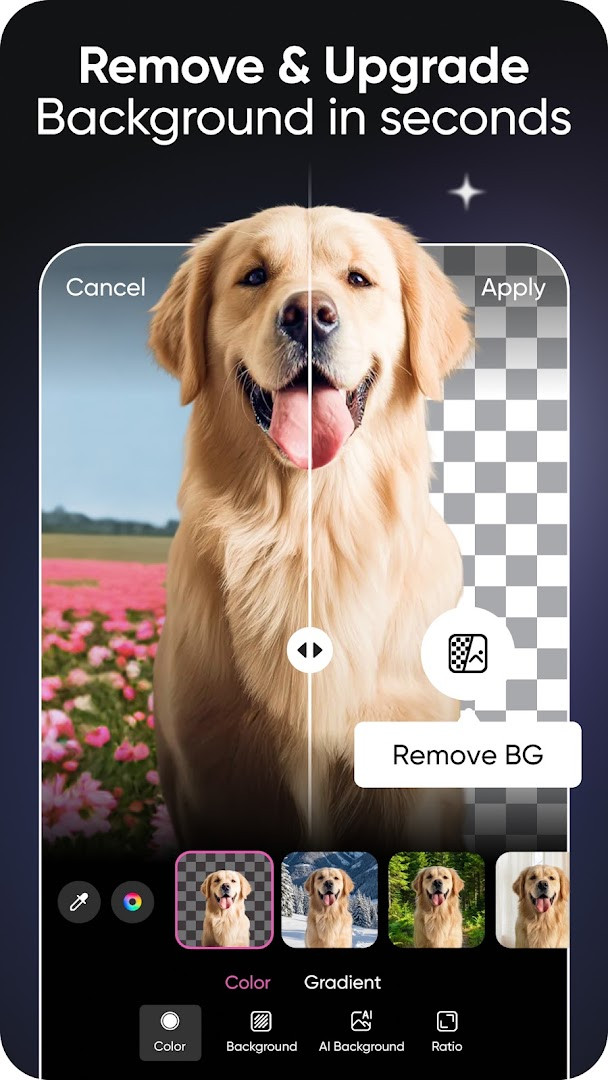
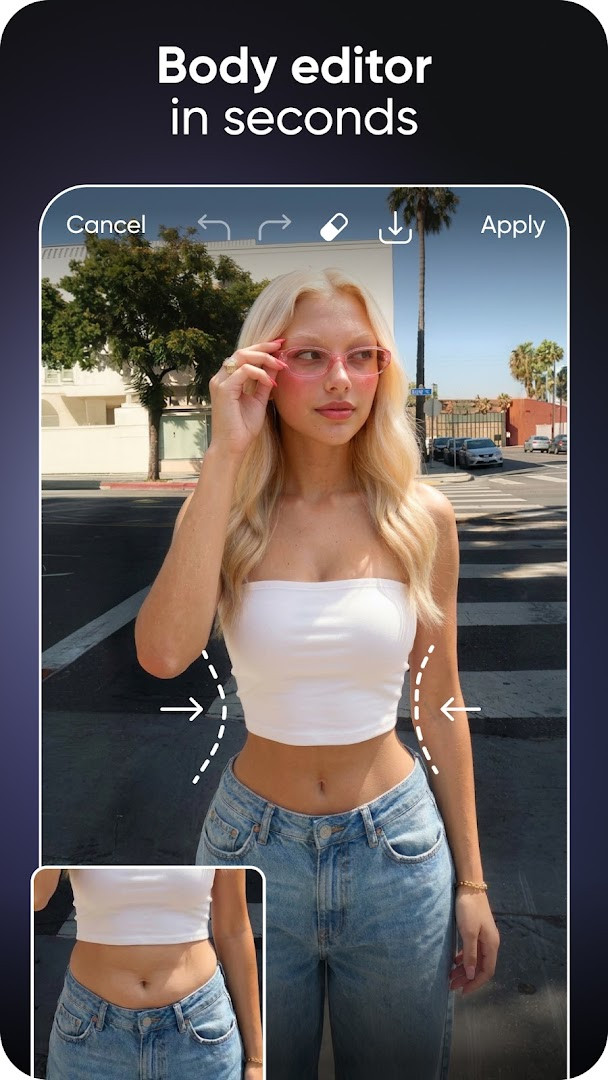
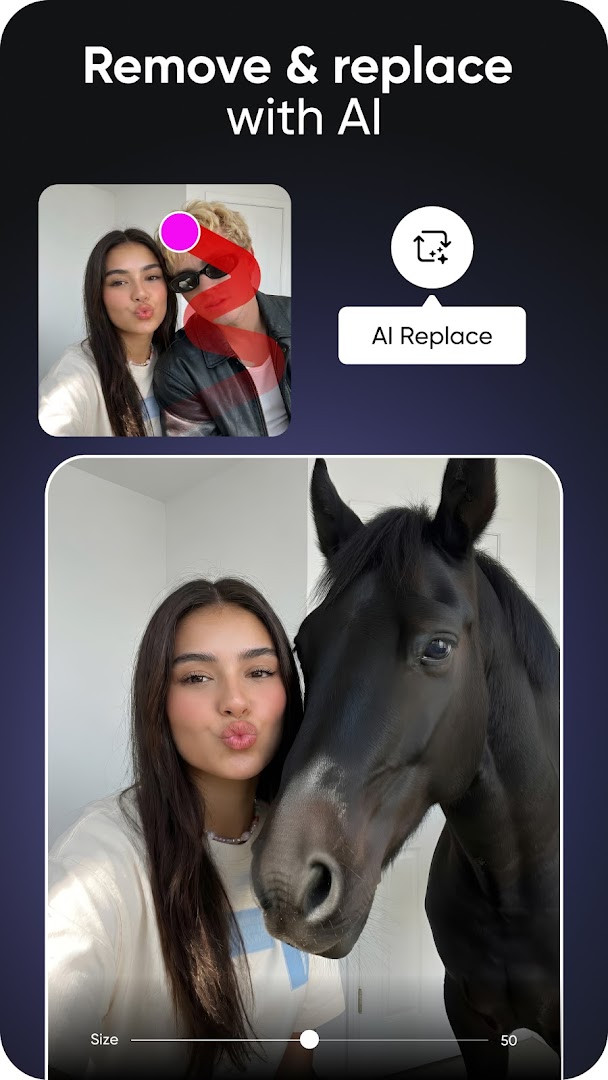
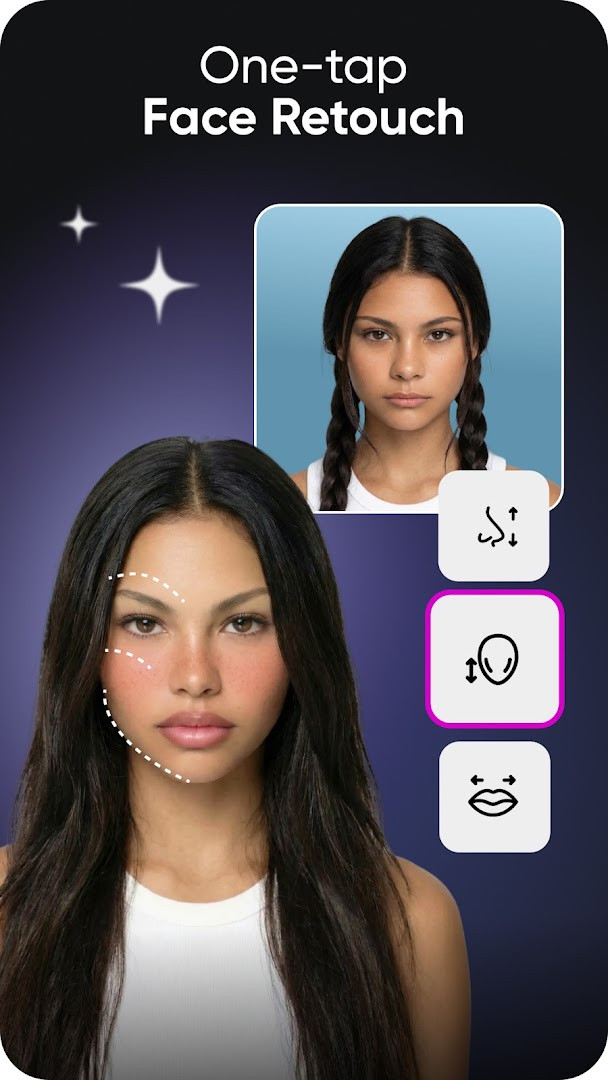
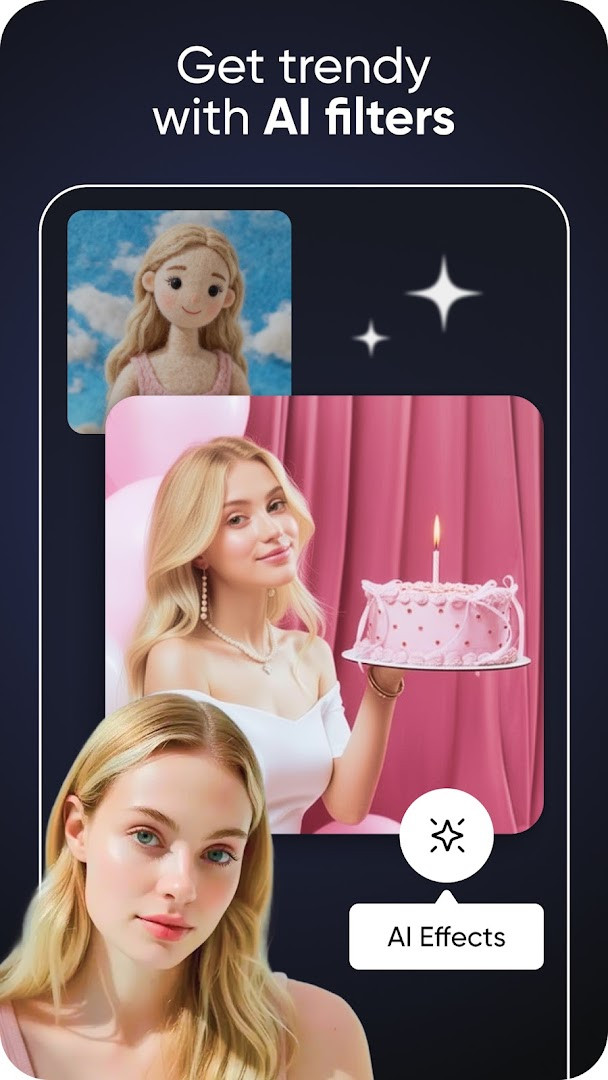
- Version
- 30.9.5
- Requires Android
- 6.0
- Updated
- Oct 2, 2026
- Installs
- 1B+
- Rating
- ★ 3.95 (12,126,261)
- Category
- Photography
- Developer
- PicsArt, Inc.
- Content rating
- Teen
- Package
- com.picsart.studio
- Free
- ✓ · Contains ads · In-app purchases
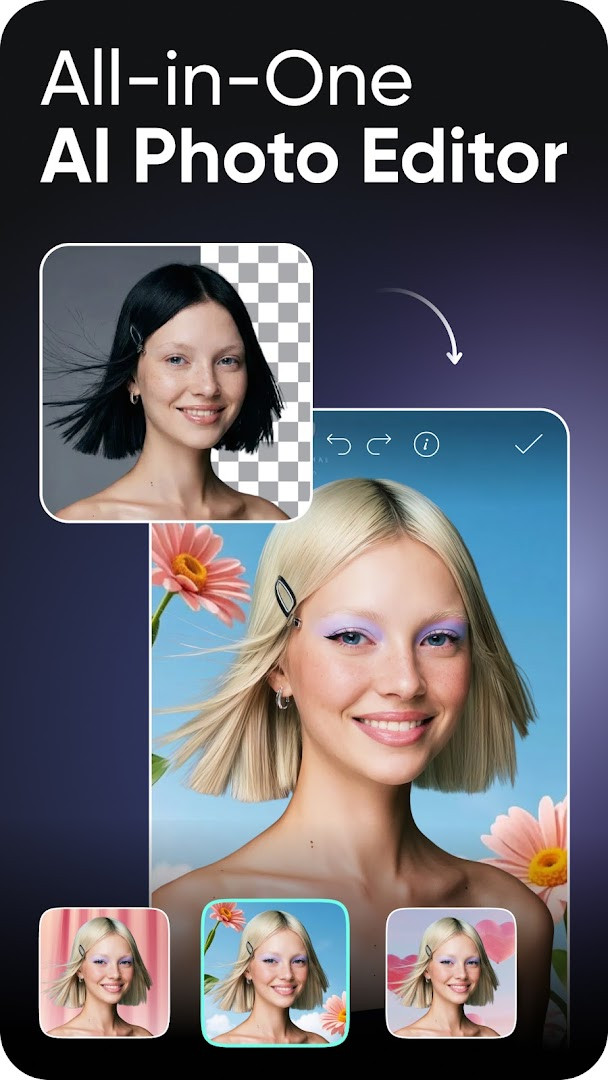
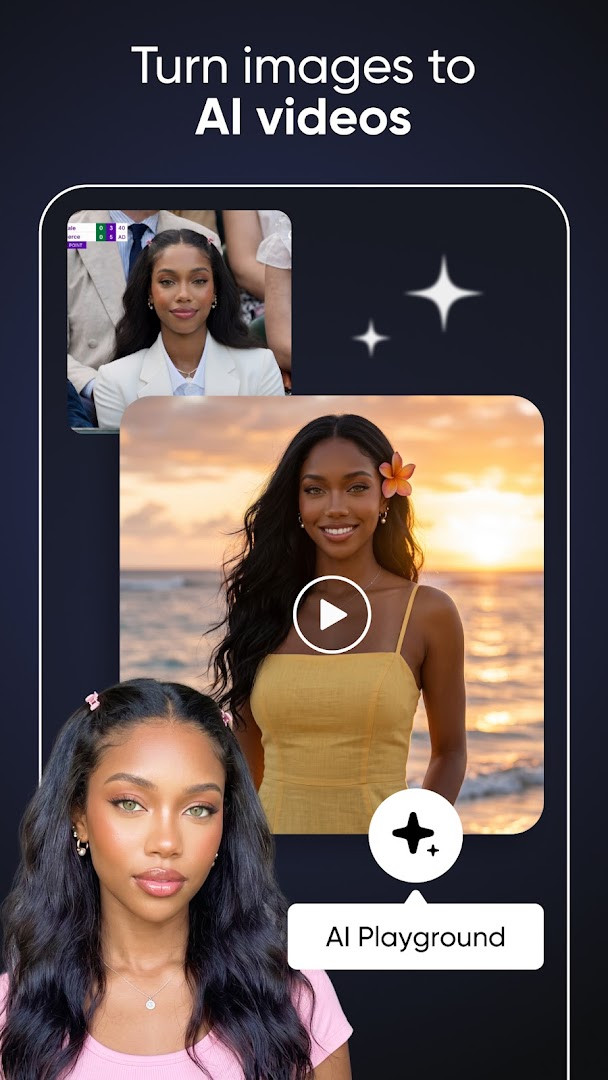
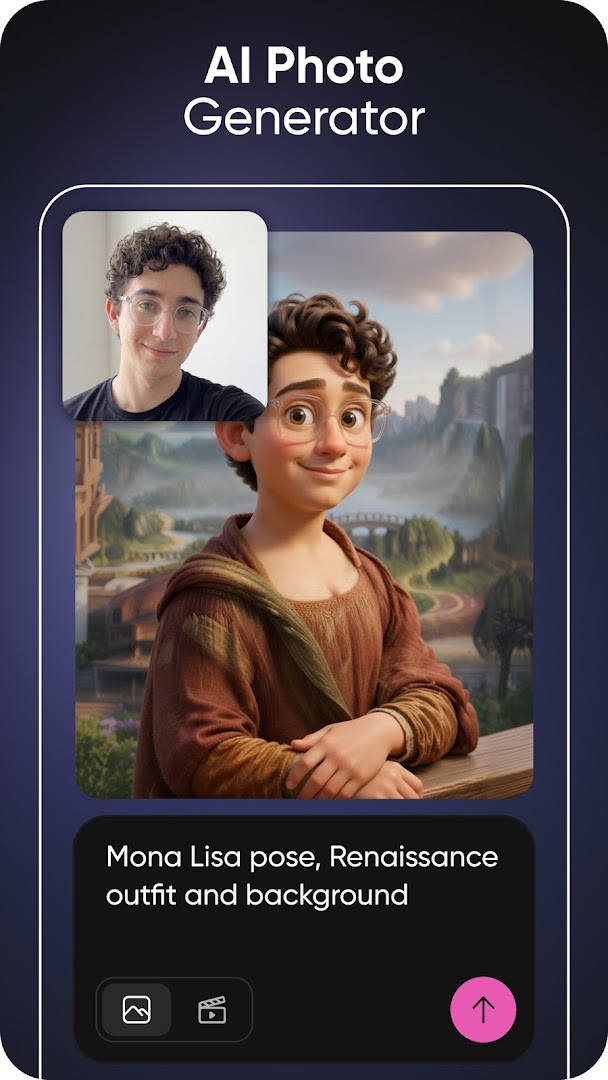
Picsart AI Photo Editor, Video is a photography and video editing app by PicsArt, Inc. that combines AI-powered image generation, video creation, retouching, and design tools in one place. It is aimed at people who want to make polished visuals without learning professional desktop software. The core problem it addresses is that editing photos and videos usually requires several separate tools: one for cutting out backgrounds, another for filters, another for collages, and yet another for adding text or stickers. Picsart brings those tasks together and adds AI features on top. You can remove a background, erase an unwanted object, generate an image or a short video from a text prompt, retouch a portrait, expand a picture beyond its original frame, or try on outfits virtually. Templates made by professional editors help you start a social post, story, logo, poster, or business card quickly, and the same editor handles video clips with music, effects, and filters. The app has been available since 2011 and its current version is 30.9.5, updated on 2026-10-02. It requires Android 6.0 or newer, is free to download, and reports more than one billion installs with a rating of 3.95 from over twelve million ratings. Ads and in-app purchases are present, so some content and tools sit behind optional paid tiers.
Key features
- AI image and video generation from text prompts, with multiple AI models combined for creating and editing visuals.
- Background Remover for clean cutouts, plus Smart Background for blending new backdrops behind a subject.
- Object Remover (also called Object Eraser) for deleting unwanted objects, clutter, or imperfections from a photo.
- AI retouching and enhancement tools, including AI Enhance, AI Retouch, AI Replace, and AI Expand for portraits and image adjustments.
- A video editor for creating and editing clips with music, text, effects, trendy filters, image-to-video motion, and video collages.
- Collage Maker with photo grid and freestyle layouts, plus a sticker maker with access to a large sticker collection and custom sticker creation.
- Text Editor with hundreds of classic and trendy fonts, customizable text styles, and AI Writer for captions and marketing copy.
- Customizable templates for social posts, stories, logos, posters, and business cards, along with AI avatar generation from selfies and AI Try-On for outfits.
How to install
- Tap the download button on this page to get the APK file.
- When Android asks, allow your browser or file manager to install apps. This is the Install unknown apps setting.
- Open the downloaded APK file from your notifications or file manager.
- Tap Install and wait while the package is set up.
- Open the app and sign in or start creating. Note that the file size is not available in the app data, and the minimum Android version required is 6.0.
Pros
- Combines photo editing, video editing, AI generation, collages, and text tools in a single app.
- Free to download and use, with a large install base and a long track record since 2011.
- AI features cover common beginner needs such as background removal, object erasing, and image generation from prompts.
- Templates, stickers, and fonts reduce the effort needed to produce a finished-looking design.
- Works for both quick social media edits and more involved creative projects.
Cons
- Displays ads, which can interrupt the editing flow.
- Offers in-app purchases, and some AI tools, templates, and storage are tied to paid Plus or Pro tiers.
- Requests several permissions, including contacts, photos and media files, storage, camera, microphone, and Wi-Fi connection information.
- Rated Teen, so younger users may need supervision.
- Requires Android 6.0 or newer, so older devices are not supported.
Latest changes · 30.9.5
Version 30.9.5 focuses on tidying up a few bugs. Most improvements happen behind the scenes, with new features, content, stickers, and templates being added regularly.
Older versions
| Version | Size | Requires Android | Updated |
|---|---|---|---|
| 30.9.5 | — | 6.0 | Oct 2, 2026 |
This app suits beginners who want one place to edit photos and videos without switching between programs. If you post to social media, run a small business, or simply enjoy making collages, stickers, and AI art, the mix of templates and automated tools lowers the learning curve. It is also reasonable for people curious about AI image and video generation, since prompts, avatars, and try-on features are built in. Users who prefer a completely ad-free experience or need every advanced tool unlocked without additional payment may find the free tier limiting, but for casual and intermediate creators it covers a wide range of everyday tasks.
Start with a template or a single tool such as Background Remover before exploring the full editor, so the interface feels less overwhelming. Save your project as you go, because larger edits and AI generations can take a moment. If ads bother you, work in short sessions or look at the available upgrade options. Keep an eye on permissions and grant only what you actually need, for example camera access if you plan to shoot photos inside the app.
Permissions
FAQ
What is Picsart Aura and how does it streamline the creative process?
Aura is a creative partner built on Picsart’s platform that lets you chat your vision into visuals, generating and editing AI photos and videos from prompts in a single conversation. It can suggest prompts, remember past chats, and combine different AI models.
Can Picsart alter a person’s appearance in a photo beyond basic retouching?
You can use the AI Replace feature to transform images with face swaps, change hair colors, and apply selfie edits, while the AI Try-On tool lets you experiment with different outfits and styles instantly.
What was changed in the most recent app version dated October 2, 2026?
According to the latest information, version 30.9.5 was released on October 2, 2026, and primarily tidies up a few bugs, with the note that many new features, stickers, and templates are added continuously without requiring an app update.
How does the Object Remover tool work to clean up photos?
The app includes an Object Remover, also called Object Eraser, which is designed to delete unwanted objects, clutter, and imperfections from your photos for a cleaner result.
Picsart AI Photo Editor, Video packs a broad set of editing and AI tools into one free app, which makes it a practical starting point for beginners. Just keep in mind that ads and in-app purchases are part of the experience, and check that your device runs Android 6.0 or newer before installing.
Similar apps
 GalleryGoogle LLC4.2
 Samsung GallerySamsung Electronics Co., Ltd.3.8
 AI GalleryTranssion Holdings3.5
 BeautyPlus-Selfie Photo EditorPIXOCIAL TECHNOLOGY (SINGAPORE) PTE. LTD.4.5
 FaceApp: Perfect Face EditorFaceApp Technology Ltd4.3
 Video Editor & Maker - InShotInShot Video Editor4.8
 Camera360 :Photo Editor&SelfiePINGUO TECHNOLOGY HK CO LIMITED4.2
 SpaceBeamPhotography
Updated: Oct 14, 2026