
Gallery: Smart Photo Manager
Gallery is a free photography app by Google LLC that lets you automatically organize and edit photos and videos offline.
Get APK · v1.9.4.930218541 releaseGallery is a free app with no ads or in-app purchases. It requires Android 8.0 or newer and was updated on June 24, 2026. Gallery is designed for users who want a lightweight tool to manage media using minimal storage and data, with nightly grouping into categories like Selfies, Nature, and Documents.
Screenshots
- Version
- 1.9.4.930218541 release
- Requires Android
- 8.0
- Updated
- Jun 24, 2026
- Installs
- 1B+
- Rating
- ★ 4.23 (651,726)
- Category
- Photography
- Developer
- Google LLC
- Content rating
- Everyone
- Package
- com.google.android.apps.photosgo
- Free
- ✓
Gallery is a photo and video management app by Google LLC that organizes, edits, and stores media files on Android devices. It is designed to help users locate images quickly through automatic categorization, apply one-tap enhancements, and manage folders, including support for SD cards. The app targets users who want a lightweight, offline-capable gallery that does not consume excessive storage or memory.
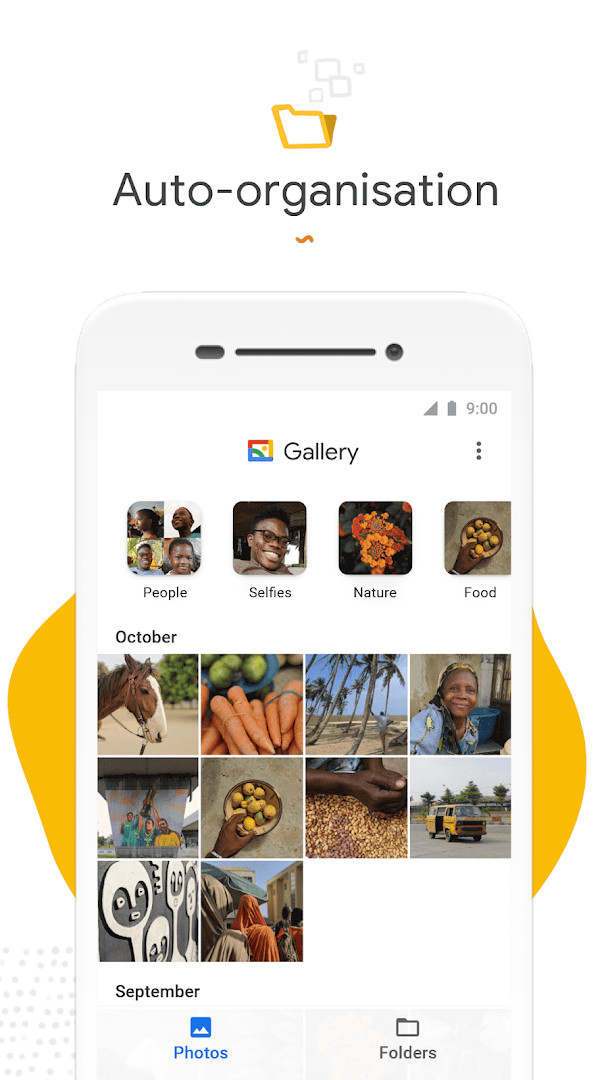
The app performs nightly automatic organization, grouping photos into categories such as People, Selfies, Nature, Animals, Documents, Videos, and Movies. This grouping is intended to reduce manual scrolling and make it easier to find specific images. It is important to note that face grouping, which powers the People category, is not currently available in all countries, as indicated in the app's description.
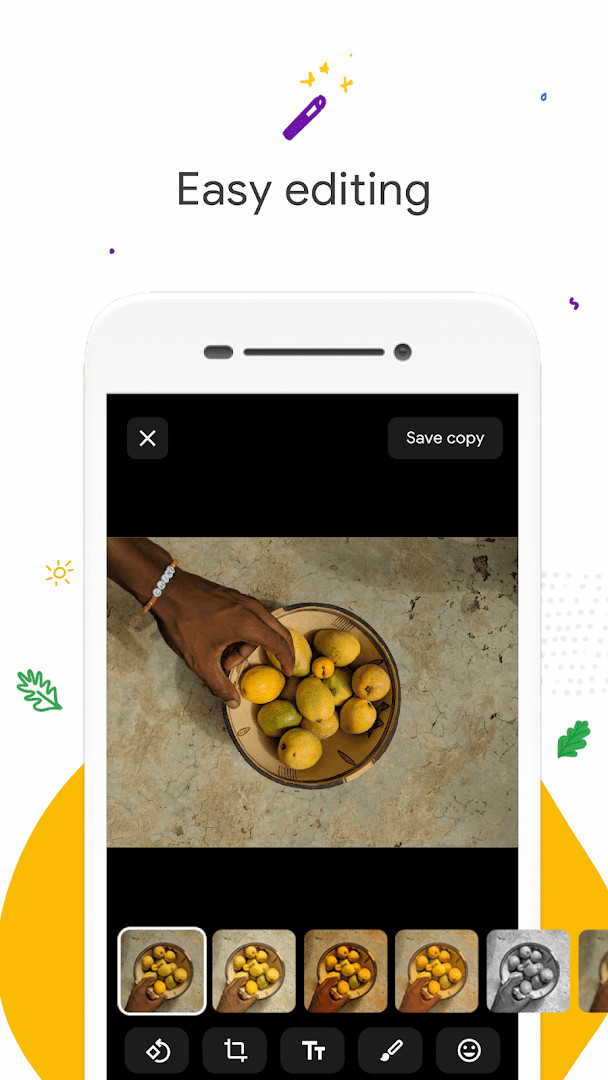
Gallery includes a built-in photo editor with an auto-enhance tool that adjusts images with a single tap. Users can also create custom folders to arrange photos according to their preferences and can view, copy, and transfer files to and from SD cards. The app is optimized to work offline, allowing full management of media without consuming mobile data.
The app is free, contains no ads, and does not offer in-app purchases. It requires Android 8.0 or higher and has a content rating of Everyone. With over one billion installs and a rating of 4.24 based on more than 646,000 ratings, it is a widely used gallery solution. The latest version, 1.9.4.930218541 release, was updated on 2026-06-24.
Key features
- Automatic nightly organization of photos into People, Selfies, Nature, Animals, Documents, Videos, and Movies categories
- One-tap auto-enhance editing tool to improve photo quality
- Folder support for custom organization of photos
- Ability to view, copy, and transfer files to and from SD cards
- Small app size to conserve device storage
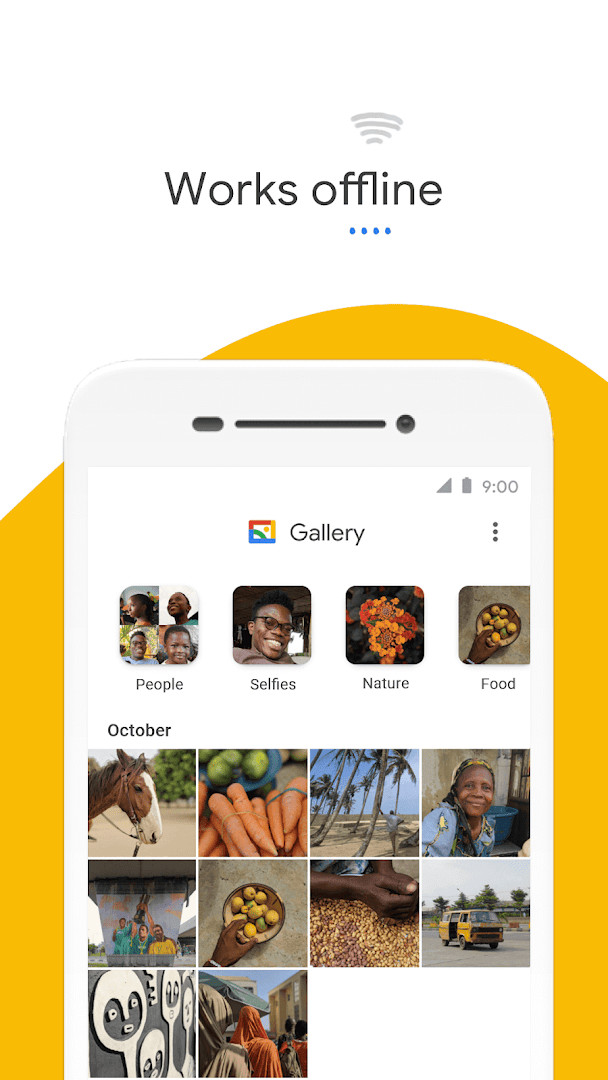
- Optimized to work offline, reducing data usage
- Face grouping feature (availability varies by country)
How to install
- Tap the download button on this page to get the APK file. The file size is n/a.
- When prompted, allow your browser or file manager to install apps by enabling the 'Install unknown apps' setting in your device settings.
- Open the downloaded APK file from your notification bar or file manager.
- Tap 'Install' and wait for the installation to complete.
- After installation, tap 'Open' to launch Gallery. Ensure your device runs Android 8.0 or higher.
Pros
- Automatic organization saves time searching for photos
- Auto-enhance tool improves images with a single tap
- Offline functionality reduces data consumption
- Small app size helps preserve device storage
- No ads or in-app purchases
Cons
- Face grouping not available in all countries
- Requires Android 8.0 or higher, which may exclude older devices
- Permissions include access to Photos/Media/Files and Storage, which may raise privacy considerations
Latest changes · 1.9.4.930218541 release
This update includes bug fixes and minor improvements to the app.
Older versions
| Version | Size | Requires Android | Updated |
|---|---|---|---|
| 1.9.4.930218541 release | — | 8.0 | Jun 24, 2026 |
| 1.9.2.712403868 release | 0.1 MB | 8.0 | Apr 3, 2026 |
| 1.0.7.280110503 release | 10 MB | 8.1 | Nov 14, 2019 |
Gallery is suitable for Android users who need a fast, offline-capable photo and video manager with automatic organization and basic editing tools. It is ideal for people with large media libraries who want to find images quickly without spending data, and for those who prefer a lightweight app that does not slow down their device.
To get the most out of automatic organization, ensure the app has permission to access your media and storage. You can manually create folders for specific projects or events. The auto-enhance feature is most effective on photos with lighting or color issues.
Permissions
FAQ
How does automatic organization work in Gallery?
Each night, Gallery sorts your photos into groups like People, Selfies, Nature, Animals, Documents, Videos, and Movies. This helps you find what you need faster without manual sorting. Note that face grouping may not be available in all countries.
Can I use Gallery with an SD card?
Yes, Gallery supports folders and SD card storage. You can view, copy, and transfer photos and videos to and from your SD card easily while keeping your files organized in folders.
Does Gallery require an internet connection?
No, Gallery is optimized to work offline. You can manage and store all your photos and videos without consuming mobile data.
What editing tools are included and how do they help?
Gallery includes easy-to-use photo editing tools, such as auto-enhance, which improves your photos with a single tap to make them look their best.
How does Gallery handle performance and storage on my device?
Gallery has a small file size and uses less memory on your device, so it won't slow down your phone and leaves more space for your own photos and videos.
Gallery offers a practical, no-frills approach to photo and video management, combining automatic sorting, straightforward editing, and offline operation in a compact package. For users who value speed and efficiency without extra costs, it remains a dependable choice on Android.
Similar apps








More from this developer






Updated: Oct 14, 2026