
SpaceBeam: Kaleidoscope Camera App
SpaceBeam is a graphics app by its developer that turns a camera feed into real-time kaleidoscope and geometry visuals.
Download SpaceBeam · v5.1SpaceBeam is a graphics app that turns camera input into psychedelic real-time kaleidoscope patterns and can send the image to a second screen over miracast or HDMI. It is free, requires Android 10 or newer, and has a download size of 60 MB. Version 5.0 dates from 2026-10-14, and the app was released on 2026-03-27.
Screenshots
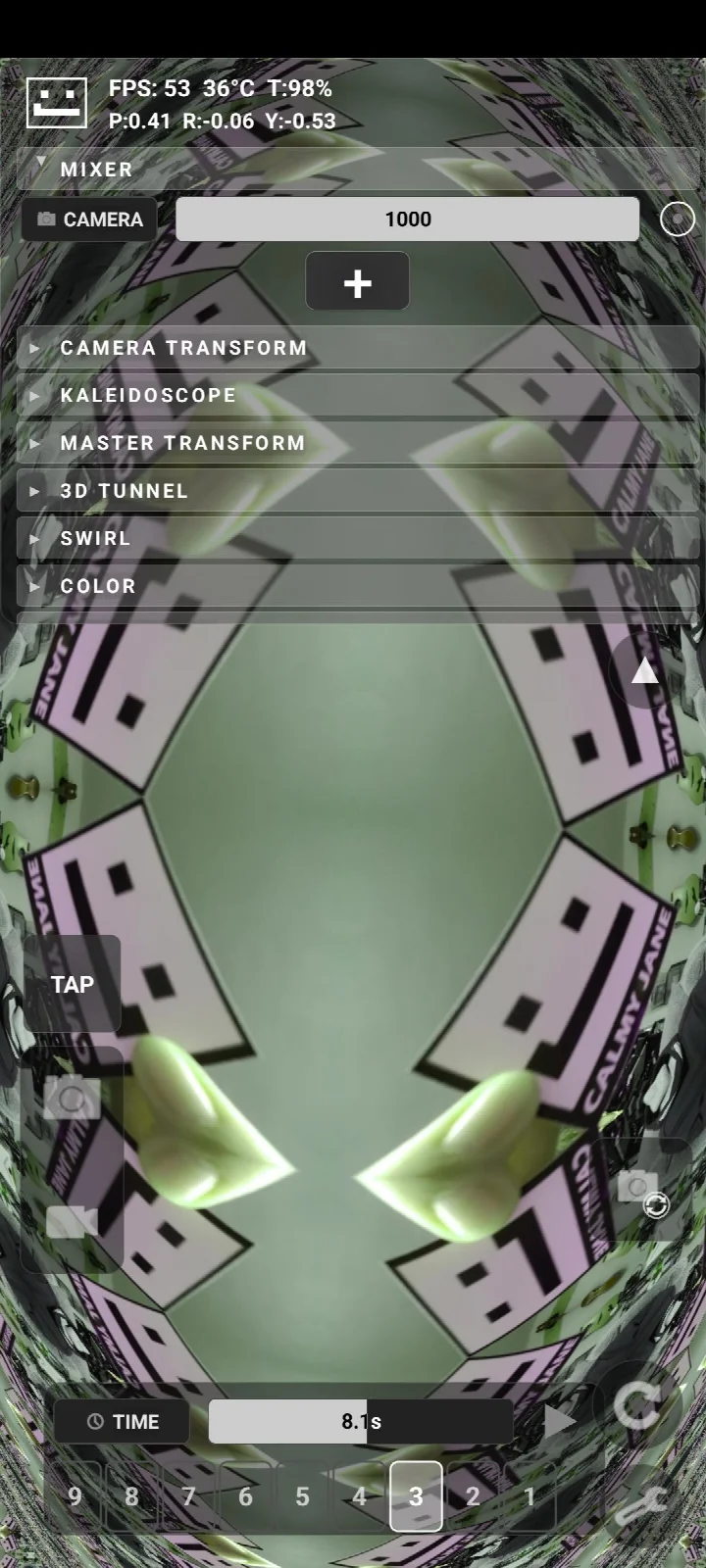
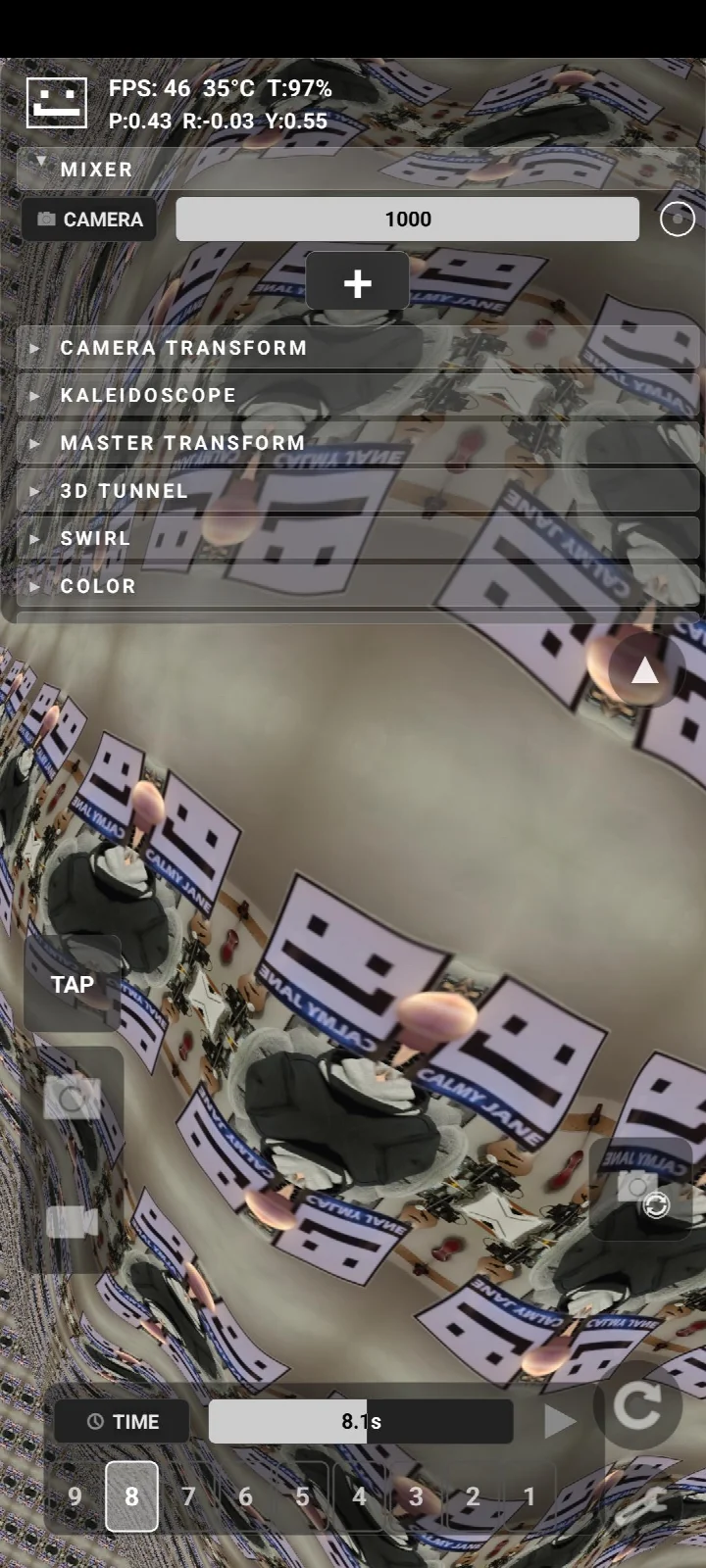
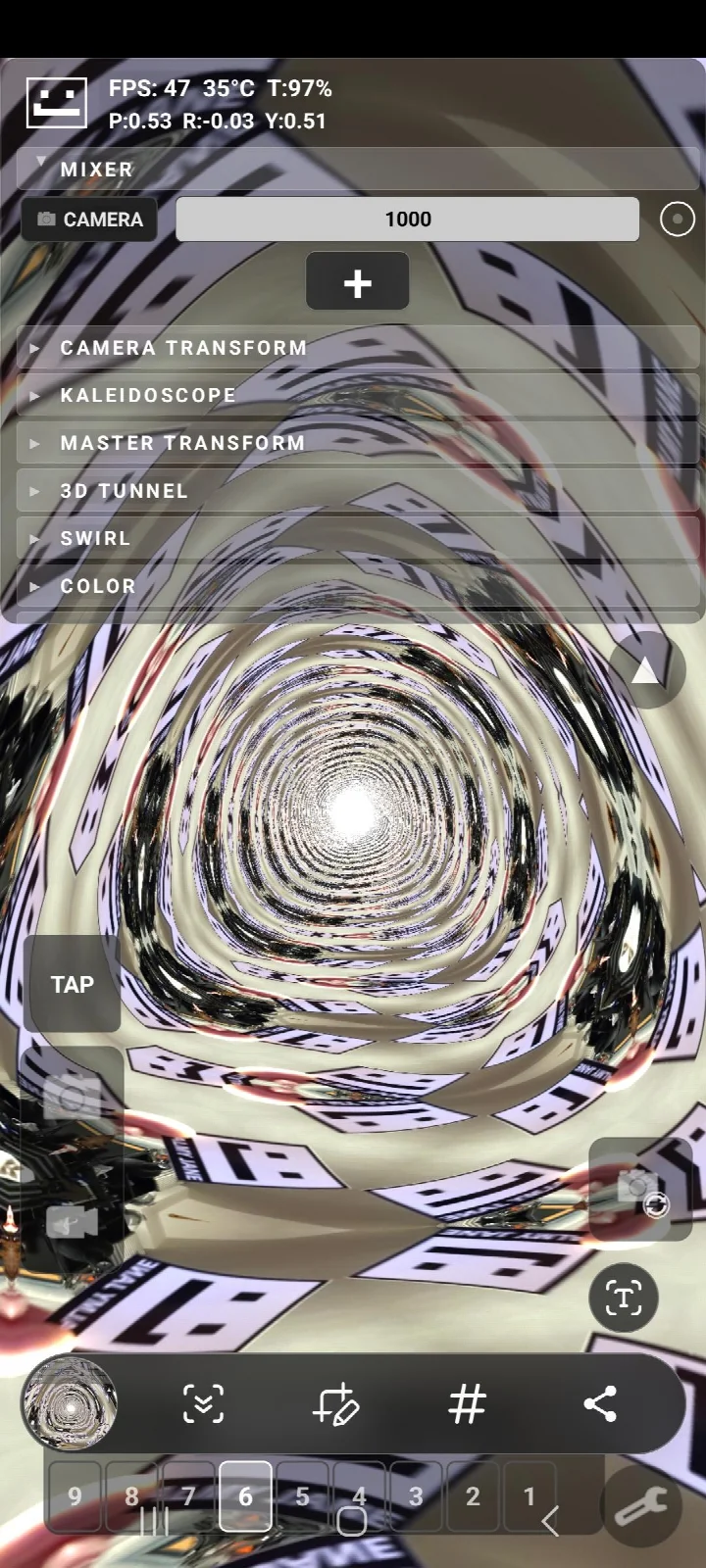
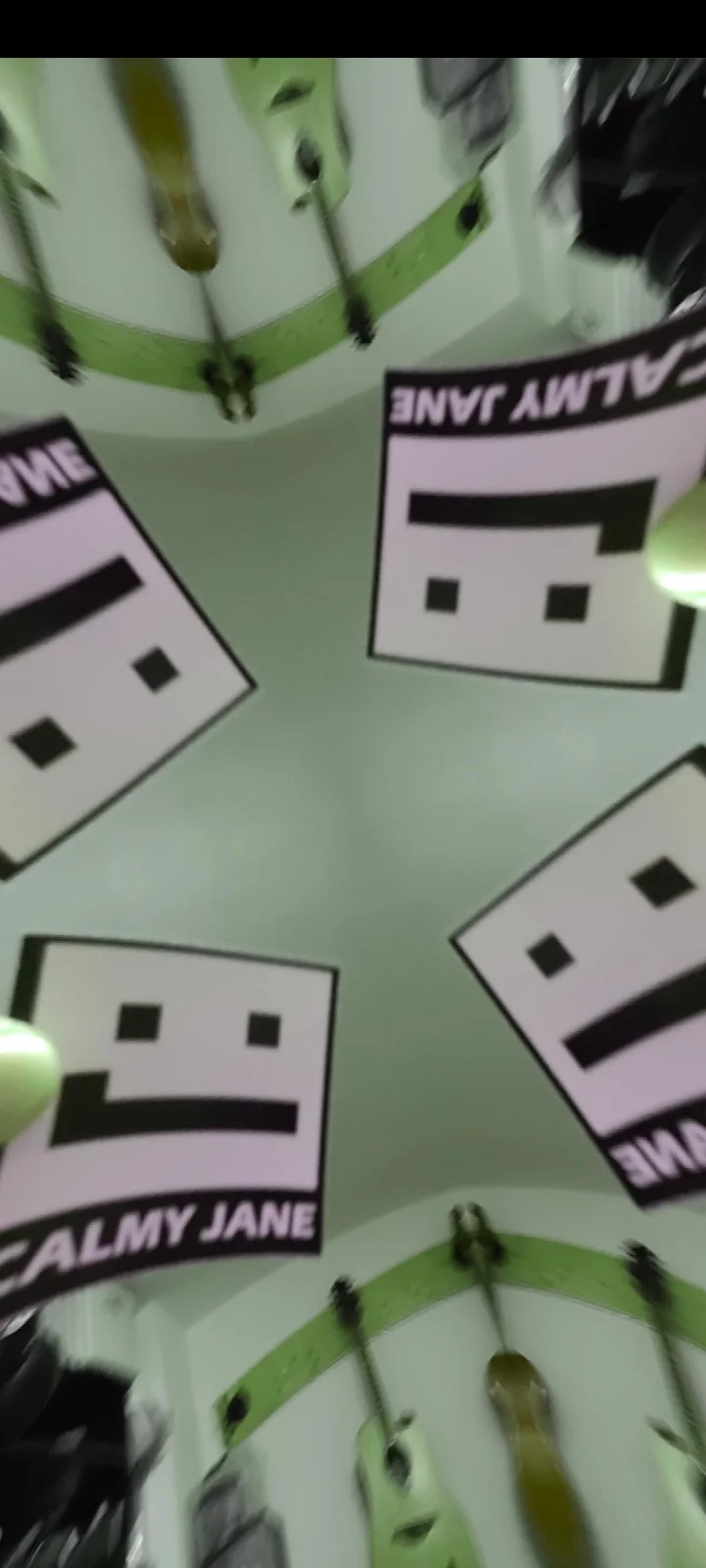
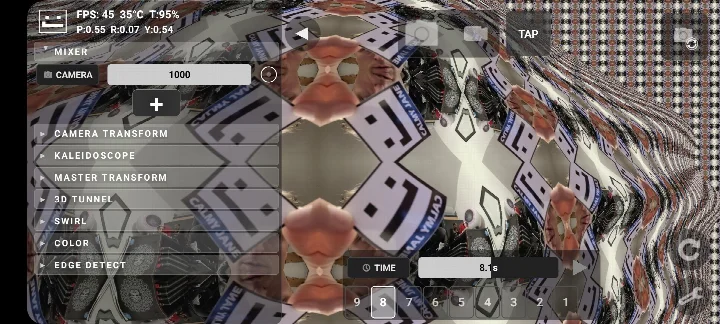
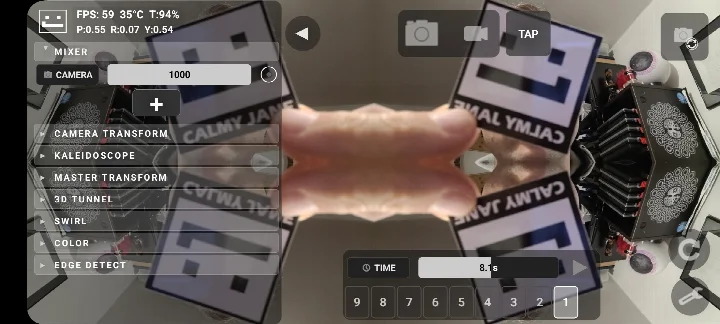
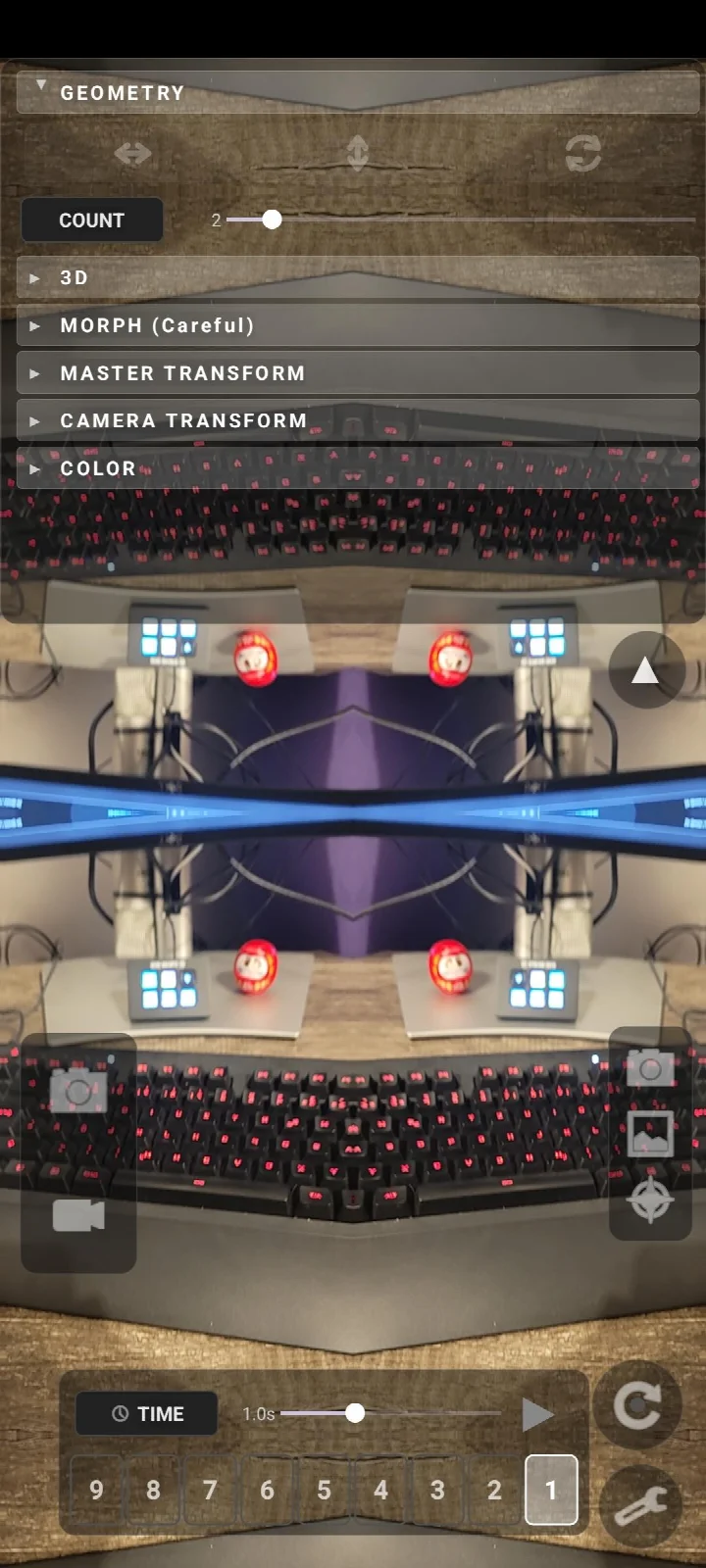
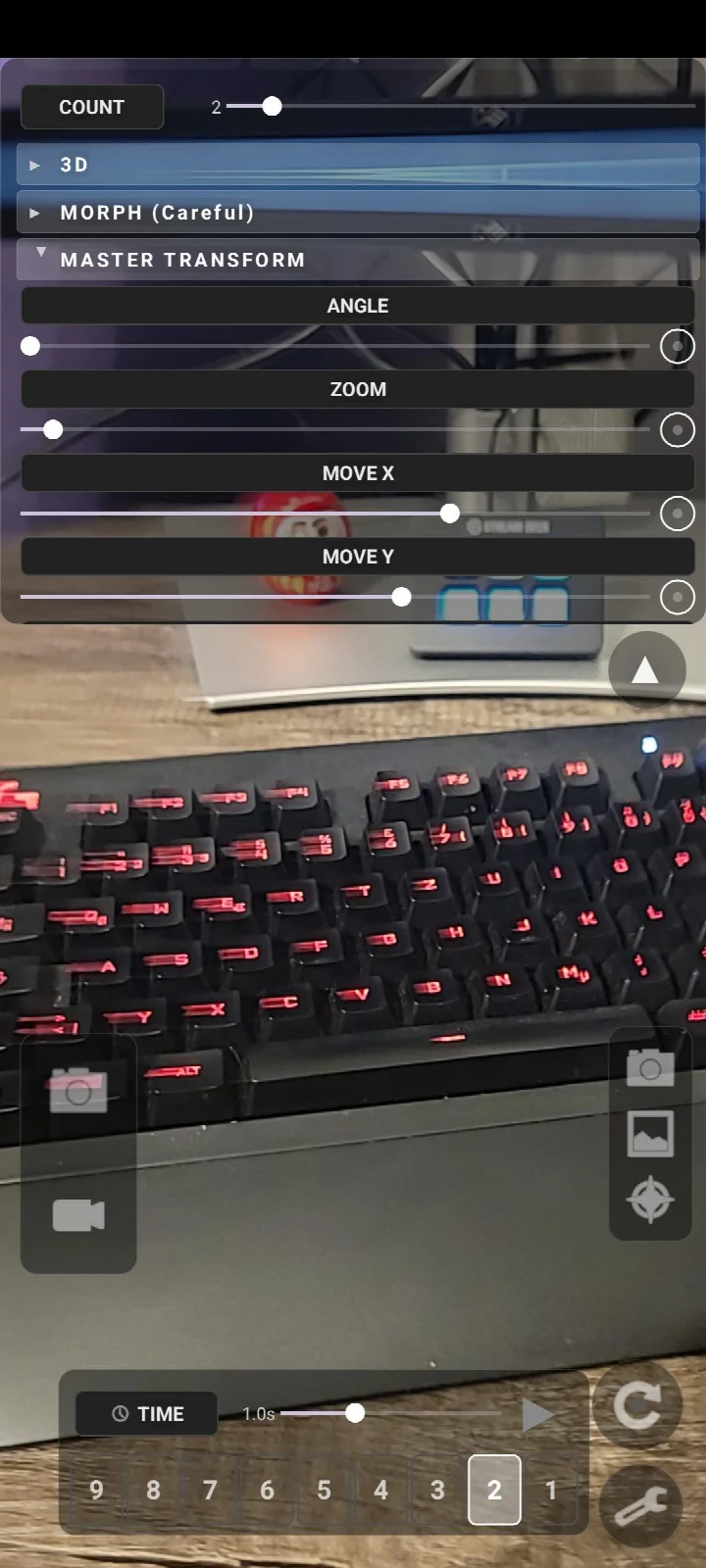
- Version
- 5.1
- Size
- 60 MB
- Requires Android
- 10
- Updated
- Oct 27, 2026
- Category
- Photography
- Package
- com.calmyjane.spacebeam
- Free
- ✓
SpaceBeam is a graphics app by calmyjane that transforms a camera feed into a real-time psychedelic geometry pattern generator. It is designed for live visual performances, letting users create kaleidoscopic and shader-based visuals from a phone without heavy computers or extra cabling. The app addresses the challenge of producing responsive, generative visuals on a portable device by supporting multiple input sources and modulation methods. Camera, RTSP streams, image or video playlists, generative shaders, and feedback can all serve as inputs, while hand tracking, face tracking, accelerometer data, MIDI, and beat-synced LFOs control the output. The result can be shared to a TV or projector over Miracast or HDMI, making it suitable for stage use, installations, or improvisational art setups.
Key features
- Kaleidoscope effects applied to the live camera feed.
- Multiple input sources including front/back camera, RTSP streams, image or video playlists, generative shaders, and feedback.
- Merge modes such as add, subtract, and multiply for layering visuals.
- Hand tracking to control parameters with finger pinch, hand tilt, and hand distance.
- Face tracking using head tilt, distance, and mouth width as modulation sources.
- Accelerometer and gyroscope modulation for tunnel effects and other visuals.
- Bluetooth MIDI controller support for external modulation.
- BPM tap and beat-synced LFOs, nine preset slots with smooth transitions, auto-play mode, and undo/redo buttons.
How to install
- Tap the download button on this page to get the SpaceBeam APK file.
- When Android asks, allow your browser or file manager to install apps by enabling the Install unknown apps setting.
- Open the downloaded APK file. The file size is about 60 MB.
- Tap Install and wait for the process to finish.
- Open SpaceBeam. The app requires Android 10 or newer.
Pros
- Free to use with no in-app purchases mentioned.
- Camera, hand, and face tracking are processed on the device only; nothing is stored or sent anywhere.
- The app does not communicate with the internet, which limits data exposure.
- Supports many input sources, including RTSP and Bluetooth MIDI controllers.
- Open source under GPL-3.0-only, allowing community inspection and modification.
Cons
- Miracast support is limited to certain devices, so wireless display sharing may not work on every phone.
- The app needs the Modify System Settings permission to force screen timeout to infinite, which some users may find intrusive.
- Blocking network access will cause error messages when trying to add RTSP sources.
- The interface may feel complex for casual users due to the many input and modulation options.
Older versions
| Version | Size | Requires Android | Updated |
|---|---|---|---|
| 5.1 | 60 MB | 10 | Oct 27, 2026 |
| 5.0 | 60 MB | 10 | Oct 14, 2026 |
| 4.3 | 51 MB | 10 | Apr 12, 2026 |
| 4.1 | 17 MB | 10 | Apr 12, 2026 |
| 4.0 | 17 MB | 10 | Apr 9, 2026 |
SpaceBeam is aimed at live visual artists, VJs, and performers who want to generate responsive, camera-driven visuals from a mobile device. It suits people comfortable with signal routing and modulation concepts, especially those who already use MIDI controllers or external cameras. Casual users may find the feature set overwhelming, but anyone interested in generative graphics and experimental video will find a lot to explore.
For the smoothest wireless display experience, use a Samsung Android device that supports Miracast via Smart View. If you want a remote camera source, set up an IP Webcam on a second phone and connect both devices to the same Wi-Fi network or hotspot.
FAQ
How do I install the APK on Android?
Download the APK file and open it from your file manager. If prompted, allow installation from unknown sources in your device settings, then follow the on-screen steps.
What is new in version 5.0?
Version 5.0 is the latest release, dated October 14, 2026. It includes the core features of SpaceBeam, such as kaleidoscope effects, hand and face tracking, and multiple input sources.
Is SpaceBeam free? Does it contain ads or in-app purchases?
SpaceBeam is free to use. There are no ads or in-app purchases mentioned in the app's listing.
Can I use SpaceBeam offline?
Yes, SpaceBeam works offline for its core camera effects. It only needs network access if you want to stream video from other devices via RTSP. Blocking network access may cause an error when adding RTSP sources, but other features remain unaffected.
What input sources can I use?
You can use the front or back camera, RTSP streams, image or video playlists, generative shaders, and feedback as input sources. This gives you flexibility for live performances.
Are there alternatives to SpaceBeam in the same category?
Yes, there are other camera effect and visualizer apps available. However, SpaceBeam stands out with its real-time shader-based kaleidoscope effects and support for external inputs like RTSP and MIDI controllers.
What are the system requirements?
SpaceBeam requires Android 10 or higher and about 60 MB of storage. It supports a minimum OS version of 10, and the latest version is 5.0.
SpaceBeam is a capable tool for live visual experimentation without subscription fees or account requirements. Its on-device processing approach and limited permissions make it a reasonable choice for artists who want camera-driven visuals while keeping personal data off the network.
Similar apps
 GalleryGoogle LLC4.2
 Samsung GallerySamsung Electronics Co., Ltd.3.8
 Picsart AI Photo Editor, VideoPicsArt, Inc.4.0
 AI GalleryTranssion Holdings3.5
 BeautyPlus-Selfie Photo EditorPIXOCIAL TECHNOLOGY (SINGAPORE) PTE. LTD.4.5
 FaceApp: Perfect Face EditorFaceApp Technology Ltd4.3
 Video Editor & Maker - InShotInShot Video Editor4.8
 Camera360 :Photo Editor&SelfiePINGUO TECHNOLOGY HK CO LIMITED4.2
Updated: Oct 28, 2026