
Video Editor & Maker - InShot: Edit Videos with AI
Video Editor & Maker - InShot is a free video editor by InShot Video Editor that lets you cut clips, add music, and apply AI effects.
Get App · v2.231.1551Video Editor & Maker - InShot requires Android 8.0 or higher and contains ads and in-app purchases. The app has been downloaded 500 million times and holds a 4.84 rating from over 24.7 million ratings. It is designed for vloggers and social media creators who want to edit videos and photos.
Screenshots
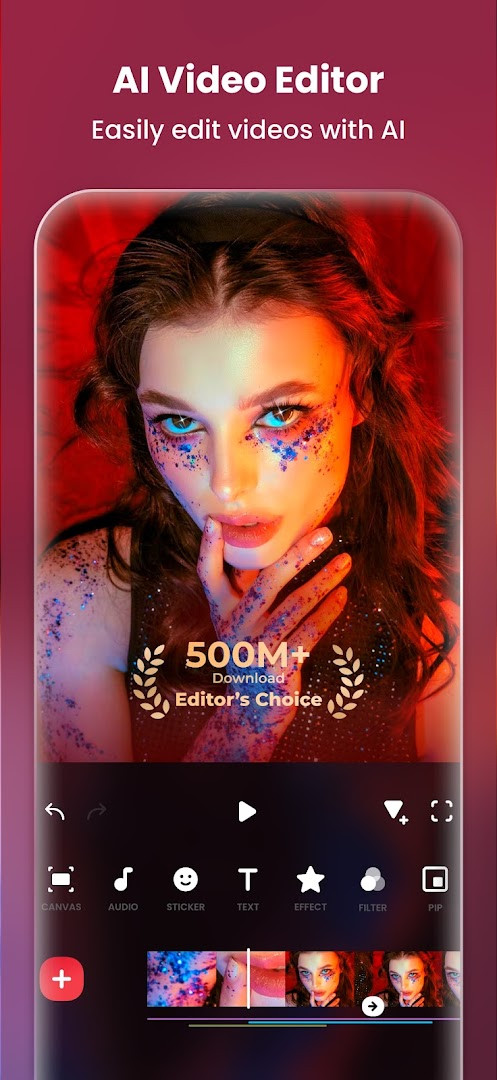
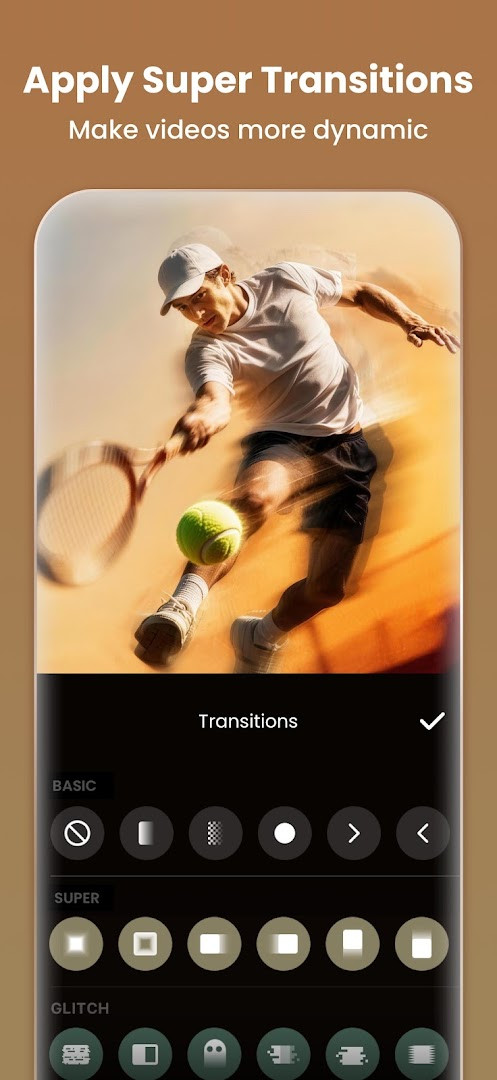
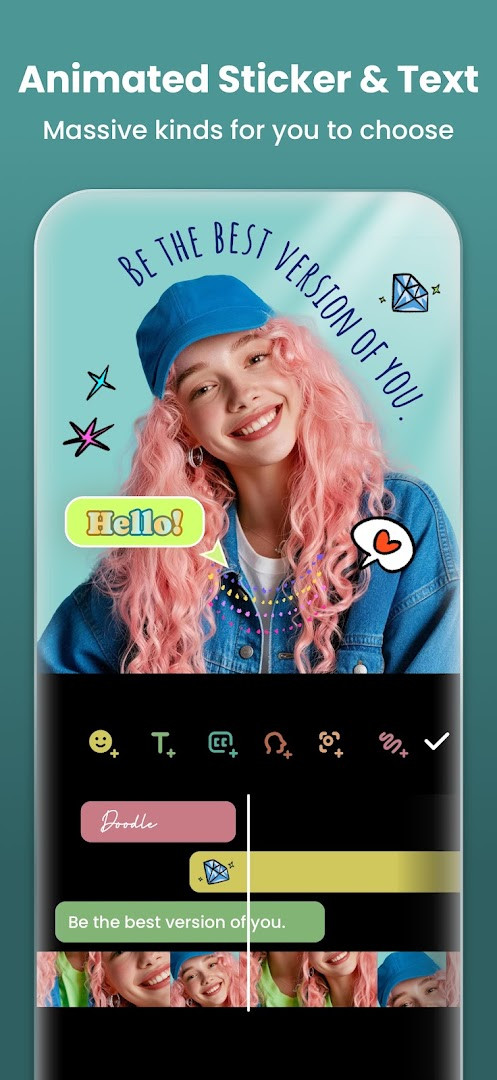
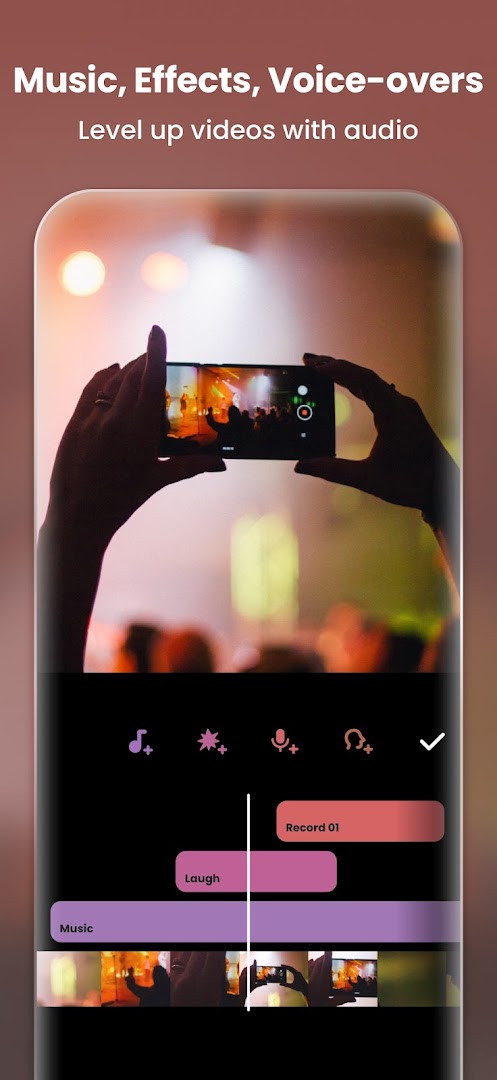
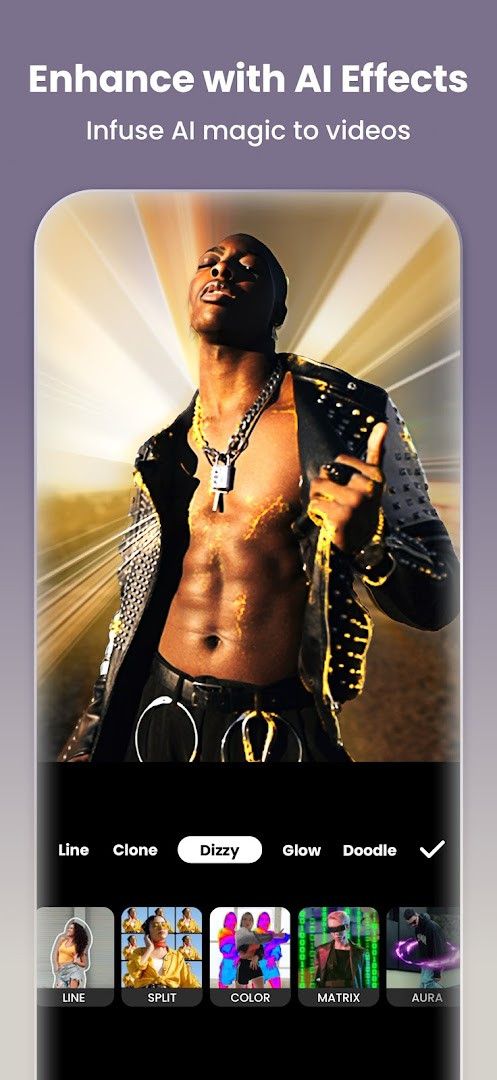
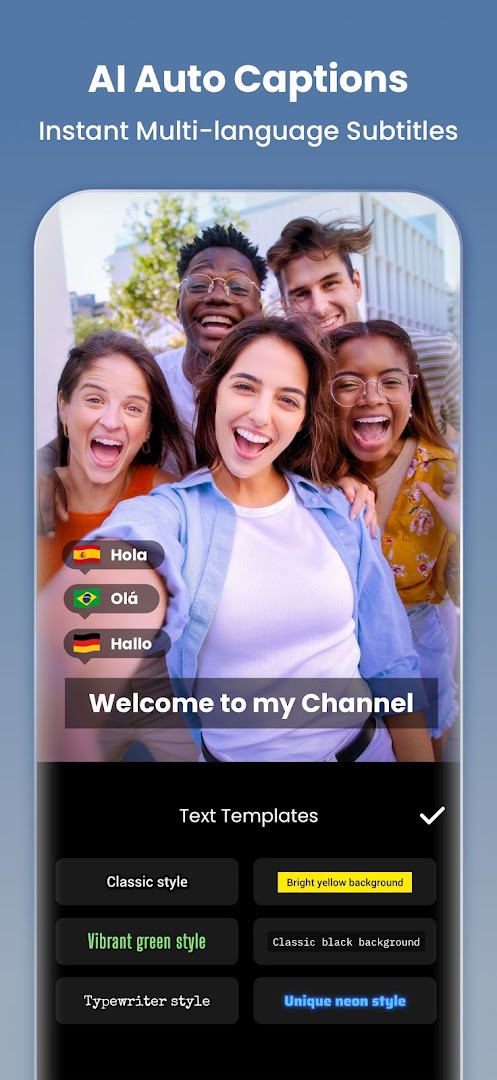
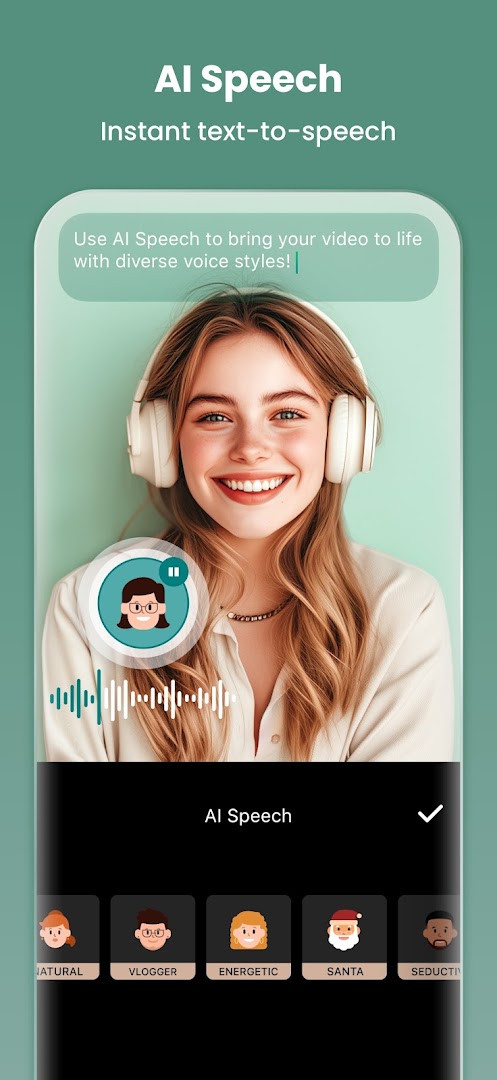
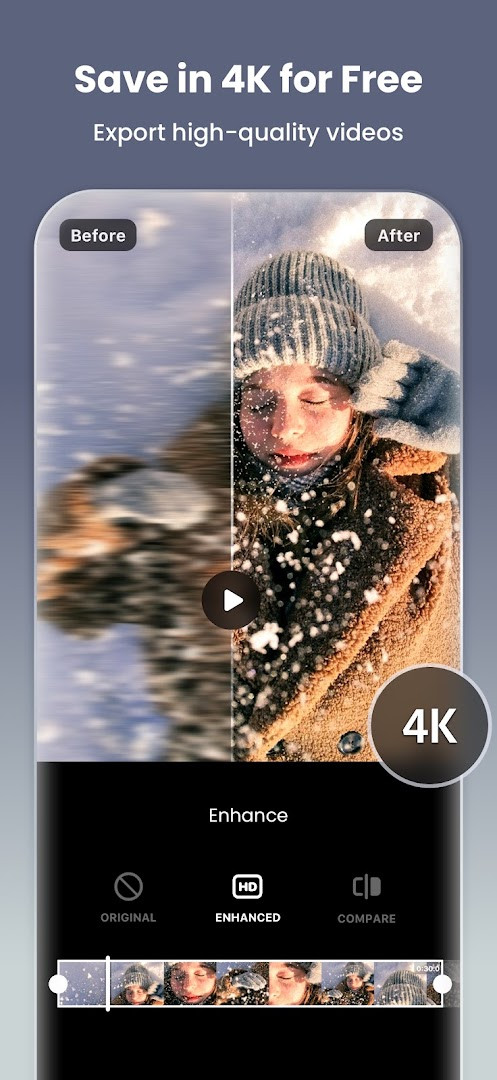
- Version
- 2.231.1551
- Requires Android
- 8.0
- Updated
- Sep 21, 2026
- Installs
- 500M+
- Rating
- ★ 4.84 (24,707,806)
- Category
- Photography
- Developer
- InShot Video Editor
- Content rating
- Everyone
- Package
- com.camerasideas.instashot
- Free
- ✓ · Contains ads · In-app purchases
Video Editor & Maker - InShot is a video and photo editing application by InShot Video Editor that provides tools for trimming, merging, applying effects, and creating slideshows on Android. The app has been available since March 5, 2014, and the current version is 2.231.1551, updated on September 21, 2026. It requires Android 8.0 or later and is free to download, though it contains ads and offers in-app purchases. With more than 500 million installs and a 4.84 rating from over 24 million reviews, it is a widely used editing tool.
On the privacy side, the app requests permissions for Photos/Media/Files, Storage, Microphone, and Wi-Fi connection information. These permissions are tied to core functions: accessing media files to import clips and images, storage to save projects and exports, the microphone for voice-overs and audio recording, and Wi-Fi information likely for network-related features or ads. The app does not request access to contacts, precise location, or the camera in the listed permissions, which keeps the permission set relatively focused on editing tasks.
The update to version 2.231.1551 brings audio stickers that add sound effects to stickers, group editing for multiple tracks at once, a hair glow effect for natural shine, and general bug fixes. These additions build on the app's existing AI tools such as auto captions, AI speech, background removal, and smart tracking, as well as its photo editor and collage maker features. Users should review the permissions during installation and adjust them in system settings if certain access is not needed.
Key features
- AI-powered auto captions for speech-to-text subtitles
- AI speech for text-to-speech with multiple accents and voices
- One-tap background removal for videos and photos
- Smart tracking to sync stickers and text with moving objects
- Smooth slow-motion and speed ramping controls
- Full video editing: trim, merge, reverse, keyframes, chromakey, picture-in-picture, and blend modes
- Photo editor and collage maker with up to 20 photos and 100+ layouts
- Export up to 4K at 60fps with custom resolution settings
How to install
- Tap the download button on this page to get the APK file. The file size is not available in the provided data.
- When Android asks, allow your browser or file manager to install apps by enabling the 'Install unknown apps' setting for that app.
- Open the downloaded APK file from your notifications or file manager.
- Tap Install and wait for the process to finish. The app requires Android 8.0 or later.
- Open the app and grant the permissions it requests, such as access to photos, media, files, storage, microphone, and Wi-Fi connection information.
Pros
- Comprehensive editing tools for both video and photos in one app
- AI features like auto captions and background removal simplify complex tasks
- High export quality up to 4K at 60fps
- Free to download with a large user base and high rating
Cons
- Contains ads and offers in-app purchases
- Requires several permissions including microphone and storage access
- Some advanced features may be behind in-app purchases
Latest changes · 2.231.1551
InShot 2.231.1551, released on September 21, 2026, adds Audio Stickers, which give stickers sound effects. Group Edit for Tracks lets users edit multiple tracks at once. Hair Glow adds a natural shine to hair. The update also includes bug fixes and other improvements. The app requires Android 8.0 or later and remains free with ads and in-app purchases.
Older versions
| Version | Size | Requires Android | Updated |
|---|---|---|---|
| 2.231.1551 | — | 8.0 | Sep 21, 2026 |
| 1.680.2300.yingYongBao | 50 MB | 5.0 | May 1, 2025 |
| 1.950.1411 | 70 MB | 6.0 | Jul 25, 2023 |
| 1.649.1282.HW | 44 MB | 4.3 | May 31, 2020 |
| 1.441.164 | 21 MB | 4.0 | Jun 19, 2017 |
| 1.416.142 | 20 MB | — | Mar 21, 2017 |
| 1.162 | 6.6 MB | — | Jul 11, 2014 |
This app is suitable for casual content creators who want to edit videos for social media, vloggers needing quick tools like captions and effects, and photo enthusiasts looking for collage and enhancement features.
After installing, review the app's permissions in your device settings and disable any that are not essential for your use, such as microphone access if you do not record voice-overs.
Permissions
FAQ
How do I install the InShot APK on Android?
To install InShot on an Android device, you need to get the APK file and then allow installation from unknown sources in your device settings before opening the file to begin the process.
What is included in the current version 2.231.1551?
Version 2.231.1551 brings new Audio Stickers for adding sound effects, a Group Edit feature for managing multiple tracks at once, a Hair Glow effect for natural shine, and general bug fixes.
Does this app contain ads or require purchases?
The app is free to download but displays ads and offers in-app purchases for additional features or content.
Can I use InShot for editing videos without an internet connection?
Yes, basic editing functions like trimming, merging, and applying effects typically work offline. However, features that need an internet connection, such as downloading music or stickers, may not be available.
What are some alternatives to this app for video editing?
Other video editing applications in the Photography category often provide similar core tools like trimming, transitions, and filters. They may differ in their specific AI features, pricing models, or interface design.
Video Editor & Maker - InShot offers a broad set of editing tools with AI enhancements and high-quality export options. While it includes ads and in-app purchases and requests several permissions, its free availability and extensive features make it a practical choice for users who want an all-in-one editor. Consider your privacy preferences and editing needs before installing.
Similar apps
 GalleryGoogle LLC4.2
 Samsung GallerySamsung Electronics Co., Ltd.3.8
 Picsart AI Photo Editor, VideoPicsArt, Inc.4.0
 AI GalleryTranssion Holdings3.5
 BeautyPlus-Selfie Photo EditorPIXOCIAL TECHNOLOGY (SINGAPORE) PTE. LTD.4.5
 FaceApp: Perfect Face EditorFaceApp Technology Ltd4.3
 Camera360 :Photo Editor&SelfiePINGUO TECHNOLOGY HK CO LIMITED4.2
 SpaceBeamPhotography
Updated: Oct 15, 2026