
Samsung Gallery for Android
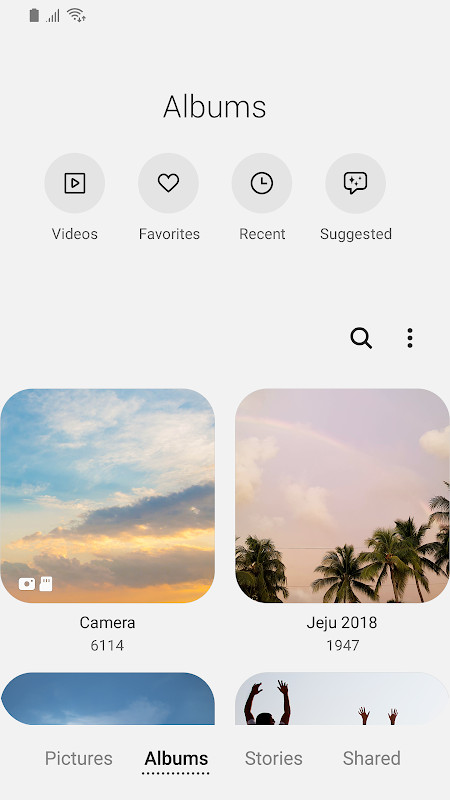
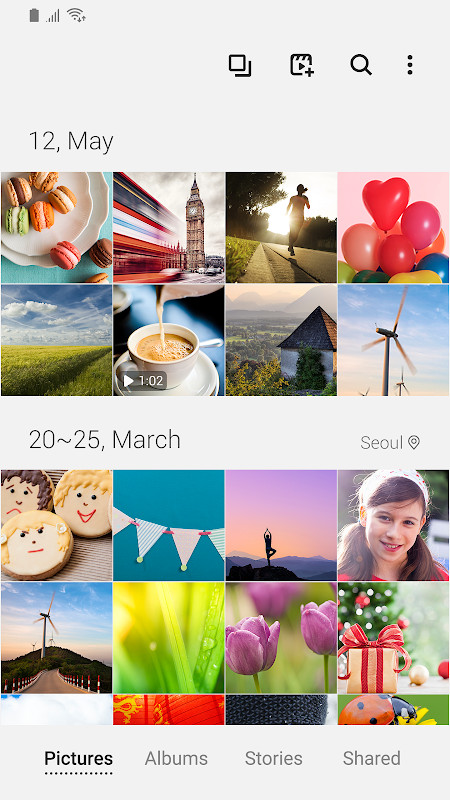
Samsung Gallery is a photography app from Samsung Electronics Co., Ltd. for viewing and managing images and videos on Galaxy devices.
Download Samsung Gallery · v15.7.02.0Samsung Gallery is made for Galaxy users who need a single place to view, organize and safeguard their photos and videos. The app is free, requires Android 11 or newer, and has a download size of 51 MB. It has been installed more than 1 billion times and holds an average rating of 3.81 from 384 ratings.
Screenshots
- Version
- 15.7.02.0
- Size
- 51 MB
- Requires Android
- 11
- Updated
- Apr 15, 2026
- Installs
- 1B+
- Rating
- ★ 3.81 (384)
- Category
- Photography
- Developer
- Samsung Electronics Co., Ltd.
- Content rating
- Everyone
- Package
- com.sec.android.gallery3d
- Free
- ✓
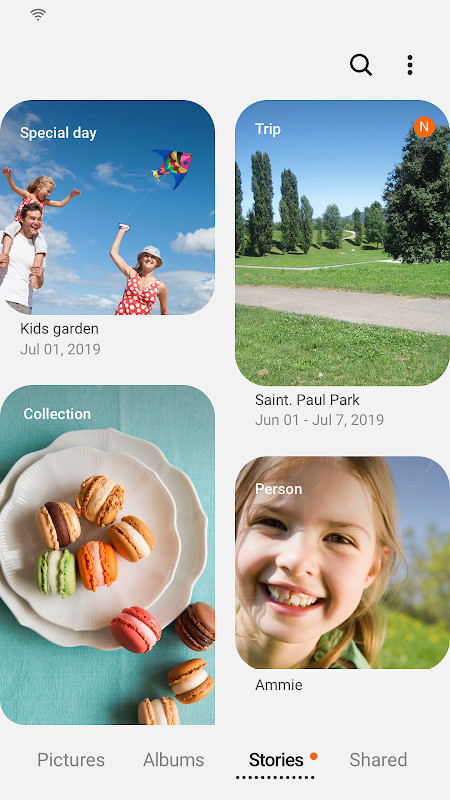
Samsung Gallery is a photography app by Samsung Electronics Co., Ltd. that lets you view, organize, and manage images and videos on your device. It addresses the common problem of having photos scattered across folders by bringing them into one clean, fast interface where you can scroll through memories, protect private files, and sync media to the cloud. The app uses storage access to handle your files and offers optional features such as location tagging and contact-based name tags, though some capabilities depend on your country and device model.
Key features
- Browse images and videos in a fast, organized gallery view.
- Protect private pictures and videos with enhanced security options.
- Sync media across devices by signing in to the same Samsung account.
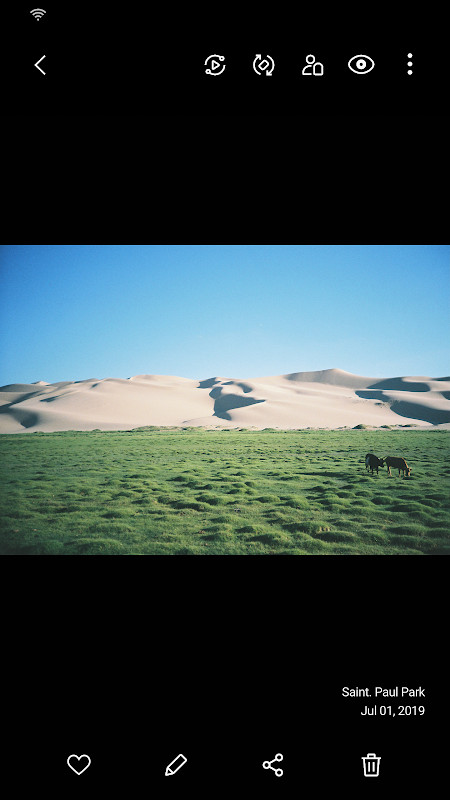
- Edit story cover images and view details by swiping up on the detail screen.
- Open the Search menu quickly by touching and holding the Gallery app icon.
- Save, load, edit, and delete pictures and videos through storage access.
- Use optional features like name tags for people and location editing when permissions are allowed.
How to install
- Tap the download button on this page to get the Samsung Gallery file.
- When Android asks for permission, allow your browser or file manager to install apps by enabling the Install unknown apps setting.
- Open the downloaded APK file from your notifications or file manager.
- Tap Install and wait for the process to finish. The file size is about 51 MB.
- Open the app from your app list to start browsing your pictures and videos. Your device must run Android 11 or newer.
Pros
- Free to use with no in-app purchase requirement mentioned in the available information.
- Clean and fast interface for viewing large photo and video libraries.
- Built-in security options help keep private media protected.
- Cloud sync makes it possible to access pictures and videos on multiple devices after signing in.
- Regular updates bring new Gallery features to compatible devices.
- Search is easy to reach through the app icon long-press gesture.
Cons
- Requests many optional permissions, including location and contacts, which may feel unnecessary for basic photo viewing.
- Cloud and People features depend on signing in to a Samsung account, so they are not available to everyone.
- Some advertised features are limited by country and device, which can be confusing.
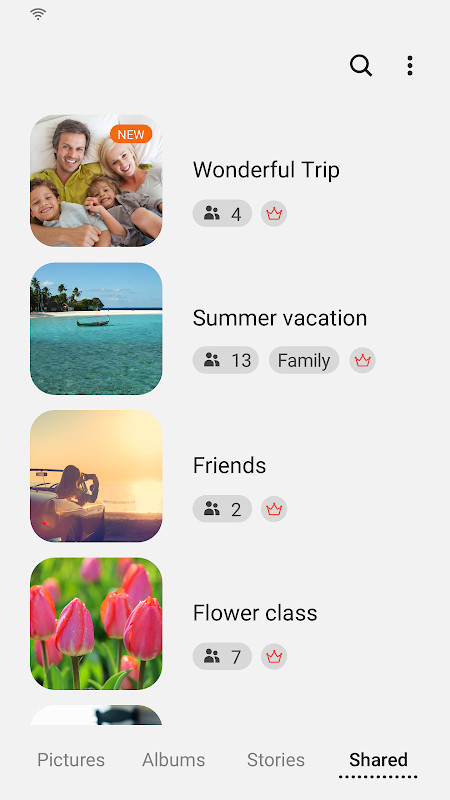
- The Story sharing service has been removed, so people who used that feature will need to find another way to share.
- The app is designed mainly for Samsung Galaxy devices, limiting its usefulness on other Android hardware.
Latest changes · 15.7.02.0
The latest update brings a clearer way to manage your shared memories: since the Story sharing service has ended, all stories you previously shared will be removed, while those you kept private remain untouched. You can also edit story cover images, swipe up on the detail view to see more information, and press and hold the Gallery app icon to jump straight into Search.
Older versions
| Version | Size | Requires Android | Updated |
|---|---|---|---|
| 15.1.00.900 | 35 MB | 9 | May 1, 2026 |
| 15.7.02.0 | 51 MB | 11 | Apr 15, 2026 |
| 15.7.01.0 | 51 MB | 11 | Mar 27, 2026 |
| 15.6.04.2 | 49 MB | 11 | Jun 21, 2025 |
| 10.0.00.16 | 11 MB | 7.0 | Nov 3, 2018 |
Samsung Gallery is best for Samsung Galaxy users who want a simple, built-in way to browse and organize their photos and videos. It suits beginners who prefer a familiar look on their device and do not need advanced third-party editing tools, as well as people who already use a Samsung account and want cloud backup or private folders.
Review the optional permissions before enabling them. If you only want to browse photos, you can decline location, contacts, and telephone access without losing the core viewing features.
Permissions
FAQ
How do I install the Samsung Gallery APK on Android?
You can install the APK on a compatible Android device by downloading it through the provided button and opening the file to begin installation, provided your device allows installations from unknown sources.
What is the current version of Samsung Gallery and what are its system requirements?
The current version is 15.7.02.0, released on April 15, 2026. It requires Android 11 or higher and has a size of about 51 MB.
Does Samsung Gallery contain ads or require purchases?
Samsung Gallery is free to use and does not mention any in-app purchases or ads in the provided information.
Can I use Samsung Gallery offline?
You can view images and videos stored on your device without an internet connection. Cloud sync features, which require signing in to the same account, would need an online connection.
Are there alternatives to Samsung Gallery in the same category?
There are other photography apps available that offer image and video viewing, though Samsung Gallery is specifically designed for Galaxy users and includes cloud sync and enhanced security features.
For anyone already using a compatible Samsung device, Samsung Gallery is a dependable way to browse and manage photos and videos without extra cost. Beginners may need to review the optional permissions, but the core viewing and editing functions remain straightforward and useful.
Similar apps
 GalleryGoogle LLC4.2
 Picsart AI Photo Editor, VideoPicsArt, Inc.4.0
 AI GalleryTranssion Holdings3.5
 BeautyPlus-Selfie Photo EditorPIXOCIAL TECHNOLOGY (SINGAPORE) PTE. LTD.4.5
 FaceApp: Perfect Face EditorFaceApp Technology Ltd4.3
 Video Editor & Maker - InShotInShot Video Editor4.8
 Camera360 :Photo Editor&SelfiePINGUO TECHNOLOGY HK CO LIMITED4.2
 SpaceBeamPhotography
More from this developer






Updated: Oct 14, 2026