SHAREit: Transfer, Share Files – Fast Wireless File Sharing
SHAREit: Transfer, Share Files is a free tools app by Smart Media4U Technology Pte.Ltd. that lets you send and receive large files, games, and media without using mobile data.
Get APK · v6.27.58_wwSHAREit: Transfer, Share Files requires Android 4.2 or newer and contains ads with optional in-app purchases. The app is rated Everyone and has accumulated over 18.2 million ratings. It is suitable for users who need quick cross-device file transfers, a built-in downloader, and phone cloning capabilities.
Screenshots
- Version
- 6.27.58_ww
- Requires Android
- 4.2
- Updated
- Oct 9, 2026
- Installs
- 1B+
- Rating
- ★ 4.29 (18,239,428)
- Category
- Tools
- Developer
- Smart Media4U Technology Pte.Ltd.
- Content rating
- Everyone
- Package
- com.lenovo.anyshare.gps
- Free
- ✓ · Contains ads · In-app purchases
SHAREit: Transfer, Share Files is a file-sharing and transfer utility by Smart Media4U Technology Pte.Ltd. that lets users send and receive large files between devices without using mobile data. It solves the common problem of moving big videos, apps, photos, and documents when Bluetooth is too slow or when a stable internet connection is unavailable. The app creates a direct connection between supported devices, allowing transfers that are described as being much faster than Bluetooth and capable of reaching high speeds. Beyond simple sharing, SHAREit bundles a phone clone tool for switching devices, a downloader for saving media from social platforms, a file manager, a music player, a private Safebox, and PDF conversion features. This makes it more of an all-in-one media and file toolkit than a narrowly focused transfer app. The app is free, but it includes ads and in-app purchases, and it requests a broad set of permissions that extend well beyond basic file access.
Key features
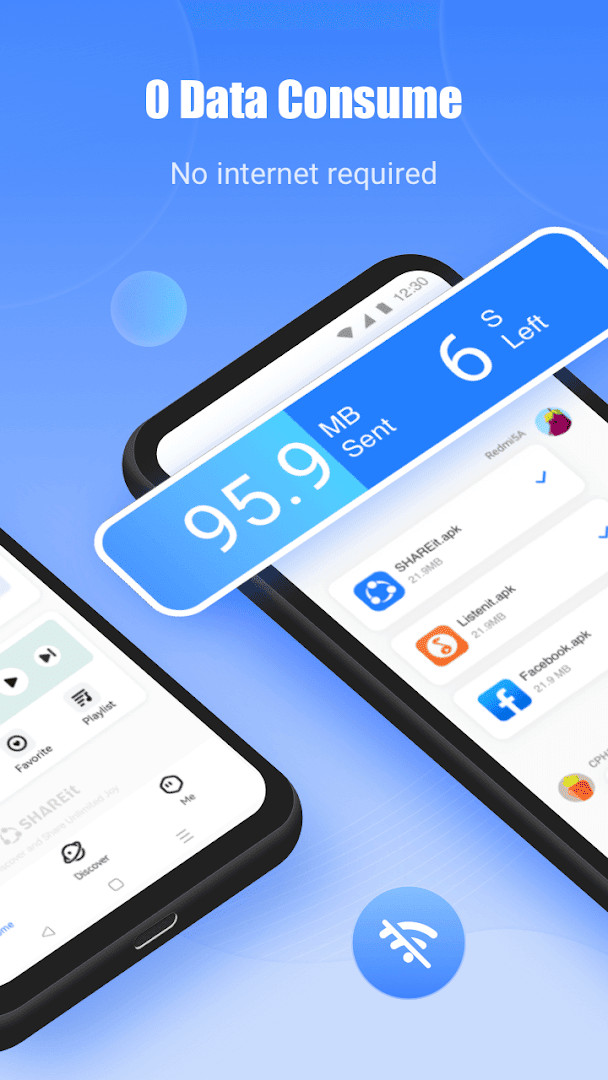
- Transfer apps, games, photos, videos, music, documents, and other file types between supported devices without using mobile data.
- Phone Clone function for moving contacts, apps, videos, photos, music, recordings, and documents from an old phone to a new one.
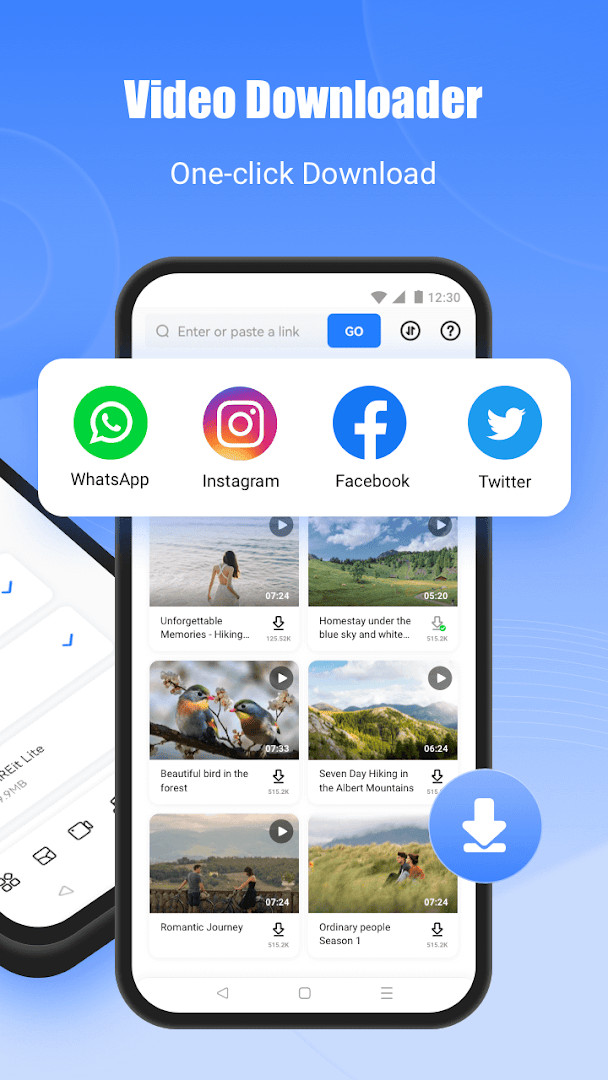
- Built-in downloader for saving videos and photos from services such as WhatsApp, Facebook, and Instagram.
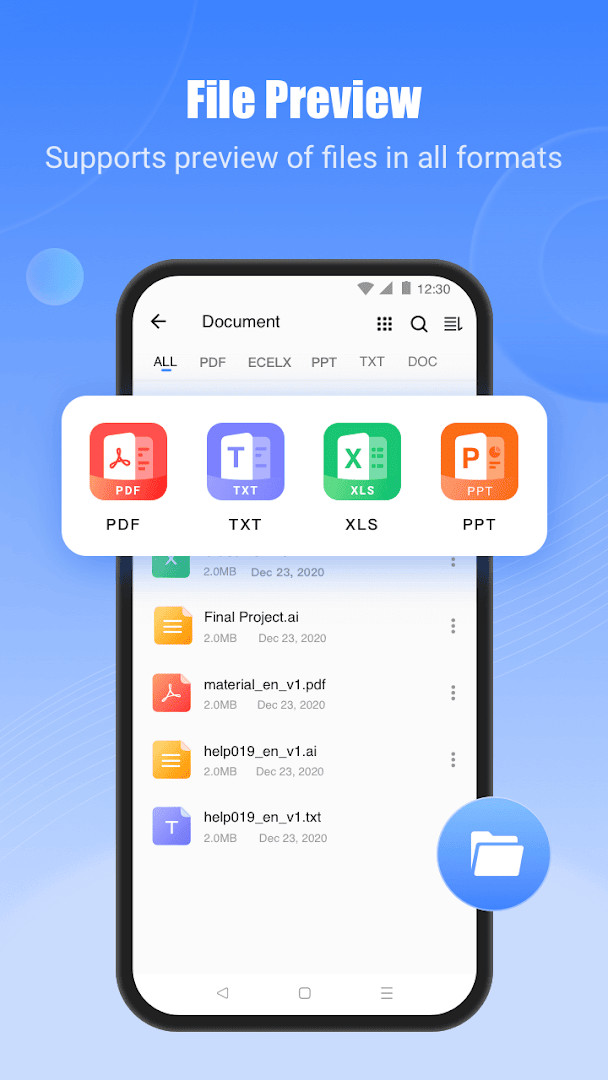
- File manager for locating, moving, or deleting large files on the device.
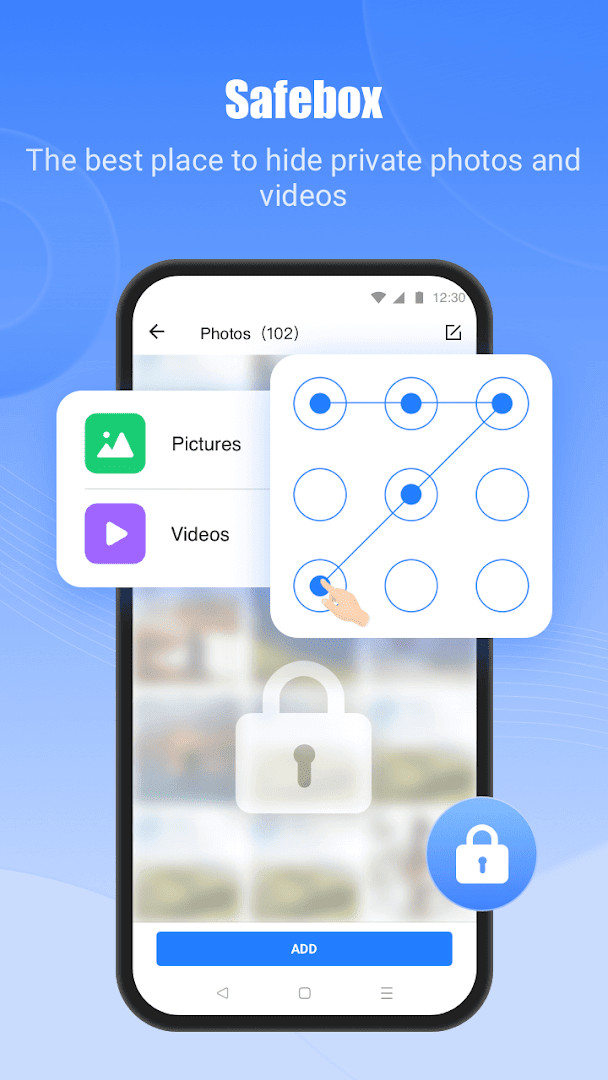
- Safebox for hiding and encrypting selected photos and videos.
- PDF conversion between PDF documents and images.
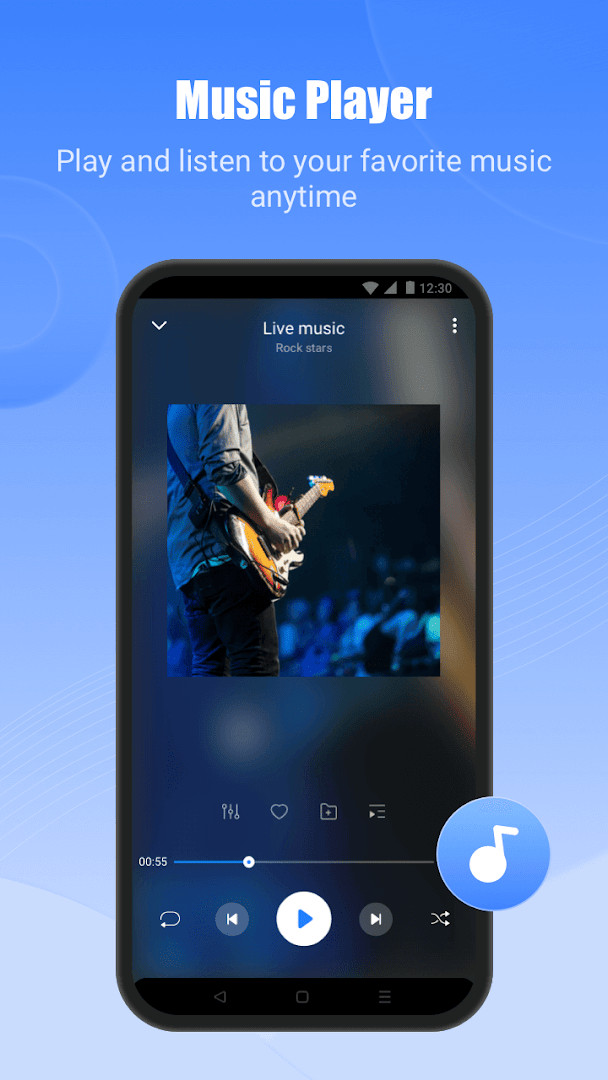
- Music player for listening to audio files stored on the device.
- Cross-platform transfer support, including connections between a phone and a PC.
How to install
- Tap the download button on this page to get the SHAREit installation file.
- If Android asks for permission, allow your browser or file manager to install apps by enabling the 'Install unknown apps' setting.
- Open the downloaded APK file from your notifications or file manager.
- Tap Install and wait for the process to finish.
- Open SHAREit and begin setting up file transfers between your devices.
- The app requires Android 4.2 or later; the file size is not listed in the provided information.
Pros
- Supports a wide variety of file types, including apps, games, videos, photos, music, documents, and more.
- Transfers work without consuming mobile data, which is useful in areas with poor or expensive connectivity.
- Phone Clone feature simplifies moving data from an older phone to a new one.
- Includes extra utilities such as a file manager, music player, Safebox, and PDF conversion.
- Works across different device types, including transfers between a phone and a PC.
- Free to download and use, with no upfront cost.
Cons
- Requests access to sensitive permission groups including Calendar, Contacts, and Location, which go beyond what simple file sharing requires.
- Contains ads and in-app purchases, which may interrupt the experience or encourage additional spending.
- The wide range of tools, from video downloader to music player to PDF conversion, can make the app feel cluttered and less focused on core transferring.
- Some features, such as downloading media from social platforms, may raise questions about content rights and responsible use.
- The app has been available since 2013 and has gone through many updates, so behavior and permission needs can change noticeably between versions.
Latest changes · 6.27.58_ww
The 6.27.49_ww update brings an upgraded experience with a more refreshing interface, a lighter app size, and smoother transfers. The developer states that the goal is to provide a more convenient and easy-to-use experience. Users with questions or suggestions are invited to send feedback through the app's feedback channel. This version was released on 2026-10-09.
Older versions
| Version | Size | Requires Android | Updated |
|---|---|---|---|
| 6.27.58_ww | — | 4.2 | Oct 9, 2026 |
| 6.27.49_ww | — | 4.2 | Oct 9, 2026 |
| 4.0.6_ww | 12 MB | 4.0 | Nov 4, 2025 |
| 6.33.48_AM | 42 MB | 4.3 | Apr 2, 2025 |
| 4.0.75_ww | 2.4 MB | 8.0 | Apr 13, 2018 |
| 4.0.6_9apps | 12 MB | — | Dec 14, 2017 |
| 3.8.34_ww | 6.9 MB | — | Jun 25, 2017 |
SHAREit is best suited for people who regularly move large files between phones, tablets, or computers and want to avoid using mobile data or slow Bluetooth connections. It is also helpful for anyone switching to a new phone and looking for a single tool to migrate contacts, apps, photos, and other data. Users who want a combined file manager, media player, and downloader may find the extra features convenient, though those who prefer a strictly minimal, privacy-focused transfer tool may want to consider whether the broad permissions and bundled extras are acceptable.
Review the permission requests carefully after installation and disable access to Calendar, Contacts, or Location if you do not plan to use phone cloning or related features. Use the Safebox for sensitive photos and videos rather than leaving them in the standard gallery. Be aware that the video downloader may not work with all sources, and respect content ownership rules when saving media.
Permissions
FAQ
What is the maximum transfer speed and how does it compare to Bluetooth?
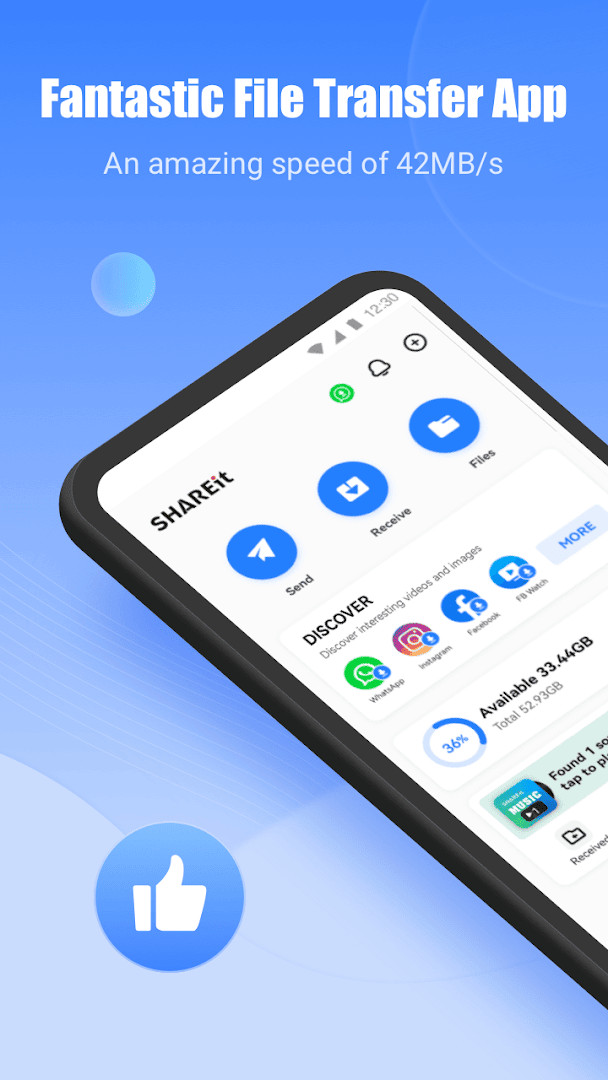
SHAREit can reach speeds up to 42MB/s, which is claimed to be 200 times faster than Bluetooth, and transfers are said to occur without any data consumption or quality loss.
Can I transfer files between my Android phone and an iPhone or PC?
Yes, SHAREit supports cross-platform transfers. According to the app description, you can send files from Android to iPhone, iPad, and Windows computers. It also allows you to connect to your PC to view files on your mobile and even control PPT presentations remotely.
What does the Phone Clone function do and which devices are supported?
The Phone Clone (Smart Switch) function lets you migrate data from an old phone to a new one, including contacts, apps, videos, photos, music, recordings, and documents. It supports devices from Samsung, Transsion, Xiaomi, OPPO, vivo, Huawei, OnePlus, iPhone, and other smartphones.
Is there a way to download videos and photos from social media apps?
Yes, SHAREit includes a downloader that allows you to save videos and photos from WhatsApp, Facebook, and Instagram for free. It also supports downloading videos and photos directly to your device.
Are there any privacy or security features included?
SHAREit includes a Safebox feature that lets you hide and encrypt photos and videos. The app also emphasizes high privacy and data security, stating that your files are protected during transfer.
SHAREit handles large file transfers quickly and includes a surprising number of extras, but its broad permission requests and ad-supported design are worth weighing carefully. If you need a cross-device sharing tool and are comfortable with the data it asks for, it remains a capable choice, though privacy-minded users may want to restrict what the app can access.
Similar apps








Updated: Oct 23, 2026