
Shazam: Find Music & Concerts - Identify Songs Instantly
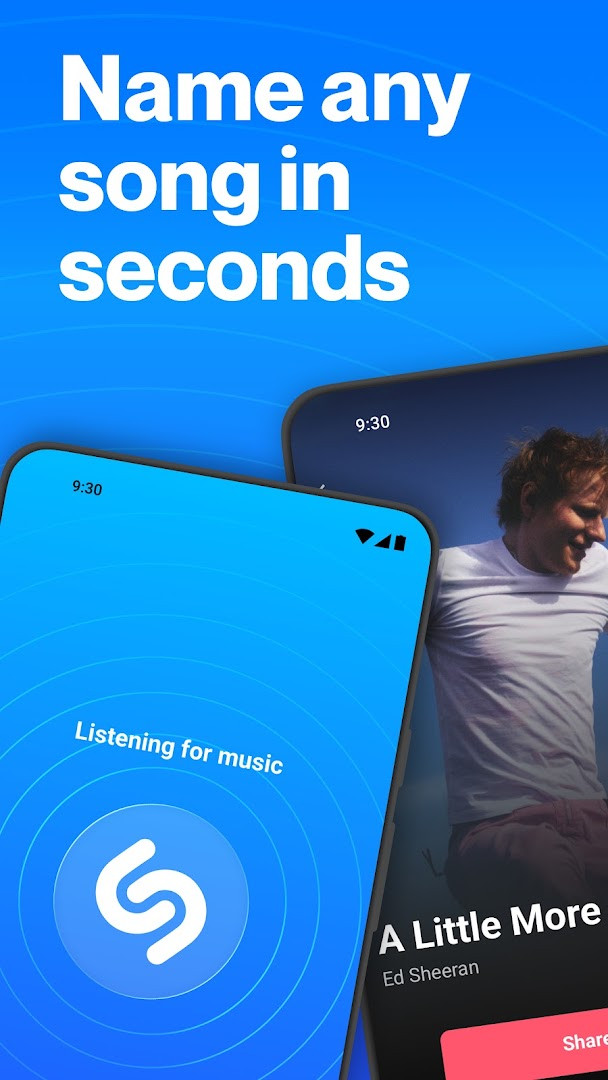
Shazam: Find Music & Concerts is a free music identification app by Apple Inc. that lets you recognize songs playing around you.
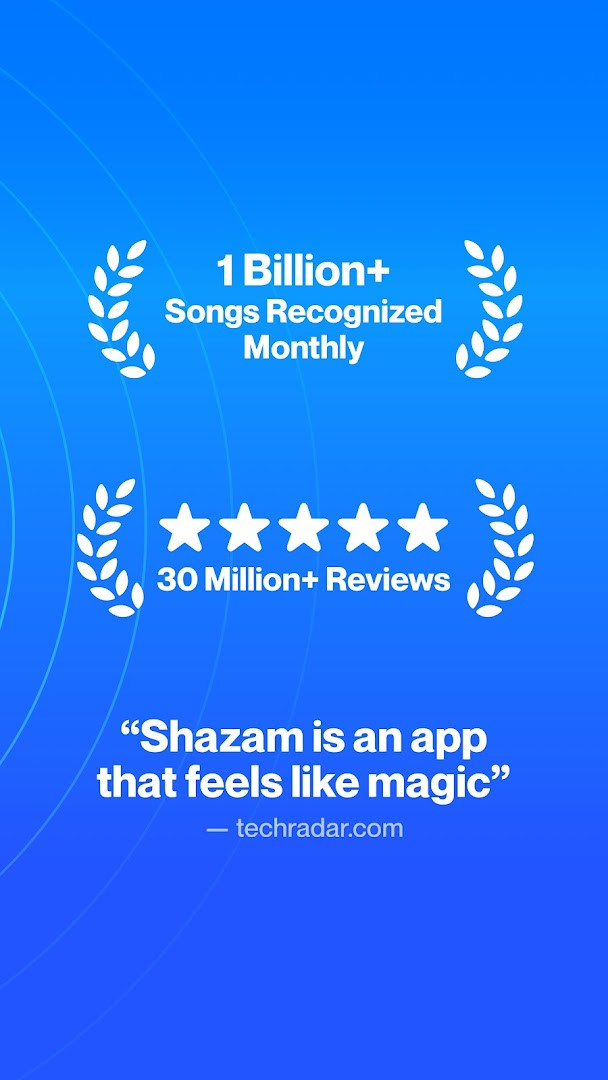
Get AppShazam: Find Music & Concerts has been installed over 500 million times and holds a 4.84 rating from more than 12.2 million ratings. The app requires Android and includes no ads or in-app purchases; it is suitable for teens and uses optional location and microphone permissions. It serves music lovers who want to identify songs, discover concerts, and access lyrics.
Screenshots

- Updated
- Oct 9, 2026
- Installs
- 500M+
- Rating
- ★ 4.84 (12,253,673)
- Category
- Entertainment
- Developer
- Apple Inc.
- Content rating
- Teen
- Package
- com.shazam.android
- Free
- ✓
Shazam: Find Music & Concerts is a music identification app by Apple Inc. that instantly recognizes songs playing around you or within other apps. It serves as a comprehensive music discovery tool, letting you identify tracks, find live concerts, view lyrics, and connect with your favorite streaming services.
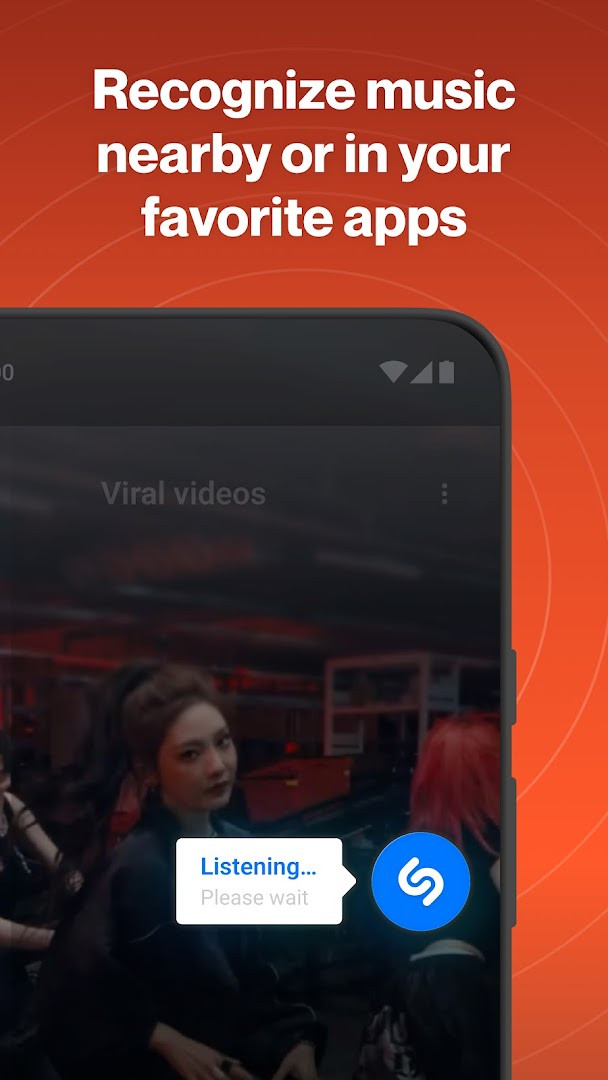
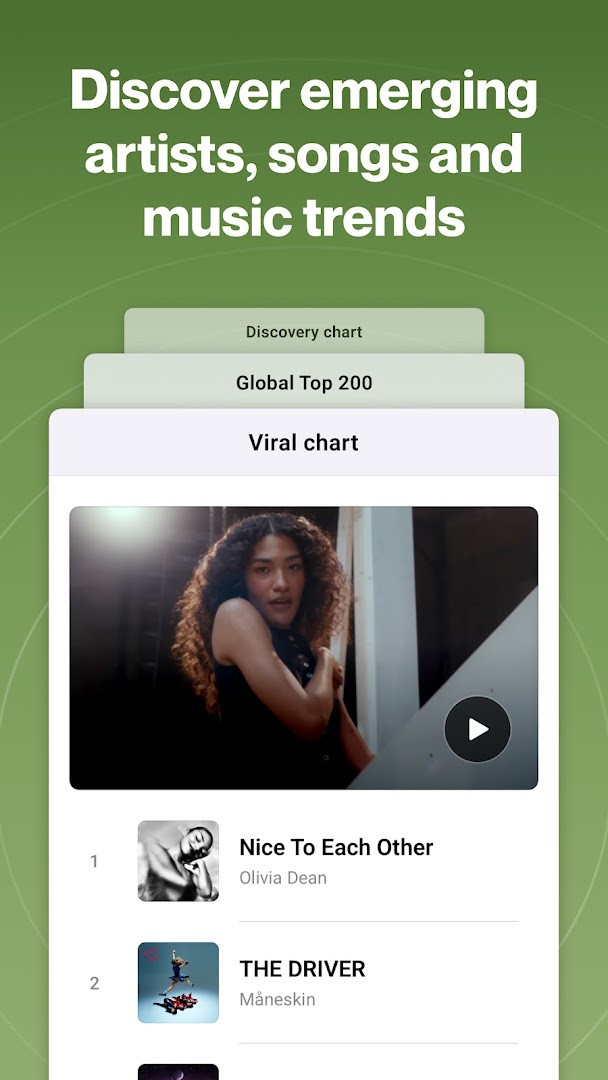
Beyond simple song matching, Shazam acts as a gateway to a fuller music experience. You can use it while offline, with headphones, or even while using other apps like TikTok, Instagram, YouTube, and Snapchat. The app maintains a personal library of your discoveries, offers curated recommendations, and shows local and global charts. It is designed for anyone who has ever wondered, "What song is this?" — from casual listeners to dedicated concertgoers.
The app is free, contains no ads, and does not offer in-app purchases. It has a content rating of Teen and requires optional permissions for microphone, location, notifications, and screen sharing, all of which you can decline and still use core features. With availability varying by country, Shazam aims to be a reliable companion for music lovers worldwide.
Key features
- Instantly identify music playing around you or in other apps
- Recognize songs offline, with headphones, or while using other apps
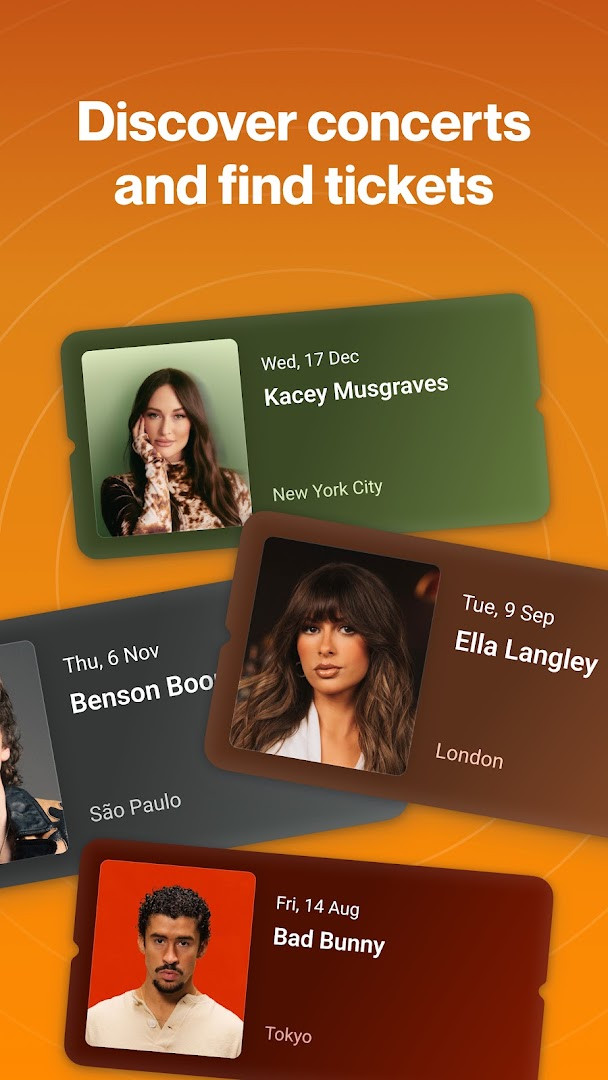
- Discover live music events near you with curated recommendations
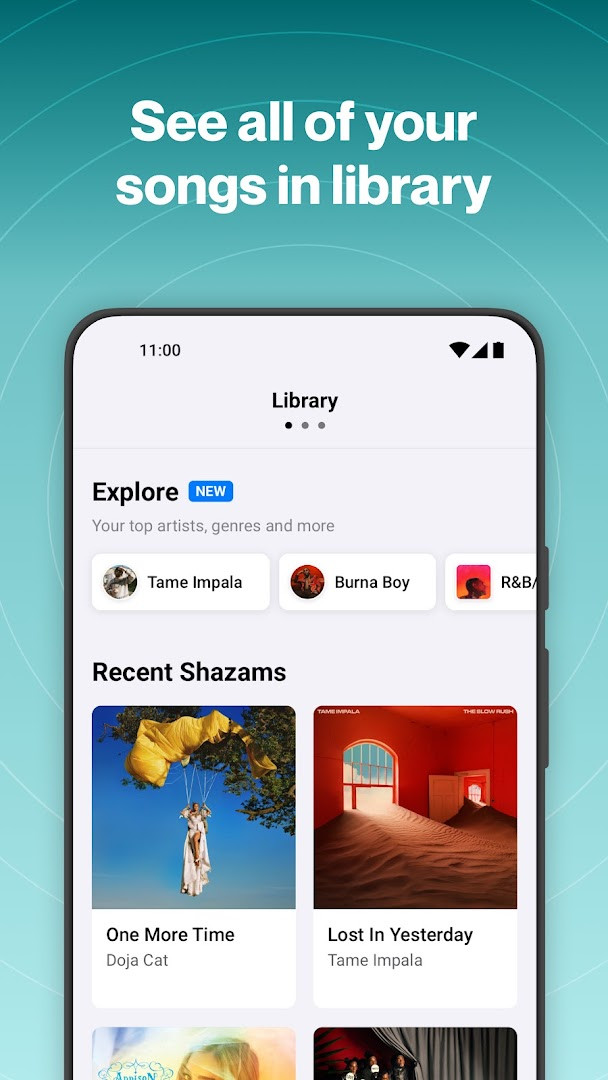
- Revisit your music discovery history in your library anytime
- Get recommended songs and playlists based on your discoveries
- Use Notification Bar, Quicktile, or Home Screen Widget for quick access
- Enable Auto Shazam to identify multiple songs even when you leave the app
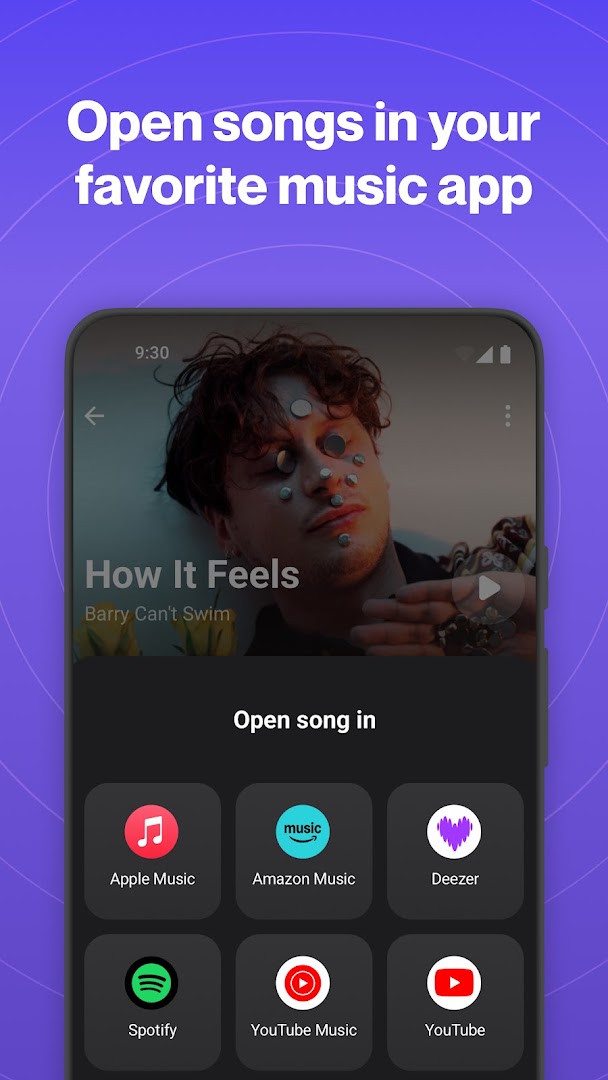
- Open songs in Apple Music, Spotify, YouTube Music, Amazon Music, or Deezer
- Automatically add identified songs to Apple Music or Spotify (requires account connection)
- Share songs via Snapchat, Facebook, WhatsApp, Instagram, and X
How to install
- Tap the download button on this page to get the APK file.
- When Android asks for permission, allow your browser or file manager to install apps by enabling the 'Install unknown apps' setting.
- Open the downloaded APK file from your notification bar or file manager.
- Tap Install and wait for the installation to complete.
- Open the app from your app drawer or home screen.
- Note: The file size is not specified, and the minimum Android version is not listed in the data; the app should work on most modern Android devices.
Pros
- Free with no ads or in-app purchases
- Identifies music even offline or while using other apps
- Integrates with multiple streaming services and social platforms
- Offers concert discovery and lyrics features
- Optional permissions allow you to use the app without granting all access
- High user rating (4.84) with over 12 million ratings
Cons
- Location permission is used to show local events and improve service, which may concern some users
- Microphone permission is required to identify songs playing around you
- Some features vary by country
- Automatic syncing to streaming services requires account connection
- Content rated Teen, so may not be suitable for all ages
Latest changes
In this update, the developers say they have continued working to make the app faster and better. They recommend updating to the newest release to get the latest improvements. The notes also remind you that creating an account lets your Shazams be backed up and kept in sync across your devices, so they are not lost. If you enjoy the app, the team invites you to leave a rating and points to support resources for questions.
Shazam is ideal for music lovers, concertgoers, and anyone who frequently hears songs they want to identify. It suits users who want a free, ad-free way to discover music, find live events, and connect with their preferred streaming services, while also having control over optional permissions.
To save battery and privacy, consider turning off location permission when not needed, as it is optional. Use Auto Shazam when you want to identify multiple songs in a row without tapping each time. Also, create an account to back up your Shazams and sync them across devices.
Permissions
FAQ
Is Shazam free to use?
Yes, Shazam is free to install and use; the listed price is 0.00 USD with no ads or in-app purchases.
Do I need to create an account?
You can use Shazam without an account, but creating one lets you back up and sync your Shazams between devices.
What permissions does Shazam request?
The optional permissions are Location and Microphone. Microphone is used to identify music playing around you, while Location shows where songs were identified and displays nearby events. You can still use the app without granting them, though some features may be unavailable.
Which Android version and file size are required?
This page does not list a specific minimum Android version or file size. For installation compatibility, check the requirements shown during the download process on your device.
How do I update Shazam?
Download the latest version from this page. The page is updated with the most recent release, so reinstalling from here gives you the current build.
Can Shazam identify songs from other apps or without internet?
Yes, Shazam can identify music playing in apps like TikTok, Instagram, YouTube, and Snapchat, and it also works offline or with headphones using features such as Auto Shazam or the Share Screen permission.
Shazam offers a powerful and convenient way to identify music and discover concerts, all without ads or hidden costs. With its optional permissions and wide compatibility, it remains a trusted tool for millions of users. Download it now to start exploring the music around you.
Similar apps








Updated: Oct 15, 2026