
WhatsApp Messenger: Messaging and video calling app
WhatsApp Messenger is a free messaging and video calling app by WhatsApp LLC that lets users stay in touch with friends and family through encrypted chats and calls.
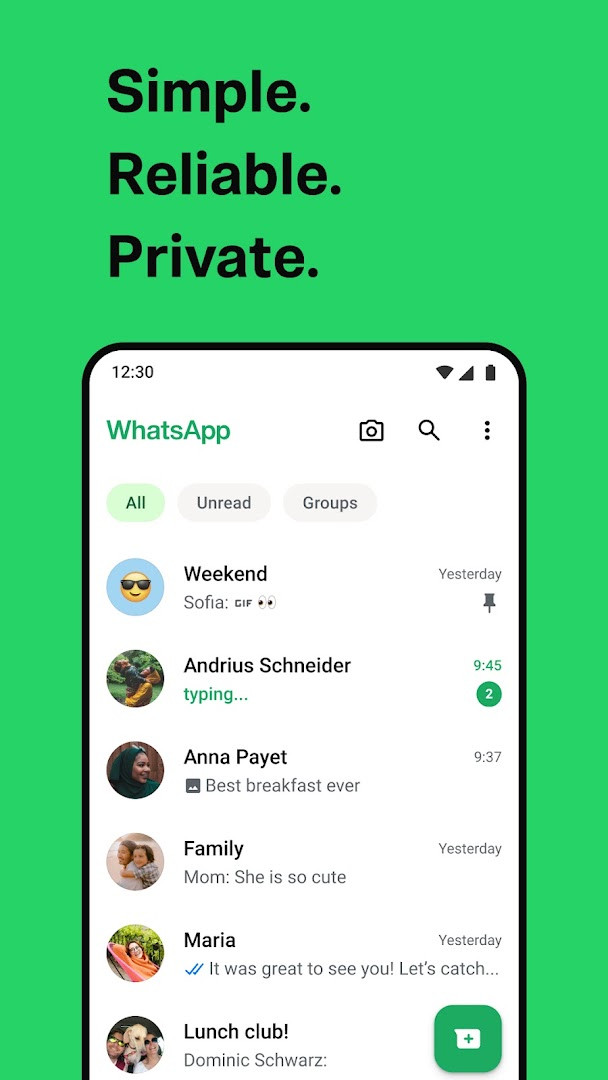
Download nowWhatsApp Messenger is a widely used communication tool with over 2 billion users across more than 180 countries. It is a free app that requires Android 6.0 or newer and has a download size of about 142 MB. The app is designed for people who want private, end-to-end encrypted messaging, group chats, and high quality voice and video calls, including support for Wear OS devices.
Screenshots
- Requires Android
- 6.0
- Updated
- Oct 31, 2026
- Installs
- 10B+
- Rating
- ★ 4.62 (246,864,562)
- Category
- Communication
- Developer
- WhatsApp LLC
- Content rating
- Everyone
- Package
- com.whatsapp
- Free
- ✓ · In-app purchases
WhatsApp Messenger is a communication app by WhatsApp LLC that provides free messaging and video calling services. It connects users through their phone numbers rather than usernames or logins.
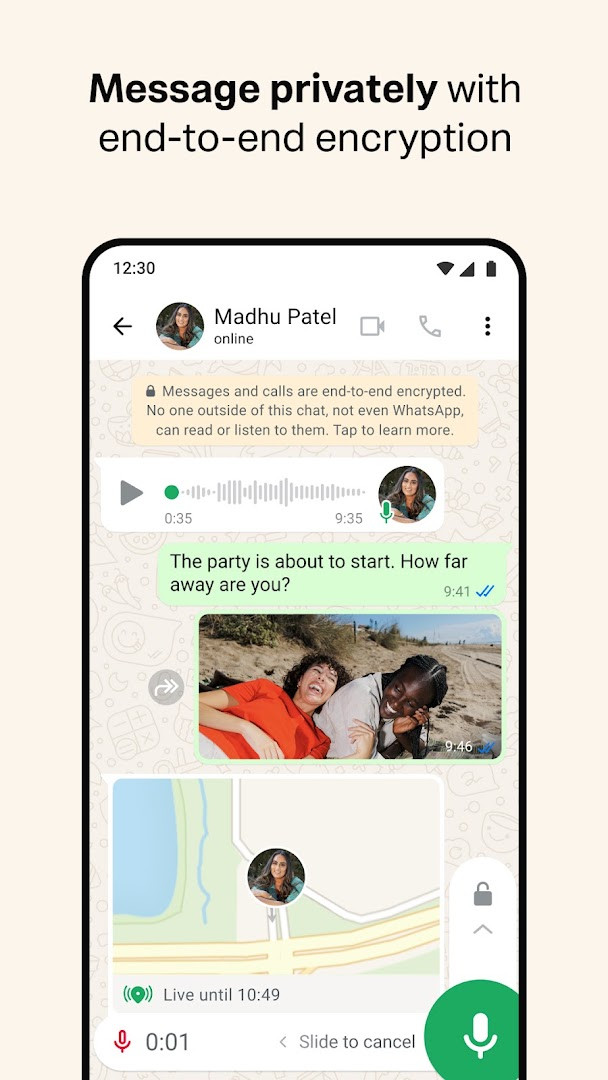
The app is designed for keeping in touch with friends and family, offering end-to-end encrypted chats, group conversations, and high-quality voice and video calls. It works across mobile and desktop, even on slow connections, and supports sharing photos, videos, documents, and live locations.
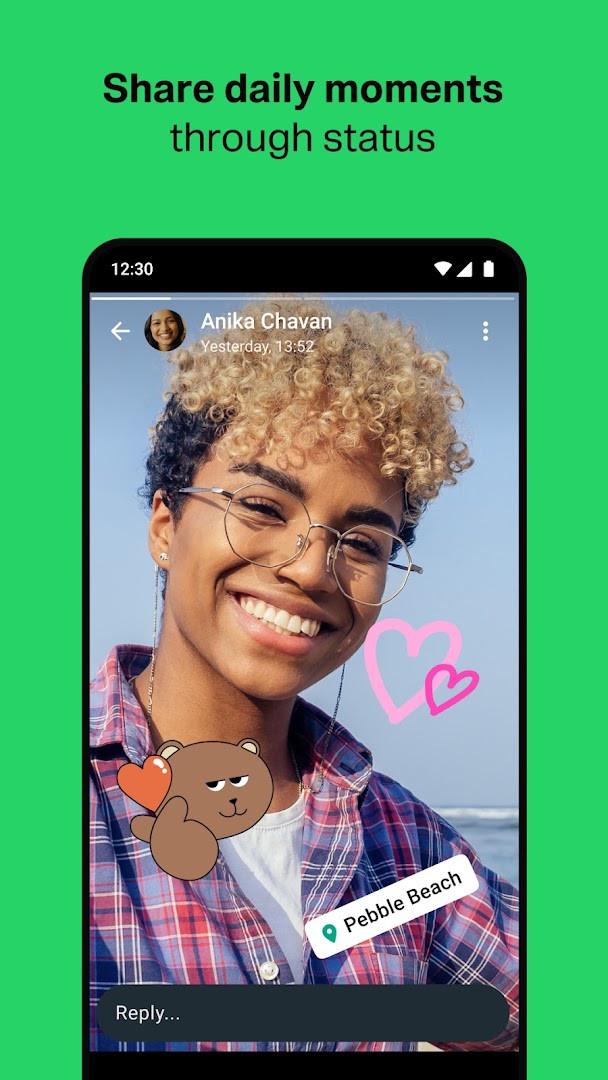
WhatsApp also includes a Status feature for sharing text, photo, video, and GIF updates that disappear after 24 hours. Users can choose to share these updates with all contacts or only selected ones. The app is used by over 2 billion people in more than 180 countries.
Key features
- End-to-end encrypted personal messages and calls
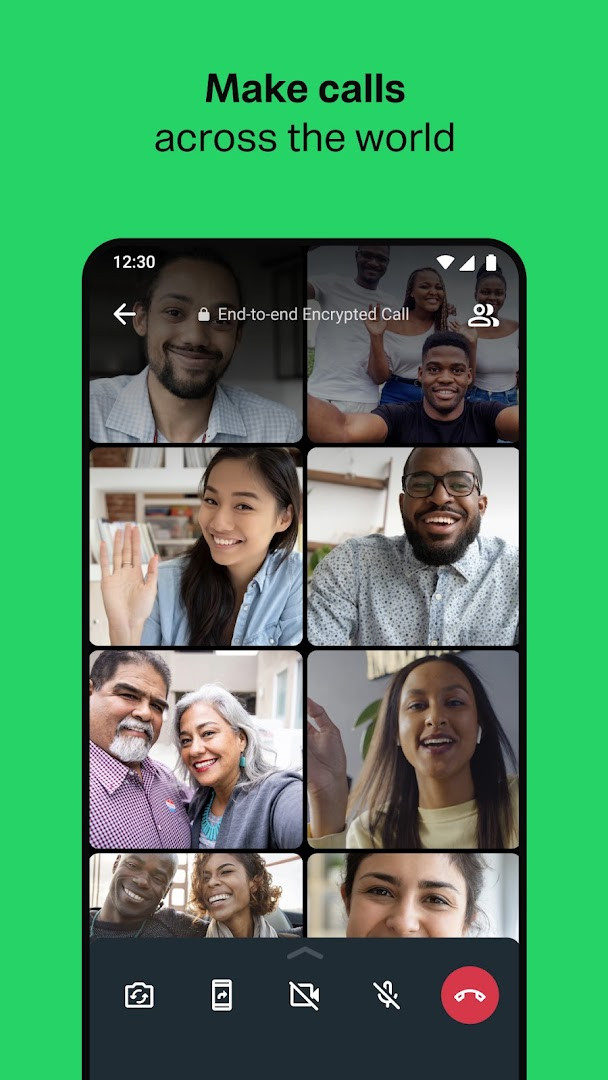
- High quality voice and video calls with up to 32 people
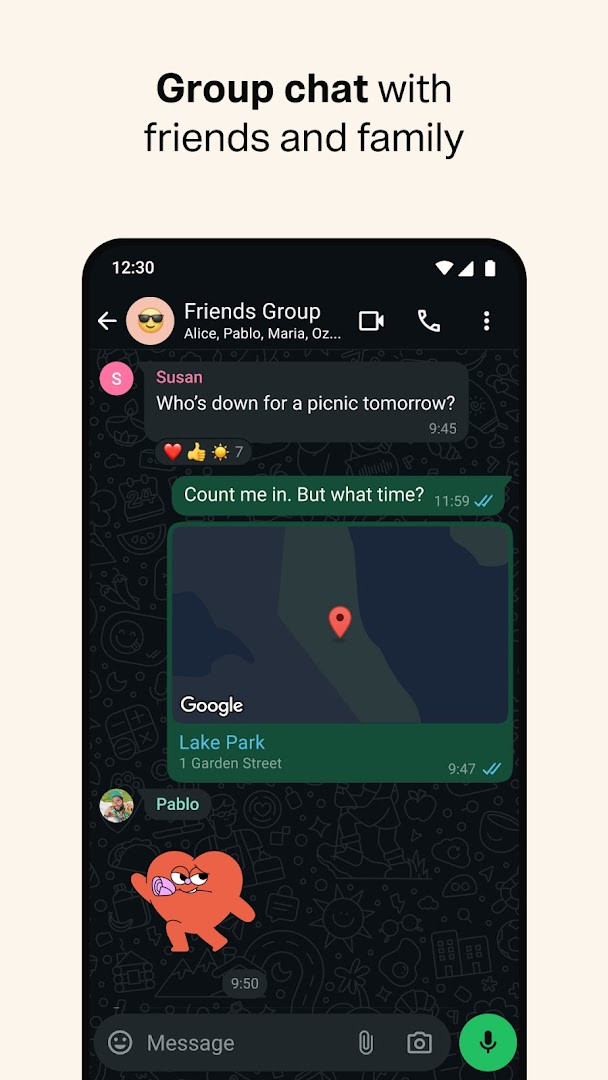
- Group chats for sharing messages, photos, videos, and documents
- Status updates that disappear after 24 hours
- Live location sharing with selected contacts or groups
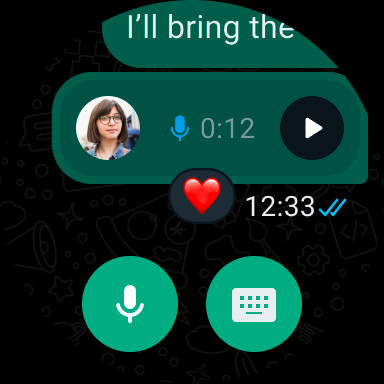
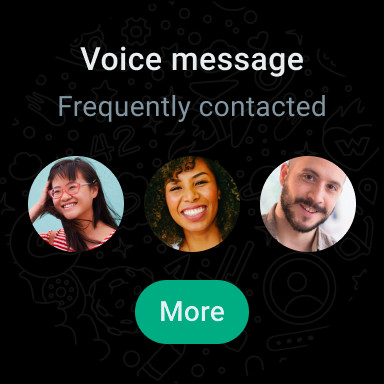
- Voice messages for quick communication
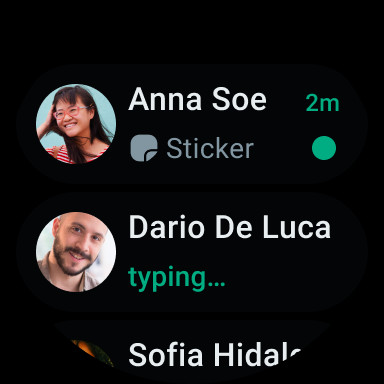
- Wear OS support for replying and taking calls from a watch
- Works on slow connections without subscription fees
How to install
- Tap the download button on this page to get the APK file.
- When prompted by Android, allow your browser or file manager to install apps by enabling the "Install unknown apps" setting.
- Open the downloaded APK file from your notifications or file manager.
- Tap Install and wait for the process to complete.
- Open the app and verify your phone number to start using it.
- Note that the file size is about 142 MB and the app requires Android 6.0 or newer.
Pros
- End-to-end encryption for personal messages and calls
- Simple setup using only a phone number
- High quality voice and video calls with up to 32 participants
- Group chats that support sharing various media types
- Status updates that disappear after 24 hours
- No subscription fees and works on slow connections
Cons
- Requests a wide range of permissions including contacts, location, SMS, phone, camera, microphone, storage, and device ID.
- In-app purchases are present even though the core app is free.
- Requires a phone number for verification, which may reduce anonymity.
- The 142 MB file size may be significant for devices with limited storage.
Latest changes
This update introduces the option to share recent group history with new members when you add them to a group. It also enhances group calls by allowing you to transfer them between mobile and desktop, add a waiting room for call links, and pin a participant to a larger tile. These features will be rolling out over the coming weeks.
Older versions
| Version | Size | Requires Android | Updated |
|---|---|---|---|
| 2.26.41.77 | — | — | Oct 26, 2026 |
| 2.26.41.7 | 98 MB | 6.0 | Oct 14, 2026 |
| 2.26.39.71 | 142 MB | 6.0 | Oct 3, 2026 |
| 2.26.39.1 | 94 MB | 6.0 | Sep 26, 2026 |
WhatsApp Messenger is suitable for people who want a widely used, phone-number-based messaging and calling app with end-to-end encryption, especially those who communicate internationally or in large group chats.
Review the permissions carefully before installation, especially access to contacts, location, SMS, and phone. If you want more control over your privacy, limit location sharing to specific chats and turn off Status visibility for contacts you do not know well.
Permissions
FAQ
How does WhatsApp protect the privacy of my messages and calls?
WhatsApp uses end-to-end encryption for your personal messages and calls, meaning no one outside of your chats, not even WhatsApp, can read or listen to them.
Can I use WhatsApp on my smartwatch?
Yes, WhatsApp is available on Wear OS watches, allowing you to continue conversations, reply to messages, take calls, and use tiles and complications to access chats and send voice messages from your wrist.
What are the recent updates to group features?
The latest version includes the ability to share recent group history with new members when adding them, and group calls now support transferring calls between mobile and desktop, a waiting room for call links, and pinning a participant to a bigger tile. These features are rolling out over the coming weeks.
What is the file size of WhatsApp Messenger?
The app is about 142 MB in size and requires a minimum operating system of Android 6.0.
Does WhatsApp have ads or cost money to use?
WhatsApp is free to download and use, with no subscription fees. It does not display ads, though it does offer in-app purchases. Data charges may apply depending on your mobile provider.
Overall, WhatsApp Messenger remains a practical option for staying in touch across borders and devices. Its focus on end-to-end encryption and phone-number-based setup makes it straightforward, though the permissions list is worth reviewing before installation.
Similar apps








Updated: Nov 1, 2026