Google Chrome: Fast Web Browser
Google Chrome is a free browser by Google LLC that lets you search, browse, and sync content securely across devices.
Get APKGoogle Chrome takes up 215 MB and requires Android 12L or later. The browser is free to use and shows ads, with no in-app purchases. It is suitable for everyone, from casual users who want quick Google searches and voice input to those needing password management and cross-device tab syncing.
Screenshots
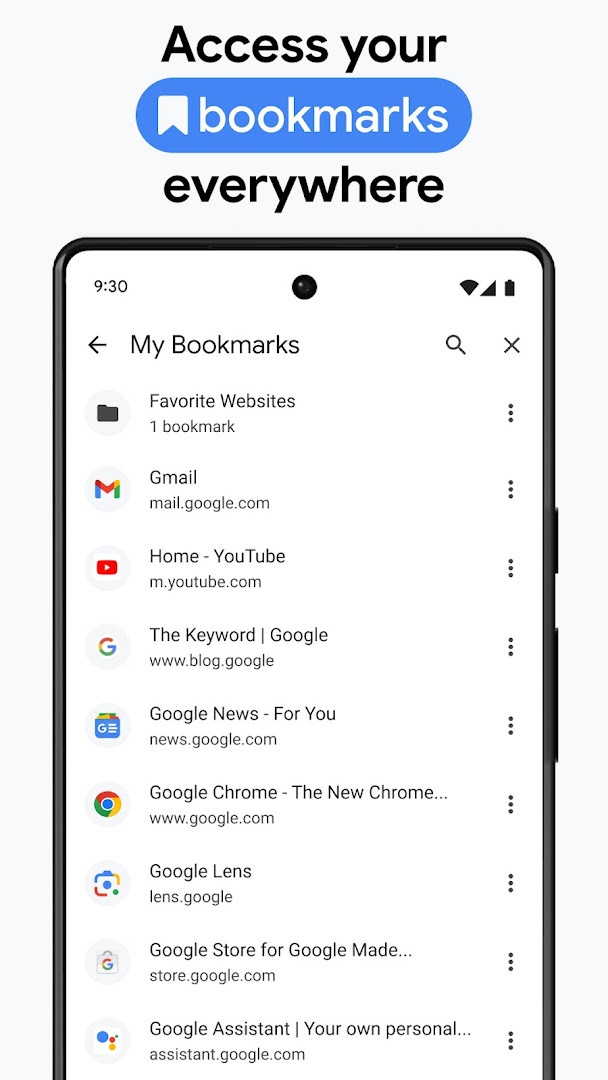
- Size
- 215 MB
- Requires Android
- 12L
- Updated
- Oct 7, 2026
- Installs
- 10B+
- Rating
- ★ 4.12 (49,425,698)
- Category
- Communication
- Developer
- Google LLC
- Content rating
- Everyone
- Package
- com.android.chrome
- Free
- ✓ · Contains ads
Google Chrome is a web browser by Google LLC that lets you browse the internet quickly and securely while keeping your data in sync across devices. It has been a staple on Android since its initial release in early 2012, and it continues to be updated regularly—the latest version, 154.0.8037.126, arrived in October 2026 with stability and performance improvements. For experienced users, Chrome is more than just a basic browser; it integrates deeply with Google’s ecosystem, offering features like Google Lens for visual search, one-click translation for entire sites, and a built-in password manager that flags compromised credentials. The browser also emphasizes security with an enhanced protection mode that proactively guards against dangerous sites and downloads, plus a Safety Check tool that scans your browsing data for risks. While the app is free, it does show ads, which is worth noting if you prefer an ad-free experience. The current version requires Android 12L or higher and takes up about 215 MB of storage, so make sure your device meets those specs before installing. With over 10 billion installs, it’s one of the most widely used browsers on the platform, though its feature availability can vary by country and language, and you should always verify search results for accuracy. This release focuses on stability and performance, so if you’ve been experiencing crashes or slow loads, this update likely addresses those issues. For power users, the tab groups feature helps keep many open pages organized, and the autofill capability speeds up form submissions by remembering your payment details, addresses, and passwords. Overall, Chrome on Android is a full-featured browser that leverages Google’s services to create a seamless experience across your phone, tablet, and computer. Its deep integration with Google Search and Translate makes it particularly useful for multilingual users or those who rely on Google’s suite of tools. The browser also benefits from frequent updates—the version history shows several releases within the past year—so you can expect ongoing refinements and new features over time. While it may not be the most privacy-focused option, its combination of speed, synchronization, and security tools makes it a solid choice for many. Keep in mind that the app requests a wide range of permissions, including access to your camera, microphone, and location, which you should review carefully before granting. For those who value convenience and Google integration, Chrome remains a strong contender in the Android browser landscape.
Key features
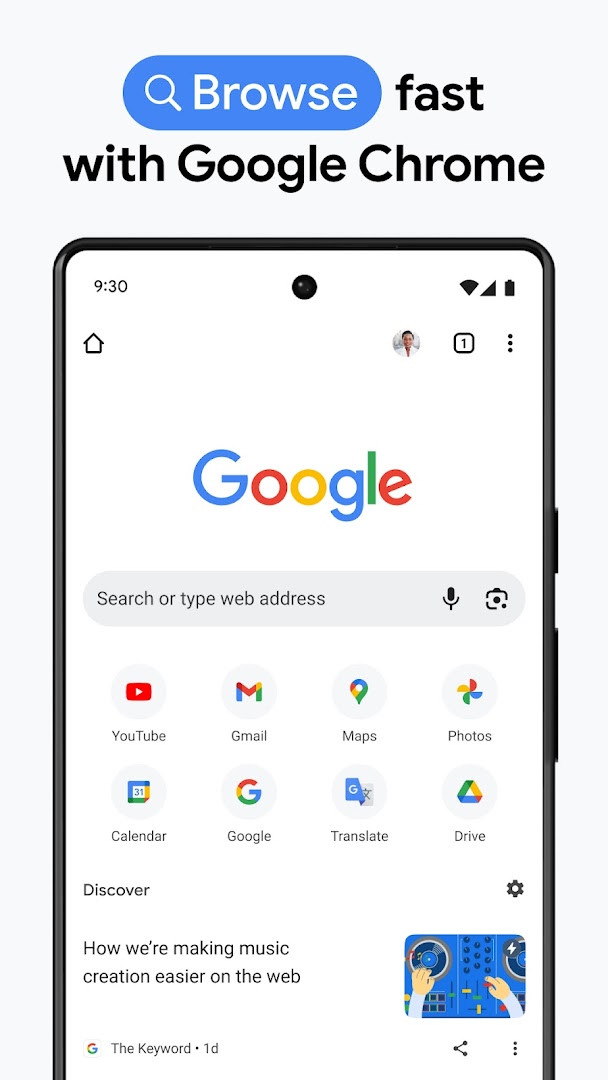
- Search with Google using text or voice, hands-free.
- Google Lens integration to search what you see with your camera.
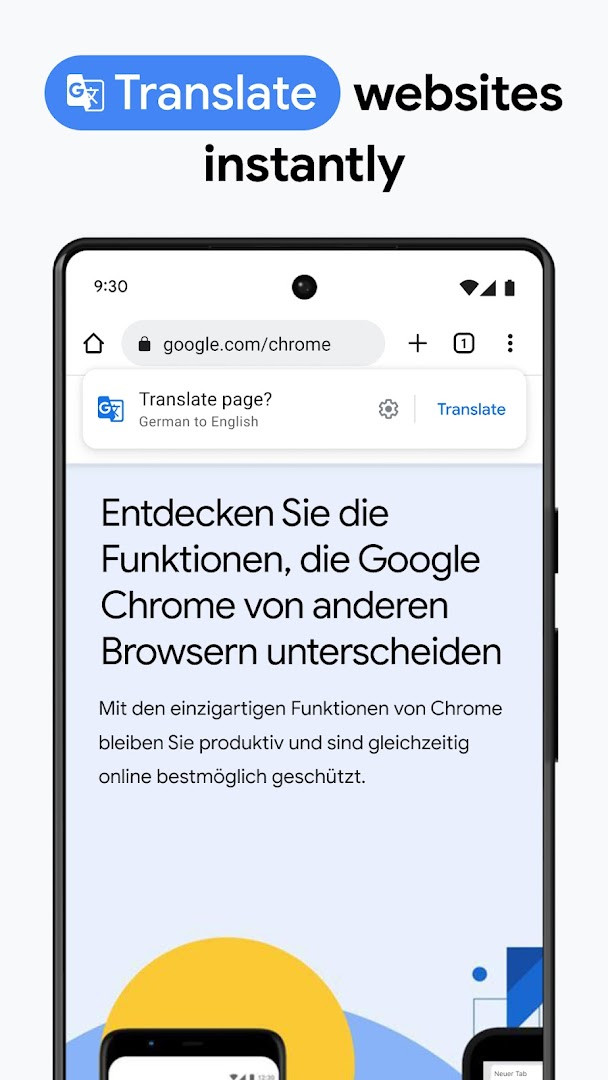
- Google Translate support for 130+ languages, with one-click full-site translation.
- Enhanced Protection Mode for the highest level of Chrome security.
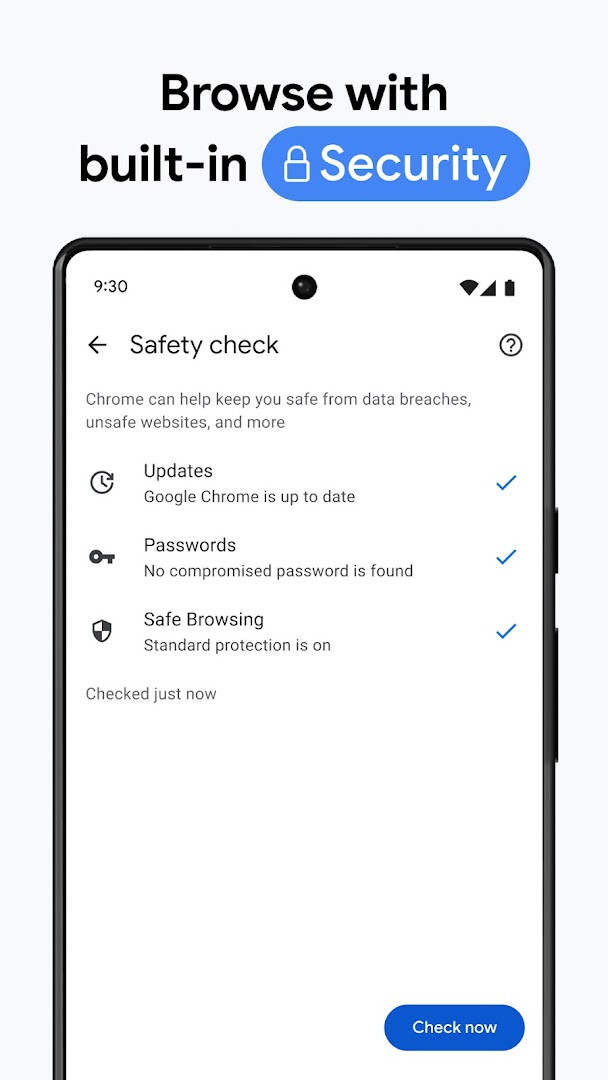
- Safety Check with proactive alerts about your browsing security.
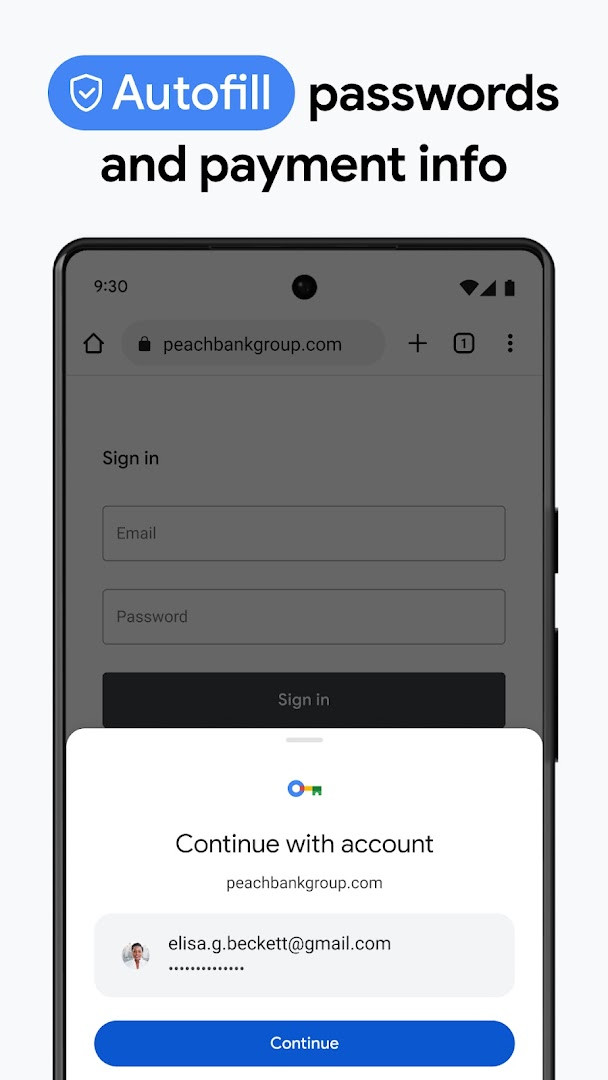
- Google Password Manager to generate, save, and check passwords for risks.
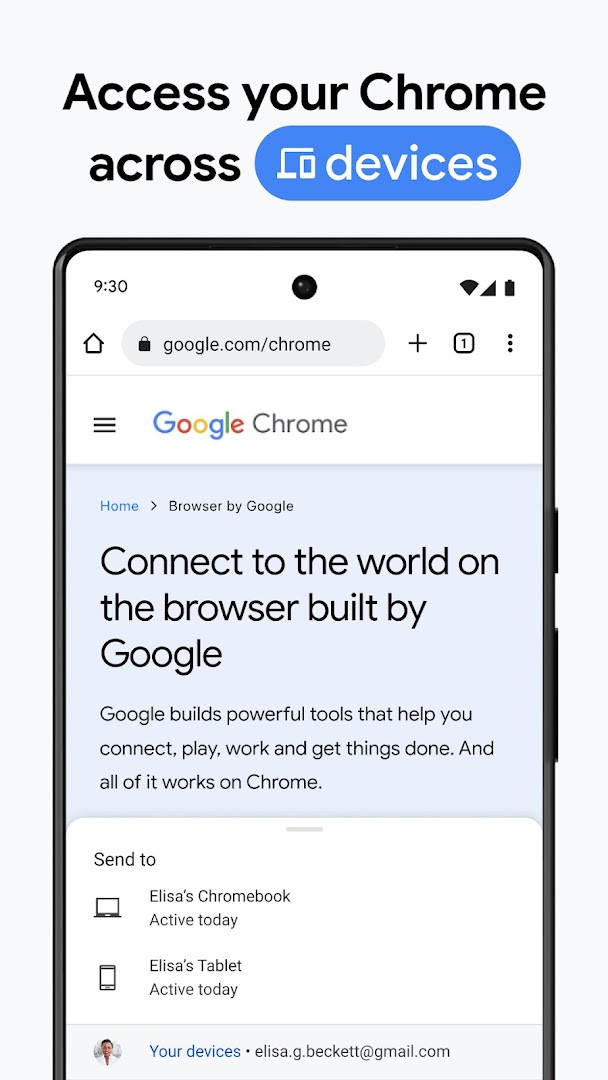
- Sync bookmarks, tabs, passwords, and more across devices when signed in.
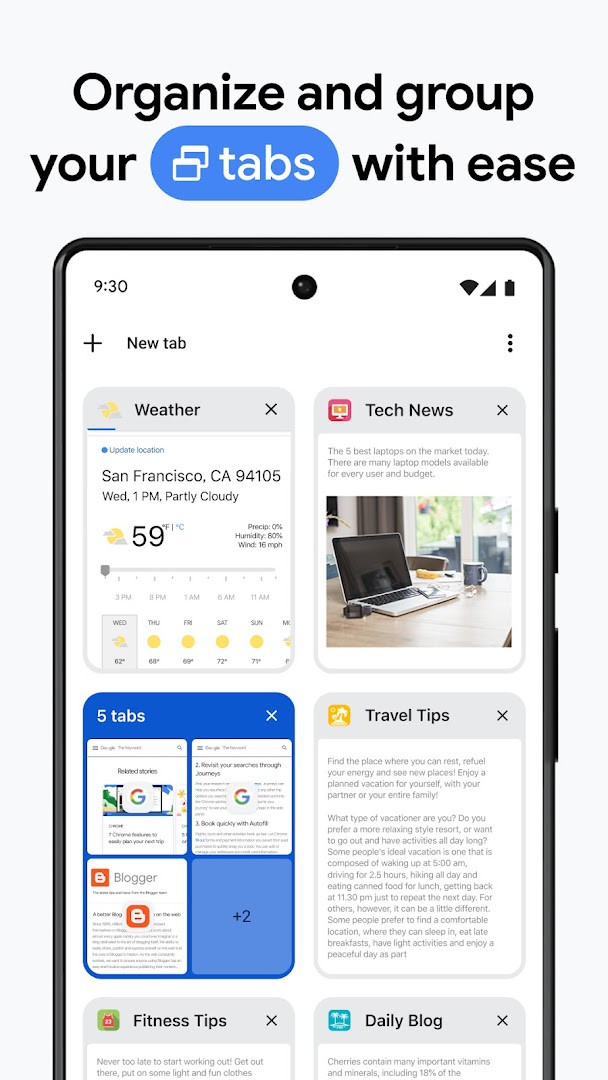
- Tab groups to keep tabs organized across devices.
- Autofill for payments, addresses, and passwords to save time.
How to install
- Tap the download button on this page to get the APK file, which is about 215 MB in size.
- When Android prompts you, allow your browser or file manager to install apps by enabling the 'Install unknown apps' setting.
- Open the downloaded APK file from your notification bar or file manager.
- Tap 'Install' and wait for the installation to complete.
- Open the app from your app drawer or home screen. Ensure your device runs Android 12L or higher.
Pros
- Deep integration with Google services like Search, Lens, and Translate.
- Robust security features including Enhanced Protection and Safety Check.
- Seamless synchronization across devices for a consistent experience.
- Tab groups help manage multiple open pages efficiently.
- Autofill saves time by remembering your information.
- Regular updates with stability and performance improvements.
Cons
- Shows ads within the browser, which can be intrusive.
- Requires Android 12L or higher, excluding older devices.
- Requests a wide range of permissions, including camera, microphone, and location.
- Large file size of 215 MB may be an issue for users with limited storage.
- Feature availability varies by country and language.
Latest changes
The latest update to Google Chrome focuses on stability and performance improvements. The current version is 154.0.8037.126, released on October 6, 2026. This follows version 153.0.8010.53 from September 27, and earlier versions from June and May. The app remains free, includes ads, and requires Android 12L or higher.
Older versions
| Version | Size | Requires Android | Updated |
|---|---|---|---|
| 154.0.8037.126 | 215 MB | 12L | Oct 6, 2026 |
| 153.0.8010.53 | 214 MB | 12L | Sep 27, 2026 |
| 149.0.7827.103 | 13 MB | 10 | Jun 12, 2026 |
| 148.0.7778.167 | 12 MB | 12L | May 15, 2026 |
| 148.0.7778.121 | 12 MB | 12L | May 12, 2026 |
| 148.0.7778.120 | 12 MB | 12L | May 12, 2026 |
| 138.0.7204.179 | 227 MB | 8.0 | Oct 30, 2025 |
| 119.0.6045.194 | 132 MB | 7.0 | Jan 15, 2024 |
| 106.0.5249.126 | 115 MB | 6.0 | Oct 19, 2022 |
| 81.0.4044.138 | 52 MB | 4.4 | May 9, 2020 |
This app is ideal for users who are deeply embedded in the Google ecosystem, such as those who use Gmail, Google Search, and Google Drive regularly. It’s also well-suited for multilingual individuals who need built-in translation capabilities, and for power users who value cross-device sync and tab management to keep their browsing organized.
To get the most out of Chrome, sign in to your Google account to enable sync across devices, and enable Enhanced Protection in settings for more proactive security, but be aware that this may affect page load times.
Permissions
FAQ
How do I install the Google Chrome APK on Android?
Download the APK, then open it from your Android device. Your system may ask you to allow installs from unknown sources before the process can finish.
What is the current version of Google Chrome?
The current version is 154.0.8037.126, released on 2026-10-06.
Does Google Chrome have ads or purchases?
The app is free and does not offer in-app purchases. It does include ads.
Can I use Google Chrome offline?
You can browse the web when you have a connection. Features like search, Google Lens, and translation depend on network access, so offline use is limited.
Are there alternatives to Google Chrome?
Yes. Other browsers in the same communication category offer similar functions for searching, translating, and syncing across devices.
What are the system requirements for Google Chrome?
It requires Android 12L or newer and takes up about 215 MB of storage.
Google Chrome is a powerful, feature-rich browser that excels at integrating with Google’s services, offering strong security and convenient synchronization. While it has some downsides like ads and a hefty storage footprint, its overall performance and feature set make it a reliable choice for most Android users, especially those already using Google products. If you prioritize a seamless, cross-device browsing experience with top-notch security, Chrome is worth installing.
Similar apps








More from this developer




Updated: Oct 14, 2026