Gmail for Android
Gmail is an email and collaboration app from Google LLC for managing messages, scheduling, and staying connected on Android devices.
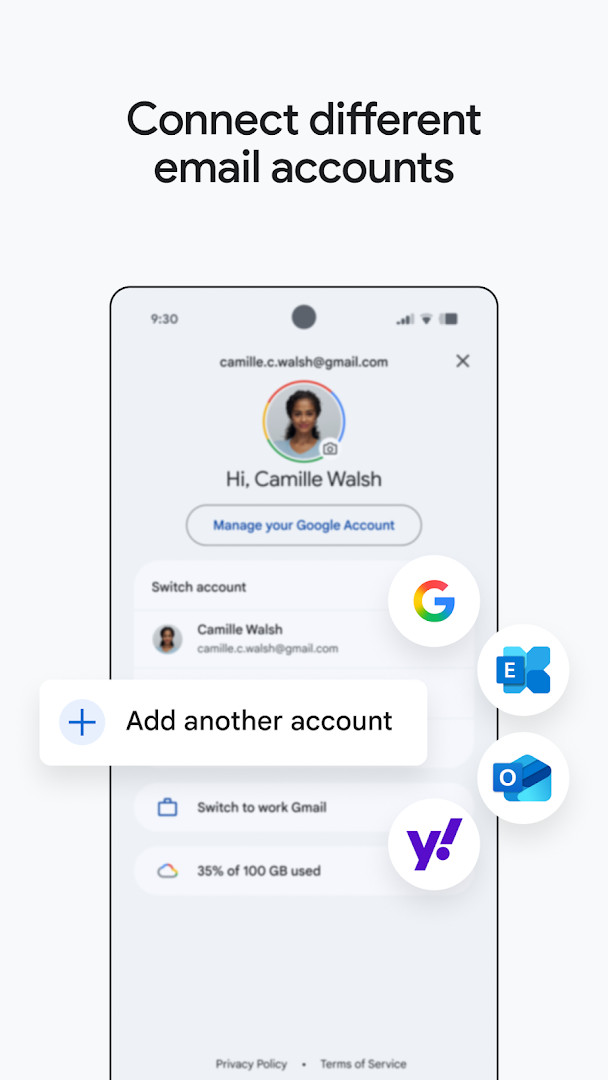
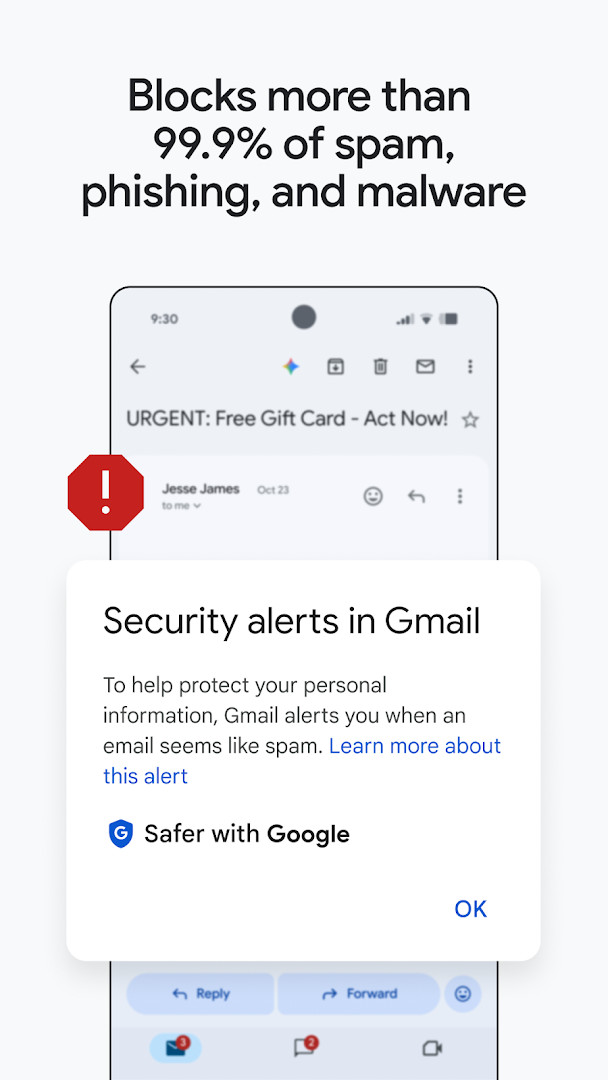
Download GmailGmail is designed for people who need dependable email access and organization on a phone, tablet, or Wear OS watch. It supports multiple accounts from different providers and blocks most spam, phishing attempts, and malware before messages reach the inbox.
Screenshots
- Size
- 26 MB
- Requires Android
- 5.0
- Updated
- Oct 12, 2026
- Installs
- 10B+
- Rating
- ★ 4.06 (14,486,799)
- Category
- Communication
- Developer
- Google LLC
- Content rating
- Everyone
- Package
- com.google.android.gm
- Free
- ✓ · Contains ads
Gmail is a communication app by Google LLC that provides a full-featured email client deeply integrated with the Google Workspace ecosystem. It is designed for personal and professional users who need a secure, intelligent, and collaborative hub on their mobile device.
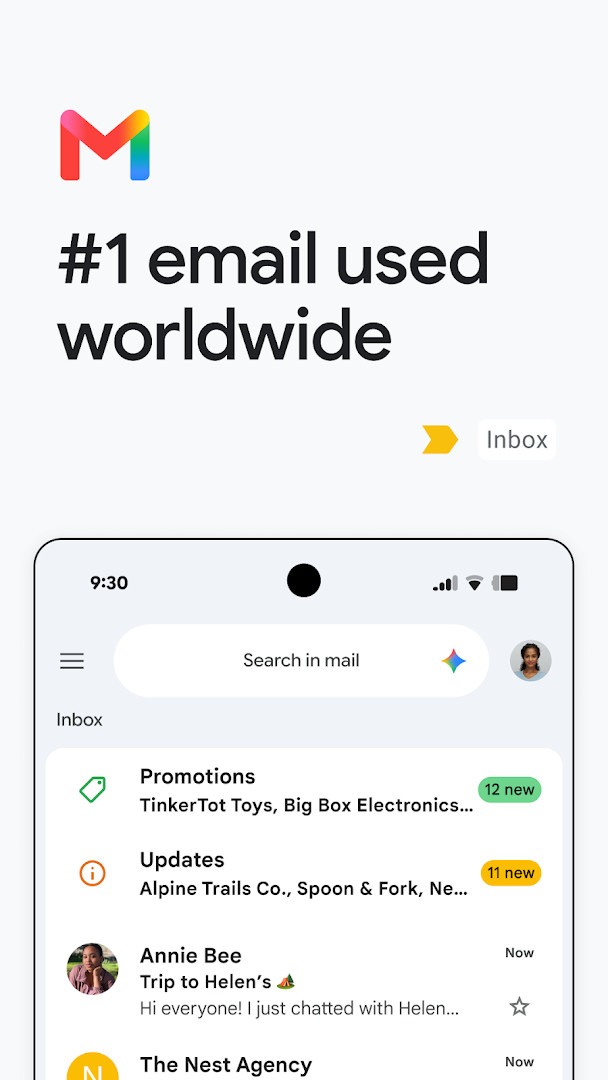
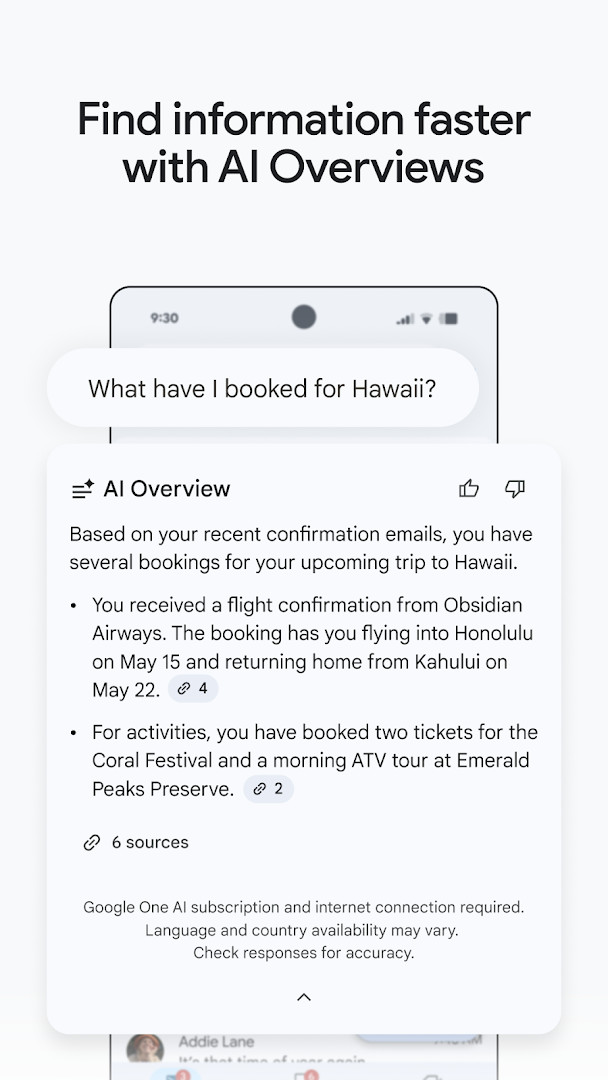
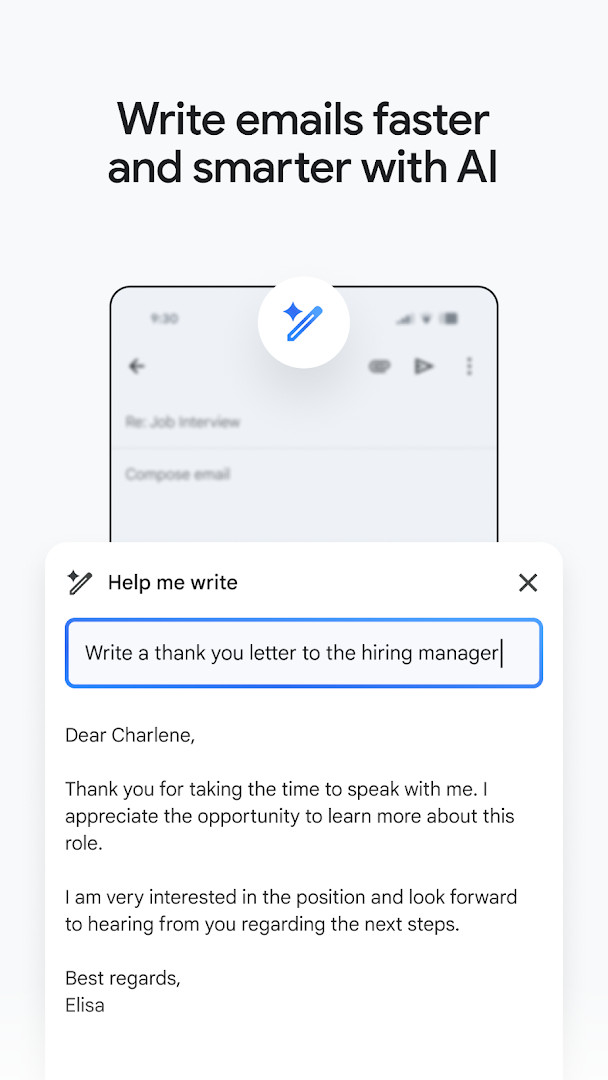
The app goes beyond simple email management by embedding Google AI, specifically Gemini, to assist with drafting messages, summarizing threads, and finding information across your inbox and Google Drive. It consolidates multiple email accounts into a single interface and offers proactive features like automatic spam filtering that blocks over 99.9% of threats, one-tap unsubscribe, and contextual summary cards.
Designed for a broad audience, from individuals managing personal correspondence to teams collaborating in real-time, Gmail also extends its functionality to Wear OS. For Google Workspace subscribers, it transforms into a central command center, allowing users to chat, join video meetings, and manage tasks without leaving the app, all backed by enterprise-grade security.
Key features
- AI-powered writing assistant with 'Help me write' and contextual Smart Reply, using Gemini.
- Powerful search that lets you query your inbox or Google Drive files with keywords or by asking Gemini.
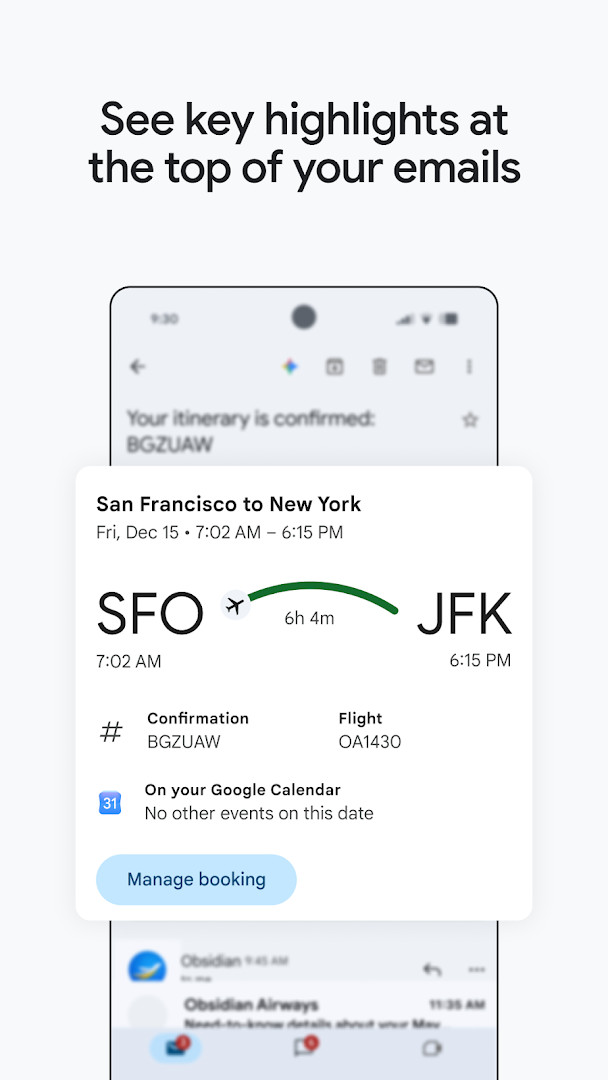
- Summary cards at the top of emails to surface key details like tracking information or event dates.
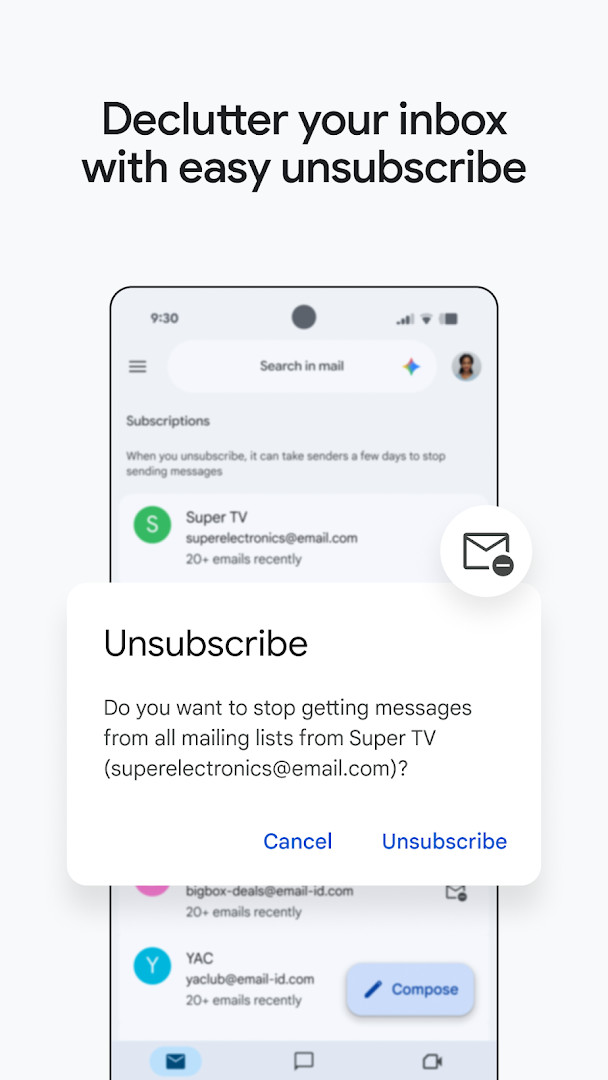
- Unified unsubscribe tool to remove yourself from unwanted mailing lists in one place.
- Seamless switching between multiple accounts from various email providers.
- Automatic blocking of more than 99.9% of spam, phishing, and malware.
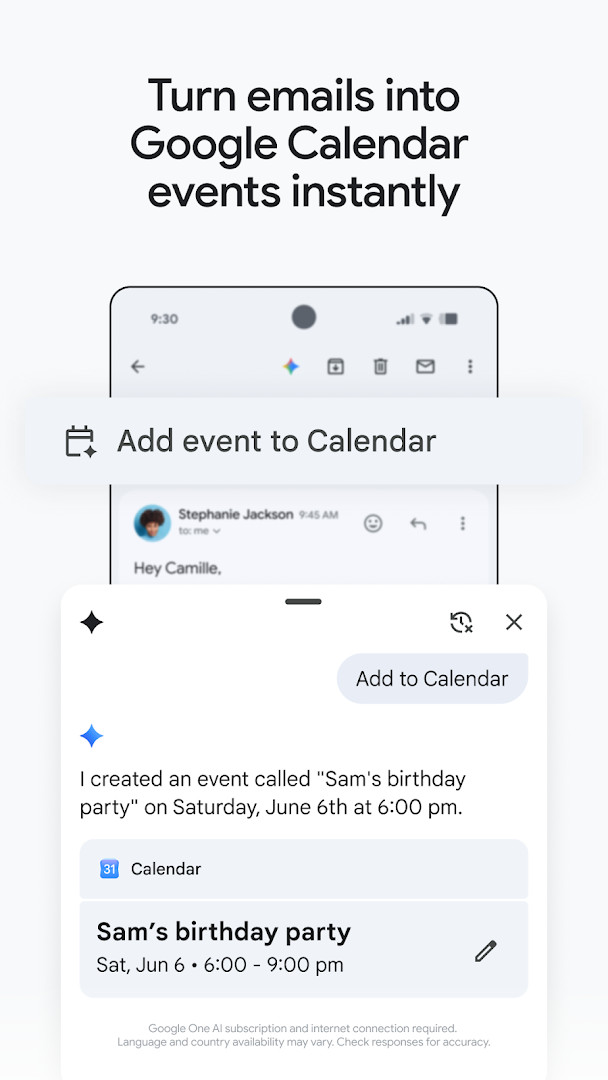
- Instant Google Calendar invite creation from your inbox with the ‘Add to Calendar’ button and Gemini.
How to install
- Tap the download button on this page to get the APK file for Gmail.
- When prompted by Android, allow your browser or file manager to install apps by enabling the 'Install unknown apps' setting.
- Open the downloaded APK file. The file size is approximately 26 MB.
- Tap the 'Install' button to begin the installation process.
- Once the installation is complete, open the app to sign in and start managing your email. Ensure your device is running Android 5.0 or later.
Pros
- Integrates email, chat, and video meetings in one place for Google Workspace users.
- Advanced AI features from Gemini can draft emails and find specific information quickly.
- Exceptional built-in security, automatically blocking the vast majority of spam and phishing attempts.
- Supports multiple accounts from different providers, not just Gmail.
- Available on Wear OS, allowing quick email triage from your wrist.
Cons
- Requires a Google AI Pro or Ultra plan and internet connection for Gemini features.
- Extensive list of permissions requested, including access to Camera, Microphone, and Device ID.
- Contains advertisements, which may detract from the experience for some users.
- The wealth of features can feel overwhelming if you prefer a minimalist email client.
Latest changes
The latest update to Gmail, released on October 12, 2026, helps you stay on top of important work. It builds on secure email to let you also chat, collaborate in spaces, or make voice and video calls, all within a single place.
Older versions
| Version | Size | Requires Android | Updated |
|---|---|---|---|
| 8.10.7.218420740.release | 22 MB | 4.1 | Jan 20, 2026 |
| 2019.10.20.278647676.release | 26 MB | 4.4 | Jan 17, 2026 |
| 2020.05.31.316831277.release | 26 MB | 5.0 | Jan 16, 2026 |
| 7.5.7.156101332.release | 19 MB | 4.0 | May 18, 2017 |
| 2.3.6 | 1.8 MB | — | Jun 16, 2013 |
| 1.3 | 0.8 MB | — | Jan 27, 2012 |
This app is ideal for experienced users who are deeply integrated into the Google ecosystem and want more than a basic email client. It's perfectly suited for professionals and teams using Google Workspace who need a unified platform for communication, scheduling, and AI-assisted productivity.
To get the most out of the search function, use natural language queries to let Gemini find details like 'What was the tracking number in the email from the shoe store?' instead of just searching for keywords. Remember that the advanced AI features require a Google AI Pro or Ultra plan and an active internet connection.
Permissions
FAQ
How does Gmail use AI to help with writing and searching?
Gmail includes Gemini-powered features such as 'Help me write' and contextual Smart Reply, and you can ask Gemini to find specific details in your inbox or Google Drive files. These AI tools require a Google AI Pro or Ultra plan and an internet connection; availability varies by language and country, and you should verify responses for accuracy.
What does Gmail's spam and phishing protection claim?
According to the app's description, Gmail automatically blocks more than 99.9% of spam, phishing, and malware from reaching your inbox. This is a stated feature, not a guarantee of absolute safety.
Can I use Gmail on a smartwatch?
Yes, Gmail is available on Wear OS. You can add a Gmail complication and tile on your Wear OS watch to get a quick overview of your emails and manage them from your wrist.
Does Gmail support multiple accounts from different providers?
Yes, the Gmail app allows you to switch between multiple accounts, including accounts from different email providers, all within the same app.
What is the minimum Android version required to run Gmail?
The Gmail app requires Android 5.0 or higher, and the app size is 26 MB. The most recent listed version is 8.10.7.218420740.release, dated 2026-01-20, with the app last updated on 2026-10-12.
For anyone already invested in Google services, or simply seeking a free, polished, and secure email client, Gmail is the benchmark. Its deep integration with Google Workspace and advanced features like Gemini-powered writing assistance make it a compelling choice that goes beyond basic email, though the permissions and AI subscription model are worth considering.
Similar apps







More from this developer




Updated: Oct 15, 2026