
Google Meet: Video Calling App
Google Meet is a video calling app by Google LLC that provides secure, high-quality video calls for personal and team use.
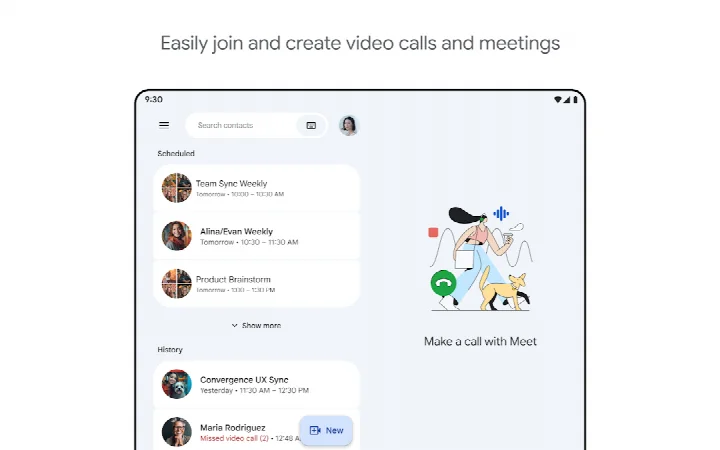
Download Google MeetGoogle Meet offers secure, high-quality video calling for everyone, with features like automatic light adjustment, noise cancellation, and real-time captions. It is designed for catching up with family and friends or collaborating with your team, and includes fun effects, filters, reactions, and backgrounds.
Screenshots
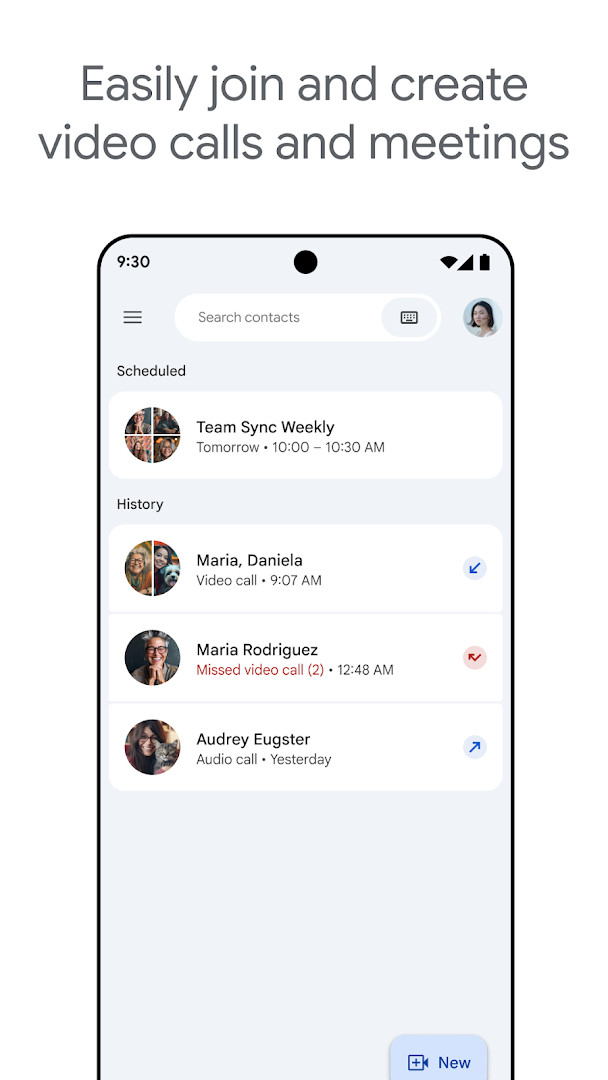


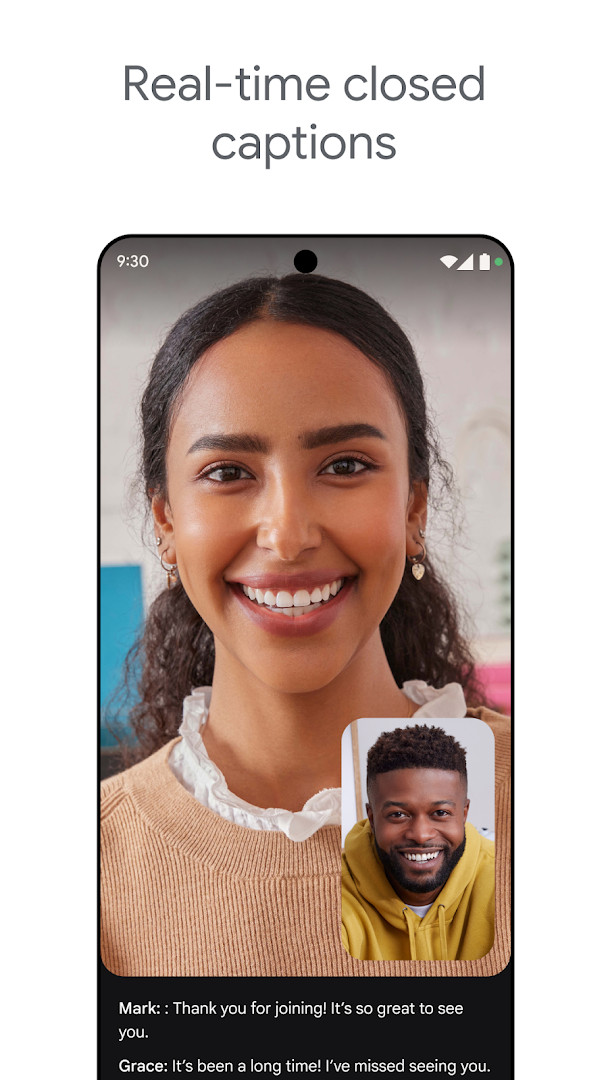
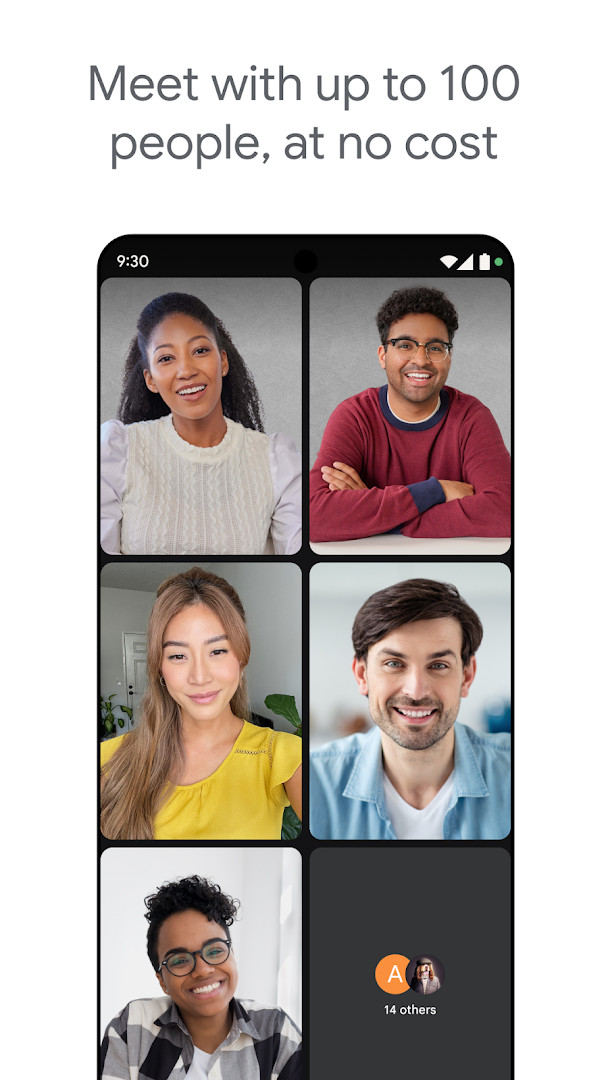
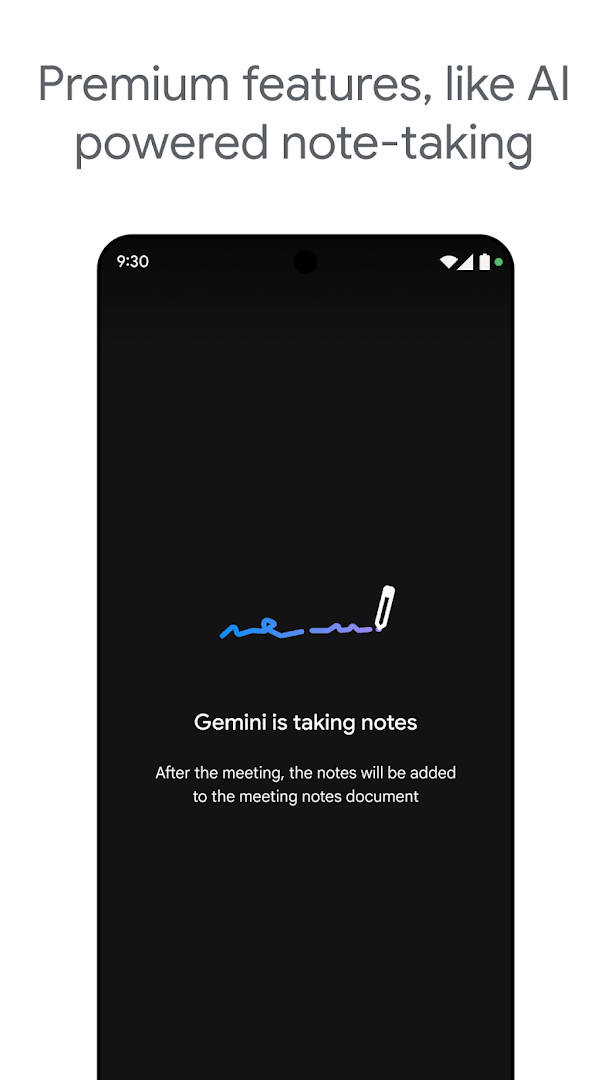
- Size
- 118 MB
- Requires Android
- 8.1
- Updated
- Oct 7, 2026
- Installs
- 10B+
- Rating
- ★ 4.38 (11,995,606)
- Category
- Communication
- Developer
- Google LLC
- Content rating
- Everyone
- Package
- com.google.android.apps.tachyon
- Free
- ✓
Google Meet is a secure video conferencing application by Google LLC that provides high-quality calling for personal and professional use. Originally launched in August 2016, the service has evolved from a business-focused tool into a universal communication platform, now counting over 10 billion installs. The latest update, released on October 7, 2026, further blurs the line between basic and advanced communication by extending premium features like AI-powered note-taking and real-time speech-to-speech translation to help bridge language barriers and keep conversations focused.
At its core, the application delivers reliable video and audio performance enhanced by automatic light adjustment and noise cancellation, ensuring participants can be seen and heard clearly even in less-than-ideal environments. The experience is rounded out with a layer of expressiveness through fun effects, filters, reactions, and virtual backgrounds, making it suitable for both casual catch-ups and formal team meetings. However, users evaluating alternatives should note that some of the most compelling functionality, including meeting recording and the aforementioned AI tools, requires a paid Google Workspace subscription.
For the experienced user comparing communication tools, the value proposition hinges on ecosystem integration. Meet is deeply woven into Google Calendar, Gmail, and Chat, enabling frictionless one-click joins and scheduling. While the free tier is competent for basic video calls, power users who rely on post-meeting artifacts like automatic transcripts and recordings will find the premium tier necessary, a common trade-off in the current landscape of collaboration software.
Key features
- Automatic light adjustment and background noise cancellation to ensure visual clarity and audio quality in varied environments.
- Real-time captions and, for premium subscribers, speech-to-speech translation to bridge language gaps during conversations.
- Fun effects, filters, reactions, and customizable virtual backgrounds to make calls more expressive and engaging.
- AI-powered note-taking (premium) that automatically captures meeting summaries, allowing participants to focus on discussion.
- Secure, high-quality video calling designed to scale from one-on-one chats to large team collaborations.
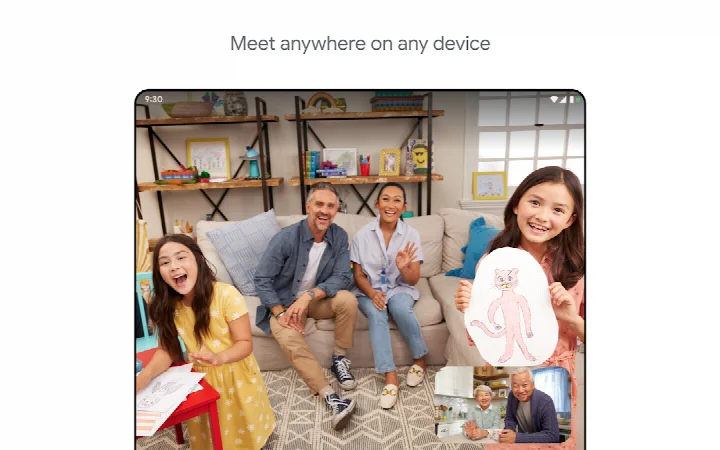
- Cross-device support spanning phones, tablets, and web browsers, with seamless handoff between them.
- Integration with Google Workspace apps for one-click meeting joins from Calendar, Gmail, and Chat.
How to install
- Tap the download button on this page to get the APK file for Google Meet.
- When prompted by Android, allow your browser or file manager to install apps by enabling the 'Install unknown apps' setting.
- Open the downloaded APK file, which has a size of 118 MB, from your notifications or file manager.
- Review the permissions screen carefully, then tap 'Install' to begin the process.
- Once the installation completes, tap 'Open' to launch the app and sign in with your Google account.
- Ensure your device is running Android 8.1 or a newer version, as this is the minimum operating system requirement.
Pros
- Deep, seamless integration with the Google Workspace ecosystem, including Calendar, Gmail, and Chat.
- Consistently high audio and video quality with adaptive features like light correction and noise filtering.
- Robust security infrastructure backed by Google's account protection, with no ads or in-app purchases cluttering the experience.
- Premium AI features such as note-taking and speech translation provide tangible productivity gains for multilingual teams.
- Massive install base and cross-platform support make it highly likely that contacts already have access, reducing adoption friction.
- Straightforward, clean interface that minimizes the learning curve for new participants joining a call.
Cons
- Essential productivity features like meeting recording and AI note-taking are locked behind a Google Workspace subscription.
- Real-time speech-to-speech translation and live captions are not available for all languages, limiting global usability.
- The free version lacks some of the advanced noise cancellation and presentation capabilities found in dedicated conferencing tools.
- Video call quality can fluctuate significantly when bandwidth is constrained, despite adaptive algorithms.
- Requires a Google account to initiate a meeting, which is a barrier for users in organizations standardized on other platforms.
Latest changes
The update adds AI-powered note-taking and real-time speech-to-speech translation. These are listed as premium features intended to help participants follow the conversation and reduce language barriers.
Older versions
| Version | Size | Requires Android | Updated |
|---|---|---|---|
| 305.0.756012893.duo.android_20250504.15_p1.n | 118 MB | 8.1 | May 16, 2025 |
Professionals and teams heavily invested in Google Workspace who need a reliable daily driver for internal and external meetings. Frequent travelers or remote workers who will benefit from AI-driven note-taking and real-time translation to stay productive across time zones and languages. Individuals looking for a straightforward, secure video calling app for family connections without the distraction of ads or in-app purchases.
To avoid echo during group calls, use headphones instead of your device's speaker, especially in rooms with hard surfaces, as the built-in noise cancellation primarily targets background drones rather than acoustic feedback loops.
Permissions
FAQ
What built-in tools does Google Meet offer to help participants be seen and heard clearly?
The description mentions automatic light adjustment, noise cancellation, real-time captions, and fun effects such as filters, reactions, and backgrounds.
Which capabilities in Google Meet are described as premium rather than standard?
AI-powered note-taking, real-time speech-to-speech translation, meeting recording, and noise cancellation are listed as premium features.
What limitations apply to live captions and speech translation in Google Meet?
Live captions and speech translation are not available in every language, and specific feature availability may vary based on device specifications.
Which device types are listed as supported for Google Meet video calls?
Google Meet can be used on Android and iOS phones, tablets, Google Nest, and the web.
What does the listing indicate about content rating, ads, and in-app purchases for Google Meet?
The app has a content rating of Everyone, includes ads: no, and has no in-app purchases.
For anyone deeply embedded in the Google ecosystem, Meet is the obvious and frictionless choice, delivering reliable core performance with an increasingly sophisticated premium tier. While competitors may offer more generous free recording or slightly different interface philosophies, Meet’s strength lies in its integration, security, and the tangible utility of AI features like translate and note-taking for those who need them.
Similar apps








More from this developer




Updated: Oct 15, 2026