
Google Messages for Android
Google Messages is a messaging app from Google LLC for texting with RCS, including high-quality media sharing and group chats.
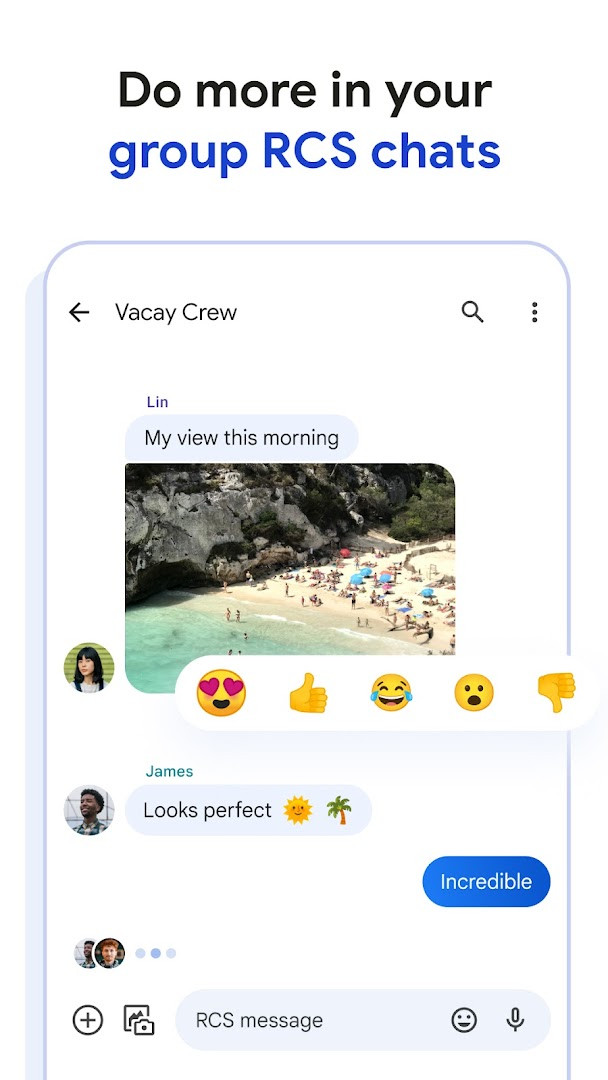
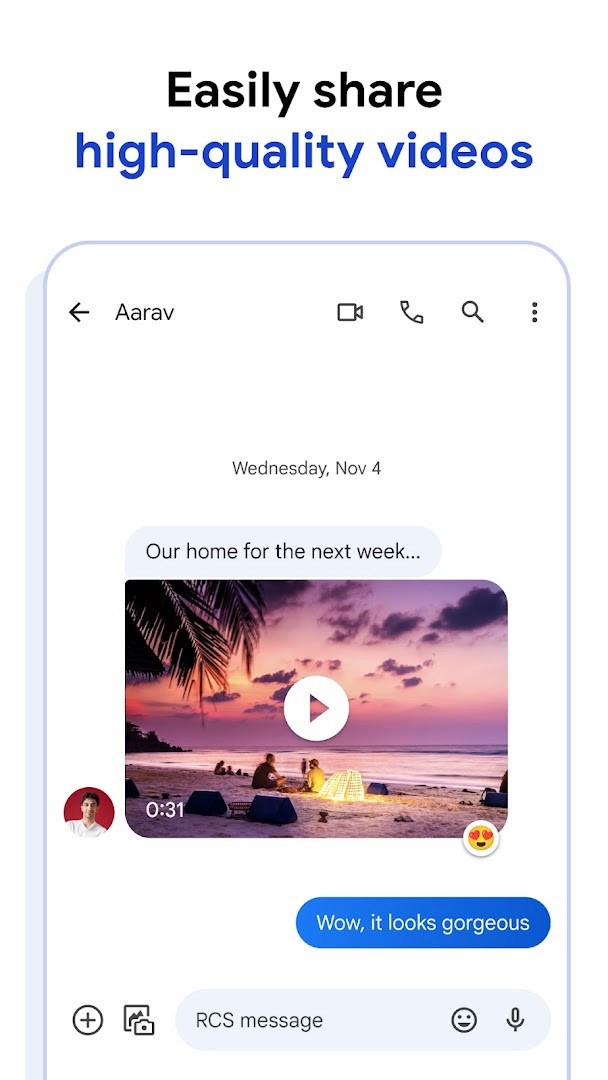
Download Google MessagesGoogle Messages is for Android users who want a modern texting experience that goes beyond standard SMS. It uses RCS to support high-resolution photos and videos, typing indicators, and group chats that can include iPhone users. The app is free, requires Android 6.0 or higher, and its 9 MB size makes it a lightweight addition.
Screenshots
- Size
- 9 MB
- Requires Android
- 6.0
- Updated
- Oct 8, 2026
- Installs
- 10B+
- Rating
- ★ 4.58 (50,447,936)
- Category
- Communication
- Developer
- Google LLC
- Content rating
- Everyone
- Package
- com.google.android.apps.messaging
- Free
- ✓
Google Messages is a communication app by Google LLC that serves as the official messaging application for Android devices, providing a modern alternative to traditional SMS and MMS texting. It is designed to handle everyday text conversations while also offering a richer experience through Rich Communication Services (RCS), which enables features like high-resolution media sharing, typing indicators, and improved group chats. The app is suitable for anyone who wants a straightforward, reliable messaging tool that works across different devices and with various contacts, including those using other platforms.
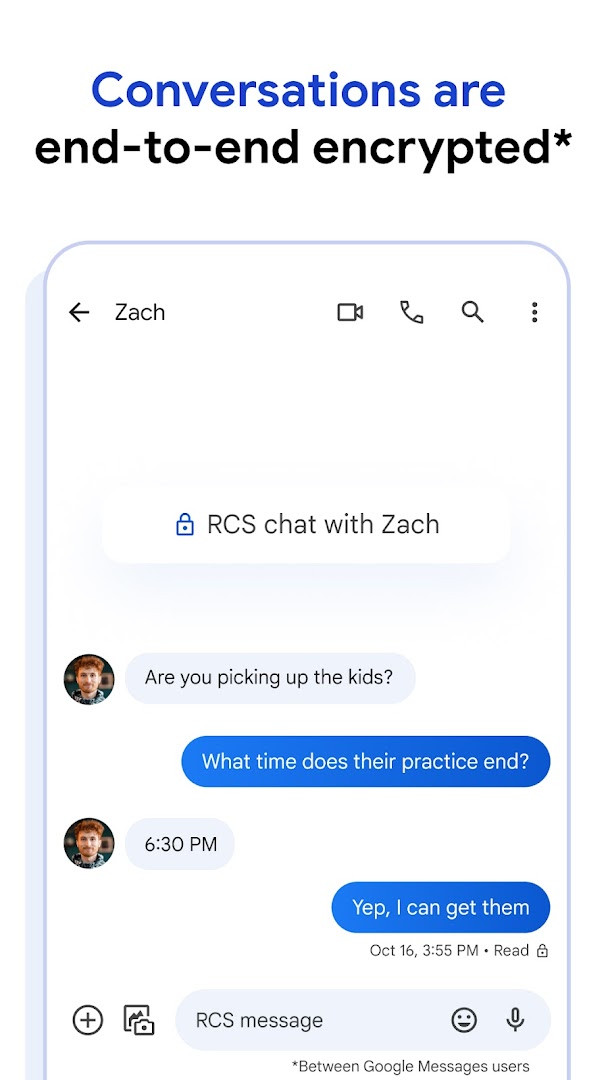
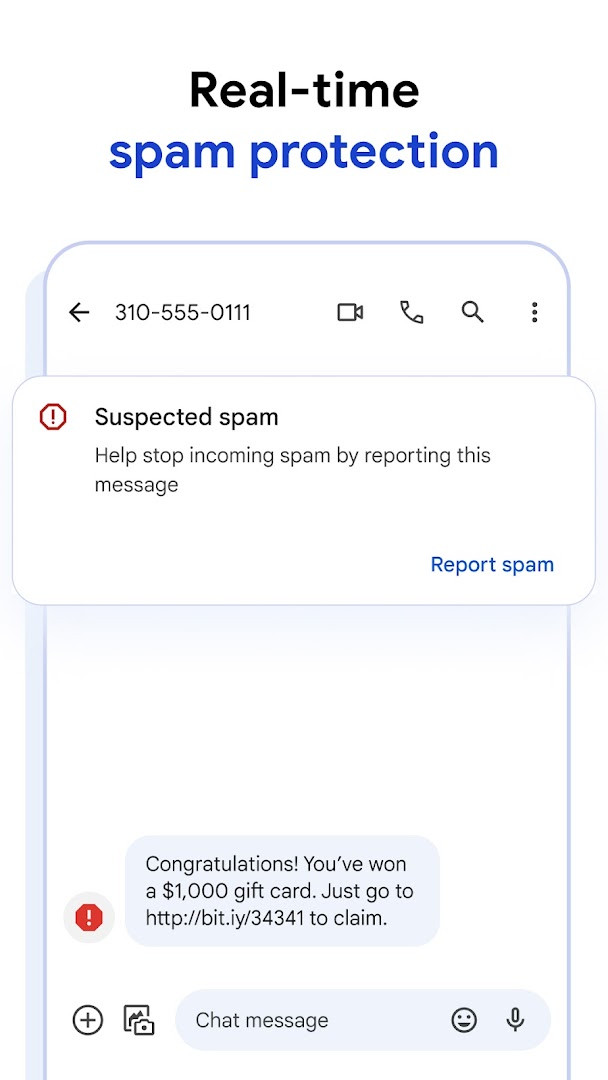
The app replaces basic texting with a more interactive and secure environment. With RCS, users can send and receive photos and videos in better quality, see when others are typing, and participate in dynamic group conversations that can include contacts on iPhones. For those who value privacy, personal chats between Google Messages users are protected with end-to-end encryption, ensuring that only the intended recipients can read the messages. Additionally, the app includes advanced spam protection to help filter unwanted messages.
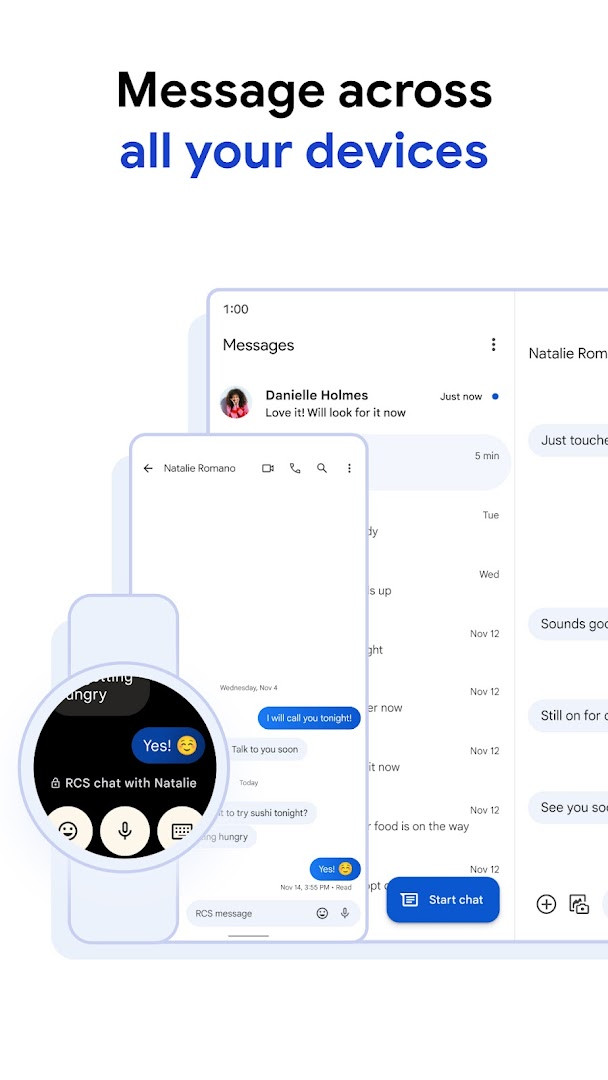
Google Messages also offers a range of customization options, such as changing chat bubble colors and creating fun selfie GIFs to express personality. AI-powered features like Magic Compose assist in crafting messages, making conversations easier and more creative. The app is designed to work seamlessly across devices, allowing users to start a chat on their phone and continue it on a tablet or computer, and it is also available on Wear OS smartwatches for quick access. It is a free, ad-free application that requires no in-app purchases, making it accessible to a wide audience.
Key features
- Rich Communication: Share high-quality photos and videos, see when friends are typing, and enjoy dynamic group chats that now seamlessly include your iPhone friends.
- Personal Touch: Make conversations uniquely yours with features like custom chat bubble colors or fun selfie GIFs.
- Privacy Matters: Personal chats are protected with end-to-end encryption between Google Messages users, ensuring no one, including Google and third parties, can read your messages or attachments except the intended recipient. Plus, advanced spam protection.
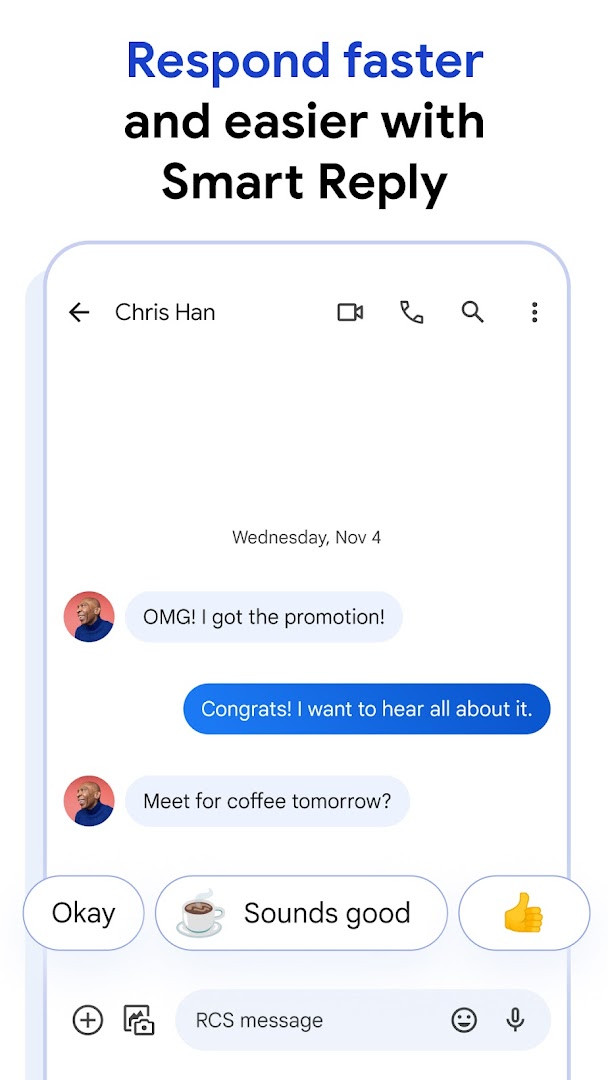
- AI-Powered Messaging: Craft the perfect message with Magic Compose suggestions and the latest AI features.
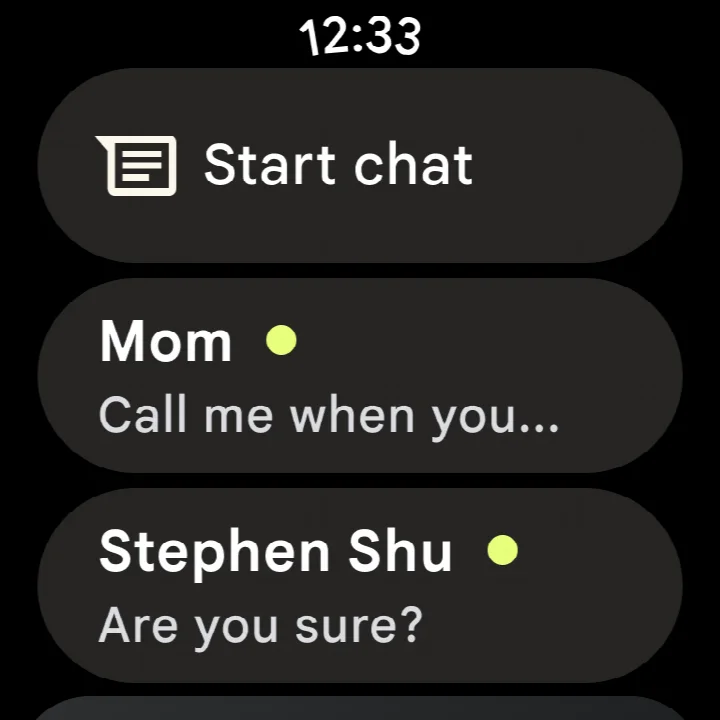
- Seamless Across Devices: Start a chat on your phone and continue it effortlessly on your tablet or computer. The app is also available on Wear OS.
How to install
- Tap the download button on this page to get the APK file for Google Messages (size: 9 MB).
- When Android asks for permission, allow your browser or file manager to install apps by enabling the 'Install unknown apps' setting.
- Open the downloaded APK file from your notifications or file manager.
- Tap 'Install' and wait for the installation to complete.
- After installation, tap 'Open' to launch the app. Ensure your device runs Android 6.0 or higher.
Pros
- End-to-end encryption for personal chats between Google Messages users enhances privacy.
- Rich features like high-quality media sharing and typing indicators via RCS.
- Works across devices, including tablets, computers, and Wear OS.
- Free, with no ads and no in-app purchases.
- AI-powered suggestions help craft messages.
- Advanced spam protection keeps unwanted messages at bay.
Cons
- Requires a data plan and RCS availability may vary by region and carrier.
- Some features may not be available on all devices or in all markets.
- Requires access to sensitive permissions like SMS, contacts, and location, which may raise privacy concerns for some users.
Latest changes
This update for Google Messages brings bug fixes and stability improvements.
Older versions
| Version | Size | Requires Android | Updated |
|---|---|---|---|
| 1.9.041 (4109217-38.phone) | 18 MB | 4.1 | Sep 25, 2019 |
| 4.3.094 (griffin_RC05_alldpi.armeabi-v7a.wear) | 9 MB | 6.0 | Apr 30, 2019 |
| 1.9.518 (3202766-48.phone) | 18 MB | 7.1 | Oct 11, 2016 |
| 1.1.057 (1704610-04) | 8.1 MB | 5.1 | Mar 10, 2015 |
Google Messages is for anyone who wants a dependable, feature-rich messaging app on Android, from beginners who need a simple texting solution to more advanced users who appreciate RCS enhancements, cross-device continuity, and privacy-focused features.
To get the most out of Google Messages, ensure your device and carrier support RCS, and enable the feature in the app's settings to enjoy high-quality media sharing and typing indicators with other RCS users.
Permissions
FAQ
Does this app support RCS for better quality sharing and group chats?
Yes, Google Messages uses Rich Communication Services (RCS), the industry standard that replaces SMS and MMS, allowing you to share high-resolution photos and videos, see typing indicators, and enjoy dynamic group chats, including with iPhone users.
How does Google Messages protect the privacy of my conversations?
According to the app's description, your personal chats are protected with end-to-end encryption between Google Messages users, meaning no one, including Google and third parties, can read or view your messages and attachments except the intended recipient.
Can I use AI to help write messages in Google Messages?
Yes, the app includes Magic Compose suggestions and other AI features to help you craft messages.
Is it possible to use Google Messages across different devices?
Yes, you can start a chat on your phone and continue it on your tablet or computer, and the app is also available on Wear OS.
What was included in the most recent update of Google Messages?
As of the latest information from October 8, 2026, the update includes bug fixes and stability improvements.
Google Messages is a solid choice for Android users looking for a modern messaging app that balances simplicity with advanced features like RCS, encryption, and AI assistance. Its free, ad-free nature and cross-device support make it a versatile tool for everyday communication.
Similar apps







More from this developer



Updated: Oct 14, 2026