
Contacts for Android
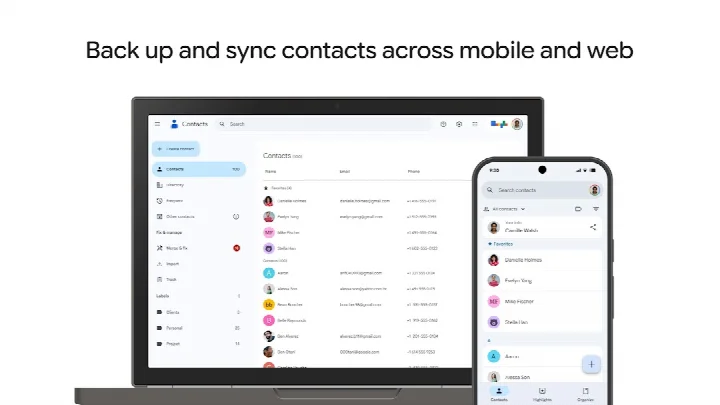
Contacts is a communication app from Google LLC for backing up and syncing contacts across devices.
Download ContactsContacts is designed for anyone who wants to keep address books safe and available on multiple devices. It backs up contacts to a Google Account, allows access wherever the user is signed in, and can recover contacts deleted within the last 30 days from Trash. The app is free, has no ads or in-app purchases, requires Android 4.4 or later, and has a download size of 9.4 MB.
Screenshots
- Size
- 9.4 MB
- Requires Android
- 4.4
- Updated
- Oct 8, 2026
- Installs
- 5B+
- Rating
- ★ 4.32 (1,962,876)
- Category
- Communication
- Developer
- Google LLC
- Content rating
- Everyone
- Package
- com.google.android.contacts
- Free
- ✓
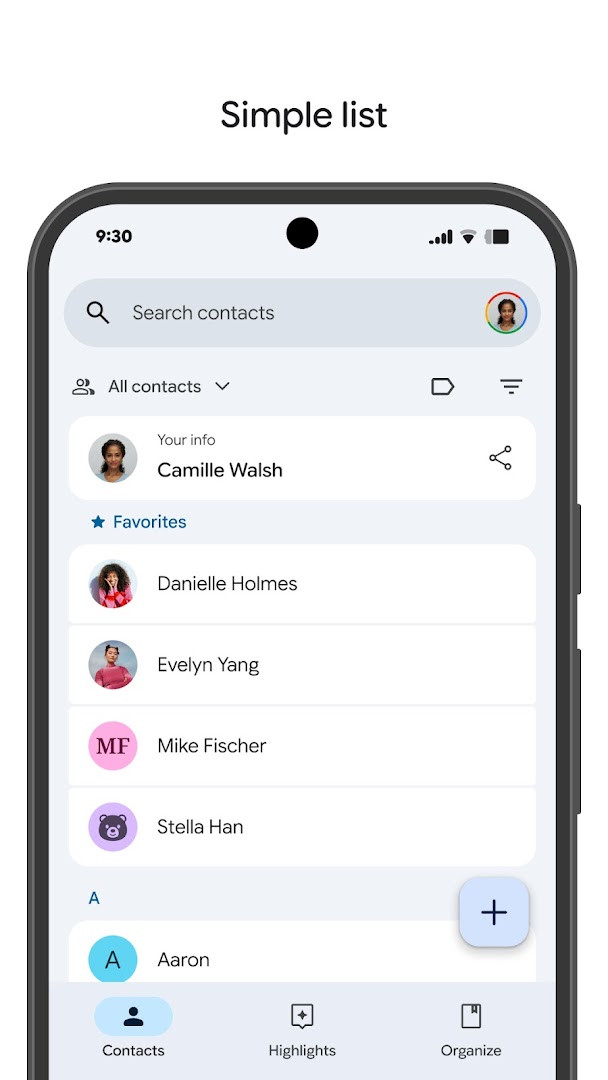
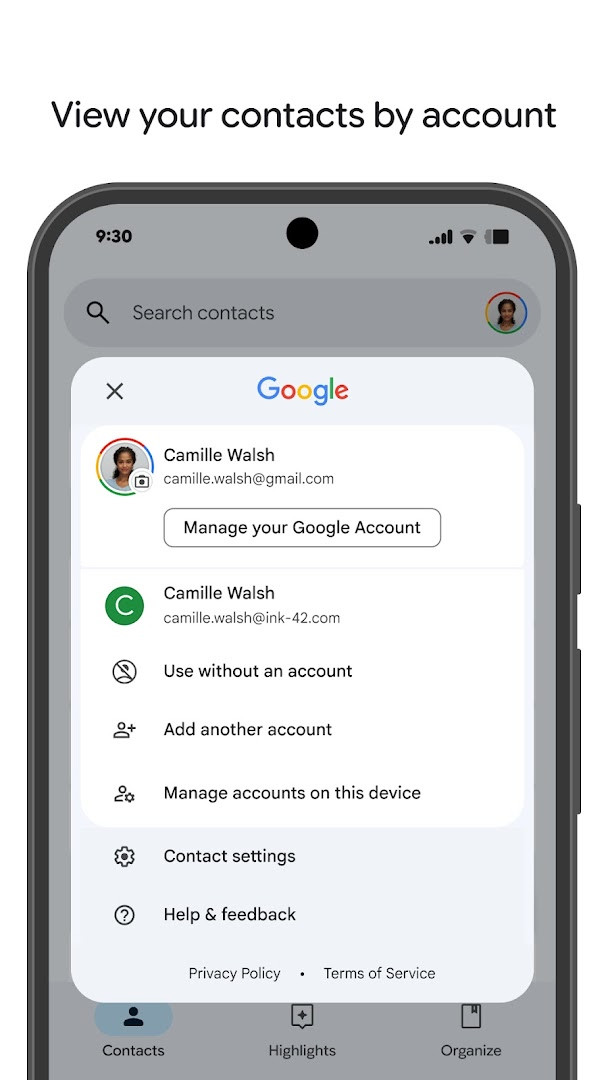
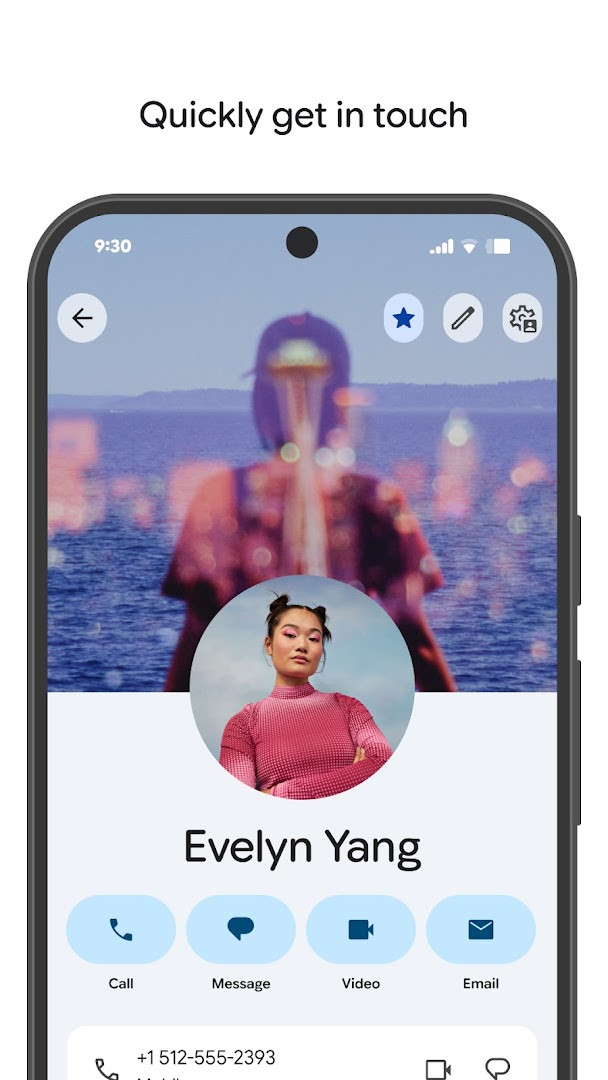
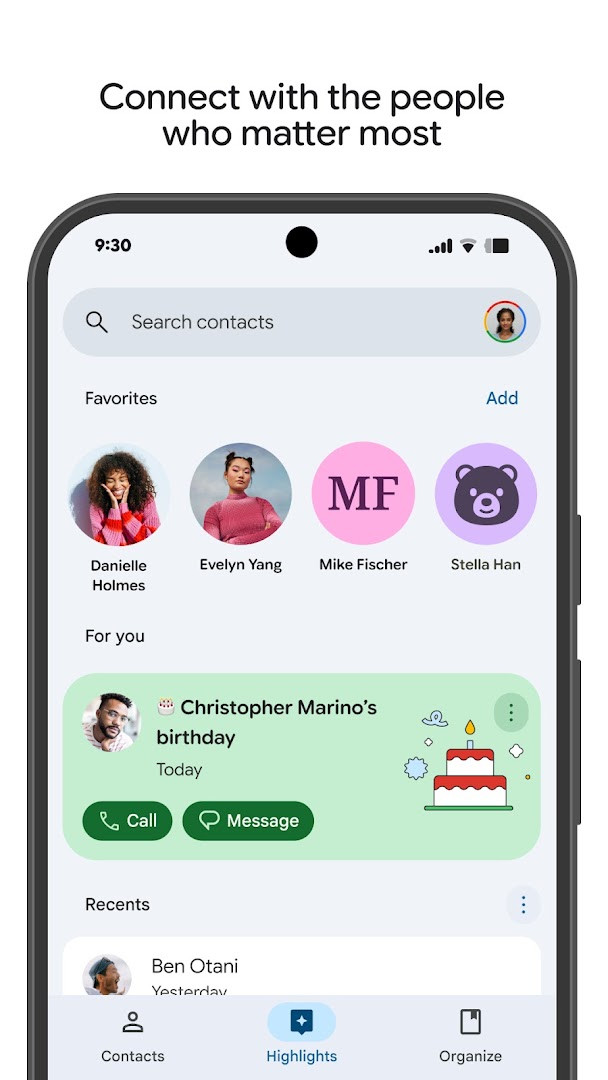
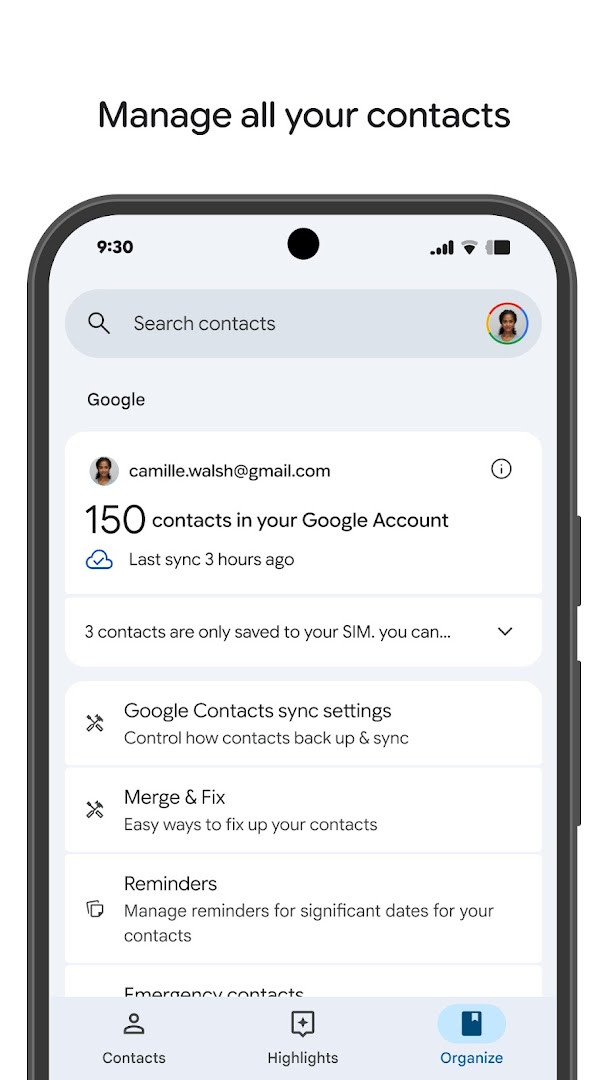
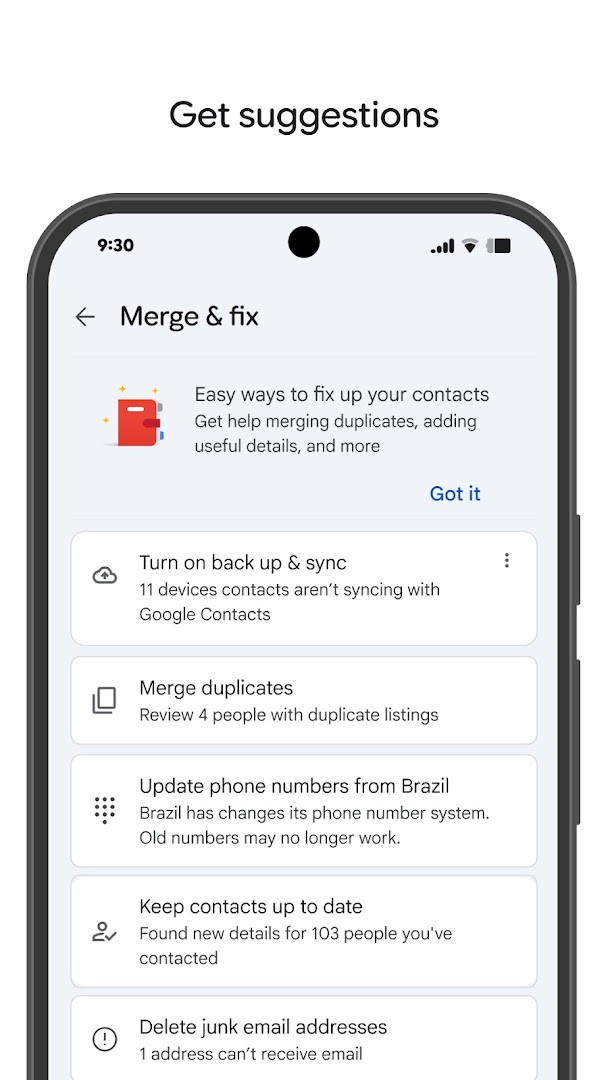
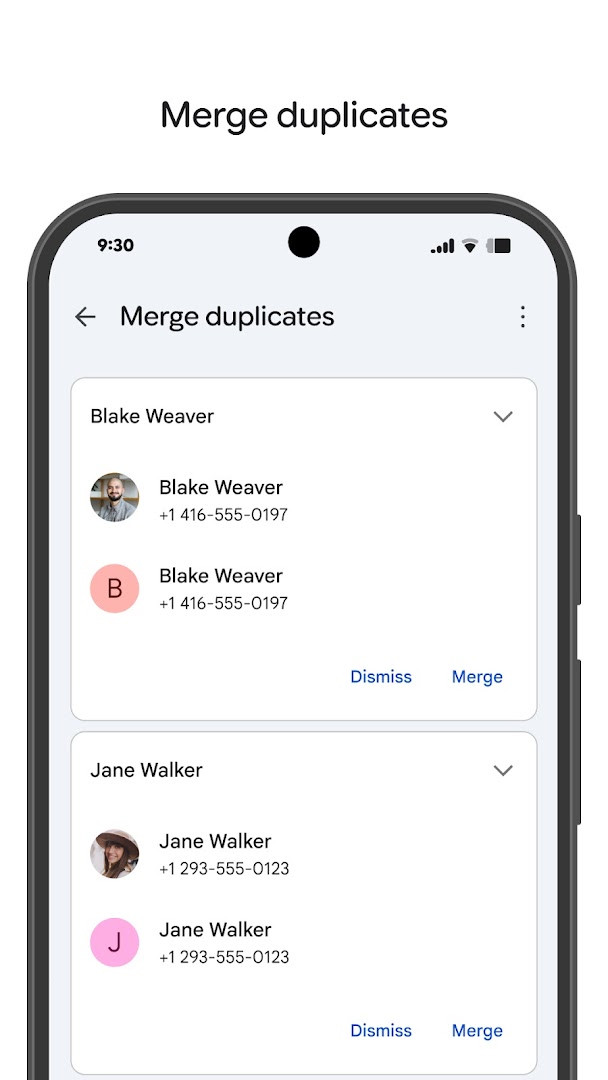
Contacts is a communication app by Google LLC that helps you back up, sync, and organize your contact list. The app solves the common problem of losing phone numbers and other contact details when switching devices or accidentally deleting entries by keeping everything tied to a Google Account. You can recover contacts deleted in the last 30 days, view contacts by account, merge duplicates, and see upcoming birthdays or anniversaries with optional notifications. The interface is designed to make it easy to add or edit information like phone numbers, emails, and photos, and it also offers quick access to contacts you recently added or viewed. Wear OS support extends the experience to a favorite contacts tile, individual contact tile, and contact complication. The app is free, contains no ads, and has no in-app purchases.
Key features
- Backs up and syncs contacts to a Google Account for access across signed-in devices.
- Restores contacts deleted within the last 30 days from Trash.
- Lets you view contacts by account, such as work or personal.
- Allows adding and editing details like phone numbers, emails, and photos.
- Provides help with merging duplicate contacts and adding additional details.
- Shows highlights like upcoming birthdays and anniversaries.
- Supports notifications for special days and quick access to recently added or viewed contacts.
- Includes Wear OS support with a favorite contacts tile, individual contact tile, and contact complication.
How to install
- Tap the download button on this page to get the app file.
- If Android asks, allow your browser or file manager to install apps by enabling the 'Install unknown apps' setting.
- Open the downloaded APK file. The file size is about 9.4 MB.
- Tap Install and wait for the process to finish.
- Open the app. It requires Android 4.4 or higher.
Pros
- Free to use with no ads or in-app purchases.
- Automatic backup to a Google Account reduces the risk of losing contacts.
- 30-day Trash recovery gives you a safety net for accidental deletions.
- Duplicate merging and account-based views help keep a large contact list organized.
- Birthday and anniversary notifications make it easy to remember important dates.
- Wear OS support adds convenient access from a smartwatch.
Cons
- Requests a wide range of permissions, including Identity, SMS, Phone, and Device ID & call information, which may feel excessive for a contact manager.
- Access to Photos/Media/Files and Storage means the app can interact with more than just your contact list.
- The listing does not clarify exactly how each permission is used, leaving privacy-conscious users to make assumptions.
- Some recovery features are limited to a 30-day window, which may not be enough if you do not notice a deletion quickly.
Latest changes
The latest update to Contacts changes one part of the contact editor. Selecting an existing contact to add details to is now easier. No other changes are listed for this release. The app keeps contacts backed up to a Google Account, lets you view them by account, merge duplicates, and recover items deleted within the last 30 days from Trash. Highlights show upcoming birthdays and anniversaries, and notifications can remind you of special days. Recently added or viewed contacts are easy to reach. The app is also available for Wear OS with a favorite contacts tile, an individual contact tile, and a contact complication. Version 899.9999.999 dates from 2023-12-19; the update itself is dated 2026-10-08. Size is 9.4 MB, minimum OS 4.4, rating 4.32 from 1,962,876 ratings, 5,000,000,000 installs. It is free, with no ads and no in-app purchases, rated Everyone.
Older versions
| Version | Size | Requires Android | Updated |
|---|---|---|---|
| 899.9999.999 | 9.4 MB | 4.4 | Dec 19, 2023 |
This app is best for Android users who want a reliable way to back up contacts, switch phones without losing information, and keep personal and work contacts organized. It is particularly useful for people who manage large contact lists or want automatic recovery options, though those who prefer minimal app permissions may want to review the requested access before installing.
Review the app's permission requests carefully, especially access to SMS, Phone, and Device ID & call information, and consider limiting permissions where your Android version allows. Use the 30-day Trash feature promptly if you delete a contact by mistake.
Permissions
FAQ
How do I install the Contacts APK on my Android device?
To install the Contacts APK, download the file from the download button on this page, then open it on your Android device. You may need to allow installation from unknown sources in your settings if it's your first time installing an APK.
What is the current version of Contacts?
The current version listed is 899.9999.999, which was released on December 19, 2023.
Does Contacts contain ads or in-app purchases?
No, Contacts is free and does not include ads or in-app purchases.
Can I use Contacts offline?
The app is designed to sync and back up your contacts to your Google Account, so while you can view your contacts offline, full features like syncing and accessing from other devices require an internet connection.
What are some alternatives to Contacts in the Communication category?
There are other contact management apps available in the Communication category that offer features like backup, sync, and organization. You can explore those to find one that suits your needs.
How much storage space does Contacts require?
The app size is 9.4 MB, so it takes up minimal space on your device.
Is Contacts suitable for all ages?
Yes, the content rating is 'Everyone', making it appropriate for all users.
For Android users who want a straightforward way to keep their contacts backed up and organized, this app covers the essentials without ads or in-app purchases. Its broad permissions deserve attention, but the core backup and recovery features make it a practical choice for everyday contact management.
Similar apps







More from this developer



Updated: Oct 16, 2026