
Atrium: Self-Hosted Media Stack Controller
Atrium is a controller app by retransmit that manages your self-hosted media servers and services from your phone.
Download Atrium · v1.9.1Atrium is a free controller for self-hosted media stacks, released under GPL-3.0-or-later and available in version 1.9.0 from 2026-10-12. It supports services such as Sonarr, Radarr, Prowlarr, qBittorrent, Jellyfin, Plex and Unraid, and keeps credentials in encrypted storage on the device with no account or telemetry.
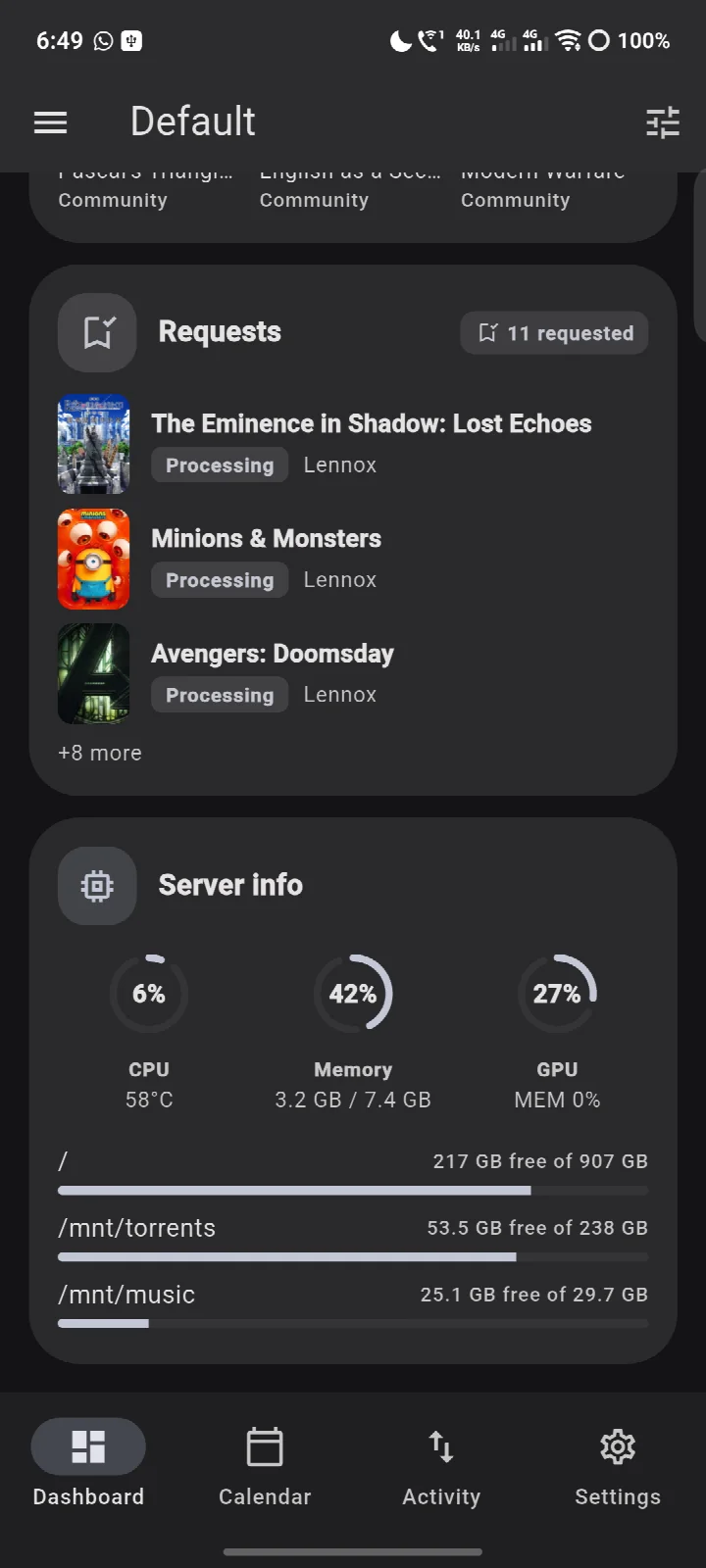
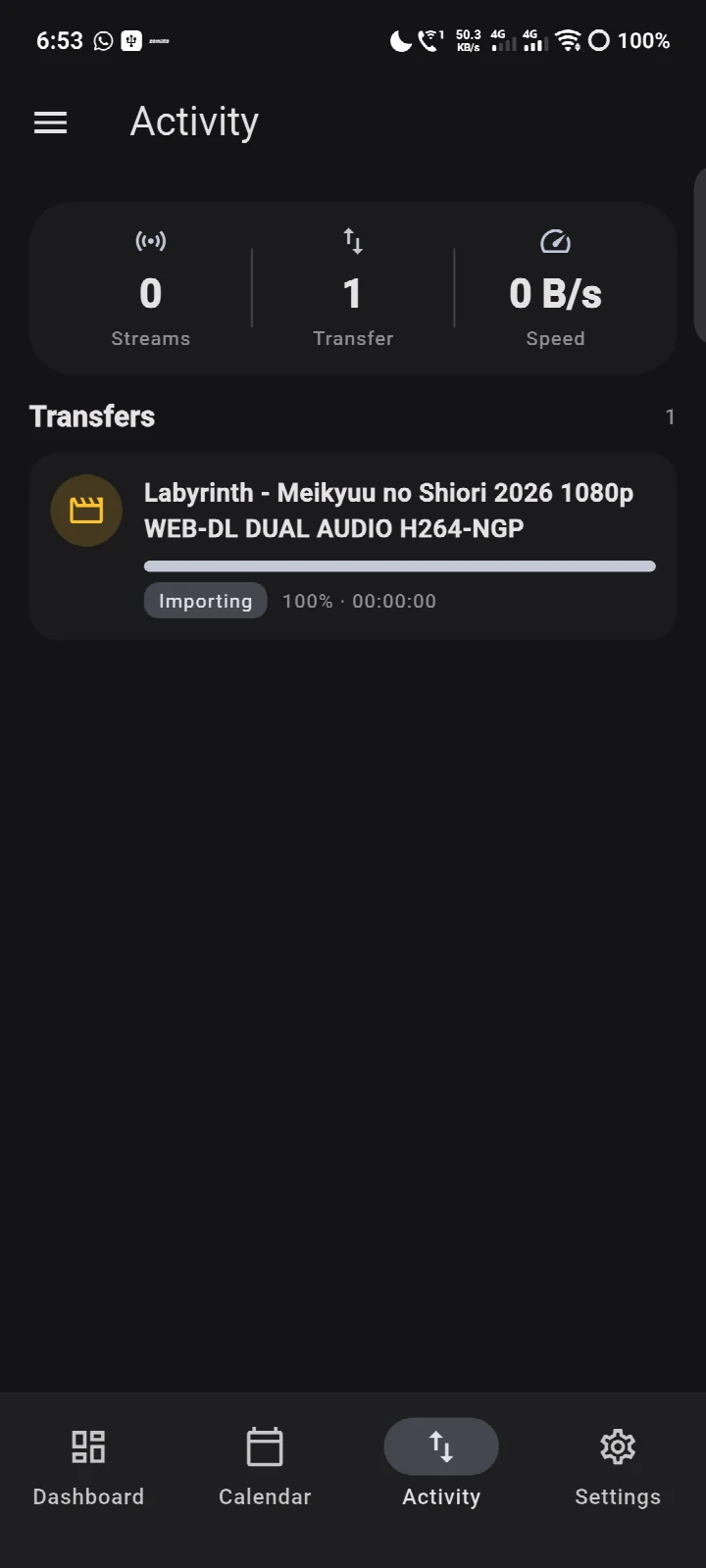
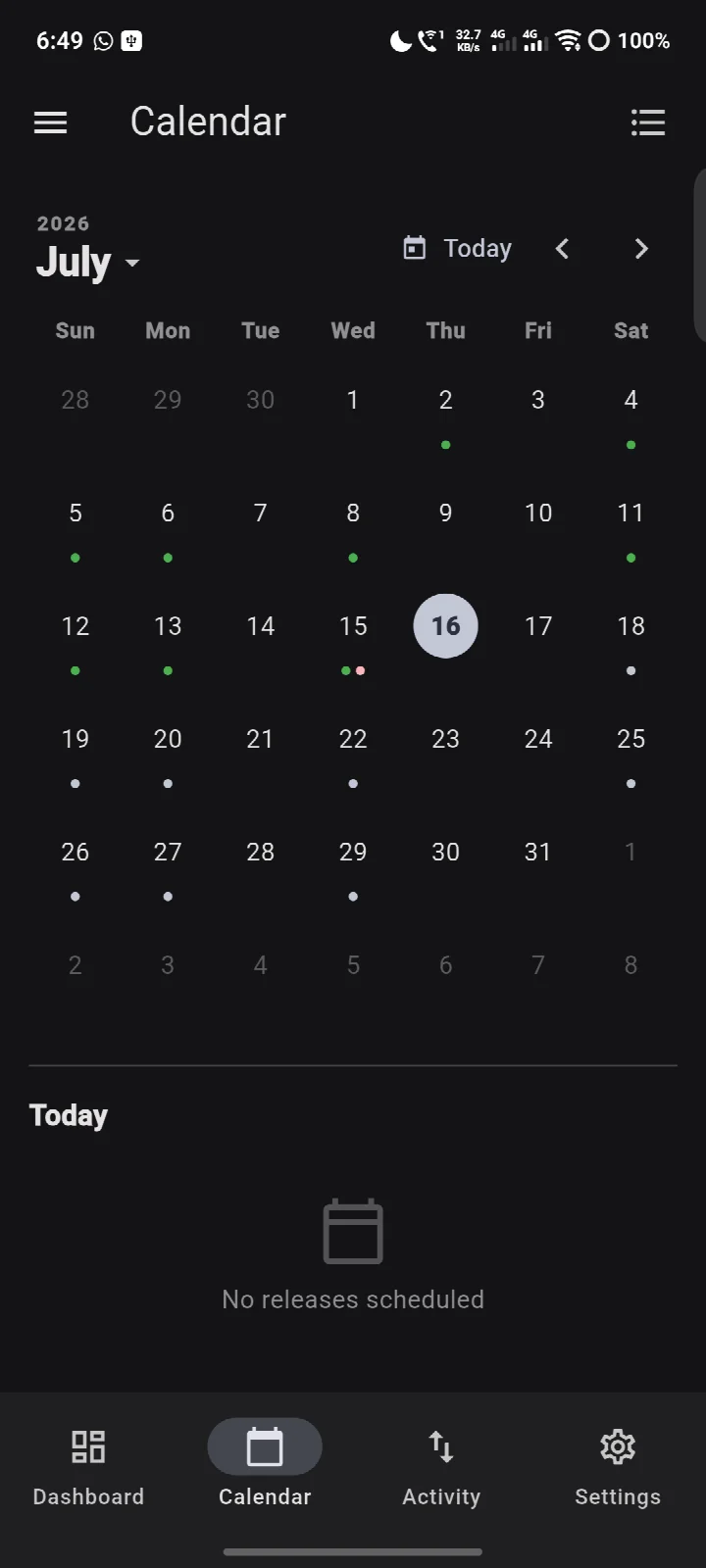
Screenshots
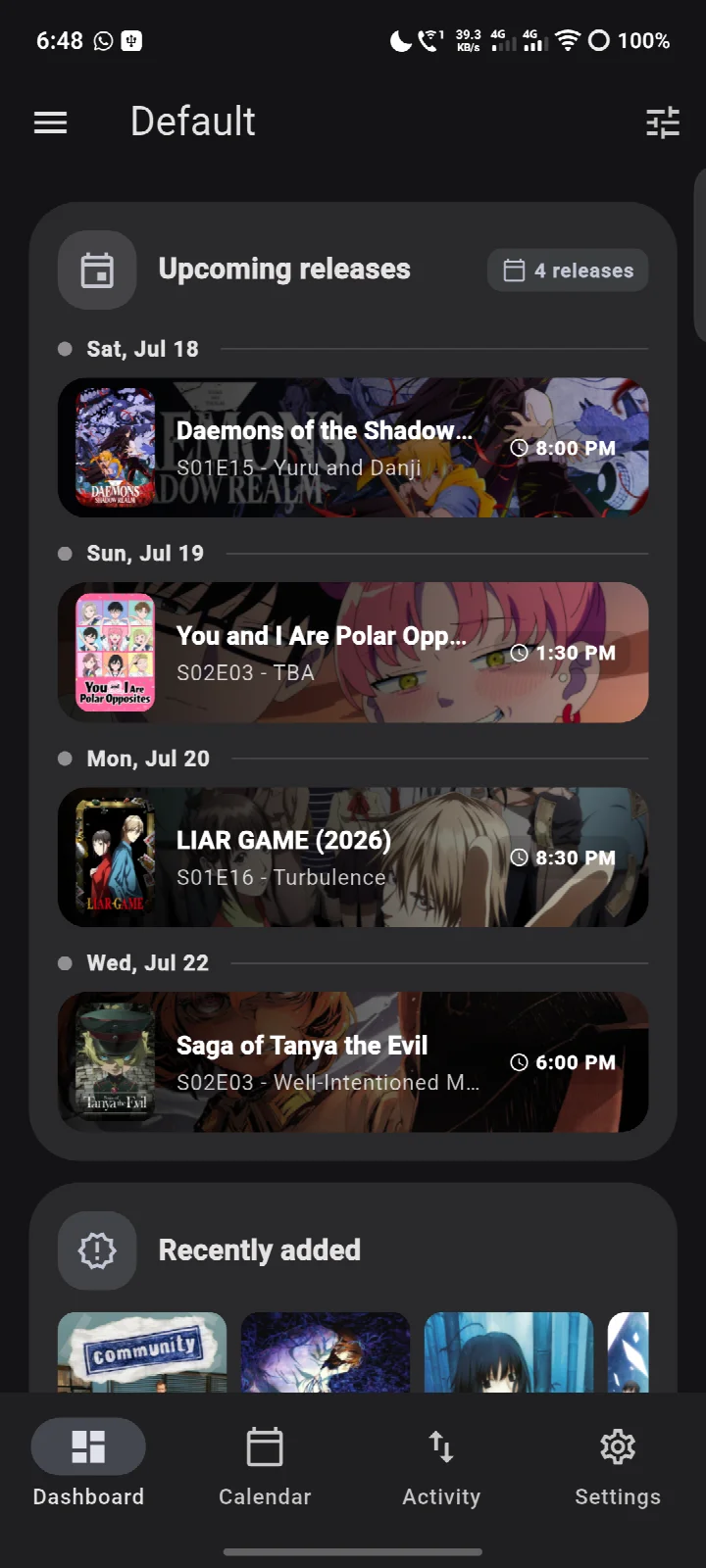
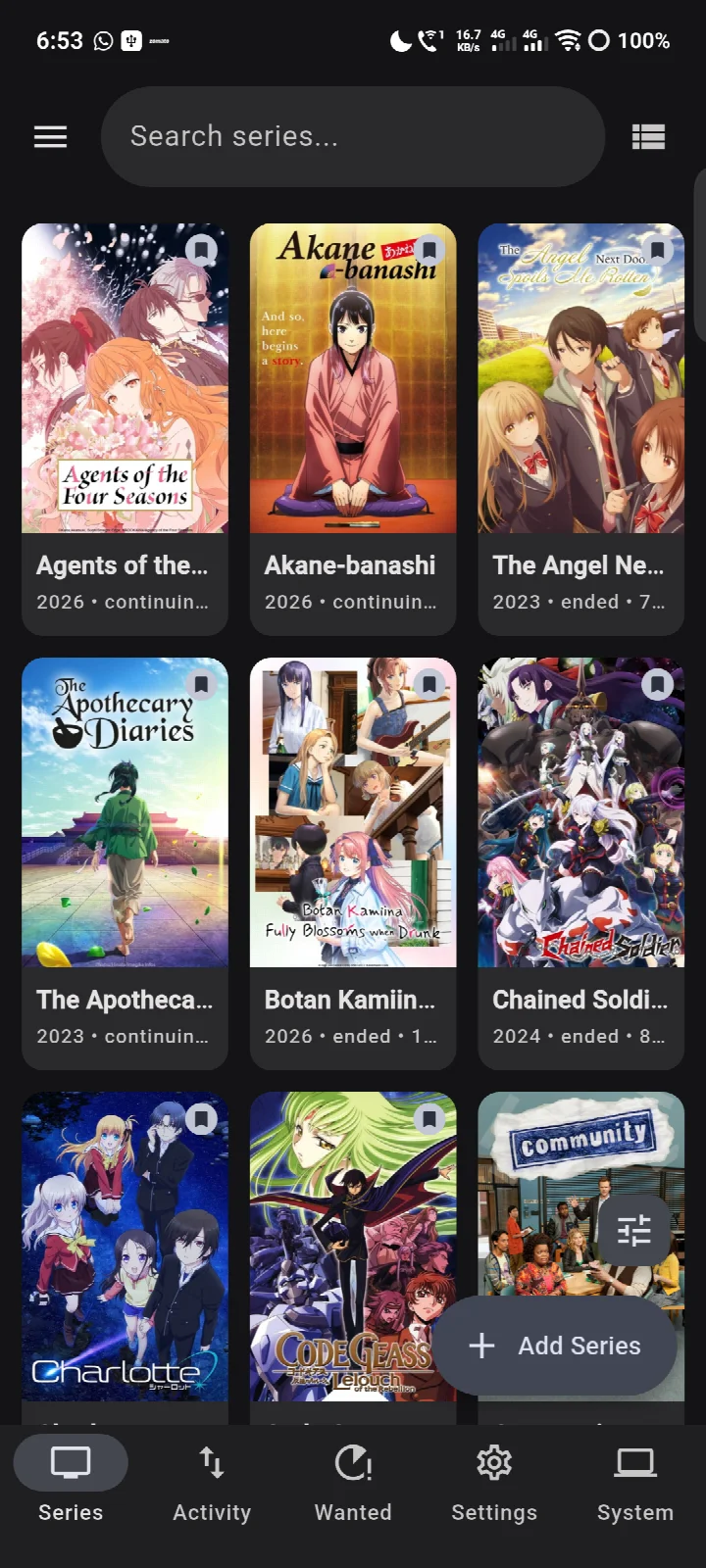
- Version
- 1.9.1
- Size
- 34 MB
- Requires Android
- 7.0
- Updated
- Oct 25, 2026
- Category
- Tools
- Developer
- retransmit
- Package
- app.atrium
- Free
- ✓
Atrium is a controller app by retransmit that manages self-hosted media and infrastructure services from a single Android interface. It does not play or stream media; instead, it browses, monitors, and administers the servers you already operate, connecting directly to your own machines without any intermediary account or cloud relay. The app is designed for users who maintain a personal media stack and want a unified remote control for the various daemons and tools that make up that stack.
The current version, 1.9.0, released on October 12, 2026, continues the app's trajectory of steady refinement. While the changelog for this specific release is not detailed in the available data, the version history shows regular updates, with 1.8.0 arriving on October 4 and 1.7.0 on September 22 of the same year. This cadence suggests active maintenance and likely includes bug fixes, performance improvements, or compatibility updates for the supported services. The app itself is free software, distributed under the GPL-3.0-or-later license, and carries no analytics, telemetry, advertising, or account requirements.
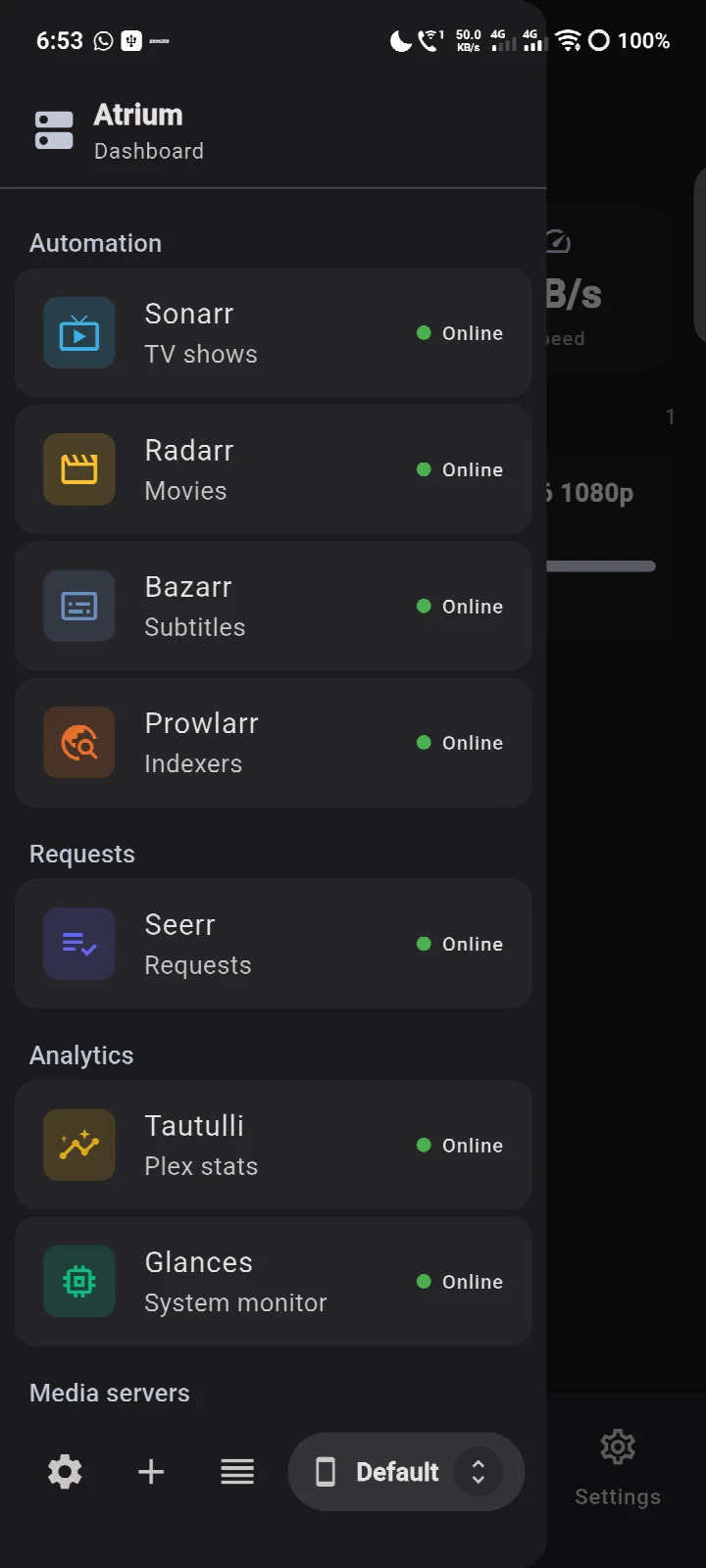
From a technical standpoint, Atrium acts as a front-end for a wide range of self-hosted applications. It supports media managers like Sonarr, Radarr, and Lidarr; download clients such as qBittorrent and SABnzbd; streaming servers including Plex, Jellyfin, and Emby; and monitoring tools like Glances and Tautulli. This breadth makes it a practical tool for anyone who has invested in a personal server setup and wants to manage it from a phone without exposing credentials to third parties. The app also includes privacy-conscious design choices, such as loading artwork primarily from your own servers to minimize external requests.
Key features
- Multiple profiles, allowing a single phone to manage more than one independent stack of services
- Each instance can have both a local and an external URL, with automatic selection based on the current network
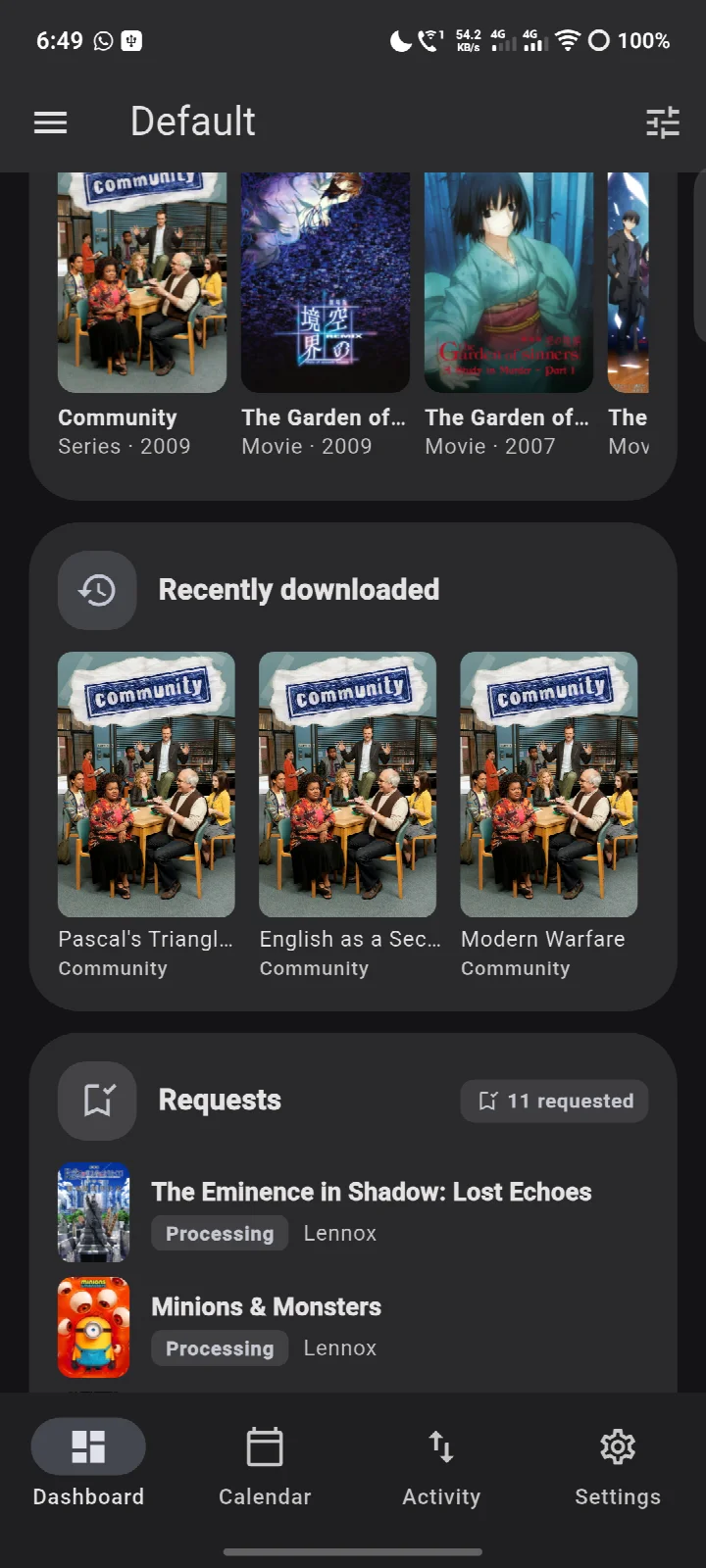
- Customizable dashboard with reorderable widgets for downloads, streaming activity, upcoming releases, recent additions, requests, server vitals, speedtest results, VPN status, DNS protection, and Wake-on-LAN
- Support for custom HTTP headers at the profile or instance level, ensuring compatibility with reverse proxies
- Profile import and export for easy migration or backup
- Material 3 Expressive design with dynamic color, custom palettes, and light/dark themes
- Optional biometric lock for additional security
- No analytics, telemetry, advertising, or account; credentials are stored in encrypted device storage
How to install
- Tap the download button on this page to obtain the APK file, which is 34 MB in size.
- When Android prompts you, allow your browser or file manager to install apps by enabling the 'Install unknown apps' setting for that app.
- Open the downloaded APK file from your notification bar or file manager.
- If you have not already done so, grant the necessary permission for this installation source.
- Tap Install and wait for the process to complete; the app requires Android 7.0 or higher.
- Once installed, open Atrium from your app drawer to begin configuration.
Pros
- Comprehensive integration with a wide array of self-hosted services
- Privacy-focused: no telemetry, no account, and encrypted credential storage
- Flexible dashboard with customizable widgets
- Multiple profiles for managing separate stacks
- Free and open-source software under GPL-3.0-or-later
- Regular updates as evidenced by version history
Cons
- Not a media player; it only controls and manages, so it cannot replace your streaming app
- Requires a substantial existing self-hosted setup to be useful; it has no standalone value
- Initial configuration may be daunting for users unfamiliar with networking concepts like reverse proxies or local versus external URLs
- The exception regarding artwork loading means one scenario (searching for uncached content) still reaches external sites, which may concern strict privacy advocates
Older versions
| Version | Size | Requires Android | Updated |
|---|---|---|---|
| 1.9.1 | 34 MB | 7.0 | Oct 25, 2026 |
| 1.9.0 | 34 MB | 7.0 | Oct 12, 2026 |
| 1.8.0 | 33 MB | 7.0 | Oct 4, 2026 |
| 1.7.0 | 33 MB | 7.0 | Sep 22, 2026 |
This app is for home lab enthusiasts who run a self-hosted media stack with tools like Sonarr, Plex, and qBittorrent and want a unified remote control. It also suits privacy-conscious users who prefer no telemetry or third-party accounts, and system administrators who manage multiple servers and need a mobile dashboard for monitoring and control.
When configuring instances, set both local and external URLs for each service. Atrium will automatically choose the correct one based on your current network, which is especially useful when you leave home and your servers are only reachable via a reverse proxy or VPN.
FAQ
Can Atrium play videos from my media servers?
Atrium is a controller, not a media player. It does not stream video; it is meant for browsing and managing media servers you already run.
Which self-hosted services can Atrium control?
It supports Sonarr, Radarr, Lidarr, Prowlarr, Bazarr, Seerr (Overseerr and Jellyseerr), Ombi, Tautulli, Tracearr, qBittorrent, Deluge, Transmission, rTorrent, SABnzbd, NZBGet, Jellyfin, Emby, Plex, Navidrome, Glances, Beszel, dashdot, Speedtest Tracker, MySpeed, Unraid, Gluetun, and AdGuard Home.
Where does Atrium load poster artwork from?
Artwork is pulled from your own servers, which cache it. One exception is when you search for something your servers have never seen: the poster comes from the artwork site directly, which then sees your address. Otherwise traffic goes only to the servers you configure.
Does Atrium collect any usage data?
There are no analytics, telemetry, advertising, or account. Atrium never reports anything back to its developers, and credentials are held in encrypted storage on the device.
What are the minimum OS and storage requirements for version 1.9.0?
Version 1.9.0 supports Android 7.0 and newer, and the app size is 34 MB.
Can I manage more than one server stack from a single phone?
Yes, it supports multiple profiles, profile import and export, custom HTTP headers per profile or instance, a reorderable dashboard of widgets, and an optional biometric lock.
Atrium delivers a robust and privacy-respecting way to control a self-hosted media stack from an Android device. It excels in breadth of integration and customization, though it demands a pre-existing infrastructure and offers no media playback. For users who already manage such a setup, it is a valuable tool that consolidates many disparate interfaces into one coherent app.
Similar apps








More from this developer
Updated: Oct 26, 2026