
Dropbox: Secure Cloud Storage: Cloud Backup and File Sharing App
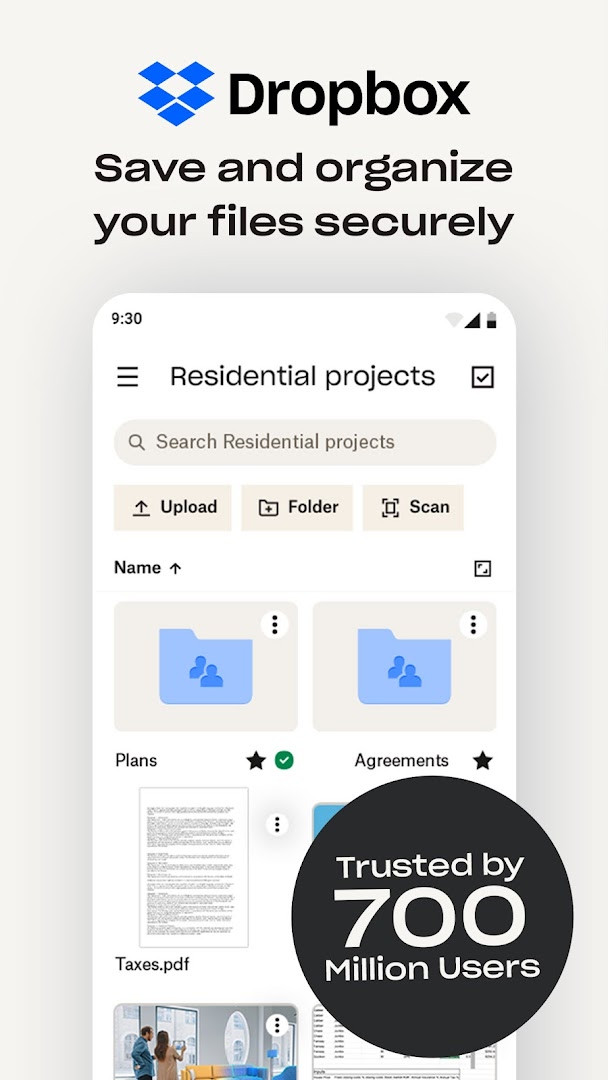
Dropbox: Secure Cloud Storage is a productivity app by Dropbox, Inc. that backs up files to the cloud for access and sharing from any location.
Download Dropbox · v492.2.2Dropbox: Secure Cloud Storage provides automatic photo uploads, offline file access, document scanning to PDF, and file recovery tools. The app is suited for individuals and teams who need reliable cloud backup and sharing across devices. It is free to download, requires Android 10 or later, and offers in-app purchases.
Screenshots
- Version
- 492.2.2
- Requires Android
- 10
- Updated
- Oct 13, 2026
- Installs
- 1B+
- Rating
- ★ 4.36 (2,330,191)
- Category
- Productivity
- Developer
- Dropbox, Inc.
- Content rating
- Everyone
- Package
- com.dropbox.android
- Free
- ✓ · In-app purchases
Dropbox is a cloud storage and file synchronization app by Dropbox, Inc. that lets you back up, access, and share files from almost anywhere. It is built around the idea of keeping your most important documents, photos, and videos safe in one place while making them easy to reach from any device. Whether you are at home, at work, or traveling, your files stay available through a simple and consistent interface.
Beyond basic storage, the app includes tools for scanning paper documents into PDFs, sending large files through shared links, and previewing a wide range of file types without needing extra software. Offline access means you can open saved files even without an internet connection. The service also supports folder syncing with a computer, so changes made on one device appear on others automatically.
Version 492.2.2, updated on 2026-10-13, continues to focus on security and convenience. The app has been available since 2010-05-04 and has grown into a widely used platform, with a rating of 4.36 from over 2.3 million reviews. While the base app is free to download, some advanced capabilities are part of the paid Plus plan, which includes 2 TB of storage and features like password management and account rollback.
Key features
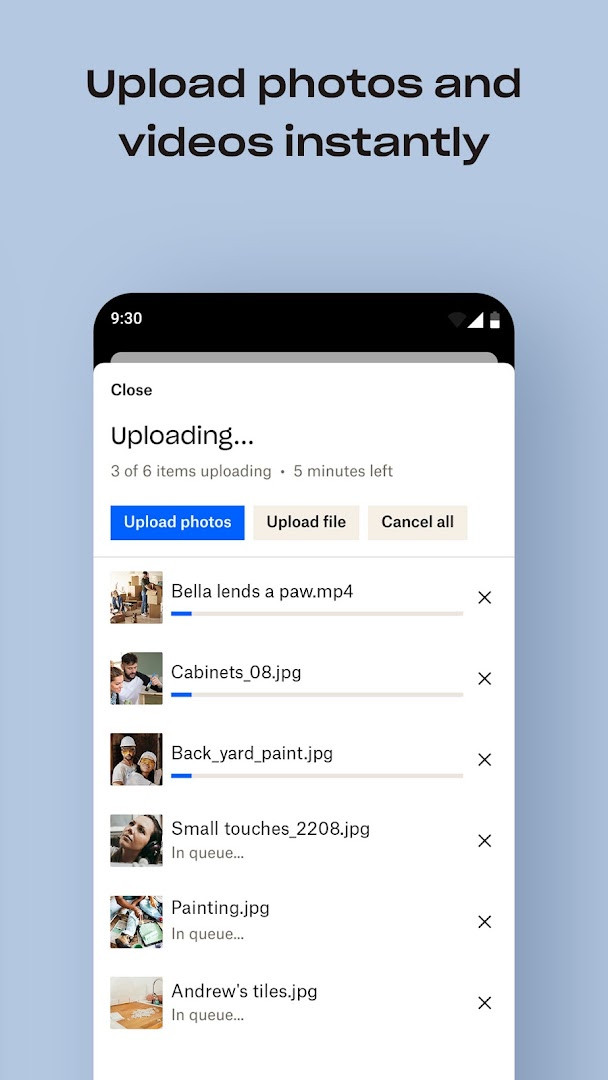
- Automatic upload of photos and videos from the camera roll to cloud storage.
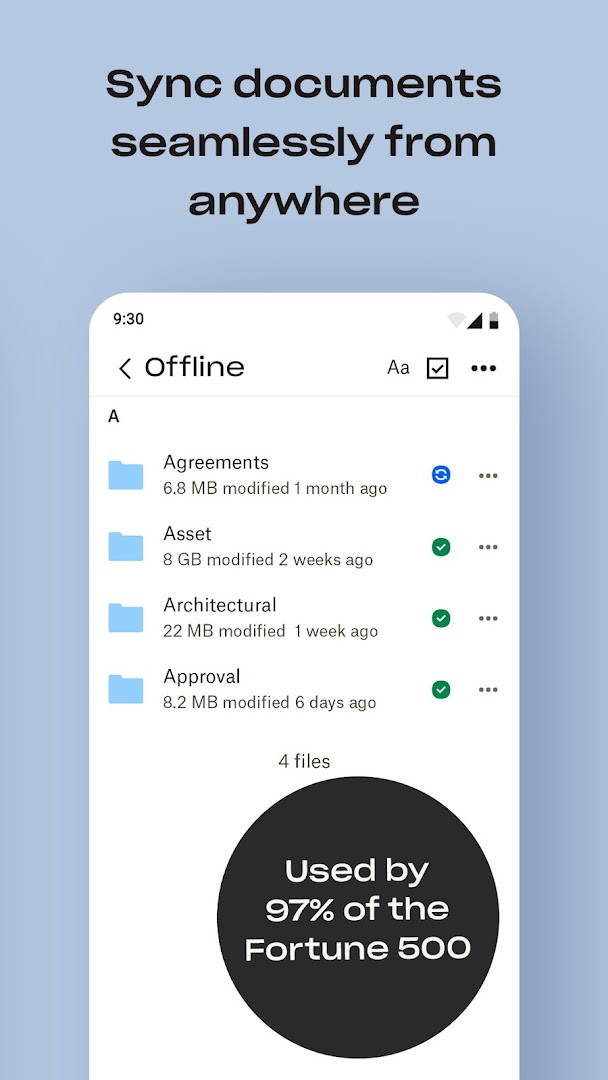
- Offline access to files and preview support for over 175 file types.
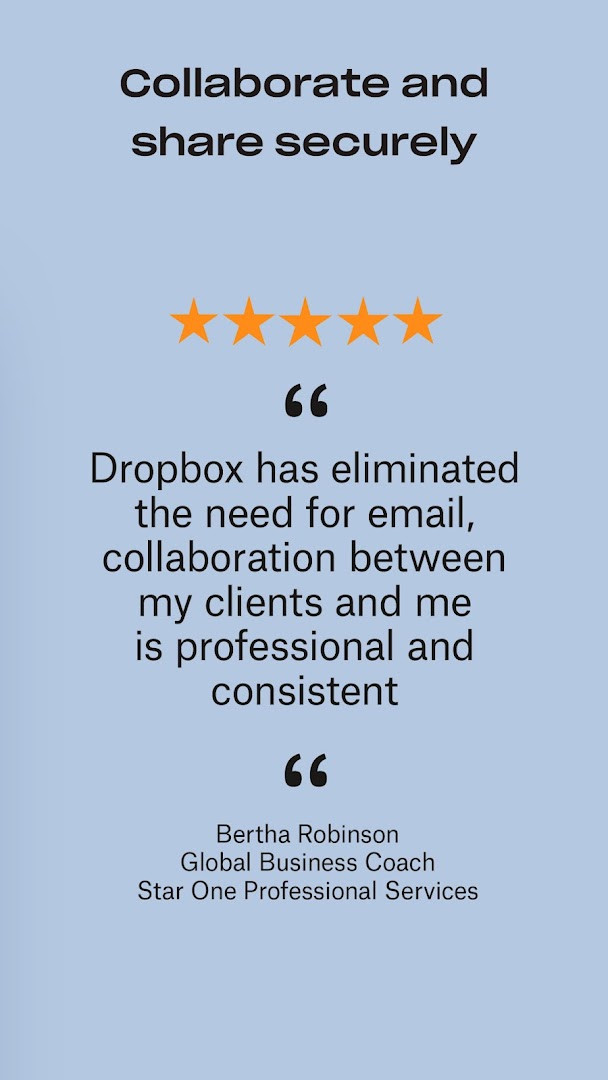
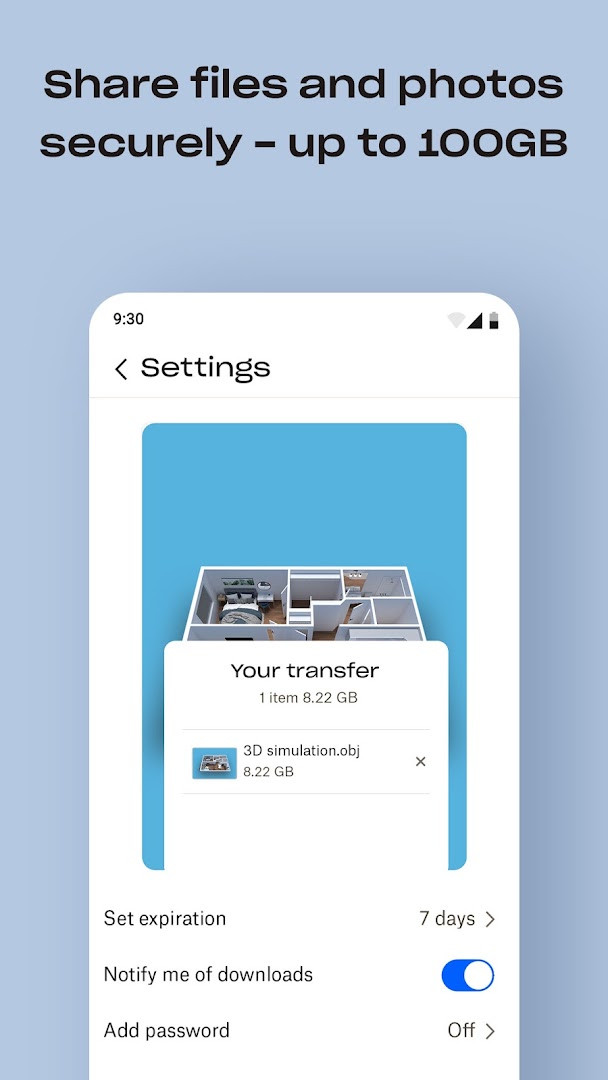
- Large file sharing through a simple link, even for recipients without a Dropbox account.
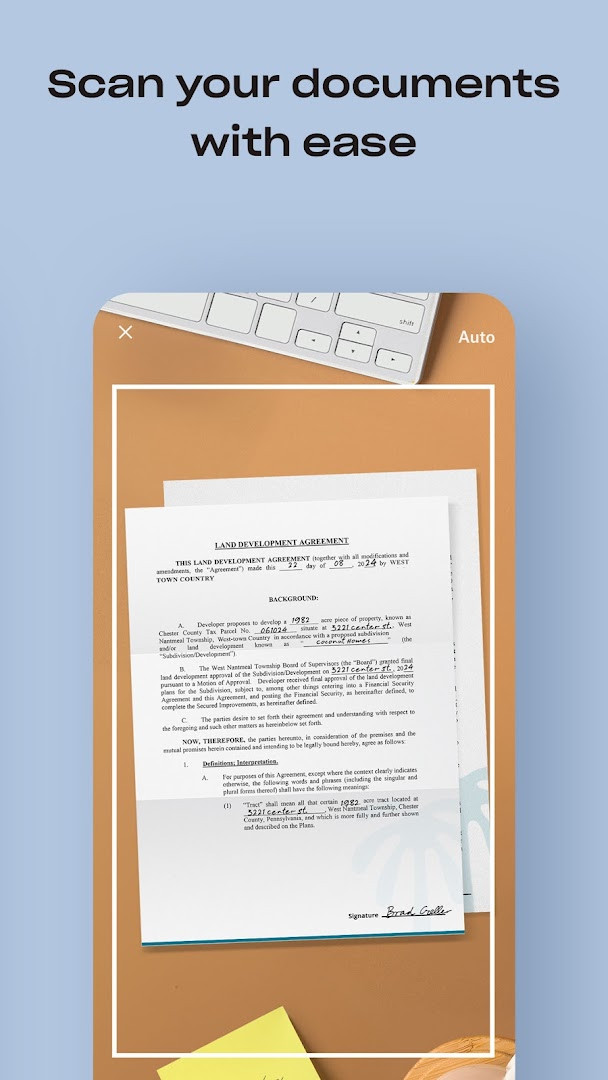
- Document scanning that turns receipts, IDs, and photos into high-quality PDFs.
- Folder syncing with computer backup, plus version history and file recovery.
- Dropbox Passwords for storing and syncing login credentials across devices.
- Dropbox Vault for protecting sensitive documents and photos with extra security.
- Dropbox Rewind to roll back any file, folder, or the entire account for up to 30 days.
How to install
- Tap the download button on this page to get the APK file.
- When Android asks, allow your browser or file manager to install apps by enabling the 'Install unknown apps' setting.
- Open the downloaded APK file from your notifications or file manager.
- Tap Install and wait for the process to finish.
- Open the app and sign in or create a Dropbox account. The file size is not specified, and the minimum Android version required is 10.
Pros
- Works across multiple devices and keeps folders synced automatically.
- Offline access and preview support for over 175 file types.
- Built-in document scanner for creating PDFs from photos.
- Large file sharing through links that work for people without an account.
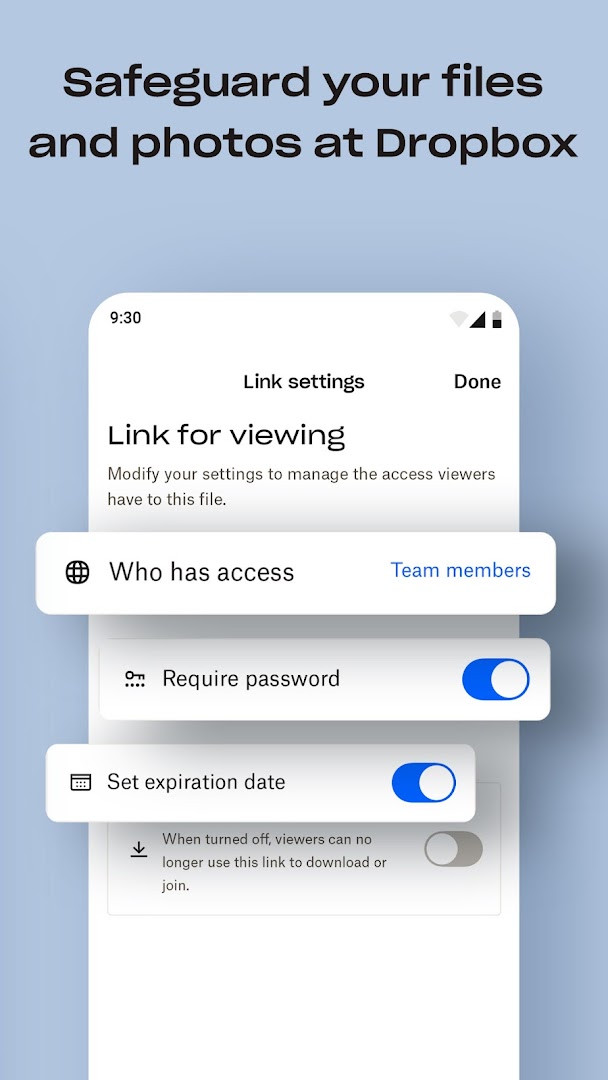
- Strong focus on security and privacy, with options like Vault and Passwords.
- Free version available with no ads.
Cons
- The 2 TB storage amount is tied to the paid Plus plan, not the free account.
- In-app subscriptions renew automatically unless turned off at least 24 hours before the renewal date.
- Some advanced tools like Dropbox Vault and Rewind are only available on the Plus plan.
- Requires several permissions, including contacts and camera, which may concern privacy-focused users.
Older versions
| Version | Size | Requires Android | Updated |
|---|---|---|---|
| 492.2.2 | — | 10 | Oct 13, 2026 |
It suits busy professionals who need to access work files on the go, families who want a shared space for photos and videos, and students looking for a simple way to keep notes and documents backed up.
Use the camera upload feature to automatically back up new photos and videos, then free up space on your phone by deleting the local copies.
Permissions
FAQ
How widely is Dropbox used?
Yes. The app description states that over 700 million registered users and 600,000 teams rely on Dropbox, and it mentions being trusted by Fortune 500 companies.
What are the latest version and system requirements?
The current version is 492.2.2, released on October 13, 2026. It requires Android 10 or newer.
What storage amount is offered with the free Dropbox Plus trial?
The Plus plan trial offers 2 TB (2,000 GB) of storage. Paid subscription costs vary by plan and country, and the final price is shown before payment.
Can I open files that are not stored locally on my device?
Yes, you can preview over 175 different file types without special software, and files can be accessed offline.
Does Dropbox include a document scanning feature?
The app can scan documents, receipts, IDs, and photos with your mobile device and convert them into high-quality PDFs.
Dropbox remains a dependable choice for anyone needing reliable cloud backup and file access across devices. The free tier covers basic needs, while the Plus subscription adds generous storage and useful extras. It is not the cheapest option for very large teams, but its simplicity and broad compatibility make it a solid everyday tool.
Similar apps








Updated: Oct 15, 2026