
Microsoft OneDrive: Cloud Storage and File Sync
Microsoft OneDrive is a free cloud storage app by Microsoft Corporation that lets you back up, sync, and access photos and files across devices.
Get OneDriveMicrosoft OneDrive is a 104 MB productivity app for Android 8.0 and up, with no ads but optional in-app purchases for Microsoft 365 subscriptions. It offers 5 GB of free storage, automatic photo and video backup, and offline access to selected files. The app suits individuals and families who want secure cloud storage, file sharing, and document scanning.
Screenshots
- Size
- 104 MB
- Requires Android
- 8.0
- Updated
- Oct 9, 2026
- Installs
- 5B+
- Rating
- ★ 4.62 (7,367,490)
- Category
- Productivity
- Developer
- Microsoft Corporation
- Content rating
- Everyone
- Package
- com.microsoft.skydrive
- Free
- ✓ · In-app purchases
Microsoft OneDrive is a cloud storage and file synchronization application by Microsoft Corporation that provides a central hub for backing up, accessing, and sharing files across devices. The app addresses the fragmentation of digital content by automatically uploading photos and videos, syncing documents in real time, and making them available even without an internet connection. It solves the problem of data loss and disorganized files through encrypted storage, intelligent search, and built-in document scanning, while offering collaboration tools through its tight integration with Microsoft Office apps.
Key features
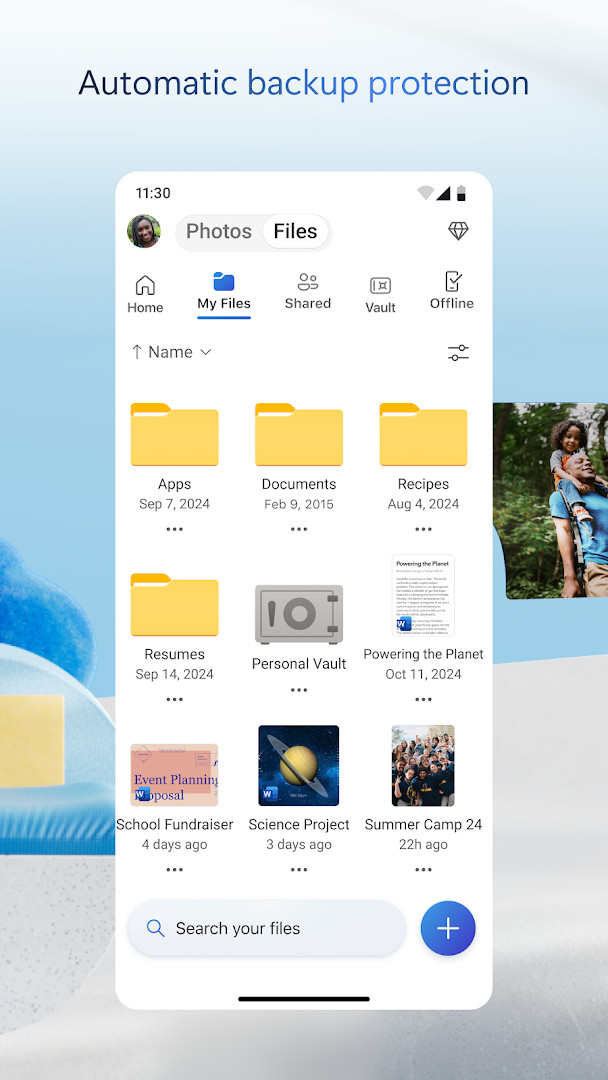
- Automatic camera upload backs up photos and videos immediately after they are captured, with encrypted storage and automatic tagging.
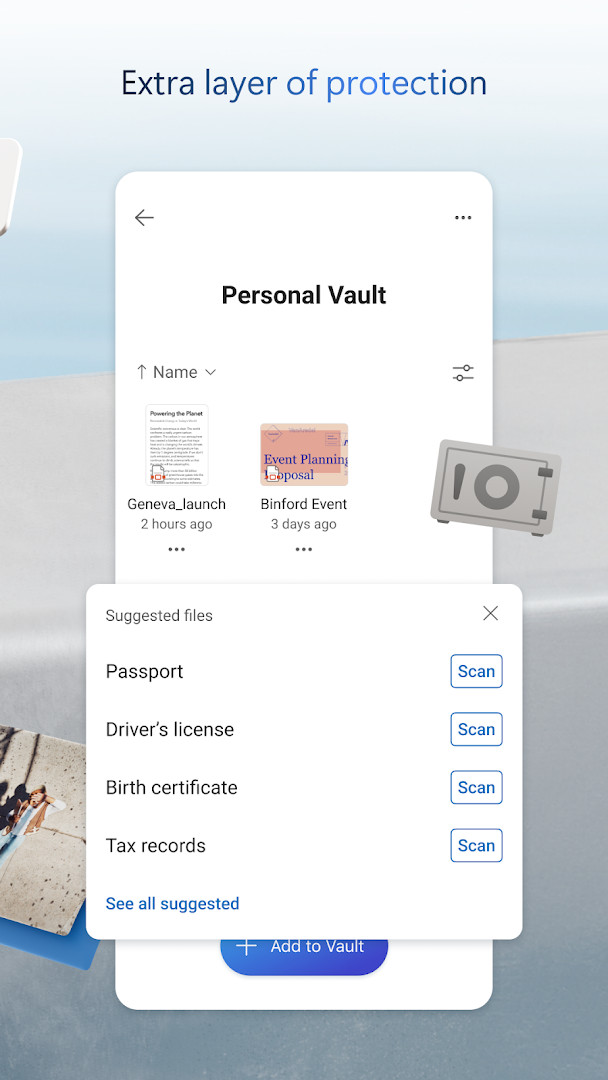
- Personal Vault provides an identity-verified secure folder with password protection and expiring sharing links for sensitive files.
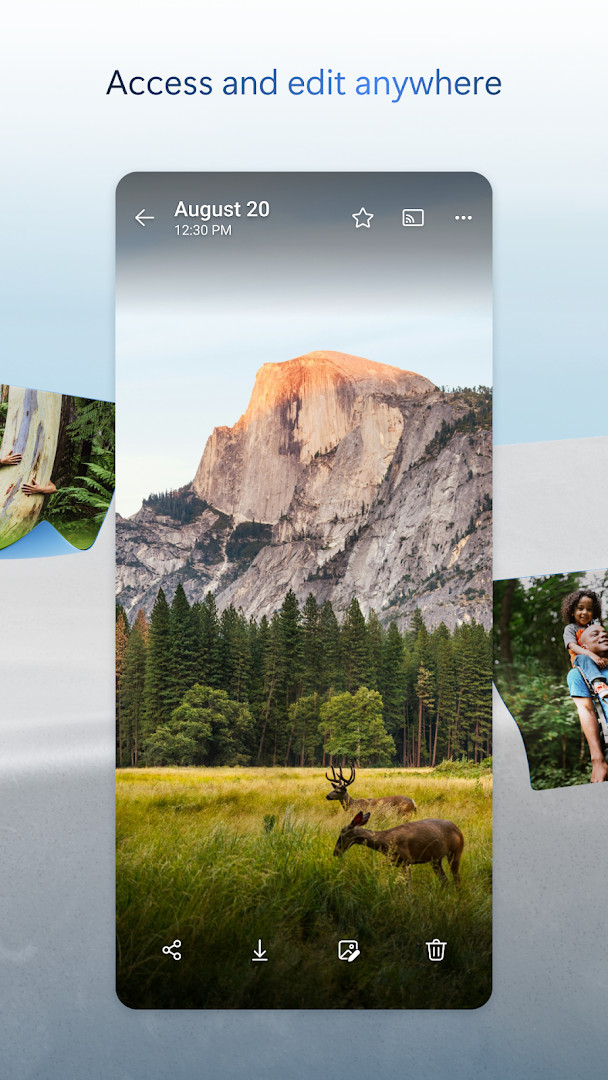
- Offline file access lets you mark specific files and documents for availability without an internet connection.
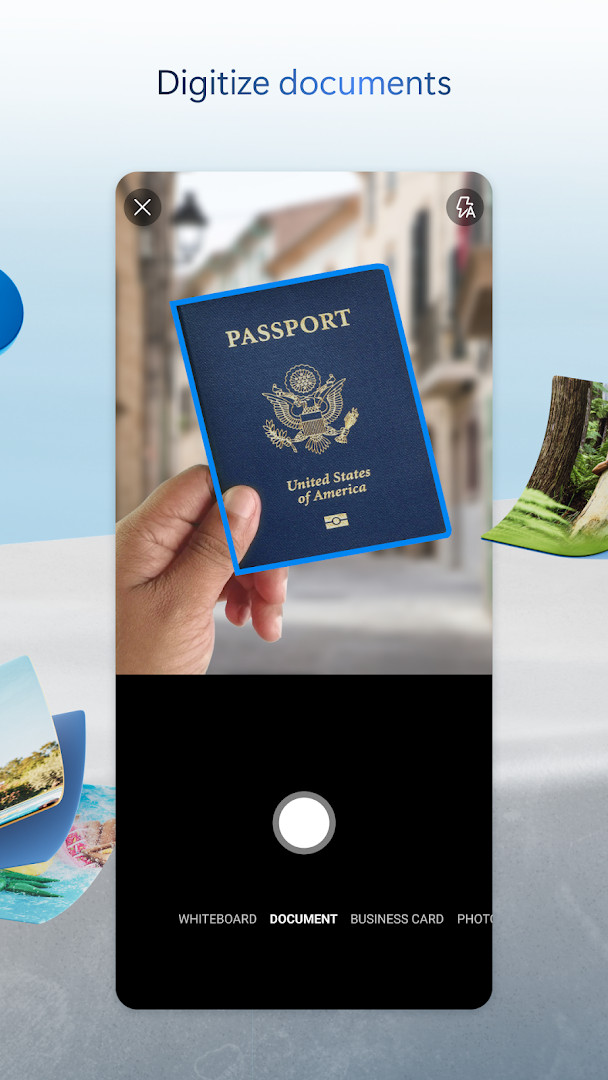
- Integrated document scanning captures multi-page documents, allows markup and signing, and saves them directly to the cloud.
- Version history retains previous iterations of files, enabling recovery from unwanted changes or accidental deletions.
- Real-time collaboration supports editing Word, Excel, PowerPoint, and OneNote files stored in OneDrive using Microsoft Office apps.
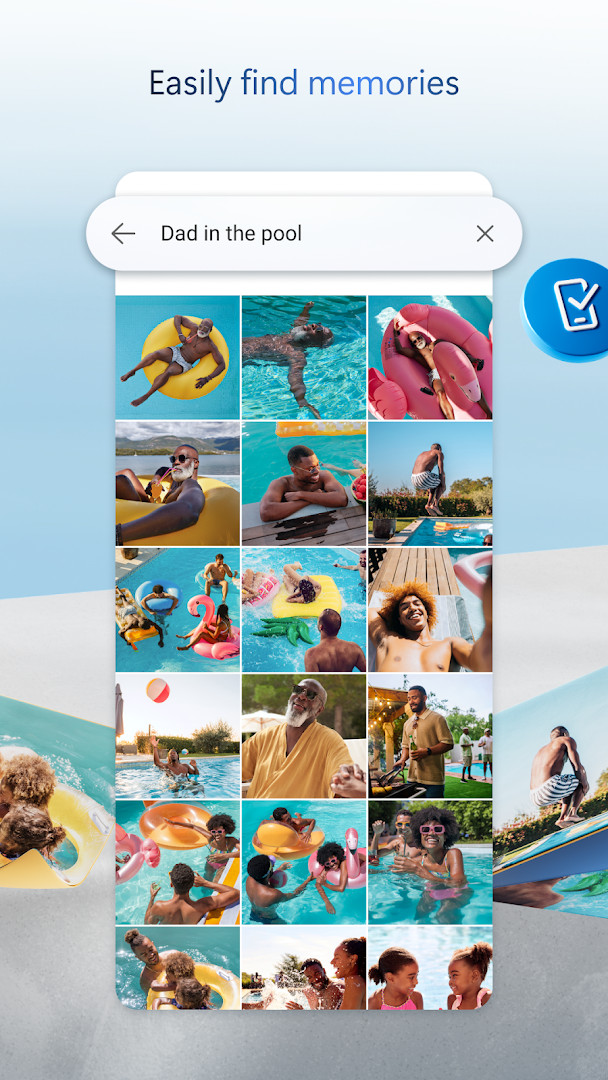
- AI-powered search recognizes objects and scenes within photos, letting you find images by terms like "beach" or "snow".
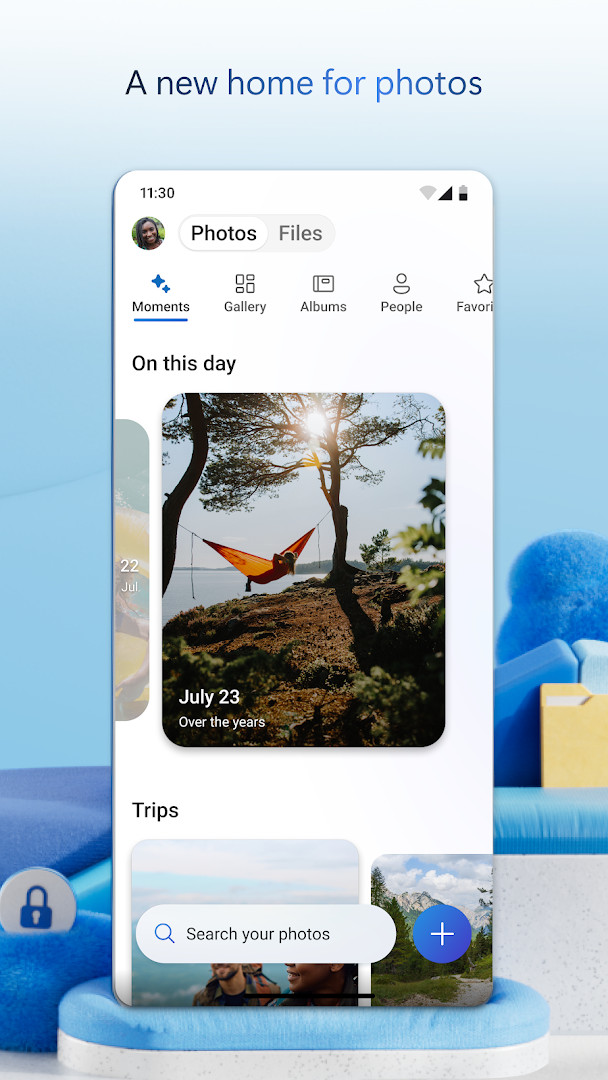
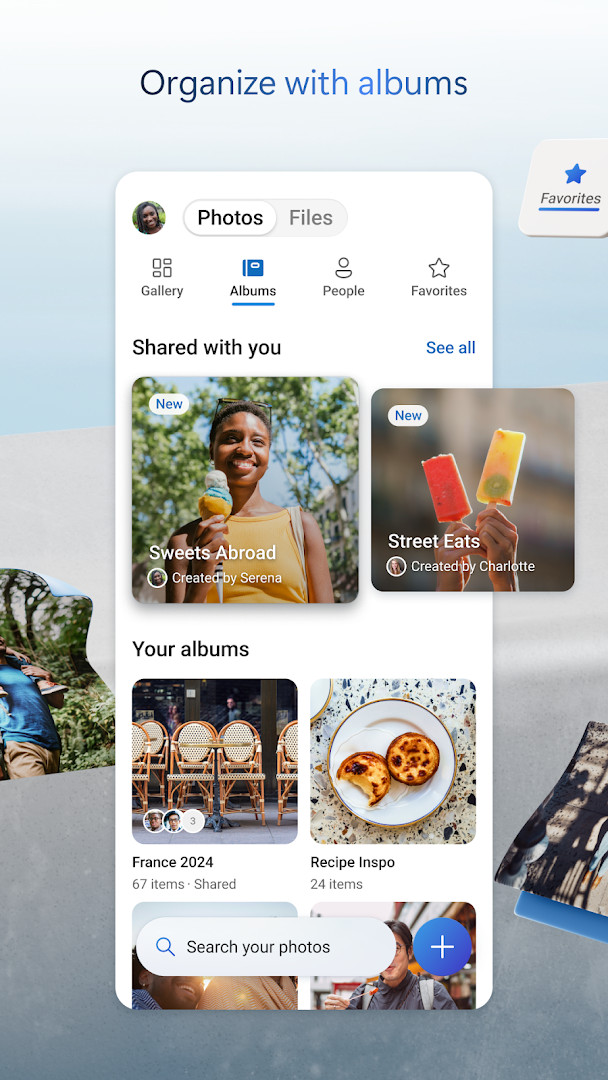
- The Memories tab automatically organizes photos into themed collections based on trips, seasons, and people featured in the images.
How to install
- Tap the download button on this page to get the application file.
- When Android displays a prompt, allow your browser or file manager to install apps by enabling the "Install unknown apps" setting.
- Open the downloaded APK file; the installer requires Android 8.0 or newer and will need about 104 MB of free space.
- Tap Install to begin the process and wait for the installation to finish.
- Open the app, sign in with a personal, work, or school Microsoft account to start syncing your files.
Pros
- Seamless integration with Microsoft Office allows real-time co-authoring on Word, Excel, and PowerPoint documents directly from the cloud.
- Strong security posture with encryption at rest and in transit, plus a dedicated Personal Vault for sensitive files.
- Intelligent photo search uses AI to identify objects and scenes, eliminating the need for manual tagging.
- Version history and ransomware detection (with subscription) provide a safety net against data corruption and malicious attacks.
- The app receives frequent updates, with the latest version 7.57 released on October 12, 2026, including a new Memories tab and expanded document scanning.
- No advertisements are displayed, maintaining a clean and focused user experience.
Cons
- Requires a recurring Microsoft 365 subscription to unlock premium features such as ransomware recovery and advanced sharing controls, with plans starting at $6.99 per month.
- Requests several sensitive permissions, including access to Contacts, Camera, and Microphone, which may concern privacy-conscious users.
- The free tier is limited to 5 GB of storage, which is quickly consumed by high-resolution photo and video backups.
- Some advanced AI features, like Copilot document summarization, are gated behind the qualifying subscription.
- Work or school sign-in demands a separate qualifying OneDrive or Microsoft 365 Business subscription, adding complexity for organizational use.
Latest changes
The recent update adds a Memories tab that groups photos by themes like trips, seasons, and people. Document scanning now supports up to 50 pages per session. Photos from the same location use the best shot as the cover. Fixes address camera backup uploading from the wrong folder and repeated memory notifications for the same photos. General performance and bug fixes are included.
Older versions
| Version | Size | Requires Android | Updated |
|---|---|---|---|
| 7.57 | 101 MB | 8.0 | Oct 12, 2026 |
| 7.65 (Beta 29) | 102 MB | 8.0 | Oct 9, 2026 |
| 7.64.2 | 107 MB | 8.0 | Oct 6, 2026 |
| 7.52 | 105 MB | 8.0 | Oct 5, 2026 |
| 7.60 | 103 MB | 8.0 | Oct 5, 2026 |
| 7.58.1 | 102 MB | 8.0 | Oct 4, 2026 |
| 7.59 | 102 MB | 8.0 | Oct 1, 2026 |
| 7.66 (Beta 30) | 104 MB | 8.0 | Oct 1, 2026 |
| 7.61 | 104 MB | 8.0 | Oct 1, 2026 |
| 7.62.1 | 104 MB | 8.0 | Oct 1, 2026 |
This app is suited for individuals and families deeply embedded in the Microsoft ecosystem who need seamless photo backup, document collaboration, and cross-device file access. It also serves professionals and students who rely on Office apps and require a secure, integrated platform for scanning, signing, and organizing work documents. Organizations using SharePoint or Microsoft 365 Business can leverage it for secure team file sharing and mobile productivity.
For users on the free 5 GB plan, periodically review and clear duplicate or unwanted files, especially large videos in camera upload. Enable the Personal Vault for storing scans of IDs and financial documents, and use the offline files feature for essential reference materials before traveling to areas with spotty connectivity. If you subscribe to Microsoft 365, set up the Family plan to share the 1 TB per person allocation efficiently.
Permissions
FAQ
Is Microsoft OneDrive free to use?
Yes, the app is free. You get 5 GB of storage at no cost, and optional Microsoft 365 subscriptions are available for more space.
What Android version do I need?
It requires Android 8.0 or a newer version. Check your device settings if you are unsure about compatibility.
How large is the app file?
The download size is about 104 MB. Make sure you have enough free space before starting.
Do I need an account to use OneDrive?
Yes, you need a Microsoft account to sign in and sync your files. You can create one for free during setup.
What permissions does the app require?
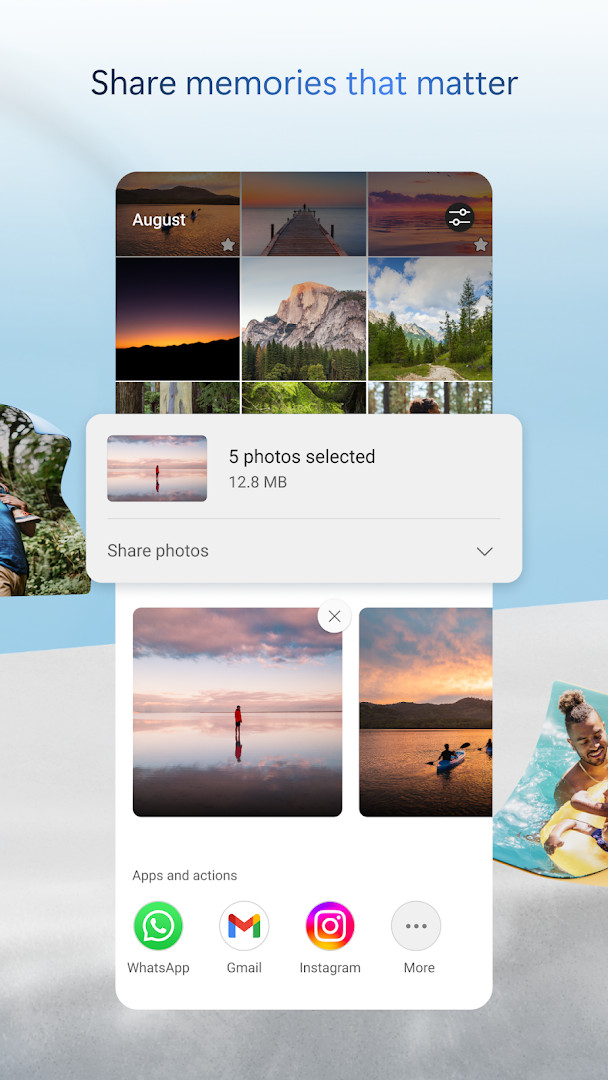
It may ask for permissions related to Identity, Contacts, Photos/Media/Files, Storage, Camera, and Microphone. These allow features like camera backup and photo sharing.
How do I update the app?
To update, simply download the latest version from this page. Your files and settings stay intact.
Microsoft OneDrive delivers a mature, security-conscious cloud storage solution that integrates tightly with the Office ecosystem. Its combination of robust file management, offline access, and AI-assisted search makes it a solid choice for anyone already invested in Microsoft services.
Similar apps
 Microsoft Excel: SpreadsheetsMicrosoft Corporation4.8
 Microsoft OutlookMicrosoft Corporation4.3
 Microsoft Word: Edit DocumentsMicrosoft Corporation4.8
 Google CalendarGoogle LLC4.6
 Google DriveGoogle LLC4.3
 Google AssistantGoogle LLC3.8
 LinkedIn: Community & NetworkLinkedIn3.8
 Samsung KeyboardSamsung Electronics Co., Ltd.3.7
More from this developer
Updated: Oct 14, 2026