
Samsung Email: Manage Multiple Mail Accounts
Samsung Email is a free productivity app by Samsung Electronics Co., Ltd. that lets you manage personal and business email accounts.
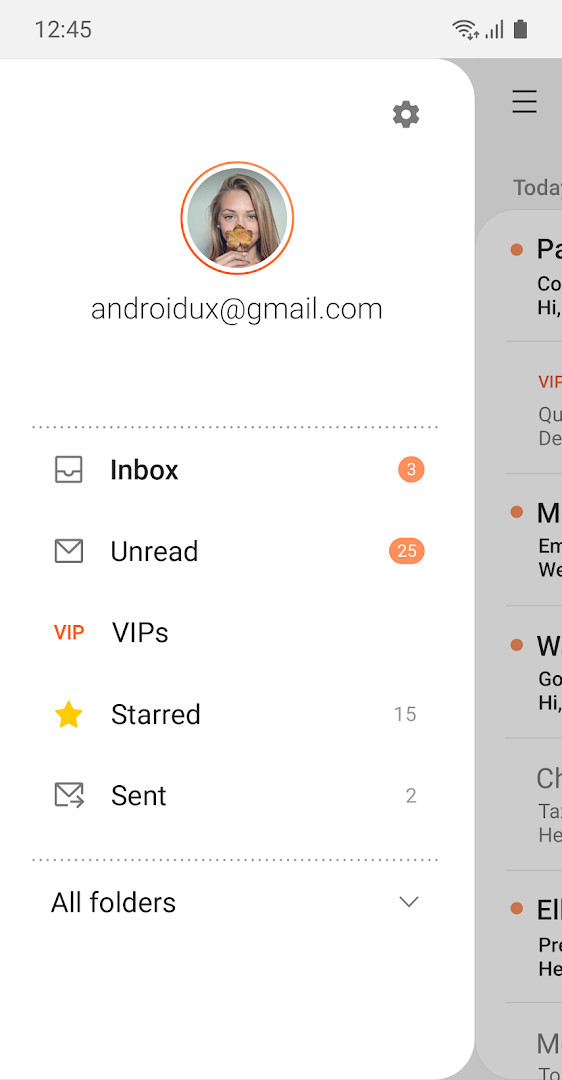
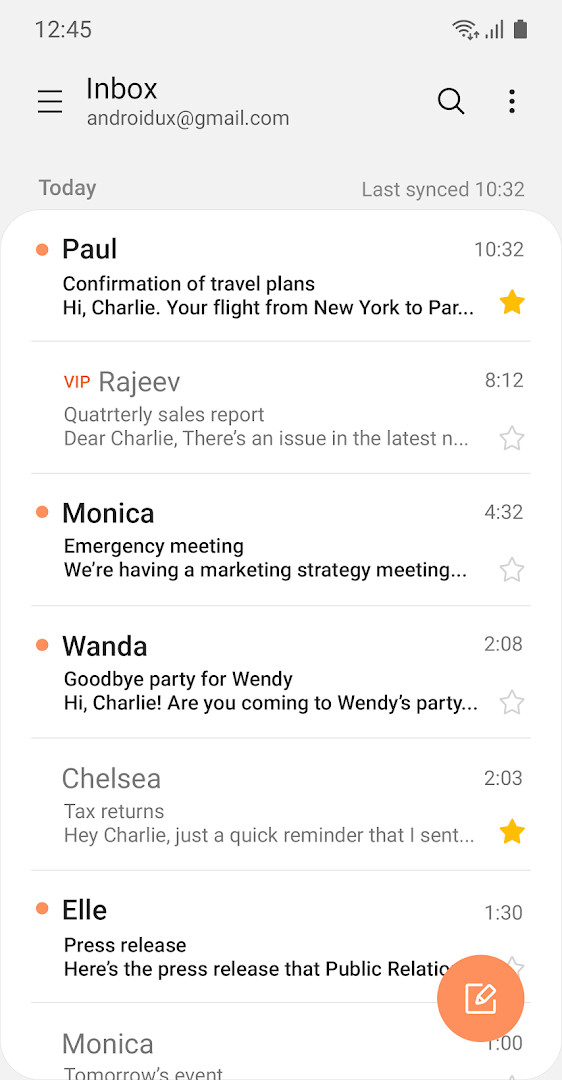
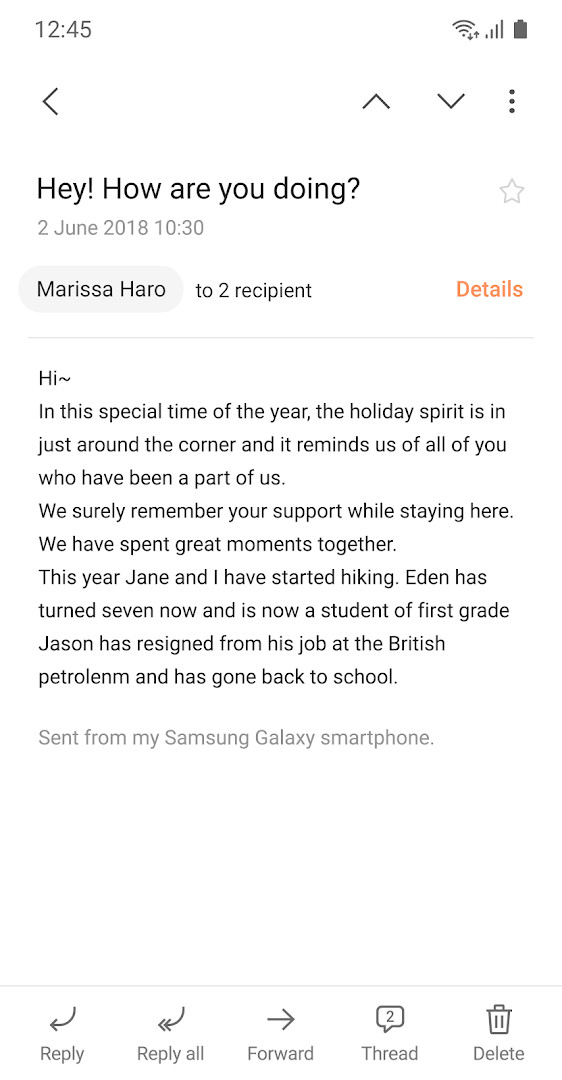
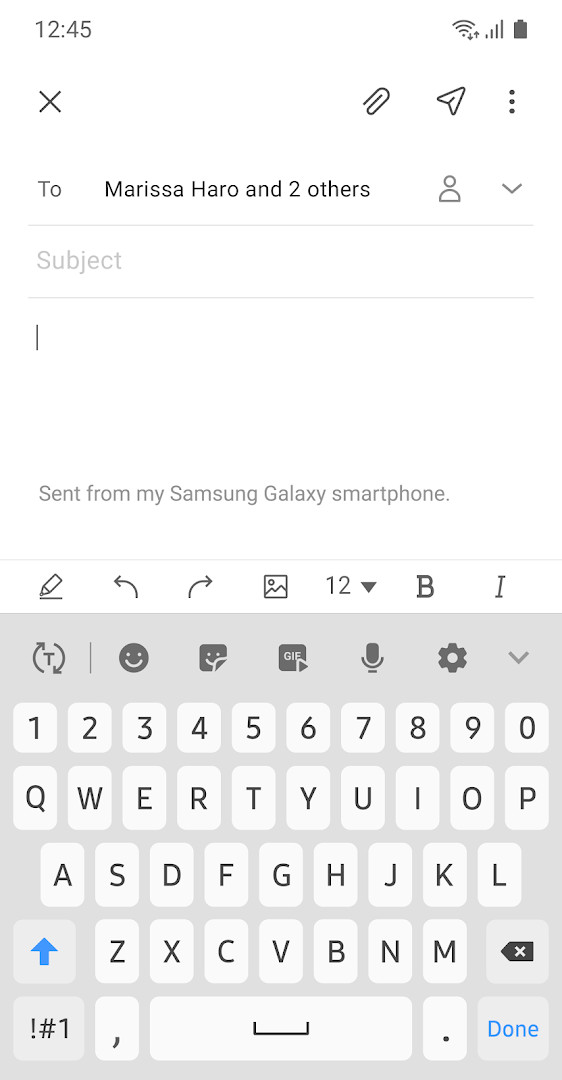
Get the app · v6.2.13.1Samsung Email is a free productivity app from Samsung Electronics Co., Ltd. for Android 10 and above, with no ads and no in-app purchases. It supports POP3 and IMAP personal accounts plus Exchange ActiveSync for business email, calendars, contacts and tasks, and adds S/MIME encryption, SPAM management, combined mailboxes and conversation view.
Screenshots
- Version
- 6.2.13.1
- Requires Android
- 10
- Updated
- Sep 23, 2026
- Installs
- 1B+
- Rating
- ★ 4.37 (2,528,073)
- Category
- Productivity
- Developer
- Samsung Electronics Co., Ltd.
- Content rating
- Everyone
- Package
- com.samsung.android.email.provider
- Free
- ✓
Samsung Email is a productivity app by Samsung Electronics Co., Ltd. that manages multiple personal and business email accounts on Galaxy devices. It supports standard protocols like POP3 and IMAP for personal mail, and integrates Exchange ActiveSync (EAS) to synchronize business email, calendars, contacts, and tasks. The app also includes S/MIME encryption for secure communication, making it suitable for both individual users and organizations that need policy administration. With its focus on privacy, Samsung Email requires no mandatory permissions; all permissions are optional and only activate when you use specific features, such as attaching photos or sharing your location. This design gives you control over your data. The app's interface is customizable, with options for notifications, scheduled sync, spam management, and combined mailboxes. Conversation view helps you follow threads easily. Whether you're a professional managing work correspondence or someone juggling multiple personal accounts, Samsung Email aims to provide a reliable and secure email experience on your Samsung device.
Key features
- POP3 and IMAP support for personal accounts
- Exchange ActiveSync (EAS) integration for business email, calendar, contacts, and tasks
- S/MIME encryption for secure email communication
- Customizable notifications and schedule synchronization
- SPAM management and combined mailboxes
- Conversation and thread view for easier reading
- Policy administration with built-in EAS support
- Optional permissions only – no required permissions
How to install
- Tap the download button on this page to get the APK file.
- When Android prompts, allow your browser or file manager to install apps by enabling the 'Install unknown apps' setting for that app.
- Open the downloaded APK file from your notification bar or file manager.
- Tap 'Install' and wait for the installation to complete.
- Open Samsung Email from your app drawer. Note: the file size is not specified, and it requires Android 10 or higher.
Pros
- No required permissions, enhancing privacy
- Supports both personal and business email protocols
- S/MIME encryption for secure messages
- Integrated calendar and contacts sync via EAS
- Customizable notifications and spam management
- Policies can be administered by organizations
Cons
- Designed specifically for Samsung devices, may not work on other Android phones
- Optional permissions cover many features, requiring user awareness
- Some features like calendar sync require an Exchange account
- Version history shows frequent updates, but no major new features recently
Latest changes · 6.2.13.1
Version 6.2.13.1, released September 23, 2026, addresses three specific issues: it fixes problems with contact operations, corrects an issue where recurring events were being deleted, and resolves a user interface bug. No new features are mentioned in this update.
Older versions
| Version | Size | Requires Android | Updated |
|---|---|---|---|
| 6.2.15.11 | 76 MB | 11 | Sep 27, 2026 |
| 6.2.13.1 | — | 10 | Sep 23, 2026 |
| 6.2.01.1 | 57 MB | 9 | Feb 24, 2025 |
| 6.2.00.4 | 57 MB | 9 | Feb 10, 2025 |
| 6.1.90.16 | 42 MB | 8.0 | Mar 10, 2024 |
| 2.1.0.1593601 | 0.5 MB | 5.0 | Apr 28, 2016 |
Samsung Galaxy users who need a robust email client for both personal and business accounts, especially those who value privacy and want control over app permissions.
Review the optional permissions when you first use each feature – for example, grant camera access only when you need to attach a photo. Also, enable S/MIME encryption for sensitive business communication.
Permissions
FAQ
How do I install Samsung Email on my Android device?
Use the download button on this page to get the APK file, then open it on your phone and allow installation from this source if prompted. The app requires Android 10 or later.
What is the current version of Samsung Email?
Version 6.2.13.1 was released on September 23, 2026. The most recent update in the version history is 6.2.15.11, dated September 27, 2026.
Does Samsung Email contain ads or in-app purchases?
No, the app has no ads and no in-app purchases. It is free to use.
Can I use Samsung Email without an internet connection?
The app supports POP3 and IMAP accounts, which allow you to read and manage downloaded messages offline. Sending and receiving new mail requires a connection, and Exchange ActiveSync features need connectivity to sync calendars, contacts and tasks.
What are some alternatives to Samsung Email for managing email?
Other productivity apps in the email category offer similar core functions, such as support for POP3 and IMAP accounts, combined inboxes, conversation view and spam filtering. Features like Exchange ActiveSync integration or S/MIME encryption vary by app, so compare the details before choosing.
What permissions does Samsung Email request?
Optional permissions include camera for attaching photos, location for adding your current position to messages, contacts and calendar for syncing with Exchange accounts, and notifications for alerts when mail is sent or received. Storage or media access is used to attach or save files, depending on your Android version.
What features does Samsung Email offer for business accounts?
It includes Exchange ActiveSync integration for syncing business email, calendars, contacts and tasks, S/MIME encryption for secure messages, and built-in policy administration. Personal accounts are handled through POP3 and IMAP, with options for notifications, scheduled sync, spam management and combined mailboxes.
Samsung Email offers a secure and flexible email solution for Galaxy devices, with strong privacy features and no mandatory permissions. Its support for multiple account types and business integration makes it a solid choice for both personal and professional use.
Similar apps
 ClockSamsung Electronics Co., Ltd.3.9
 Voice RecorderSamsung Electronics Co., Ltd.4.0
 Samsung Smart Switch MobileSamsung Electronics Co., Ltd.3.9
 Samsung MusicSamsung Electronics Co., Ltd.3.8
 SmartThingsSamsung Electronics Co., Ltd.4.6
 Google CalendarGoogle LLC4.6
 Google DriveGoogle LLC4.3
 Google AssistantGoogle LLC3.8
More from this developer


Updated: Oct 15, 2026