Google Slides for Android
Google Slides is a presentation app from Google LLC for creating, editing, and collaborating on slides.
Install Google SlidesGoogle Slides is designed for anyone who needs to build or refine presentations on the move, solving the problem of being tied to a desktop for deck work. The app is free to use, requires Android, and supports offline editing so progress is not lost without a connection.
Screenshots
- Size
- 102 MB
- Requires Android
- 7.0
- Updated
- Oct 12, 2026
- Installs
- 1B+
- Rating
- ★ 4.38 (705,051)
- Category
- Productivity
- Developer
- Google LLC
- Content rating
- Everyone
- Package
- com.google.android.apps.docs.editors.slides
- Free
- ✓
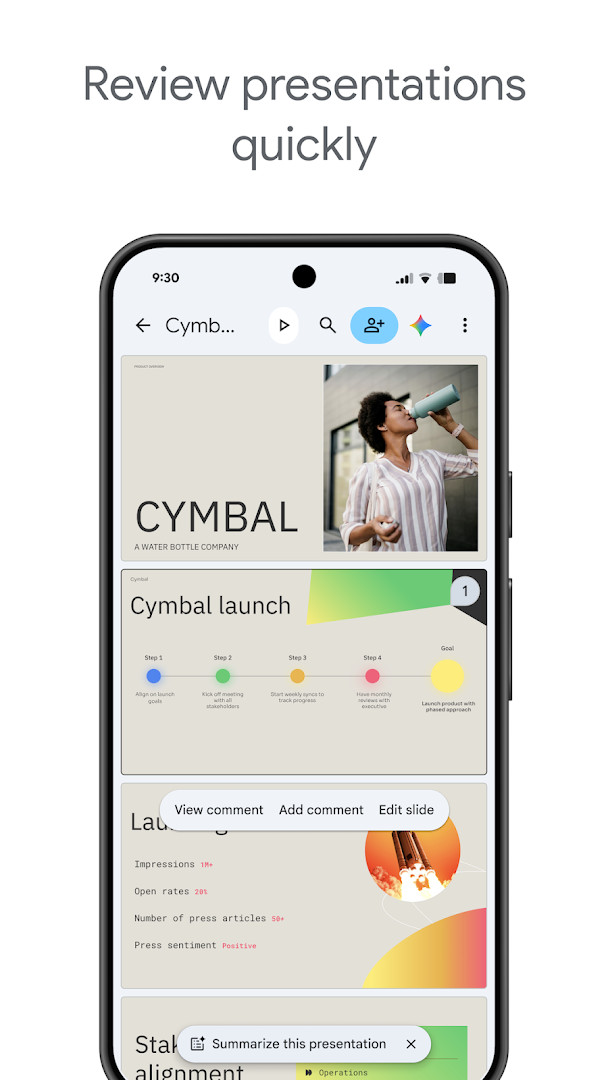
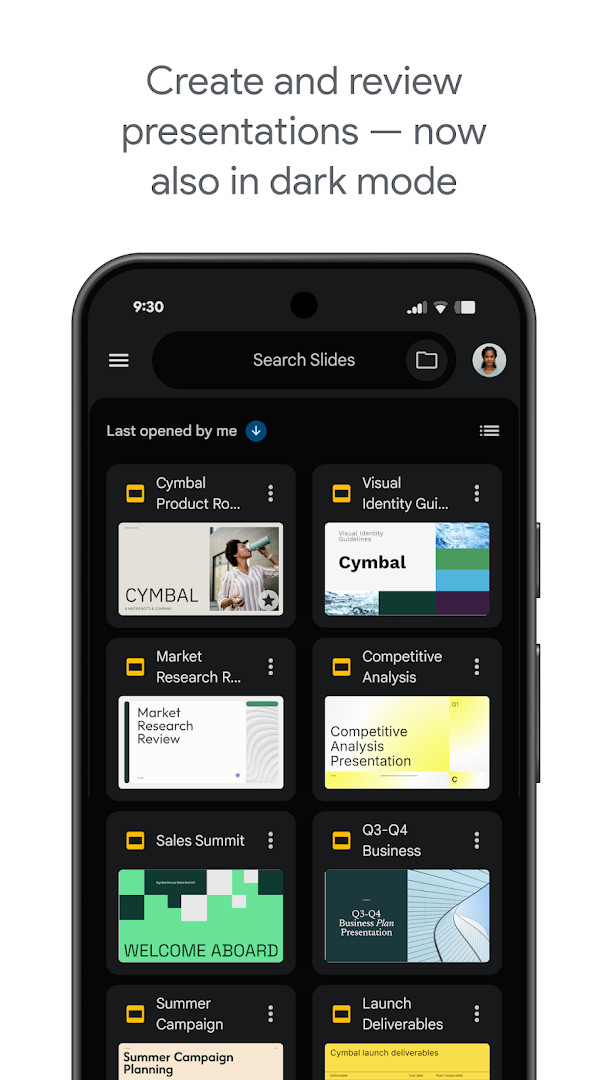
Google Slides is a productivity app by Google LLC that lets you create, edit, and present presentations on Android devices. It is part of the Google Workspace suite, designed for individual use and team collaboration. The app allows you to build new presentations from scratch or modify existing ones, and it supports real-time collaboration so multiple people can work on the same deck simultaneously. You can also open, edit, and save PowerPoint files, making it a practical tool for handling various presentation formats.
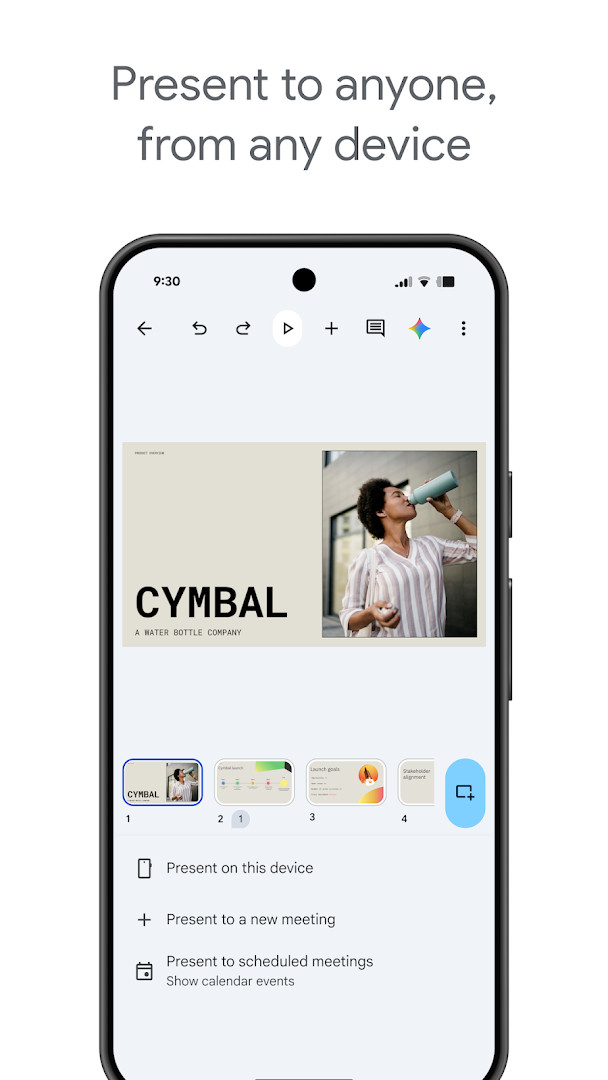
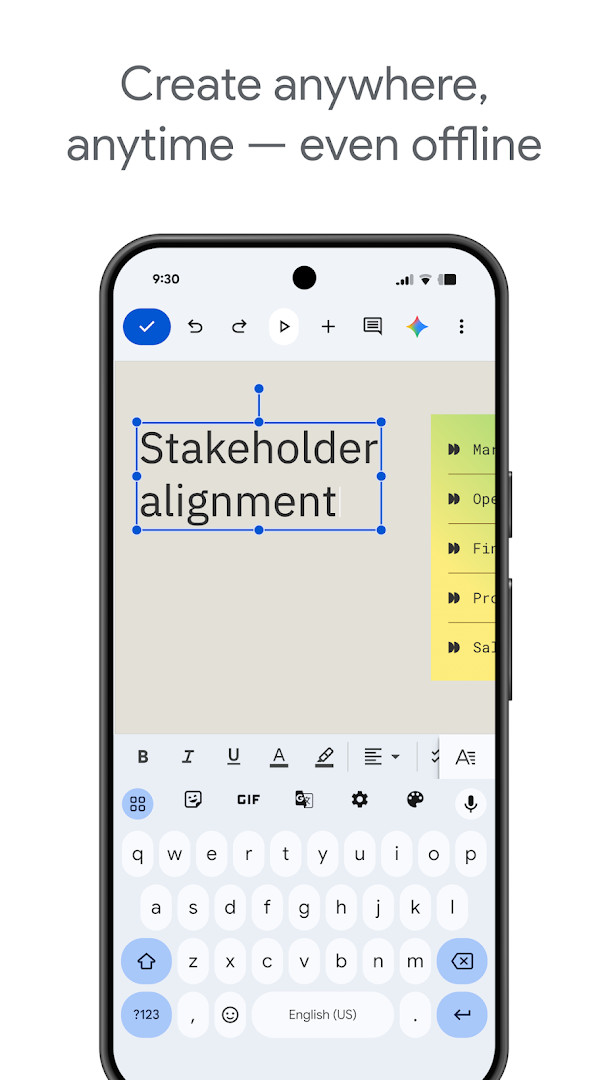
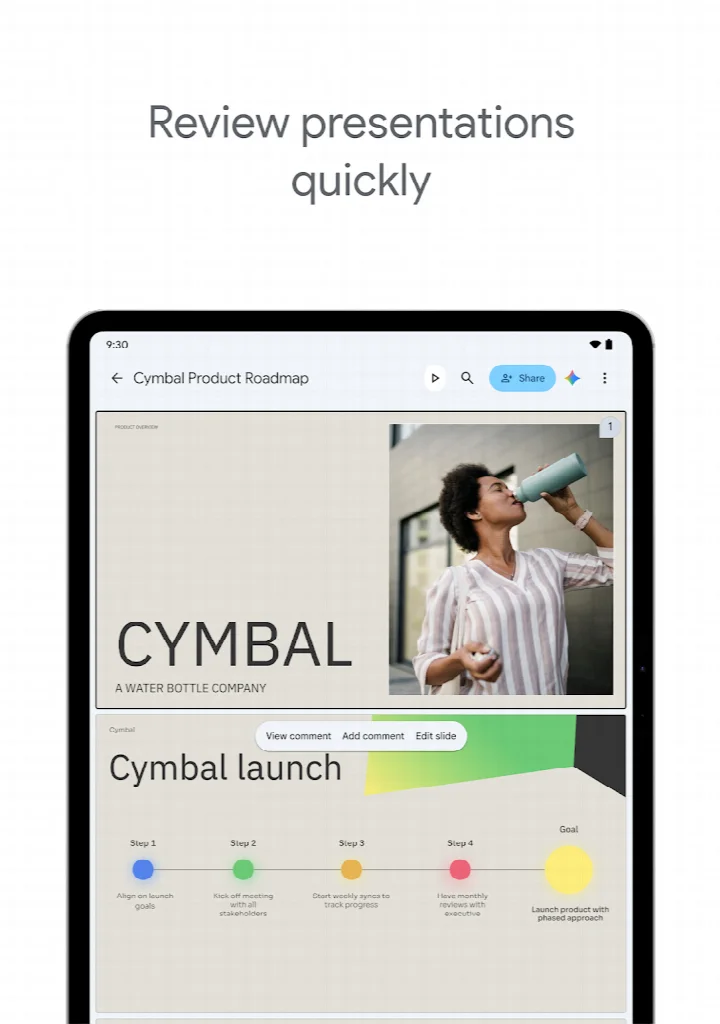
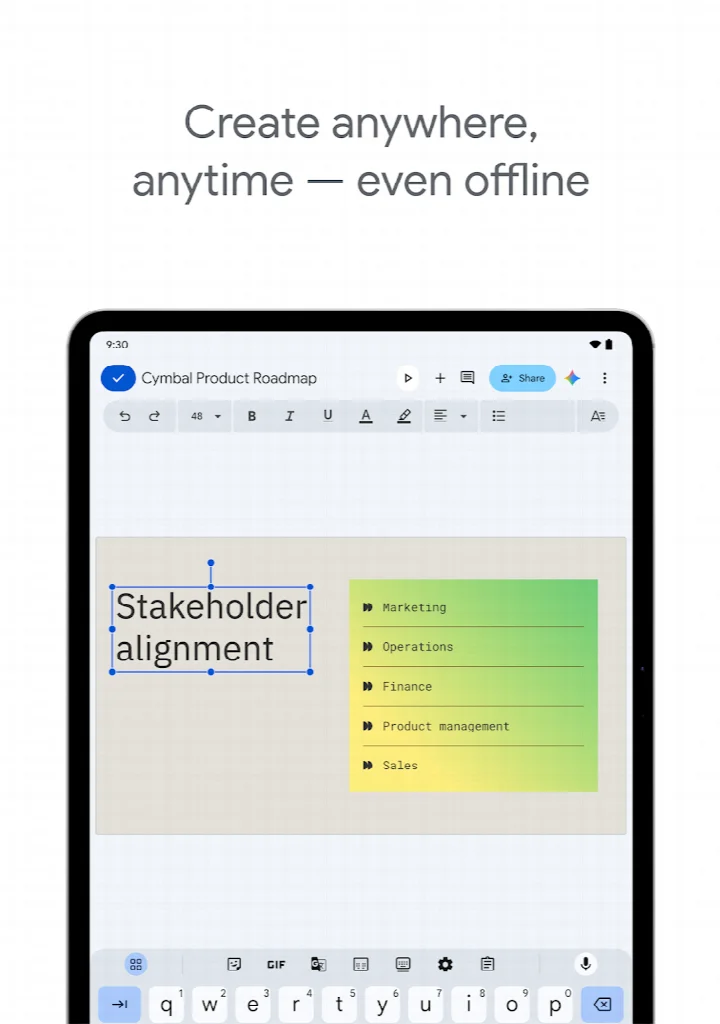
The app is built to work anywhere, including offline, with automatic saving as you type. It includes features like adding and responding to comments, rearranging slides, formatting text and shapes, and presenting directly from your phone or tablet. Smart suggestions help you create polished slides quickly, and you can even present to video calls, with scheduled meetings appearing automatically. For Google Workspace subscribers, additional capabilities include advanced sharing controls, template libraries, and cross-device support.
With over one billion installs and a high user rating, Google Slides is a widely adopted solution for both personal and professional presentation needs. It is suitable for students, business professionals, educators, and anyone who needs to create or share slide decks on the go. The app is free, contains no ads, and offers no in-app purchases, though some advanced features require a Google Workspace subscription.
Key features
- Create new presentations or edit existing ones
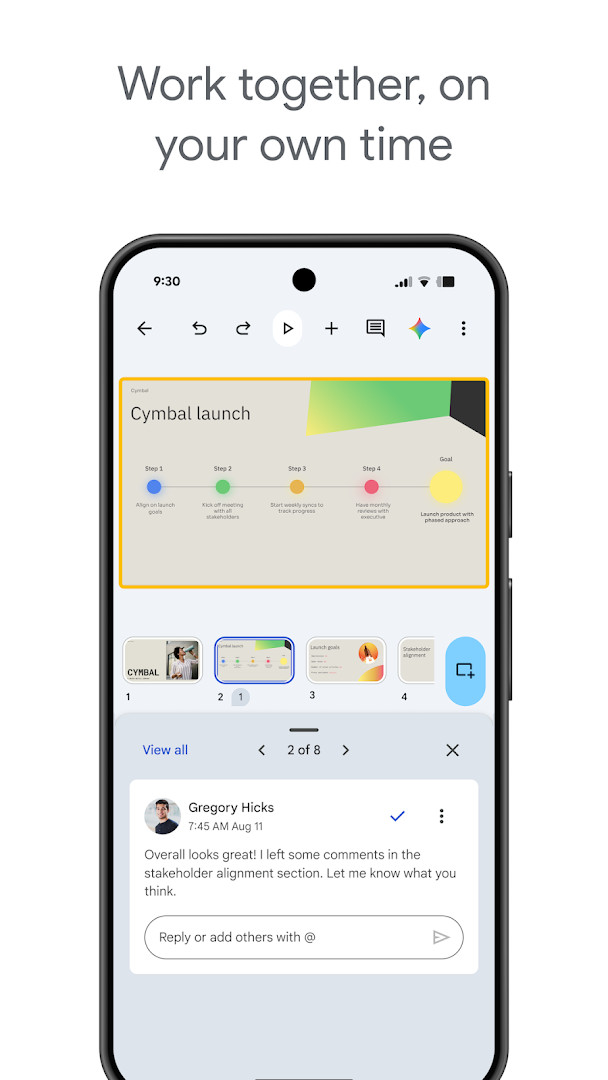
- Share presentations and collaborate in real time
- Work offline and access files from anywhere
- Add and respond to comments
- Add and rearrange slides, format text and shapes
- Present directly from your mobile device
- Automatic saving as you type
- Smart suggestions for creating polished slides
- Present to video calls with automatic meeting integration
- Open, edit, and save PowerPoint files
How to install
- Tap the download button on this page to get the APK file (size n/a).
- When Android prompts, allow your browser or file manager to install apps by enabling the 'Install unknown apps' setting.
- Open the downloaded APK file from your notifications or file manager.
- Tap 'Install' and wait for the installation to complete.
- Open the app from your app drawer. The app requires Android n/a or higher.
Pros
- Free with no ads or in-app purchases
- Real-time collaboration for teams
- Offline access and automatic saving
- Compatible with PowerPoint files
- Integrated with Google Workspace
- High user rating and large install base
Cons
- Some advanced features require a Google Workspace subscription
- Requires permissions for camera, microphone, and storage
- May not offer as many advanced design tools as desktop-only alternatives
Latest changes
Google Slides update dated October 12, 2026, includes bug fixes and performance improvements.
Older versions
| Version | Size | Requires Android | Updated |
|---|---|---|---|
| 1.21.222.08.40 | 45 MB | 6.0 | Jan 11, 2026 |
| 1.22.022.03.90 | 102 MB | 7.0 | Jan 22, 2022 |
Google Slides is for anyone who needs to create, edit, or present presentations on the go, including students, business professionals, educators, and teams that collaborate on slide decks. It is also useful for those who frequently work with PowerPoint files and need cross-platform compatibility.
To use the app offline, enable offline access in the settings for specific presentations. For smoother collaboration, ensure you have a stable internet connection when working with others. You can also practice your presentation directly from your device before a meeting.
Permissions
FAQ
How do I install the Google Slides APK on my Android device?
Installation works like any other APK on Android. After you allow installations from unknown sources in your settings, you can tap the downloaded file to begin the process, then follow the prompts to complete it.
What is the current version of Google Slides?
The most recent update was released on October 12, 2026, and it includes bug fixes and performance improvements.
Does Google Slides have ads or in-app purchases?
Google Slides is free to use, contains no ads, and does not offer any in-app purchases.
Can I use Google Slides without an internet connection?
Yes, the app lets you work anywhere, anytime, even when you are offline.
Are there other presentation apps like Google Slides?
Other presentation apps exist in the Productivity category, but this one is deeply integrated with online collaboration and automatic saving.
Google Slides is a robust, free presentation tool that combines ease of use with powerful collaboration features. Its support for offline work, PowerPoint compatibility, and integration with video calls makes it a versatile choice for both individual and team projects. Whether you are a student or a professional, it offers a reliable way to create and deliver presentations from your Android device.
Similar apps






More from this developer




Updated: Oct 16, 2026