Google Assistant Voice Helper
Google Assistant is a free Productivity app by Google LLC that lets you complete everyday tasks hands-free with voice commands.
Get APK · v0.1.884448652Google Assistant by Google LLC takes up 2.4 MB and requires Android 6.0 or newer. The app contains no ads and no in-app purchases. It is suited for users who want to open apps, send messages, set reminders, or manage smart home devices through spoken instructions.
Screenshots
- Version
- 0.1.884448652
- Size
- 2.4 MB
- Requires Android
- 6.0
- Updated
- Mar 23, 2026
- Installs
- 5B+
- Rating
- ★ 3.76 (1,368,853)
- Category
- Productivity
- Developer
- Google LLC
- Content rating
- Everyone
- Package
- com.google.android.apps.googleassistant
- Free
- ✓
Google Assistant is a voice-controlled productivity tool by Google LLC that acts as a hands-free helper for your Android device. It is designed to let you manage your phone, stay connected, and control your smart home using simple voice commands.
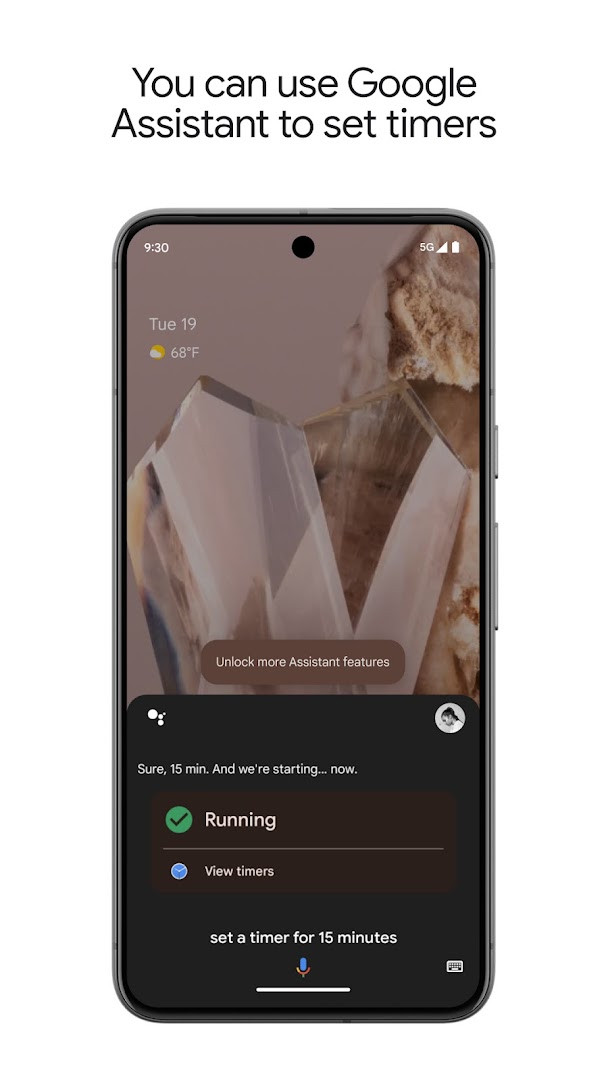
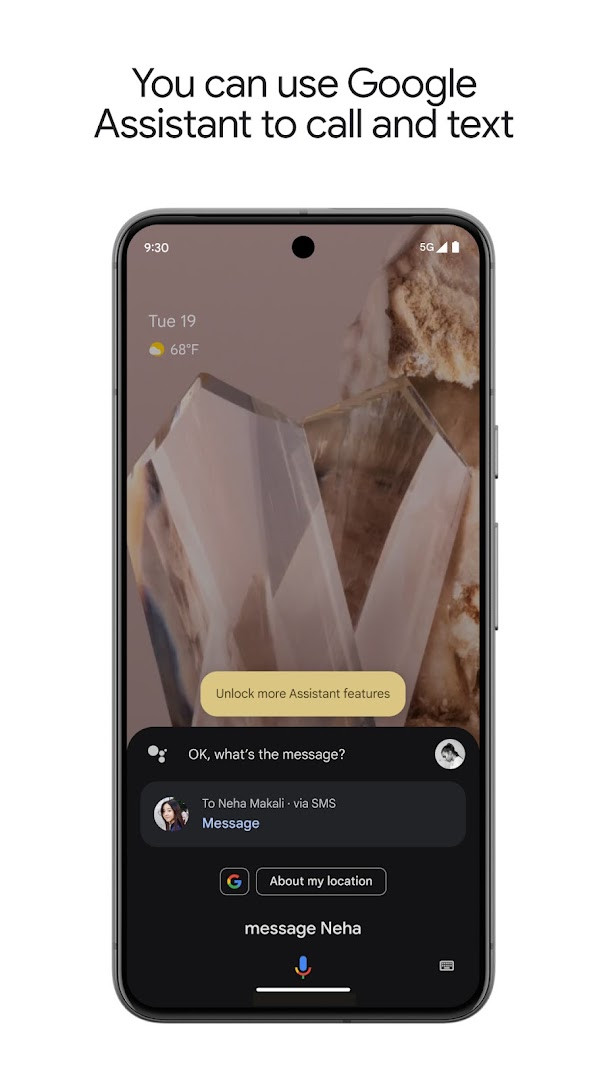
This app is built for anyone who wants to streamline everyday tasks and get more done without constantly touching their screen. You can use it to open apps, adjust settings like Bluetooth or the flashlight, and keep in touch by placing calls or sending messages entirely by voice. It also helps you organize your day by setting reminders, managing your calendar, creating shopping lists, and getting instant answers to questions.
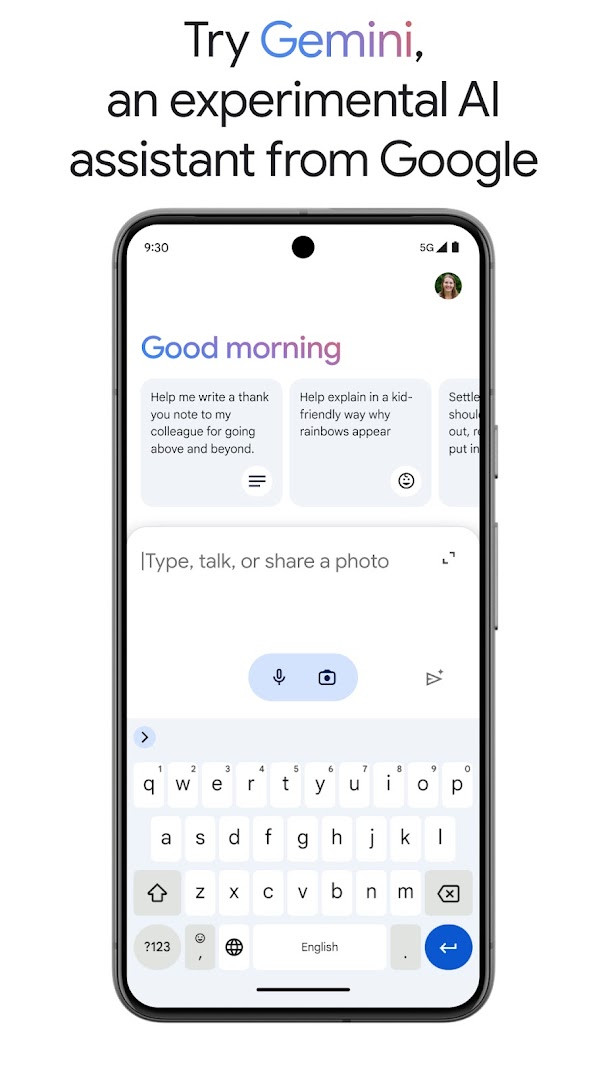
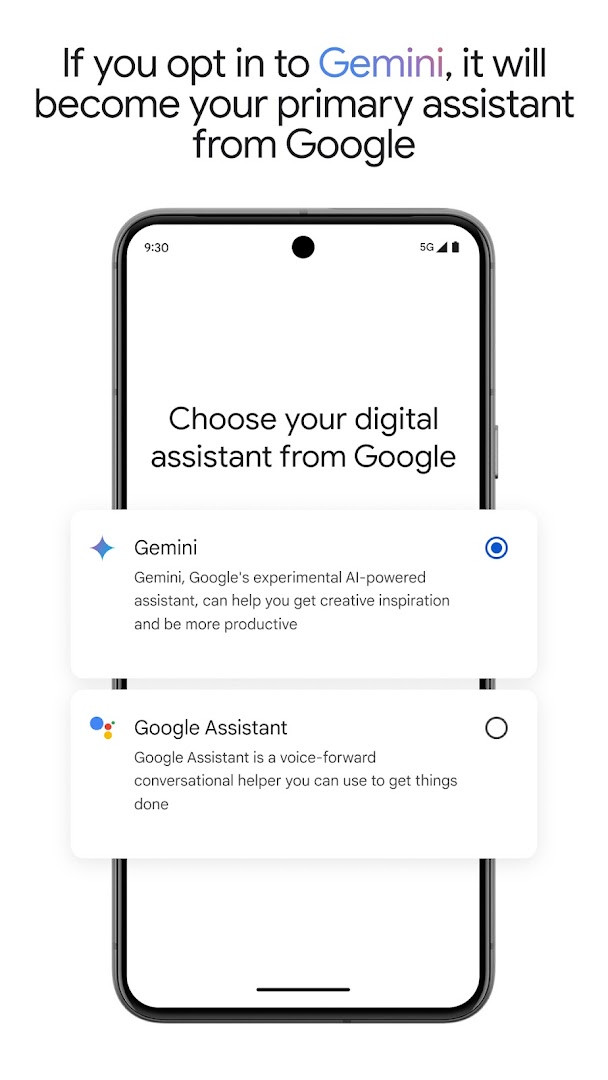
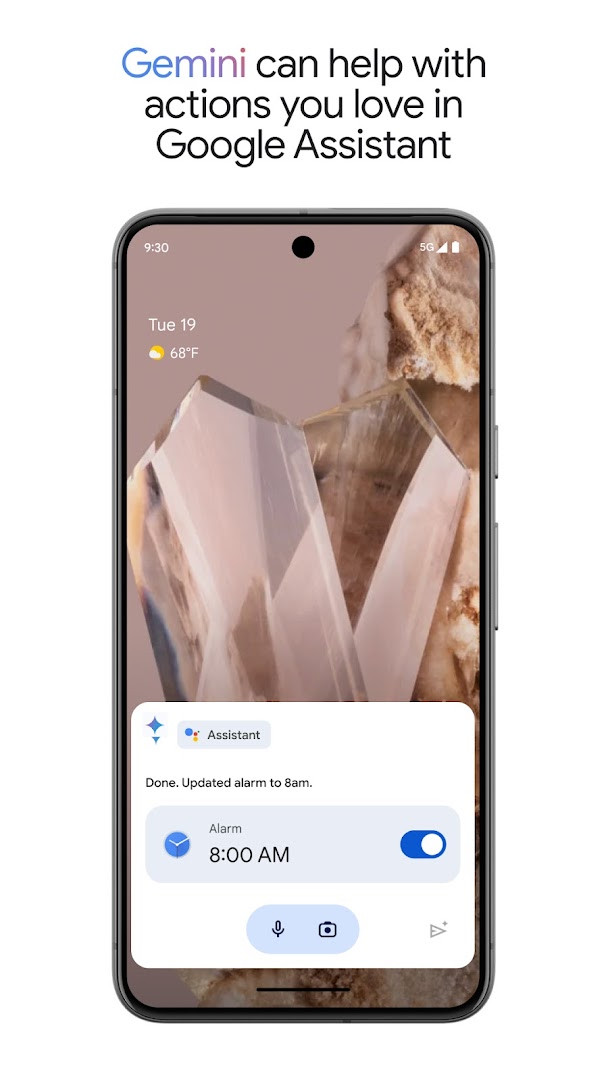
Beyond personal productivity, Google Assistant serves as a central hub for a connected home. From a single interface, you can control compatible lights, thermostats, and other smart appliances, even when you're away. The app is now evolving with an optional integration of Gemini, an experimental AI assistant that provides direct access to Google's most advanced AI models, unlocking new ways to get help while retaining many of the classic Assistant actions you rely on.
Key features
- Control your phone hands-free, including opening apps and toggling settings like the flashlight.
- Stay connected by making calls, sending texts, and managing emails with voice commands.
- Set reminders, create lists, ask questions, and get navigation directions instantly.
- Manage compatible smart home devices, such as lights and thermostats, remotely.
- Opt in to Gemini, an experimental AI assistant, for access to Google's latest AI models directly from the Assistant.
How to install
- Tap the download button on this page to get the 2.4 MB APK file.
- When prompted by your Android device, allow your browser or file manager to install apps by enabling the 'Install unknown apps' setting.
- Locate the downloaded APK file, typically in your 'Downloads' folder, and open it.
- Tap 'Install' and wait for the process to complete on your device running Android 6.0 or newer.
- Once installed, open the app and follow the on-screen prompts to set up your voice assistant.
Pros
- Provides truly hands-free control for calls, texts, and app navigation.
- Seamlessly integrates with Google's ecosystem for reminders, calendars, and navigation.
- Offers convenient smart home control for compatible devices from anywhere.
- Includes an optional upgrade path to the experimental Gemini AI for advanced assistance.
- Lightweight installation size at only 2.4 MB.
Cons
- Permissions can appear broad, requesting access to network state and package size.
- Opting into the new Gemini experience may temporarily remove some familiar Assistant actions.
- The current user rating of 3.77 reflects some user dissatisfaction with recent changes.
Latest changes · 0.1.884448652
This update brings Gemini to Google Assistant for selected users and countries over the coming weeks. If you opt in, Gemini becomes your primary assistant from Google and can handle many of the actions you already use in Assistant, with more support planned. You can try Gemini by opting in or by getting the Gemini app to start.
Older versions
| Version | Size | Requires Android | Updated |
|---|---|---|---|
| 0.1.601924805 | 1.2 MB | 5.0 | Jun 30, 2026 |
| 0.1.884448652 | 2.4 MB | 6.0 | Mar 23, 2026 |
| 0.1.766117055 | 2.3 MB | 5.0 | Jun 18, 2025 |
This app is ideal for Android users who want to boost daily productivity through voice commands, multitaskers who need hands-free phone control while driving or cooking, and anyone with a growing collection of compatible smart home devices seeking a single control point.
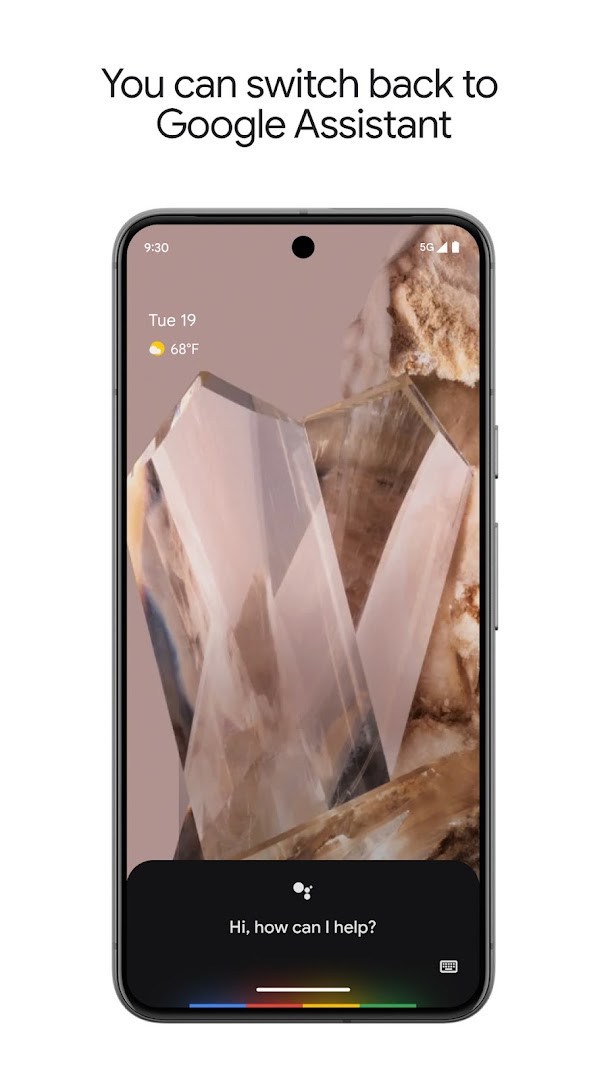
Explore the 'Routines' feature to automate multiple actions with a single phrase, like saying 'Good morning' to hear your schedule, turn on lights, and get the weather. If you opt into the Gemini experience and find a missing function, you can easily switch back to the classic Google Assistant through the app's settings at any time.
Permissions
FAQ
Is Google Assistant free?
Yes, Google Assistant is free to download and use. The listed price is 0.00 USD, and it does not contain ads or in-app purchases.
Which Android version do I need?
The app requires Android 6.0 or newer. If your device runs this version or later, it should be compatible.
How large is the download file?
The file size is 2.4 MB. This is the size of the current version, 0.1.884448652.
Do I need an account to use the app?
Yes, you will need a Google account. Google Assistant works with your account so it can manage reminders, calls, messages, and other personal tasks.
What permissions does it ask for?
The app requests access to network state, package size, and Google services framework information. These permissions support core voice-assistant functions and device integration.
How do I update Google Assistant?
To update, download the newest version from this page. The latest release is version 0.1.884448652, updated on 2026-03-23.
For anyone embedded in Google's ecosystem, the Assistant remains an indispensable tool for simplifying daily routines. While the evolving Gemini integration introduces some temporary feature gaps, the core voice-control capabilities continue to provide a genuinely helpful, hands-free way to manage your phone and connected life.
Similar apps







More from this developer




Updated: Oct 14, 2026