Elite Memo Pro: Note-Taking and Sketching App
Elite Memo Pro is a productivity app by Deepanjan Biswas that lets you write, organize, and draw notes with labels, checklists, and reminders.
Download Elite Memo Pro · v1.0.26Elite Memo Pro combines text notes with freehand drawings, offering tools like pen, marker, and highlighter on customizable canvases. It includes labels, colors, pins, search, and home-screen widgets for checklist notes. The app is free, requires Android 7.0 or higher, and has a download size of 3.4 MB.
Screenshots
- Version
- 1.0.26
- Size
- 2.9 MB
- Requires Android
- 7.0
- Updated
- Oct 31, 2026
- Category
- Productivity
- Developer
- Deepanjan Biswas
- Package
- com.deepanjanxyz.notepad
- Free
- ✓
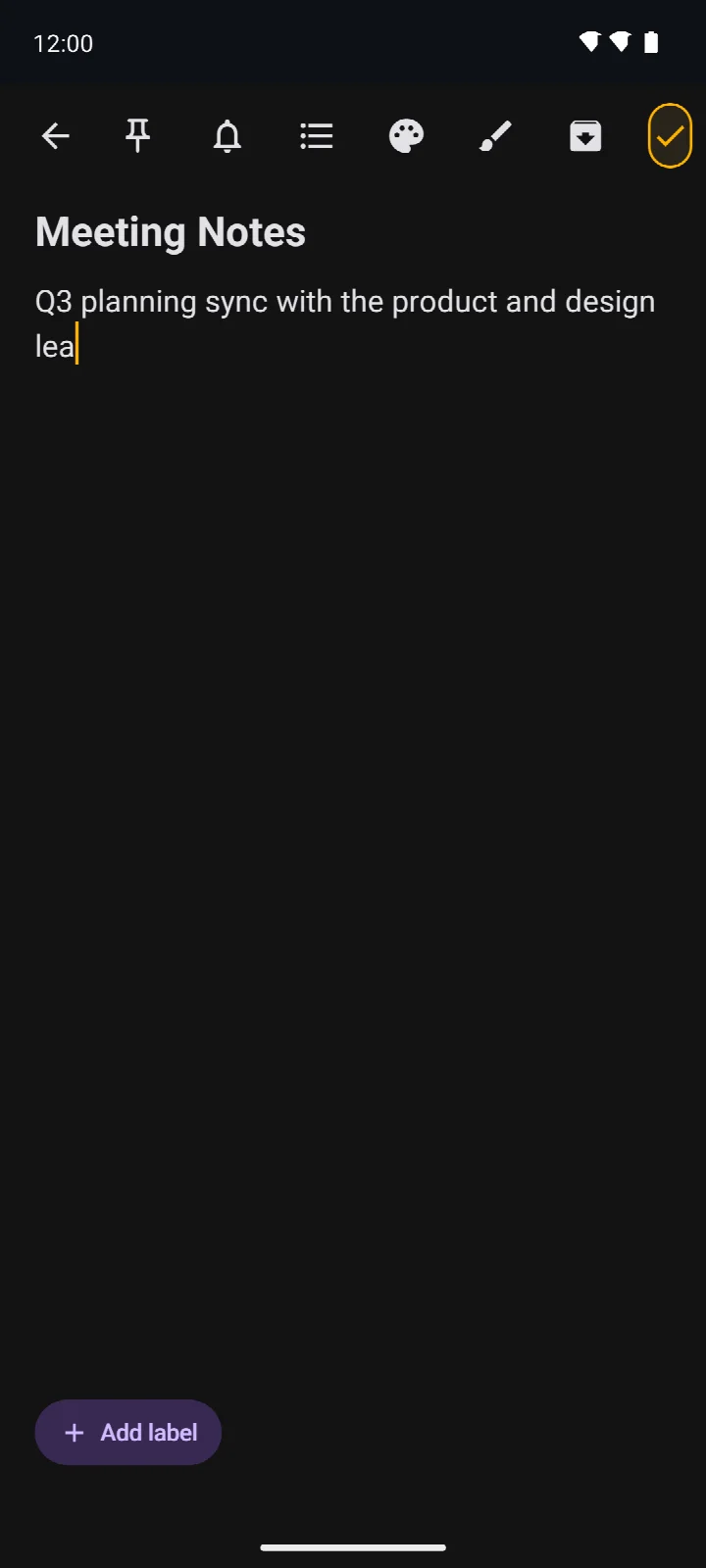
Elite Memo Pro is a productivity application by Deepanjan Biswas that merges text note-taking with freehand drawing capabilities. It allows users to create detailed notes enriched with checklists and sketches, all within a single, unified interface.
This app is designed for individuals who prefer a local-first approach to data storage. All notes and labels reside in the device's own Room database, meaning no information is uploaded to external servers. This architecture ensures that sensitive thoughts, lists, and drawings remain exclusively under the user's control, aligning with a privacy-conscious workflow.
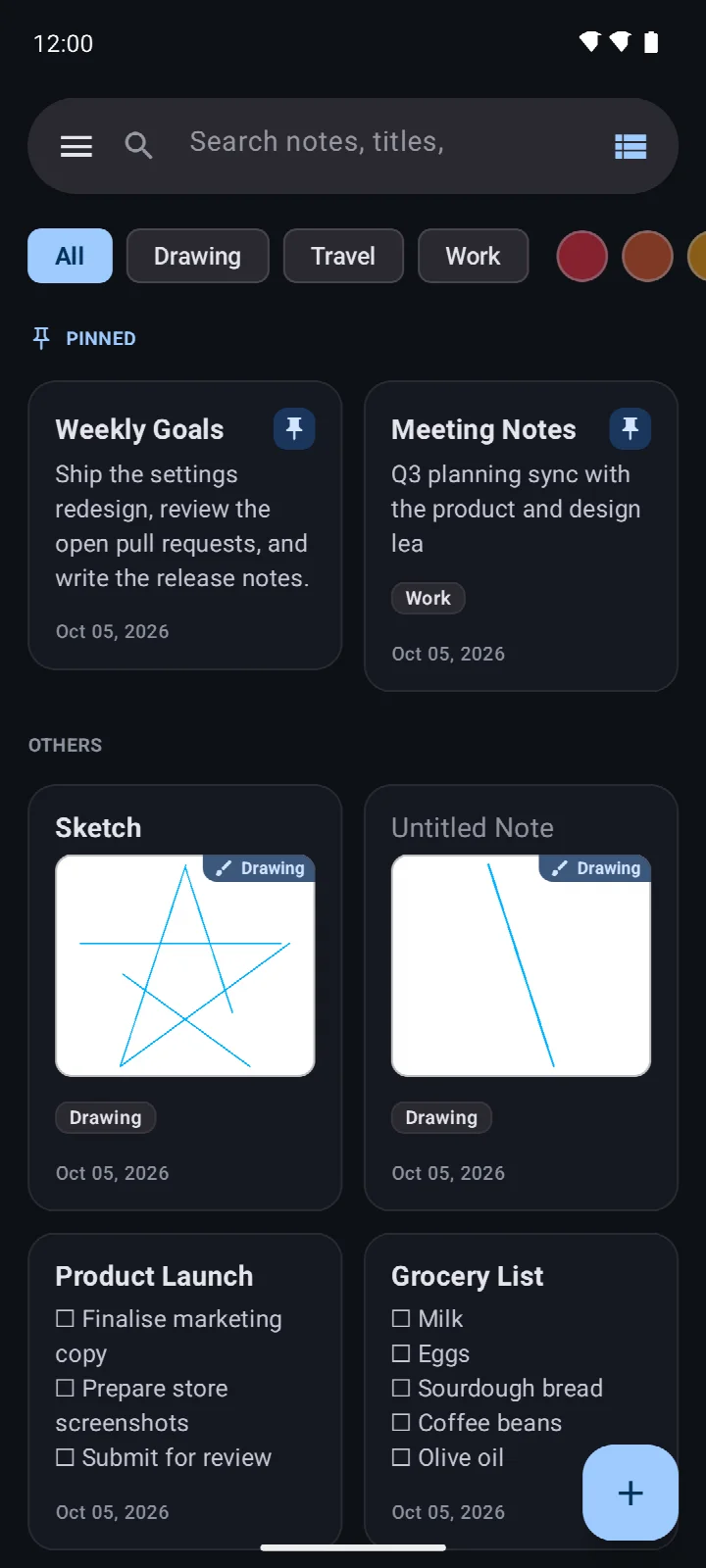
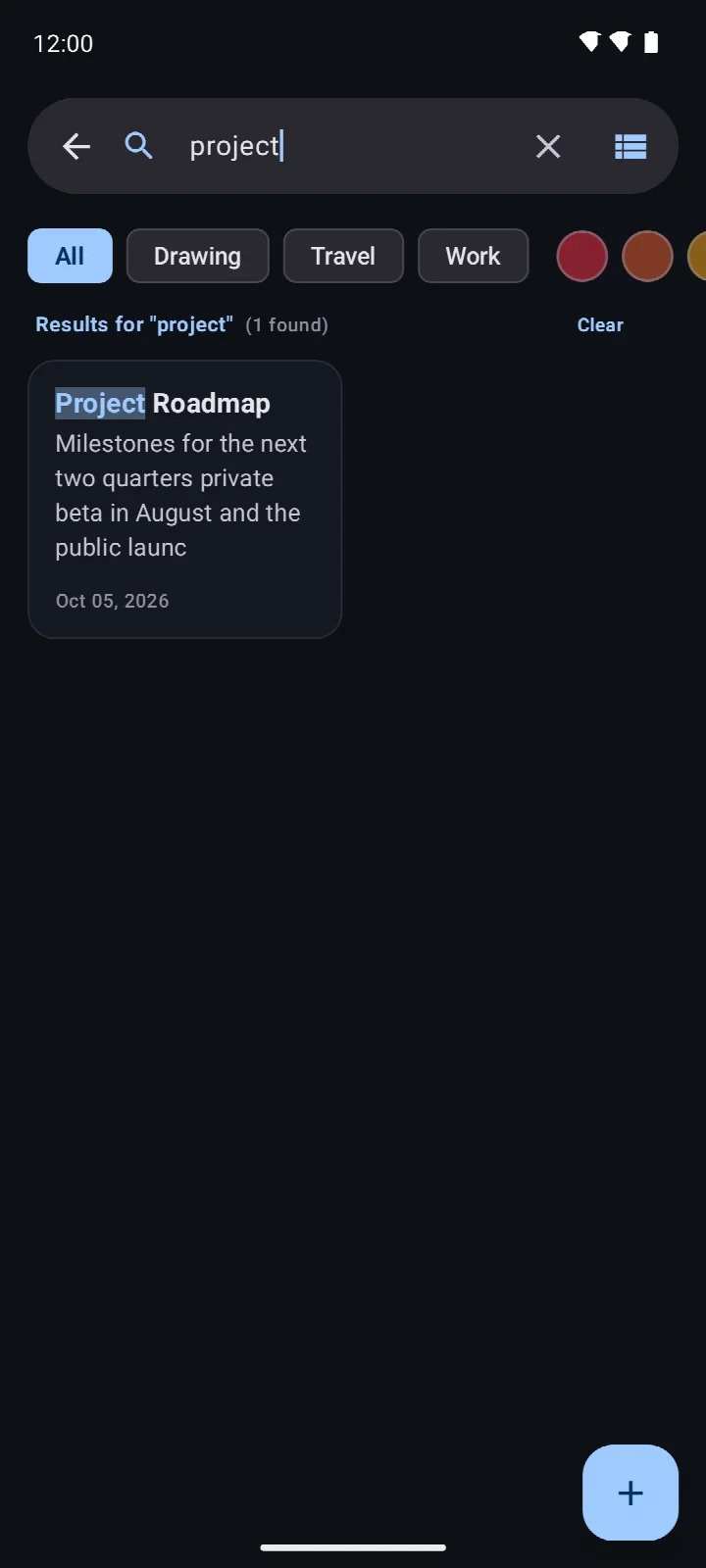
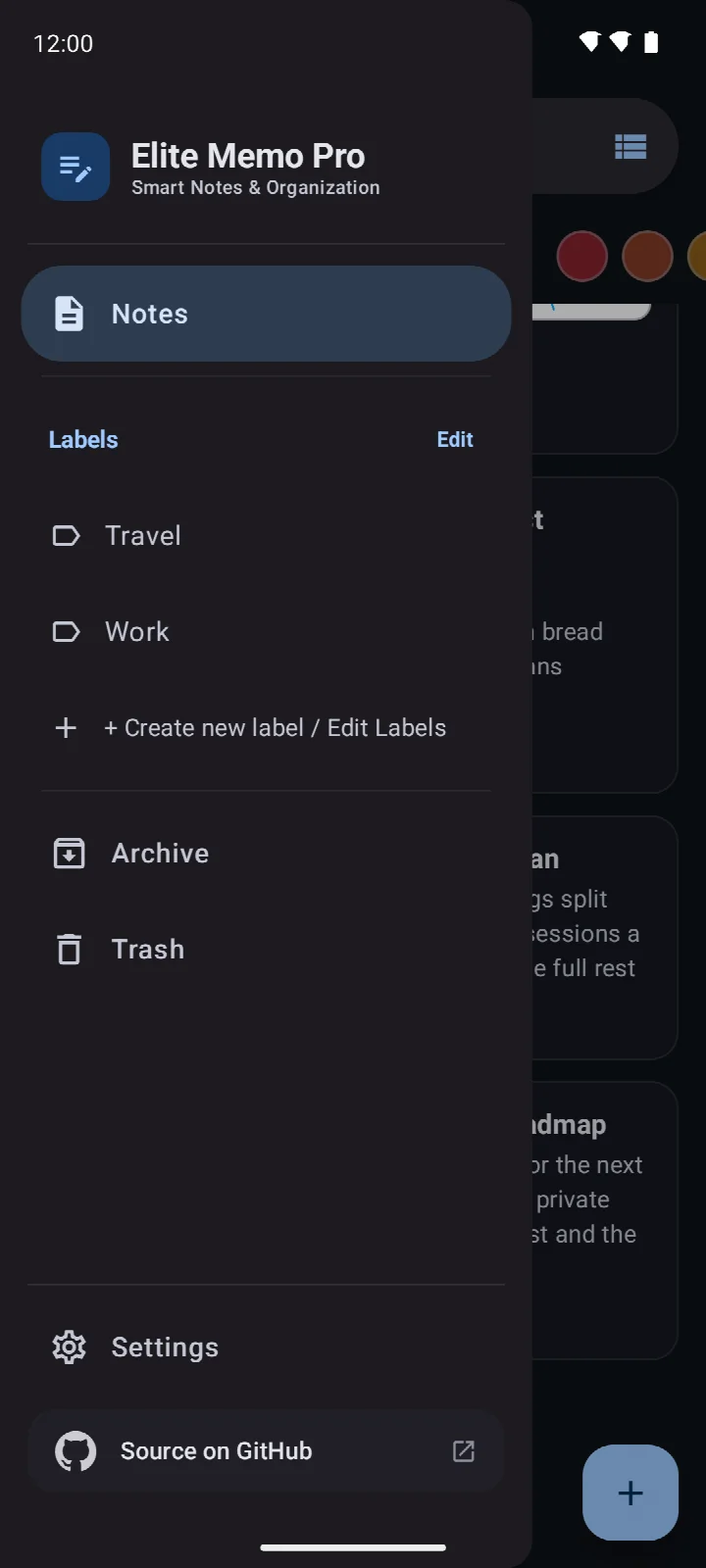
Beyond basic note creation, Elite Memo Pro provides robust organizational tools. Users can categorize entries with labels and colors, pin important notes, and utilize a powerful search function that highlights matches within titles, text, and tags. The inclusion of archive and trash features, with a 30-day automatic clearing policy, helps maintain a clutter-free workspace.
The app caters to a range of needs with its drawing tools, which include pen, marker, and highlighter options over customizable backgrounds like ruled or dotted grids. Combined with checklist home-screen widgets and local JSON backup and restore capabilities, it serves as a versatile, self-contained hub for personal information management without compromising privacy.
Key features
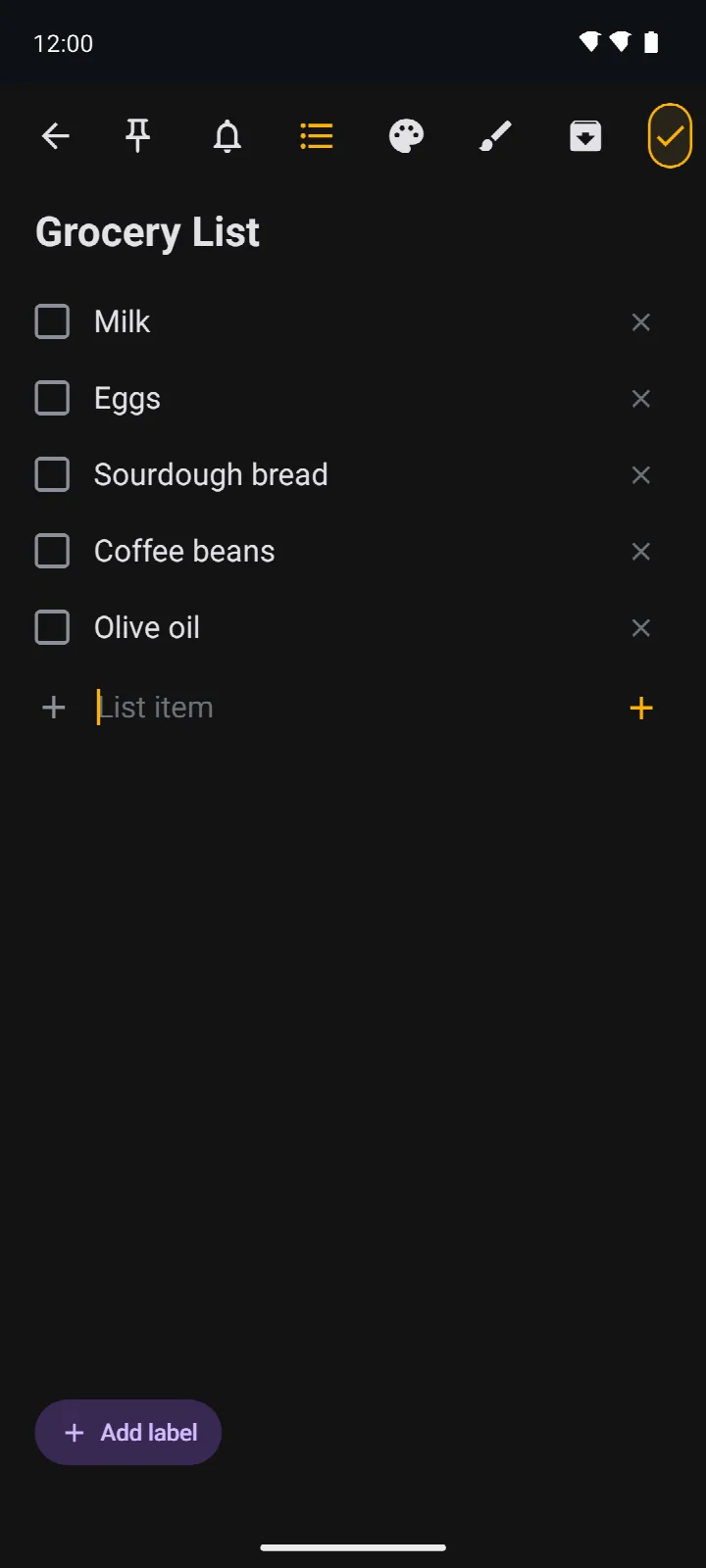
- Combine text notes with checklists and freehand drawings on a single canvas.
- Use pen, marker, highlighter, selection, and eraser tools with blank, ruled, grid, or dotted backgrounds.
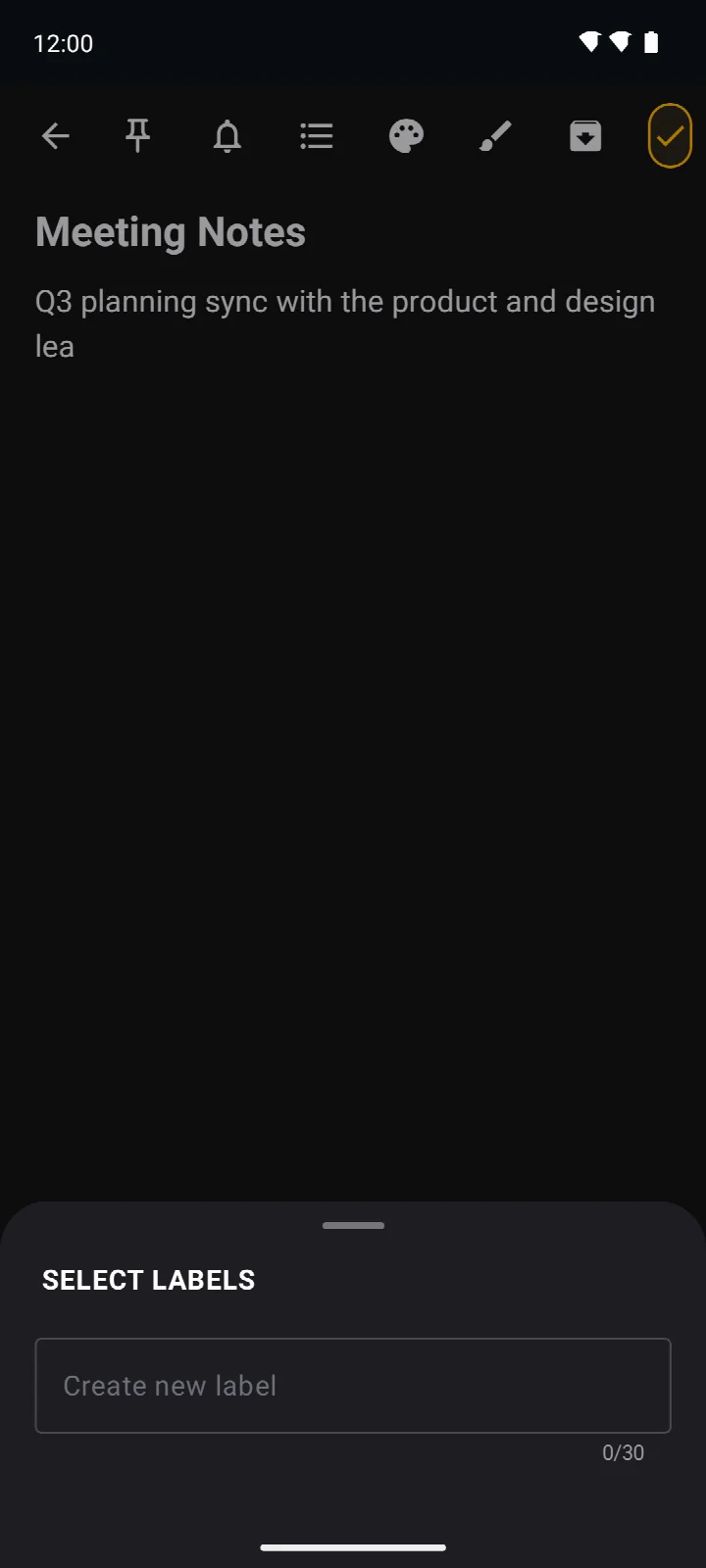
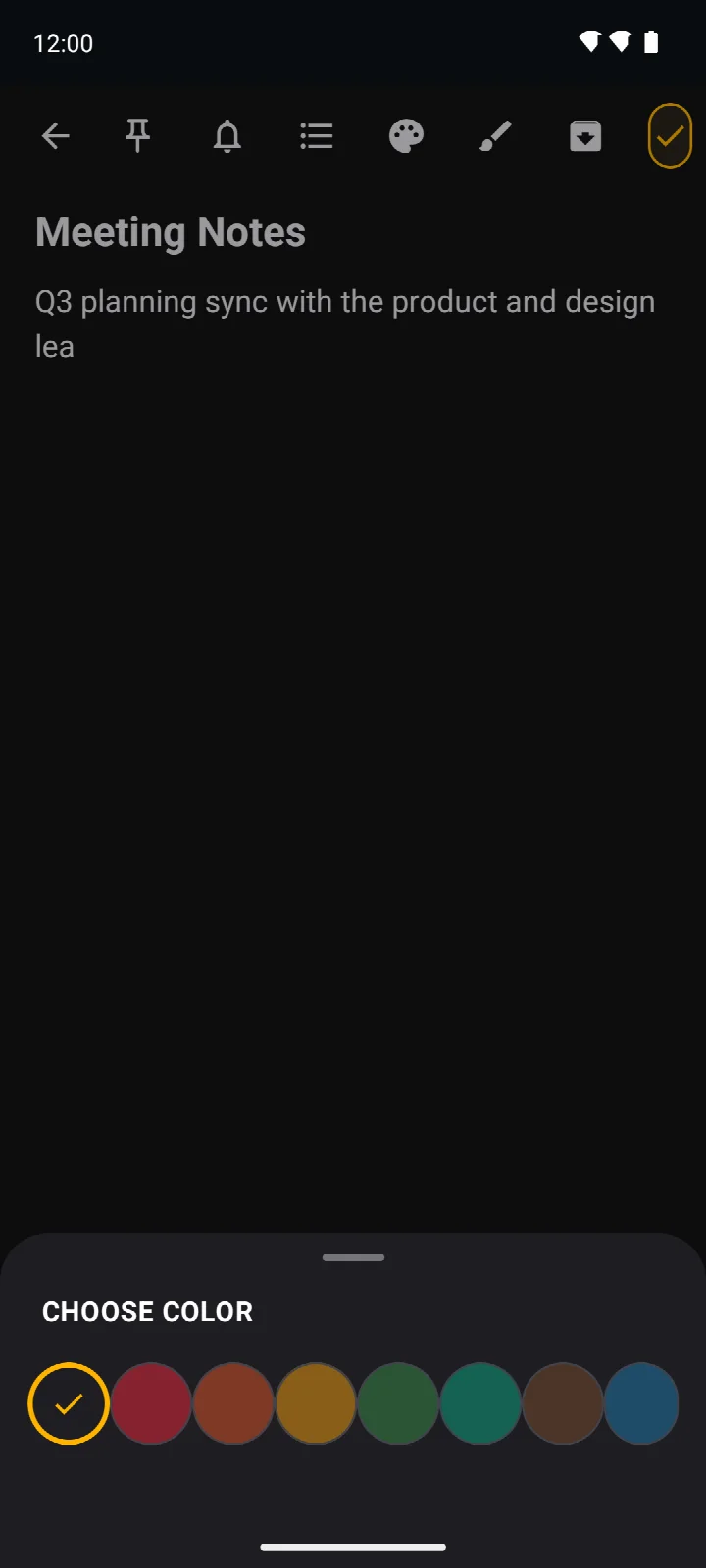
- Organize with labels, colors, and pins; search titles, text, and tags with match highlighting.
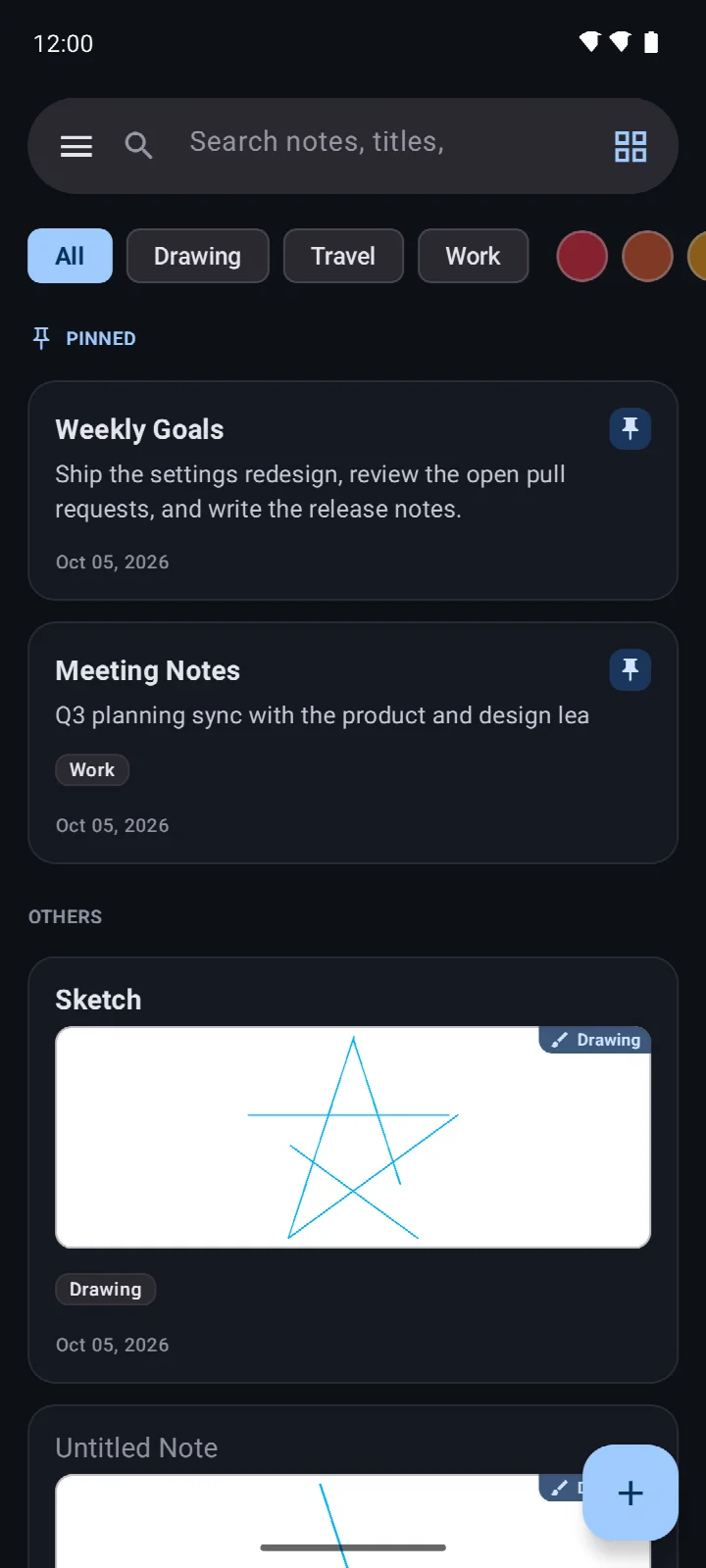
- Switch between grid and list layouts; sort by modification date, creation date, title, or color.
- Archive notes or send them to Trash, where they are automatically deleted after 30 days.
- Set reminders to receive scheduled notifications for individual notes.
- Choose light, dark, or system-default appearance and optionally lock the app with biometrics or device credentials.
- Pin checklist notes to the home screen with a widget for quick task completion.
- Export notes as plain text and back up or restore all data via JSON files in the Downloads folder.
How to install
- Tap the download button on this page to get the Elite Memo Pro APK file, which is about 3.4 MB in size.
- When prompted by Android, allow your browser or file manager to install apps by enabling the "Install unknown apps" setting for that application.
- Once the download completes, open the APK file from your notifications or file manager.
- Tap "Install" and wait for the process to finish; the app requires Android 7.0 or higher.
- After installation, tap "Open" to launch Elite Memo Pro and start creating your first note.
Pros
- All notes and labels are stored locally in a Room database, ensuring no data leaves the device.
- Only requests permissions for notifications; no access to internet, contacts, or storage is required for core functionality.
- Includes a biometric or device credential app lock for an added layer of security.
- Lightweight at 3.4 MB and compatible with devices running Android 7.0 and above.
- Open source under the MIT license, allowing for community review of its privacy claims.
- Provides a complete local backup and restore system via JSON files.
Cons
- Drawings cannot be shared as images, only text exports are supported.
- No built-in cloud sync; manual JSON backups are the sole transfer method.
- Checklist widgets do not support drawings or mixed content notes.
- Lacks collaborative or multi-device editing features.
- The app lock is optional and must be manually enabled.
Older versions
| Version | Size | Requires Android | Updated |
|---|---|---|---|
| 1.0.26 | 2.9 MB | 7.0 | Oct 31, 2026 |
| 1.0.24 | 2.9 MB | 7.0 | Oct 23, 2026 |
| 1.0.23 | 2.9 MB | 7.0 | Oct 22, 2026 |
| 1.0.22 | 2.9 MB | 7.0 | Oct 21, 2026 |
| 1.0.21 | 3.4 MB | 7.0 | Oct 17, 2026 |
| 1.0.20 | 3.4 MB | 7.0 | Oct 16, 2026 |
| 1.0.19 | 3.4 MB | 7.0 | Oct 15, 2026 |
| 1.0.18 | 3.4 MB | 7.0 | Oct 14, 2026 |
| 1.0.17 | 3.3 MB | 7.0 | Oct 11, 2026 |
| 1.0.16 | 3.4 MB | 7.0 | Oct 9, 2026 |
This app is ideal for privacy-focused individuals who need a capable note-taking and sketching tool without any cloud dependency. It suits students, professionals, and anyone who values keeping their ideas, lists, and drawings securely confined to their own device.
Regularly export a JSON backup to your Downloads folder, as the app does not sync data automatically. If you enable the app lock, remember that it uses your device's own biometric or PIN security method, so ensure that is properly configured in your system settings.
FAQ
Is Elite Memo Pro free to use?
Yes, the app is free. There are no upfront costs or subscription fees.
What Android version do I need?
Elite Memo Pro requires Android 7.0 or higher. The app is a compact 3.4 MB download.
Do I need to create an account?
No, you don't need an account. All your notes and labels are stored locally in the app's Room database on your device.
What permissions does the app request?
The app may request permission to set reminders (for notifications) and to access storage for backing up or restoring notes to a JSON file. It also supports optional biometric authentication for the app lock feature.
How do I update the app?
To update, simply download the latest version from this page. The newest version is 1.0.19, released on October 15, 2026.
Elite Memo Pro is a thoughtfully designed notes application that respects user privacy by keeping all data local. For those seeking a feature-rich yet secure way to manage notes, sketches, and reminders without cloud dependencies, it offers a compelling and trustworthy solution.
Similar apps








Updated: Oct 31, 2026