
Messenger: Chat and Video Calls
Messenger is a free communication app by Meta Platforms, Inc. that lets you chat, call and share photos with friends and family.
Get Messenger · v582.0.0.61.92Messenger is a free communication app from Meta Platforms, Inc. with a download size of 155 MB and a minimum requirement of Android 9. It contains no ads, offers in-app purchases and has an average rating of 4.71 from 114.6 million ratings, with more than 5 billion installs since its release on January 30, 2014.
Screenshots
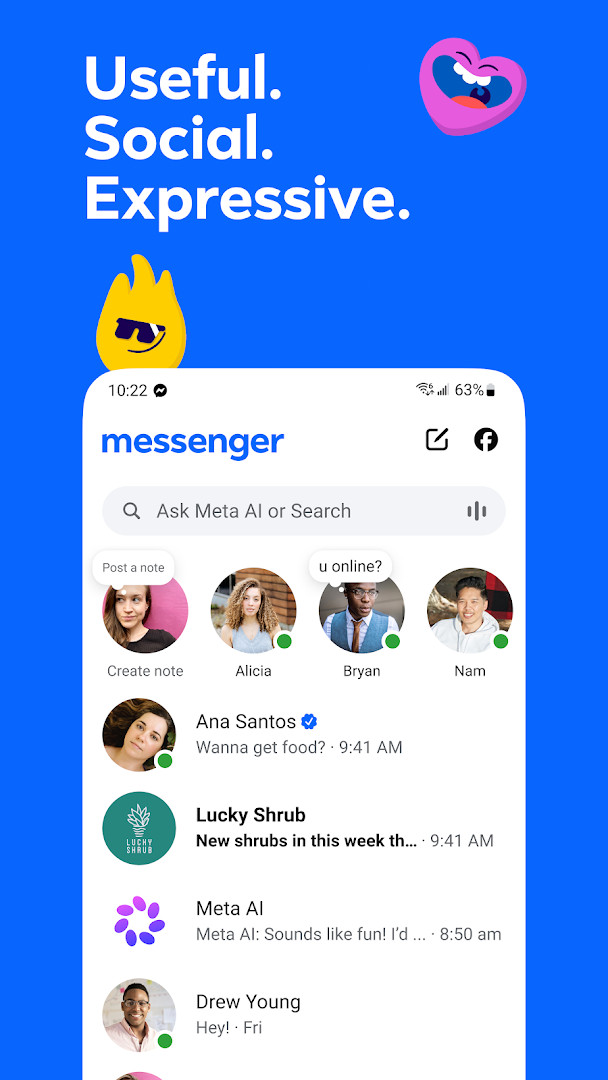
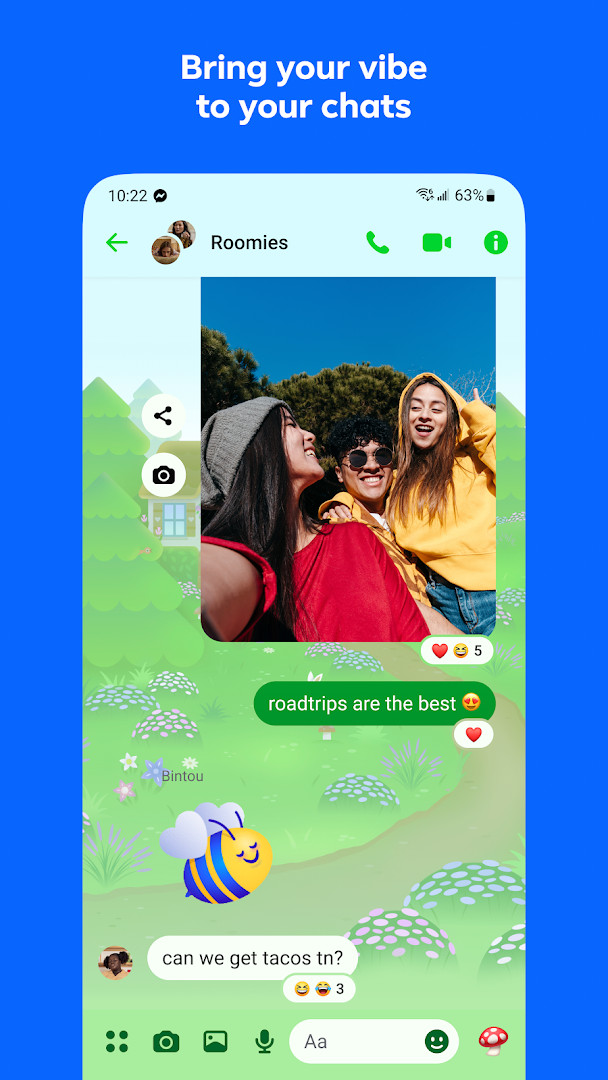
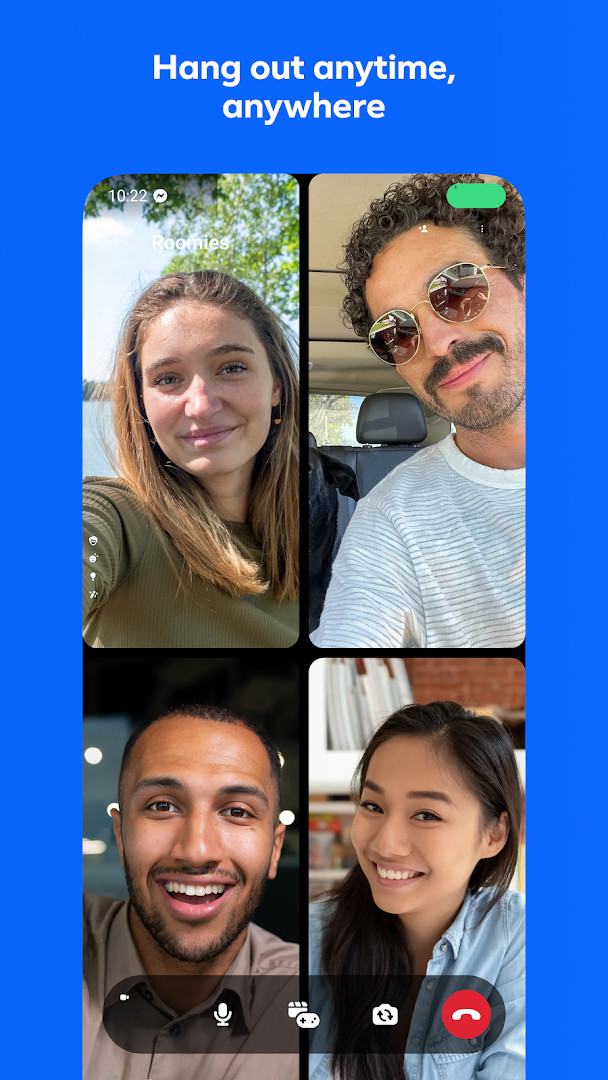
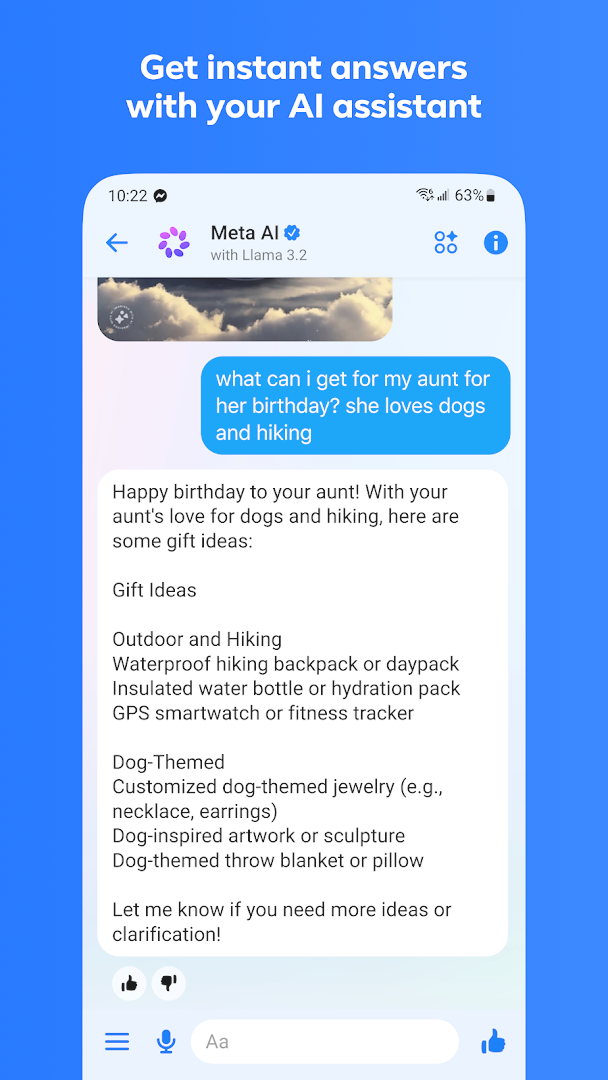
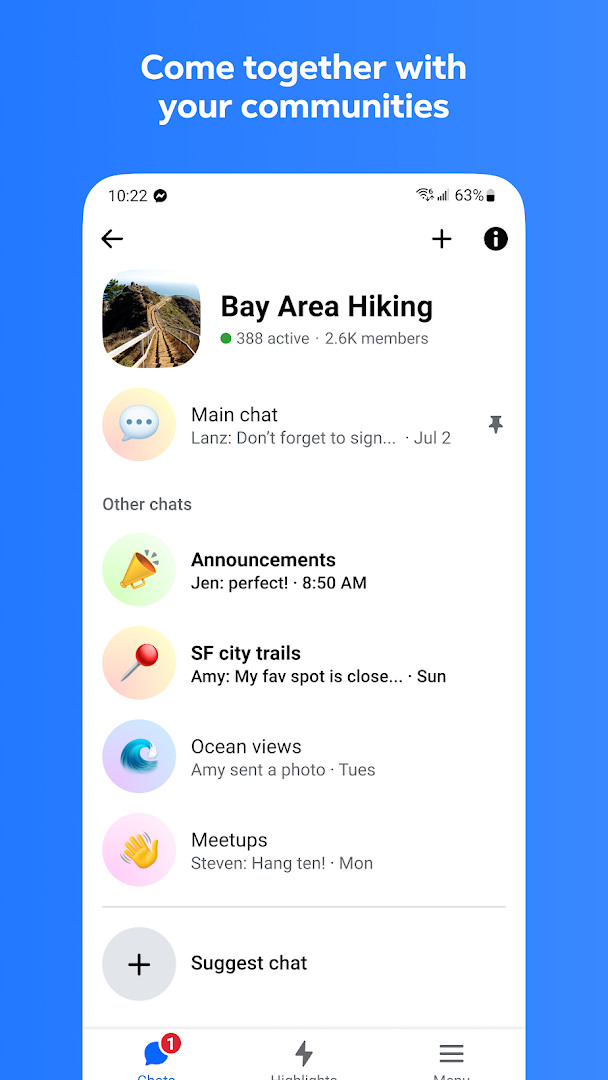
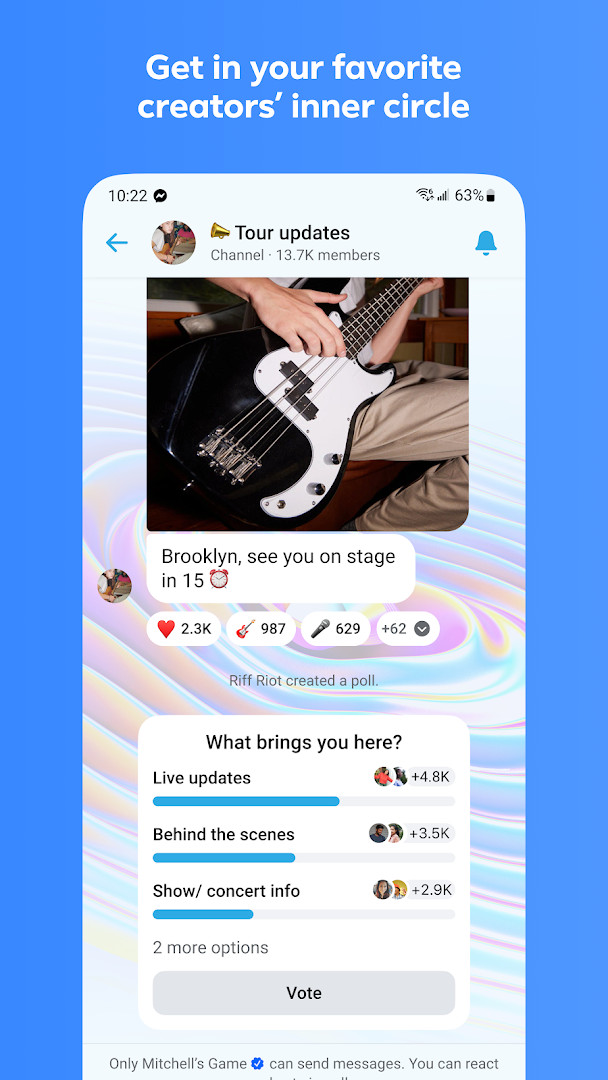
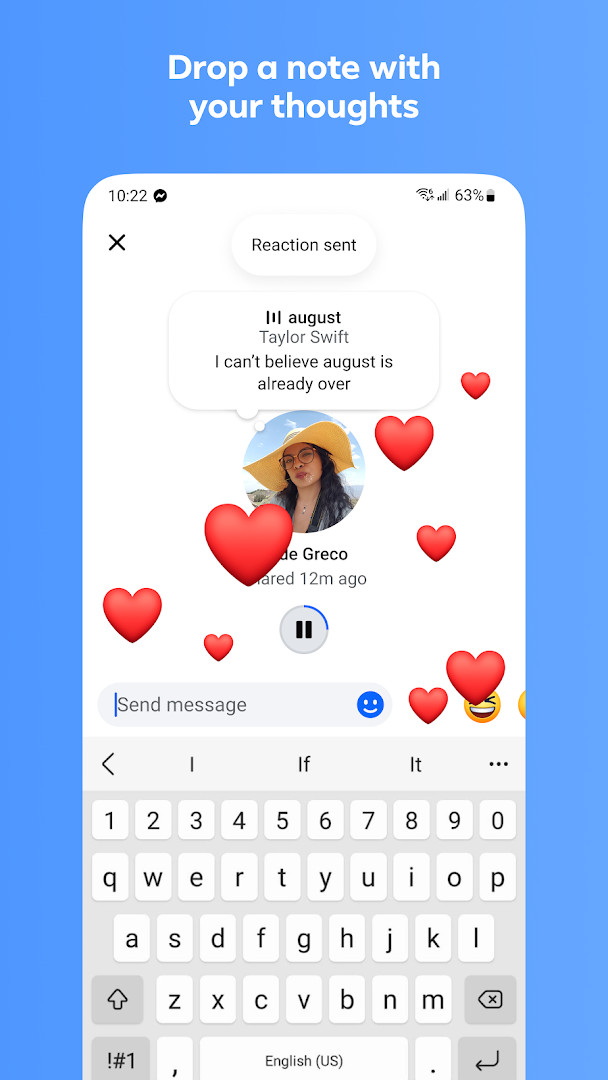
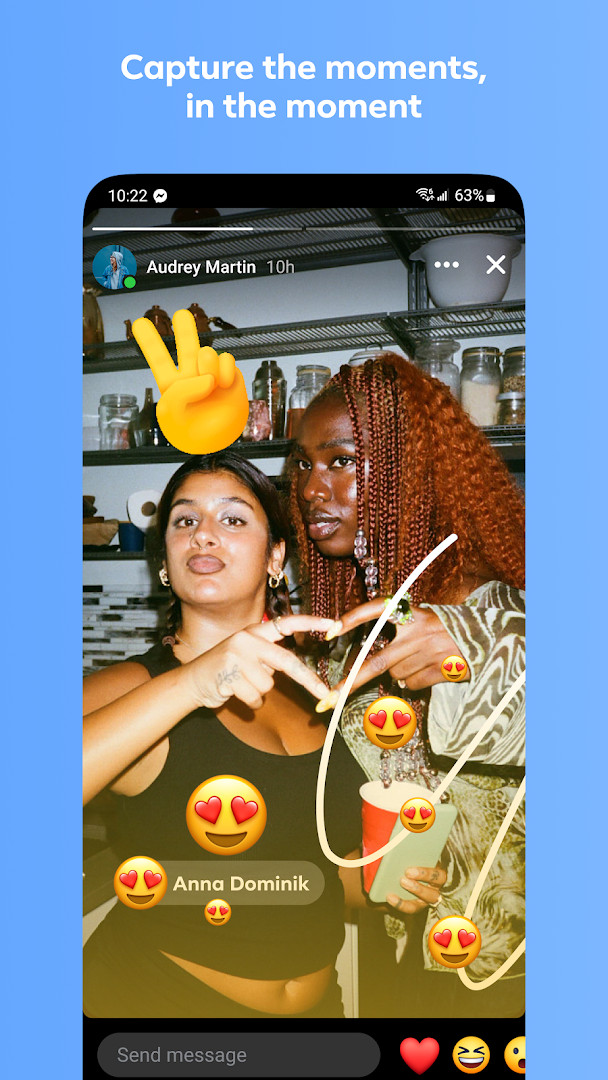
- Version
- 582.0.0.61.92
- Size
- 155 MB
- Requires Android
- 9
- Updated
- Oct 12, 2026
- Installs
- 5B+
- Rating
- ★ 4.71 (114,619,710)
- Category
- Communication
- Developer
- Meta Platforms, Inc.
- Content rating
- Everyone
- Package
- com.facebook.orca
- Free
- ✓ · In-app purchases
Messenger is a free communication app by Meta Platforms, Inc. that lets you send messages, make calls, and share media with contacts from your Facebook network and beyond. Originally launched in 2014, it has evolved from a simple chat client into a full-featured platform for personal and group conversations, integrating tools like shared albums, file transfer, and AI assistance. For experienced users comparing options, it's not just a texting tool—it's a hub for managing social connections, with features that blur the line between messaging and social networking. The latest version, 582.0.0.61.92, released in October 2026, continues this trend, refining the experience with improvements to performance and stability, though the core functionality remains familiar to long-time users.
Key features
- Send and receive high-definition photos and videos
- Create shared albums for group chats to organize and reminisce over moments
- Share files up to 100 MB directly in chat, including Word, PDF, and Excel documents
- Edit messages for up to 15 minutes after sending, or unsend them entirely
- Set disappearing messages for end-to-end encrypted chats, with customizable durations
- Connect with new people by scanning QR codes or sharing links
- Access Meta AI assistant for answers, advice, homework help, and creative tasks like image editing
- Join broadcast channels from favorite creators for casual content
- Customize chats with themes, stickers, GIFs, and animated reactions
- Post Stories and Notes that vanish after 24 hours
How to install
- Tap the download button on this page to get the APK file (155 MB).
- When your browser or file manager asks for permission, allow installing apps from that source by enabling the "Install unknown apps" setting in Android.
- Open the downloaded APK file from your notifications or file manager.
- Tap "Install" and wait for the process to complete; ensure your device runs Android 9 or higher.
- Open the app, log in with your Facebook account or phone number, and set up your preferences.
Pros
- Seamless integration with Facebook contacts and existing social graph
- Wide range of expressive tools: themes, stickers, GIFs, and reactions
- End-to-end encryption for disappearing messages adds privacy control
- Supports large file sharing up to 100 MB, useful for collaboration
- Meta AI integration offers practical assistance within chats
Cons
- Requires a Facebook account or phone number, which may deter privacy-focused users
- Extensive permissions (camera, microphone, location, contacts) may feel invasive
- In-app purchases for extras could be a turnoff for some
- Frequent updates can lead to occasional instability or feature changes
Older versions
| Version | Size | Requires Android | Updated |
|---|---|---|---|
| 582.0.0.61.92 | 155 MB | 9 | Oct 12, 2026 |
| 583.0.0.29.95 | 150 MB | 9 | Oct 12, 2026 |
| 581.0.0.49.91 | 142 MB | 9 | Oct 11, 2026 |
| 583.0.0.13.95 | 158 MB | 9 | Oct 10, 2026 |
| 582.0.0.22.92 | 155 MB | 9 | Oct 6, 2026 |
| 580.0.0.49.91 | 139 MB | 9 | Oct 3, 2026 |
| 581.0.0.31.91 | 152 MB | 9 | Oct 2, 2026 |
| 581.0.0.0.0 | 149 MB | 9 | Oct 2, 2026 |
| 582.0.0.0.0 | 145 MB | 9 | Sep 29, 2026 |
| 581.0.0.1.91 | 143 MB | 9 | Sep 25, 2026 |
Messenger suits active Facebook users who want a unified chat and social experience, families and friends who value shared albums and expressive communication, and creators or community managers needing broadcast channels and large file transfers.
If you're privacy-conscious, review the disappearing messages settings and adjust your chat duration to auto-delete messages after a set time, and consider limiting location and contact permissions in your device settings.
Permissions
FAQ
Is Messenger free?
Yes, Messenger is a free app to download and use. However, it does offer optional in-app purchases for additional features.
What Android version do I need?
Messenger requires Android version 9 or a more recent operating system to install and run properly.
How large is the file?
The APK file size is approximately 155 MB. Make sure you have enough free storage space before downloading.
Do I need an account to use it?
Yes, you need an account. You can sign in using your existing Facebook credentials, and a phone number is not required.
What permissions does the app ask for?
The app may request access to your identity, calendar, contacts, location, phone, photos and media, storage, camera, microphone, Wi-Fi connection info, and device ID.
How do I update Messenger?
To update, simply download the newest version from this page. Check back here for the latest release, such as version 582.0.0.61.92 from October 12, 2026.
Messenger remains a powerful and versatile messaging app, especially for those already in the Facebook ecosystem, offering a rich feature set that goes beyond basic texting. While its permissions and data collection may give some pause, the balance of functionality, social integration, and creative tools makes it a solid choice for users who prioritize connection over minimalism.
Similar apps








More from this developer
Updated: Oct 15, 2026