Carrier Services: Communication Support Tool
Carrier Services is a communication support app by Google LLC that enables RCS messaging and other services from mobile carriers.
Download Carrier ServicesCarrier Services helps mobile carriers deliver the latest communication features, especially RCS messaging in Google’s Messages app. It is intended for Android users who want smooth carrier-based messaging, and it is free to download with no ads or in-app purchases.
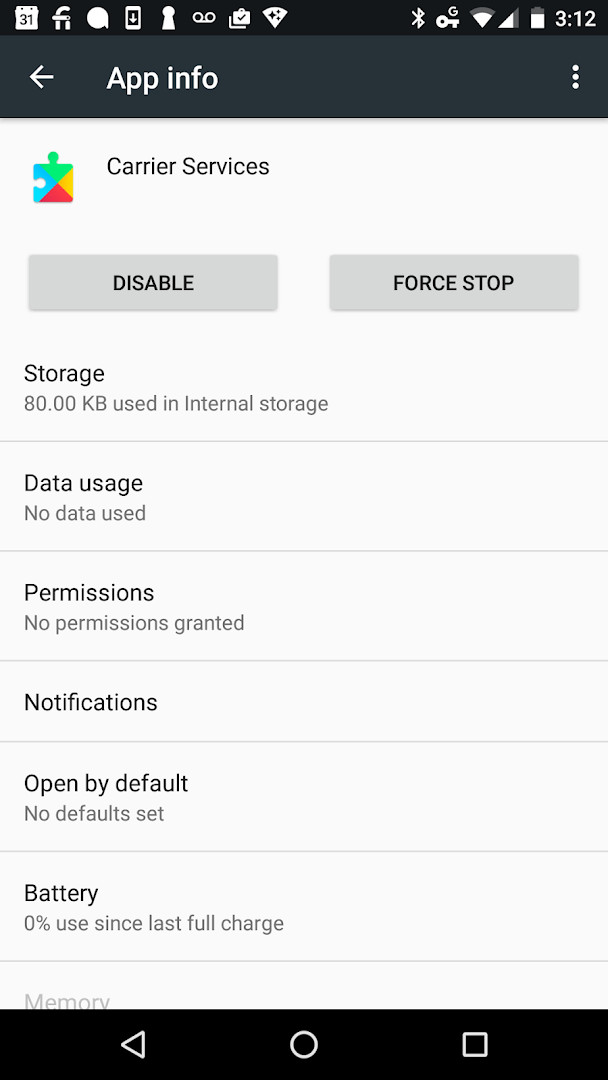
Screenshots
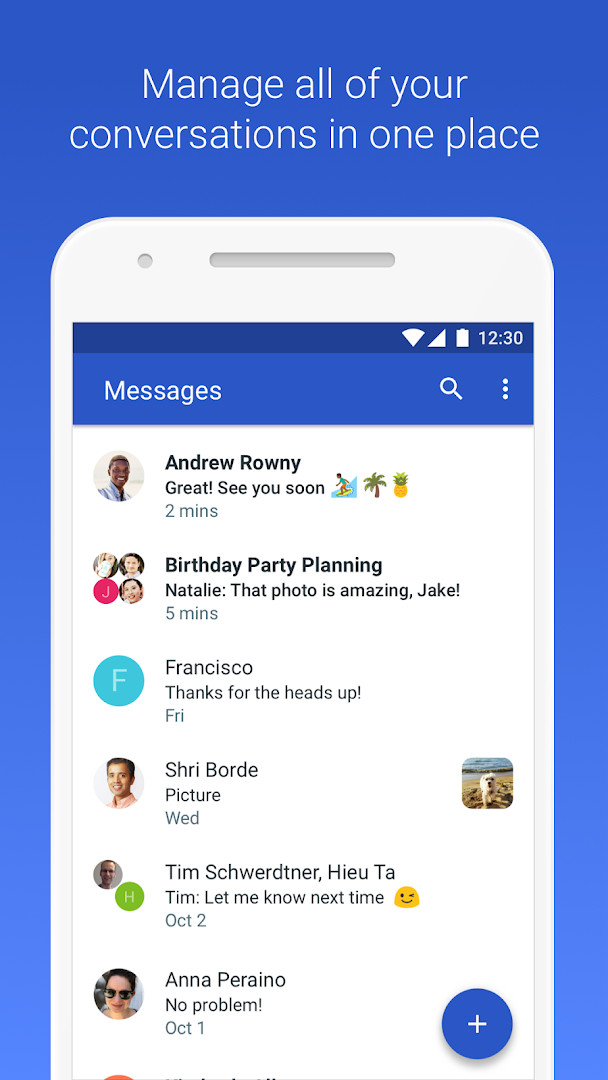
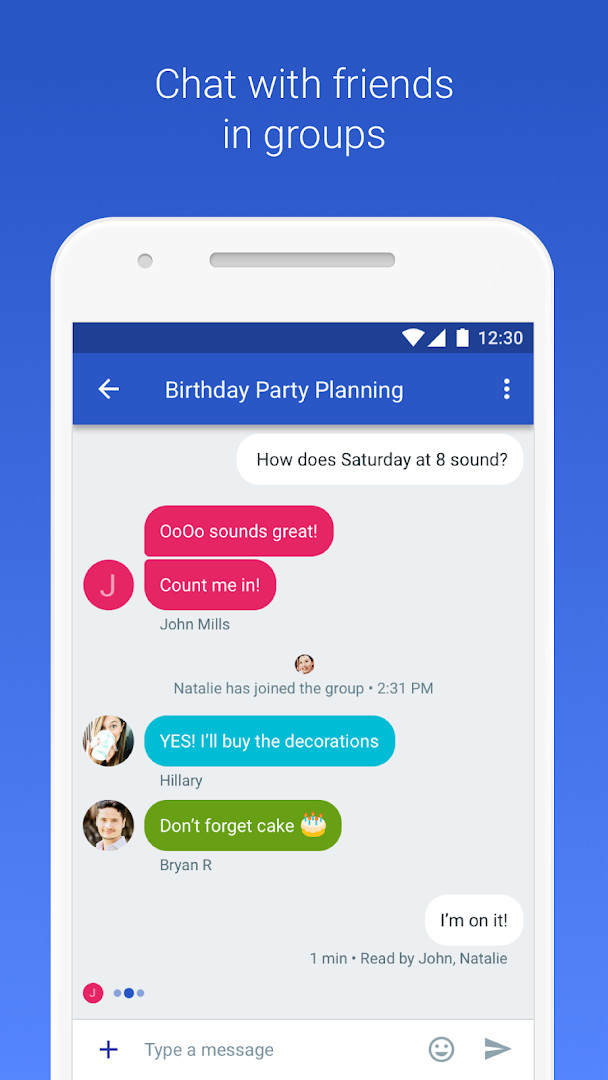
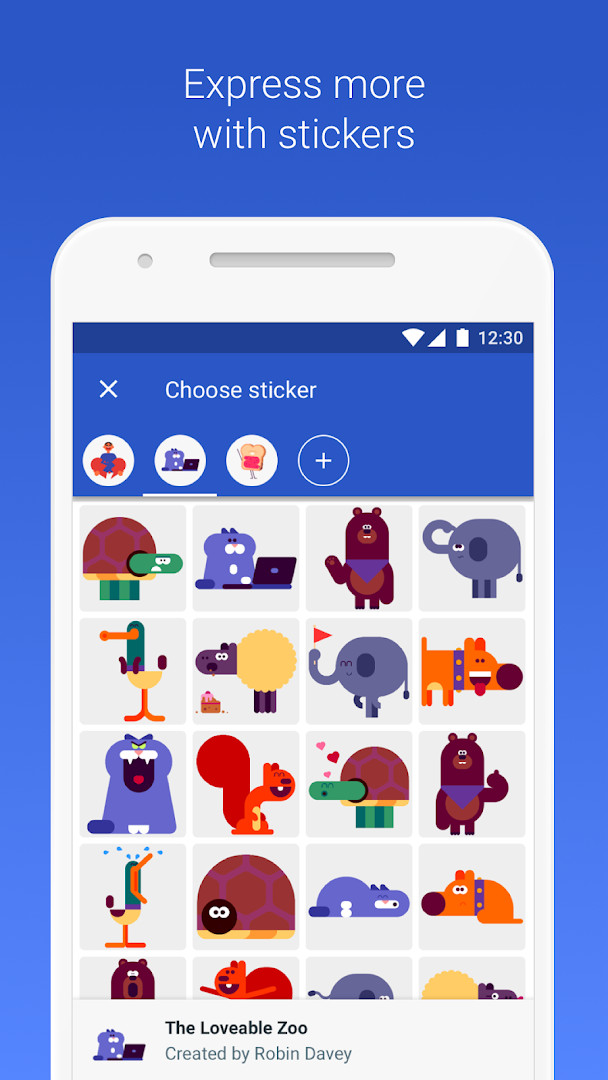
- Size
- 9.2 MB
- Requires Android
- 8.0
- Updated
- Oct 16, 2025
- Installs
- 5B+
- Rating
- ★ 4.25 (1,971,305)
- Category
- Communication
- Developer
- Google LLC
- Content rating
- Everyone
- Package
- com.google.android.ims
- Free
- ✓
Carrier Services is a communication utility by Google LLC that enables the latest RCS (Rich Communication Services) messaging features in supported messaging apps. It acts as a bridge between your device and your mobile carrier's network, allowing text messages to be delivered over data connections with enhanced capabilities. The app runs in the background to handle the technical aspects of RCS, such as message routing, delivery receipts, and encryption, so that your messaging experience remains smooth and up to date.
For users, this means that when you send a message through an app that supports RCS, Carrier Services works silently to provide features like read receipts, typing indicators, and higher-quality media sharing. It is designed for anyone who uses Android 8.0 or newer and wants to take advantage of modern messaging standards that go beyond traditional SMS. The app is particularly relevant for those who rely on Google's Messages app, as it supplies the underlying RCS functionality that enables these advanced texting features.
The app also collects diagnostic and crash data to help Google ensure that the services operate reliably. This data collection is tied to the RCS functionality and is described in more detail in the Messages app's own listing. While the app is free and contains no ads or in-app purchases, it does request access to several permissions, such as contacts, location, phone, storage, camera, microphone, and Wi-Fi information, which are necessary for the full RCS experience. The most recent update focuses on bug fixes and stability improvements, keeping the service running smoothly.
Key features
- Enables RCS (Rich Communication Services) messaging in supported apps
- Supports high-quality media sharing, read receipts, and typing indicators
- Runs in the background to handle message routing and delivery
- Collects diagnostic and crash data to ensure smooth operation
- Regular updates with bug fixes and stability improvements
How to install
- Tap the download button on this page to get the APK file (9.2 MB).
- When Android prompts you, allow your browser or file manager to install apps by enabling the 'Install unknown apps' setting.
- Open the downloaded APK file from your notification bar or file manager.
- Tap 'Install' on the installation screen and wait for the process to finish.
- After installation, tap 'Open' to launch Carrier Services. The app works best with Android 8.0 or later.
Pros
- Free to use with no ads or in-app purchases
- Improves messaging capabilities with RCS support
- Regular updates with bug fixes and stability improvements
- Works in the background without requiring user interaction
- High user rating (4.25) based on over 1.9 million ratings
Cons
- Requires a carrier that supports RCS to see full benefits
- Collects diagnostic and crash data, which may raise privacy concerns
- Requests access to sensitive permissions including location, camera, and microphone
Latest changes
The latest update for Carrier Services focuses on bug fixes and general stability improvements. These changes help maintain the reliability of RCS messaging features in Google's Messages app. No new user-facing features are introduced in this release.
Older versions
| Version | Size | Requires Android | Updated |
|---|---|---|---|
| carrierservices.android_20250826_00_RC00.phone | 9.2 MB | 8.0 | Oct 1, 2026 |
| carrierservices.android_20221026_02_RC00.phone | 8.9 MB | 6.0 | Jan 24, 2026 |
| carrierservices.android_20240603_00_RC00.phone | 8.2 MB | 8.0 | Nov 14, 2025 |
| carrierservices.android_20240610_00_RC00.phone | 8.2 MB | 8.0 | Nov 9, 2025 |
Carrier Services is intended for Android users who want to experience the latest RCS messaging features in compatible apps, particularly those using Google's Messages app on a network that supports RCS.
After installing, ensure that your default messaging app is set to one that supports RCS, and check with your carrier to confirm RCS is enabled on your plan. You may need to restart your messaging app for changes to take effect.
Permissions
FAQ
How do I install the Carrier Services APK on Android?
To install the APK, you need Android 8.0 or higher. After downloading the file, open it from your file manager and allow installation from unknown sources if prompted. Then follow the on-screen instructions to complete the setup.
What is the current version of Carrier Services?
The latest version is carrierservices.android_20250826_00_RC00.phone, released on October 1, 2026.
Does Carrier Services contain ads or in-app purchases?
No, the app is completely free with no ads and no in-app purchases. It is a utility that works in the background to support RCS messaging.
Can Carrier Services be used offline?
Carrier Services primarily works in the background to support RCS messaging, which requires a network connection. However, it does not require any user interaction, and its core functions are not designed for offline use.
Are there alternatives to Carrier Services for RCS messaging?
Yes, there are other communication apps that support RCS or similar rich messaging features. However, Carrier Services is specifically designed to work with Google's Messages app, so the functionality may differ with other alternatives.
Carrier Services is a small but essential component for modern messaging on Android. It quietly delivers the RCS features that make texting richer and more reliable. If your carrier supports RCS, installing this app is a straightforward way to improve your messaging experience.
Similar apps








More from this developer



Updated: Oct 15, 2026