Microsoft Excel: Spreadsheets for Android
Microsoft Excel: Spreadsheets is a productivity app from Microsoft Corporation for creating charts, budgets, and performing data analysis.
Download ExcelMicrosoft Excel: Spreadsheets is designed for professionals and individuals who need to manage budgets, analyze data, and create visual charts on the go. Available at no cost, the app requires Android 13 or later and takes approximately 180 MB of storage.
Screenshots
- Size
- 180 MB
- Requires Android
- 13
- Updated
- Oct 7, 2026
- Installs
- 1B+
- Rating
- ★ 4.79 (9,724,664)
- Category
- Productivity
- Developer
- Microsoft Corporation
- Content rating
- Everyone
- Package
- com.microsoft.office.excel
- Free
- ✓ · In-app purchases
Microsoft Excel: Spreadsheets is a productivity application by Microsoft Corporation that provides a comprehensive mobile spreadsheet tool for creating, editing, and analyzing data. The app brings the familiar grid-based interface of desktop Excel to Android devices, enabling users to manage budgets, track expenses, perform calculations, and generate charts on the go. With support for modern templates, pivot tables, and AI-powered assistance, it aims to deliver a full-featured spreadsheet experience in a mobile form factor.
Key features
- Create and edit spreadsheets with modern templates for budgets, project plans, accounting, and financial analysis.
- Use an accounting calculator, data analysis tools, and familiar formulas for calculations.
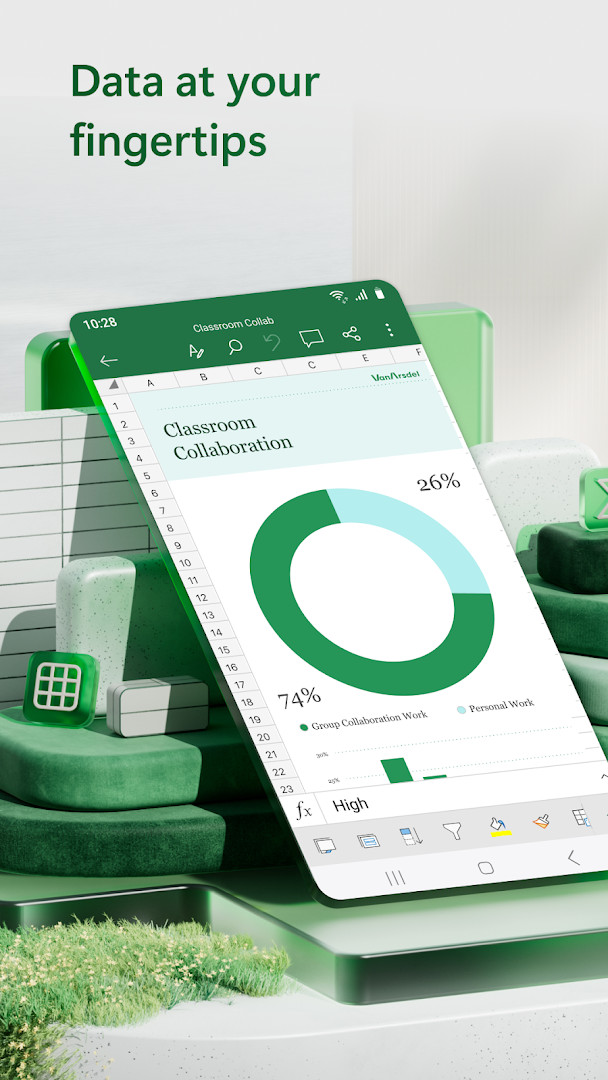
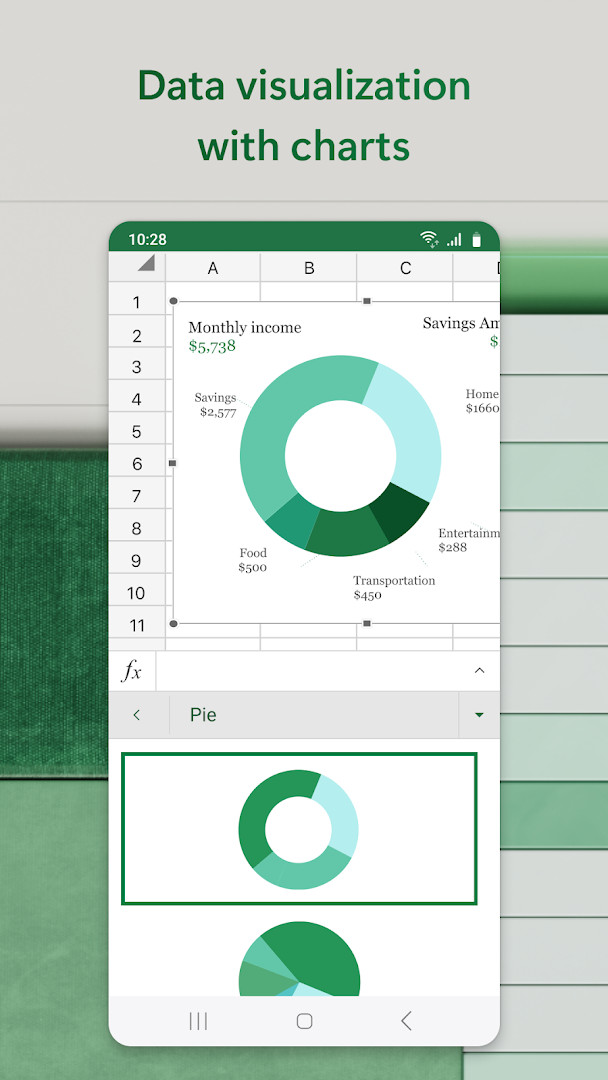
- Generate and customize charts with annotation, editing, and insertion tools to visualize data.
- Track expenses with a personal budget template and use tax calculator features for estimates.
- Employ pivot charts and visualization tools to present data in digestible formats.
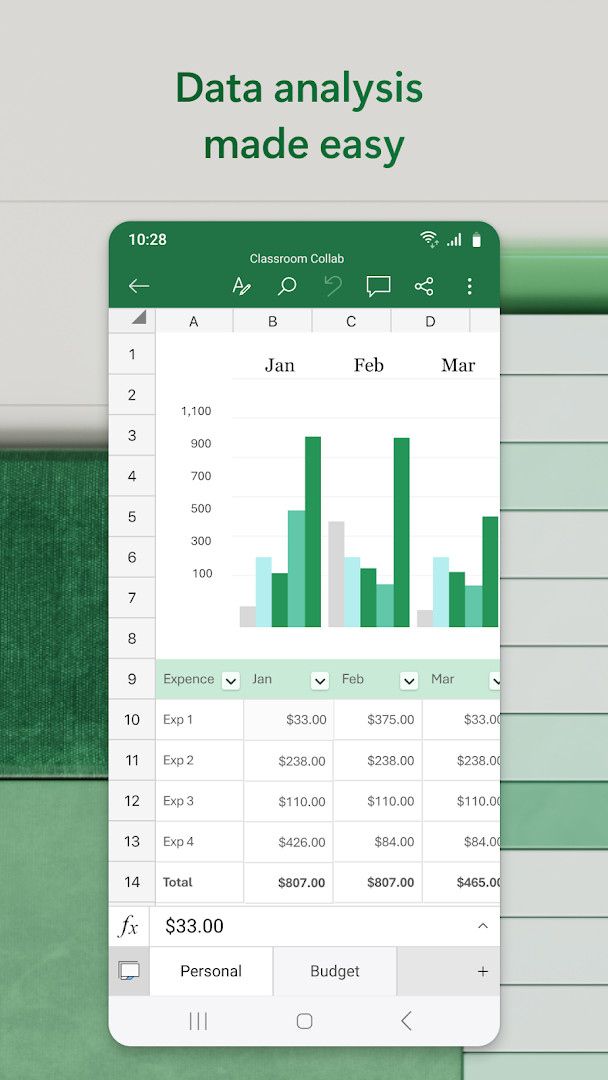
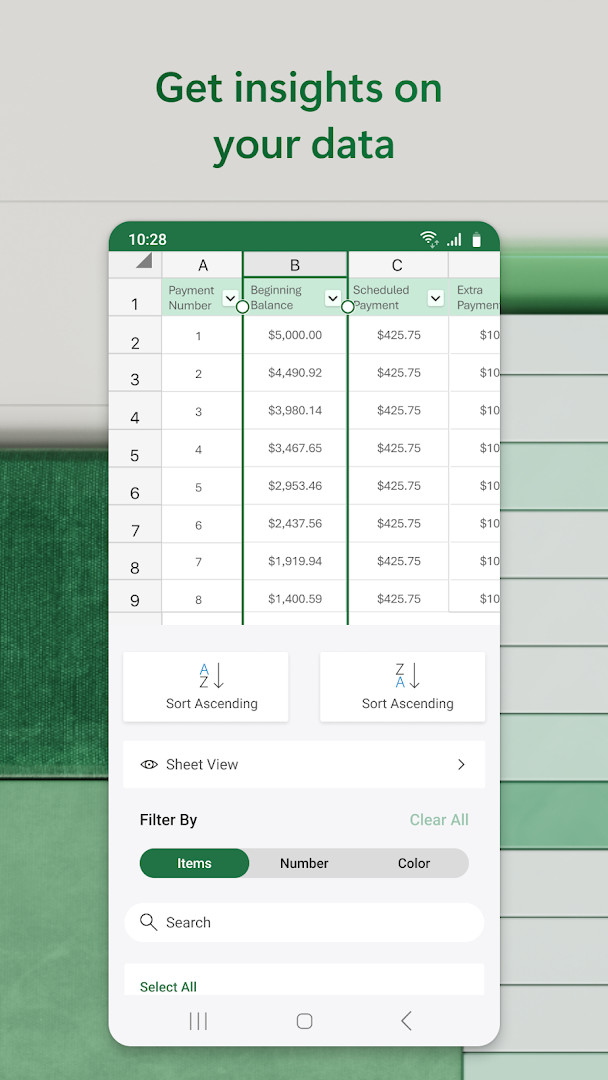
- Edit documents, charts, and data from anywhere, with sort and filter columns for data analysis.
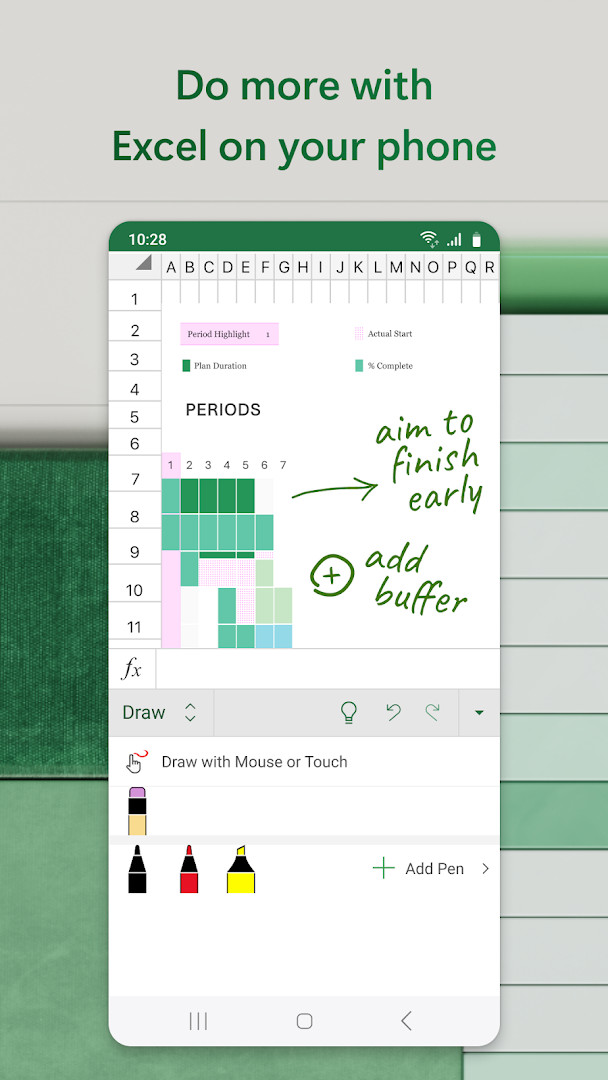
- Annotate charts, highlight worksheet parts, and write equations using the draw tab on touch devices.
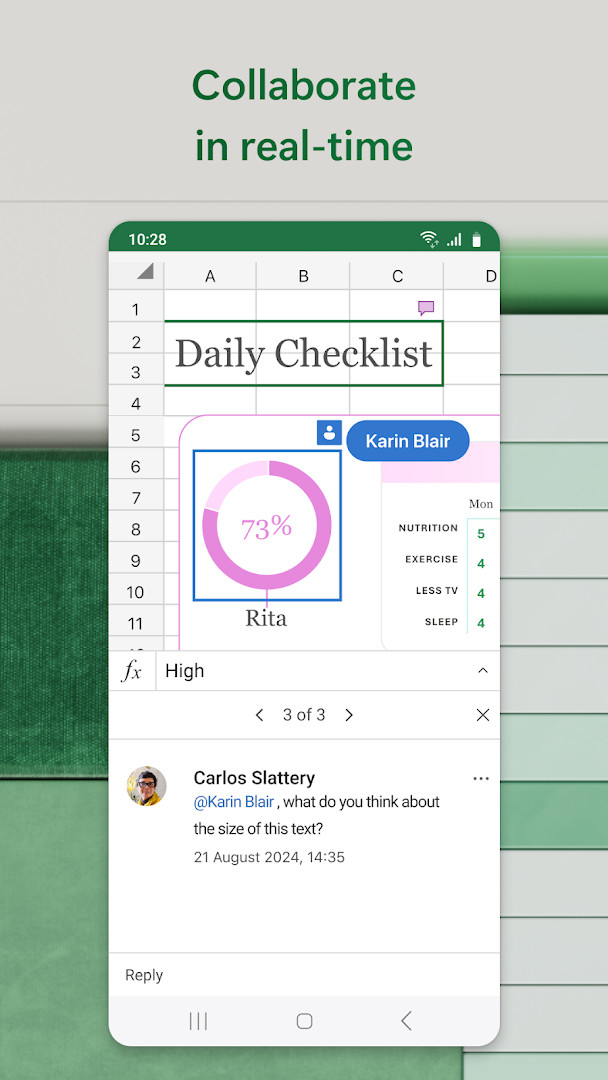
- Share files and sheets with others to invite editing, viewing, or commenting, and attach workbook links to emails.
- Use Copilot AI assistance to summarize data, generate charts and tables from raw data, and receive budgeting and forecasting recommendations.
How to install
- Tap the download button on this page to begin fetching the installation file.
- When Android prompts, allow your browser or file manager to install apps by enabling the 'Install unknown apps' setting for that app.
- Open the downloaded APK file, which is approximately 180 MB in size.
- Tap Install and wait for the process to complete; ensure your device runs Android 13 or higher.
- Once installed, open the app and sign in with a free Microsoft account if your screen is smaller than 10.1 inches to create or edit documents.
Pros
- Comprehensive spreadsheet functionality with templates and formulas.
- Integrated AI assistance (Copilot) for data summarization and chart generation.
- Strong collaboration features, including sharing and email integration.
- Regular updates with performance improvements and new features.
- Free to download with no ads, and a high user rating of 4.79.
Cons
- Large file size of 180 MB may consume significant storage.
- Requires Android 13 or higher, which may exclude older devices.
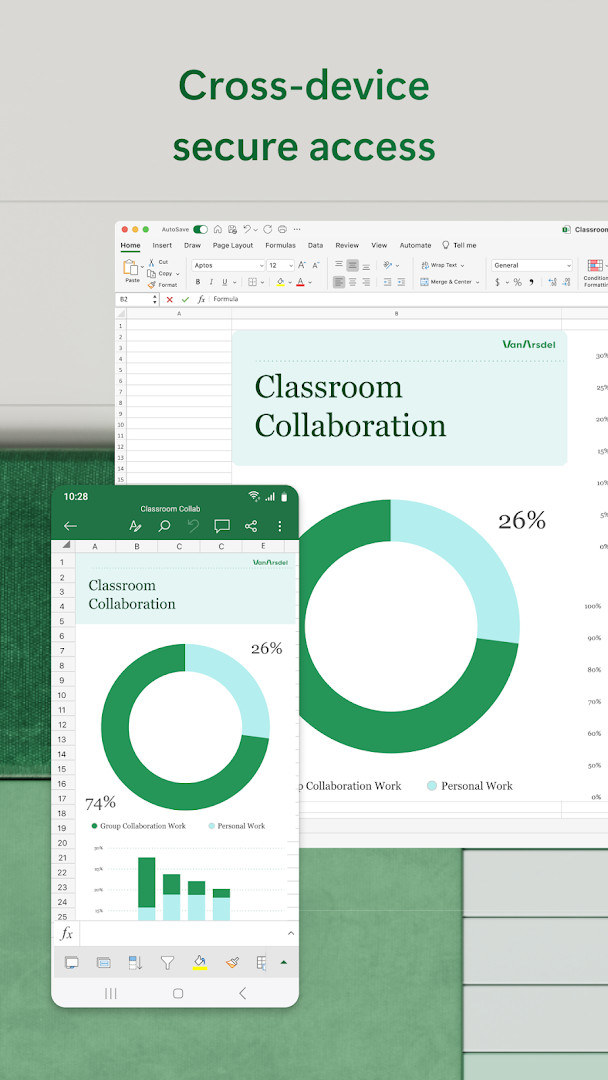
- Microsoft 365 subscription needed for full AI features and cross-device capabilities.
- Sign-in with a Microsoft account is required for editing on screens smaller than 10.1 inches.
- In-app purchases for subscriptions may be a recurring cost.
Latest changes
Update 16.0.19127.20134 (2026-10-15) adds speed and reliability improvements alongside new features. Earlier in 2026, versions 16.0.20228.20090 and 16.0.19822.20104 similarly focused on regular feature updates and performance enhancements.
Older versions
| Version | Size | Requires Android | Updated |
|---|---|---|---|
| 16.0.19127.20134 | 286 MB | 10 | Oct 15, 2026 |
| 16.0.20228.20090 | 180 MB | 13 | Aug 12, 2026 |
| 16.0.19822.20104 | 175 MB | 13 | Apr 13, 2026 |
| 16.0.18827.20066 | 162 MB | 10 | May 29, 2025 |
| 16.0.16501.20160 | 125 MB | 9 | Jun 25, 2023 |
| 16.0.14026.20298 | 118 MB | 8.0 | Nov 28, 2021 |
| 16.0.13530.20130 | 117 MB | 6.0 | Feb 15, 2021 |
| 16.0.10730.20043 | 119 MB | 4.4 | Aug 27, 2018 |
This app is ideal for business professionals who need to manage budgets, analyze data, and create charts on the go, as well as for students who require a reliable tool for academic projects and calculations. It also suits personal finance users who want to track expenses and plan budgets using ready-made templates.
To get the most from the app, explore the template gallery first—it offers pre-built budget and project plan templates that can save time and ensure consistent formatting.
Permissions
FAQ
Is Microsoft Excel free to use on Android?
Yes, the app is free to download and use. You can work with spreadsheets and basic features at no cost. A Microsoft 365 subscription is offered for unlocking additional premium features.
What Android version and storage space do I need?
The app requires Android version 13 or higher. The download file size is around 180 MB.
Do I need a Microsoft account to use this app?
Yes, a Microsoft account is needed to create or edit documents on devices with a screen smaller than 10.1 inches. You can sign in with a free account.
What permissions does the Excel app ask for?
It may request access to Identity, Contacts, Photos/Media/Files, Storage, Camera, Microphone, and Wi-Fi connection information.
How do I update the app to the newest version?
You can update by downloading the latest version of the APK from this page. The most recent update was released on October 7, 2026.
Microsoft Excel: Spreadsheets is a powerful and versatile productivity app that brings desktop-grade spreadsheet capabilities to Android, with a strong focus on AI-assisted data analysis and collaboration. Its comprehensive feature set, regular updates, and high user satisfaction make it a top choice for anyone needing reliable data management, though the large file size, Android 13 requirement, and subscription-based AI features are important considerations. Overall, it delivers exceptional value for both professional and personal spreadsheet tasks, and its long-standing presence in the market underscores its reliability and effectiveness.
Similar apps
 Microsoft OutlookMicrosoft Corporation4.3
 Microsoft Word: Edit DocumentsMicrosoft Corporation4.8
 Google CalendarGoogle LLC4.6
 Google DriveGoogle LLC4.3
 Google AssistantGoogle LLC3.8
 Microsoft OneDriveMicrosoft Corporation4.6
 LinkedIn: Community & NetworkLinkedIn3.8
 Samsung KeyboardSamsung Electronics Co., Ltd.3.7
More from this developer
Updated: Oct 15, 2026