Microsoft Word: Edit Documents
Microsoft Word: Edit Documents is a productivity app from Microsoft Corporation for writing and editing documents on Android.
Get Microsoft WordMicrosoft Word: Edit Documents is aimed at students, bloggers, journalists and project managers who need to work on documents from a phone or tablet. The app supports creating, editing, reading and sharing files, with templates for letters, CVs, invoices and proposals, PDF to Word conversion, comments, real-time collaboration and version history.
Screenshots
- Size
- 187 MB
- Requires Android
- 13
- Updated
- Oct 7, 2026
- Installs
- 1B+
- Rating
- ★ 4.79 (17,578,865)
- Category
- Productivity
- Developer
- Microsoft Corporation
- Content rating
- Everyone
- Package
- com.microsoft.office.word
- Free
- ✓ · In-app purchases
Microsoft Word: Edit Documents is a productivity app by Microsoft Corporation that lets you create, edit, read, and share documents on your Android device with familiar desktop-grade tools. It brings the core of the classic word processor to your phone or tablet, so you can handle everything from quick notes to lengthy reports without needing a PC.
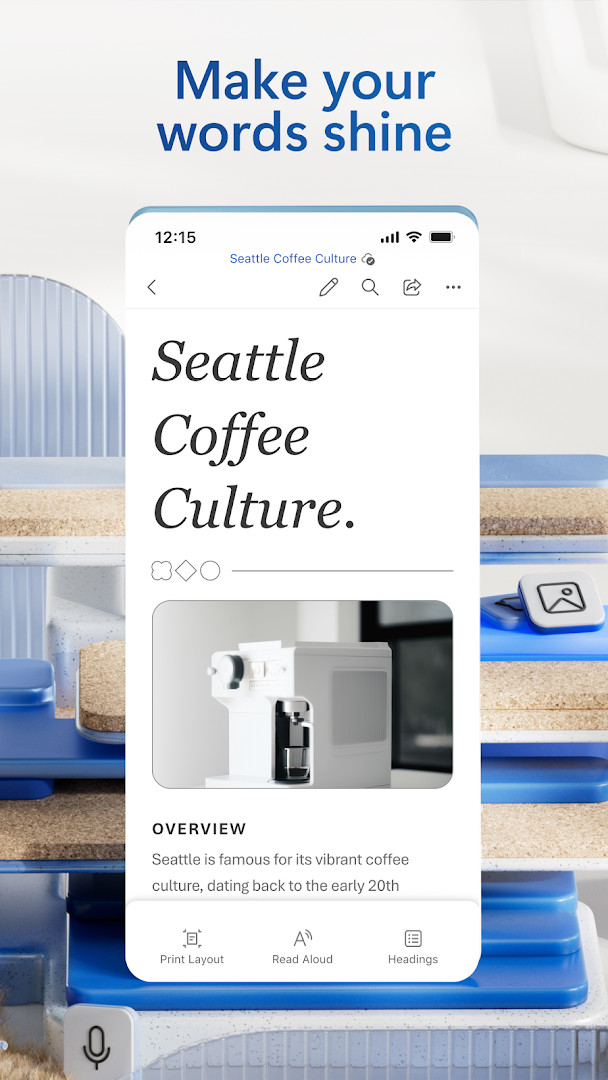
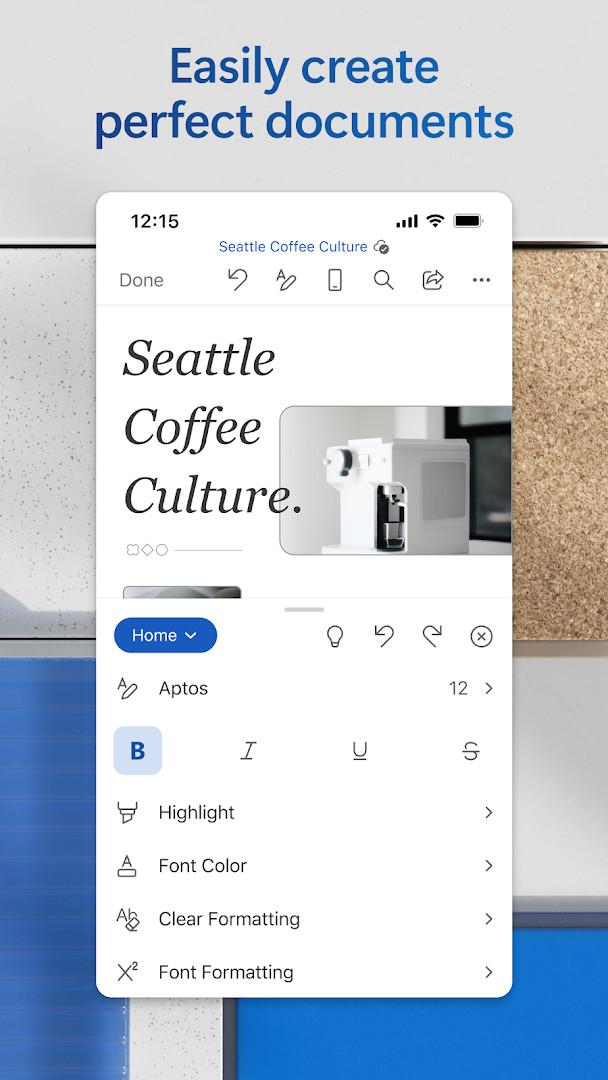
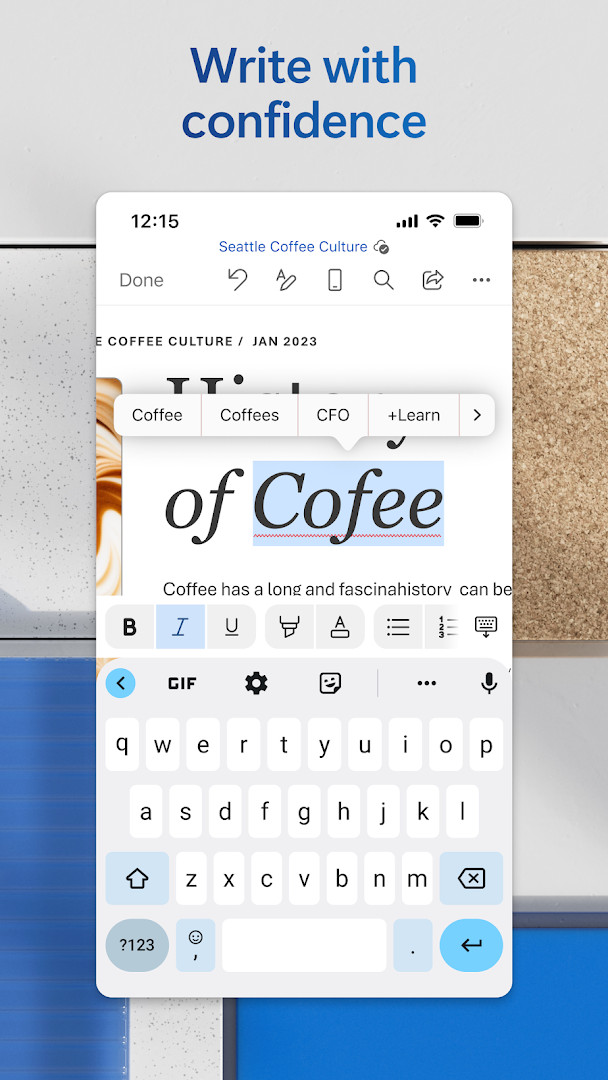
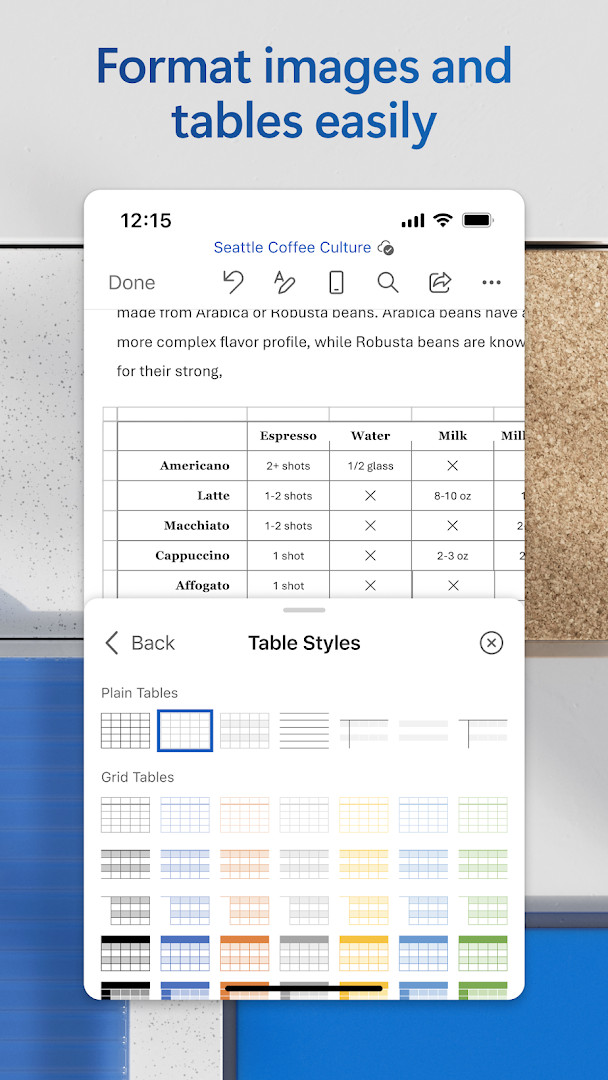
The app goes beyond simple typing: you can format text with rich styling, insert images, and use layout controls to make your documents look clean and professional. A built-in reader lets you open attachments and view files, while the ability to convert PDFs to Word means you can edit files that were originally created in another format. Templates for CVs, letters, proposals, and more help you start new projects quickly.
Collaboration is a key strength. You can invite others to view or edit a document, leave comments alongside the text, and track changes to see what was modified. Version history lets you revisit or restore earlier drafts. Sharing is simplified—you can copy content into an email with formatting intact or attach files directly from the app.
For those starting out, the interface is designed to be approachable, with clear menus and tooltips. The app is free to download, though some advanced AI features with Copilot require a qualifying Microsoft 365 subscription. It suits students, professionals, writers, and anyone who needs to work with documents on the go.
Key features
- Modern templates for letters, CVs, scripts, proposals, invoices, and more
- Rich formatting and layout tools to express ideas clearly
- Built-in reader to open attachments and view documents
- Convert PDFs to Word for easy editing
- Comment alongside text to share feedback
- Real-time collaboration with track changes and version history
- Simplified sharing: invite others, manage permissions, and see who’s in the document
- Copy content into an email with formatting intact or attach files directly
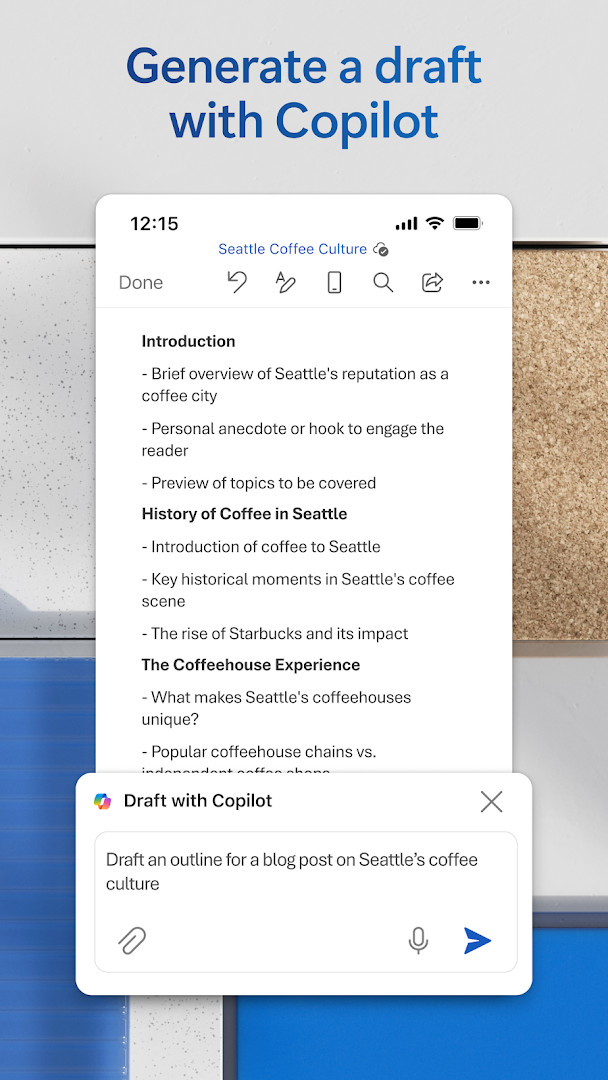
- AI assistance with Copilot* for drafting, summarizing, and formatting content (requires subscription)
How to install
- Tap the download button on this page to get the APK file (187 MB).
- When Android asks, allow your browser or file manager to install apps by enabling the 'Install unknown apps' setting.
- Open the downloaded APK file from your notification bar or file manager.
- Tap 'Install' and wait for the installation to complete.
- Open the app from your app drawer. Note that the app requires Android 13 or higher.
Pros
- Free to download with no ads
- Familiar Word interface for easy transition from desktop
- Comprehensive editing and formatting tools
- Built-in PDF conversion and reader
- Strong collaboration features including real-time co-authoring and version history
- Regular updates with improvements and new features
Cons
- Some advanced AI features require a Microsoft 365 subscription
- In-app purchases available for subscription
- Requires Android 13 or higher, which may exclude older devices
- Large app size at 187 MB
- Requests access to many permissions (like camera, microphone, contacts) which may concern privacy
Latest changes
This update brings new features along with improvements for speed and reliability. A Microsoft 365 subscription unlocks the full Office experience across your devices, and special offers can be found in the app.
Older versions
| Version | Size | Requires Android | Updated |
|---|---|---|---|
| 16.0.20228.20090 | 187 MB | 13 | Aug 12, 2026 |
| 16.0.20131.20080 | 189 MB | 13 | Jul 15, 2026 |
| 16.0.19127.20134 | 181 MB | 10 | Jun 18, 2026 |
| 16.0.18827.20066 | 176 MB | 10 | May 29, 2025 |
| 16.0.16327.20262 | 131 MB | 9 | May 25, 2023 |
| 16.0.14026.20298 | 124 MB | 8.0 | Oct 9, 2021 |
| 16.0.13628.20214 | 122 MB | 6.0 | Feb 14, 2021 |
| 16.0.10730.20043 | 124 MB | 4.4 | Aug 29, 2018 |
This app is for anyone who needs to create or edit documents on the go—students writing assignments, professionals drafting reports, bloggers composing posts, journalists covering stories, or project managers coordinating team documents. It’s also suitable for beginners who want a straightforward way to view and edit Word files on their Android device.
To get the most out of Word, start with a template to save time. Use the built-in PDF converter to edit files you receive in PDF form. For collaboration, use comments and track changes to keep feedback organized. If you plan to use AI features, check if your Microsoft 365 subscription is active. Also, be mindful of the app’s permissions and only grant what you need.
Permissions
FAQ
Can I convert a PDF file to an editable Word document in this app?
Yes, the app includes a PDF conversion feature that lets you turn PDFs into Word documents for easier editing.
What are the device requirements for Microsoft Word: Edit Documents?
The app requires at least 1 GB of RAM and Android 13 (or newer) to run.
Does the app support real-time collaboration and version history?
Yes, you can work with others in real time, track changes, and use version history to view or restore earlier drafts.
What is the size of the app and when was it last updated?
The app size is 187 MB, and the latest update was released on October 7, 2026.
Are there in-app purchases or ads in Microsoft Word: Edit Documents?
The app is free to download and contains no ads, but it offers in-app purchases for Microsoft 365 subscriptions.
Microsoft Word: Edit Documents brings a familiar, powerful word processor to Android, making it easy for beginners and experienced users alike to create, edit, and share documents anywhere. With its free download, no ads, and robust feature set, it’s a solid choice for on-the-go productivity, though advanced AI features require a subscription.
Similar apps
 Microsoft Excel: SpreadsheetsMicrosoft Corporation4.8
 Microsoft OutlookMicrosoft Corporation4.3
 Google CalendarGoogle LLC4.6
 Google DriveGoogle LLC4.3
 Google AssistantGoogle LLC3.8
 Microsoft OneDriveMicrosoft Corporation4.6
 LinkedIn: Community & NetworkLinkedIn3.8
 Samsung KeyboardSamsung Electronics Co., Ltd.3.7
More from this developer
Updated: Oct 15, 2026