
Microsoft Outlook: Email & Calendar
Microsoft Outlook is a productivity app from Microsoft Corporation for managing email, calendars, and contacts across multiple accounts in one unified place.
Download Outlook · v5.2639.2Microsoft Outlook is designed for anyone needing to juggle personal and professional communication efficiently. The app is free to download and brings together inboxes from Gmail, Yahoo Mail, iCloud, and more alongside integrated calendars.
Screenshots
- Version
- 5.2639.2
- Size
- 130 MB
- Requires Android
- 10
- Updated
- Oct 11, 2026
- Installs
- 1B+
- Rating
- ★ 4.33 (10,681,098)
- Category
- Productivity
- Developer
- Microsoft Corporation
- Content rating
- Everyone
- Package
- com.microsoft.office.outlook
- Free
- ✓ · Contains ads · In-app purchases
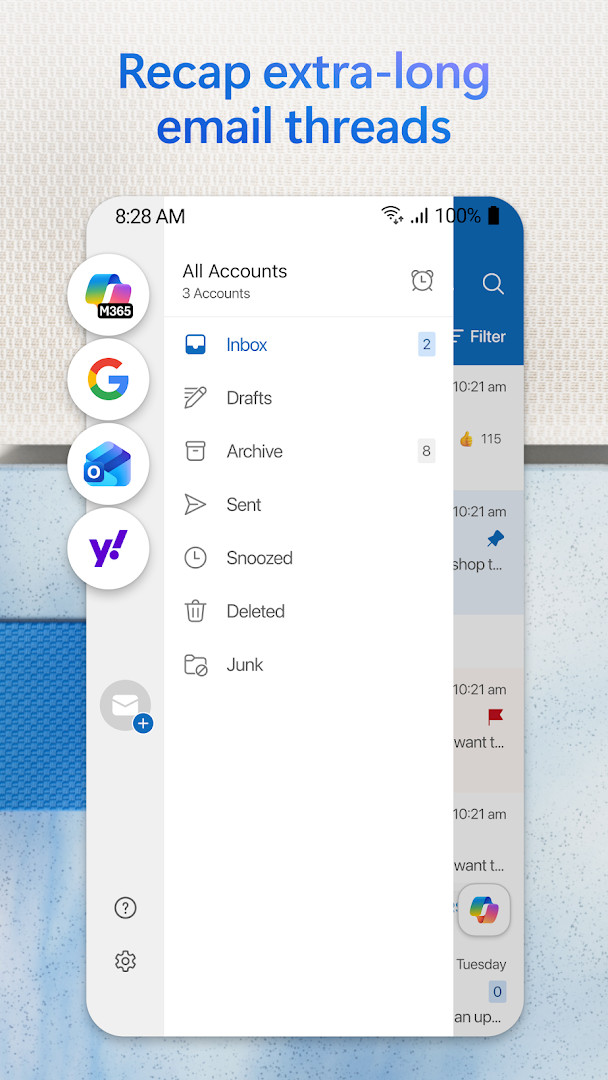
Microsoft Outlook is a productivity application by Microsoft Corporation that unifies email, calendars, contacts, and files into a single workspace. It serves as a central hub for managing personal and professional communication by supporting a wide range of services including Microsoft Exchange, Microsoft 365, Gmail, Yahoo Mail, iCloud, and standard IMAP or POP3 accounts.
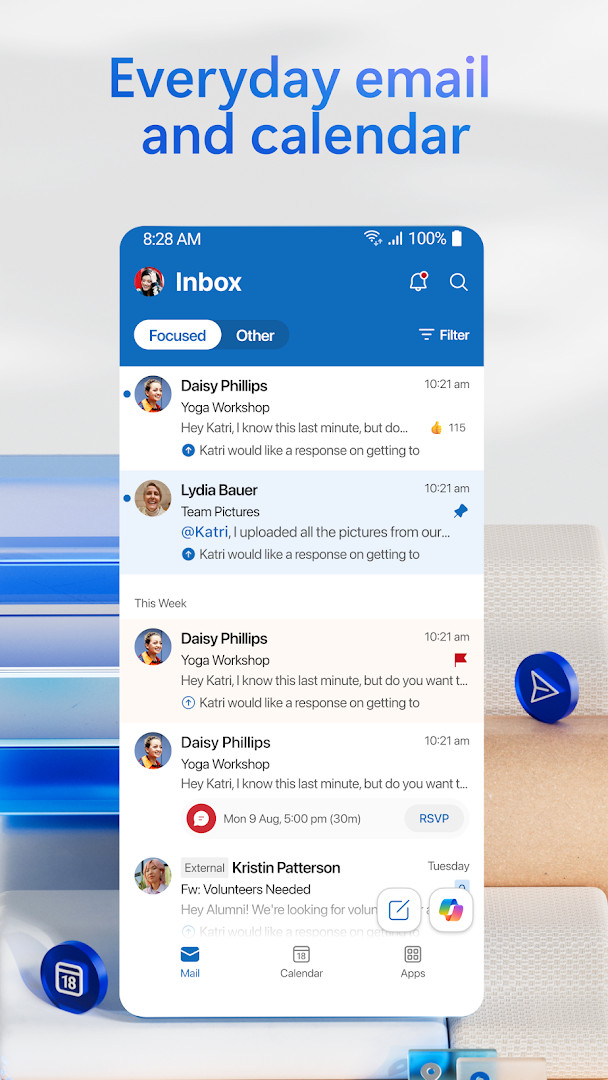
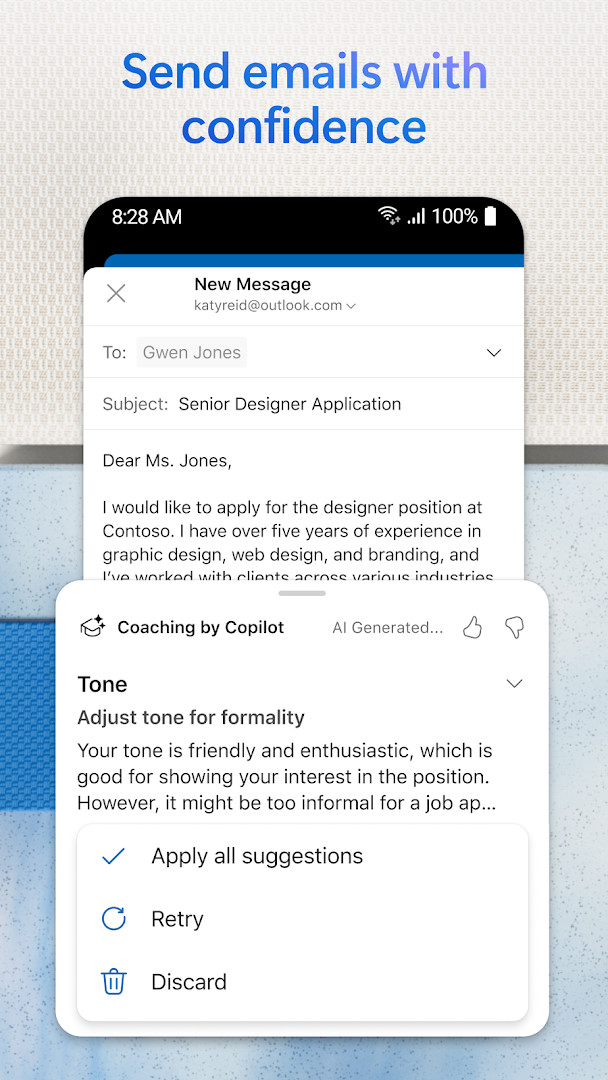
Designed for users who need to process high volumes of information efficiently, the app goes beyond basic email by integrating intelligent tools that reduce manual effort. Its focused inbox filters out low-priority messages, while built-in grammar and spelling assistance helps polish replies. The ability to open Word, Excel, and PowerPoint attachments directly from the inbox streamlines document review on the go.
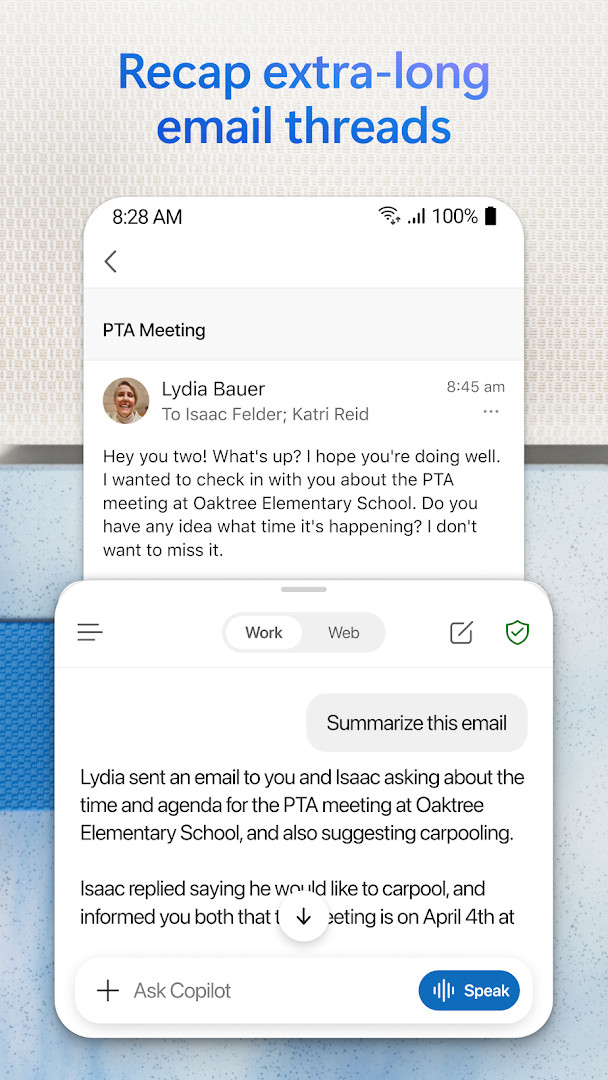
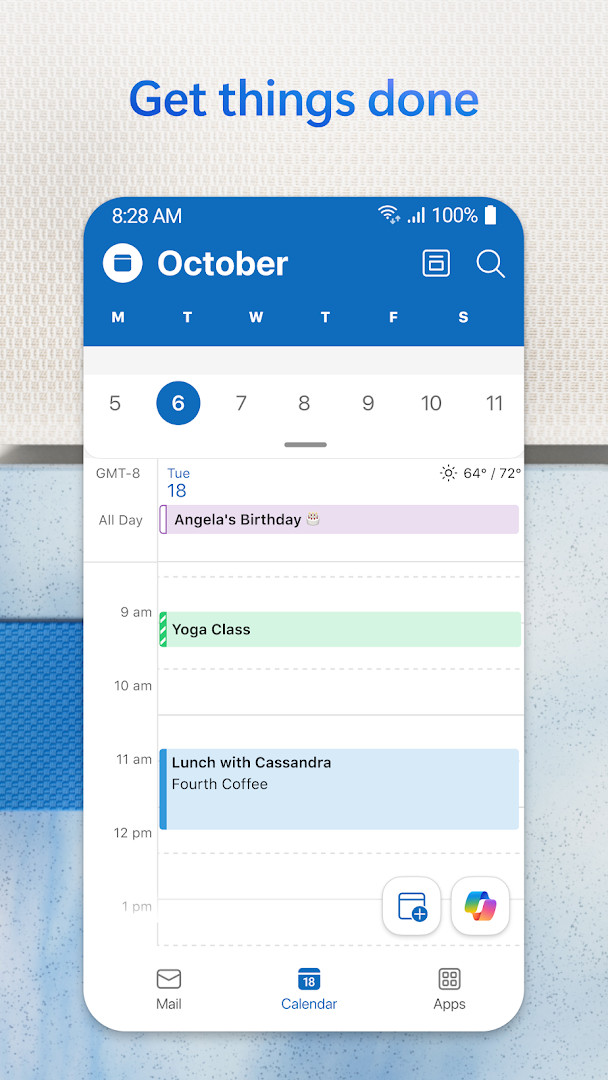
For power users, the calendar module provides multi-account visibility, automatic event creation from travel confirmations, and direct links to join Teams or Zoom meetings. Advanced AI capabilities, available through Copilot integration with a qualifying subscription, can summarize lengthy threads and suggest scheduling adjustments, making it a strong contender for those embedded in the Microsoft ecosystem.
Key features
- Unified inbox for Gmail, Yahoo Mail, iCloud, Microsoft 365, Exchange, and IMAP/POP3 accounts with intelligent filtering and spam protection.
- Integrated calendar supporting multiple views side by side, RSVP tracking, and automatic travel/delivery event creation.
- Built-in meeting join for Teams, Zoom, and other video platforms directly from calendar or email.
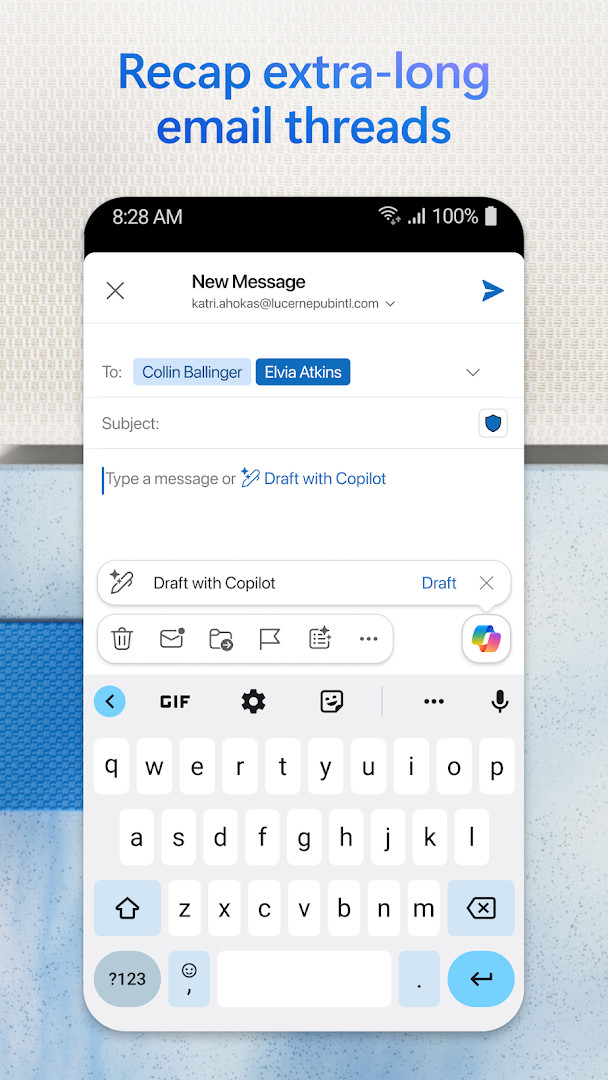
- AI-powered Copilot assistance for summarizing long threads, drafting responses, and receiving smart scheduling recommendations (subscription required).
- Enterprise-grade security with phishing, virus, and spam defenses, plus email encryption for Microsoft 365 users.
- Hands-free productivity via voice search and the Play My Emails feature for listening to messages.
- Swipe gestures for quick message actions (delete, archive, snooze) alongside pinning, flagging, and threaded conversations.
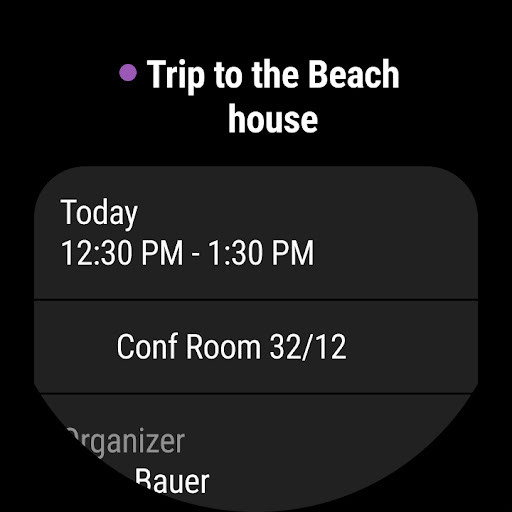
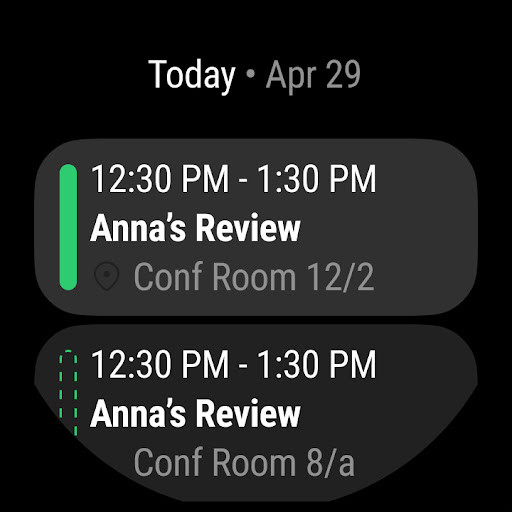
- Wear OS companion with complications and an Up Next tile for at-a-glance meeting access.
How to install
- Tap the download button on this page to get the APK file. The file size is not available, so ensure you have sufficient free storage.
- When prompted by Android, allow your browser or file manager to install apps by enabling the 'Install unknown apps' setting for the source you are using.
- Open the downloaded APK file from your notifications or file manager to start the installation process.
- Tap 'Install' and wait for the process to complete. The app requires Android n/a or higher.
- Once installed, open Microsoft Outlook and follow the on-screen prompts to add your email accounts and configure your preferences.
Pros
- Truly unified inbox and calendar for both consumer and enterprise accounts.
- Deep integration with Microsoft 365 apps and OneDrive cloud storage.
- Robust security features including phishing protection and email encryption options.
- AI-driven drafting, summarization, and scheduling tools enhance efficiency for heavy email users.
- Wear OS support allows quick email triage and meeting awareness from a smartwatch.
Cons
- Free tier includes advertisements and in-app purchase prompts.
- Advanced AI features (Copilot) and certain premium tools require a qualifying Microsoft 365 subscription.
- Broad permission requests (Identity, Location, Camera, Microphone) may raise privacy concerns for the strictly security-conscious.
- Can feel heavy or feature-bloated compared to minimalist email clients.
Latest changes · 5.2639.2
Microsoft Outlook 5.2639.2 was updated on October 11, 2026. According to the release notes, Copilot helps you get ready for a meeting quickly by pulling together key documents, tasks, and details from past meetings. This version is available as a free download, with ads supported by optional in-app purchases, and it has a 4.33 rating from more than 10.6 million users. The app has been installed over a billion times and runs on Android with permissions for identity, calendar, contacts, location, photos and media, storage, camera, and microphone.
Older versions
| Version | Size | Requires Android | Updated |
|---|---|---|---|
| 5.2639.2 | 130 MB | 10 | Oct 11, 2026 |
| 5.2638.1 | 130 MB | 10 | Oct 2, 2026 |
| 5.2637.3 | 129 MB | 10 | Oct 1, 2026 |
| 5.2638.0 | 130 MB | 10 | Sep 29, 2026 |
| 5.2632.1 | 178 MB | 10 | Sep 2, 2026 |
| 5.2624.1 | 172 MB | 10 | Jul 10, 2026 |
| 5.2618.2 | 169 MB | 10 | May 28, 2026 |
| 5.2607.0 | 115 MB | 10 | Feb 27, 2026 |
| 5.2541.1 | 160 MB | 9 | Nov 19, 2025 |
| 4.2316.4 | 159 MB | 8.0 | Jun 4, 2023 |
Experienced professionals and power users managing multiple email accounts and calendars who value deep Microsoft 365 integration, enterprise-grade security, and AI-assisted productivity tools over a lightweight or ad-free experience.
Customize the swipe actions and focused inbox settings early to match your exact workflow. If you operate primarily within the Microsoft ecosystem, linking your OneDrive and enabling Play My Emails can significantly reduce screen time during commutes.
Permissions
FAQ
How do I install the Outlook APK on my Android device?
Download the APK file from the download button on this page, then open it. If prompted, allow installation from unknown sources in your settings. Follow the on-screen instructions to complete the setup.
What is the current version of Microsoft Outlook?
The current version is 5.2639.2, released on October 11, 2026. It includes improvements to Copilot, which can summarize documents and tasks to help you prepare for meetings.
Does Outlook contain ads or in-app purchases?
Outlook is free to use, but it does show ads and offers in-app purchases. Premium features, such as advanced Copilot experiences, require a qualifying Microsoft 365 subscription.
Can I use Outlook offline?
Outlook requires an internet connection to sync emails, calendars, and contacts. Once synced, you can view previously downloaded messages, but sending and receiving new items needs a connection.
Are there alternative email apps for Android?
Yes, there are several other email clients available on Android that support multiple accounts and calendars. You can compare features and choose one that fits your needs, but Outlook offers a comprehensive set of tools.
What security features does Outlook provide?
Outlook includes enterprise-grade protection against phishing, spam, and viruses. It also offers email encryption for sensitive messages, though this requires a Microsoft 365 subscription.
Which email services can I connect to Outlook?
Outlook supports Microsoft Exchange, Microsoft 365, Outlook.com, Gmail, Yahoo Mail, iCloud, and any IMAP or POP3 account. You can manage all these accounts in a unified inbox.
For experienced users juggling multiple accounts and platforms, Microsoft Outlook offers a mature, feature-rich environment that balances security, customization, and deep integration with Microsoft 365. While the presence of ads and in-app purchases in the free tier may annoy purists, the productivity gains from unified management and AI-assisted workflows are difficult to match without a subscription.
Similar apps
 Microsoft Excel: SpreadsheetsMicrosoft Corporation4.8
 Microsoft Word: Edit DocumentsMicrosoft Corporation4.8
 Google CalendarGoogle LLC4.6
 Google DriveGoogle LLC4.3
 Google AssistantGoogle LLC3.8
 Microsoft OneDriveMicrosoft Corporation4.6
 LinkedIn: Community & NetworkLinkedIn3.8
 Samsung KeyboardSamsung Electronics Co., Ltd.3.7
More from this developer
Updated: Oct 15, 2026