
PLAYit-All in One Video Player for Android
PLAYit-All in One Video Player is a media player app from PLAYIT TECHNOLOGY PTE. LTD. for playing and managing videos, music, and games.
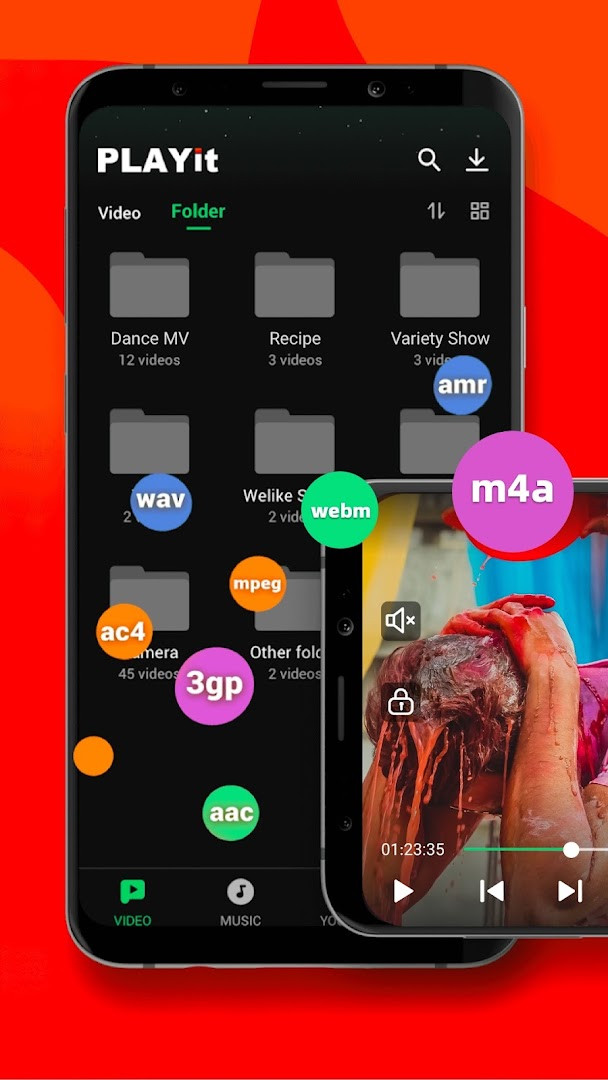
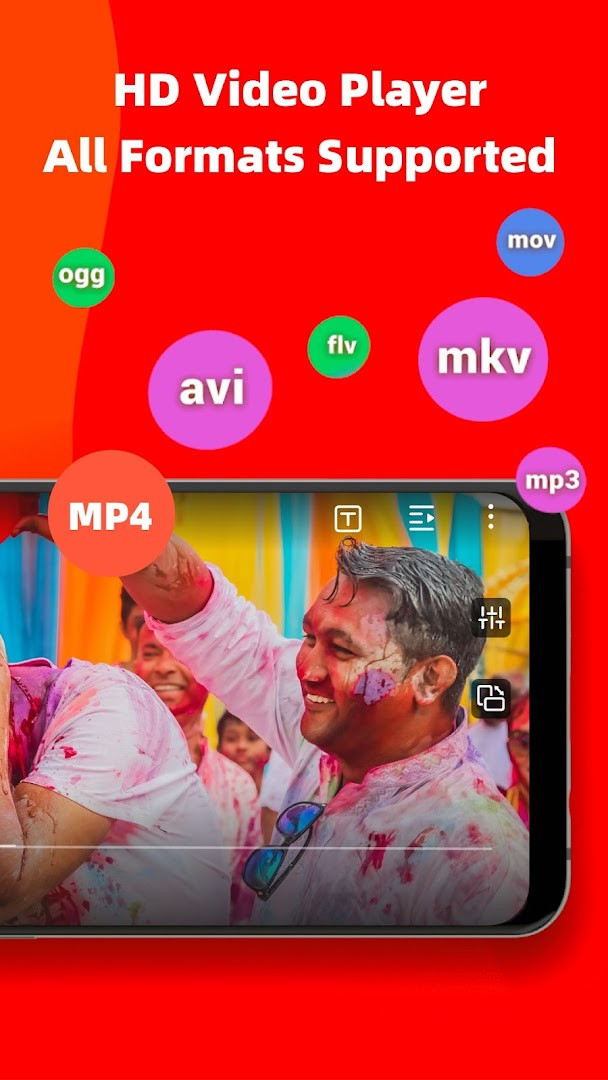
Download PLAYit · v2.7.52.6PLAYit-All in One Video Player is aimed at Android users who want a single tool for local media playback and organization. The app supports many video and audio formats, including 4K, MKV, FLV, MP3, and M4A, and offers floating and background playback.
Screenshots
- Version
- 2.7.52.6
- Requires Android
- 5.1
- Updated
- Oct 12, 2026
- Installs
- 500M+
- Rating
- ★ 4.55 (6,991,125)
- Category
- Entertainment
- Developer
- PLAYIT TECHNOLOGY PTE. LTD.
- Content rating
- Teen
- Package
- com.playit.videoplayer
- Free
- ✓ · Contains ads · In-app purchases
PLAYit-All in One Video Player is a multimedia application by PLAYIT TECHNOLOGY PTE. LTD. that serves as a unified hub for playing videos, listening to music, and managing media files. The app addresses the common frustration of juggling multiple players for different file formats by offering a single solution that handles everything from high-definition 4K videos to various audio types, while also simplifying file organization across device and SD card storage. Beyond basic playback, it solves the problem of fragmented media consumption by integrating practical tools like a video-to-audio converter, a privacy-protecting folder, and even a casual gaming section, all within one interface. It tackles the need for multitasking by supporting floating windows and background play, so you can watch a video while chatting or keep music running with the screen off, making media a seamless part of your daily workflow rather than a separate activity.
Key features
- Plays a wide range of video and audio formats, including MKV, FLV, MP3, and M4A files, supporting up to 4K resolution.
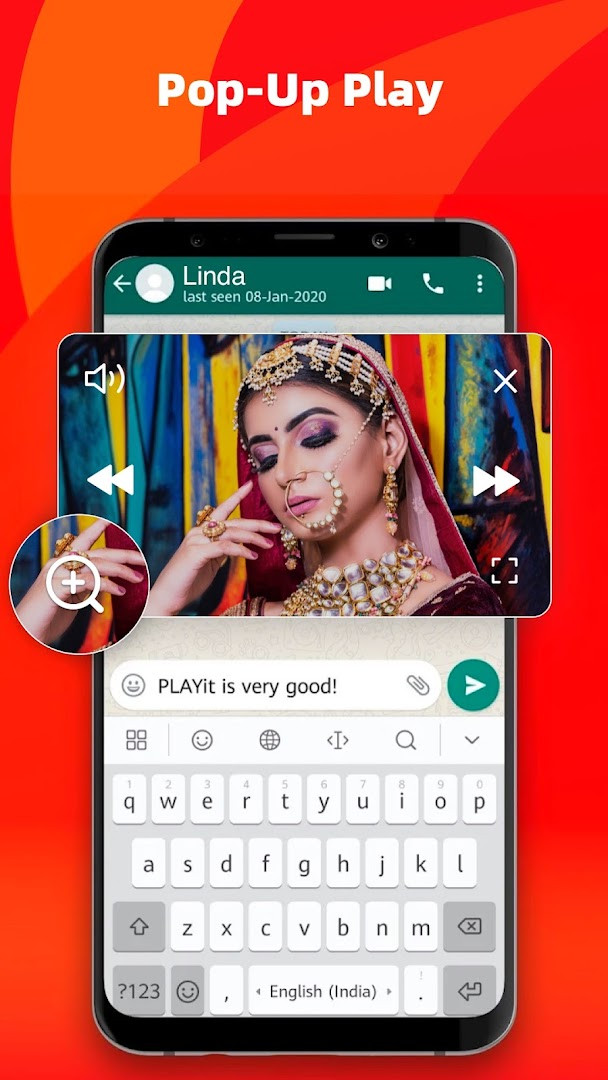
- Provides floating and background play modes, letting you continue watching a video or listening to music while using other apps or when the screen is off.
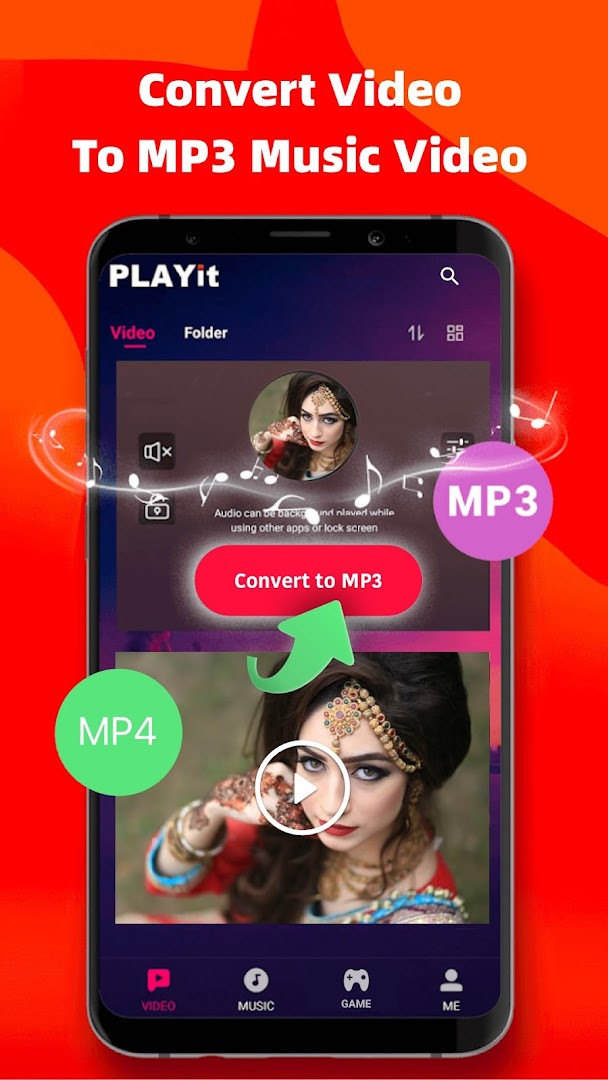
- Includes a built-in video-to-audio converter that extracts MP3 sound from video files with a single tap.
- Offers an online subtitle search function that can find and display subtitles in languages such as English, Hindi, and Tamil.
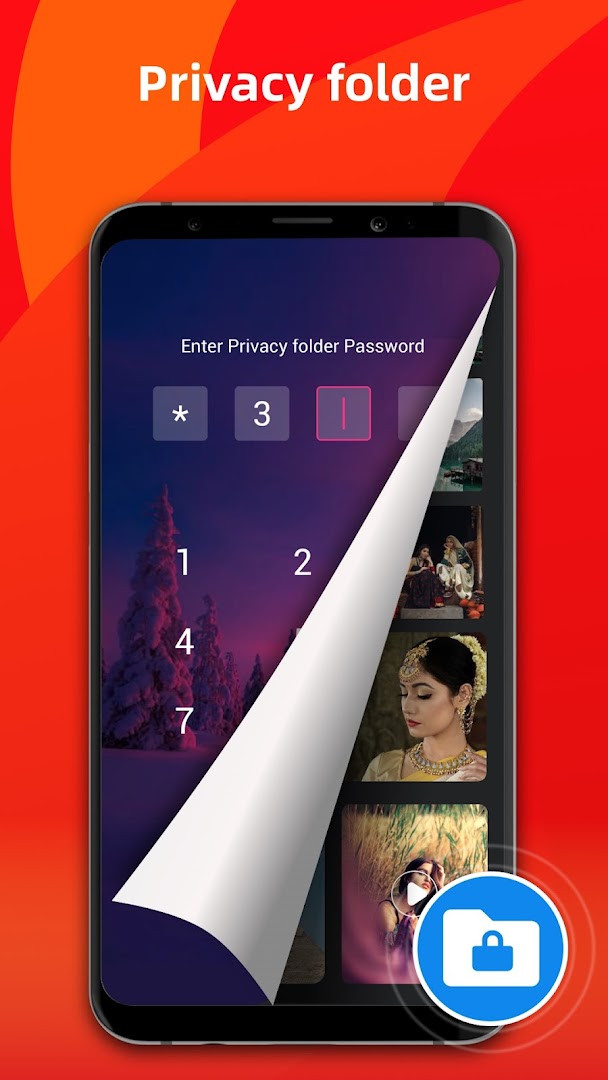
- Protects your privacy with a dedicated folder that can securely hide personal videos from the main media library.
- Features smart gesture controls during playback for quickly adjusting volume, brightness, and playback speed.
- Automatically scans and organizes all media files from your device and SD card, clearly showing your available storage space.
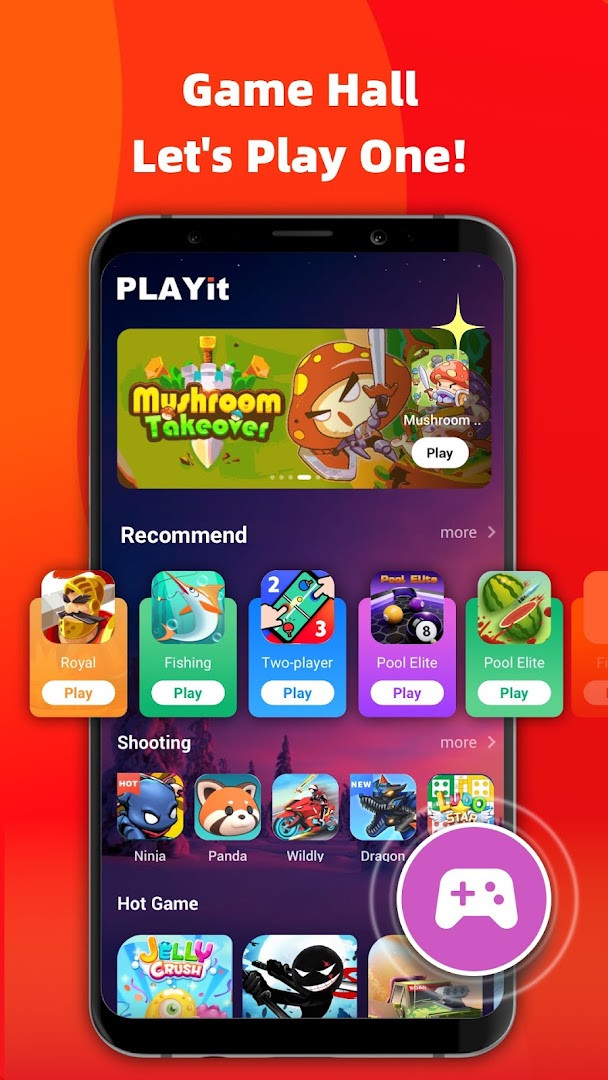
- Contains a built-in Game Hall with access to hundreds of instant-play games across various genres like shooting, racing, and casual.
How to install
- Tap the download button on this page to get the PLAYit APK file onto your device.
- When your Android system asks, allow your browser or file manager to install apps by enabling the "Install unknown apps" setting.
- Open the downloaded APK file to begin the installation process.
- Tap the "Install" button and wait for the process to finish.
- Once installed, open the app and grant the necessary media permissions to start managing and playing your files.
- Ensure your device is running Android 5.1 or a more recent version for compatibility.
Pros
- Exceptionally broad format support eliminates the need for separate video and music players.
- The floating and background play features are genuinely useful for multitasking.
- Automatic media scanning and clear storage management help keep a large library organized.
- The private folder adds a straightforward layer of security for sensitive videos.
- Gesture controls for playback adjustments are responsive and make one-handed use easier.
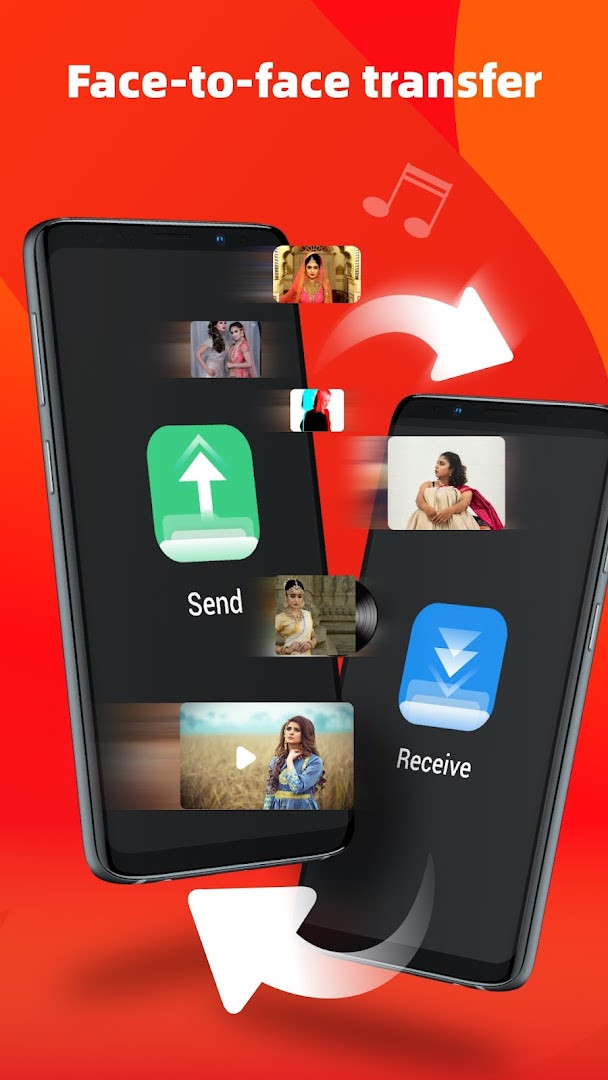
- The inclusion of a game hall and file sharing tools adds extra value beyond a standard media player.
Cons
- Contains ads that can interrupt the media browsing and playback experience.
- In-app purchases are present, which may be needed to unlock certain features or remove ads.
- Requests access to location and camera, which are not essential for a media player's core function.
- The Game Hall feature, while a bonus for some, may feel like bloatware for users strictly wanting a video and music player.
- Managing privacy and permissions can be a concern given the broad list of device data the app can access.
Latest changes · 2.7.52.6
Version 2.7.52.6, released 2026-10-12, includes experience optimization and bug fixes. No new features are listed in this update.
Older versions
| Version | Size | Requires Android | Updated |
|---|---|---|---|
| 2.7.52.6 | — | 5.1 | Oct 12, 2026 |
This app is well-suited for Android users who have a large, mixed collection of video and music files in various formats and want a single, free tool to play and manage them all. It is particularly useful for people who frequently multitask on their phone, such as those who want to watch content in a floating window while messaging, or listen to a podcast in the background with the screen off. The additional privacy folder will appeal to anyone sharing a device and wanting to keep certain videos confidential, while the built-in game hall makes it a decent option for users who appreciate having quick access to casual games without installing extra apps.
To get the most out of PLAYit, grant the storage permission right after installing so it can quickly scan and organize all your media. If you find the ads intrusive, explore the in-app purchase options for an ad-free experience. Use the floating player when following a tutorial video while taking notes in another app, and try the gesture controls—swiping on the left side of the screen usually controls brightness, while the right side adjusts volume.
Permissions
FAQ
What is the latest version of PLAYit and what did the update on October 12, 2026 bring?
The latest version is 2.7.52.6, released on October 12, 2026, and it includes experience optimizations and bug fixes.
How can I hide certain videos from the main media list in PLAYit?
The private folder feature lets you move personal videos into a hidden area for privacy, so they won't appear in the main media library or be accessible without your selection.
Does PLAYit have a built-in tool to extract audio from a video file, and what format can I get?
You can convert a video to audio by using the one-click converter. For example, the app notes that MP4 videos can be turned into MP3 files while keeping clear audio quality.
Can PLAYit download subtitles for movies, and which languages are specifically mentioned?
The subtitle function lets you search for online subtitles and watch movies with options like English, Hindi, or Tamil subtitles.
What kind of games are available in the Game Hall section of PLAYit?
The Game Hall offers hundreds of popular games across genres like shooting, action, racing, and casual, which you can open and play directly inside the app.
What playback settings can I adjust with gestures in PLAYit?
Gesture controls let you adjust playback speed, brightness, and volume directly on the video screen while watching.
PLAYit remains a practical choice for anyone seeking a single app to handle both media playback and casual gaming, though the presence of ads and in-app purchases may require some patience. For users who prioritize versatility over a completely ad-free experience, it delivers a solid and feature-rich solution.
Similar apps








Updated: Oct 15, 2026