Files by Google: File Manager and Storage Cleaner
Files by Google is a file management tool by Google LLC that helps you clean up storage, find files, share offline, and play media.
Download Files by Google · v1.12735.987346843.0-releaseFiles by Google is a free, ad-free file manager that uses less than 20 MB of storage and offers smart cleaning recommendations, fast offline sharing with end-to-end encryption, and secure file locking. It is suitable for Android users who want to free up space, organize downloads, and transfer files without an internet connection.
Screenshots
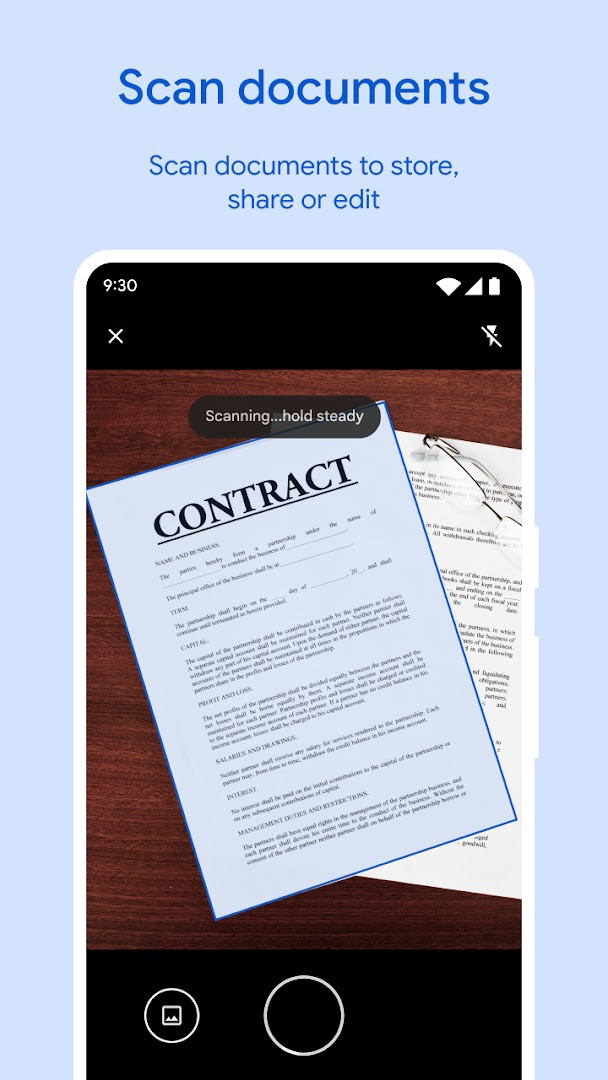
- Version
- 1.12735.987346843.0-release
- Requires Android
- 8.0
- Updated
- Oct 1, 2026
- Installs
- 5B+
- Rating
- ★ 4.51 (9,077,221)
- Category
- Tools
- Developer
- Google LLC
- Content rating
- Everyone
- Package
- com.google.android.apps.nbu.files
- Free
- ✓
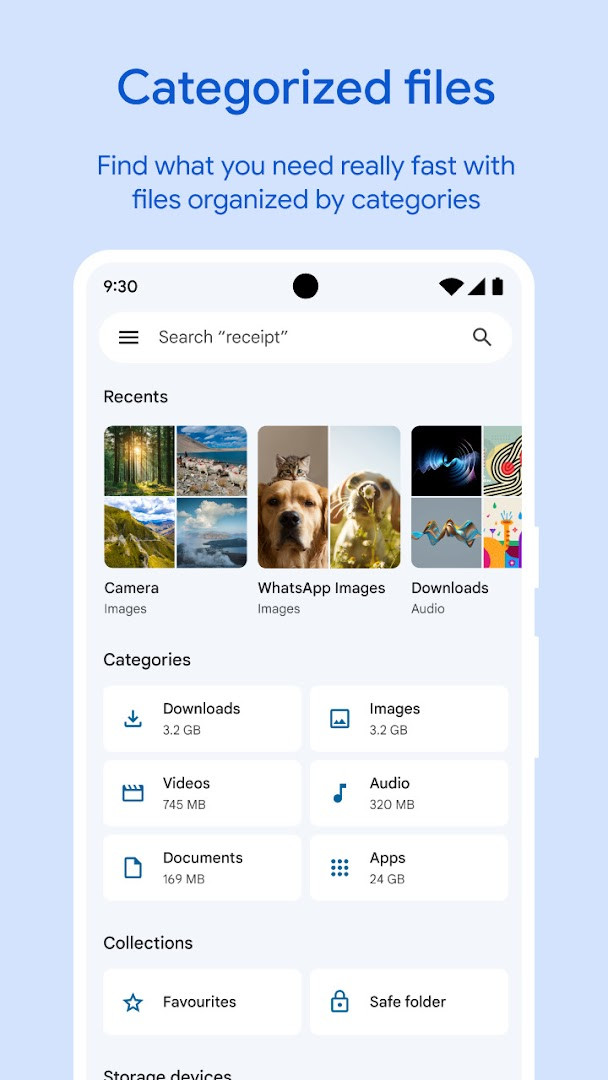
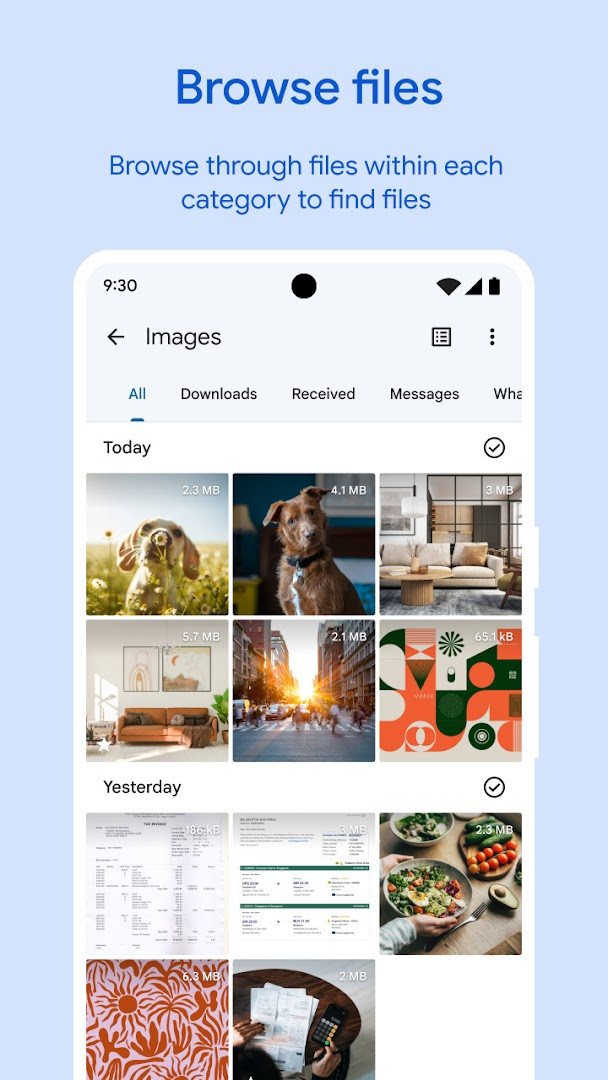
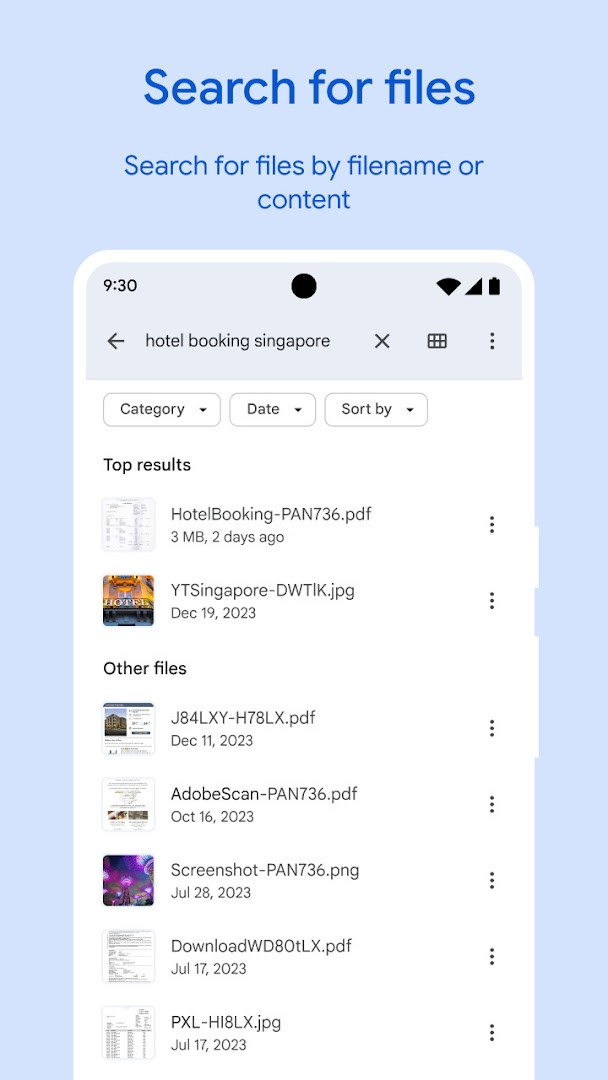
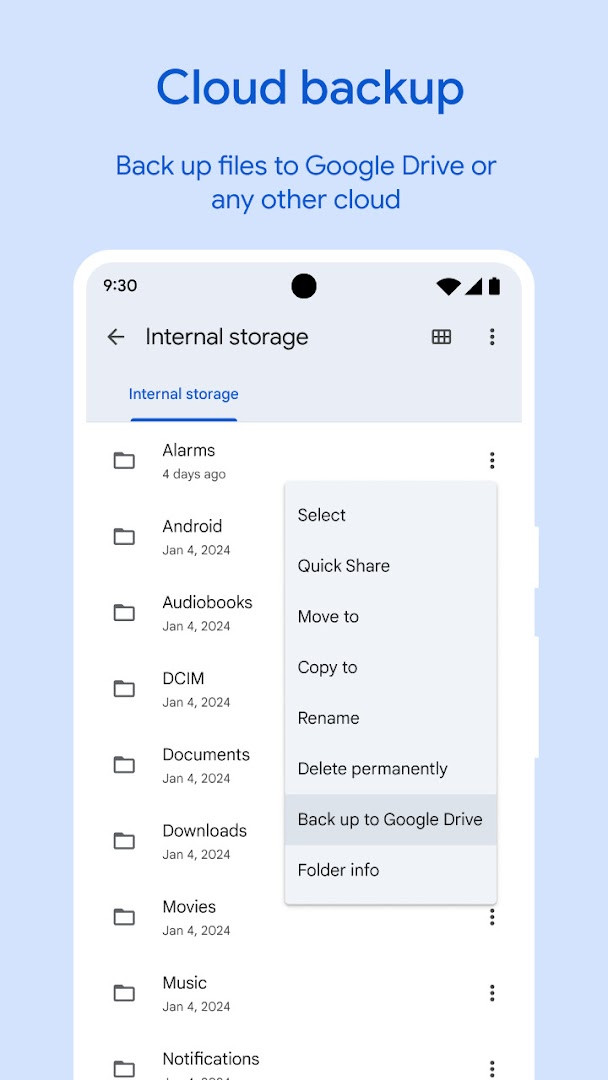
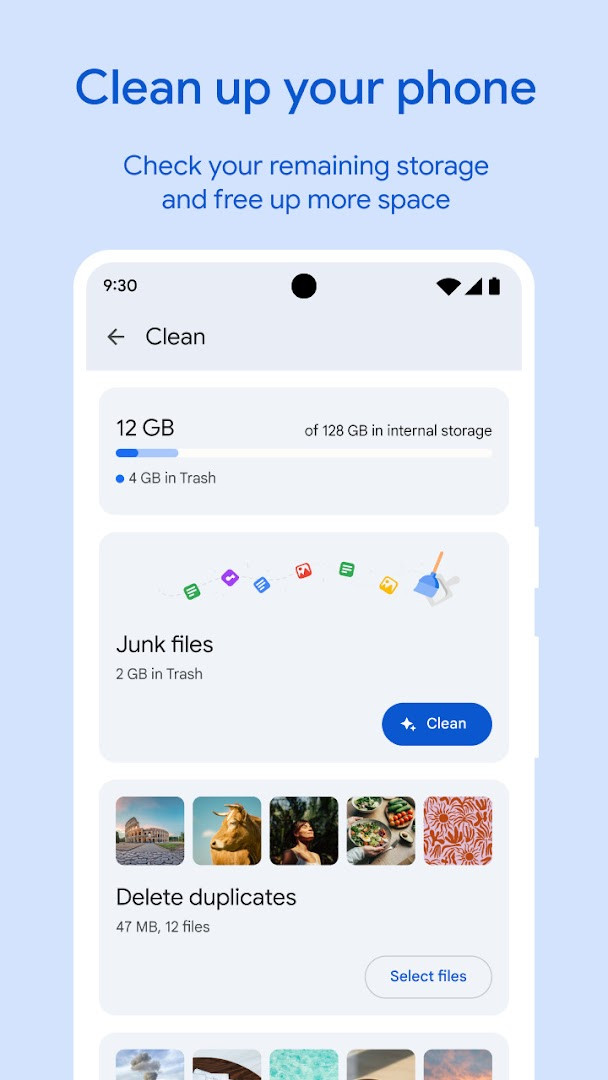
Files by Google is a file management and storage cleanup tool by Google LLC that helps you organize, find, share, and back up the files on your device. Many phones gradually fill with duplicate images, leftover cache, and forgotten downloads, and the app addresses that by scanning your storage and presenting cleanup suggestions, such as removing old photos from messaging apps and duplicate files. It also provides a straightforward browser for photos, videos, and documents, with sorting by size so you can see what consumes the most space. Beyond cleanup, it handles offline media playback, file backup to cloud storage or an SD card, and local sharing to nearby Android and Chromebook devices through Quick Share, which the developer states can reach speeds up to 480 Mbps and is protected with end-to-end encryption. Sensitive items can be placed behind a separate PIN or pattern, and the app itself uses less than 20 MB of storage and shows no ads.
Key features
- Storage overview for internal storage, SD card, and USB drive, with cleanup recommendations including old chat-app photos, duplicate files, and cache clearing.
- Fast file search and browsing for photos, videos, GIFs, and documents, with sorting by size to reveal what takes up space.
- Quick Share for sending photos, videos, apps, and other files to nearby Android and Chromebook devices, with speeds up to 480 Mbps and end-to-end encryption, working without an internet connection.
- File locking with a PIN or pattern that can differ from the device lock.
- Offline media playback with controls such as playback speed and shuffle.
- Backup and transfer of files to cloud storage or an SD card to free up space.
- Smart recommendations for saving space and protecting the device that improve with continued use.
- Light footprint of under 20 MB and no advertising.
How to install
- Tap the download button on this page to get the APK file.
- When Android asks, allow your browser or file manager to install apps by enabling the Install unknown apps setting for that app.
- Open the downloaded APK file from your notifications or file manager.
- Tap Install and wait for the process to finish.
- Open the app. The file size is not specified in the available data, and the minimum supported Android version is 8.0.
Pros
- Free to use, with no ads and no in-app purchases.
- Small storage footprint of under 20 MB.
- Broad install base and a high rating of 4.51 from over 9 million ratings.
- Includes cleanup, search, sharing, backup, media playback, and file locking in one tool.
- Quick Share works without an internet connection and is end-to-end encrypted.
Cons
- Requests permissions for photos, media, files, storage, and Wi-Fi connection information, which is broad access for a file tool.
- Cloud backup depends on external services rather than being fully self-contained.
- Some recommendations rely on continued use to become more useful.
Latest changes · 1.12735.987346843.0-release
Files by Google version 1.12735.987346843.0-release, dated October 1, 2026, brings UI enhancements for a better user experience, along with bug fixes. The app runs on Android 8.0 and above, takes up less than 20 MB of storage, and shows no ads. It has no in-app purchases and is free to use. The app has a 4.51 rating from over 9 million ratings and more than 5 billion installs. It was released on December 1, 2017, and is developed by Google LLC.
Older versions
| Version | Size | Requires Android | Updated |
|---|---|---|---|
| 1.12735.987346843.0-release | — | 8.0 | Oct 1, 2026 |
This app suits experienced users who want a single, lightweight utility for managing local storage instead of juggling several specialized apps. It is a reasonable pick if you frequently run low on space, deal with large media libraries, or move files between Android and Chromebook devices nearby. Anyone who prefers a minimal permission footprint or avoids cloud services may want to weigh the storage and Wi-Fi access it requests.
Review the cleanup suggestions before deleting anything, since duplicate detection and chat-app photo recommendations are best treated as starting points rather than automatic decisions. Sorting by size helps you identify the largest files first. If you use the file lock, keep the PIN or pattern distinct from your device lock and store it somewhere safe.
Permissions
FAQ
How does offline sharing work in Files by Google?
Quick Share lets you transfer photos, videos, apps, and other content to nearby Android and Chromebook devices at speeds up to 480 Mbps, even without an internet connection.
Can I lock files with a different code than my phone uses?
You can protect sensitive files with a PIN or pattern that is separate from your device unlock method.
What kind of cleanup suggestions does the app provide?
The app helps you free up space by finding old photos from chat apps, duplicate files, clearing cache, and identifying what is taking up room on internal storage, SD cards, or USB drives.
What playback controls are available for offline media?
The media player includes advanced controls such as playback speed adjustment, shuffle, and other options for music and videos.
How do I back up files to save space?
You can move files to Google Drive or an SD card, and also share to other cloud storage apps installed on your device.
How much space does Files by Google take up?
The app itself uses less than 20 MB of storage and contains no ads.
Files by Google covers cleanup, search, sharing, media playback, and backup in a compact package with no ads. For users who value a small, free tool and can accept its storage and Wi-Fi permissions, it is a practical alternative worth comparing against other file managers.
Similar apps







More from this developer





Updated: Oct 14, 2026