
Sterna Mail: Private Email Client
Sterna Mail is a free email app by emon that provides private, tracker-free access to JMAP and IMAP/SMTP accounts.
Download Sterna Mail · v1.6.4Sterna Mail is designed for privacy-conscious users, operating without ads, tracking, or Google services. It supports multiple JMAP and IMAP accounts with a unified inbox, offline reading, and OpenPGP encryption when paired with an app like OpenKeychain. The app requires Android 8.0 or newer and has a download size of 6.7 MB.
Screenshots

- Version
- 1.6.4
- Size
- 6.8 MB
- Requires Android
- 8.0
- Updated
- Oct 29, 2026
- Category
- Communication
- Developer
- emon
- Package
- app.sterna
- Free
- ✓
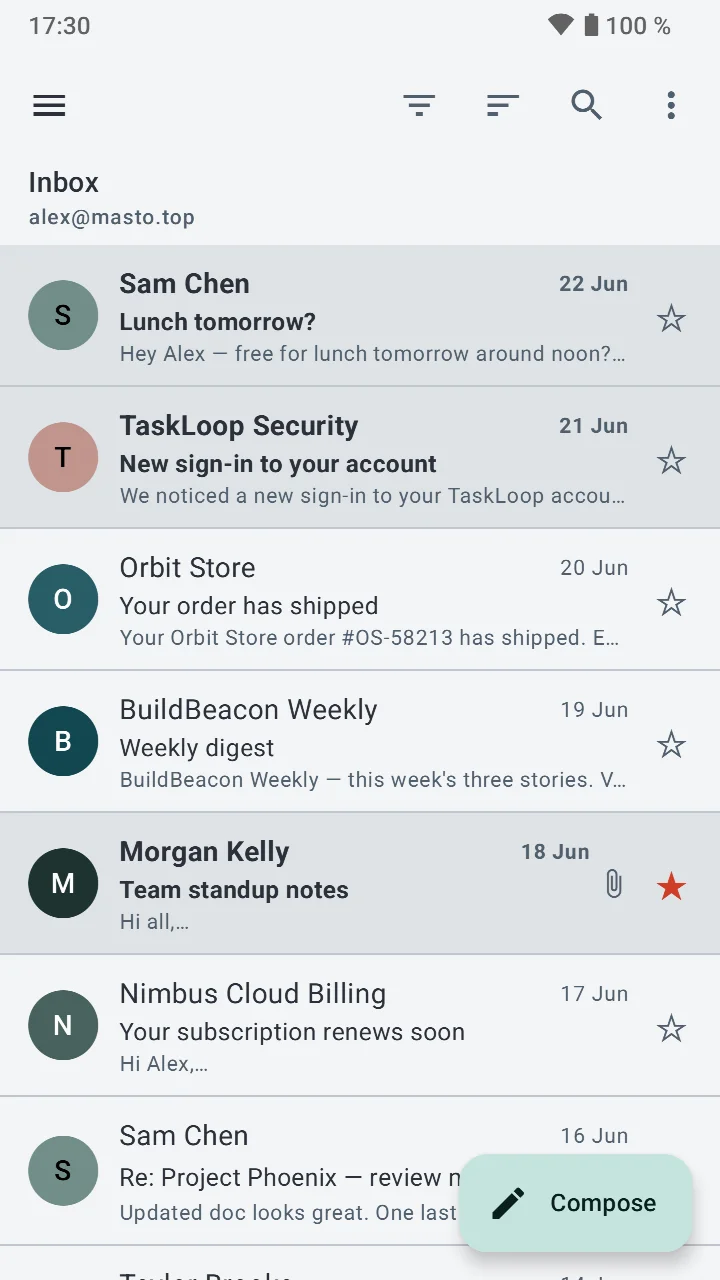
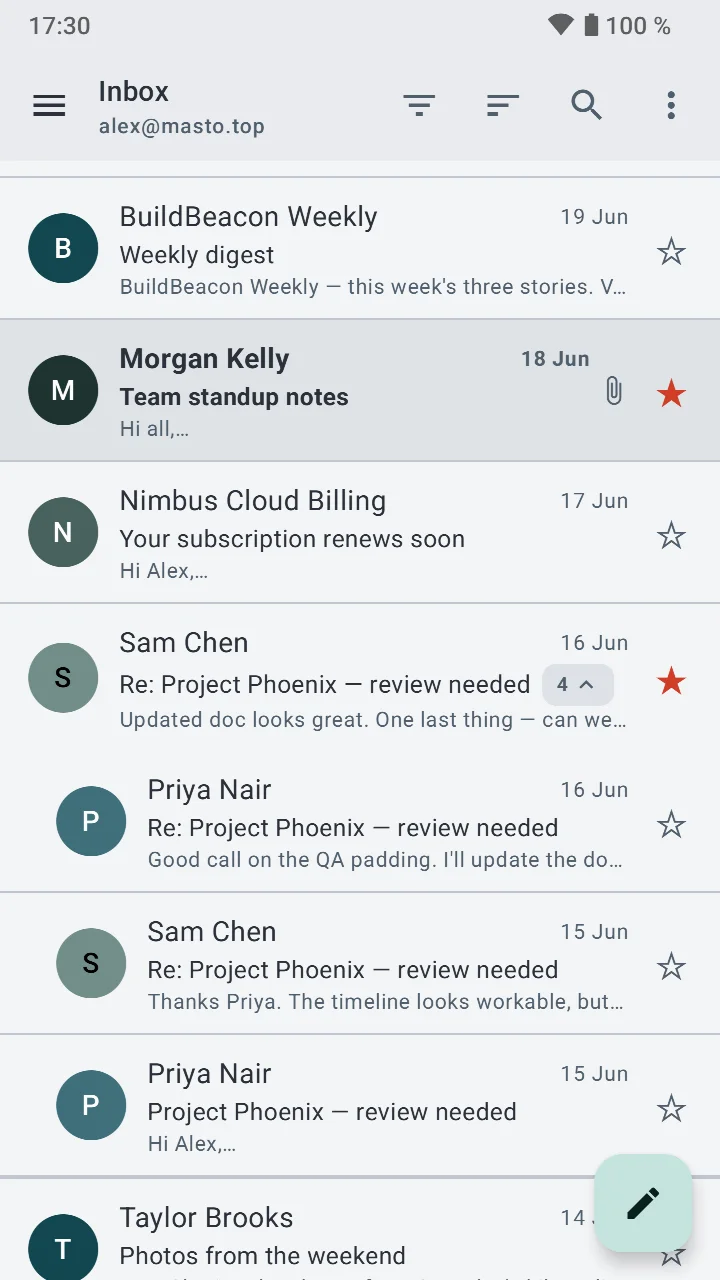
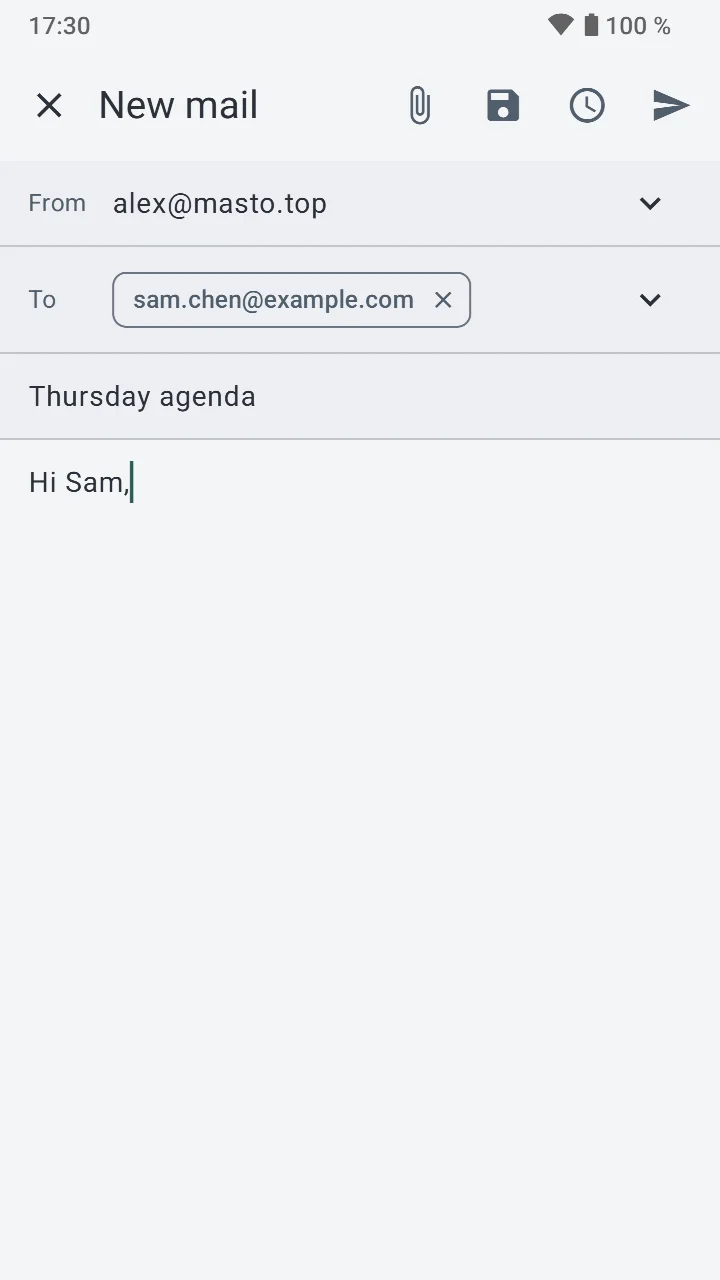
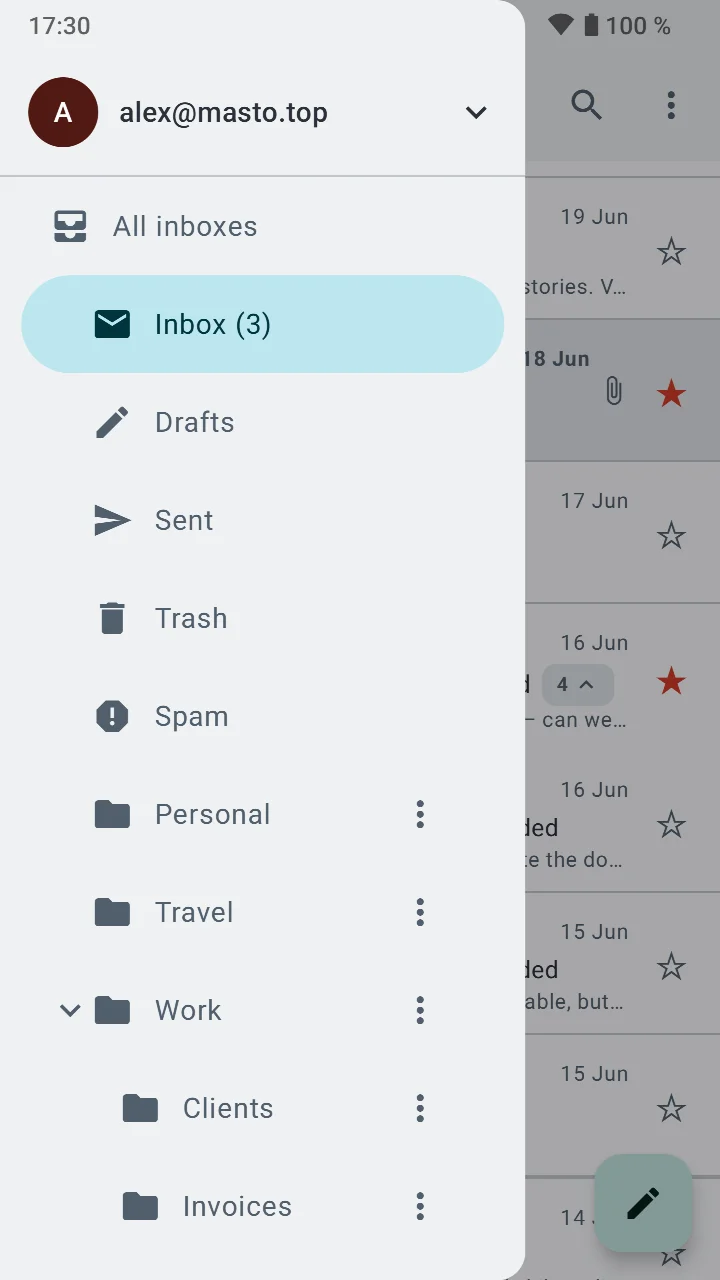
Sterna Mail is a free, private email client for Android by developer emon that lets you manage JMAP and IMAP/SMTP accounts without relying on Google services or tracking. It solves the problem of email apps that collect data or depend on proprietary push services by offering a fully open-source (GPLv3) client where the published code matches the distributed app. The app supports multiple accounts side by side, a unified offline inbox, conversation threading, and search-as-you-type. For writing, it provides multiple identities with signatures, undo send, and scheduled send. Privacy features include OpenPGP encryption via apps like OpenKeychain, blocking of remote images and tracking pixels by default, and an app lock with fingerprint or PIN. Setup is easy from just your email address, or manually, and notifications work without Google through JMAP, IMAP IDLE, or UnifiedPush. The app is available in ten languages. This makes Sterna Mail a solid choice for users who prioritize privacy and control over their email, without sacrificing modern features like push notifications or scheduled sending.
Key features
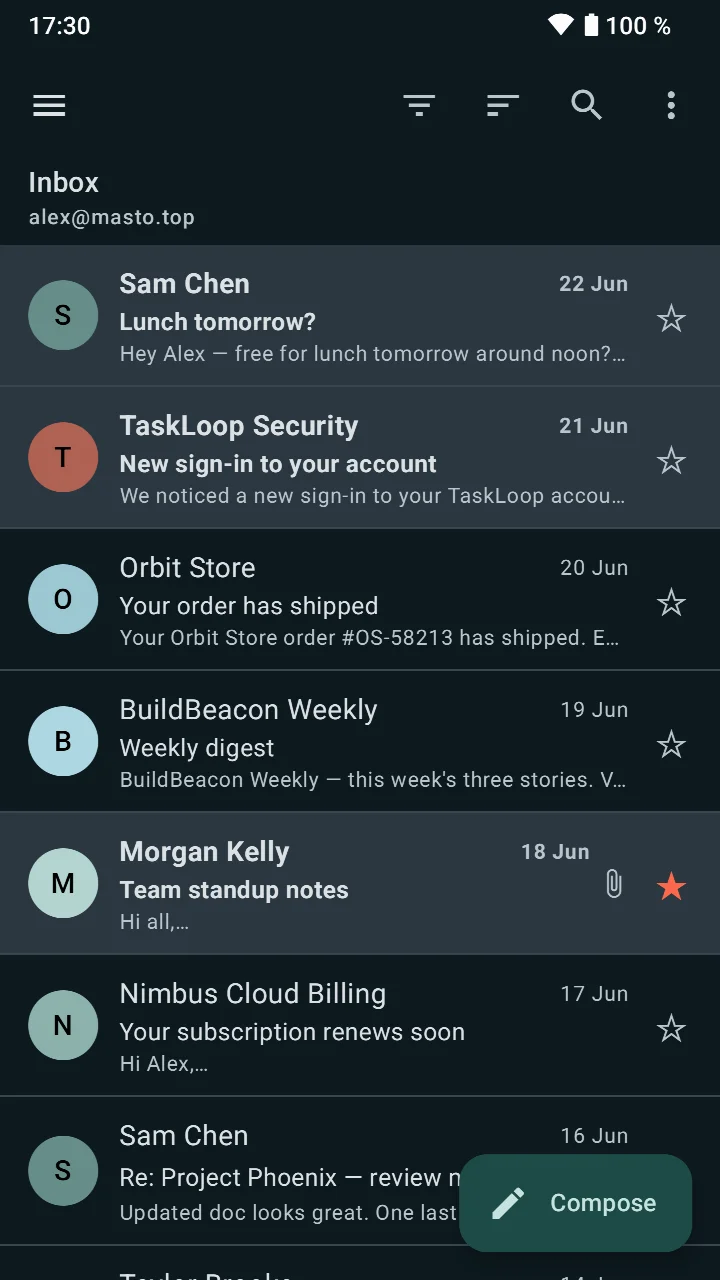
- Multiple accounts with JMAP and IMAP/SMTP support, plus a unified inbox that works offline
- Conversation view, search as you type, and snooze functionality
- Multiple identities, each with its own signature
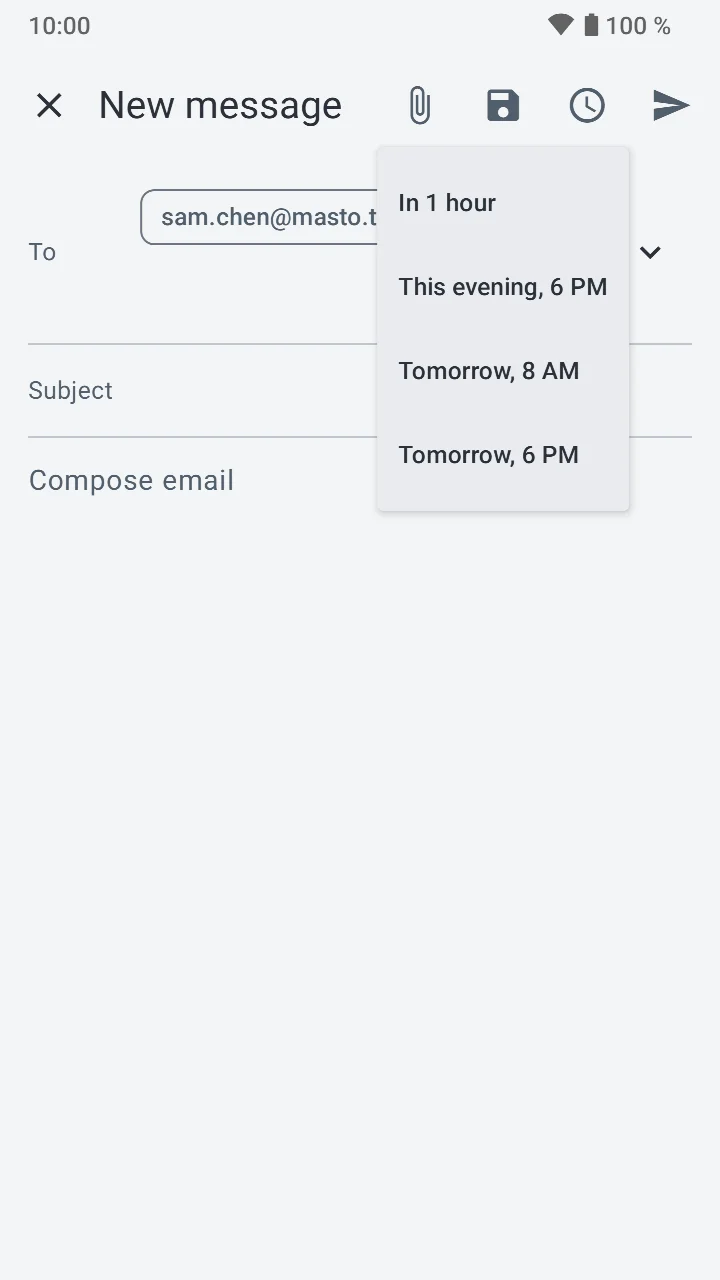
- Undo send and scheduled send for better email control
- OpenPGP encryption support through apps like OpenKeychain
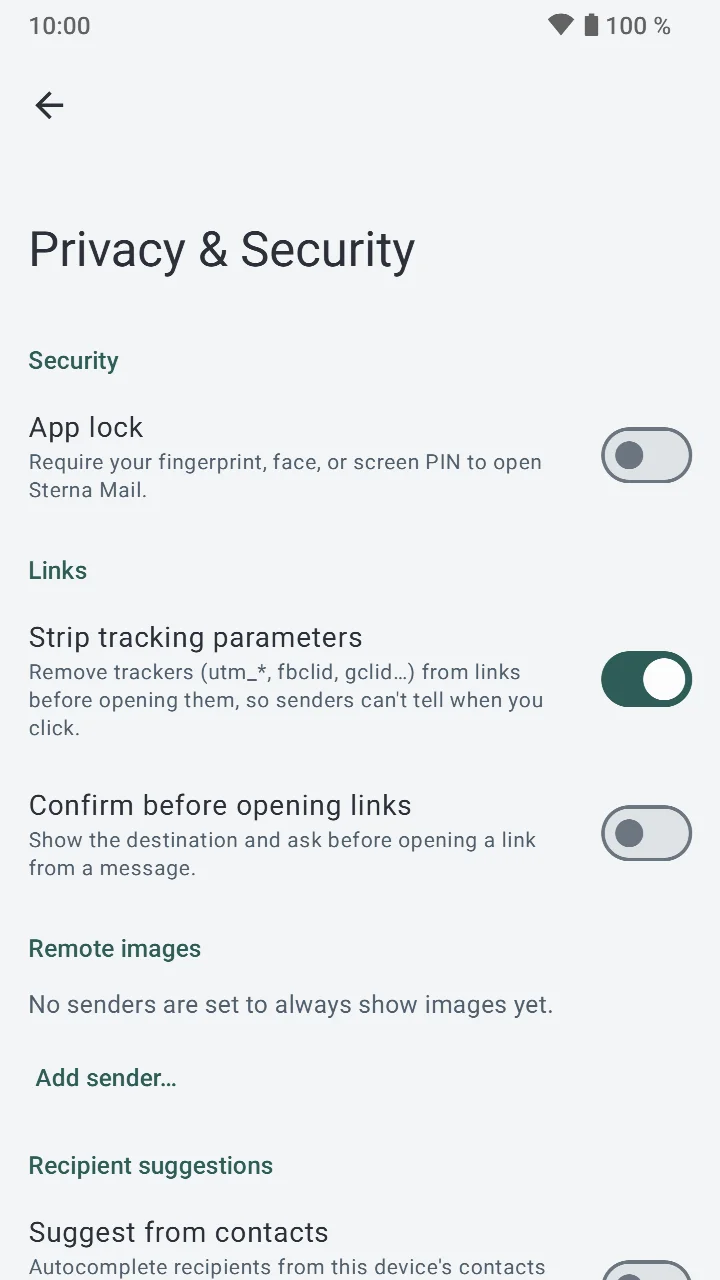
- Remote images and tracking pixels blocked by default, with app lock via fingerprint or PIN
- Push notifications without Google, using JMAP, IMAP IDLE, or UnifiedPush
- Setup from just your email address or a manual form when needed
How to install
- Tap the download button on this page to get the APK file (6.7 MB).
- When Android asks, allow your browser or file manager to install apps by enabling the 'Install unknown apps' setting.
- Open the downloaded APK file from your notifications or Downloads folder.
- Tap Install and wait for the installation to complete.
- Open the Sterna Mail app and start setting up your email account.
Pros
- No ads, no tracking, and no Google services
- Open-source (GPLv3) with verified builds
- Works with both modern JMAP and traditional IMAP/SMTP
- Offline unified inbox and push notifications without Google
- Strong privacy features like blocking tracking pixels and app lock
- Free to use
Cons
- Requires Android 8.0 or higher, so older devices are not supported
- OpenPGP encryption requires an additional app like OpenKeychain
- No in-app purchases or ads, but also no premium support options
Older versions
| Version | Size | Requires Android | Updated |
|---|---|---|---|
| 1.6.4 | 6.8 MB | 8.0 | Oct 29, 2026 |
| 1.6.3 | 6.8 MB | 8.0 | Oct 22, 2026 |
| 1.6.2 | 6.7 MB | 8.0 | Oct 14, 2026 |
| 1.6.1 | 6.7 MB | 8.0 | Oct 8, 2026 |
| 1.6.0 | 6.6 MB | 8.0 | Oct 3, 2026 |
| 1.5.10 | 4.7 MB | 8.0 | Oct 2, 2026 |
Sterna Mail is ideal for beginners who are new to private email and want a straightforward client that does not compromise on privacy. If you are tired of email apps that track your activity or rely on Google's push services, this app offers a clean alternative with easy setup from just your email address. It is also great for anyone who wants to use modern JMAP protocols or needs offline access to multiple accounts. The app's privacy features, such as blocking tracking pixels and app lock, are approachable for users just starting to take control of their digital footprint. Even if you are not a technical expert, the simple setup and clear feature set make it a good first step into more secure email practices.
To get the most out of Sterna Mail, enable the app lock with a fingerprint or PIN to protect your inbox. Also, consider using OpenKeychain for OpenPGP encryption if you need end-to-end encrypted email. If you want offline access, make sure your accounts are configured to sync for offline use.
FAQ
Is Sterna Mail free to use?
Yes, Sterna Mail is free to download and use. There are no ads and no in-app purchases mentioned. It is released under the GPL-3.0-or-later license.
Which Android version do I need to run the app?
Sterna Mail requires Android 8.0 or newer. The current version is 1.6.2, released on 2026-10-14. The app first became available on 2026-07-10.
How large is the download file?
The APK is about 6.7 MB. This is the size of version 1.6.2, the latest release. Earlier versions such as 1.6.1 and 1.6.0 may differ slightly.
Do I need to create an account to use Sterna Mail?
Sterna Mail does not require a separate account of its own. You set it up with your existing email address, either automatically or through a manual form if your domain does not publish the needed settings. Your email provider's credentials are what the app uses.
What permissions does the app request?
The available information does not list specific Android permissions. The app does mention features such as an app lock with fingerprint or PIN, and push notifications without Google services via JMAP, IMAP IDLE or UnifiedPush. These may involve related permissions, but the exact list is not provided in the data.
How do I update Sterna Mail to a newer version?
To update, download the newest version from this page and install it over your current copy. The latest version is 1.6.2 from 2026-10-14. Keeping the app up to date ensures you have the most recent fixes and features.
Sterna Mail is a thoughtful, privacy-focused email client that delivers core features without tracking or ads. It is a reliable choice for beginners who want a secure, open-source email experience on Android.
Similar apps








Updated: Oct 30, 2026