TagSpaces – Files & Tags
TagSpaces – Files & Tags is a file organizer from TagSpaces GmbH for tagging and managing files privately, without an account.
Download nowTagSpaces – Files & Tags is aimed at people who want to organize photos, documents, and notes while keeping their data under their own control. The app works fully offline with local files and does not require a TagSpaces account or show ads. It requires Android 8.0 or newer, takes up about 53 MB, and is free to download with optional one-time in-app purchases for pro features.
Screenshots
- Size
- 53 MB
- Requires Android
- 8.0
- Updated
- Oct 14, 2026
- Installs
- 1K+
- Rating
- ★ 1.46 (53)
- Category
- Productivity
- Developer
- TagSpaces GmbH
- Content rating
- Everyone
- Package
- org.tagspaces.mobileapp
- Free
- ✓ · In-app purchases
TagSpaces is a file organization tool by TagSpaces GmbH that helps you tag, browse, and manage local files and folders without an account or cloud dependency. It focuses on letting you apply keywords and colors to the files you already have, keeping everything in its original location on your device or in storage you control. The app is free to use, contains no ads, and is designed to run fully offline.
Key features
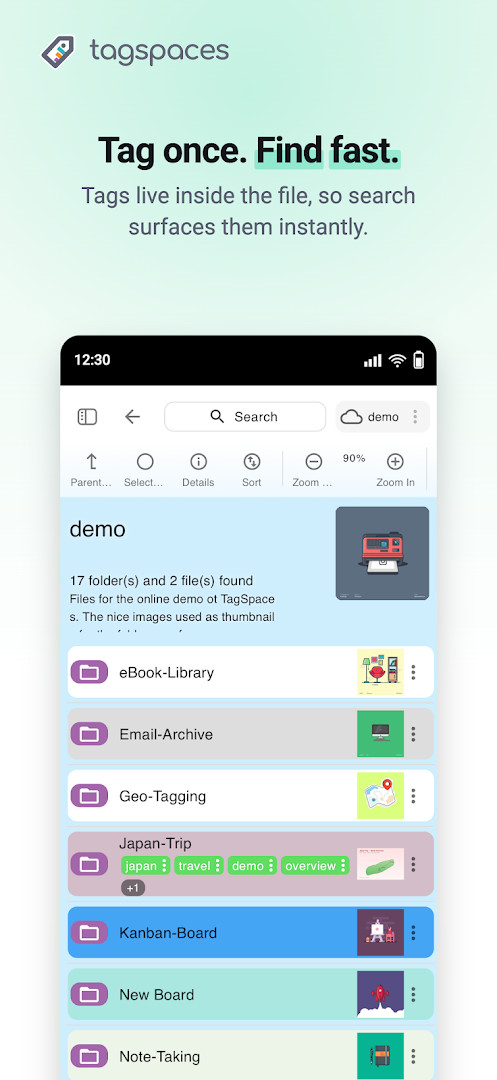
- Tag any file or folder with keywords and colors.
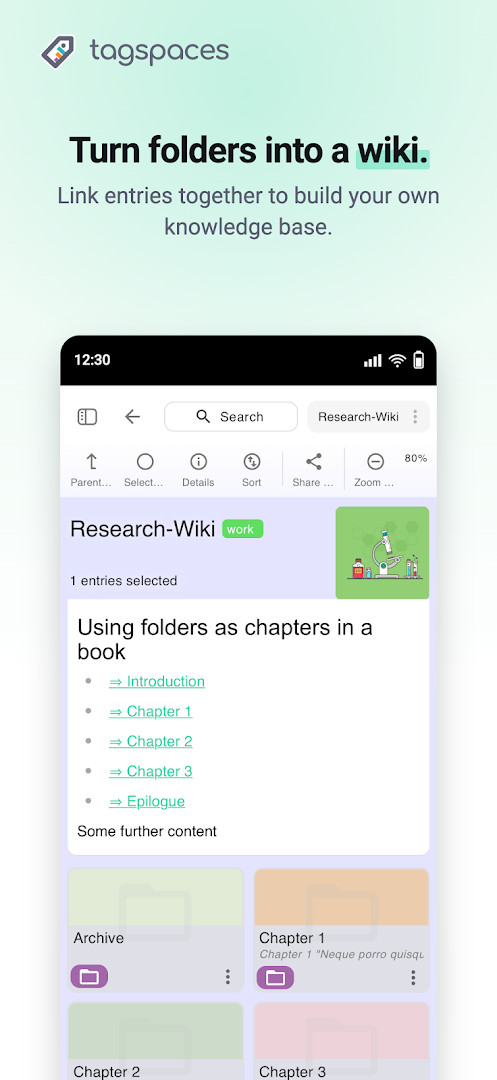
- Add a written description to individual files or folders.
- Search and filter by tags, names, and content quickly.
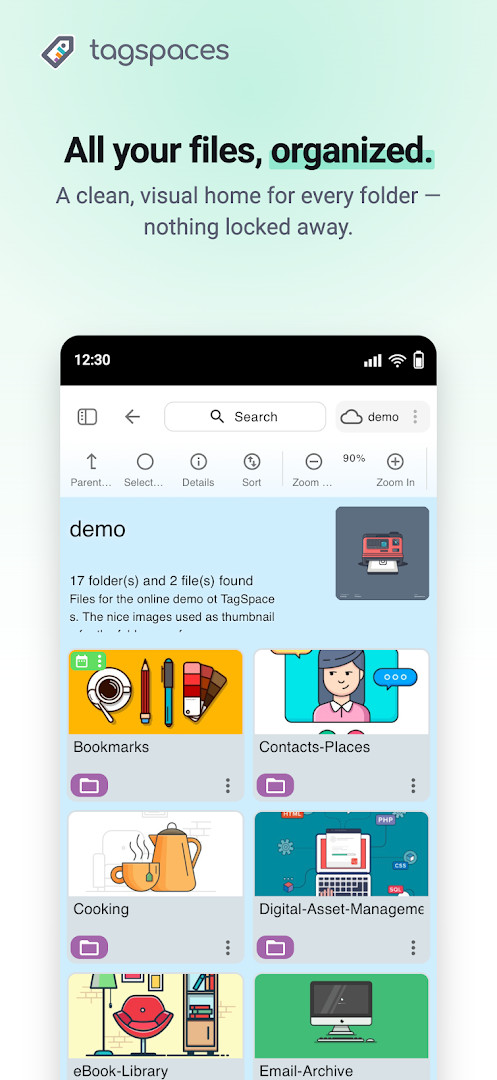
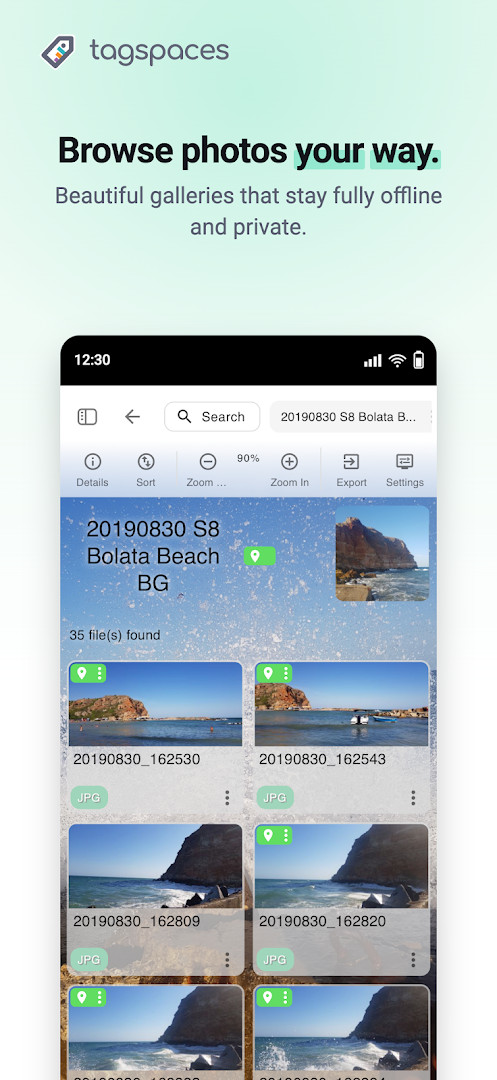
- Switch between Grid and List folder perspectives.
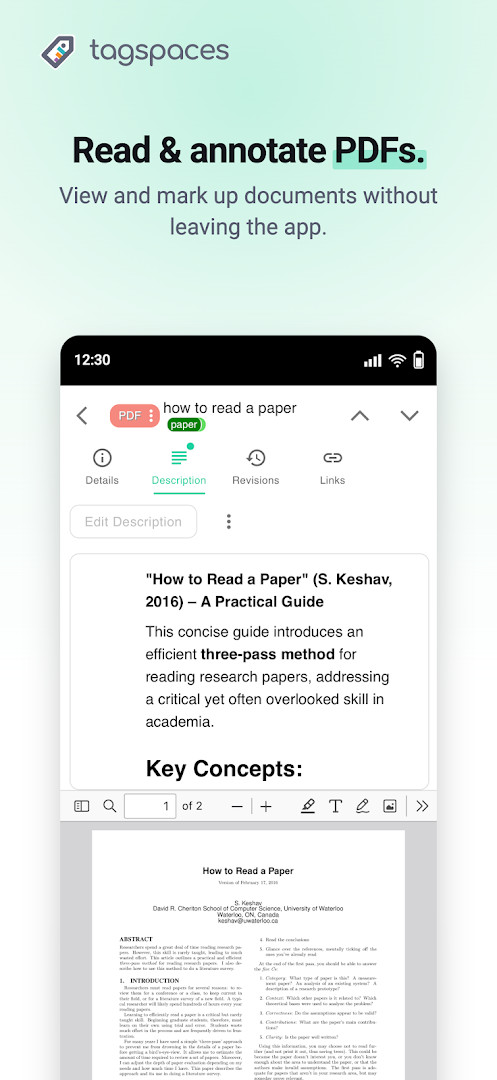
- Preview images, videos, PDFs, Markdown files, and more without leaving the app.
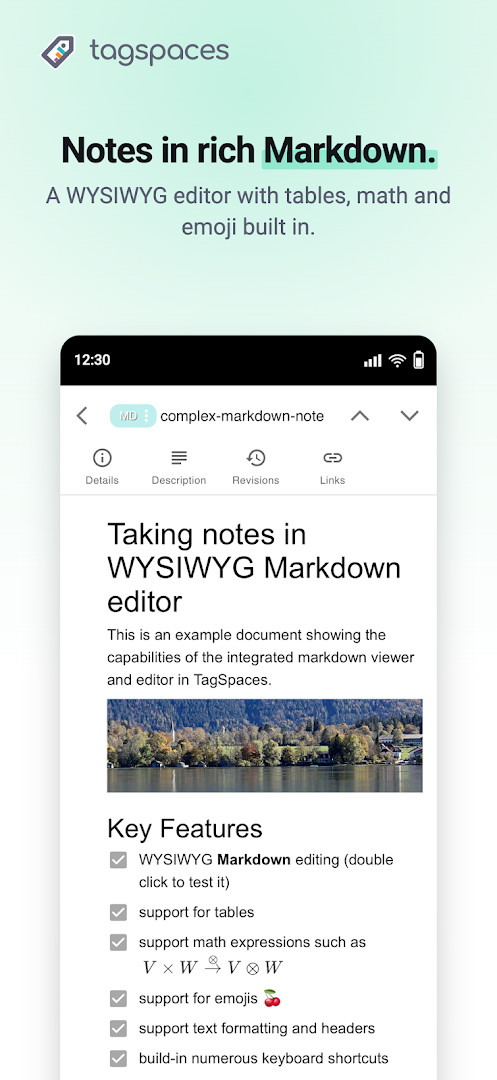
- Create and edit notes using a rich-text or Markdown editor.
- Work fully offline with local files and no account, tracking, or ads.
- Connect your own Amazon S3 or S3-compatible storage bucket.
- Keep tags in plain sidecar files that remain readable outside the app.
How to install
- Tap the download button on this page to get the TagSpaces APK file, which is about 53 MB.
- When your Android device asks, allow your browser or file manager to install apps by enabling the 'Install unknown apps' setting for that app.
- Open the downloaded APK file from your notifications or file manager.
- Tap the Install button and wait for the installation to finish. Your device must be running Android 8.0 or newer.
- Open TagSpaces from your app list and grant the requested file, media, camera, or microphone permissions only if you plan to use those features.
Pros
- No account, tracking, or ads; your files stay on your device.
- Tags are stored in open sidecar files, so your organization remains readable even without the app.
- Built-in viewers and editors cover images, videos, PDFs, Markdown, and plain text.
- Works fully offline and can connect to Amazon S3 or S3-compatible storage you own.
- Free core version with an optional one-time purchase for extra perspectives and features.
- Cross-platform presence means you can organize the same folders on desktop and web versions.
Cons
- The Android version shows a very low average rating, which may indicate stability or usability issues for some users.
- Some of the more visual or advanced perspectives require an optional one-time in-app purchase.
- The interface may feel less streamlined to beginners than simpler tag-based apps.
- Tags stored in sidecar files can create extra files in folders, which some users may find cluttered.
- With only about a thousand installs, the community and available troubleshooting resources are relatively limited.
Older versions
| Version | Size | Requires Android | Updated |
|---|---|---|---|
| 6.14.3 | 53 MB | 8.0 | Oct 14, 2026 |
| 6.14.1 | 53 MB | 8.0 | Oct 6, 2026 |
| 4.0.1 | 28 MB | 5.1 | Jun 12, 2024 |
TagSpaces is a good fit for privacy-conscious users who want to organize local files without uploading them to a third-party cloud. It also suits researchers, writers, and note-takers who need a portable tagging system across documents, images, and notes. Finally, users with their own S3-compatible storage who want a self-controlled file catalog will find it especially relevant.
Start by tagging a single folder of frequently used files, then use the search and filter tools to see how tags can replace a messy folder hierarchy before you reorganize everything.
Permissions
FAQ
How can I install the APK on Android?
Yes. You can install the APK on an Android device running version 8.0 or newer. The app requests permissions for photos, media, files, storage, camera, and microphone.
What is the current version of the app?
The latest version is 6.14.3, updated on October 14, 2026.
Does the app have ads or paid features?
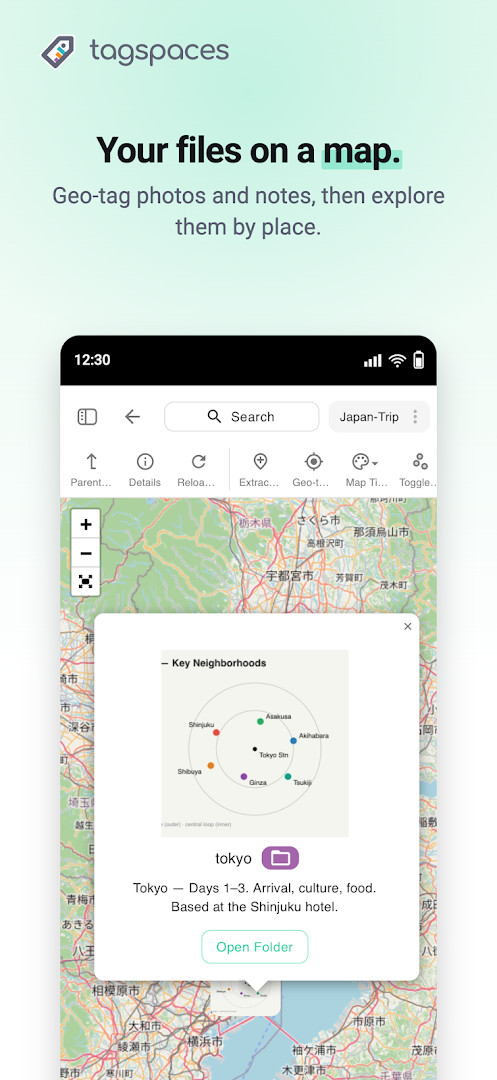
The app is free to download and contains no ads. An optional one-time in-app purchase unlocks Pro features like extra perspectives, geo-tagging, and file revisions.
Can I use it offline and keep my data private?
Yes, it works fully offline with local files. There is no account, no tracking, and nothing is uploaded to TagSpaces servers, so your files stay on your device or in storage you control.
Are there similar apps for organizing files with tags?
In the same productivity and file organization category, you could look for other offline file managers or note-taking tools that support tagging. TagSpaces stands out by storing tags in plain sidecar files next to your files.
For anyone tired of cloud lock-in and account requirements, TagSpaces offers a refreshingly direct way to impose order on local files. The app's emphasis on portable sidecar tags and offline operation is a real strength, though the current low rating and small install base suggest the Android version still has rough edges. It is best approached as a lightweight, privacy-first organizational layer rather than a full replacement for a polished file manager.
Similar apps






Updated: Oct 16, 2026