
Zoom Workplace: AI-Native Collaboration App
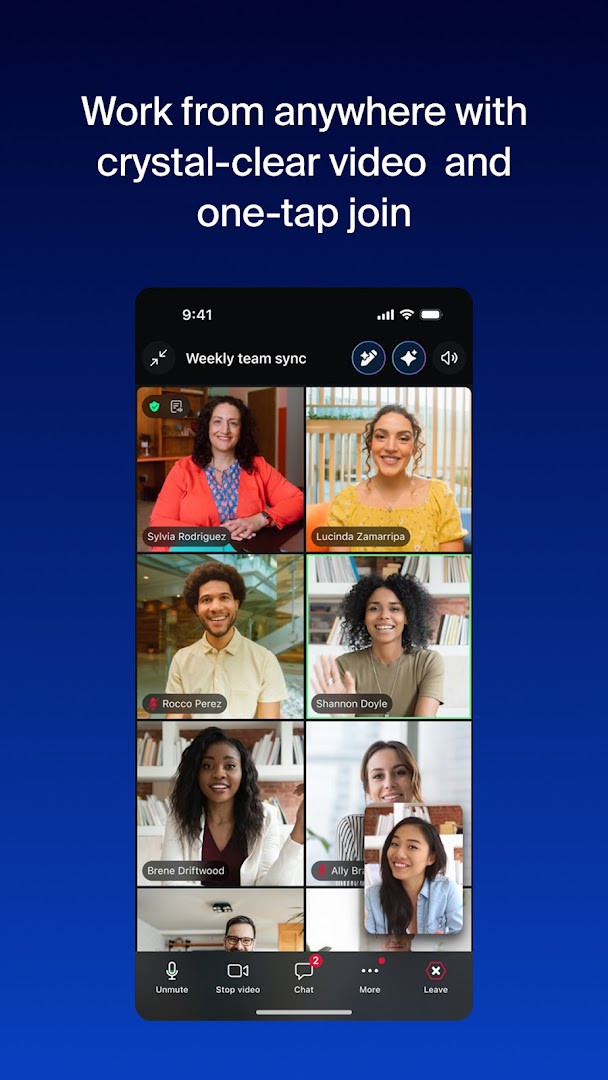
Zoom Workplace is a business collaboration app by zoom.com that combines meetings, team chat, phone calls, docs, calendar, mail, and whiteboard in one platform.
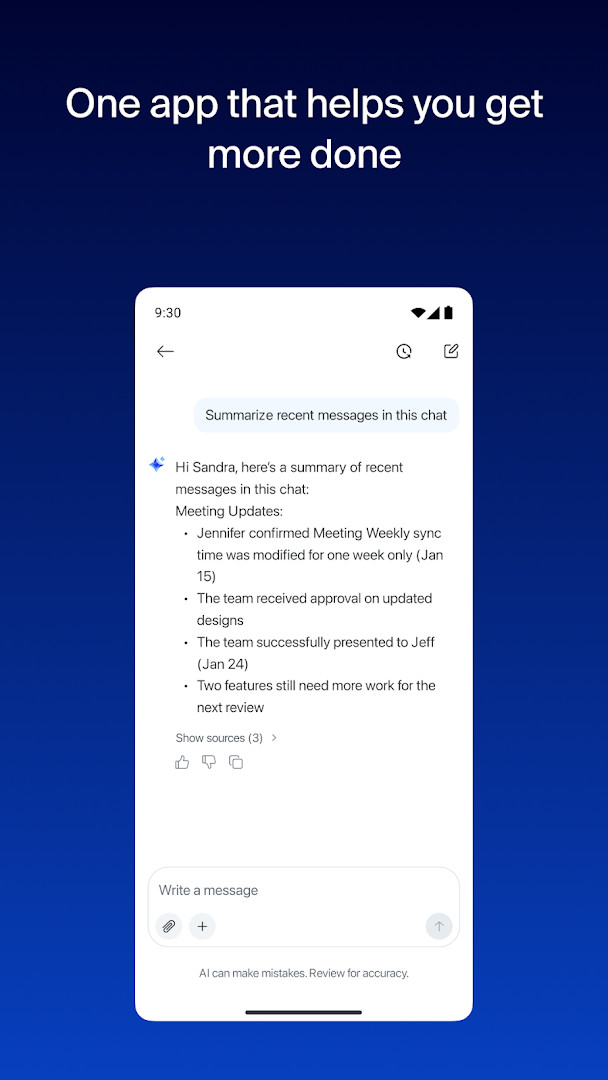
Download Zoom WorkplaceZoom Workplace is a free AI-first collaboration platform aimed at remote, office, and mobile teams who want to reduce tool switching. The app includes built-in AI features such as meeting summaries, message drafting, and chat catch-up, while some functions require a paid Zoom Workplace subscription or license. It supports Android 9 and newer, and its download size is 246 MB.
Screenshots
- Size
- 246 MB
- Requires Android
- 9
- Updated
- Sep 21, 2026
- Installs
- 1B+
- Rating
- ★ 4.1 (4,591,964)
- Category
- Productivity
- Developer
- zoom.com
- Content rating
- Everyone
- Package
- us.zoom.videomeetings
- Free
- ✓ · In-app purchases
Zoom Workplace is a unified collaboration platform by zoom.com that combines video conferencing, team chat, cloud phone, document editing, a virtual whiteboard, calendar, and email into a single application. It is designed to reduce the need to switch between separate tools, providing a central hub for both real-time and asynchronous work. The platform has evolved significantly since its original release in January 2013, growing from a meetings-focused service into an AI-first workspace. The most recent update, from September 21, 2026, delivers bug fixes and improvements to maintain stability across its broad feature set.
Key features
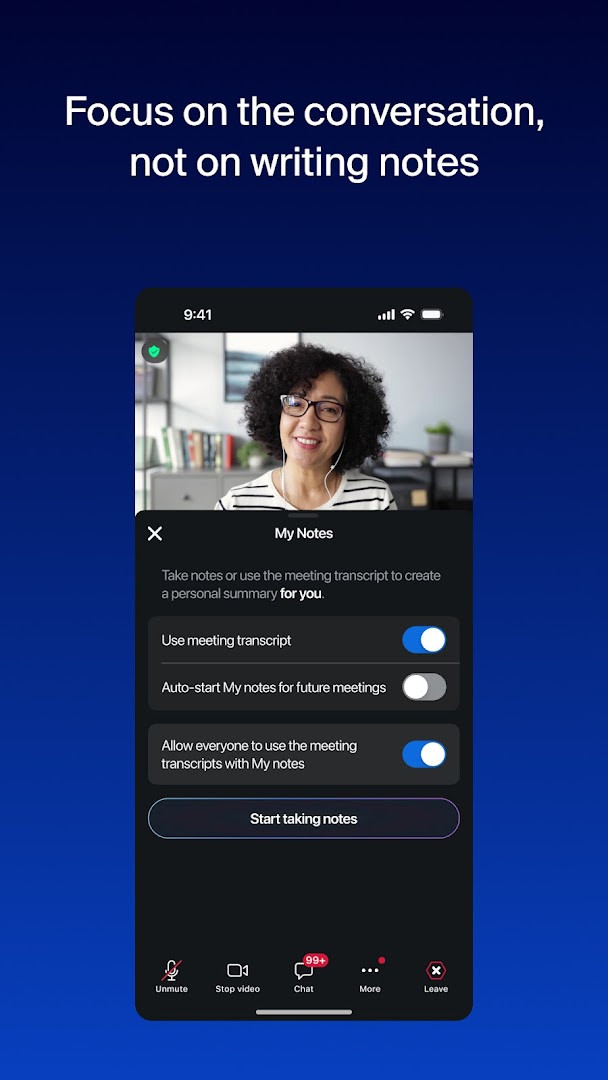
- AI-generated meeting summaries via a built-in notetaker to capture key points automatically.
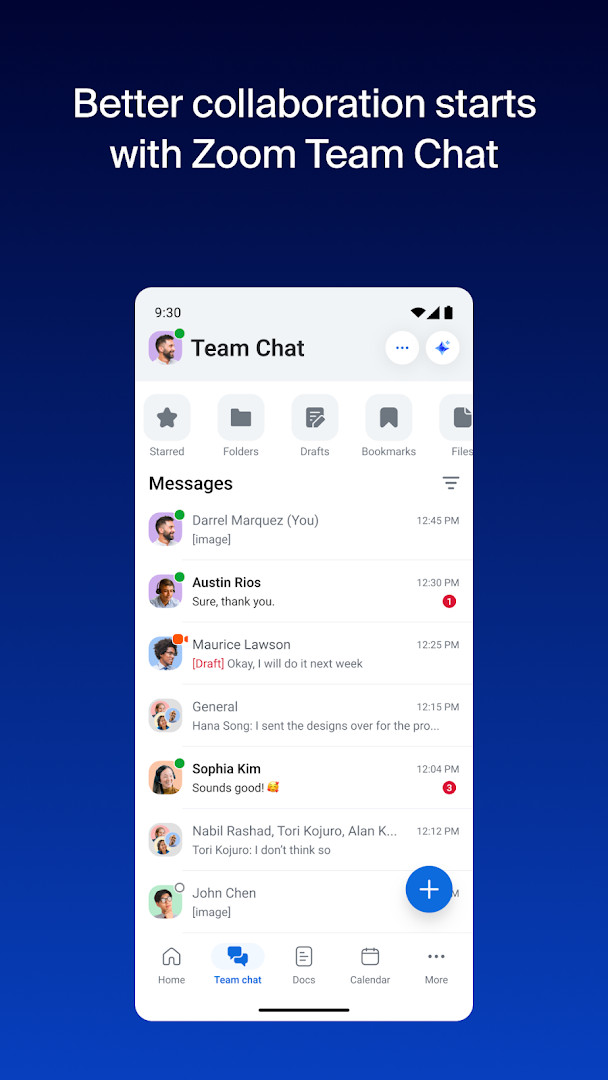
- Integrated Team Chat for messaging colleagues and external contacts within the same platform.
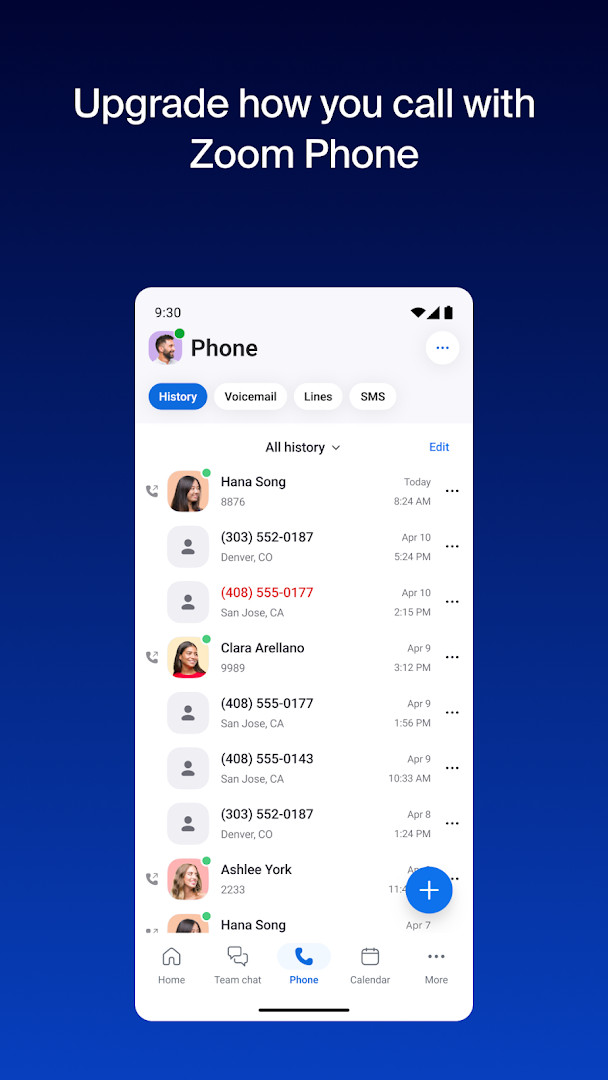
- Zoom Phone support for placing and receiving calls or sending SMS text messages.
- Collaborative Zoom Docs for creating and sharing editable documents with your team.
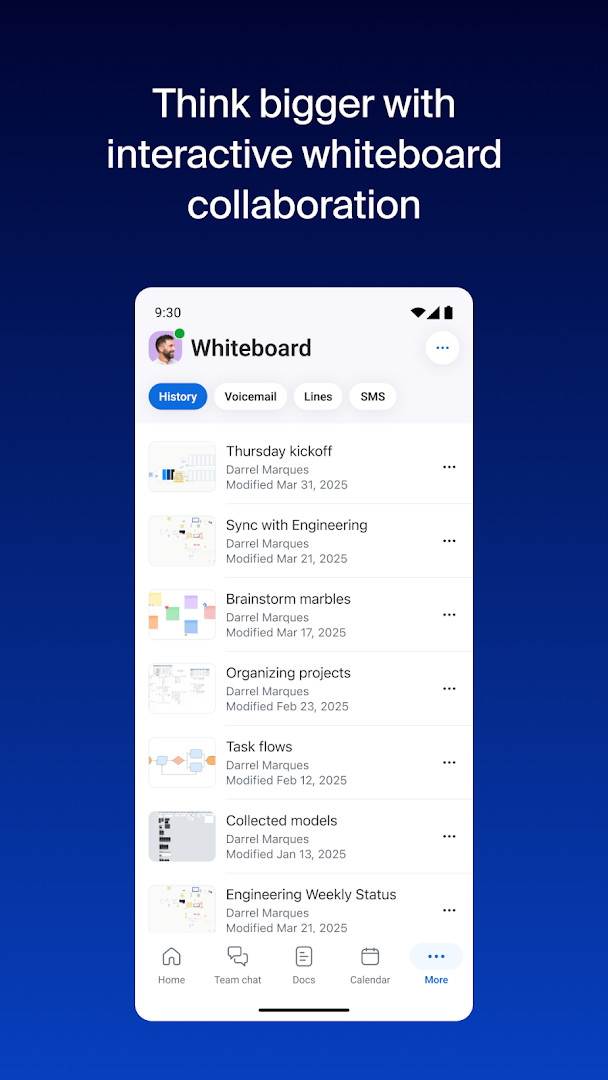
- A virtual Zoom Whiteboard for brainstorming and visual collaboration during or outside meetings.
- Device switching that lets you move a live video or phone call between your phone and tablet with a single tap.
- Picture-in-Picture and Split Screen support on Android for multitasking during calls.
- Enterprise-grade security with Single Sign-On (SSO) and hands-free “Hey Google” Voice Access commands.
How to install
- Tap the download button on this page to get the APK file; the download is 246 MB.
- When prompted by Android, allow your browser or file manager to install apps by enabling the “Install unknown apps” setting.
- Open the downloaded APK file from your notifications or file manager app.
- Tap “Install” and wait for the process to complete on your device.
- Once installed, open the app and sign in or create an account to begin using Zoom Workplace. Your device must run Android 9 or later.
Pros
- Combines meetings, chat, phone, docs, and whiteboard into one app, reducing tool-switching.
- Built-in AI features assist with meeting notes, message drafts, and catching up on conversations.
- Supports seamless device switching for ongoing calls between Android phones and tablets.
- Offers flexible multitasking with Picture-in-Picture and Split Screen modes on Android.
- Backed by enterprise-grade security and supports SSO for organizational deployments.
Cons
- Many highlighted features, including AI tools and Zoom Phone, require a paid subscription.
- The app’s 246 MB size can be substantial for devices with limited storage.
- AI Companion functionality may not be available in all regions or industry sectors.
- The sheer breadth of integrated tools can feel overwhelming for users who only need basic video calling.
- In-app purchases and automatic subscription renewal require careful management to avoid unwanted charges.
Latest changes
The latest Zoom Workplace release focuses on stability, with bug fixes and general improvements. This update does not introduce new user-facing features beyond these refinements.
Older versions
| Version | Size | Requires Android | Updated |
|---|---|---|---|
| 5.13.4.11364 | 246 MB | 5.0 | Jan 10, 2023 |
| 4.5.5699.1027 | 34 MB | 4.1 | Mar 24, 2020 |
| 4.3.46560.0310 | 42 MB | 4.0 | Mar 13, 2019 |
This app suits remote and hybrid workers who need a single hub for daily communication, IT administrators seeking a deployable unified communications platform, and teams already invested in the Zoom ecosystem who want to leverage built-in AI assistance.
To keep the app responsive and avoid excessive battery drain, review the permissions granted after installation—especially location and background Wi-Fi access—and disable any that are not essential for your typical workflow.
Permissions
FAQ
Is Zoom Workplace free to download?
Yes, the app is free to download and use, though some advanced features require a paid subscription.
What Android version is required?
Zoom Workplace requires Android 9 or higher.
What is the file size of the app?
The app is approximately 246 MB in size.
Do I need an account to use Zoom Workplace?
Yes, you need a Zoom account to sign in and use the meeting, chat, and other collaboration features.
What permissions does Zoom Workplace request?
The app requests access to calendar, contacts, location, phone, photos/media/files, storage, camera, microphone, Wi-Fi connection information, and device ID & call information.
How do I update Zoom Workplace?
To update, download the latest version from this page and install it over your current version.
Zoom Workplace consolidates an entire collaboration suite into one capable Android app, but many of its most compelling AI and productivity features sit behind a paid subscription. For teams already using or considering the wider Zoom ecosystem, the integration and convenience are clear; individual users should carefully weigh whether the free tier meets their needs.
Similar apps








Updated: Oct 15, 2026