YouTube Kids: Family-Friendly Video App
YouTube Kids is a family-friendly video app by Google LLC that provides a safer, curated experience for children.
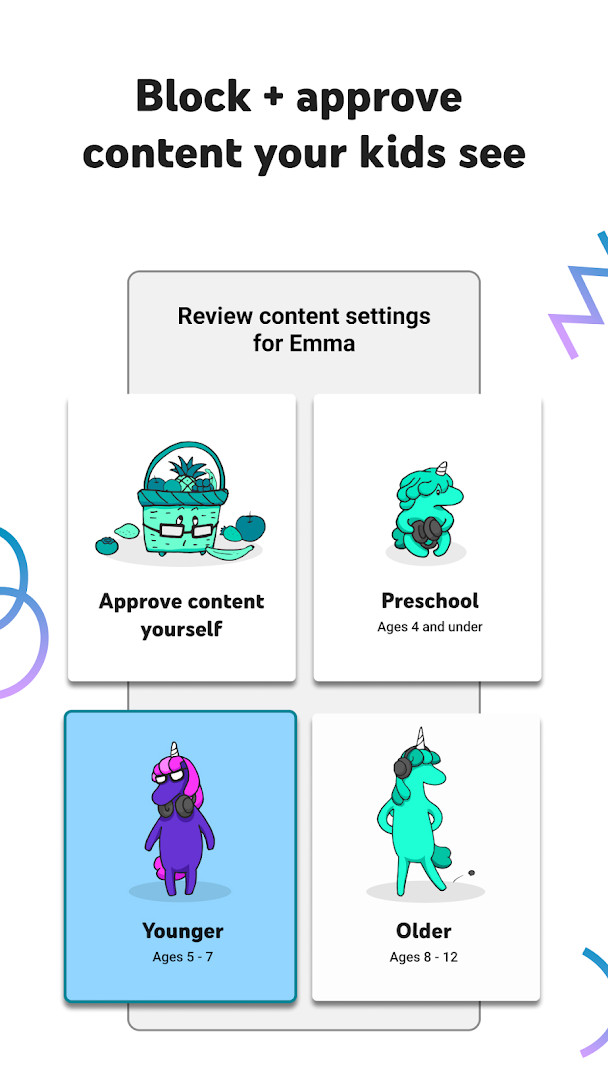
Download NowYouTube Kids offers multiple content modes, including Preschool, Younger, Older, and Approved Content Only, letting parents customize what their children watch. The app is free, contains ads, and requires Android 7.0 or higher. It has a download size of 76 MB and has been updated as recently as October 2026.
Screenshots
- Size
- 76 MB
- Requires Android
- 7.0
- Updated
- Oct 12, 2026
- Installs
- 500M+
- Rating
- ★ 4.2 (3,420,971)
- Category
- Entertainment
- Developer
- Google LLC
- Content rating
- Everyone
- Package
- com.google.android.apps.youtube.kids
- Free
- ✓ · Contains ads
YouTube Kids is an entertainment app by Google LLC that gives children a dedicated space to explore videos while parents stay in control. The app is built from the ground up for young viewers, with simple navigation and safeguards that help families enjoy screen time together.
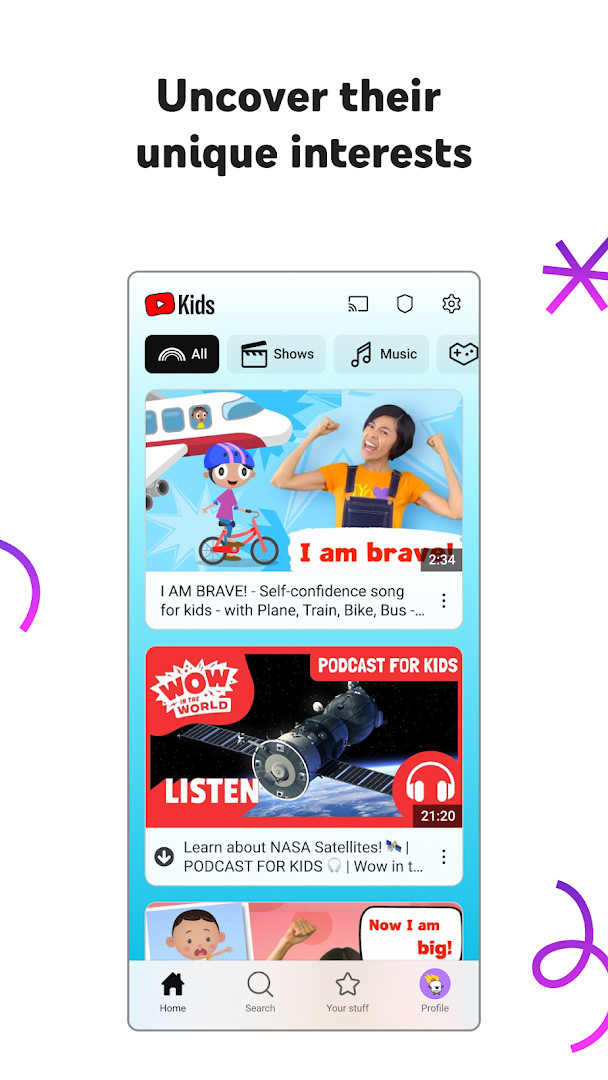
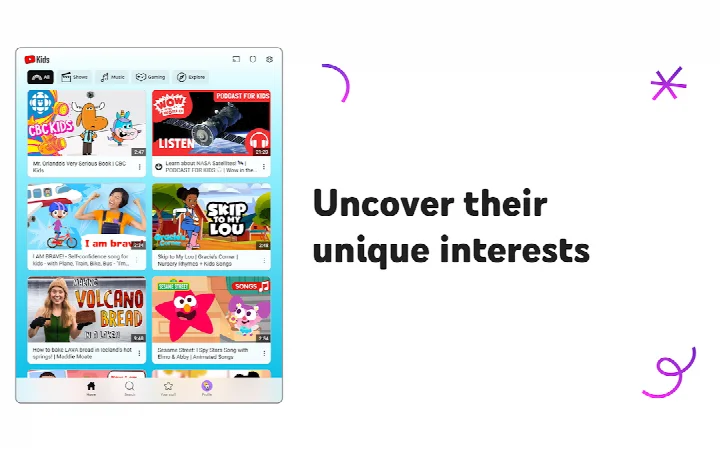
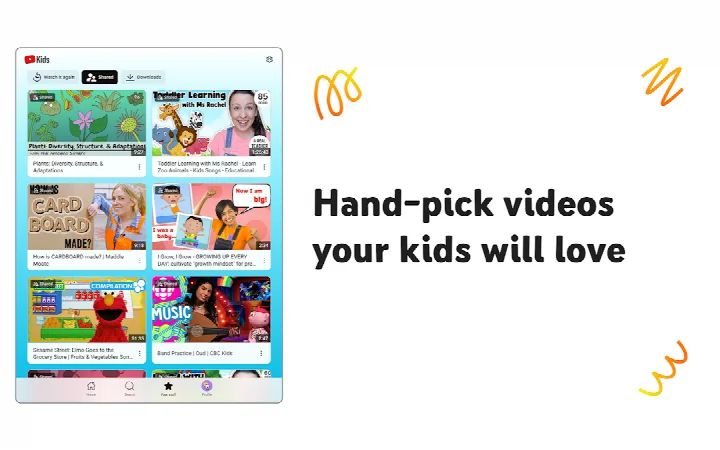
At its core, YouTube Kids helps kids discover content that matches their age and interests. Parents can choose from Preschool, Younger, or Older modes, or switch to an Approved Content Only setting that limits viewing to hand-picked videos and channels. This flexibility means the app can grow alongside a child, starting with ABCs and nursery rhymes and gradually opening up to music, gaming, and DIY crafts.
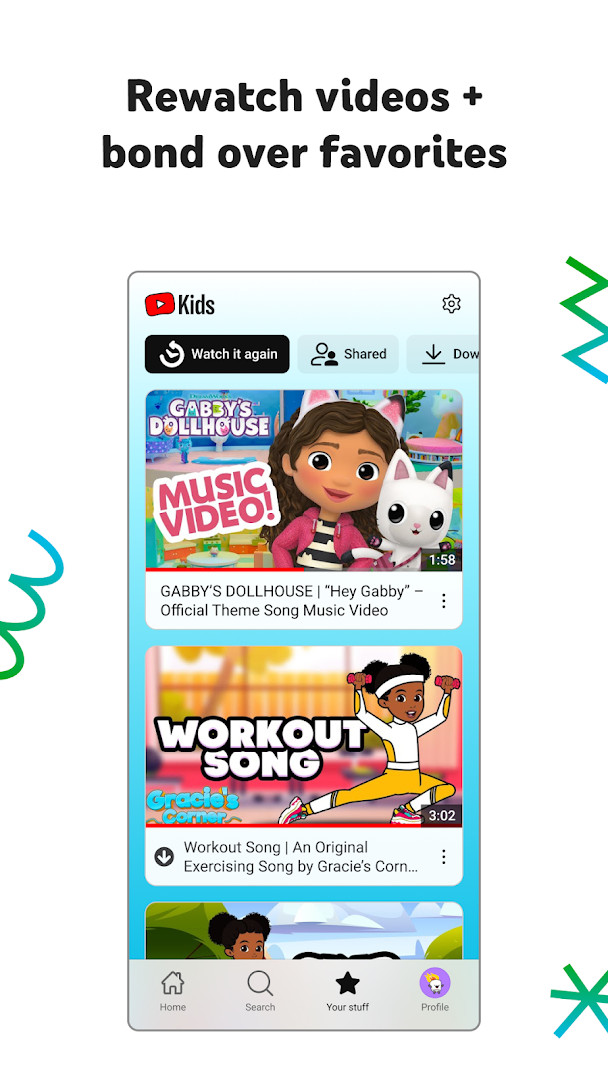
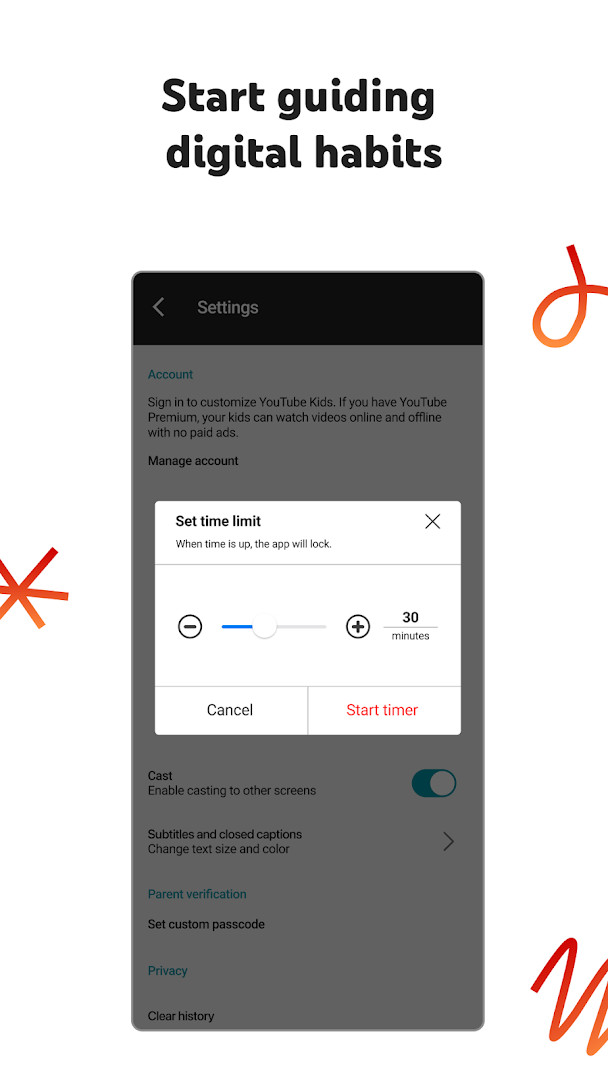
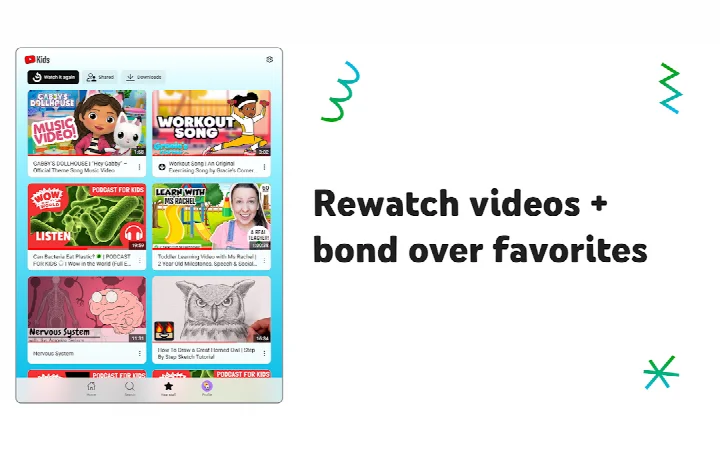
The experience is shaped by parental controls that let caregivers set screen-time limits, block specific videos or channels, and review watch history. A Watch it Again tab keeps favorite clips close at hand, while a built-in timer encourages breaks. Because every family is different, the app also makes it easy to flag content for review if something doesn’t feel right.
With over 500 million installs and a long history dating back to its initial release in 2015, YouTube Kids has become a familiar tool for many households. It requires a device running Android 7.0 or newer and takes up about 76 MB of storage. The app is free, includes commercial content from YouTube creators, and works with or without a Google Account, though signing in unlocks additional Family Link privacy options.
Key features
- Preschool, Younger, Older, and Approved Content Only modes that adjust what children can watch as they grow.
- A Watch it Again tab that makes it easy to jump back to recently played or shared videos.
- Parental Controls to manage content, block videos or channels, and flag material for review.
- Built-in Timer to set screen-time limits and gently pause the app when time is up.
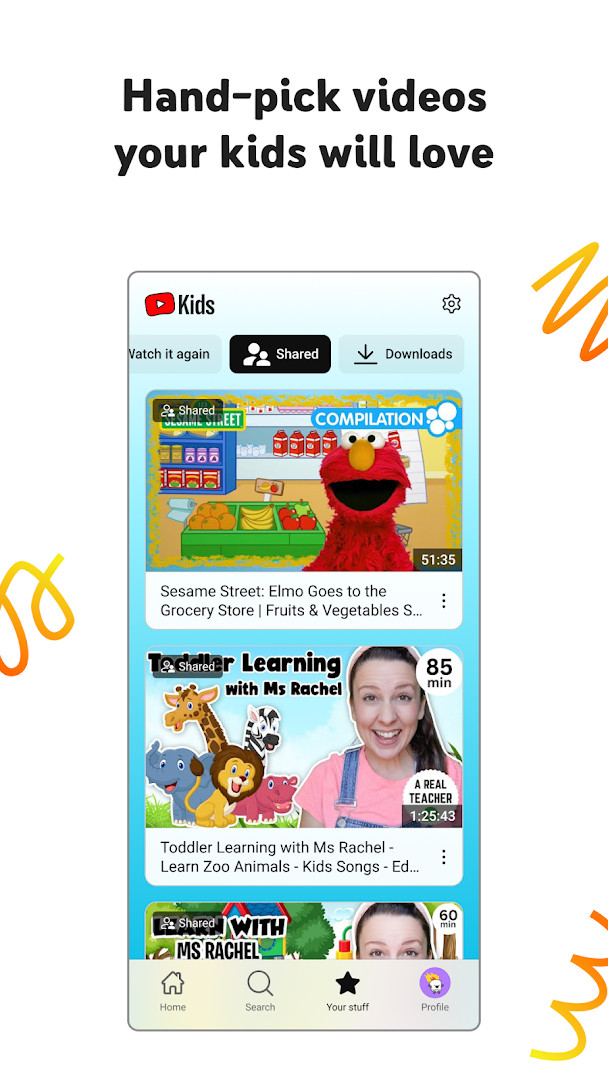
- Custom content filters per child profile, letting you hand-pick the videos and collections each child sees.
- Family Link integration for Google Accounts, helping parents manage privacy and settings.
How to install
- Tap the download button on this page to get the YouTube Kids APK file (76 MB).
- When your Android device asks, allow your browser or file manager to install apps by enabling the “Install unknown apps” setting.
- Open the downloaded APK file from your notifications or file manager.
- Tap Install and wait a few moments while the package is processed.
- Once installation completes, tap Open to launch YouTube Kids and begin the parental setup.
Pros
- Tailored content modes that adapt to a child’s age and maturity level.
- Straightforward parental controls, including a timer and per-profile content filters.
- Large library of kid-friendly videos, from educational songs to creative crafts.
- Free to use with no in-app purchases required.
- Regularly updated; the most recent version arrived in October 2026 with stability improvements.
- Works on most modern devices thanks to the Android 7.0 minimum requirement.
Cons
- Includes commercial content from YouTube creators, which may still feel like ads to young viewers.
- Requires active parental setup and ongoing monitoring to fully match a family’s standards.
- Some permissions, such as microphone and identity access, may concern privacy-conscious users.
- The app’s large install footprint (76 MB) can be a hurdle on devices with limited storage.
Latest changes
The latest YouTube Kids update, version 5.22.4 from October 12, 2026, focuses on under-the-hood enhancements. It includes bug fixes and stability improvements to deliver a smoother experience for young viewers.
Older versions
| Version | Size | Requires Android | Updated |
|---|---|---|---|
| 5.22.4 | 55 MB | 4.2 | Oct 13, 2026 |
| 11.38.481 | 76 MB | 7.0 | Sep 25, 2026 |
YouTube Kids is designed for families with children who are ready to explore online video in a guided environment. It suits parents and caregivers who want to introduce digital content gradually, from toddlers learning their first words to pre-teens interested in gaming and music, while keeping control over what is watched and for how long.
Take a few minutes to set up individual profiles for each child; the Approved Content Only mode is especially useful for younger kids. Use the Timer feature to create natural stopping points, and regularly check the Watch it Again tab together to see what your children are enjoying.
Permissions
FAQ
Is YouTube Kids free to download?
Yes, YouTube Kids is free to download and use. There are no in-app purchases, though the app may display ads.
What Android version do I need?
YouTube Kids requires Android 7.0 or higher. The app has a file size of about 76 MB.
Do I need a Google account to use the app?
Parental setup is required for the best experience, and you can sign in with a Google account. However, children can also use the app without signing in, in which case the YouTube Kids Privacy Notice applies.
What permissions does YouTube Kids request?
The app requests access to identity, contacts, photos/media/files, storage, microphone, and Wi-Fi connection information. These permissions are used to support app functionality and features.
How do I update YouTube Kids?
To update, simply download the latest version from this page. The most recent version listed is 11.38.481, released on September 25, 2026.
Does YouTube Kids contain ads?
Yes, the app includes ads. Kids may see commercial content from YouTube creators that are not paid advertisements.
YouTube Kids delivers a carefully curated video experience that puts parents in the driver’s seat. By combining flexible content settings, screen-time management, and easy reporting tools, it helps families balance entertainment with peace of mind. For anyone raising young explorers in a digital age, it is a practical starting point.
Similar apps






More from this developer






Updated: Oct 15, 2026