
Google Fit: Activity Tracking: Health & Fitness Tracker
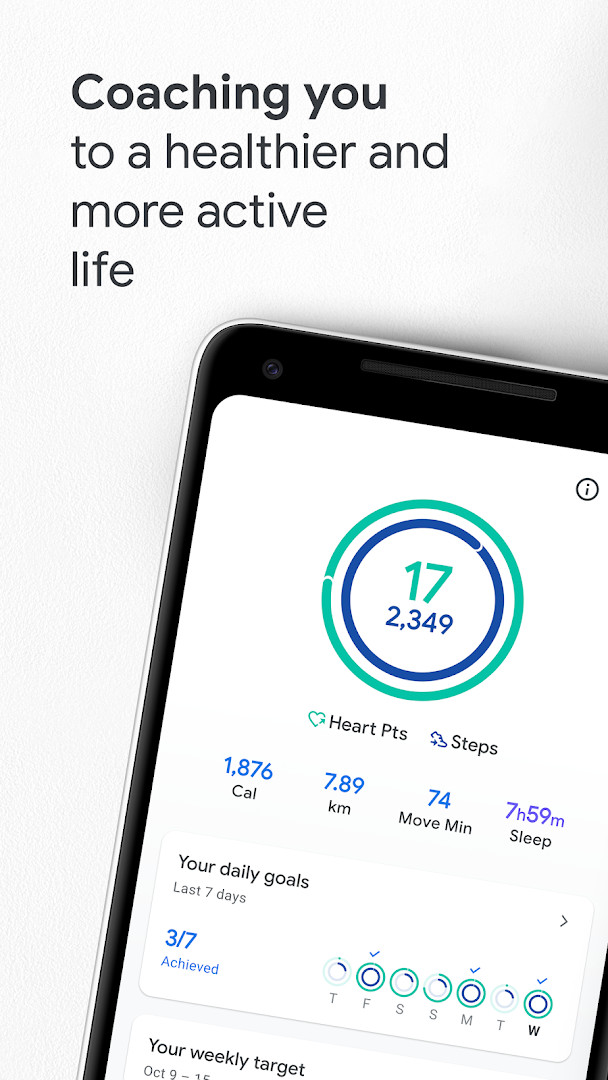
Google Fit: Activity Tracking is a health and fitness app by Google LLC that uses Heart Points and phone or watch sensors to monitor workouts and daily movement.
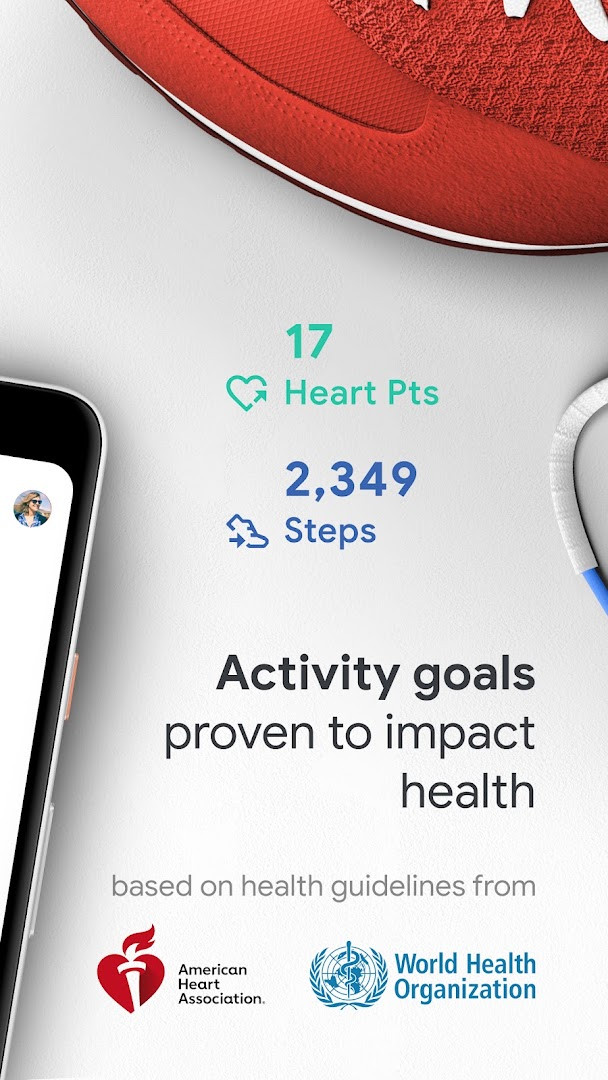
Download FreeGoogle Fit: Activity Tracking helps you meet physical activity goals recommended by the WHO and AHA through Heart Points, earned by moderate and intense exercise. The app, freely available and requiring Android 6.0 or later, has a download size of 31 MB.
Screenshots
- Size
- 31 MB
- Requires Android
- 6.0
- Updated
- Oct 21, 2026
- Installs
- 100M+
- Rating
- ★ 3.46 (687,066)
- Category
- Health & Fitness
- Developer
- Google LLC
- Content rating
- Everyone
- Package
- com.google.android.apps.fitness
- Free
- ✓
Google Fit: Activity Tracking is a health and fitness app by Google LLC that helps you monitor daily movement, workouts, and heart-healthy activity. Many people struggle to know how much exercise they actually need, so the app translates everyday movement into clear goals using Heart Points, developed in collaboration with the World Health Organization and the American Heart Association. It automatically records walks, runs, and bike rides, lets you log other workouts, and pulls in data from connected apps and wearables to give a fuller picture of your health.
Key features
- Tracks runs, walks, and bike rides using phone sensors or a Wear OS smartwatch, showing real-time stats such as speed, pace, and route.
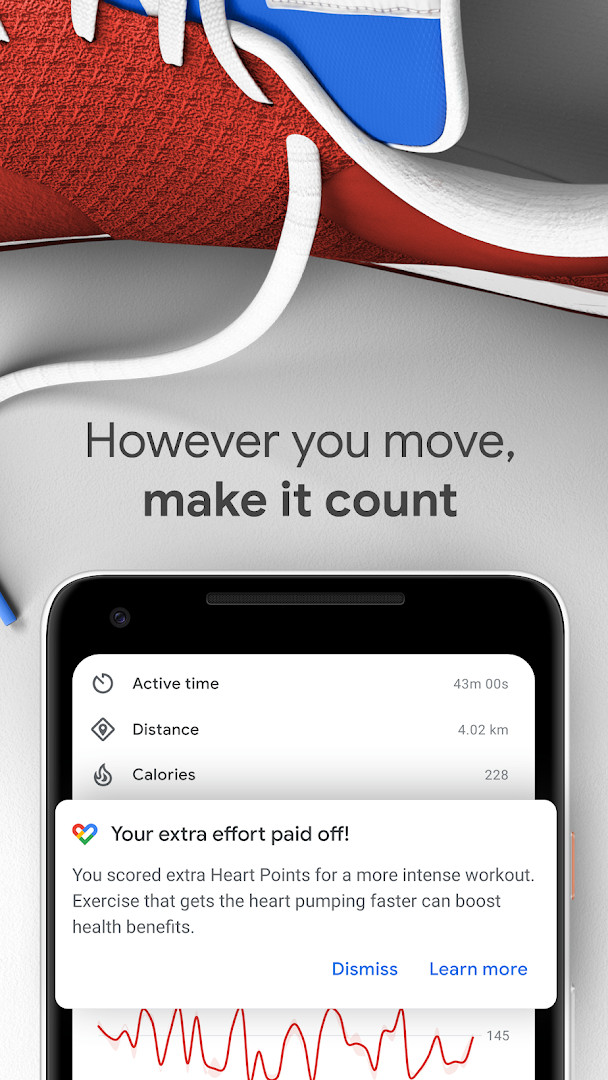
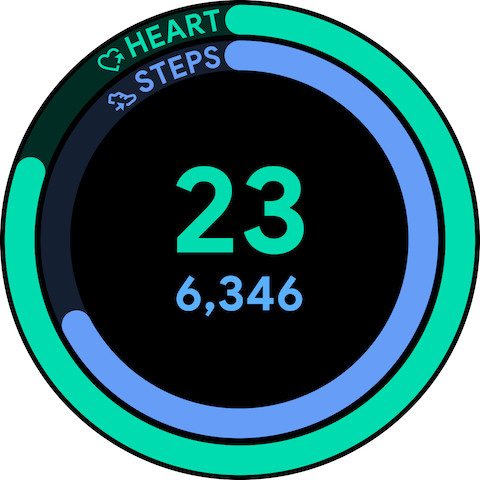
- Earns Heart Points for moderate and intense activity, with one point per minute of moderate movement and double points for more vigorous exercise.
- Automatically detects walking, running, and biking throughout the day and adds them to your activity journal.
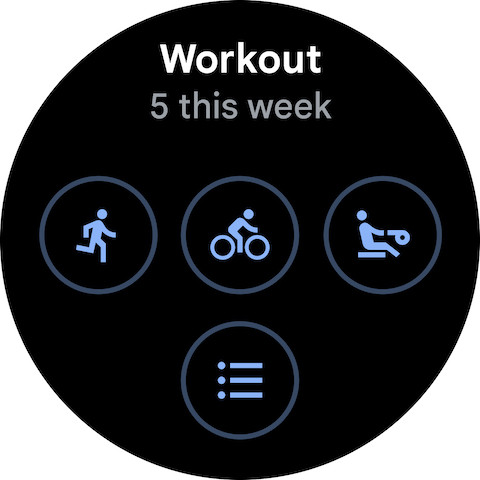
- Lets you select other workout types, including pilates, rowing, and spinning, to log Heart Points.
- Offers paced walking workouts that help you match a rhythm and increase intensity.
- Connects with third-party apps and devices such as Strava, MyFitnessPal, Runkeeper, Withings, Sleep as Android, and Xiaomi Mi bands for a broader health view.
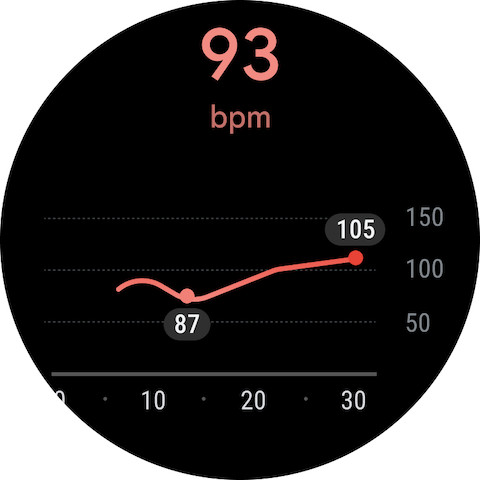
- Measures heart rate and respiratory rate using the phone camera on selected devices.
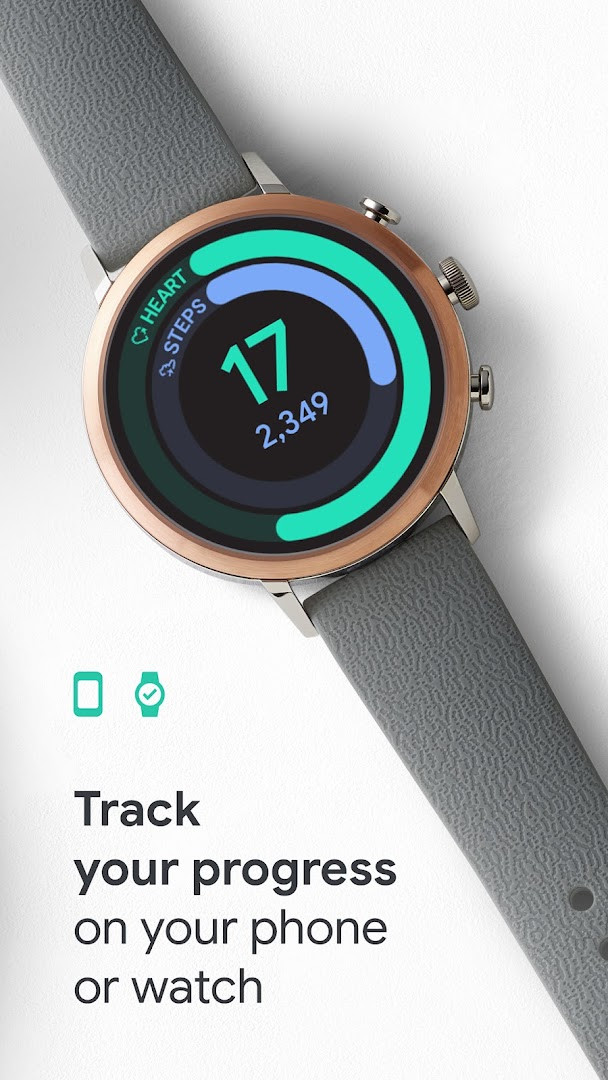
- Provides home screen widgets for Android phones and tiles or complications for Wear OS smartwatches to view daily stats at a glance.
How to install
- Tap the download button on this page to get the Google Fit: Activity Tracking installation file, which is about 31 MB.
- When Android asks, allow your browser or file manager to install apps by enabling the "Install unknown apps" setting.
- Open the downloaded APK file from your notifications or file manager.
- Tap Install and wait for the process to finish.
- Open the app and sign in with your Google account to start tracking activities. Your device needs Android 6.0 or later.
Pros
- Free to use with no ads or in-app purchases.
- Heart Points system is based on recommendations from the WHO and AHA, making goals feel meaningful.
- Automatic activity detection means you get credit for movement without needing to start a workout manually.
- Works with a wide range of third-party apps and devices, including Strava, MyFitnessPal, Withings, and Xiaomi Mi bands.
- Can measure heart rate and respiratory rate with just the phone camera on selected devices.
- Widgets and Wear OS tiles make it easy to check progress without opening the app.
Cons
- Requests several permissions, including identity, contacts, location, photos/media/files, storage, camera, and wearable sensors/activity data, which may feel excessive for a basic step counter.
- The interface can feel less detailed than dedicated running or cycling apps for advanced workout analysis.
- Automatic activity detection may occasionally miss short or very light movements, requiring manual logging.
- Heart Points and step goals are useful, but the app does not provide structured coaching or training plans.
- The large install base means the experience can vary depending on phone sensors and connected devices.
Latest changes
This update lets you measure your heart rate and respiratory rate using just your phone's camera on supported devices. You can also turn up the tempo of your walks with paced walking in Workouts, and find all your health and wellness data in the new Browse tab. Along with these additions, the update includes minor bug fixes and UI improvements.
Older versions
| Version | Size | Requires Android | Updated |
|---|---|---|---|
| 2023.04.13.00.arm64-v8a.release | 31 MB | 6.0 | Oct 5, 2026 |
Google Fit: Activity Tracking is best for casual users and health-conscious individuals who want a simple, free way to see how active they are each day. It suits people who already use other fitness apps or wearables and want one place to combine that data, as well as anyone motivated by the WHO and AHA Heart Points framework rather than detailed training metrics.
Set a realistic first goal and let automatic tracking run for a few days before adjusting it. If you use a Wear OS watch, wear it during daily walks to improve the accuracy of heart rate and activity detection. For paced walking workouts, use headphones so you can step to the beat without missing the tempo.
Permissions
FAQ
Is this app free?
Yes, Google Fit: Activity Tracking is free to download and use. It does not show ads or offer in-app purchases.
Which Android version do I need?
The app requires Android 6.0 or newer to run.
How large is the file?
The download file is about 31 MB in size.
Do I need an account to use it?
Yes, you will need to sign in with a Google account to use the app and sync your activity data.
What permissions does it request?
The app may ask for access to identity, contacts, location, photos and media files, storage, camera, and wearable sensors or activity data.
How do I update the app?
To update, simply download and install the latest version from this page. The most recent update is dated October 1, 2026.
Google Fit: Activity Tracking remains a practical starting point for anyone who wants a straightforward record of daily movement and heart-focused goals without extra costs. While it may not satisfy users who need deep training analytics or minimal permission requests, its broad device support and automatic tracking make it a dependable everyday companion.
Similar apps







More from this developer






Updated: Oct 22, 2026