Google Docs – Online Document Editor
Google Docs is a free productivity app by Google LLC that lets you create, edit, and collaborate on documents.
Get AppGoogle Docs has no in-app purchases or ads. The app requires Android and works with Identity, Contacts, and Storage permissions. It is suited for students, professionals, and teams who need to draft and share text documents on the go.
Screenshots
- Size
- 93 MB
- Requires Android
- 7.0
- Updated
- Oct 12, 2026
- Installs
- 1B+
- Rating
- ★ 4.72 (2,926,717)
- Category
- Productivity
- Developer
- Google LLC
- Content rating
- Everyone
- Package
- com.google.android.apps.docs.editors.docs
- Free
- ✓
Google Docs is a productivity application by Google LLC that lets you create, edit, and collaborate on documents directly from your Android device. As part of the Google Workspace suite, it brings the familiar word-processing experience to your phone or tablet, enabling you to work on the go without needing a desktop computer. The app is free to download and use, with no ads or in-app purchases, and it has been available since April 2014, with a recent update on October 12, 2026, that included bug fixes and performance improvements.
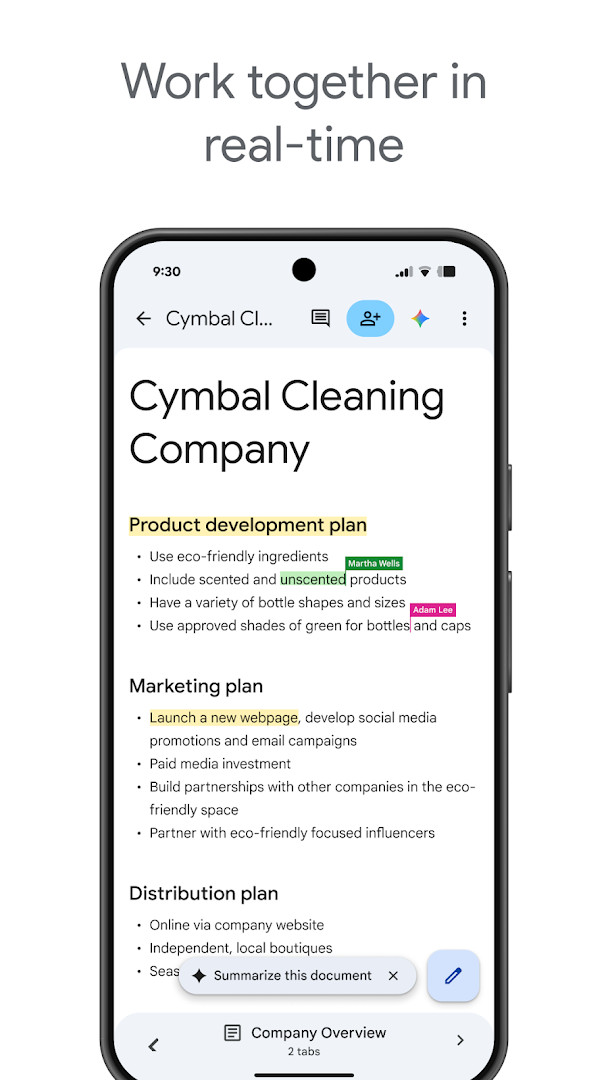
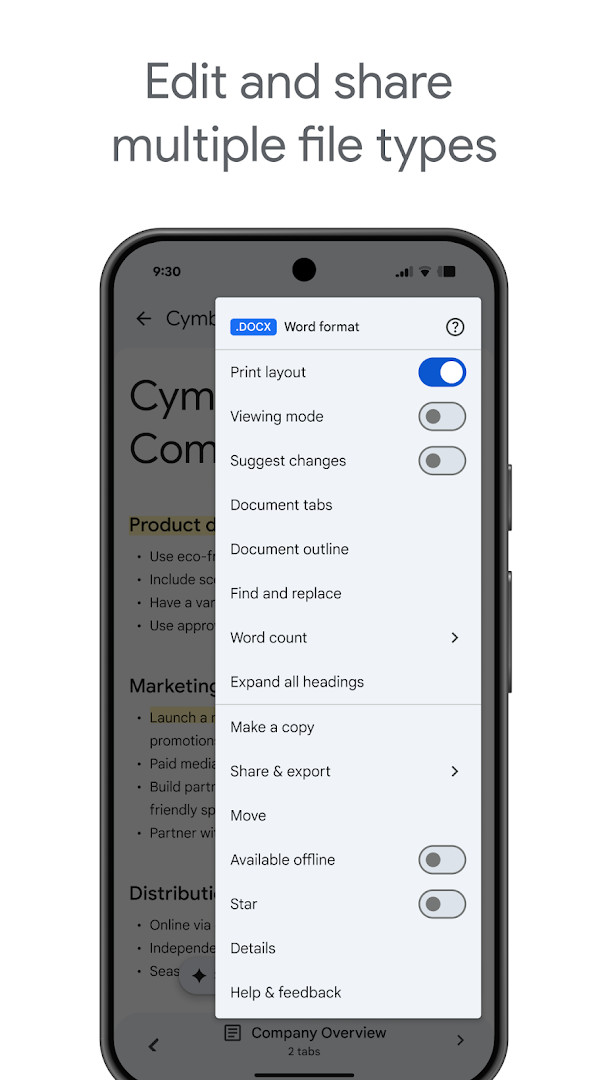
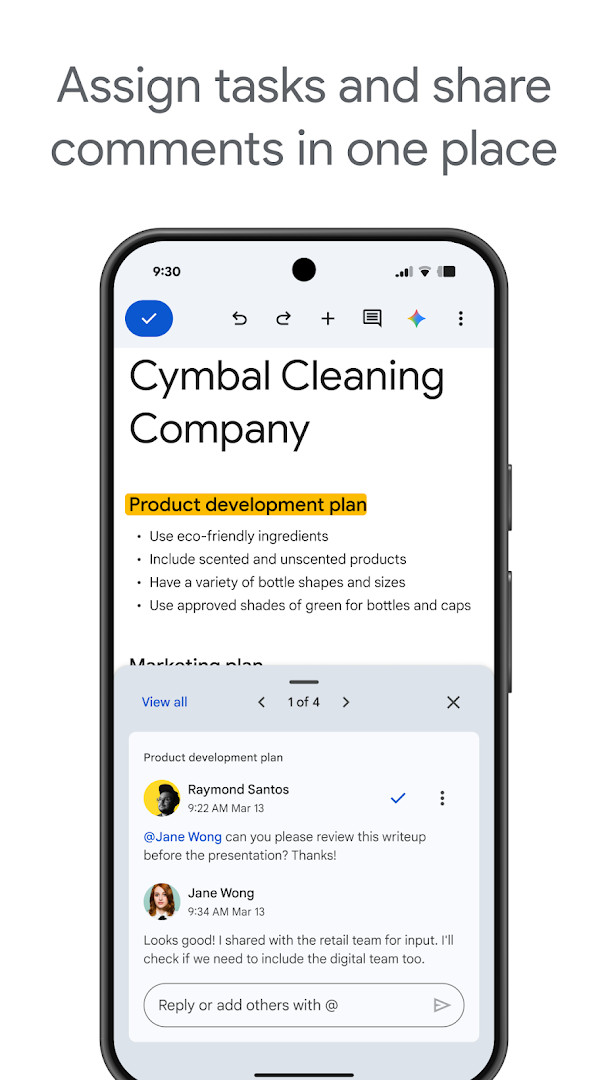
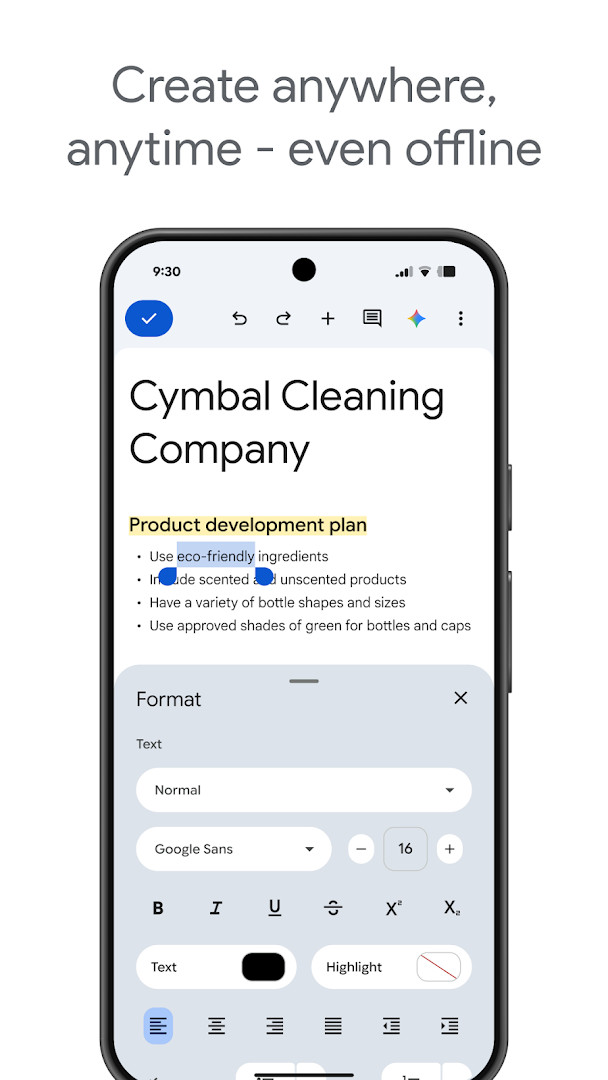
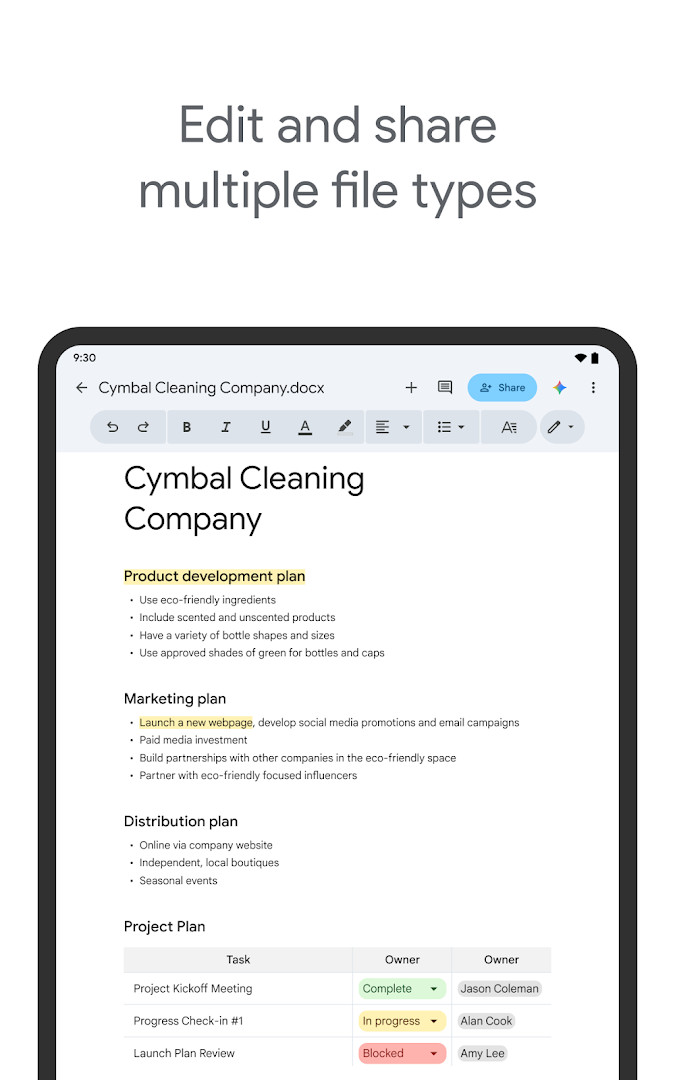
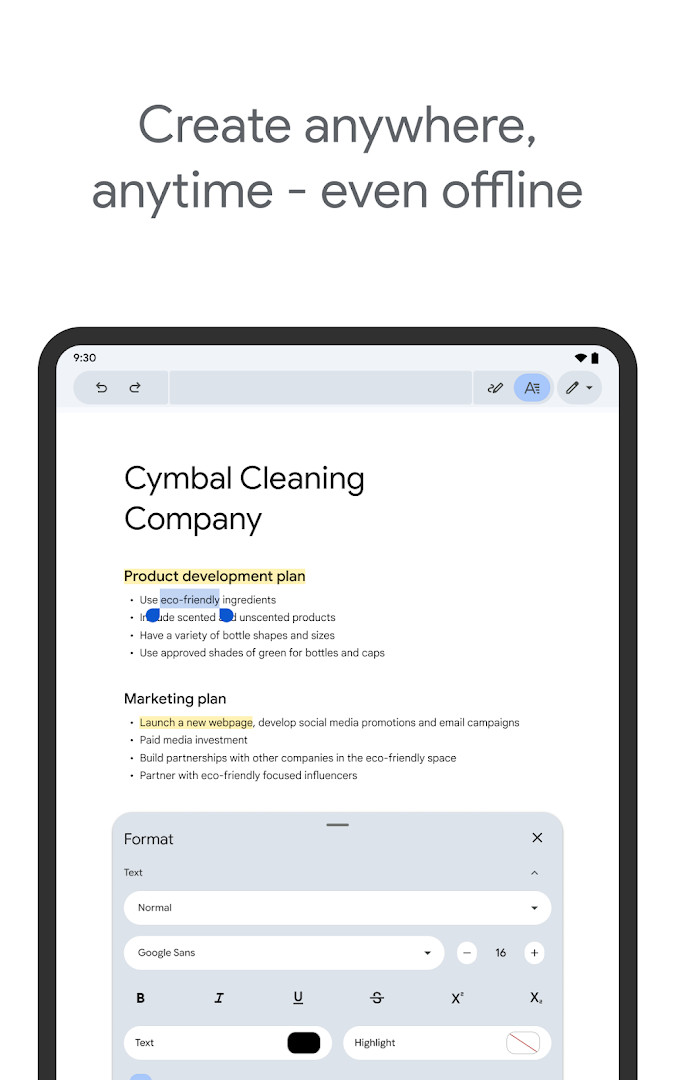
With this app, you can share documents with your team and work together in real time, adding comments, suggestions, and action items as you go. The offline mode lets you capture ideas and continue editing even when you have no internet connection, and a variety of templates help you start projects quickly with a polished look. You can also open and edit Microsoft Word files directly, making it easy to collaborate with people who use other office software, and you can convert and export files seamlessly between formats.
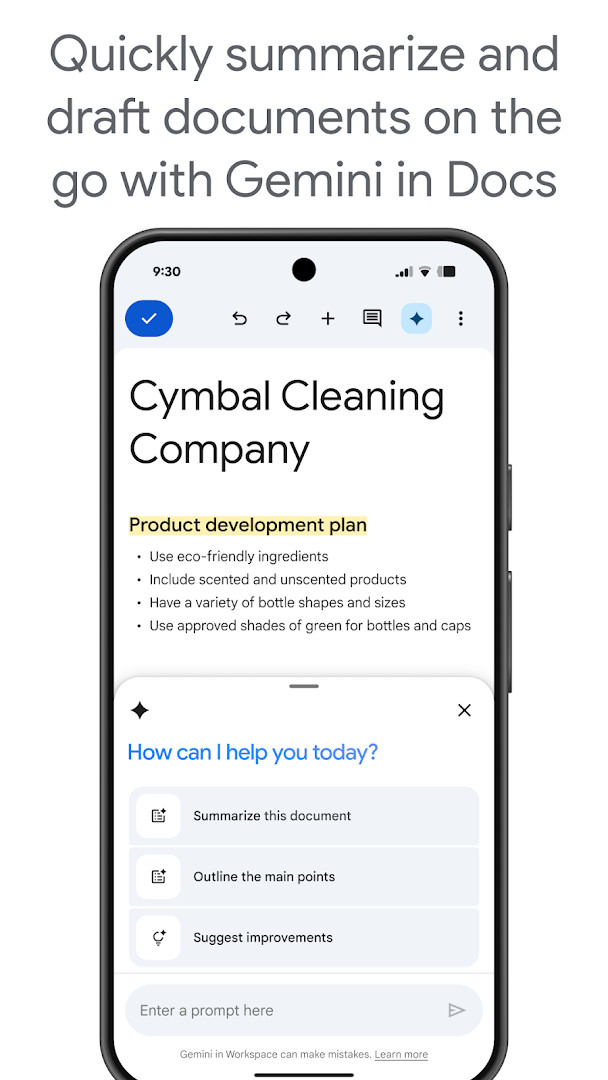
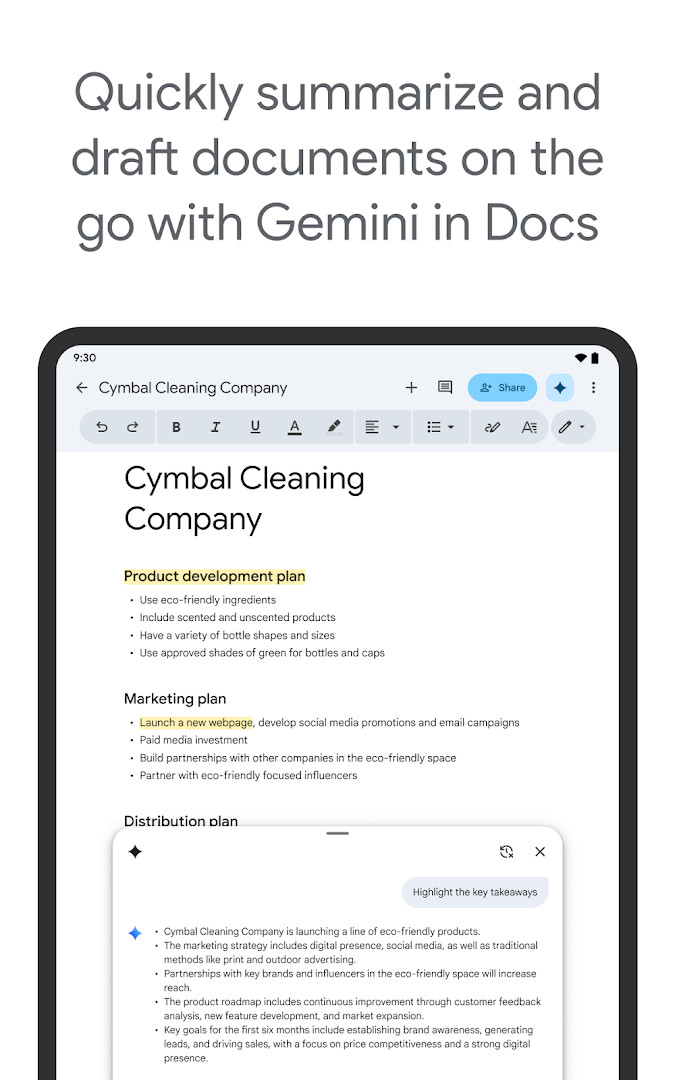
Privacy and permissions are worth noting. The app requests access to your identity, contacts, photos and media, storage, microphone, and Wi-Fi connection information. These permissions are used to support features like attaching files, voice typing, and sharing documents, but you should review them to understand what data the app can access. The app is rated for everyone and is part of Google Workspace, where paid subscribers get extra AI-powered features like Gemini in Docs for drafting and editing content.
Key features
- Real-time collaboration: share documents and edit, comment, or assign action items together
- Offline mode: create and edit documents without an internet connection
- Template gallery: choose from easy-to-use templates to save time and add polish
- Microsoft Word compatibility: open, edit, and convert Word files directly in the app
- Seamless export and conversion: share documents in multiple formats
- Voice typing via microphone permission for hands-free dictation
- AI-powered suggestions and Gemini integration for paid Google Workspace subscribers
How to install
- Tap the download button on this page to get the APK file for Google Docs.
- When Android prompts you, allow your browser or file manager to install apps by enabling the 'Install unknown apps' setting.
- Open the downloaded APK file from your notifications or file manager.
- Tap Install and wait for the installation to complete.
- Open the app and sign in with your Google account to start using Google Docs.
Pros
- Free to use with no ads or in-app purchases
- Real-time collaboration with team members
- Offline editing capability for on-the-go productivity
- Compatible with Microsoft Word files
- Regular updates with bug fixes and improvements
Cons
- Requires multiple permissions, including contacts and microphone
- AI features are only available for paid Google Workspace subscribers
- May need a Google account to fully use all features
Latest changes
Bug fixes and performance improvements.
Older versions
| Version | Size | Requires Android | Updated |
|---|---|---|---|
| 1.23.082.06.90 | 93 MB | 7.0 | Jun 18, 2025 |
This app is ideal for students who need to write essays and collaborate on group projects, professionals who want to edit documents on the move, and anyone who frequently shares files with others using different office software.
To save data and work without interruptions, enable offline mode in the app settings before you lose connectivity, so you can continue editing and sync changes later.
Permissions
FAQ
Is Google Docs free to download and use?
Yes, the app is free to download and use. There are no in-app purchases or ads, though some advanced features are available to Google Workspace paid subscribers.
What Android version do I need to run Google Docs?
The app is compatible with Android devices, but the specific minimum Android version is not listed in the available data.
How large is the Google Docs APK file?
The file size is not specified in the available information.
Do I need a Google account to use Google Docs?
Yes, a Google account is required to sign in and use the app, as it is part of Google Workspace and stores your documents in the cloud.
What permissions does Google Docs request?
The app requests access to Identity, Contacts, Photos/Media/Files, Storage, Microphone, and Wi-Fi connection information. These are used for features like attaching files, voice input, and connectivity.
How do I update Google Docs?
To update, simply download the latest version from this page and install it, replacing the previous version. The app also receives periodic updates with bug fixes and performance improvements.
Google Docs is a robust, free productivity tool that excels at collaboration and cross-platform compatibility. While it asks for a broad set of permissions, these are typical for an office suite, and the offline mode and real-time editing make it a strong choice for Android users. Overall, it delivers a reliable and feature-rich document editing experience that is hard to beat.
Similar apps








More from this developer




Updated: Oct 15, 2026