Voice Recorder: Audio Recording Tool
Voice Recorder is a Tools app by Samsung Electronics Co., Ltd. that records high-quality sound on Galaxy devices.
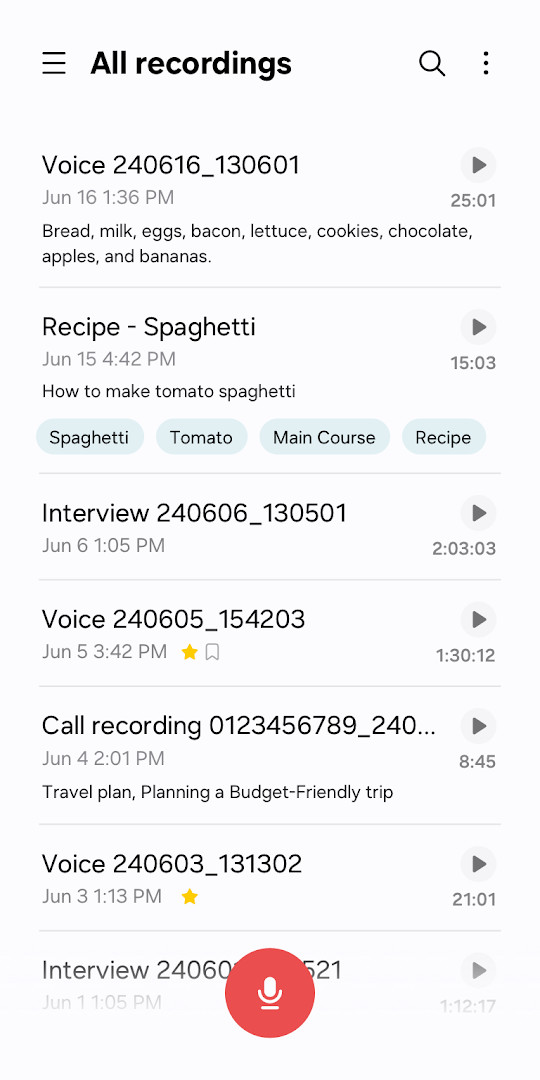
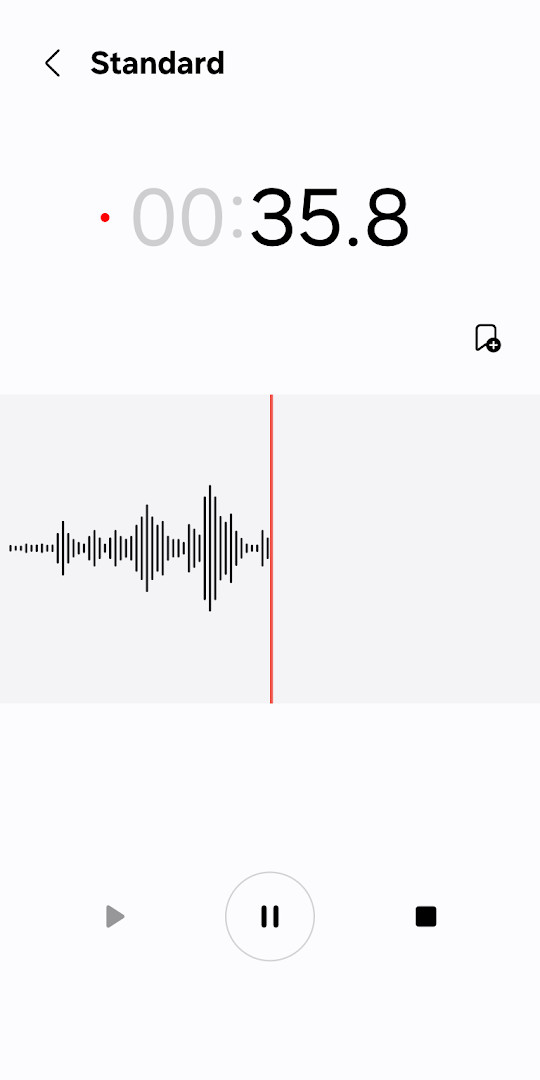
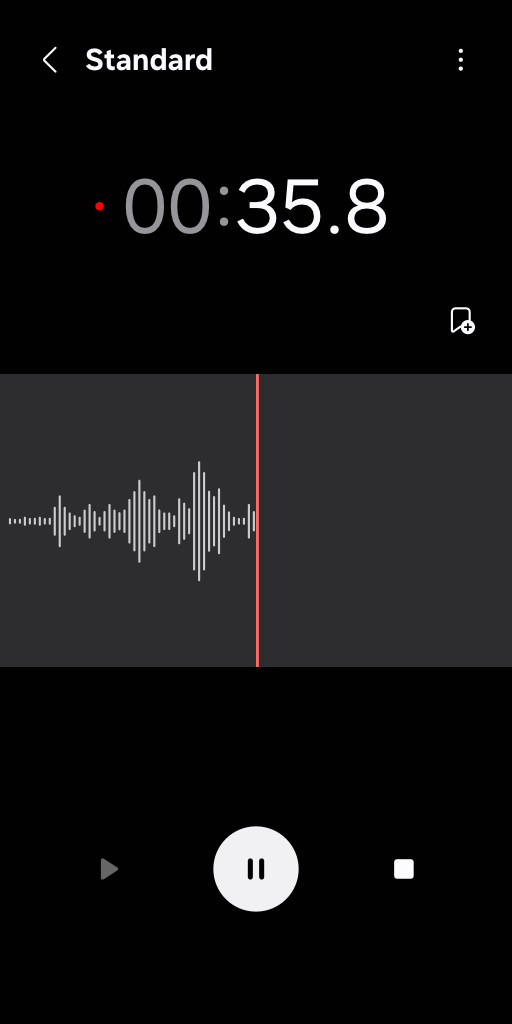
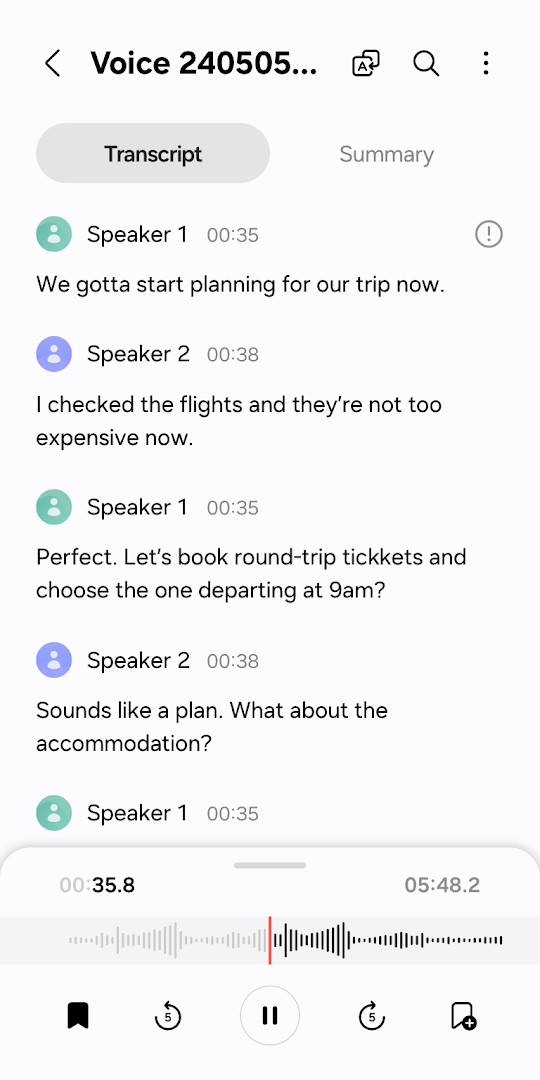
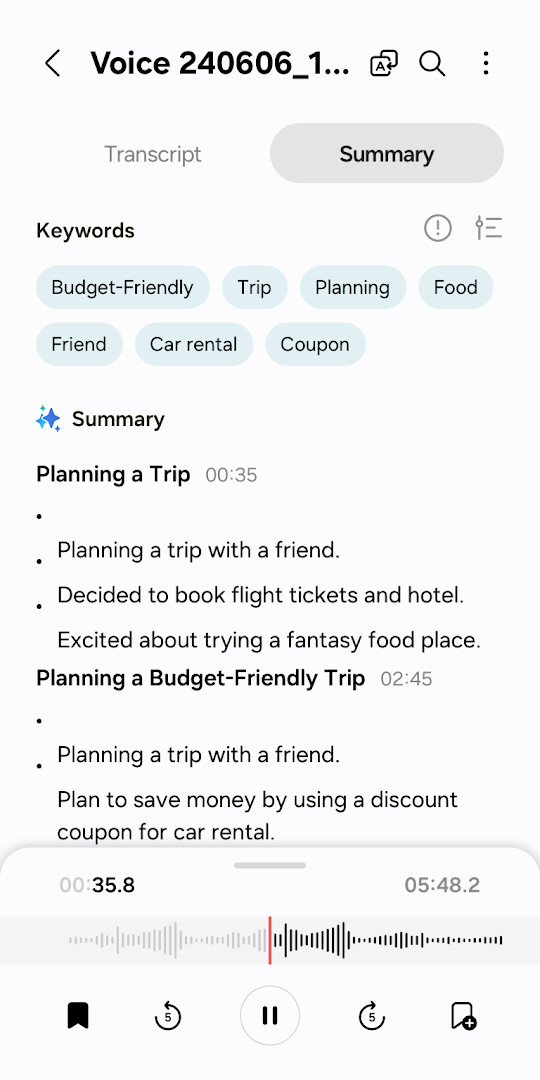
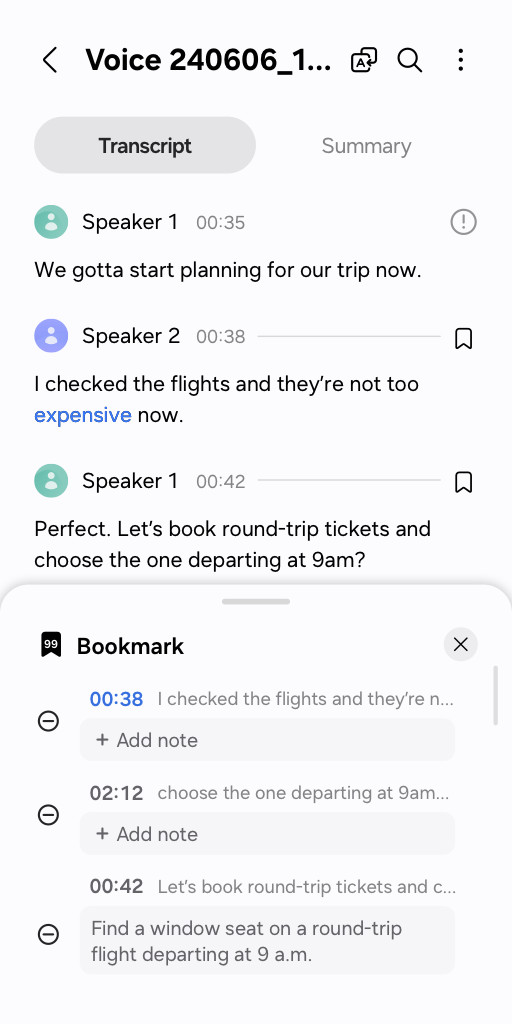
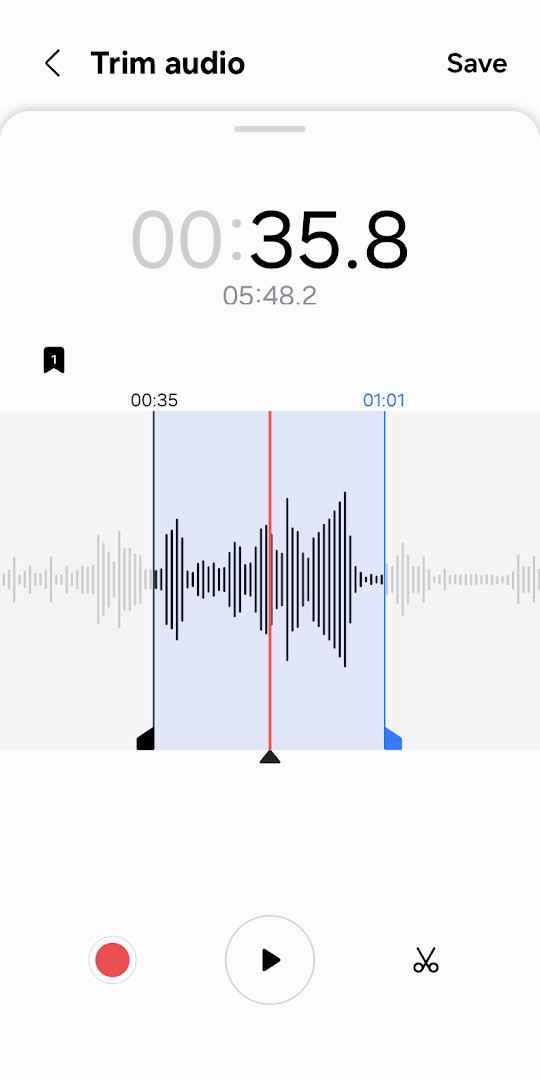
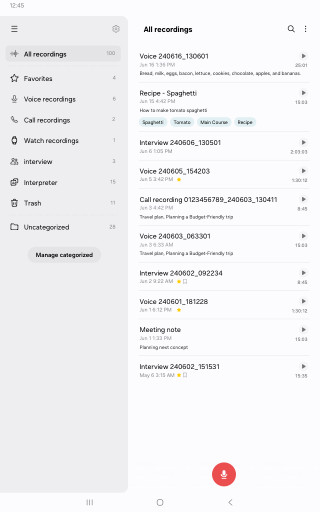
Download AppVoice Recorder offers dedicated modes for general recording and interviews, with waveforms for each voice and bookmarking of important moments. It is designed for Samsung Galaxy users who need quick recording from phones, tablets, or watches, and includes options to block calls and share selected audio or transcribed text.
Screenshots
- Size
- 49 MB
- Requires Android
- 15
- Updated
- Aug 27, 2025
- Installs
- 1B+
- Rating
- ★ 3.99 (294,255)
- Category
- Tools
- Developer
- Samsung Electronics Co., Ltd.
- Content rating
- Everyone
- Package
- com.sec.android.app.voicenote
- Free
- ✓
Voice Recorder is a utility tool by Samsung Electronics Co., Ltd. that captures high-quality audio on Galaxy devices. The app addresses the need for a versatile and organized recording solution, moving beyond simple voice memos. It solves the problem of managing different recording scenarios by offering tailored modes, such as a General mode for straightforward capture and an Interview mode that independently records from the top and bottom microphones. Beyond basic recording, it integrates a transcription editing feature and allows for selective sharing, turning raw audio into actionable, shareable content without requiring additional software.
Key features
- Offers multiple recording modes, including a standard mode with audio waveforms and an Interview mode that captures from the top and bottom microphones separately.
- Allows you to bookmark specific moments during a recording for quick retrieval and playback of important snippets.
- Enables continuous recording while ignoring incoming calls, so interviews or meetings are not interrupted.
- Provides the ability to edit transcribed text directly within the app and share selected portions of audio or text.
- Supports recording via the built-in microphone, a Bluetooth headset, or a compatible external microphone.
- Manages saved files efficiently, letting you organize and share recordings with other applications.
How to install
- Tap the download button on this page to get the APK file, which is about 49 MB in size.
- When prompted by Android, allow your browser or file manager to install apps by enabling the "Install unknown apps" setting.
- Open the downloaded APK file from your notifications or file manager.
- Tap the "Install" button and wait for the process to complete.
- Open the app. It requires a device running Android 15 or later.
Pros
- Completely free with no advertisements or in-app purchases to disrupt the experience.
- The Interview mode's dual-mic recording and independent playback is a standout feature for journalists and researchers.
- Seamless integration with the Samsung Galaxy ecosystem, including tablets and watches.
- Built-in transcription editing and selective sharing add significant post-recording utility.
- The ability to block calls during a session ensures uninterrupted recordings.
Cons
- Requires several permissions for full functionality, including access to contacts and call logs, which may concern privacy-focused users.
- Feature set can vary significantly depending on the specific Samsung device model.
- Designed specifically for Samsung Galaxy devices, potentially limiting compatibility or features on other Android phones.
Latest changes
Update to v21.5.73.01 for V OS introduced call blocking during recording, letting you continue without answering. It now supports sharing selected audio or transcribed text snippets. New bookmark collection feature allows playing back only bookmarked moments. Interview mode displays separate waveforms for top and bottom microphones, with individual playback. General mode added waveform visualization. Bluetooth headset and external mic recording are now supported. Permissions expanded to include contacts and call log for managing calls and importing recordings.
Older versions
| Version | Size | Requires Android | Updated |
|---|---|---|---|
| 21.5.91.30 | 49 MB | 15 | Sep 13, 2026 |
| 21.5.73.12 | 30 MB | 14 | Sep 7, 2026 |
| 21.5.90.68 | 50 MB | 15 | Jul 14, 2026 |
| 21.5.86.90 | 46 MB | 15 | May 22, 2026 |
| 21.4.51.51 | 11 MB | 9 | Nov 12, 2025 |
| 21.4.52.01 | 11 MB | 9 | Mar 17, 2025 |
This app is best suited for Samsung Galaxy device owners who need more than a basic voice memo tool. It's a strong fit for journalists, students, and professionals who conduct interviews or attend meetings and require features like multi-source recording, transcription editing, and the ability to bookmark and share specific audio clips. Anyone looking for a free, ad-free recording solution deeply integrated with their device will find it valuable.
For the cleanest Interview mode results, hold the phone horizontally with the top and bottom mics pointed toward each speaker. Experiment with the transcription editing feature after a meeting; it can save time by letting you quickly correct the text before sharing a summary.
Permissions
FAQ
Is this app free to use?
Yes, it is free. The app has no in-app purchases and no ads.
What Android version do I need?
The app requires Android 15 or newer.
How large is the file?
The download size is 49 MB.
Do I need to create an account?
No account is required. You can start using the recorder right after installation.
What permissions does the app ask for?
Required permissions include microphone access for recording and music/audio access for saving files. Optional permissions cover nearby devices, notifications, contacts, and call logs for features like Bluetooth recording and call blocking.
How do I update the app?
To update, download the new version from this page and install it over the existing app.
For Samsung users who want a clean, ad-free recording tool with editing and transcription capabilities, Voice Recorder is a solid default choice. Its tight integration with Galaxy devices and straightforward interface makes it a reliable utility, though those on other Android phones will need to look elsewhere.
Similar apps
 ClockSamsung Electronics Co., Ltd.3.9
 Samsung Smart Switch MobileSamsung Electronics Co., Ltd.3.9
 Galaxy WearableSamsung Electronics Co., Ltd.3.7
 Samsung MusicSamsung Electronics Co., Ltd.3.8
 SmartThingsSamsung Electronics Co., Ltd.4.6
 Digital WellbeingGoogle LLC3.6
 Speech Recognition & SynthesisGoogle LLC4.0
 Android Accessibility SuiteGoogle LLC4.1
More from this developer



Updated: Oct 16, 2026