Samsung Smart Switch Mobile: Data Transfer Tool
Samsung Smart Switch Mobile is a free tools app by Samsung Electronics Co., Ltd. that lets you move contacts, photos, messages, and other content to a new Galaxy device.
Get APK · v3.7.73.4Samsung Smart Switch Mobile requires Android 6.0 or higher and is free, with no ads or in-app purchases. The latest version is 3.7.73.4, updated on September 3, 2026, and the app has a rating of 3.92 from 535,845 reviews.
Screenshots
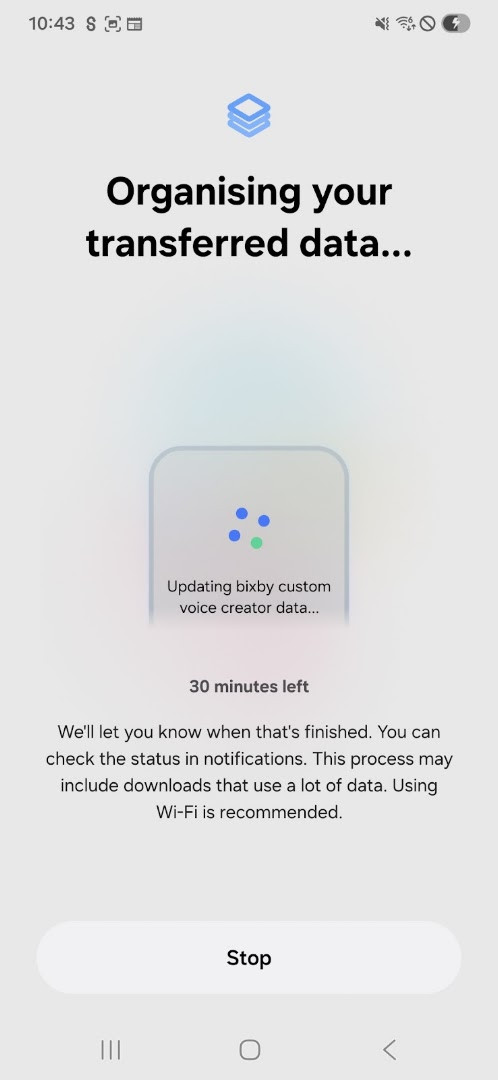
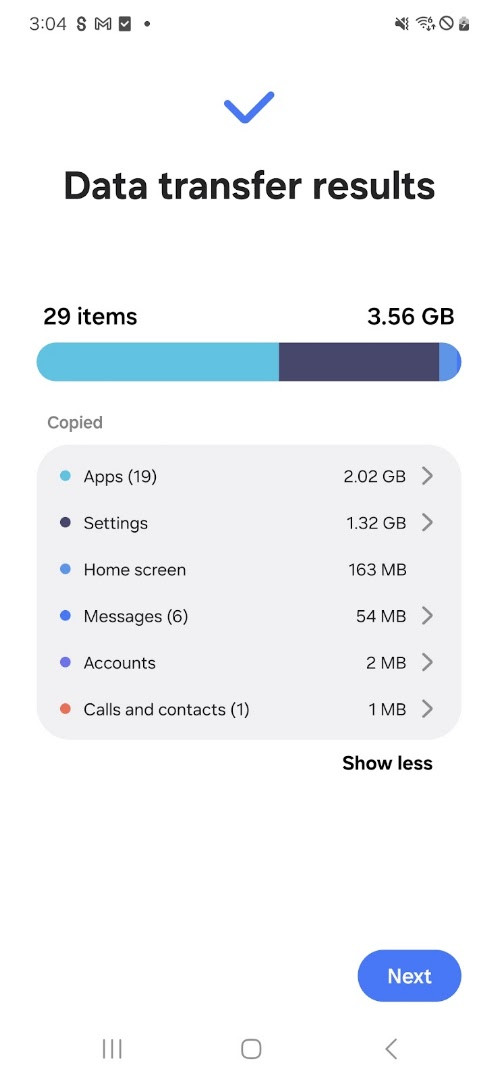
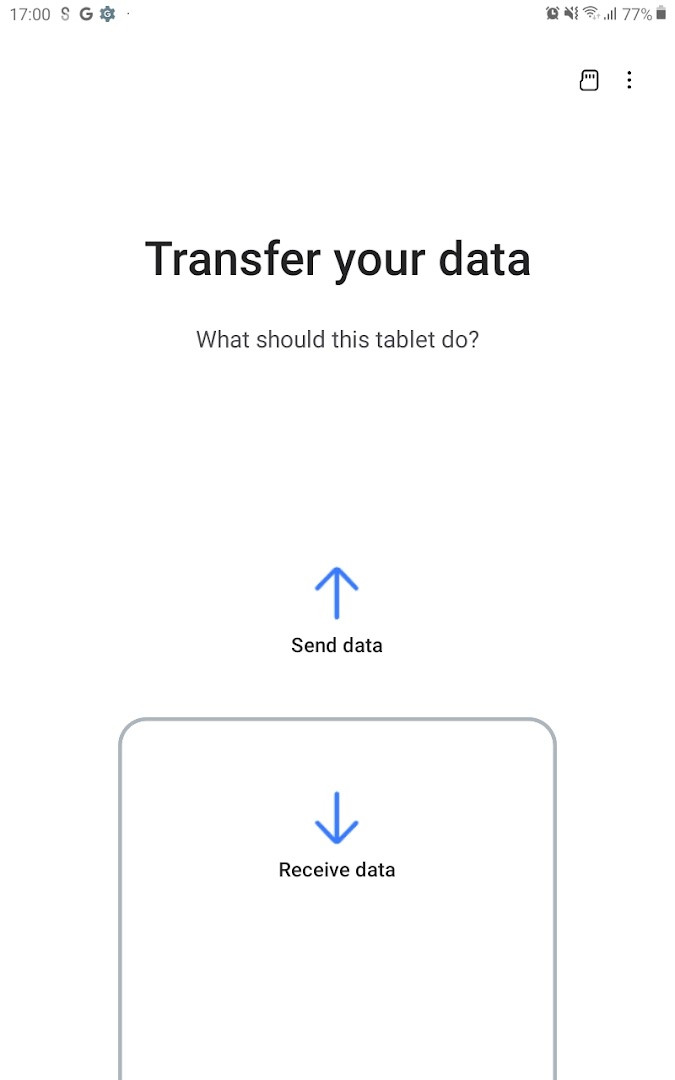
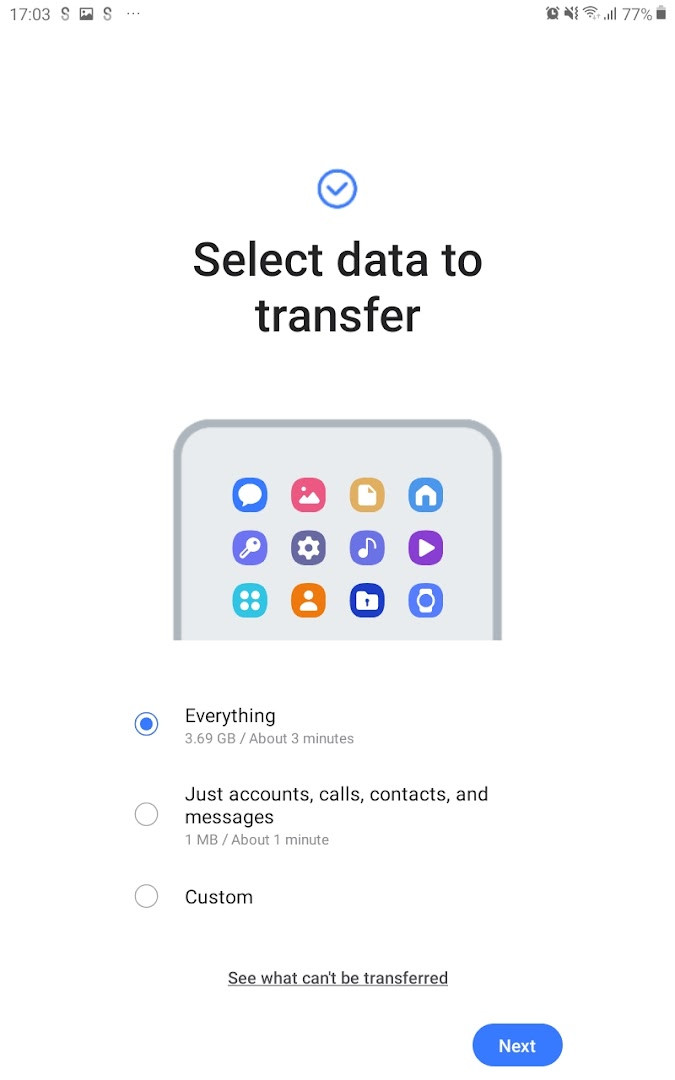
- Version
- 3.7.73.4
- Requires Android
- 6.0
- Updated
- Sep 3, 2026
- Installs
- 1B+
- Rating
- ★ 3.92 (535,845)
- Category
- Tools
- Developer
- Samsung Electronics Co., Ltd.
- Content rating
- Everyone
- Package
- com.sec.android.easyMover
- Free
- ✓
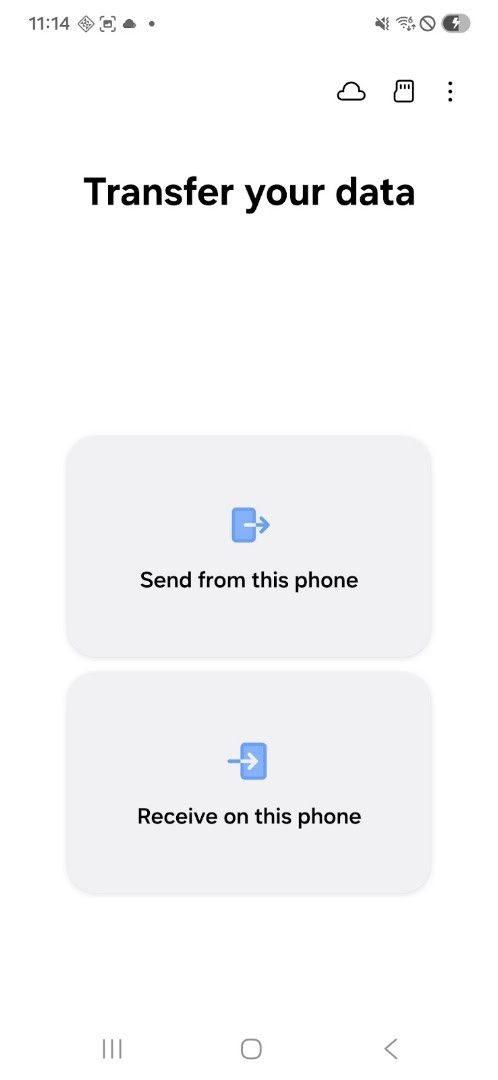
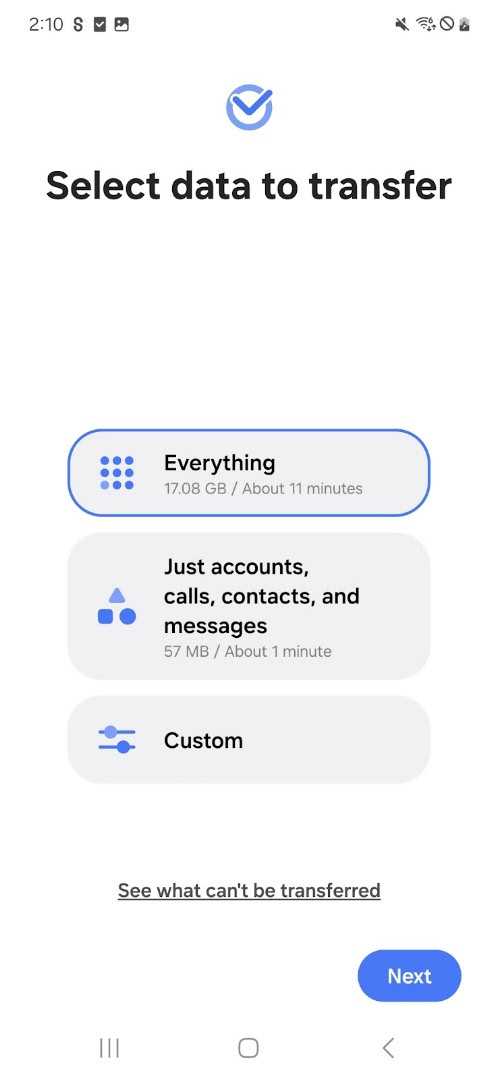
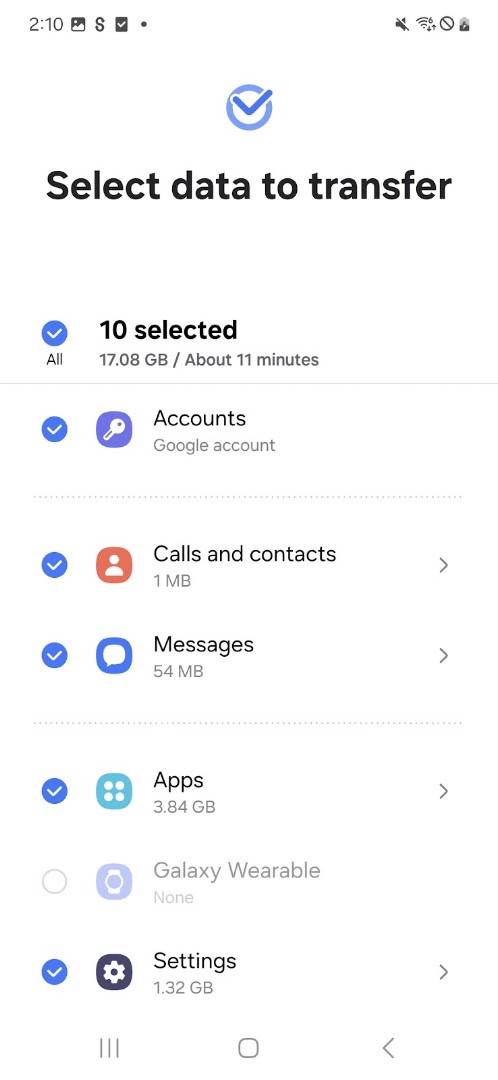
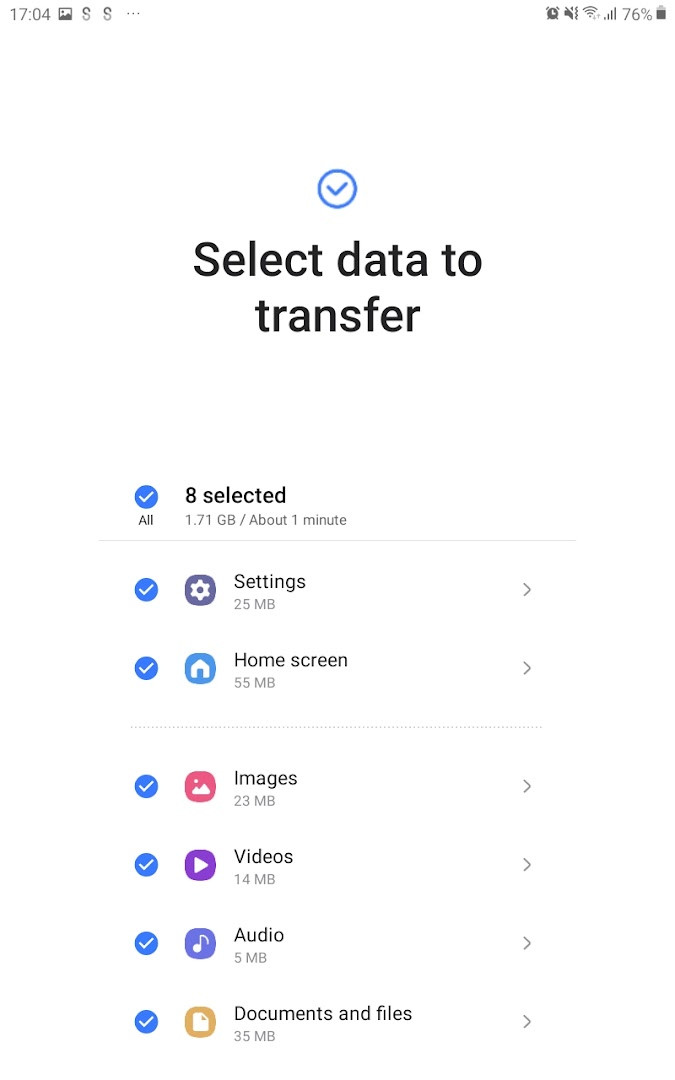
Samsung Smart Switch Mobile is a data migration utility by Samsung Electronics Co., Ltd. that moves personal content from an existing phone to a new Galaxy device. It handles contacts, calendar items, text messages, photos, music, videos, call logs, memos, alarms, Wi-Fi settings, wallpapers, and documents. The tool is designed primarily for one-time device transitions rather than ongoing synchronization.
Key features
- Transfers contacts, calendar entries, messages, photos, music, videos, call logs, memos, alarms, Wi-Fi settings, wallpapers, and documents.
- Supports wired transfer from iOS devices running iOS 12.0 or later, as well as iCloud import for iOS 4.2.1 and higher.
- Can move app data and home screen layouts when both the source and target are compatible Galaxy devices.
- Suggests similar or favorite apps during the migration process.
- Works with Android 6.0 or higher, covering both Samsung and non-Samsung Android phones.
- Offers multiple transfer methods, including direct device-to-device connection and PC/Mac-based transfer via separate software.
How to install
- Tap the download button on this page to get the APK file for version 3.7.73.4.
- When Android asks, allow your browser or file manager to install apps by enabling the 'Install unknown apps' setting.
- Open the downloaded APK file from your notifications or file manager.
- Tap Install and wait for the process to finish; the file size is n/a from the available data.
- Open the app and confirm that your device runs Android 6.0 or higher, as this is the minimum supported version.
- Grant the requested permissions only when you are ready to begin a transfer.
Pros
- Broad content coverage, including call logs, memos, alarms, and Wi-Fi profiles in addition to standard media and contacts.
- Supports transfers from both Android and iOS sources, including iCloud import and wired iPhone connections.
- Free to use, with no ads or in-app purchases.
- Can also suggest similar or favorite apps, reducing the time spent rebuilding an app library.
- Regularly updated; the latest release 3.7.73.4 arrived in September 2026 with bug fixes and stability improvements.
Cons
- Heavy permission footprint, including location, SMS, call logs, and camera access, may concern privacy-focused users.
- Certain features, such as app data and home layouts, only work between compatible Galaxy devices.
- Not all content types are supported from every source; DRM-free media and iCloud music have specific restrictions.
- Requires at least 500 MB of free internal memory on both devices during transfer.
- Some non-Samsung devices may experience unstable Wi-Fi connections unless advanced Wi-Fi settings are adjusted.
Latest changes · 3.7.73.4
Version 3.7.73.4 of Samsung Smart Switch Mobile was released on 2026-09-03. The update notes list two items: bug fixes and improved stability. No new features, permission changes, or other modifications are mentioned in the available information. The app requires Android 6.0 or higher and remains free with no ads and no in-app purchases.
Older versions
| Version | Size | Requires Android | Updated |
|---|---|---|---|
| 3.7.73.4 | — | 6.0 | Sep 3, 2026 |
| 9.5.03.1 | 25 MB | 4.0 | Jul 28, 2026 |
It suits Galaxy buyers coming from an older Samsung phone, Android users switching from other brands, and iPhone owners who want a wired or iCloud-based path into the Samsung ecosystem without manually rebuilding their data.
Before starting a transfer, connect both devices to power and keep them close together for the entire process. For non-Samsung phones that repeatedly drop the wireless connection, open Advanced Wi-Fi settings on the source device and disable 'Wi-Fi initialize' and 'Disconnect low Wi-Fi signal' if those options are present.
Permissions
FAQ
Is Samsung Smart Switch Mobile free?
Yes, the app is free to use and has no in-app purchases.
Which Android version do I need?
The app requires Android 6.0 or higher. If your system is older, you would need to update it before installation.
Do I need to create an account?
No, you do not need a Samsung account to use Smart Switch. The transfer process works directly between devices.
What permissions does the app ask for?
The app requests permissions such as Contacts, Calendar, SMS, Call logs, Storage, Camera, Location, Phone, and Nearby devices. These are used to transfer data, scan QR codes, and connect to nearby devices.
How do I update the app?
To update, download the latest version from this page. The current version is 3.7.73.4, updated on 2026-09-03.
What data can be transferred?
Smart Switch can move contacts, photos, music, videos, messages, call logs, memos, alarms, Wi-Fi settings, wallpapers, documents, and more to a new Galaxy device.
For anyone moving into the Samsung ecosystem, Smart Switch remains the most direct migration route. It is not a general-purpose backup tool, and users expecting cloud sync or cross-brand flexibility should look elsewhere, but for a one-time device handoff it performs its core job reliably.
Similar apps
 ClockSamsung Electronics Co., Ltd.3.9
 Voice RecorderSamsung Electronics Co., Ltd.4.0
 Galaxy WearableSamsung Electronics Co., Ltd.3.7
 Samsung MusicSamsung Electronics Co., Ltd.3.8
 SmartThingsSamsung Electronics Co., Ltd.4.6
 Digital WellbeingGoogle LLC3.6
 Speech Recognition & SynthesisGoogle LLC4.0
 Android Accessibility SuiteGoogle LLC4.1
More from this developer



Updated: Oct 15, 2026