
Google Sheets: Spreadsheet Editor
Google Sheets is a spreadsheet creation and editing app from Google LLC for collaborating on spreadsheets from Android devices.
Download Google SheetsGoogle Sheets is designed for anyone who needs to create, edit, and collaborate on spreadsheets while on the go. The app solves the problem of needing access to important data and teamwork tools away from a desktop. It is completely free, requires Android 7.0 or higher, has a download size of 86 MB, works offline, and allows editing Excel files without signing in to an account.
Screenshots
- Size
- 86 MB
- Requires Android
- 7.0
- Updated
- Oct 12, 2026
- Installs
- 1B+
- Rating
- ★ 4.75 (2,617,902)
- Category
- Productivity
- Developer
- Google LLC
- Content rating
- Everyone
- Package
- com.google.android.apps.docs.editors.sheets
- Free
- ✓
Google Sheets is a spreadsheet application by Google LLC that lets users create, edit, and collaborate on spreadsheets from Android devices. It solves the problem of managing data on the go by providing a full-featured editor that syncs changes automatically and supports offline work. The app allows multiple people to work in the same file simultaneously, with comments and chat for team coordination. It handles formatting, formulas, charts, sorting, and data entry, and it can open and save Excel files, making it versatile for both personal and professional use. As part of Google Workspace, it integrates with other productivity tools, and subscribers gain access to advanced features like AI-powered insights and enterprise-grade security. The app is free and contains no ads or in-app purchases, which is a notable advantage.
Key features
- Create new spreadsheets or edit existing files
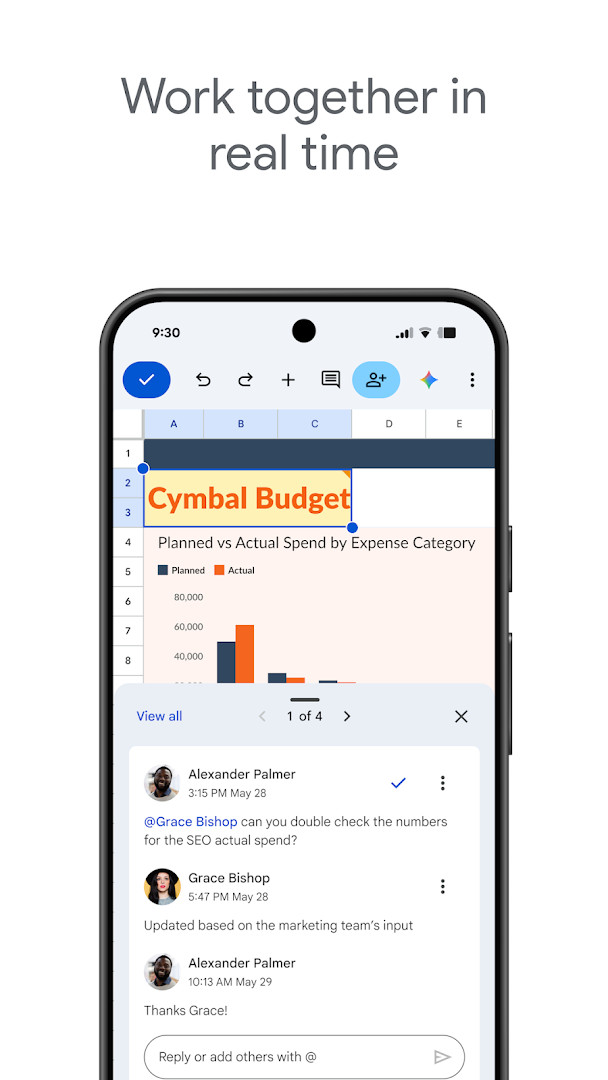
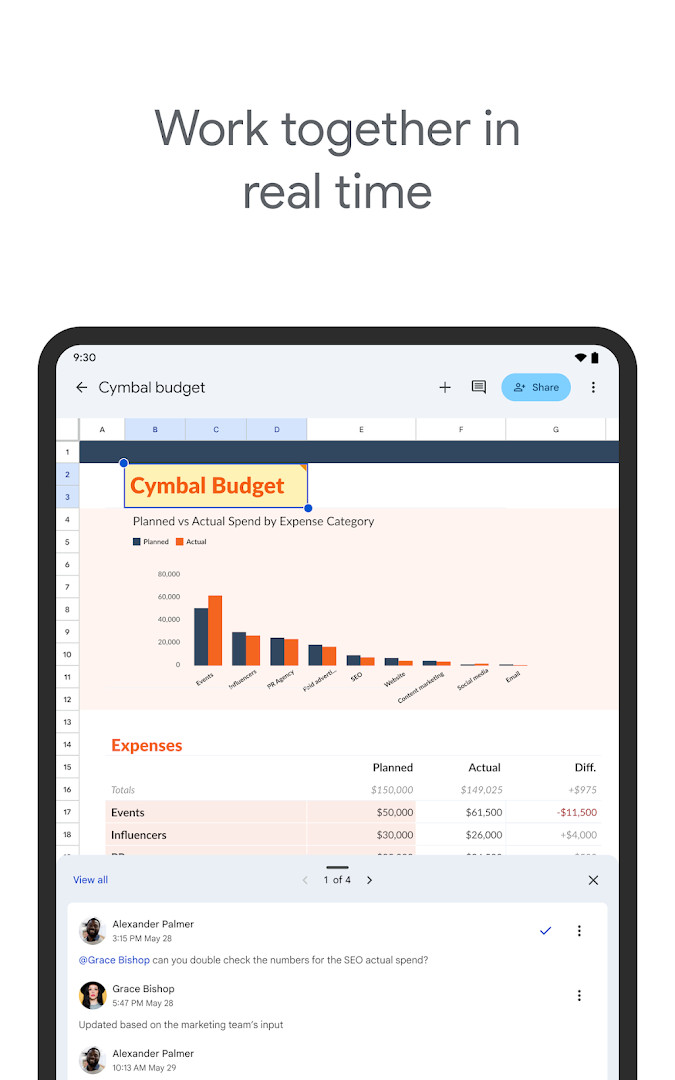
- Real-time collaboration with shared spreadsheets, including seeing changes as they occur
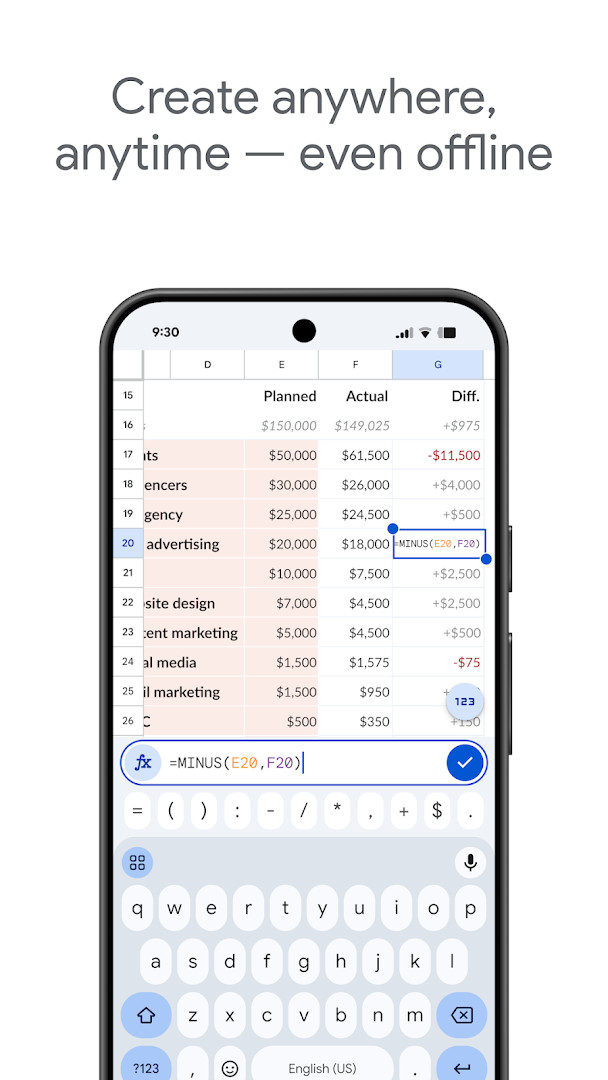
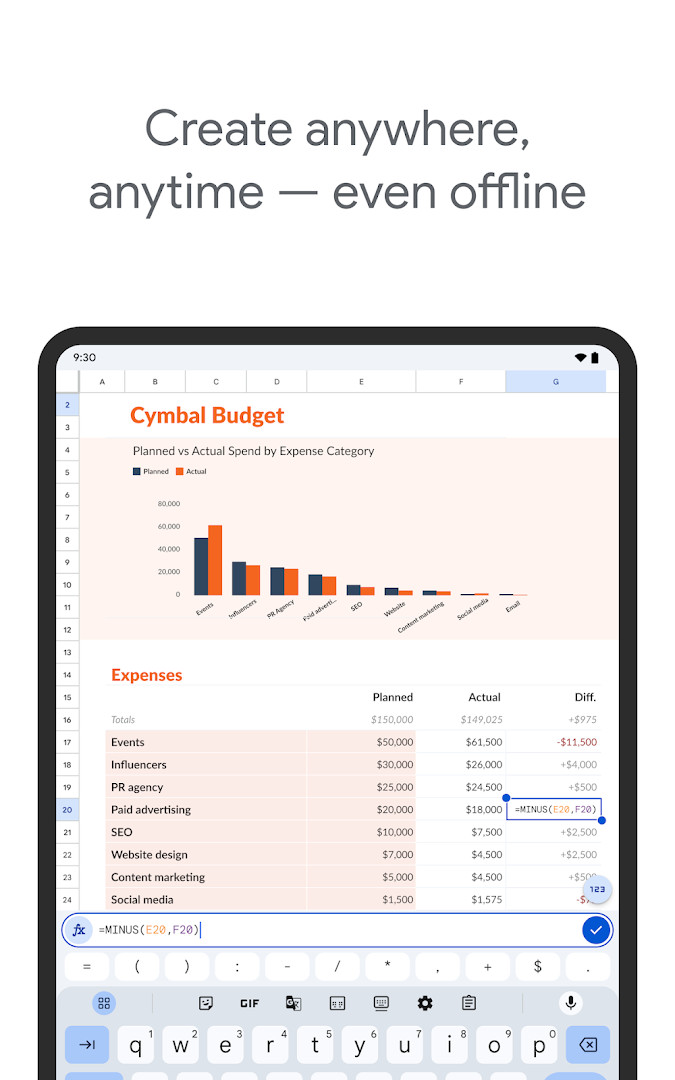
- Offline access to create, view, and edit files without an internet connection
- Add and respond to comments within cells
- Format cells, enter or sort data, view charts, insert formulas, and use find/replace
- Automatic saving of all changes as you type
- Smart suggestions for quick insights, chart insertion, and formatting
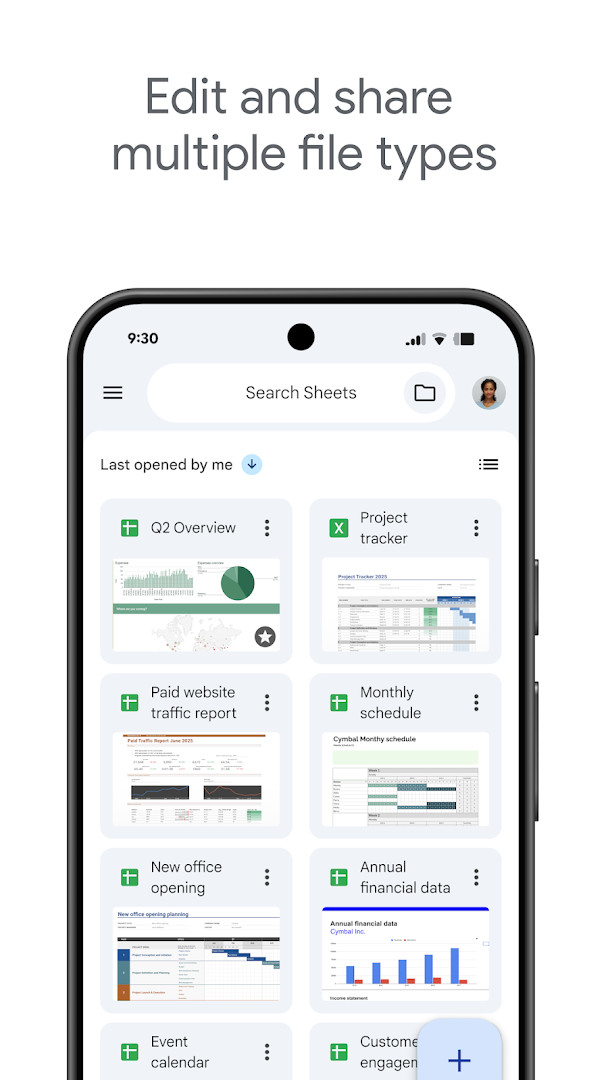
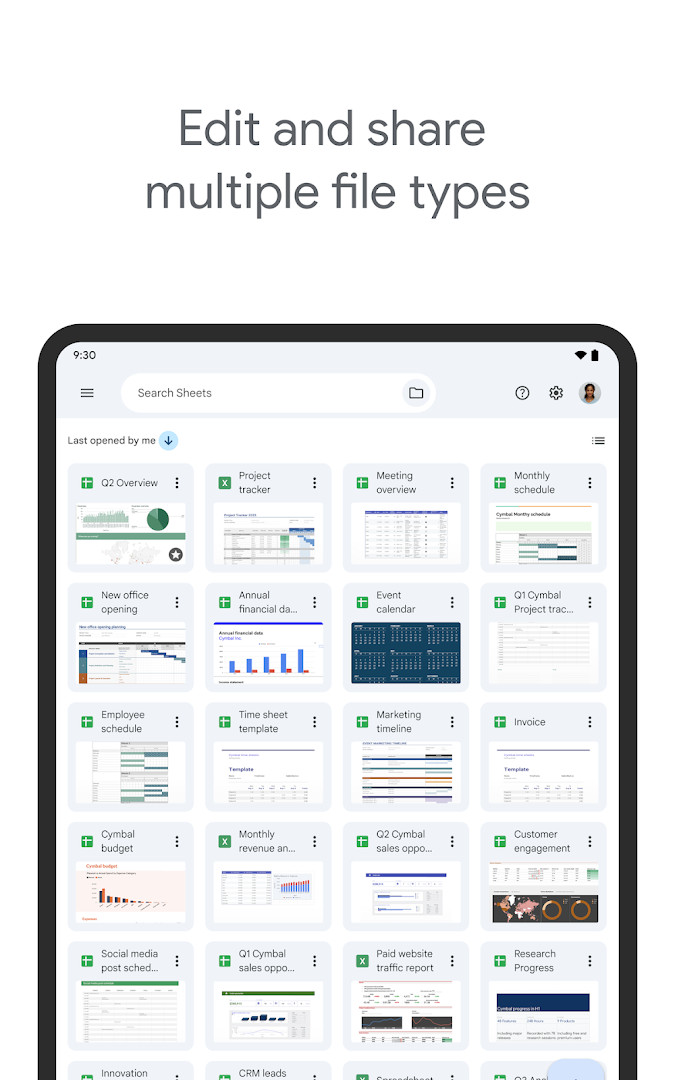
- Open, edit, and save Excel files
How to install
- Tap the download button on this page to get the APK file (86 MB).
- When Android prompts, allow your browser or file manager to install apps by enabling the 'Install unknown apps' setting for that app.
- Open the downloaded APK file from your notifications or file manager.
- Tap 'Install' on the installation screen.
- Wait for the installation to complete, then tap 'Open' to launch Google Sheets.
- Note: The app requires Android 7.0 or higher.
Pros
- Free with no ads or in-app purchases
- Real-time collaboration and commenting
- Offline access to files
- Compatible with Excel files
- Automatic saving prevents data loss
- AI-powered insights for subscribers
Cons
- Requires Google account for full functionality
- Permissions for contacts, microphone, and storage may raise privacy concerns
- Some advanced features are limited to Google Workspace subscribers
- Large file size (86 MB) may be a consideration for low-storage devices
Latest changes
The update from October 12, 2026 brings bug fixes and performance improvements.
Older versions
| Version | Size | Requires Android | Updated |
|---|---|---|---|
| 1.23.082.05.90 | 86 MB | 7.0 | Jun 18, 2025 |
Google Sheets is ideal for individuals, students, and professionals who need to manage spreadsheets on the go. It suits anyone who collaborates with others on data, such as teams working on shared projects, as well as users who frequently handle Excel files and require offline access. The app is also beneficial for those who want a free, ad-free productivity tool that integrates with Google Workspace services.
To get the most out of offline editing, make sure to enable offline access for specific files in the app's settings while you are online. This ensures your changes sync automatically when you reconnect.
Permissions
FAQ
How can I install the Google Sheets APK on my Android device?
You can install the APK by downloading the file and enabling installation from unknown sources in your Android device's security settings. The app requires Android 7.0 or later, and the package size is about 86 MB.
What is the current version of Google Sheets?
The latest version is 1.23.082.05.90, released on June 18, 2025. The app was updated on October 12, 2026 with bug fixes and performance improvements.
Does the app contain ads or require any purchases?
Google Sheets is completely free with no ads and no in-app purchases. Additional features are available for Google Workspace subscribers.
Can I use Google Sheets without an internet connection?
Yes, you can create, view, and edit spreadsheets offline. Your work is saved automatically when you reconnect.
What are some alternatives to Google Sheets in the Productivity category?
Other productivity apps in the same category offer similar spreadsheet creation and editing features, but they may differ in collaboration tools, offline support, and integration with other services.
Google Sheets is a robust and reliable spreadsheet app that covers most data management needs with its collaborative and offline capabilities. While it requires a Google account and has some permissions, its free, ad-free nature and Excel compatibility make it a solid choice for Android users.
Similar apps








More from this developer




Updated: Oct 15, 2026