Phone by Google: Official Android Calling App
Phone by Google is a phone calling app by Google LLC that provides reliable calls with spam protection, caller ID, and other helpful features.
Download PhonePhone by Google is the official calling app from Google LLC, designed to help users connect with family and friends while blocking spam and identifying unknown callers. It offers features like Call Screen, visual voicemail, and call recording on supported devices, and it is free with no ads or in-app purchases.
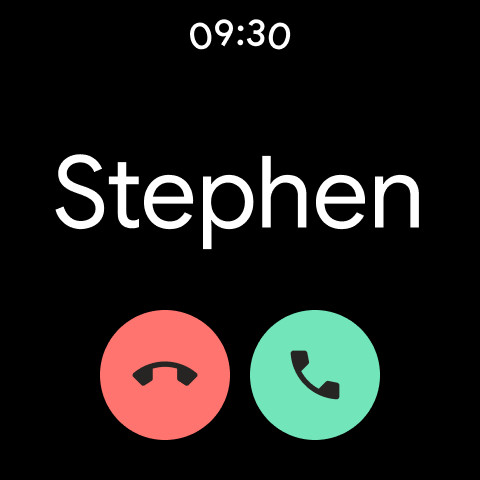
Screenshots
- Size
- 38 MB
- Requires Android
- 11
- Updated
- Oct 28, 2026
- Installs
- 5B+
- Rating
- ★ 4.43 (52,469,079)
- Category
- Tools
- Developer
- Google LLC
- Content rating
- Everyone
- Package
- com.google.android.dialer
- Free
- ✓
Phone by Google is a communication tool by Google LLC that replaces the default dialer with spam protection, caller ID, and call management features. Many people struggle with unwanted robocalls and unknown numbers, and this app addresses that by identifying callers, filtering spam, and providing on-screen context before you pick up. It combines the core function of making and receiving calls with extras like visual voicemail, call screening, and call recording, all in a straightforward interface. The app is designed to reduce interruptions while giving you more control over who can reach you.
Key features
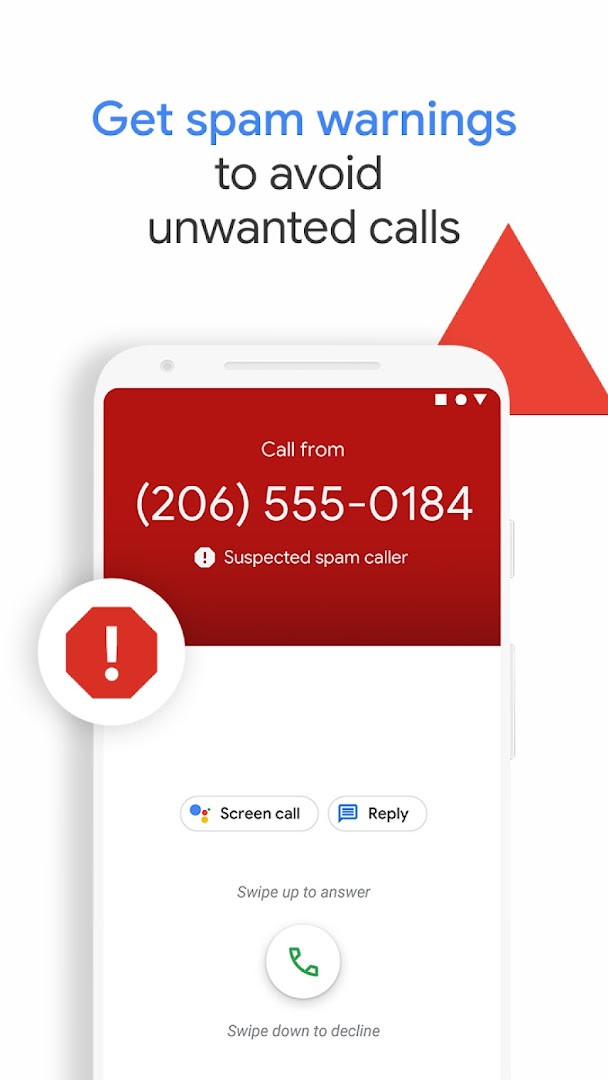
- Spam protection with warnings about suspicious callers and the ability to block unwanted numbers.
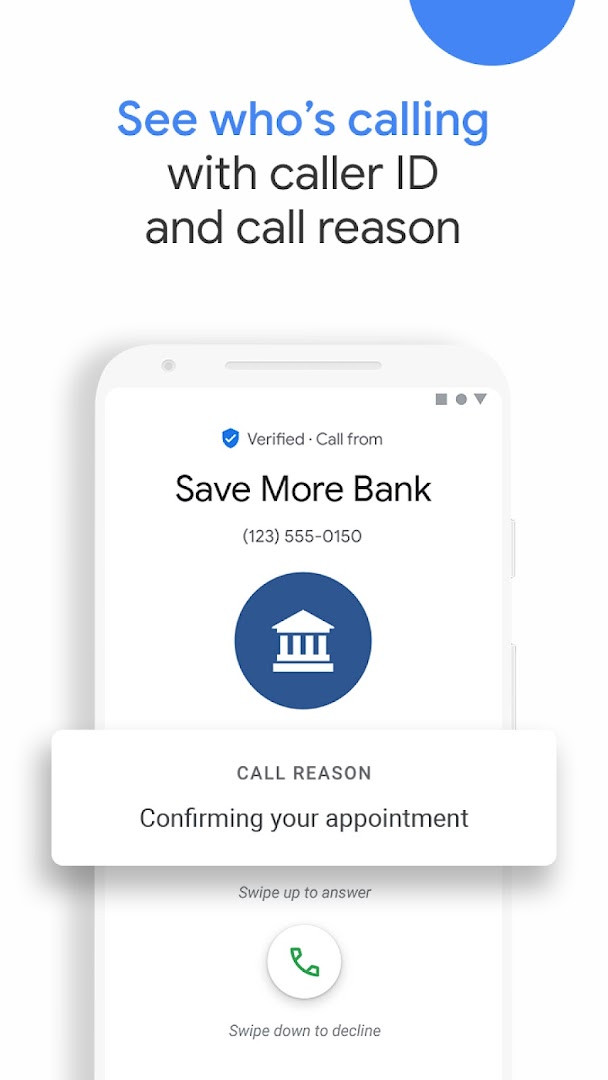
- Caller ID coverage that identifies the business or caller before you answer.
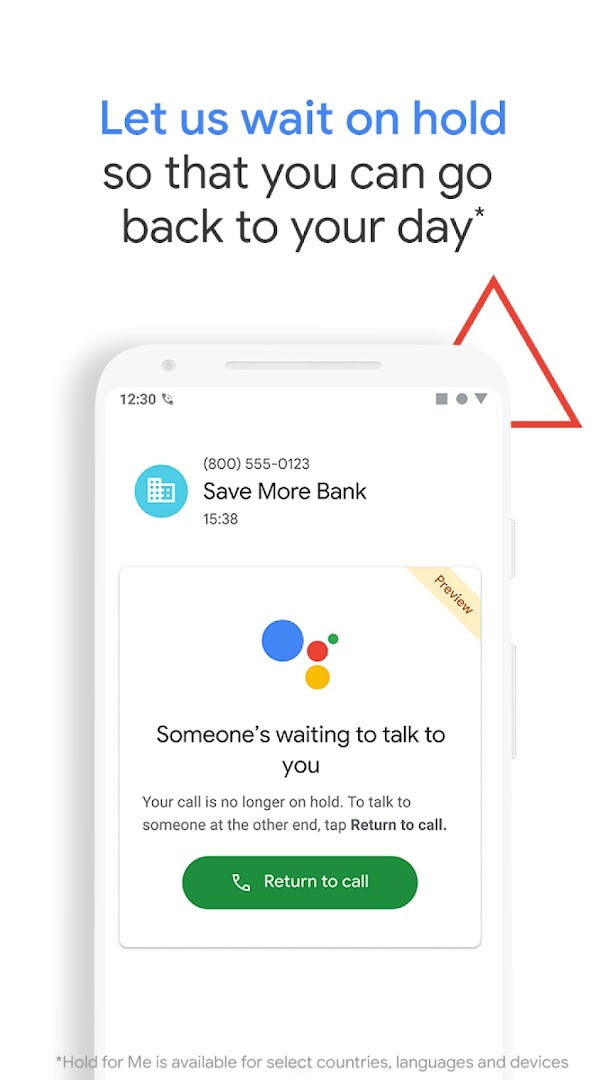
- Hold for Me lets Google Assistant wait on hold and notify you when someone is ready to talk.
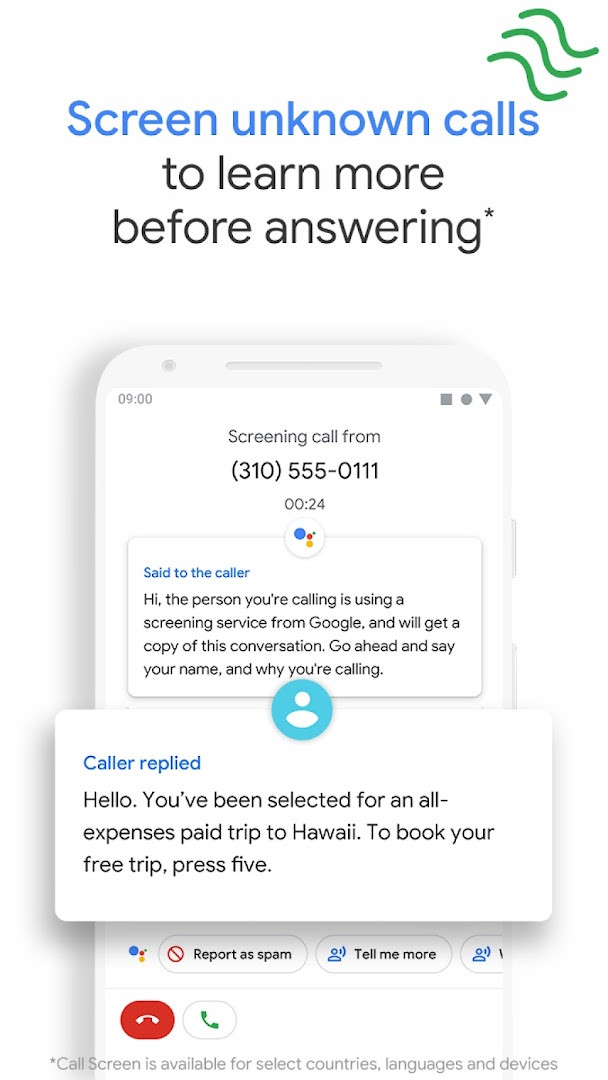
- Call Screen answers unknown callers, filters detected spammers, and provides context about unrecognized numbers.
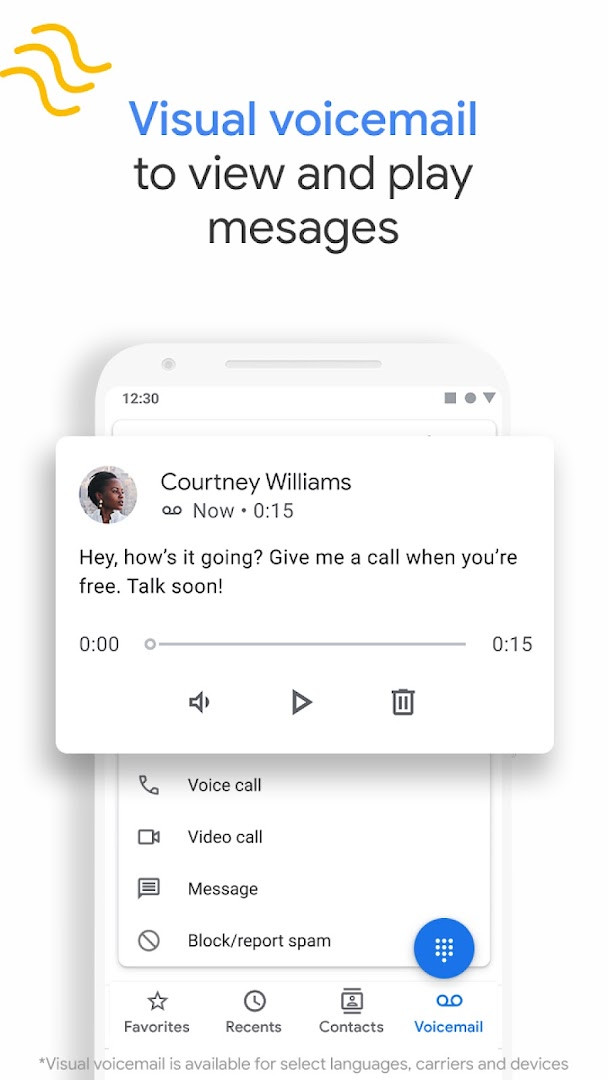
- Visual voicemail with on-screen message playback, transcriptions, and management options.
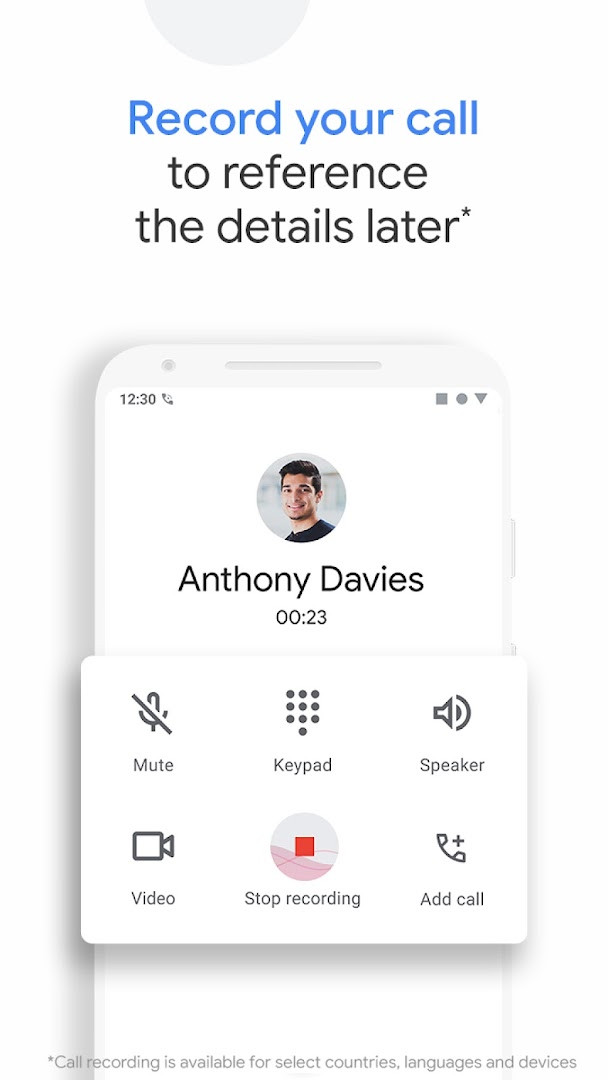
- Call recording with audible disclosure and local saving of recordings on the phone.
- Dark mode for reduced eye strain and battery savings.
- Emergency support that shows your current location and can share assistance details with the emergency operator without speaking.
How to install
- Tap the download button on this page to get the APK file, which is about 38 MB in size.
- When Android prompts you, allow your browser or file manager to install apps by enabling the 'Install unknown apps' setting.
- Open the downloaded APK file from your notifications or file manager.
- Tap Install and wait for the process to finish.
- Open the app and review any permission requests before using it. The app requires Android 11 or higher.
Pros
- Strong spam protection and caller ID help reduce unwanted calls.
- Visual voicemail and call screening reduce the need to listen to voicemail or talk to unknown callers.
- Lightweight design with dark mode support.
- Free with no ads or in-app purchases.
- Emergency support can share location and assistance details without speaking.
Cons
- Requests a broad set of permissions, including Identity, Location, SMS, Camera, and Microphone, which may feel excessive for a dialer.
- Several advanced features such as automatic call screening, visual voicemail transcription, and emergency location sharing are limited to specific countries or languages.
- Hold for Me is restricted to Pixel 2 or newer devices, US-only, and toll-free numbers only.
- Call recording includes a disclosure that everyone hears, which some users may find intrusive.
- Some features are available only on devices where the app was pre-installed.
Latest changes
The latest update to Call Screen on Pixel phones in the US lets Google Assistant automatically screen unknown callers and block detected robocalls before the phone rings. If a call is not a robocall, the phone rings shortly after with context about who is calling and why. Version 242.0.998227485 was released on 2026-10-14.
Older versions
| Version | Size | Requires Android | Updated |
|---|---|---|---|
| 242.0.998227485-downloadable | 37 MB | 11 | Oct 14, 2026 |
| 242.0.998227485 | 74 MB | 11 | Oct 14, 2026 |
| 242.0.998227485-publicbeta-downloadable | 38 MB | 11 | Oct 14, 2026 |
| 241.0.991235506-pixel | 89 MB | 11 | Oct 8, 2026 |
| 241.0.991235506-downloadable | 38 MB | 11 | Oct 8, 2026 |
| 241.0.991235506 | 74 MB | 11 | Oct 8, 2026 |
| 240.0.992039467 | 74 MB | 11 | Oct 8, 2026 |
| 240.0.992039467-pixel | 88 MB | 11 | Oct 8, 2026 |
| 241.0.991235506-publicbeta-downloadable | 38 MB | 11 | Oct 4, 2026 |
| 240.0.986973448-pixel | 88 MB | 11 | Sep 30, 2026 |
Phone by Google is for Android users who want a more informed and controlled calling experience. It suits people who receive frequent spam or unknown calls, those who prefer visual voicemail over traditional voicemail, and anyone who values a clean, lightweight dialer. However, users outside the US, UK, Australia, or Canada may find some key features unavailable or limited.
Enable dark mode to save battery and reduce eye strain at night. If you use call recording, remember that everyone on the call hears a disclosure when recording starts.
Permissions
FAQ
How do I install the Phone by Google APK on my Android device?
Download the APK file using the download button on this page, then open it on your device. You may need to allow installation from this source in your Android settings. The app requires Android 11 or later according to the listing, so make sure your device meets that requirement before installing.
What is the current version of Phone by Google?
The latest version listed is 242.0.998227485, dated October 14, 2026. A public beta variant with the same version number is also available, along with a slightly older 241.0.991235506 build from October 8, 2026.
Does Phone by Google show ads or include in-app purchases?
No. The app is free to download, contains no ads, and has no in-app purchases. Its content rating is Everyone.
Can I use Phone by Google without an internet connection?
The app is designed primarily for making calls, which rely on your carrier network rather than an internet connection. Some features, such as caller ID and spam warnings, work best with a data connection, but basic calling functions remain available offline. Note that certain advanced features like Call Screen and transcription are limited to specific regions and languages.
What are some alternatives to Phone by Google in the Tools category?
If you're looking for a different dialer or call management app, you can explore other options in the Tools category on this site. Many alternatives offer basic calling and contact management, though features like built-in spam protection and caller ID may vary. Check each app's description to see what suits your needs.
How large is the Phone by Google app?
The app size is approximately 38 MB, according to the listing. This may vary slightly depending on your device and the version you install.
What permissions does Phone by Google require?
The app requests access to Identity, Contacts, Location, SMS, Phone, Photos/Media/Files, Storage, Camera, Microphone, Wi-Fi connection information, and Device ID & call information. These permissions support core calling features, caller ID, and optional functions like call recording.
Phone by Google delivers a clean, dependable calling experience with useful call-management tools. It is a solid choice for anyone who wants stronger spam protection and clearer caller context without adding clutter to their daily phone use.
Similar apps







More from this developer





Updated: Oct 30, 2026