Google Podcasts: Listen & Subscribe
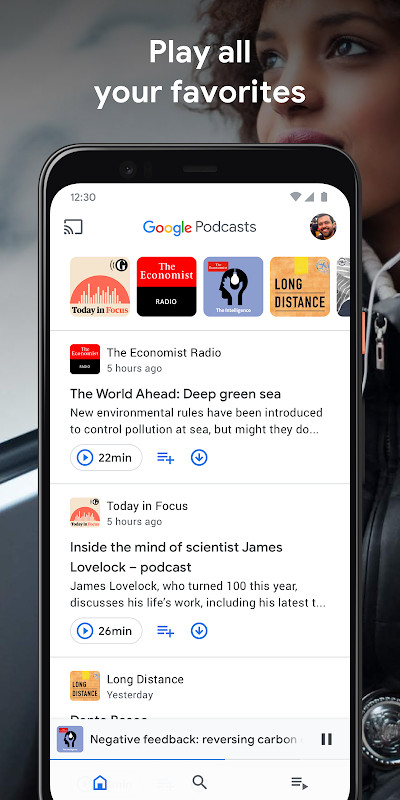
Google Podcasts is a free podcast player by Google LLC that lets you listen and subscribe to podcasts.
Get App · v1.0.0.728820940Google Podcasts has a file size of 2.7 MB and requires Android 6.0 or higher. It is free to use and contains no ads or in-app purchases. This app is suitable for listeners who want to discover new shows, manage subscriptions, and listen across devices.
Screenshots
- Version
- 1.0.0.728820940
- Size
- 2.7 MB
- Requires Android
- 6.0
- Updated
- Oct 20, 2026
- Installs
- 500M+
- Rating
- ★ 4.9 (21)
- Category
- Entertainment
- Developer
- Google LLC
- Content rating
- Everyone
- Package
- com.google.android.apps.podcasts
- Free
- ✓
Google Podcasts is a podcast player by Google LLC that lets you listen to shows, subscribe to series, and manage playback across devices. It focuses on straightforward listening with automatic episode downloads and cross-device progress sync.
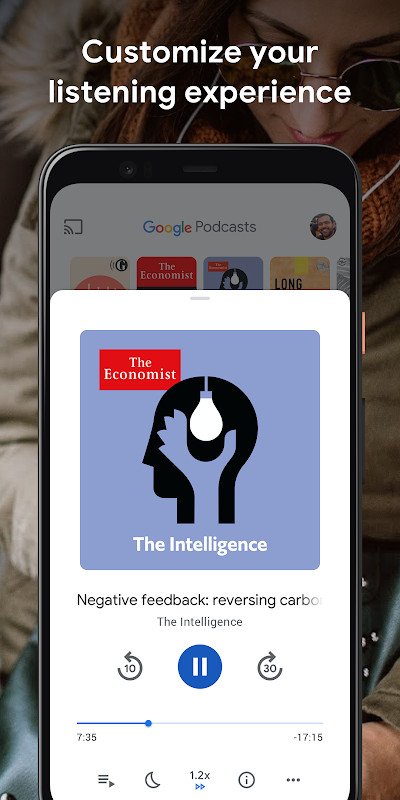
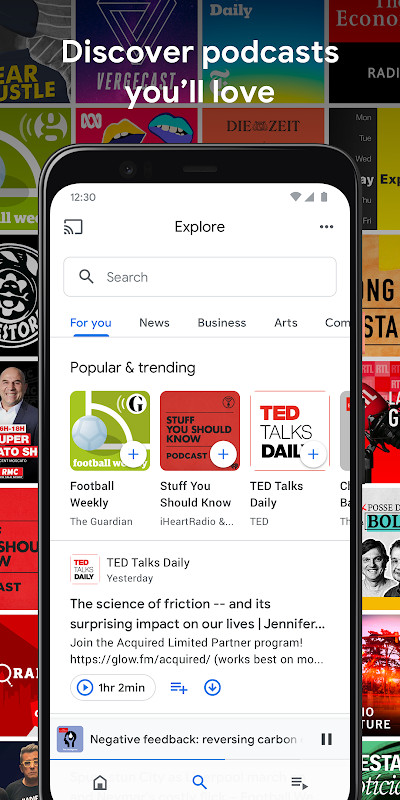
The app is designed for people who want a simple way to follow podcasts without heavy customization. It offers personalized recommendations, trending show browsing, and playback tools such as speed controls and silence skipping.
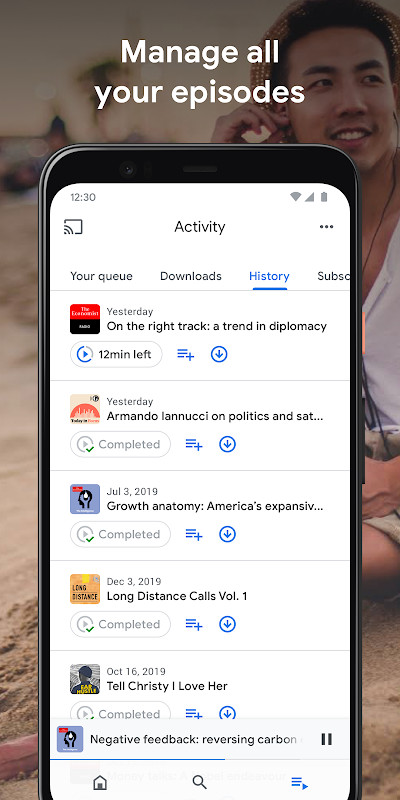
Listeners can stream episodes immediately or download them for offline use. Activity tracking covers history, downloads, and subscriptions, while RSS feed support allows adding shows that are not listed in the directory.
Key features
- Subscribe and play episodes from favorite shows
- Personal show and episode recommendations
- Browse popular and trending podcasts by category
- Faster playback speeds and silence skipping
- Episode queue for continuous listening
- Listening history, downloads, and subscription tracking
- Multi-device playback with position sync
- Streaming and automatic episode downloads for offline use
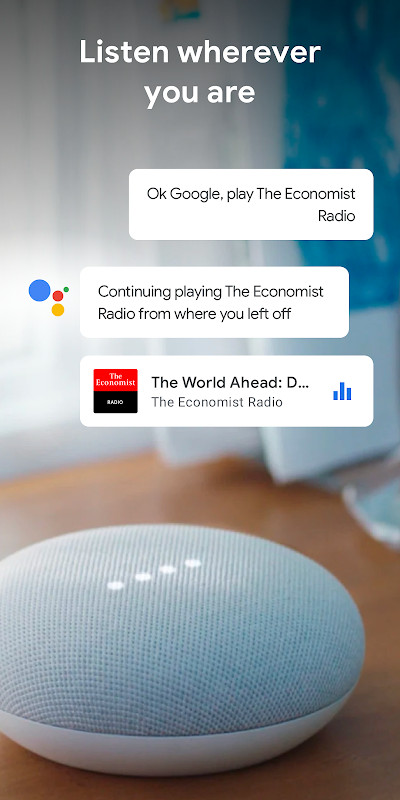
- Podcast discovery through Google Search and Google Assistant
- Add podcasts by RSS feed from the Activity tab
How to install
- Tap the download button on this page to get the APK file.
- When Android asks, allow your browser or file manager to install apps by enabling the "Install unknown apps" setting.
- Open the downloaded APK file. The file size is 2.7 MB and the app requires Android 6.0 or newer.
- Tap Install and wait for the process to complete.
- Open the app and begin subscribing to podcasts or adding an RSS feed.
Pros
- Small download size at 2.7 MB
- Works on Android 6.0 and newer
- Supports offline listening through automatic downloads
- Syncs progress between phone, laptop, and smart speaker
- Includes silence skipping and faster playback speeds
- Allows adding podcasts by RSS feed
Cons
- Requires network permissions and Google service components for background tasks and notifications
- No built-in audio effects or advanced library organization tools
- A Google account may be expected for full synchronization across devices
Latest changes · 1.0.0.728820940
The latest update to Google Podcasts introduces the ability to add shows by RSS feed. To use it, open the app, go to Activity, then the Subscriptions tab, tap the three dots in the top right corner, and select "Add by RSS Feed." Once added, the podcast appears alongside your other subscriptions and is also featured at the top of the Home tab.
Older versions
| Version | Size | Requires Android | Updated |
|---|---|---|---|
| 1.0.0.728820940 | 2.7 MB | 6.0 | Oct 20, 2026 |
| 1.0.0.461731953 | 2.8 MB | 6.0 | Mar 29, 2026 |
| 1.0.0.403811697 | 2.7 MB | 6.0 | Oct 20, 2021 |
Listeners who want a lightweight, Google-integrated podcast player with simple subscriptions, offline support, and progress sync across multiple devices.
Use the silence-skipping option to shorten long talk episodes, and enable automatic downloads for the shows you follow most so they are ready offline.
Permissions
FAQ
Is Google Podcasts free to download and use?
Yes, the app is free to download and use. There are no in-app purchases or subscription fees required.
What Android version do I need to install Google Podcasts?
The app requires Android 6.0 (Marshmallow) or higher. The current version is 1.0.0.728820940, which was released on May 28, 2026.
What is the file size of the APK?
The APK file size is approximately 2.7 MB. This makes it a lightweight app that won't take up much storage space on your device.
Do I need a Google account to use Google Podcasts?
You don't need to sign in to listen to podcasts, but having a Google account can sync your subscriptions and listening progress across devices. The app itself does not require an account to install or open.
What permissions does Google Podcasts request?
The app requests permissions for internet access, network state, notifications, boot completion, wake lock, and Google Cloud Messaging. These are used for streaming, downloading episodes, and delivering updates or alerts.
How do I update Google Podcasts to the latest version?
To update, simply download the latest version from this page and install it over your current version. The newest version is 1.0.0.728820940, which adds support for adding podcasts via RSS feed.
Google Podcasts offers a lean, dependable way to follow shows across devices with useful playback controls and offline support. Its small footprint and straightforward design make it a practical choice for everyday listening.
Similar apps








More from this developer






Updated: Oct 21, 2026