Switch Access
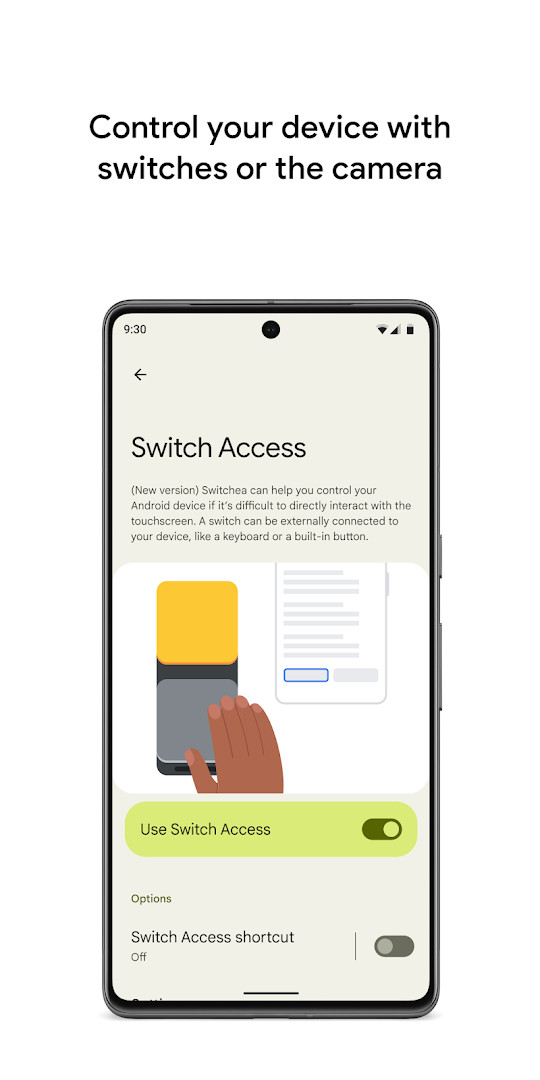
Switch Access is an accessibility tool from Google LLC for controlling an Android device with switches or the front camera.
Download Switch Access · v1.17.0.892789133Switch Access is designed for people who cannot interact directly with a touchscreen and need an alternative way to select items, scroll, and enter text. It supports physical switches via USB or Bluetooth, on-device buttons such as volume keys, and camera-based facial gestures.
Screenshots
- Version
- 1.17.0.892789133
- Requires Android
- 8.0
- Updated
- Jun 16, 2026
- Installs
- 1B+
- Rating
- ★ 3.71 (185,988)
- Category
- Tools
- Developer
- Google LLC
- Content rating
- Everyone
- Package
- com.google.android.accessibility.switchaccess
- Free
- ✓
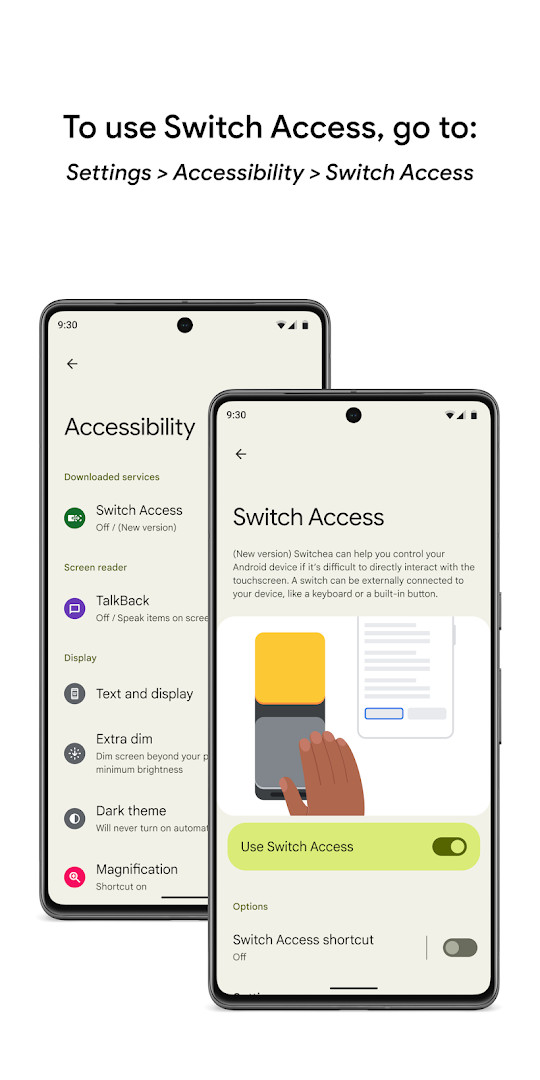
Switch Access is an accessibility tool by Google LLC that lets you control your phone or tablet using switches or the front camera instead of the touchscreen. It is designed for people who find direct touch interaction difficult, offering alternative ways to select items, scroll, enter text, and move around the interface. The app can be activated through the Accessibility settings on your device.
Key features
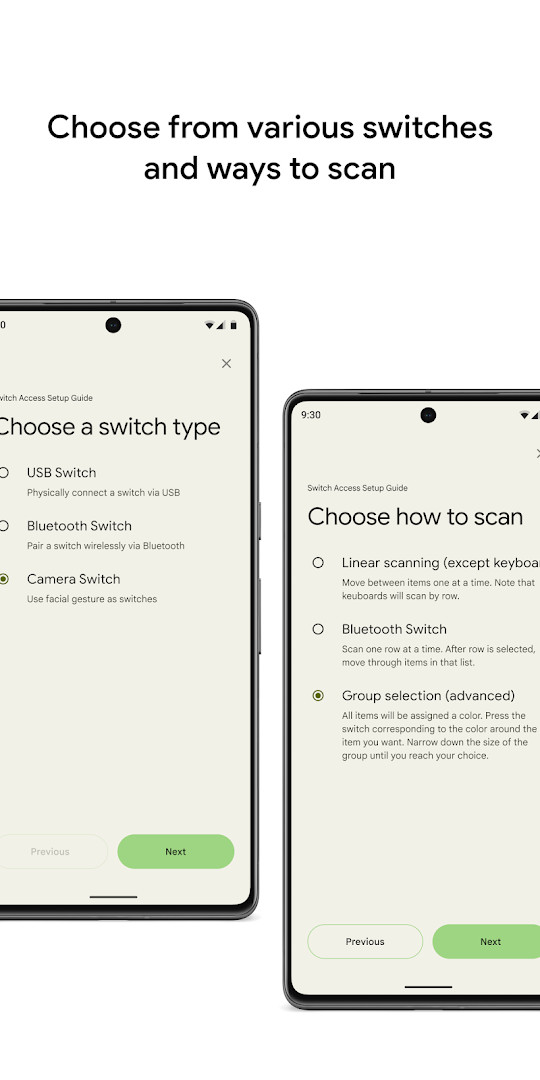
- Supports physical switches connected via USB or Bluetooth, as well as on-screen volume buttons.
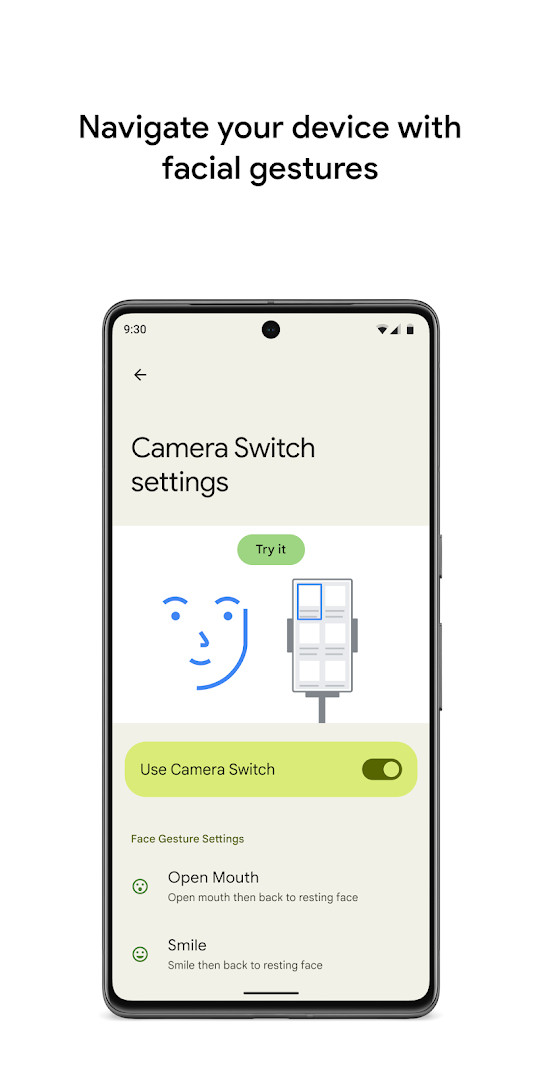
- Camera switches let you use facial gestures like opening your mouth, smiling, raising your eyebrows, or looking in different directions.
- Offers four scanning methods: linear, row-column, point, and group selection with color groupings.
- Provides contextual menus for actions such as select, scroll, copy, and paste when an item is highlighted.
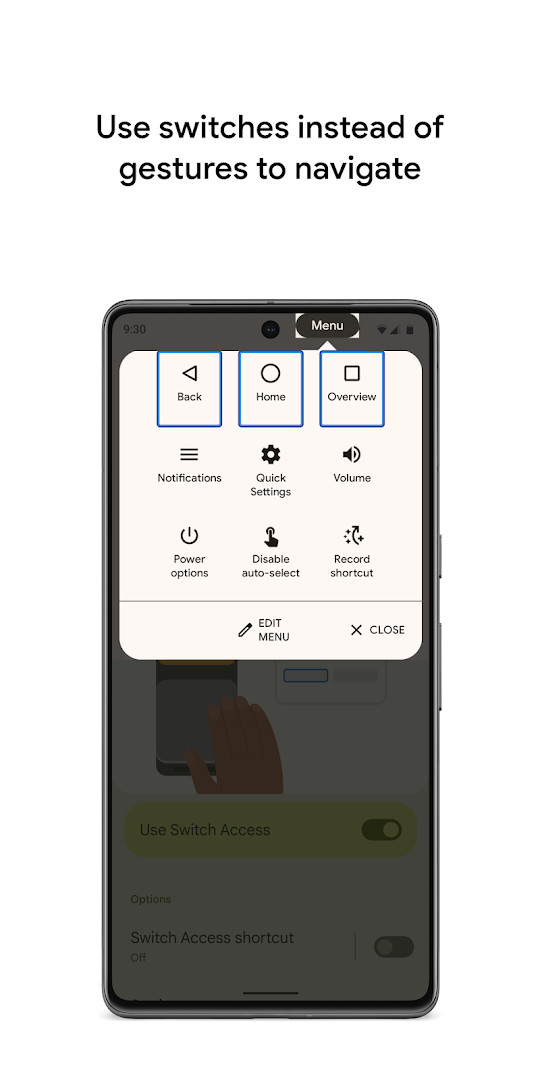
- Includes a top-screen menu for system actions like opening notifications, going to the home screen, or changing volume.
- Lets you record custom touch gestures and assign them to a switch for quick access to frequent or complex actions.
- Allows customization of camera gesture sensitivity and duration to match individual needs.
How to install
- Tap the download button on this page to get the APK file.
- When Android asks, allow your browser or file manager to install apps by enabling the 'Install unknown apps' setting.
- Open the downloaded APK file from your notifications or file manager.
- Tap Install and wait for the process to complete.
- Open the app and follow the on-screen setup to configure your switches. The file size is not specified, and Android 8.0 or higher is required.
Pros
- Free to use with no ads or in-app purchases.
- Supports both physical switches and front-camera facial gestures.
- Multiple scanning modes accommodate different mobility needs and preferences.
- Custom touch gesture recording helps automate frequent or complex actions.
- Works with USB, Bluetooth, and on-device buttons for flexible hardware options.
- Content rated for Everyone, making it suitable for a wide range of users.
Cons
- Requires the Accessibility Service permission, which can observe actions and typed text.
- Camera-based switching may be affected by lighting conditions and positioning.
- Initial setup and learning the scanning menus can feel complex for new users.
- The app has a moderate average rating of 3.71 from user reviews.
Latest changes · 1.17.0.892789133
Version 1.17.0.892789133, released on June 16, 2026, brings bug fixes to enhance the overall stability and reliability of Switch Access. This update focuses on refining the existing experience for controlling your device with switches or the front camera.
Older versions
| Version | Size | Requires Android | Updated |
|---|---|---|---|
| 1.17.0.892789133 | — | 8.0 | Jun 16, 2026 |
| 1.17.0.877181440 | 15 MB | 8.0 | Apr 19, 2026 |
Switch Access is for individuals with limited hand mobility or motor impairments who need a hands-free way to use their device, for users who prefer adaptive switches or facial gestures over touch, and for caregivers or assistive technology specialists setting up accessible Android devices for others.
Start with linear scanning if you are new to switch access, then experiment with group selection once you are comfortable to speed up navigation.
Permissions
FAQ
Is Switch Access free to use?
Yes, Switch Access is completely free. It has no ads and no in-app purchases.
What Android version do I need?
The app requires Android 8.0 or higher to run.
Do I need an account to use Switch Access?
You don't need to create an account or sign in. You can start using it right after installation.
What permissions does Switch Access request?
The app asks for Location, Camera, and Accessibility Service permissions. The Accessibility Service lets it observe your actions, retrieve window content, and observe text you type.
How do I update Switch Access?
The current version is 1.17.0.892789133, released on June 16, 2026. To update, download the new version from this page and install it over the existing one.
What is the file size of the APK?
The file size is not specified, but Switch Access is designed to be a lightweight accessibility tool.
Switch Access is a practical tool for anyone who needs an alternative to touchscreen control. It offers flexible switch options, multiple scanning methods, and useful customization features, though the modest rating and required permissions are worth considering before installation.
Similar apps








More from this developer





Updated: Oct 16, 2026